
1. How many images can I upload at once?
Upload one portrait per run so the fringe masking stays accurate.
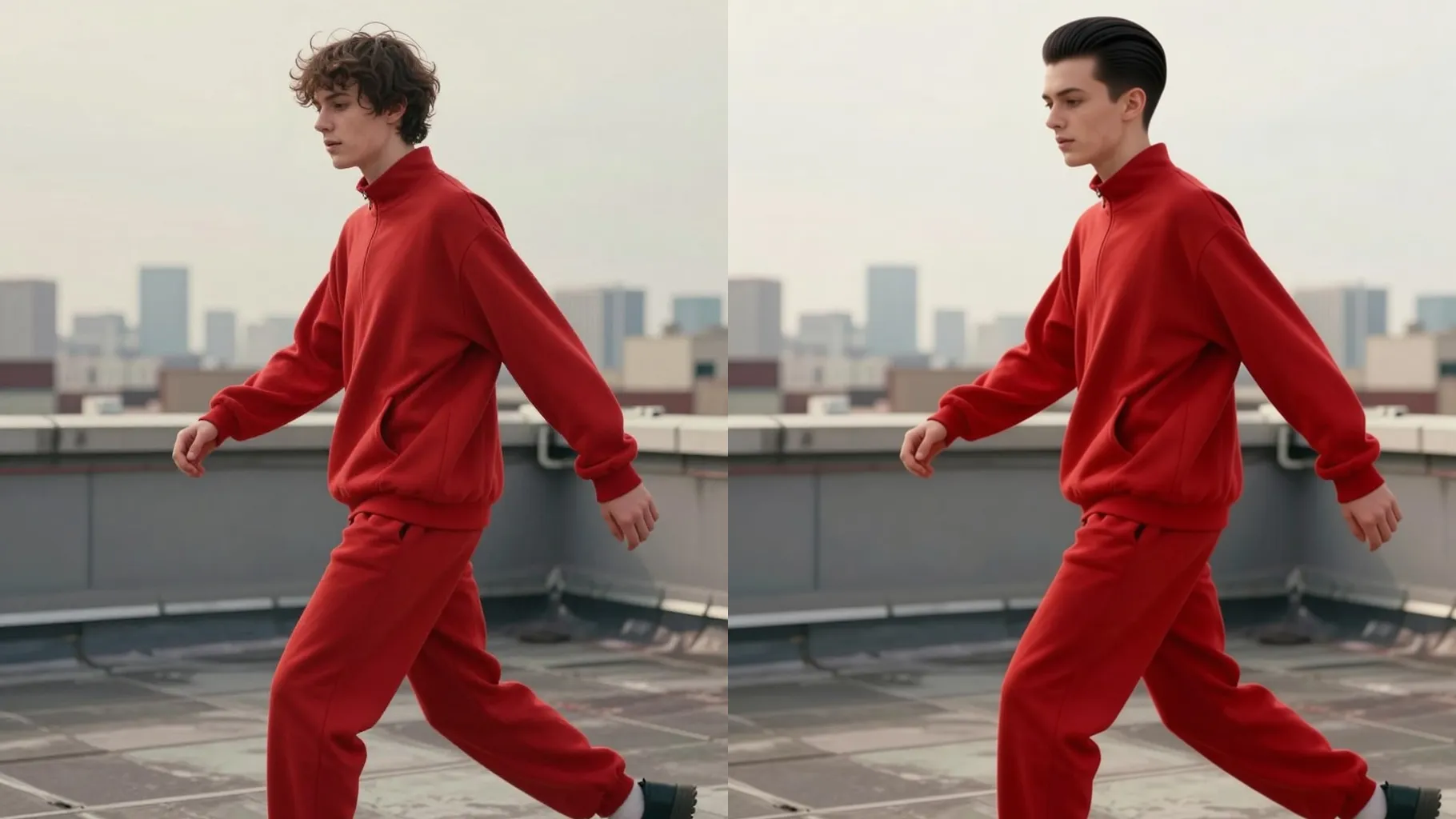
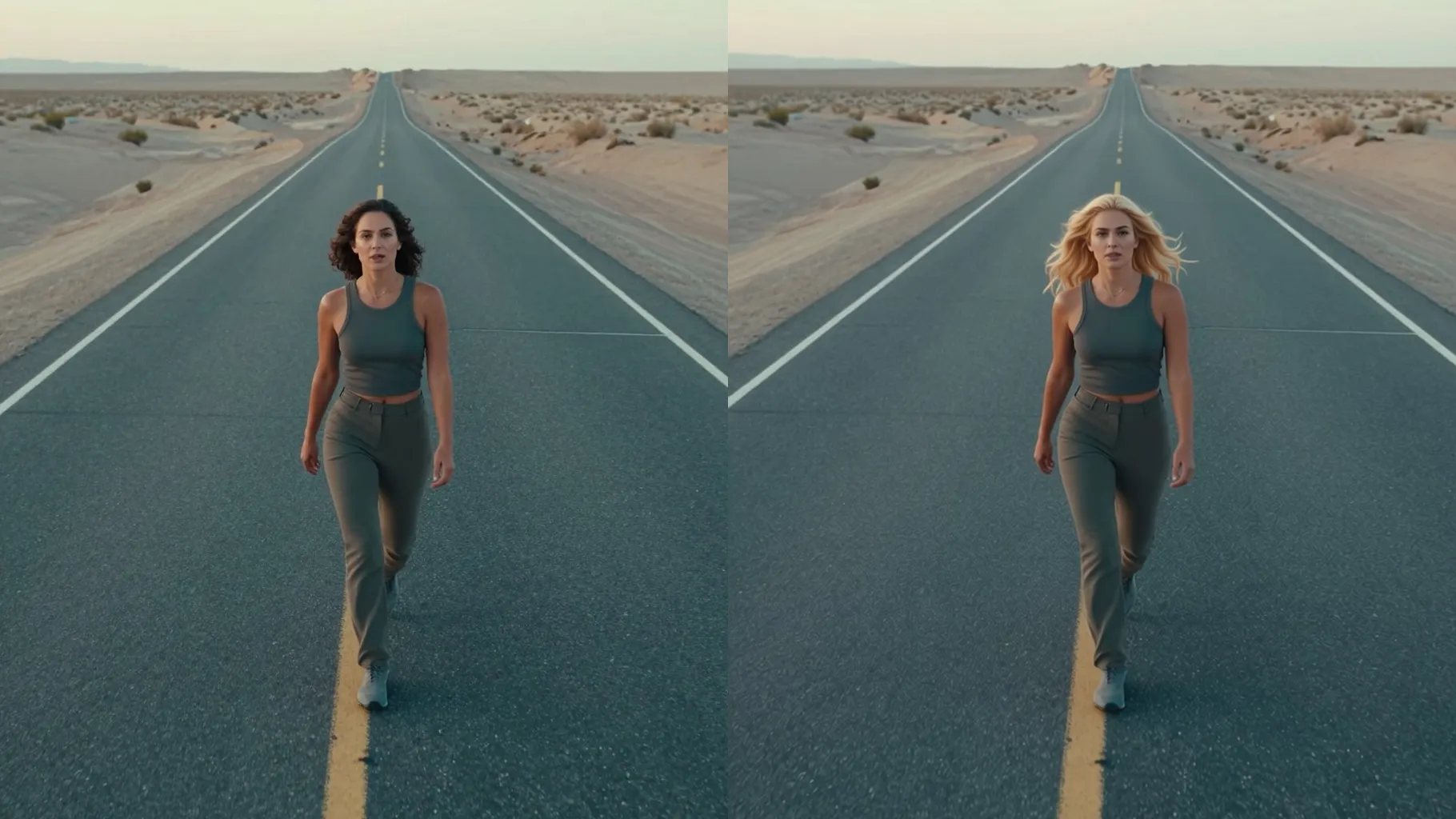
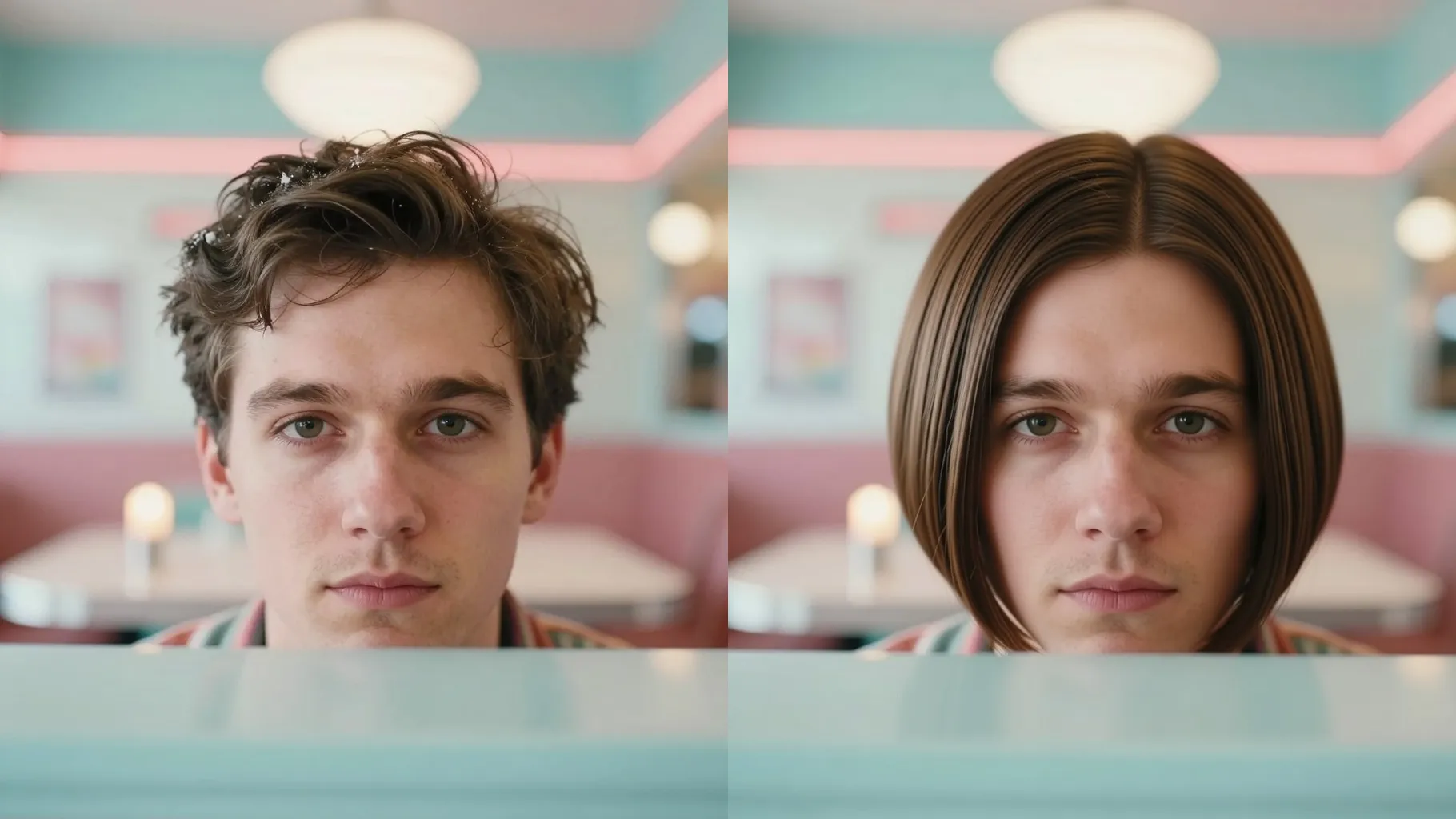
Upload one portrait to preview different bangs while keeping your real face and background.
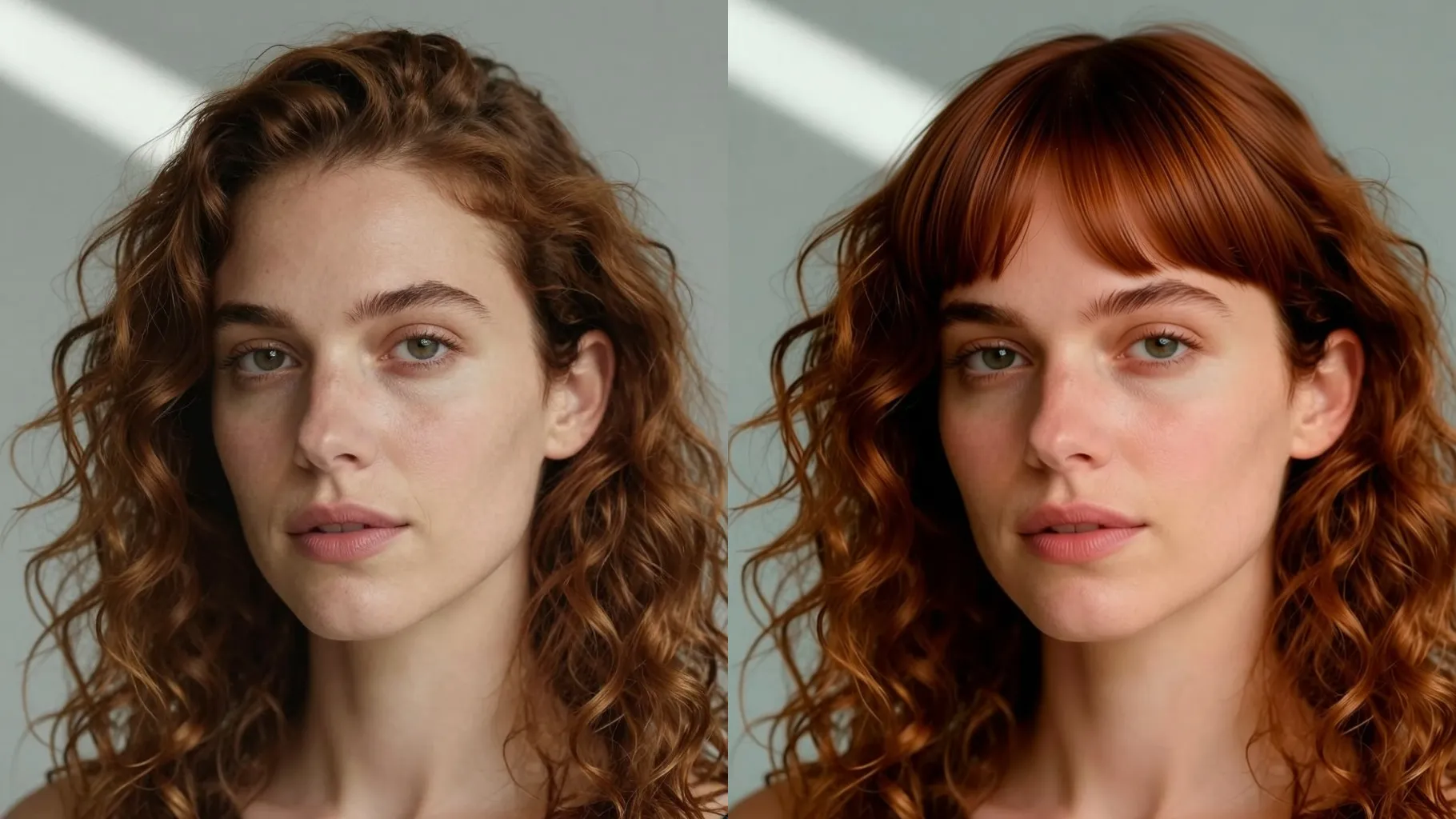
Preview straight, curtain, or wispy bangs from one portrait while keeping your real face shape and skin tone intact.
Examples show the target style. Your result depends on the chosen model and reference photo.
Upload one portrait to try wispy, curtain, or blunt bangs while keeping your real face shape, skin tone, and background intact.
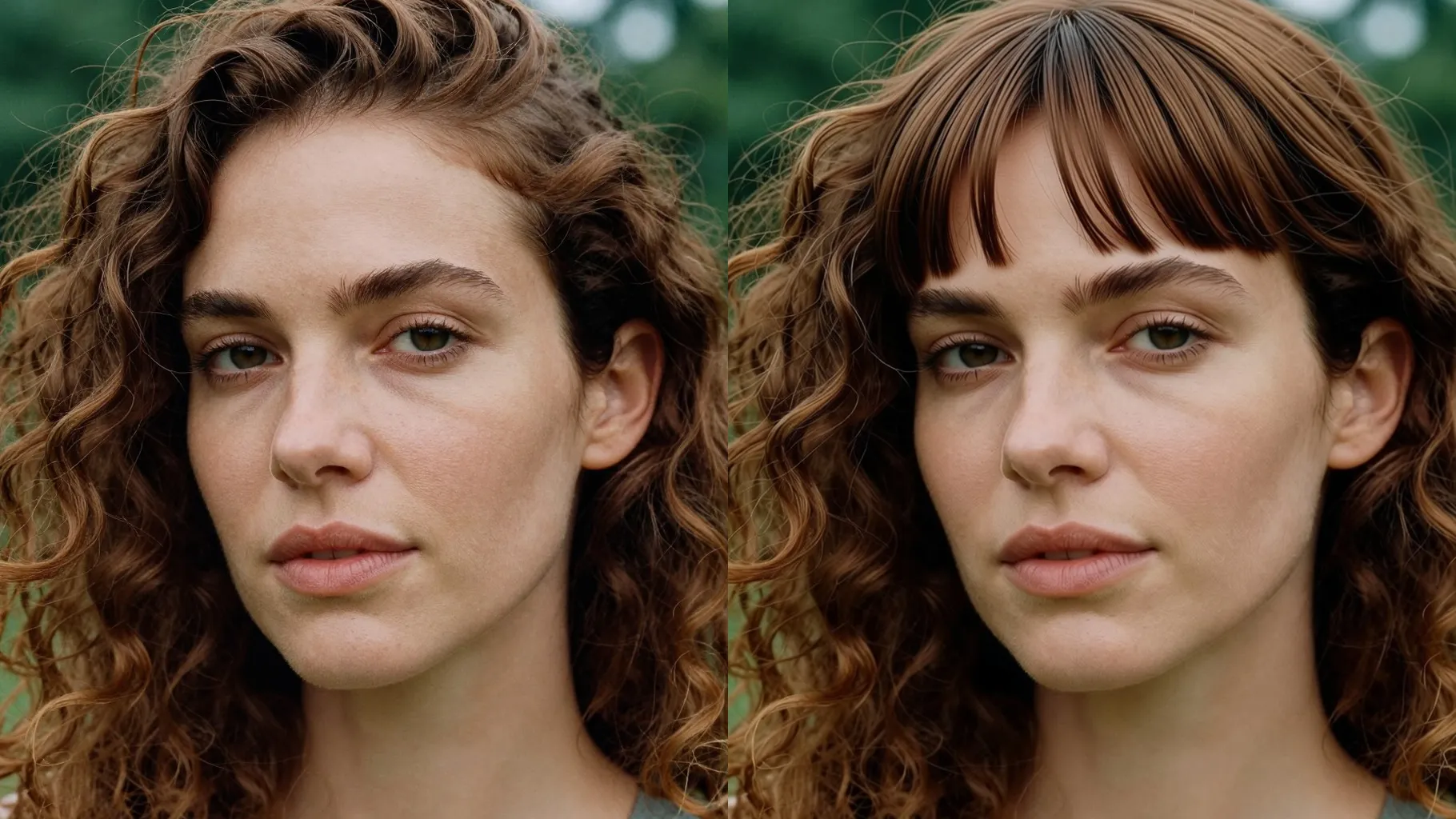
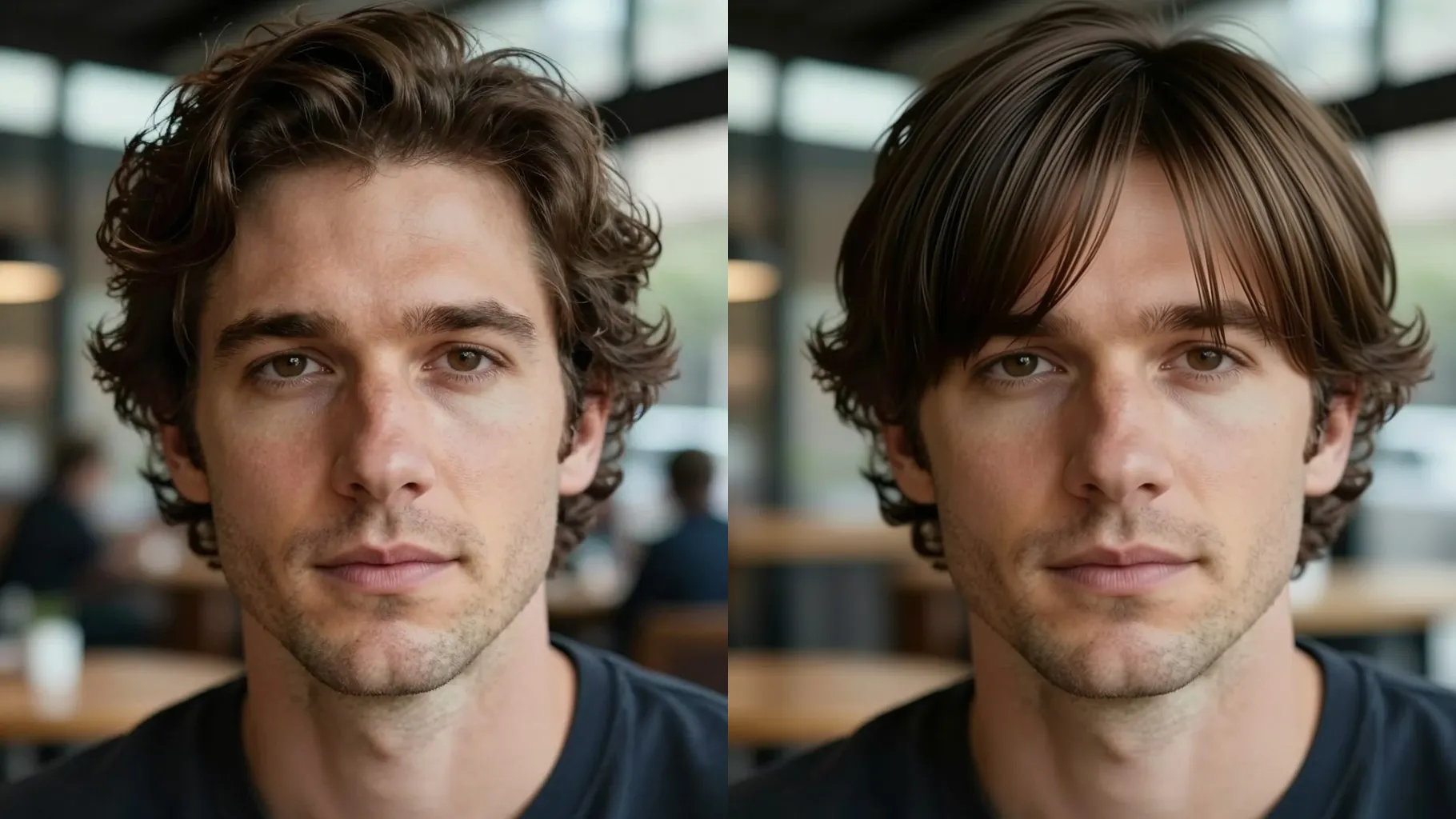
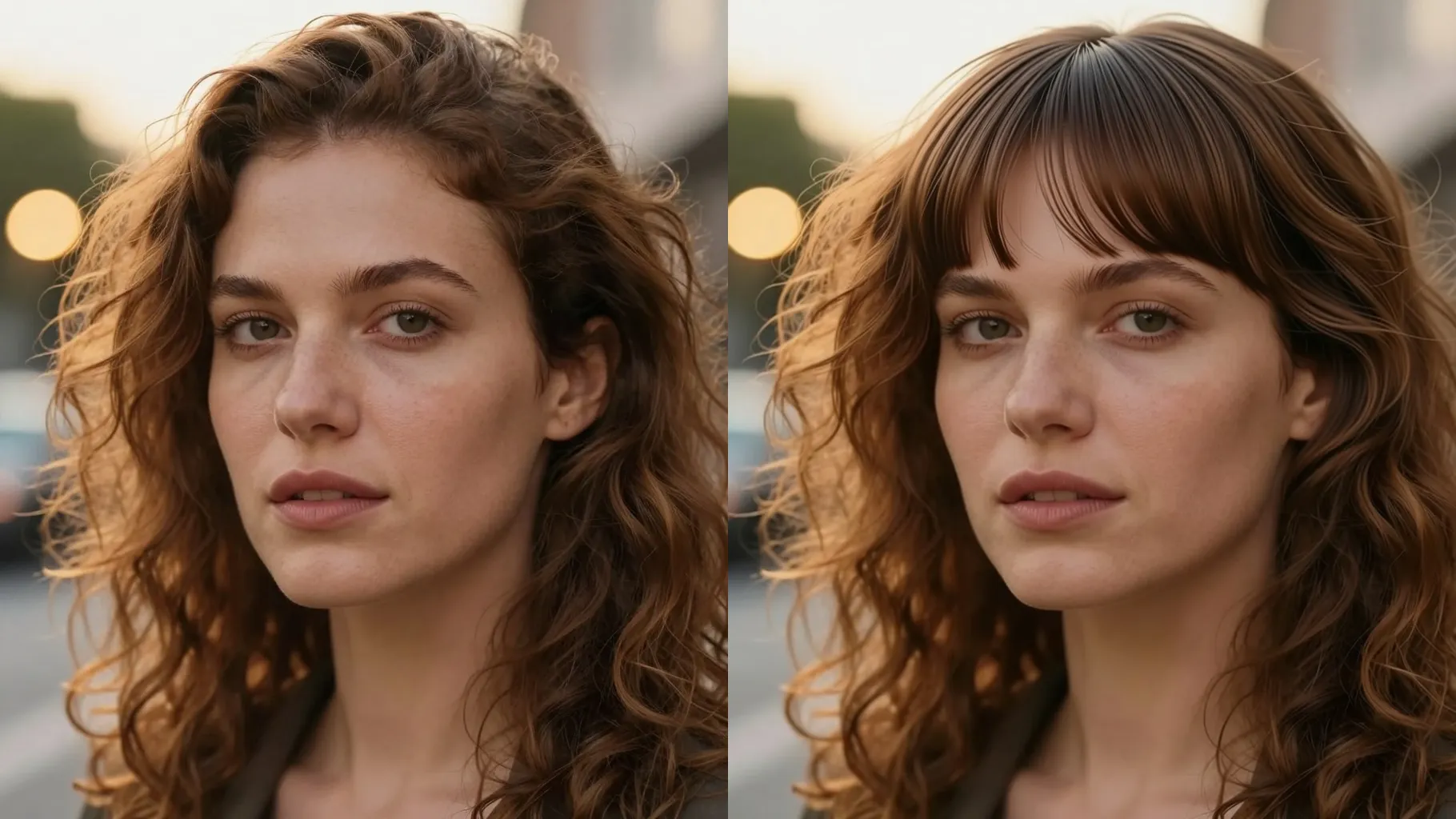
The model masks your forehead and hairline, adds realistic fringe strands, and preserves brows, eyes, and complexion so the preview looks true to you.
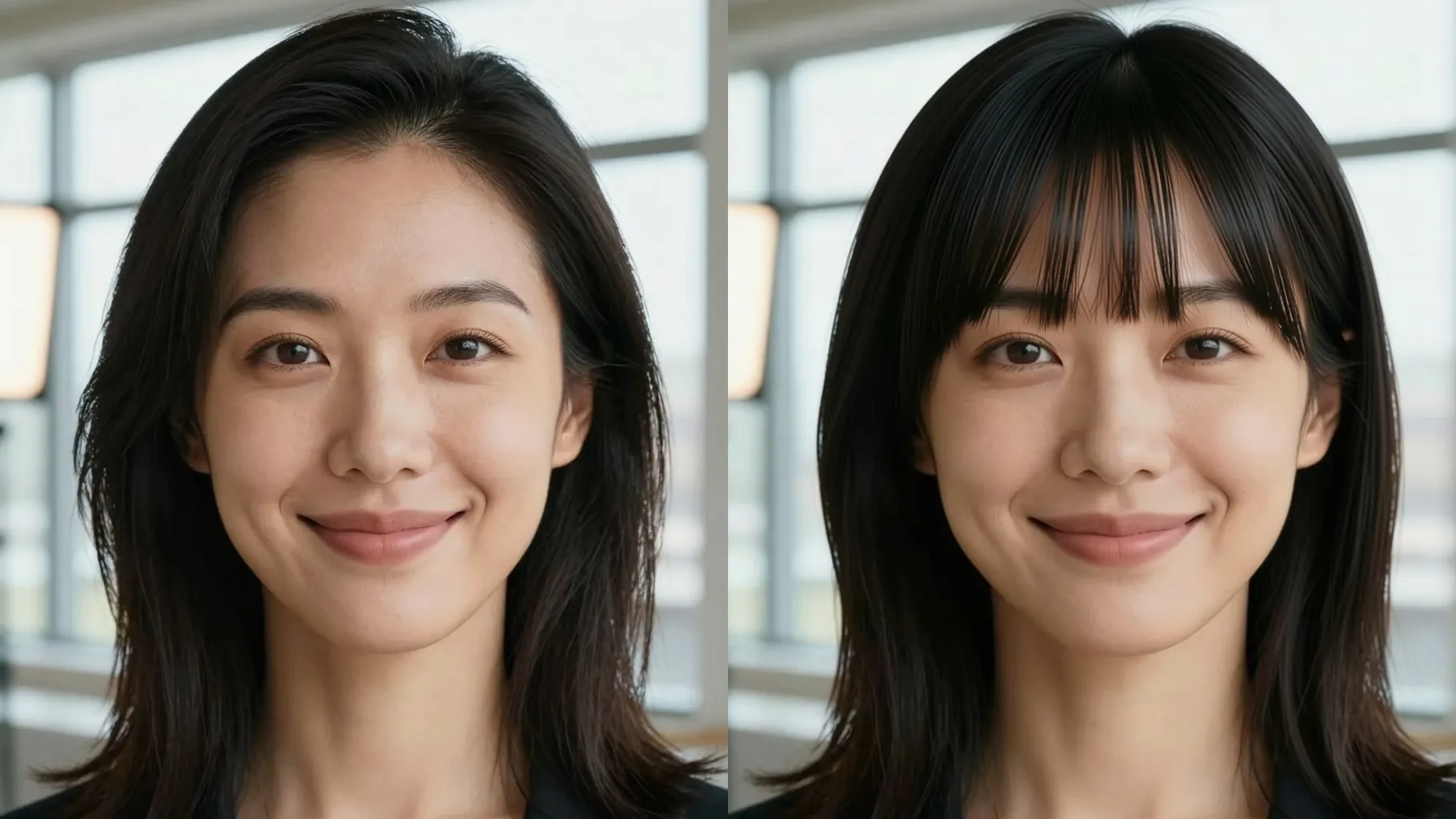
Add quick notes like "curtain bangs", "wispy see-through", or "side-swept" to steer density, parting, and texture while keeping the original lighting.
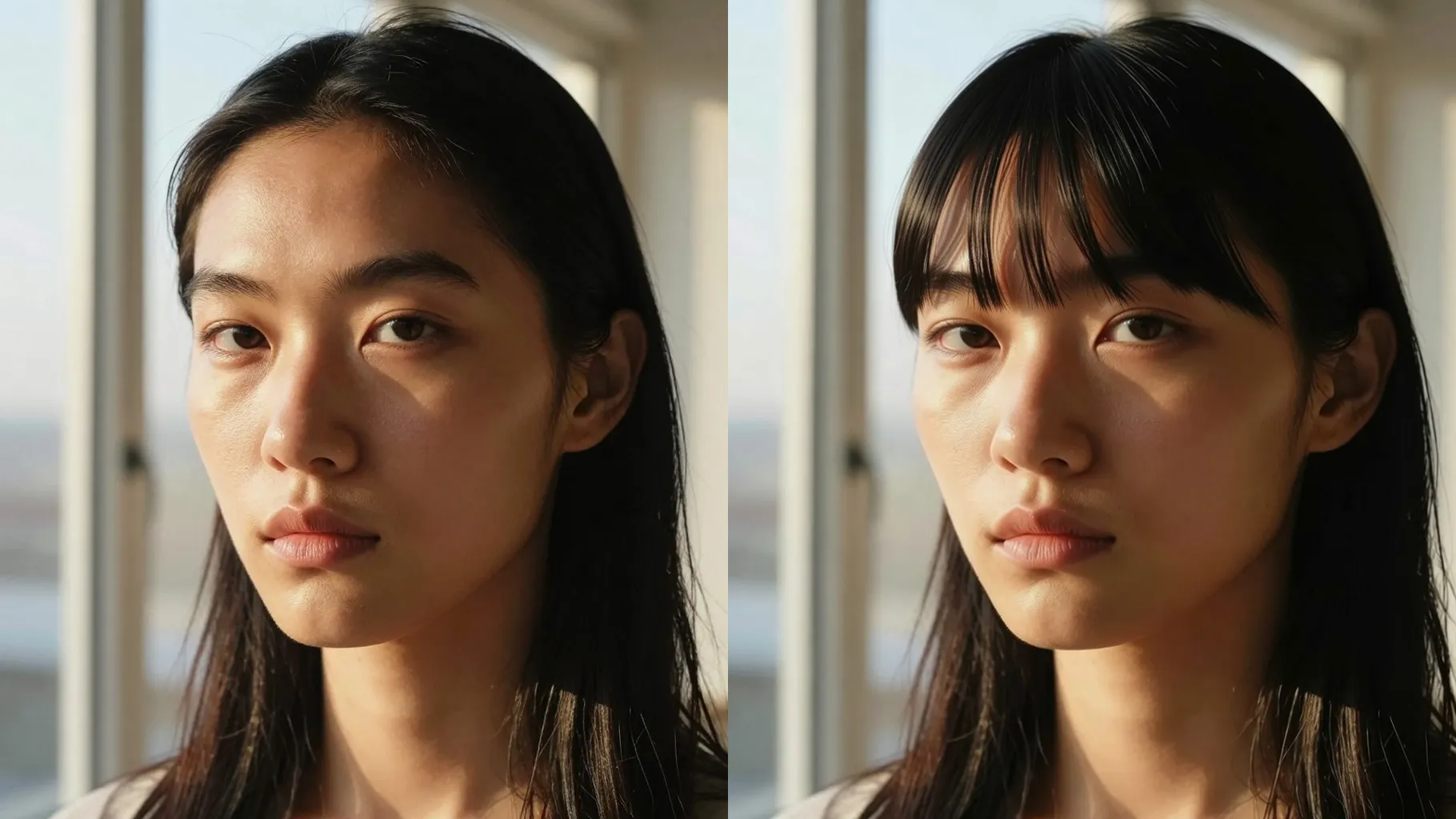
Use a front or 3/4 headshot with your forehead visible; avoid hats, hoods, or heavy filters.
Mention blunt, airy, curtain, or side-swept bangs plus notes like "cheek-length" or "light layers" if you want.
Run the filter, check how the fringe sits, rerun for variations, and save the bang look you like.
Upload one portrait per run so the fringe masking stays accurate.
No. This bangs tool is image-to-image and needs one uploaded headshot.
It focuses on adding bangs while keeping your background, facial features, and base hair color natural unless you ask otherwise.
Keep your forehead visible, use even lighting, and avoid hats or strong shadows so strands render cleanly.
Ratio and model switching stay off to keep consistent portrait results.
Glasses are fine if they do not block the forehead; remove hats or headbands that cover the bang area.

Generation time depends on the model, image size, and queue. Check the task status on this page.