A Giant Above the Forest
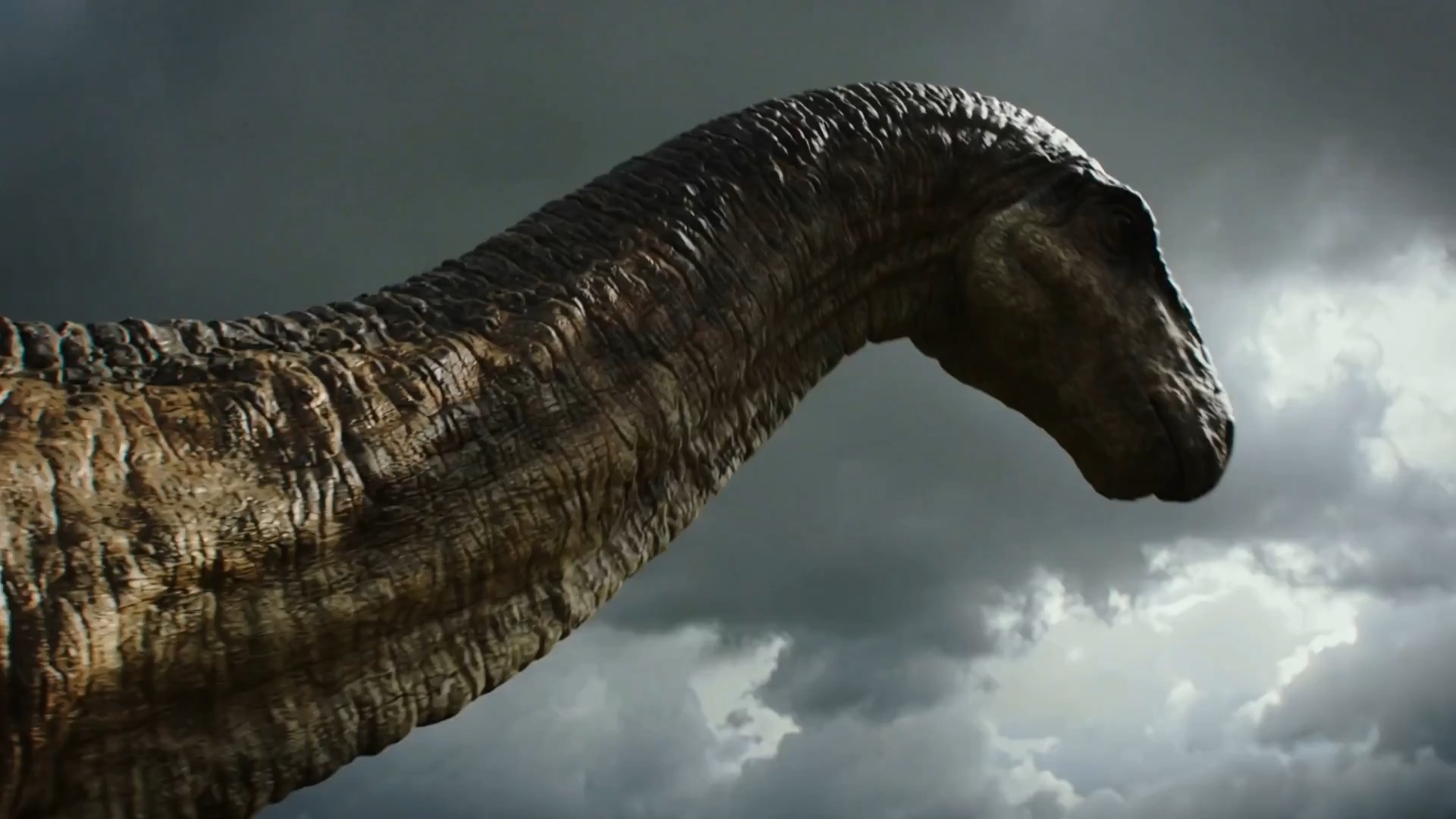
A huge dinosaur stands on a cliff above a pine forest. The camera rises from its feet to its head, then pulls back to reveal rivers and storm clouds. Keep the creature still as the camera moves.
Turn a text prompt or photo into a video for social clips, product demos, and ads. Generate with Wan 2.2 Turbo, then preview and download your finished clip.
One video for $9.90, or use credits from a plan or pack. No free trial. Failed generations return your credits.
This video uses 100 credits
Watch a sample and note the subject, light, and camera move. Adapt these text to video prompts to your own brief, then load your draft into the preview. Samples show a visual direction, not a promised result.
Camera & motion
Give each shot one clear action. These text to video prompts explore camera moves, scale, and pacing. Load a sample to edit the brief, or copy it for your own project.
A huge dinosaur stands on a cliff above a pine forest. The camera rises from its feet to its head, then pulls back to reveal rivers and storm clouds. Keep the creature still as the camera moves.
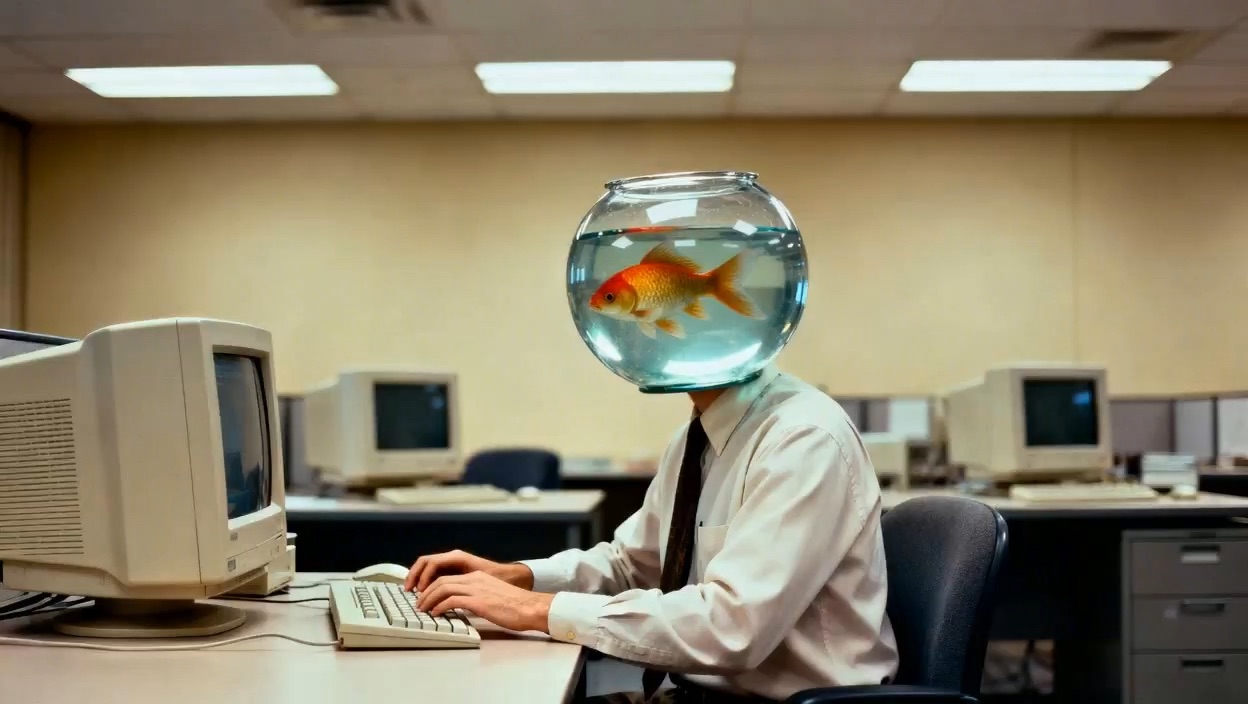
An office worker wears a fishbowl helmet and types at a desk. Small bubbles rise through the water. A sheet of paper slides to the floor. Use soft light and a calm, odd mood.
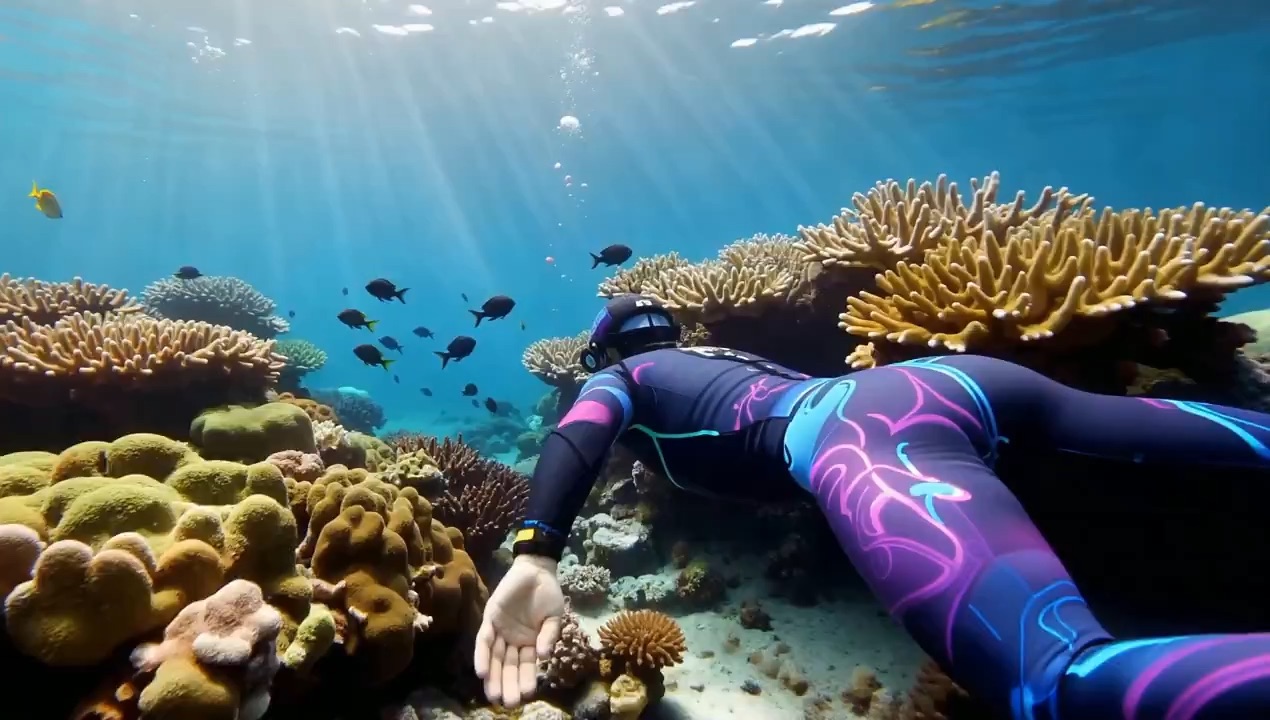
A diver glides past a coral reef in a bright wetsuit. Fish circle below as sun rays pass through the water. Follow the diver from the side with a slow, steady shot.
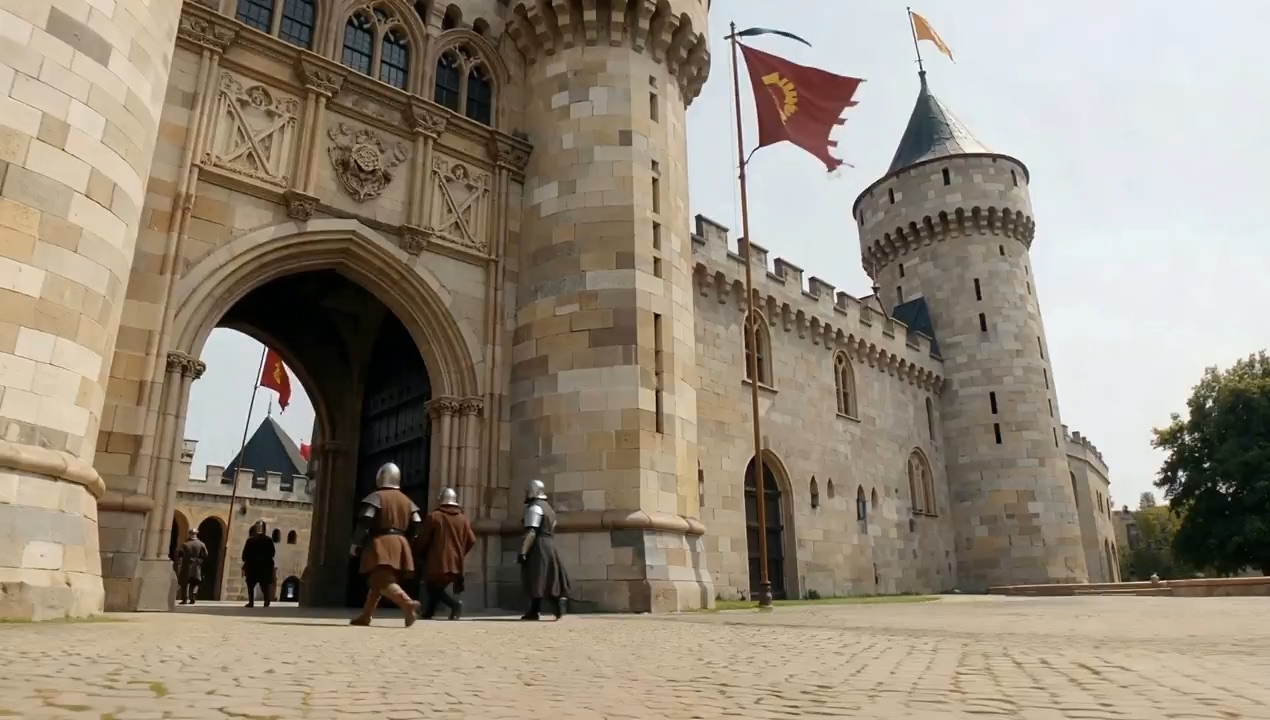
Start near the ground outside a castle gate. Tilt up as riders pass through and flags sway in the wind. Dust trails behind the horses. Keep the stone walls sharp and the light warm.
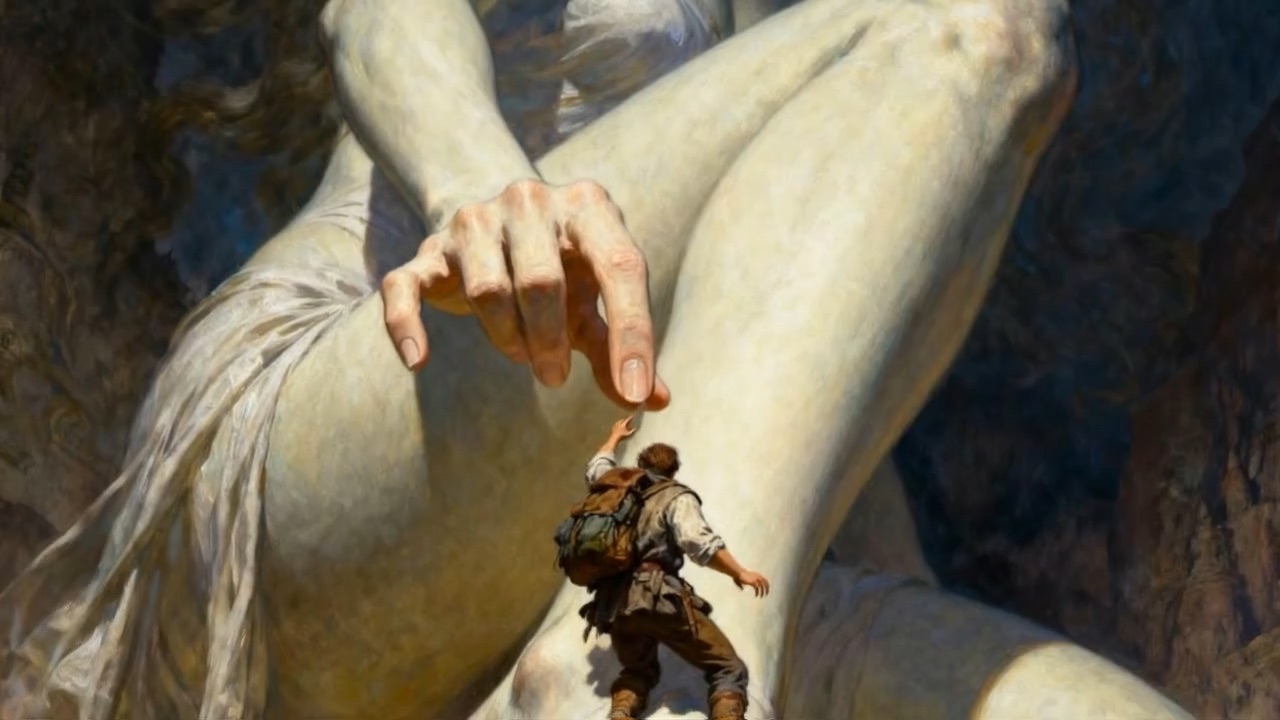
A giant in a white gown rests beneath dark clouds. A tiny explorer hangs from her hand. Tilt the camera up slowly to reveal the scale of the scene. Add soft gold light and the texture of an oil painting.
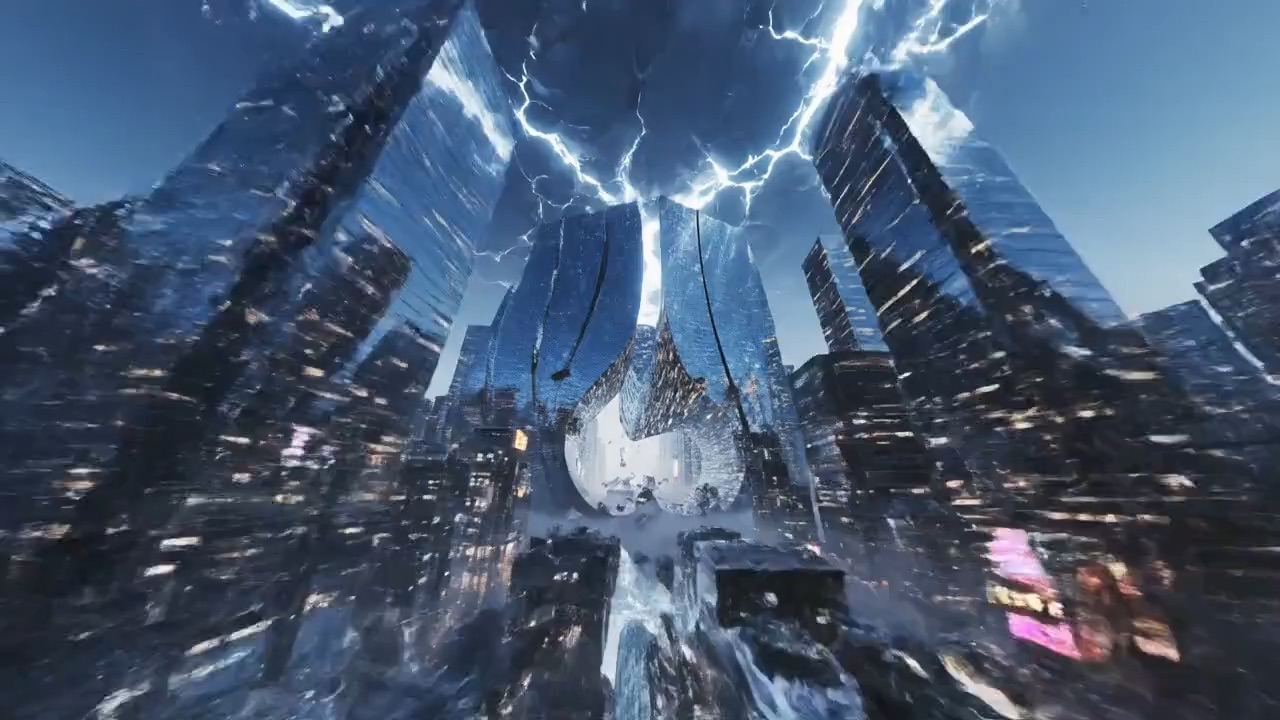
Dive between glass towers in a city at dusk. The buildings bend as if gravity has shifted. Signs glow, glass ripples, and small pieces of debris float past. End on a wide view of the changed skyline.
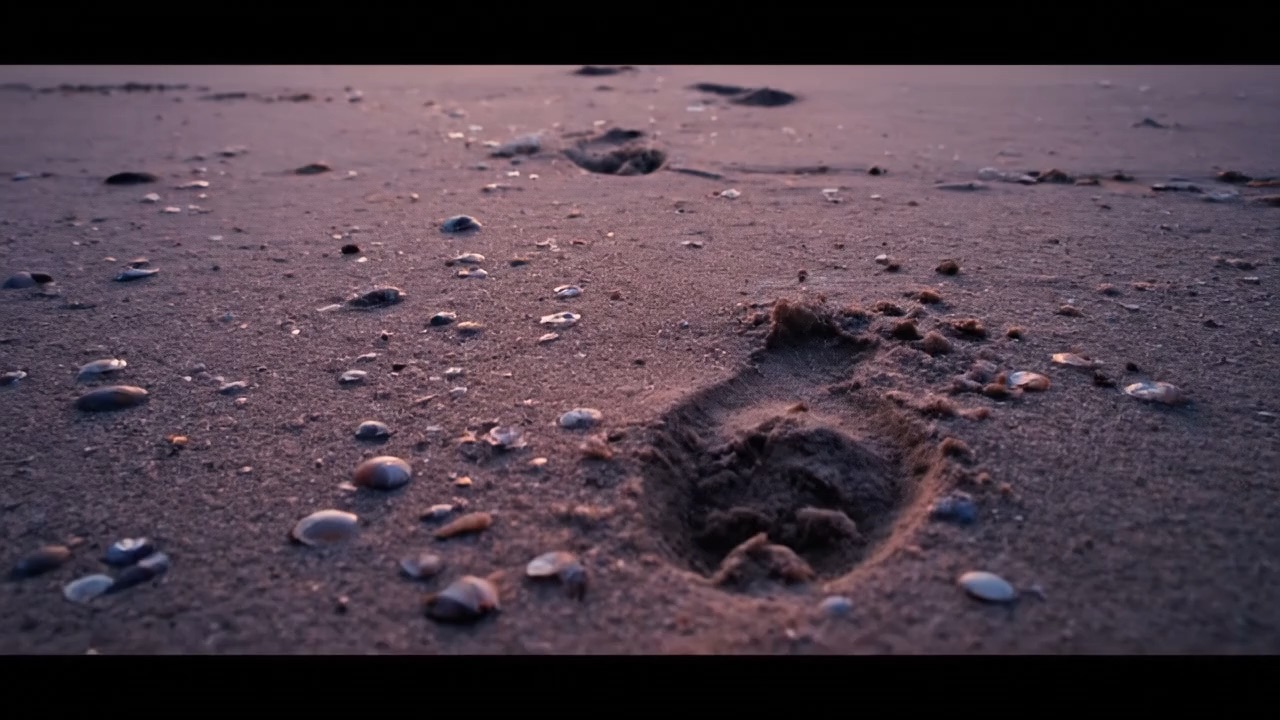
Begin beside shells on a beach at dusk. Waves wash over footprints in the sand. Lift the camera above a lone figure to reveal the orange sky and dark sea. Let the final shot linger.
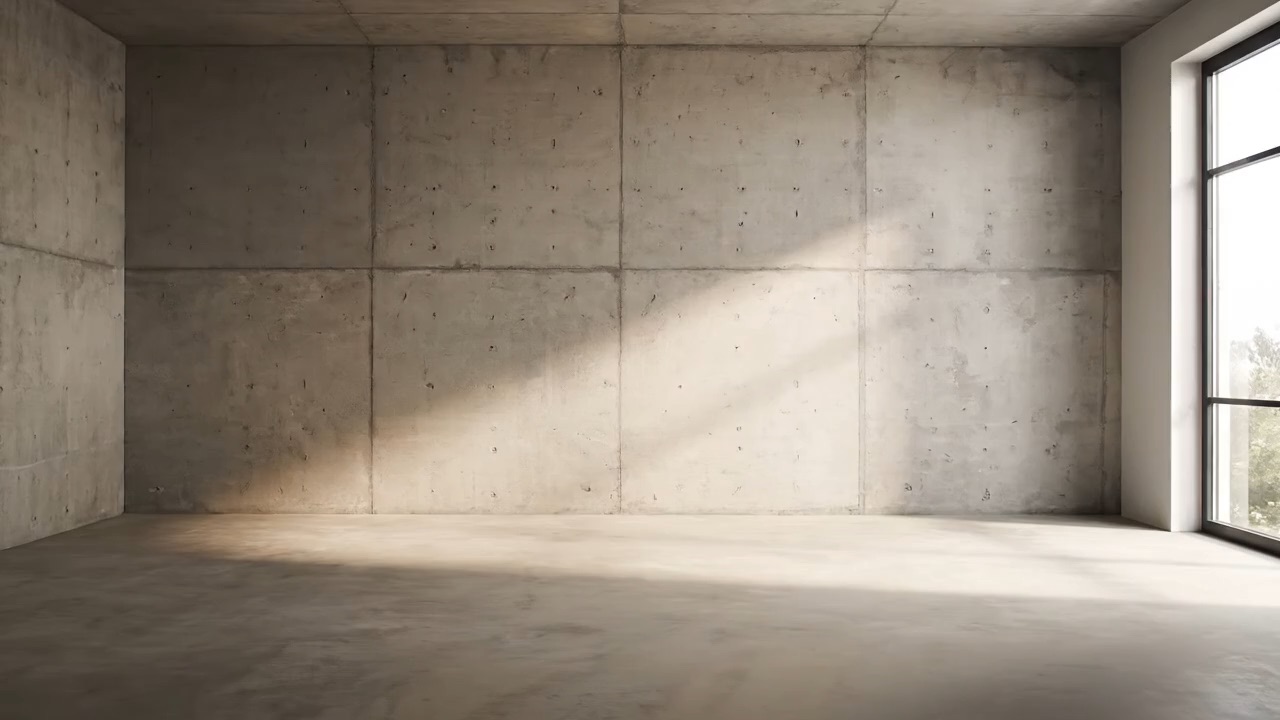
An empty room changes in a time-lapse. Paint covers the bare walls, then a sofa, table, plants, and lamps appear. Two people enter and sit down. End with a warm, lived-in room.
An AI video generator for creators starts with a clear brief. Use these scenes to plan the opening shot, key action, and mood. Build a draft here before choosing how to produce the final video.
Lead with a scene viewers can read at a glance. Plan a close-up, a reveal, or a quick change for a vertical post. Use the sample to shape your hook, then adjust the prompt to match your story.
Choose one product and one message. Draft a demo, a close-up, or a UGC-style scene that puts the benefit first. Try a new background or camera angle in the brief before you invest in production.
Break a story into shots with a clear start and finish. Plan an opening frame, a moment of change, and a closing image. Text to video prompts can help you work out the light and motion for each shot.
Start with a product photo and a scene that fits its use. Decide which details must stay clear and where the camera should move. Describe each change before using an image to video tool for the final shot.
Plan by model
Compare prompt approaches for product clips, portraits, and camera motion across Veo, Seedance, Kling, Wan, and Grok. These model guides accompany the workflow demo; the tabs do not provide live generation access.
Start with the subject and a simple camera path. Set the light, mood, and scene length in your brief before exploring a video model.
Name who or what fills the frame.
Describe the light source and time of day.
Choose a slow pan or a steady close-up.
Write sound notes for a later production step.
Keep the action short enough for one shot.
Note which details you need to check later.
From idea to brief
Choose a text to video brief or an image to video reference, describe the motion, and explore the model settings. This walkthrough prepares your inputs without rendering a clip.
Name the subject, its action, and the place. Add a camera move only when it helps the story.
Upload a photo to the preview and switch to image to video. Explain what stays still and what should move.
Explore the frame shape, length, and model menu. Preview the steps to see how the workflow fits your brief.
Copy a sample and keep your edits in your own notes. The preview helps you plan; it does not export a video.
Image tools for characters, product scenes & video first frames
Compare credits for video clips first, then image assets. Video estimates use Grok at 6s / 480p; other models use different amounts. Check the model rate table and confirm tool availability before purchase.
Video and image tasks share your credit balance; estimates are alternatives, not separate allowances.
Perfect for individuals and light users
Billed annually at $114.00
Includes
For professional creators and teams
Billed annually at $234.00
Includes
Designed for large enterprises and professional studios
Billed annually at $960.00
Includes
Payments are handled by our payment providers. We do not store full card numbers.
Prices are listed in USD. Confirm the payment method, currency, and final amount at checkout.
| Model | BasicMonthly $19.00Yearly $114.00 | ProMonthly $39.00Yearly $234.00 | MaxMonthly $160.00Yearly $960.00 |
|---|---|---|---|
| Nano Banana | $0.127/image~75 images/mo | $0.049/image~400 images/mo | $0.035/image~2,300 images/mo |
| Z Image | $0.063/image~150 images/mo | $0.024/image~800 images/mo | $0.017/image~4,600 images/mo |
| Nano Banana 2 Lite | $0.095/image~100 images/mo | $0.037/image~533 images/mo | $0.026/image~3,066 images/mo |
| Nano Banana 2 1K | $0.158/image~60 images/mo | $0.061/image~320 images/mo | $0.043/image~1,840 images/mo |
| Nano Banana 2 2K | $0.253/image~37 images/mo | $0.098/image~200 images/mo | $0.070/image~1,150 images/mo |
| Nano Banana 2 4K | $0.380/image~25 images/mo | $0.146/image~133 images/mo | $0.104/image~766 images/mo |
| Nano Banana Pro 1K/2K | $0.253/image~37 images/mo | $0.098/image~200 images/mo | $0.070/image~1,150 images/mo |
| Nano Banana Pro 4K | $0.443/image~21 images/mo | $0.171/image~114 images/mo | $0.122/image~657 images/mo |
| GPT Image 2 1K | $0.190/image~50 images/mo | $0.073/image~266 images/mo | $0.052/image~1,533 images/mo |
| GPT Image 2 2K | $0.317/image~30 images/mo | $0.122/image~160 images/mo | $0.087/image~920 images/mo |
| GPT Image 2 4K | $0.443/image~21 images/mo | $0.171/image~114 images/mo | $0.122/image~657 images/mo |
| Seedream 5.0 Pro 1K | $0.222/image~42 images/mo | $0.085/image~228 images/mo | $0.061/image~1,314 images/mo |
| Seedream 5.0 Pro 2K | $0.443/image~21 images/mo | $0.171/image~114 images/mo | $0.122/image~657 images/mo |
| Seedream 5.0 Lite 2K/3K | $0.190/image~50 images/mo | $0.073/image~266 images/mo | $0.052/image~1,533 images/mo |
| Grok Imagine (Fast) | $0.158/run~60 runs/mo | $0.061/run~320 runs/mo | $0.043/run~1,840 runs/mo |
| Grok Imagine (Quality) | $0.190/run~50 runs/mo | $0.073/run~266 runs/mo | $0.052/run~1,533 runs/mo |
| Grok Imagine (Edit) | $0.158/run~60 runs/mo | $0.061/run~320 runs/mo | $0.043/run~1,840 runs/mo |
| Grok Video 480p 6s | $0.570/video~16 videos/mo | $0.219/video~88 videos/mo | $0.157/video~511 videos/mo |
| Grok Video 720p 6s | $1.01/video~9 videos/mo | $0.390/video~50 videos/mo | $0.278/video~287 videos/mo |
| Grok Video 1080p 6s | $1.77/video~5 videos/mo | $0.683/video~28 videos/mo | $0.487/video~164 videos/mo |
| Veo 3.1 Lite 720p | $0.475/video~20 videos/mo | $0.183/video~106 videos/mo | $0.130/video~613 videos/mo |
| Veo 3.1 Lite 1080p | $0.728/video~13 videos/mo | $0.280/video~69 videos/mo | $0.200/video~400 videos/mo |
| Veo 3.1 Fast 720p | $0.950/video~10 videos/mo | $0.366/video~53 videos/mo | $0.261/video~306 videos/mo |
| Veo 3.1 Fast 1080p | $1.20/video~7 videos/mo | $0.463/video~42 videos/mo | $0.330/video~242 videos/mo |
| Veo 3.1 Quality 720p | $7.09/video~1 videos/mo | $2.73/video~7 videos/mo | $1.95/video~41 videos/mo |
| Veo 3.1 Quality 1080p | $7.32/video~1 videos/mo | $2.82/video~6 videos/mo | $2.01/video~39 videos/mo |
| Gemini Omni 720p/1080p 6s | $1.90/video~5 videos/mo | $0.731/video~26 videos/mo | $0.522/video~153 videos/mo |
| Gemini Omni 4K 6s | $3.80/video~2 videos/mo | $1.46/video~13 videos/mo | $1.04/video~76 videos/mo |
| Seedance 2 720p 4s | $5.16/video~1 videos/mo | $1.99/video~9 videos/mo | $1.42/video~56 videos/mo |
| Seedance 2 4K 4s | $26.13/video~0 videos/mo | $10.05/video~1 videos/mo | $7.17/video~11 videos/mo |
| Seedance 2 Fast 480p 4s | $1.96/video~4 videos/mo | $0.756/video~25 videos/mo | $0.539/video~148 videos/mo |
| Seedance 2 Mini 480p 4s | $1.20/video~7 videos/mo | $0.463/video~42 videos/mo | $0.330/video~242 videos/mo |
| Wan 2.2 Turbo 480p | $3.17/video~3 videos/mo | $1.22/video~16 videos/mo | $0.870/video~92 videos/mo |
FAQ
Know what you can try on this page, how to use references, and where to check plans and credits.
Try a text to video prompt or add an image to video reference. Explore motion and framing in the demo, then compare plans and model credit costs before choosing a production workflow.
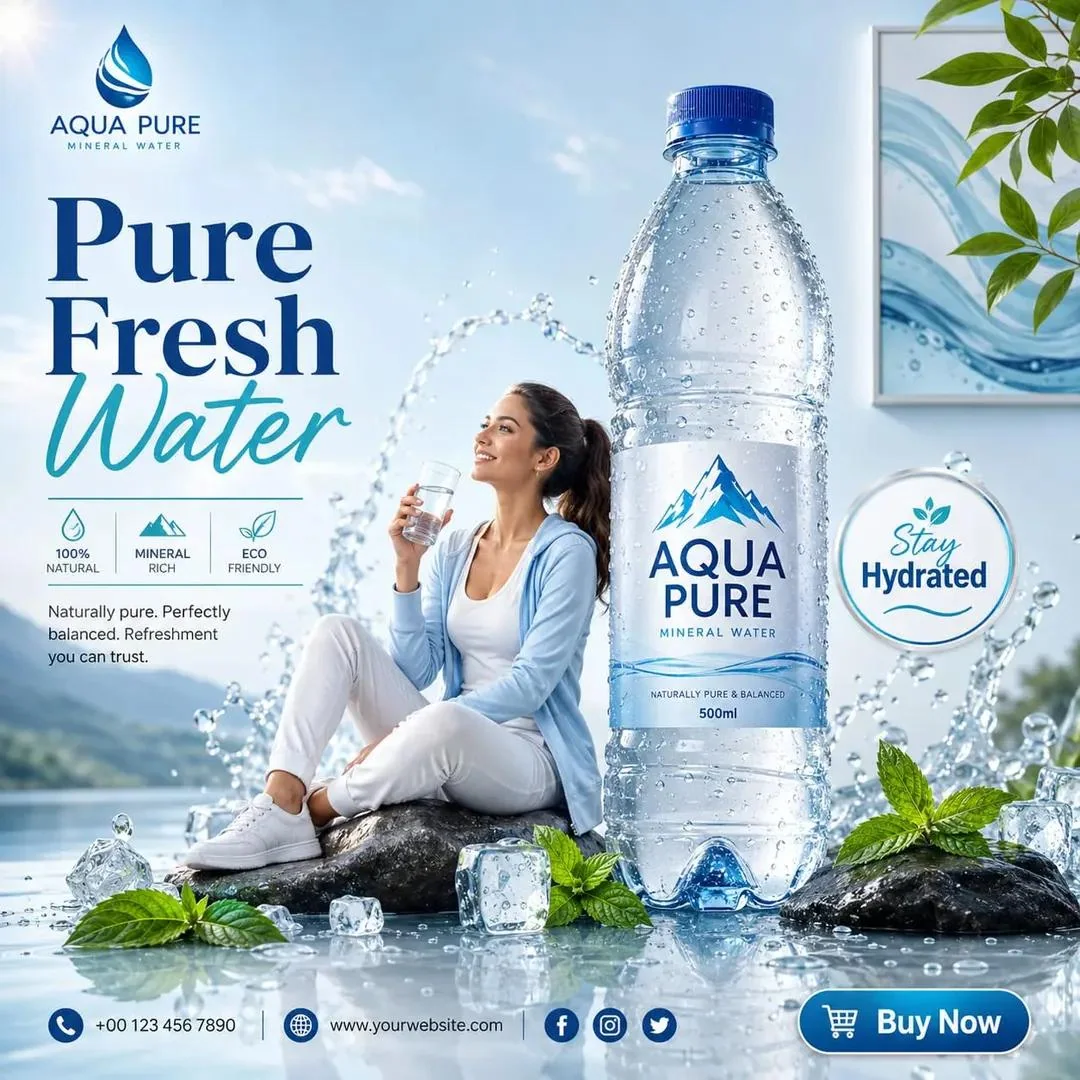
Sample creative brief
A fresh angle on a product ad
Prompt: A fruit drink on a sunlit table. Fresh slices frame the bottle. Leave space above for a short headline.