
1. How many images can I upload per run?
One portrait at a time keeps masking accurate around your hairline and face.
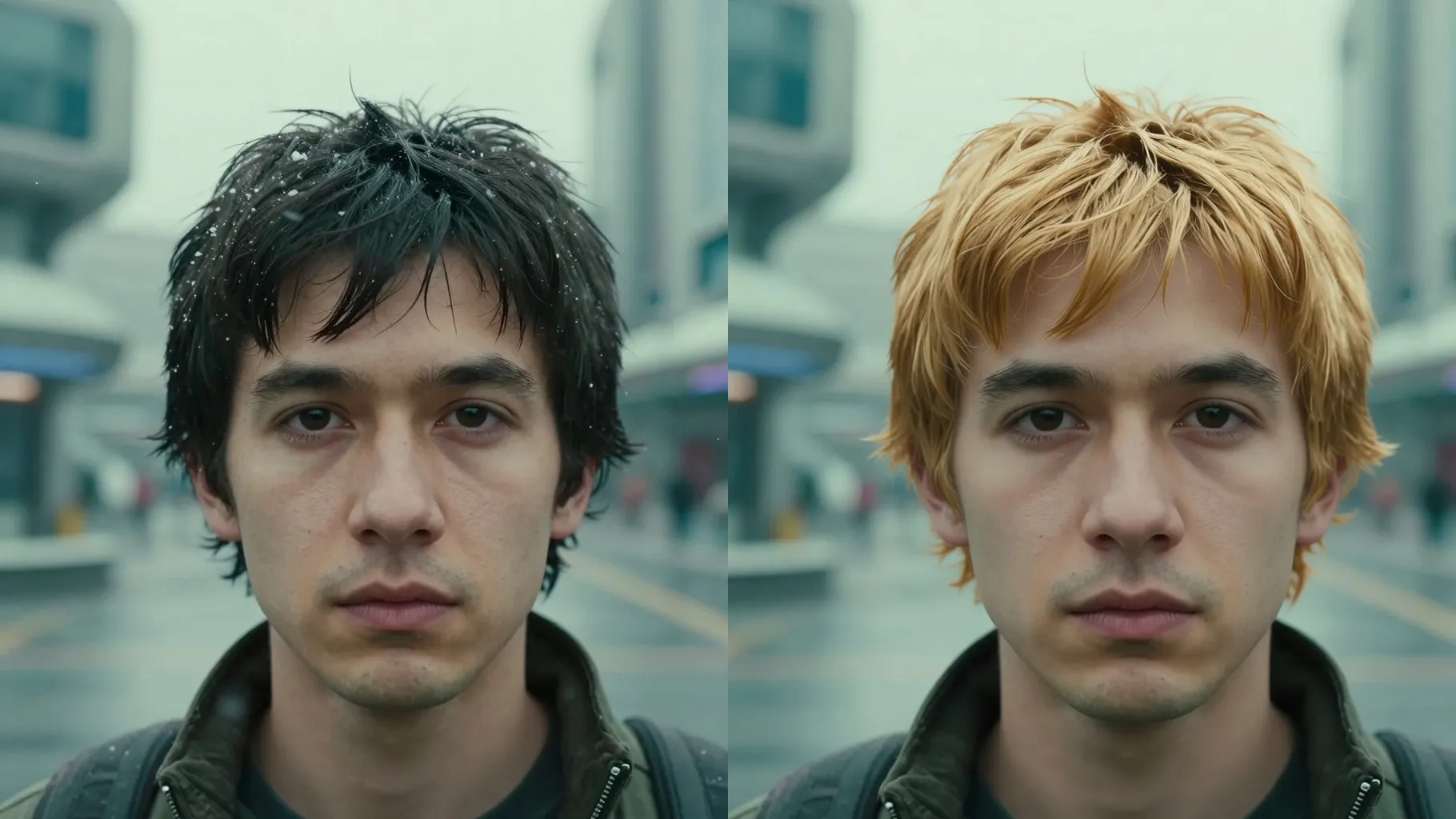
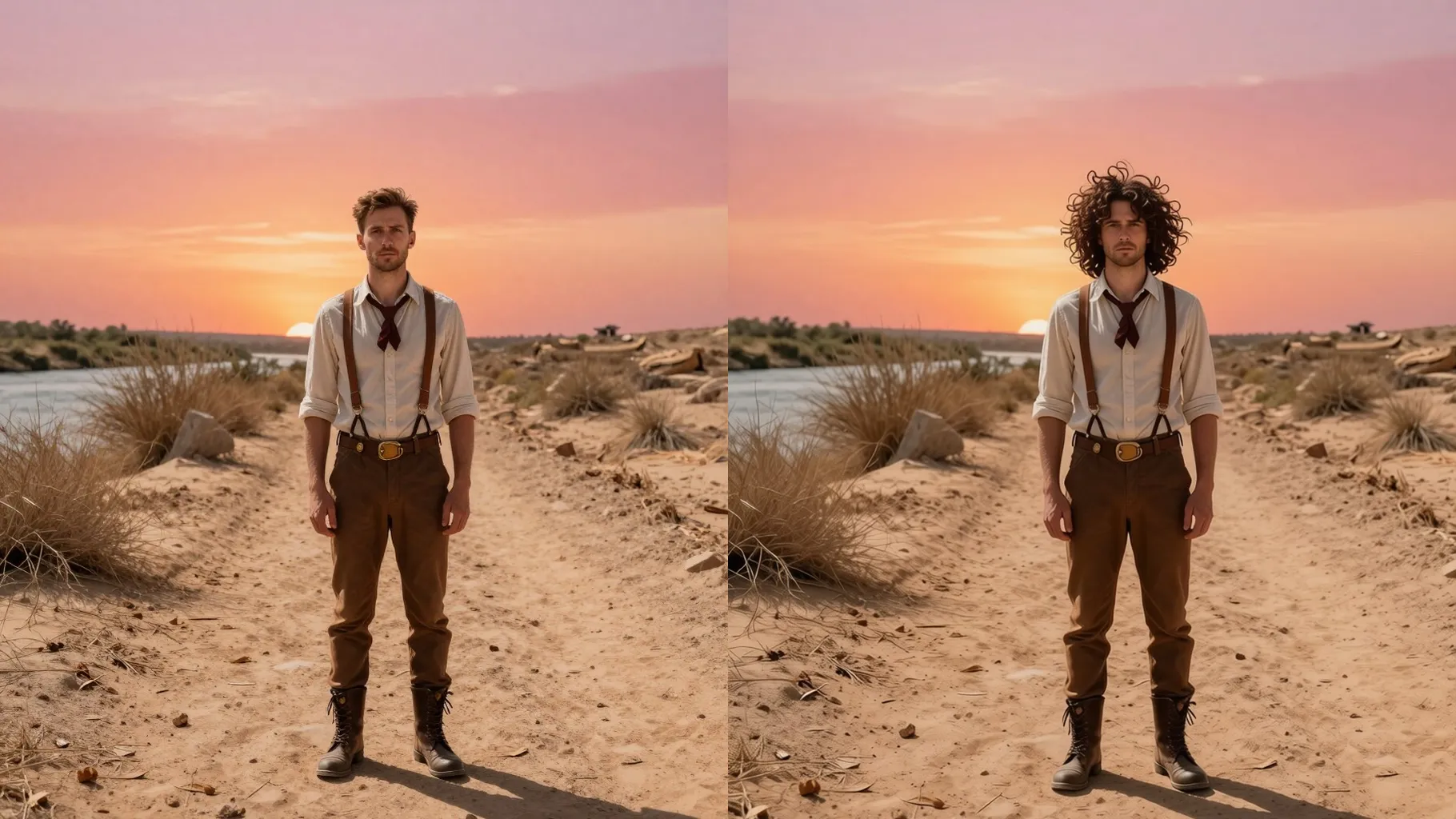
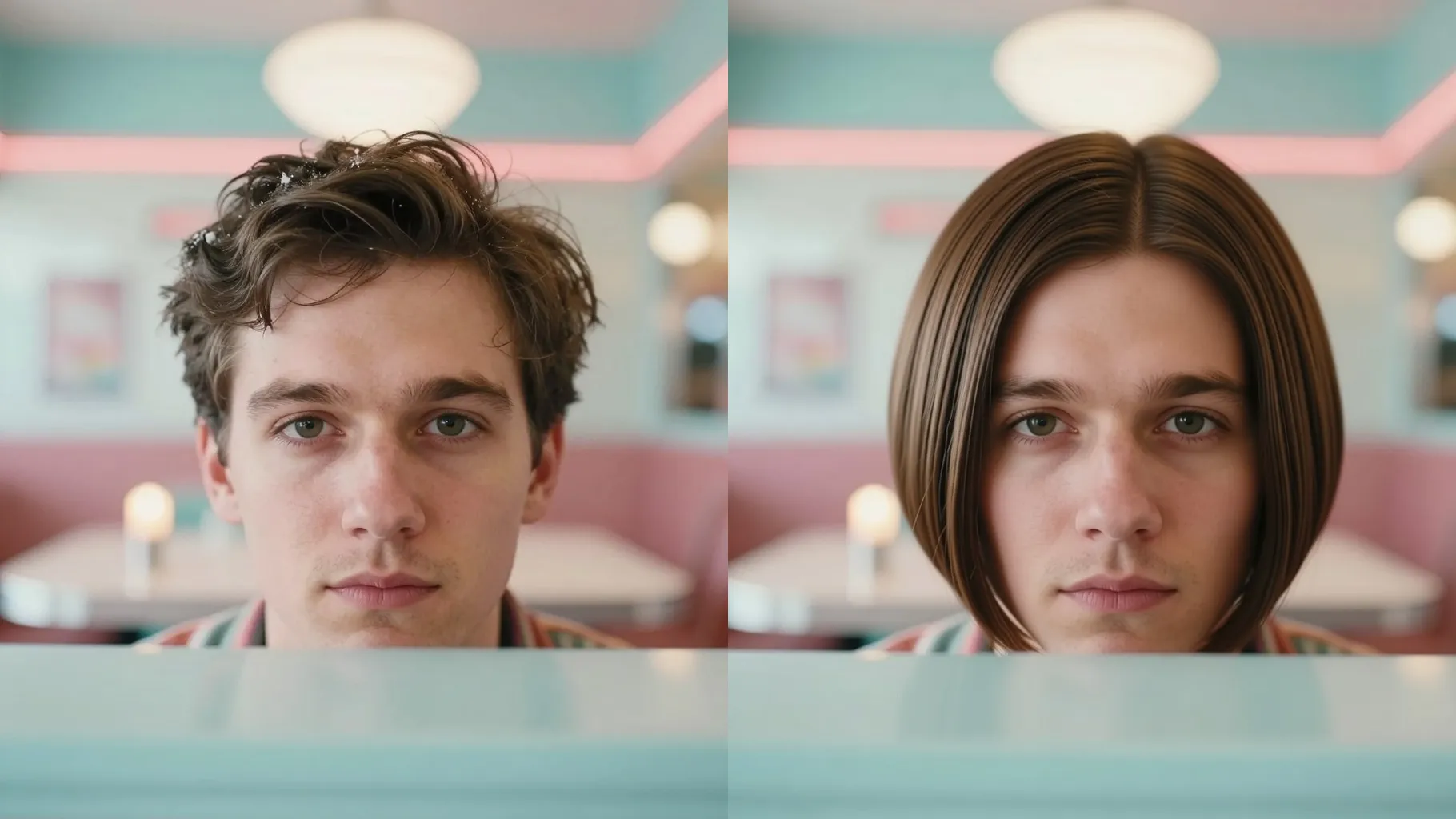
Try new hair shades from one portrait while keeping your skin tone and facial details natural.
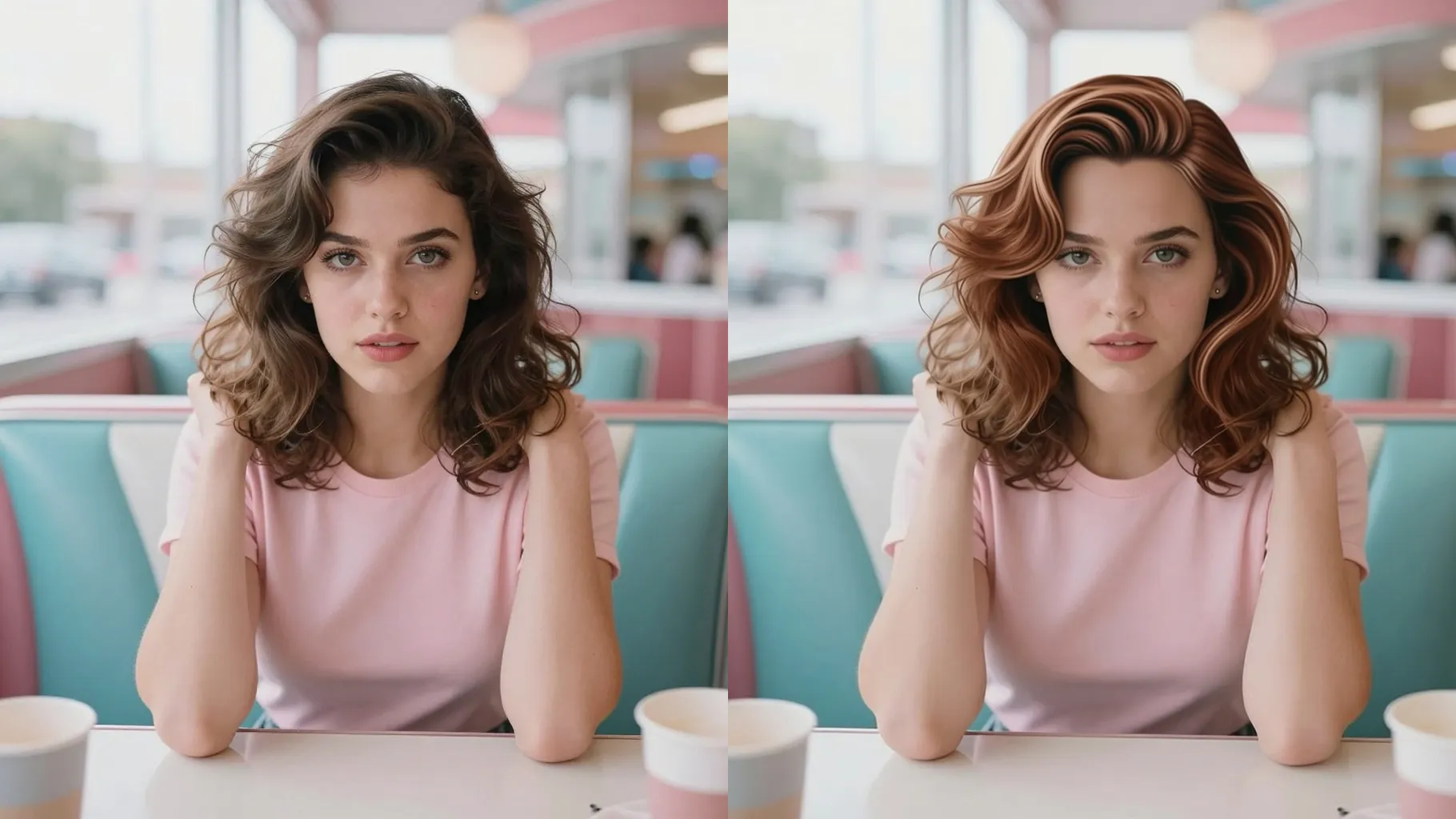
Upload one portrait to try copper, auburn, or deep brown hair while keeping your skin tone true.
Examples show the target style. Your result depends on the chosen model and reference photo.
Upload one portrait and switch to copper, auburn, brown, or vivid shades without altering your skin tone or facial features.
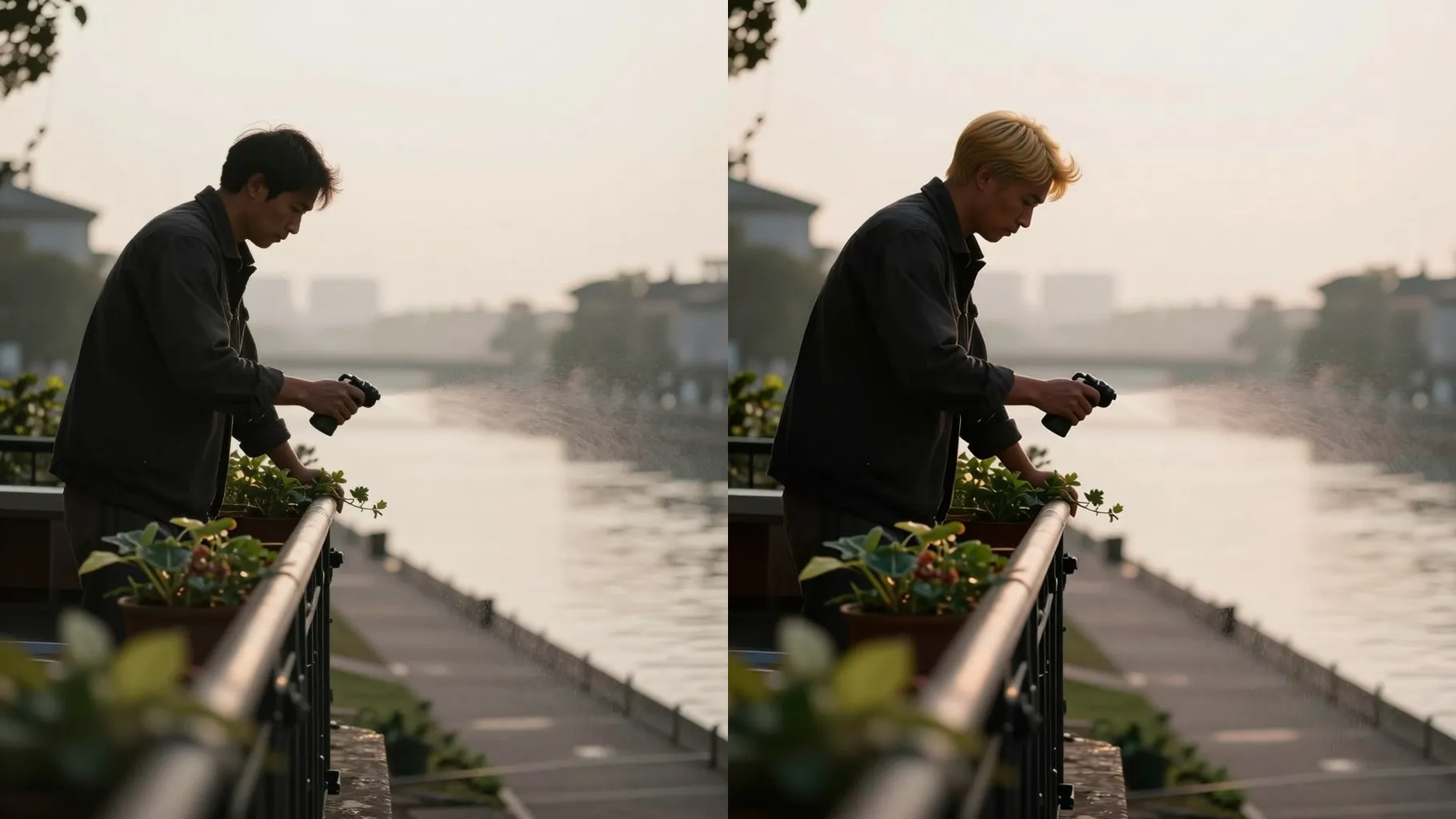
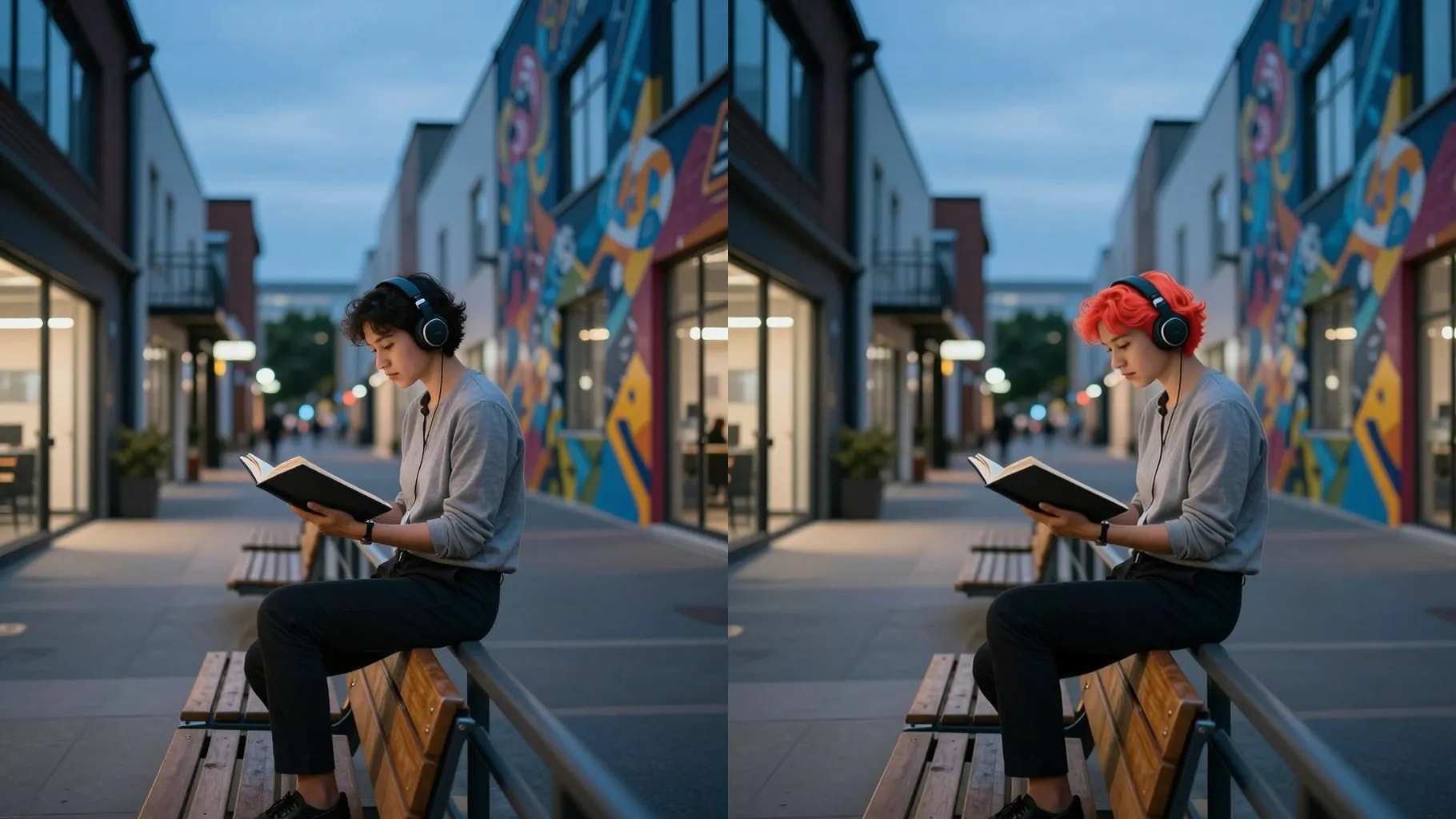
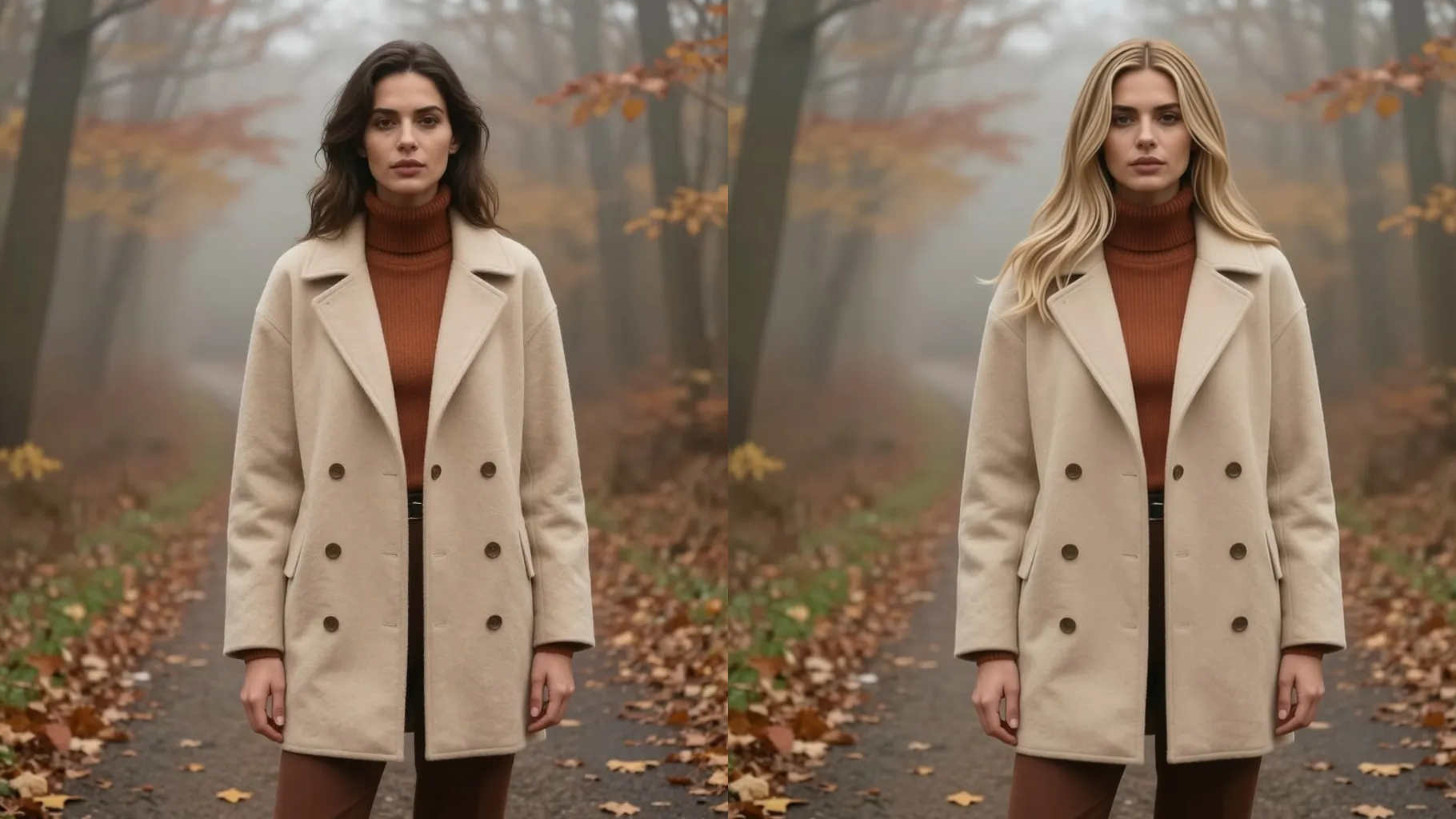
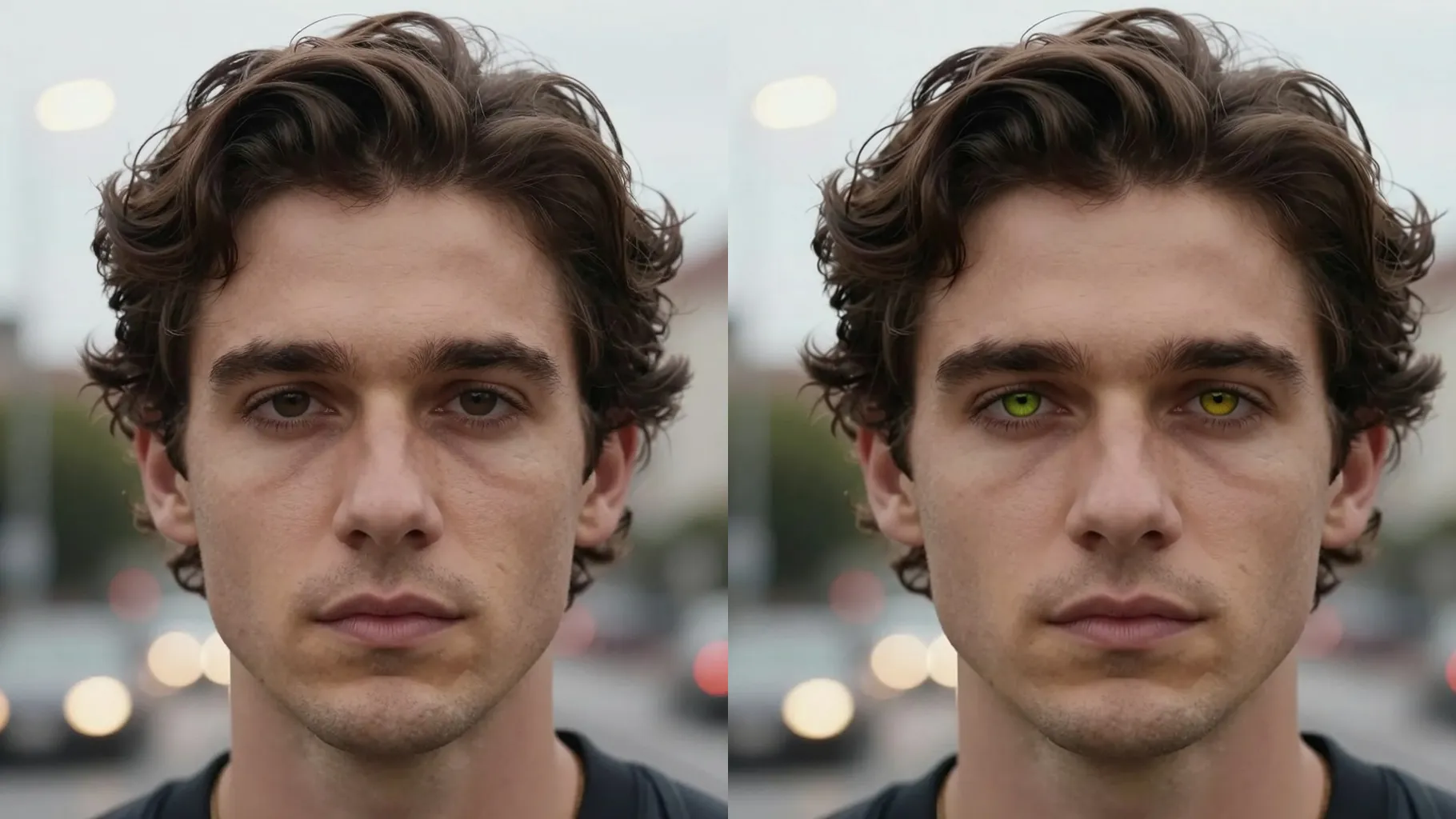
Hair recolor focuses on strands and highlights while keeping complexion, brows, and makeup untouched.
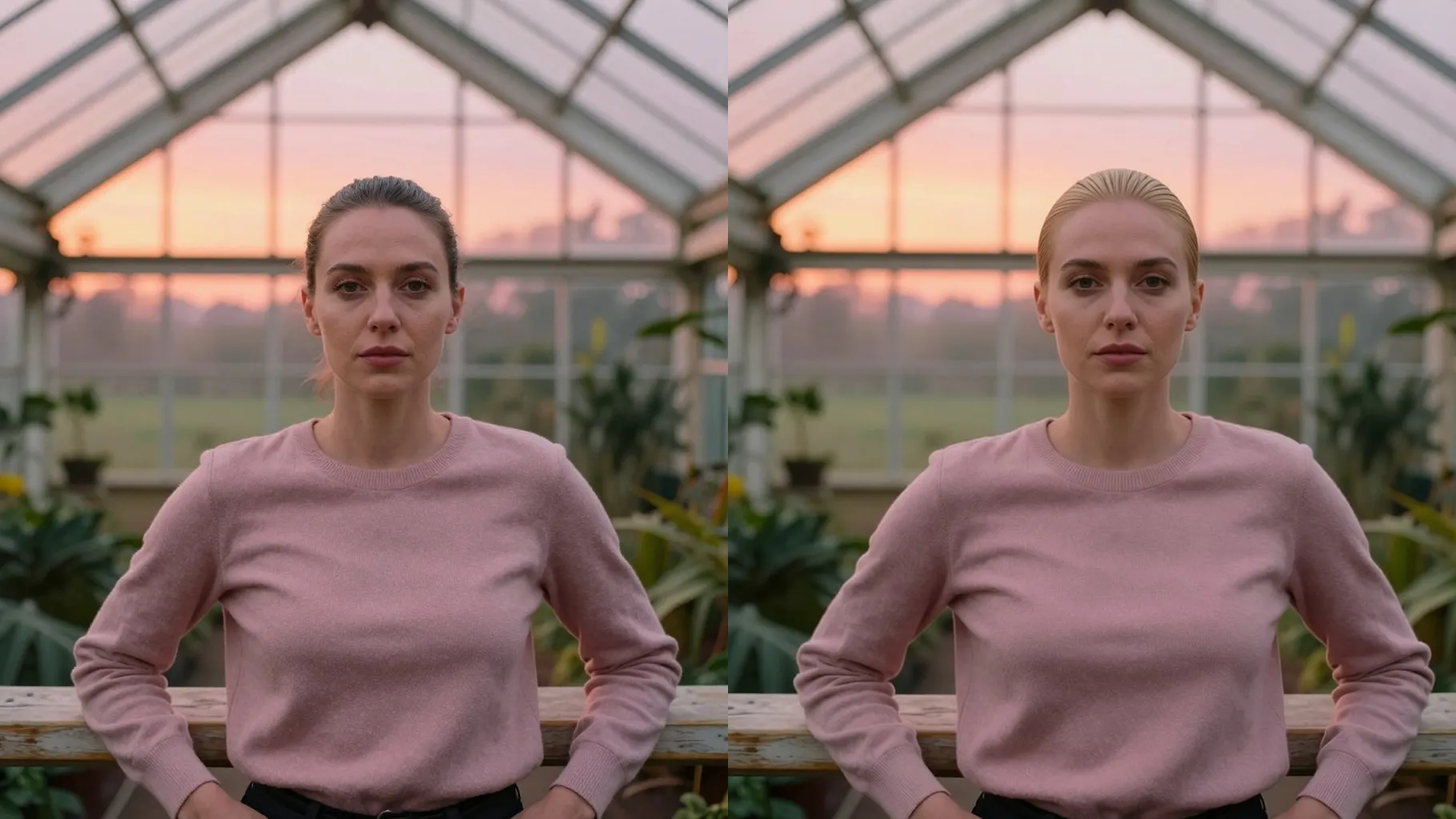
Adds balanced lighting and texture so your new hair color looks realistic instead of flat or plastic.
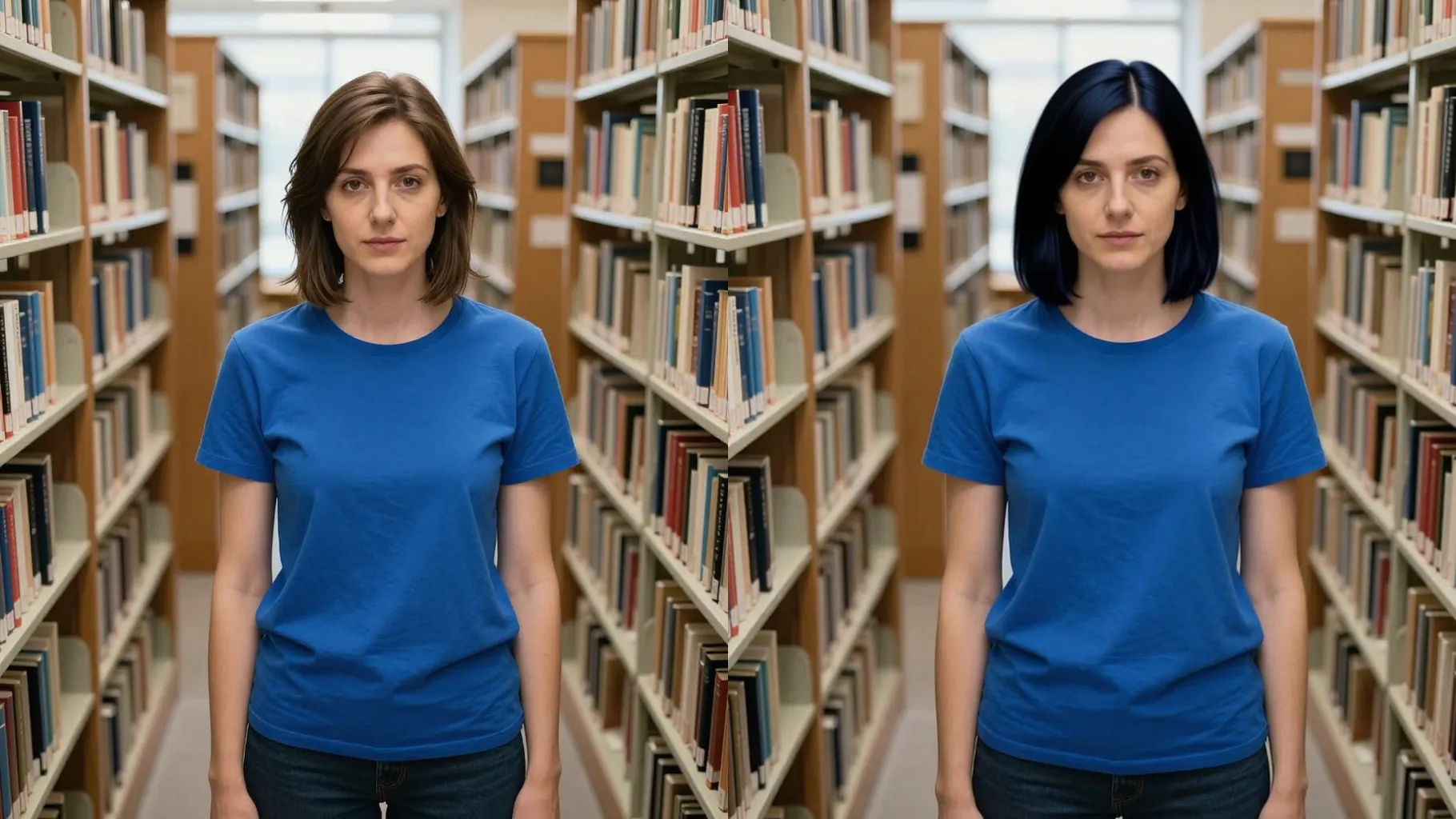
Choose a front or 3/4 headshot with visible hair; avoid heavy filters or hats.
Mention copper, auburn, brown, black, or vivid tones plus lighting hints like studio or daylight.
Review the recolor result, rerun for variations, and save the version you like.
One portrait at a time keeps masking accurate around your hairline and face.
No. This is an image-to-image recolor tool and needs one uploaded portrait.
No. It preserves skin tone, brows, and makeup while only changing hair color.
Try copper, auburn, brown, blonde, black, or vivid colors; add notes to steer the tone.
Upload JPG, PNG, or WebP under 10MB with clear lighting for sharp strand detail.
Aspect ratio and model switching are off to keep results consistent.

Upload one photo, describe your shade, and download a realistic hair color change instantly.