
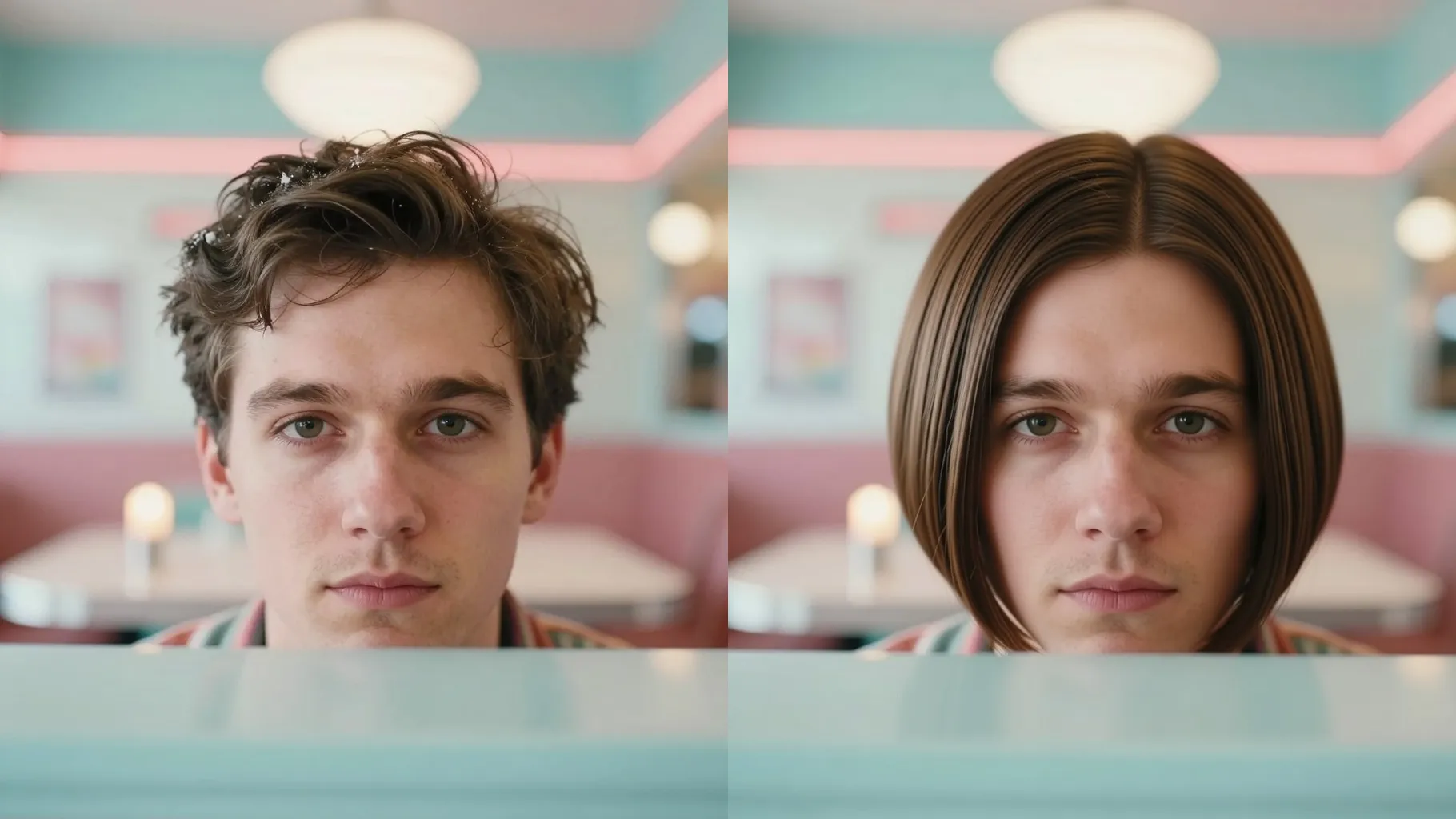
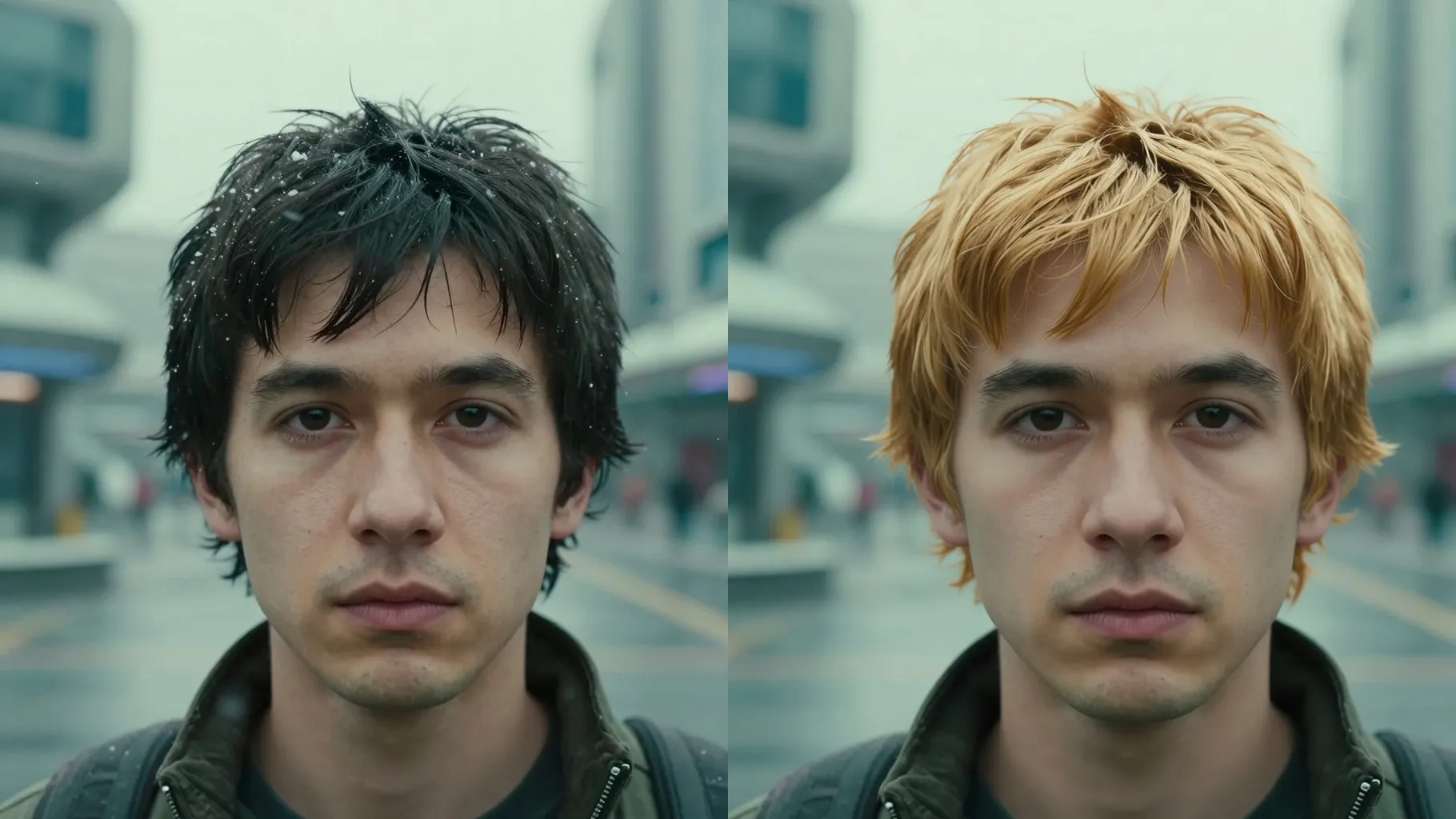
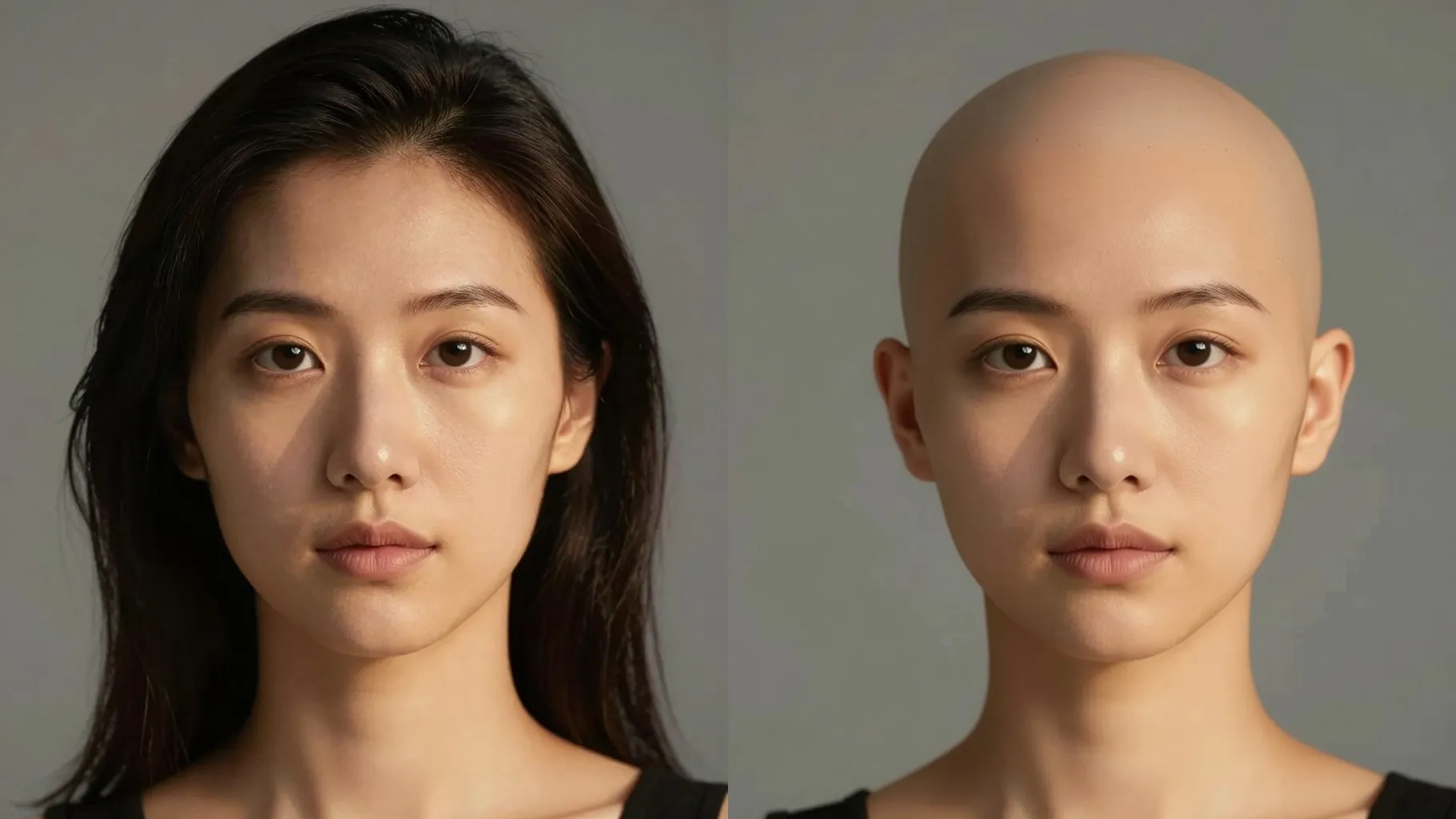
1. How many images can I upload per run?
Upload one portrait at a time for accurate curl masking.
Upload one portrait to preview defined curls without changing your face.
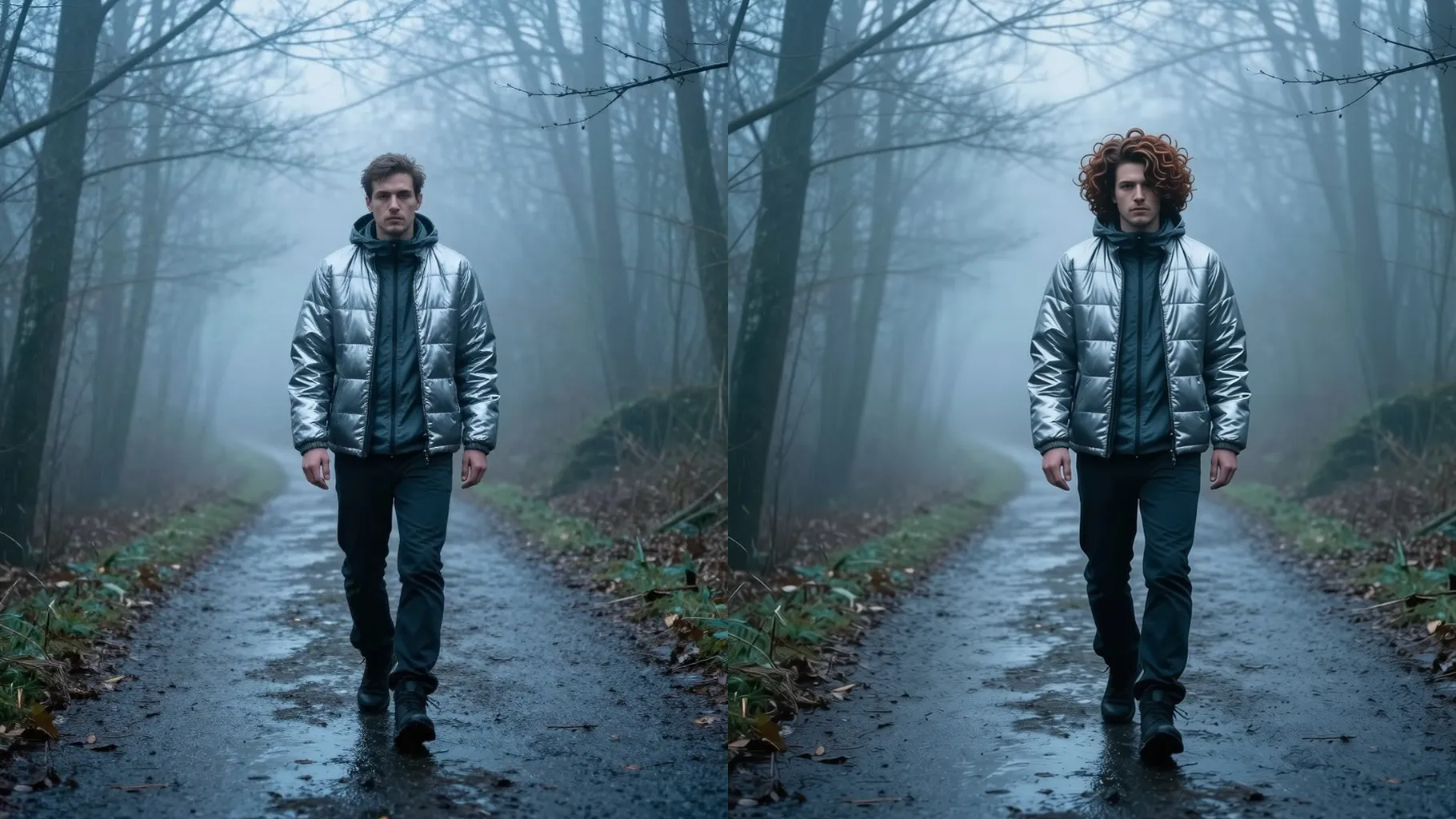
Turn one selfie into soft ringlets with frizz-free shine while keeping your facial features and lighting realistic.
Examples show the target style. Your result depends on the chosen model and reference photo.
Upload one portrait to preview defined curls with natural shine while keeping your face shape, skin tone, and background intact.
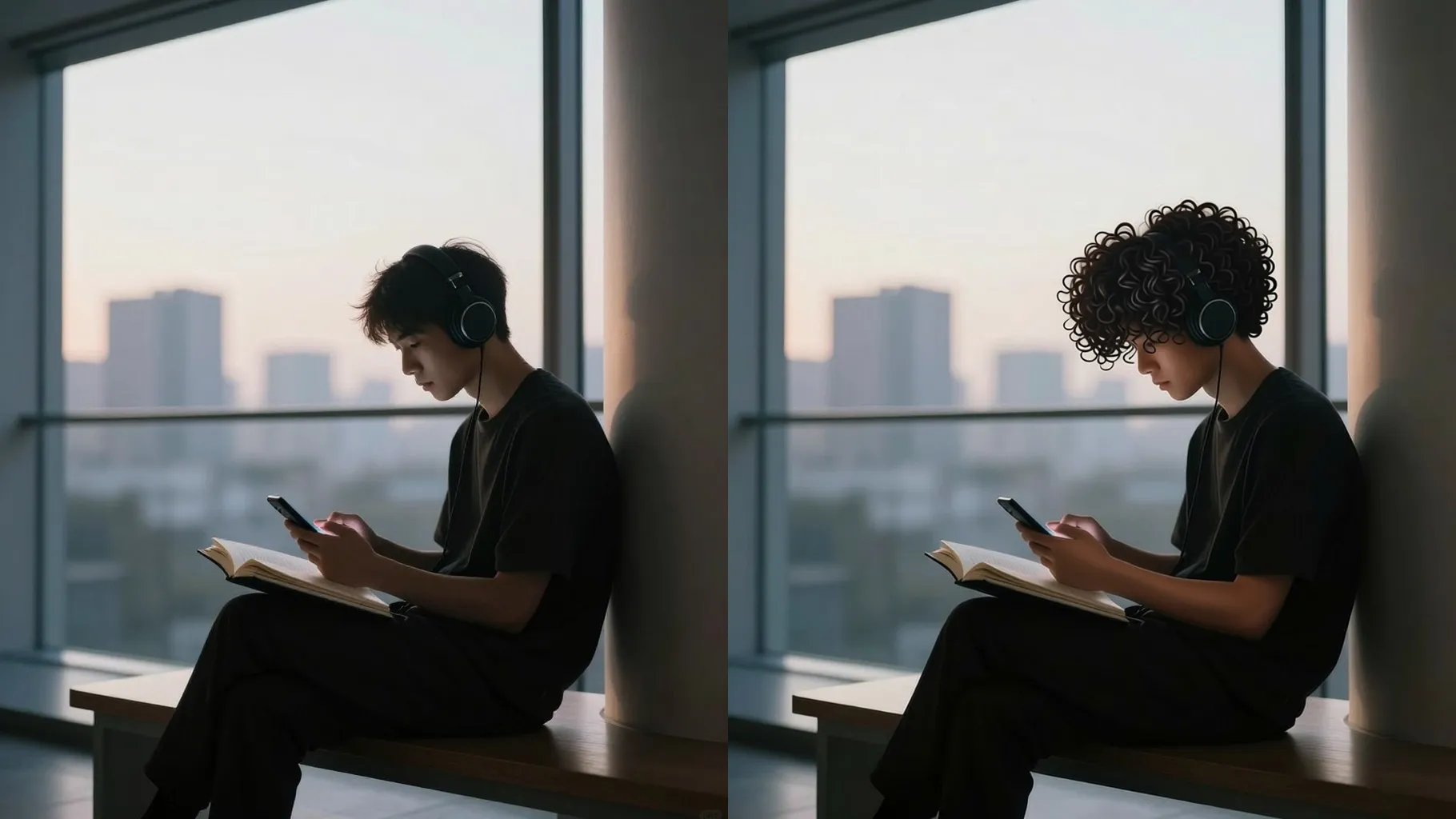
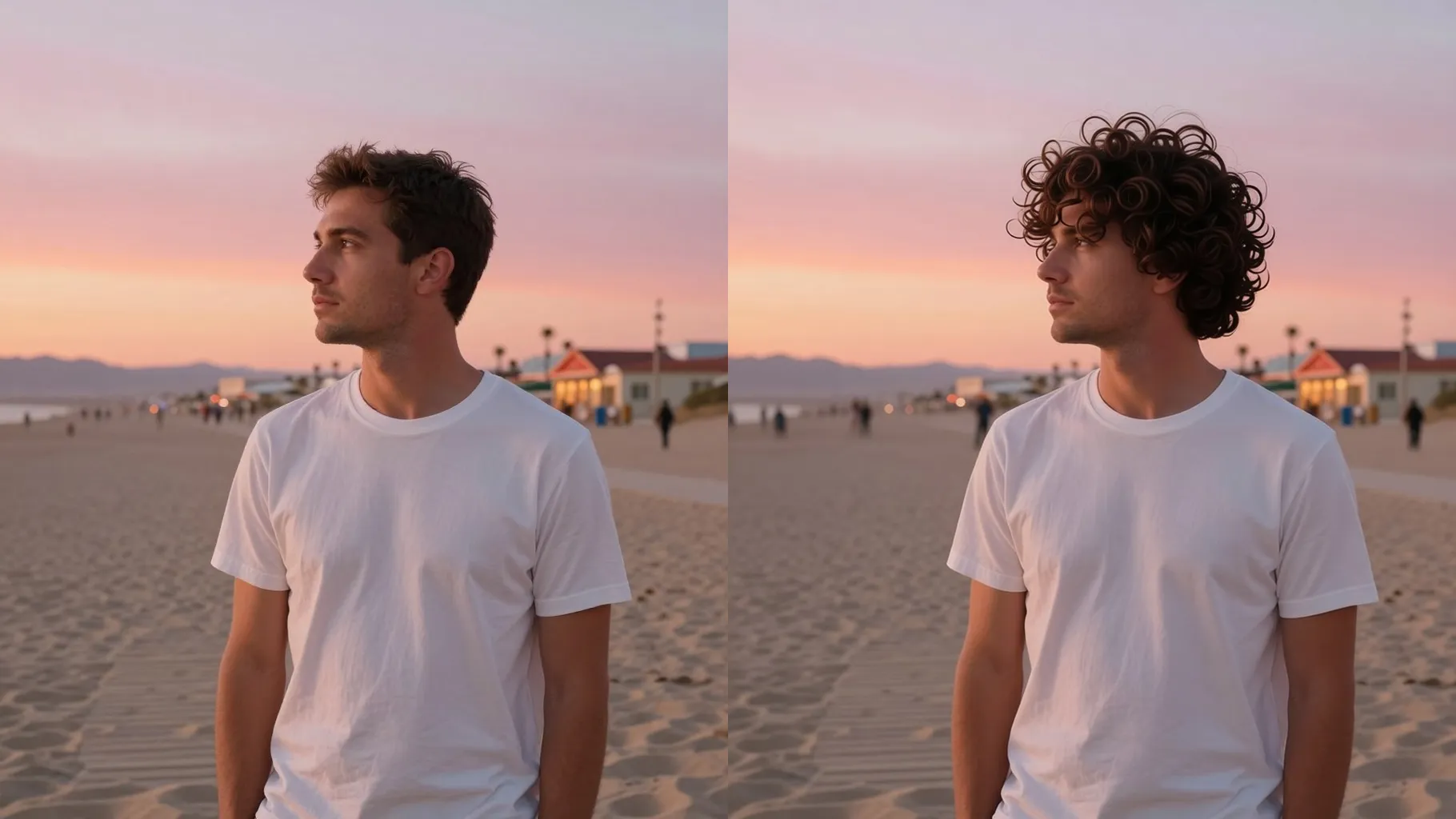
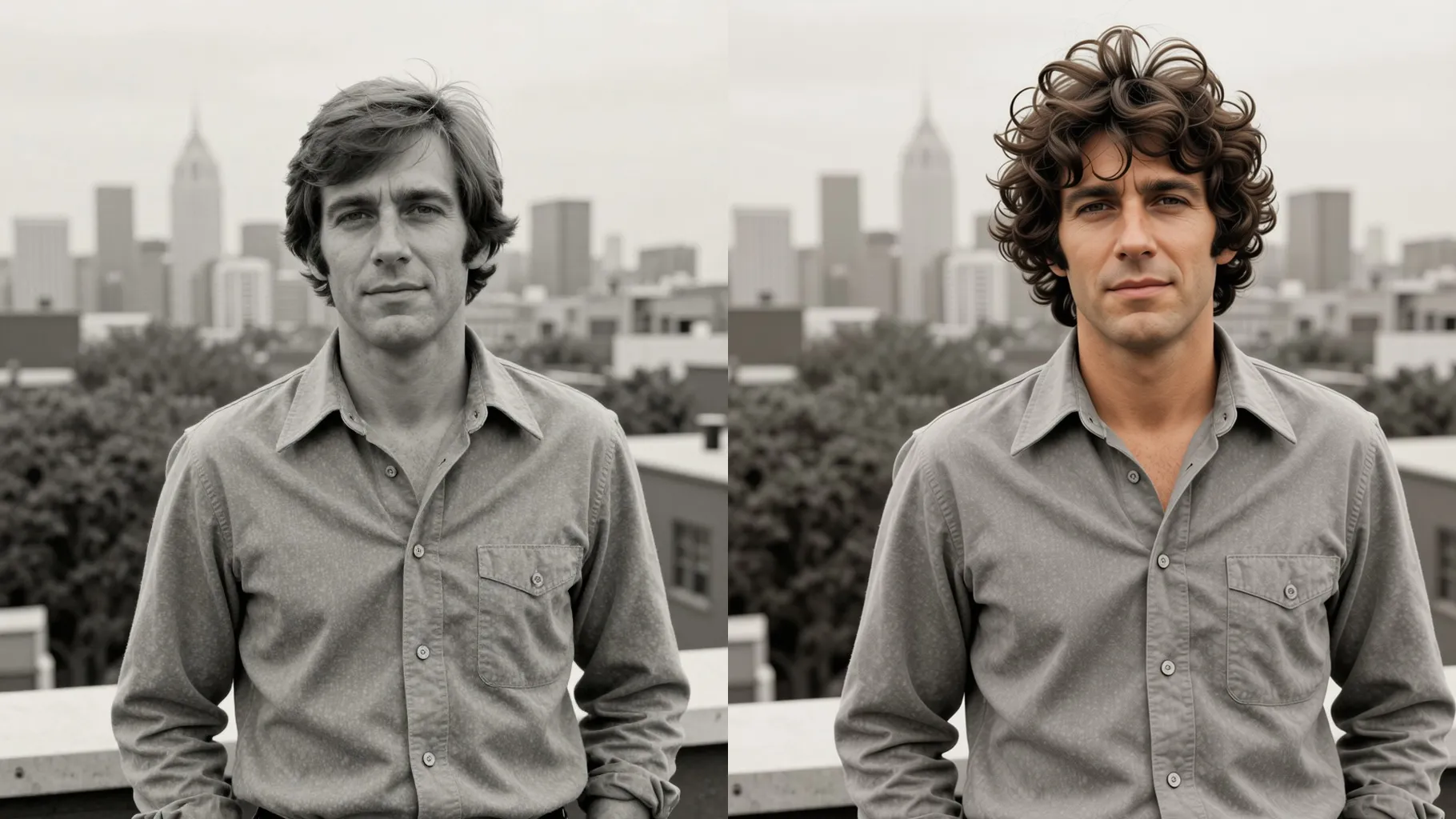
The model masks your hair, adds curl definition, reduces frizz, and preserves forehead, brows, and facial details for a believable try-on.
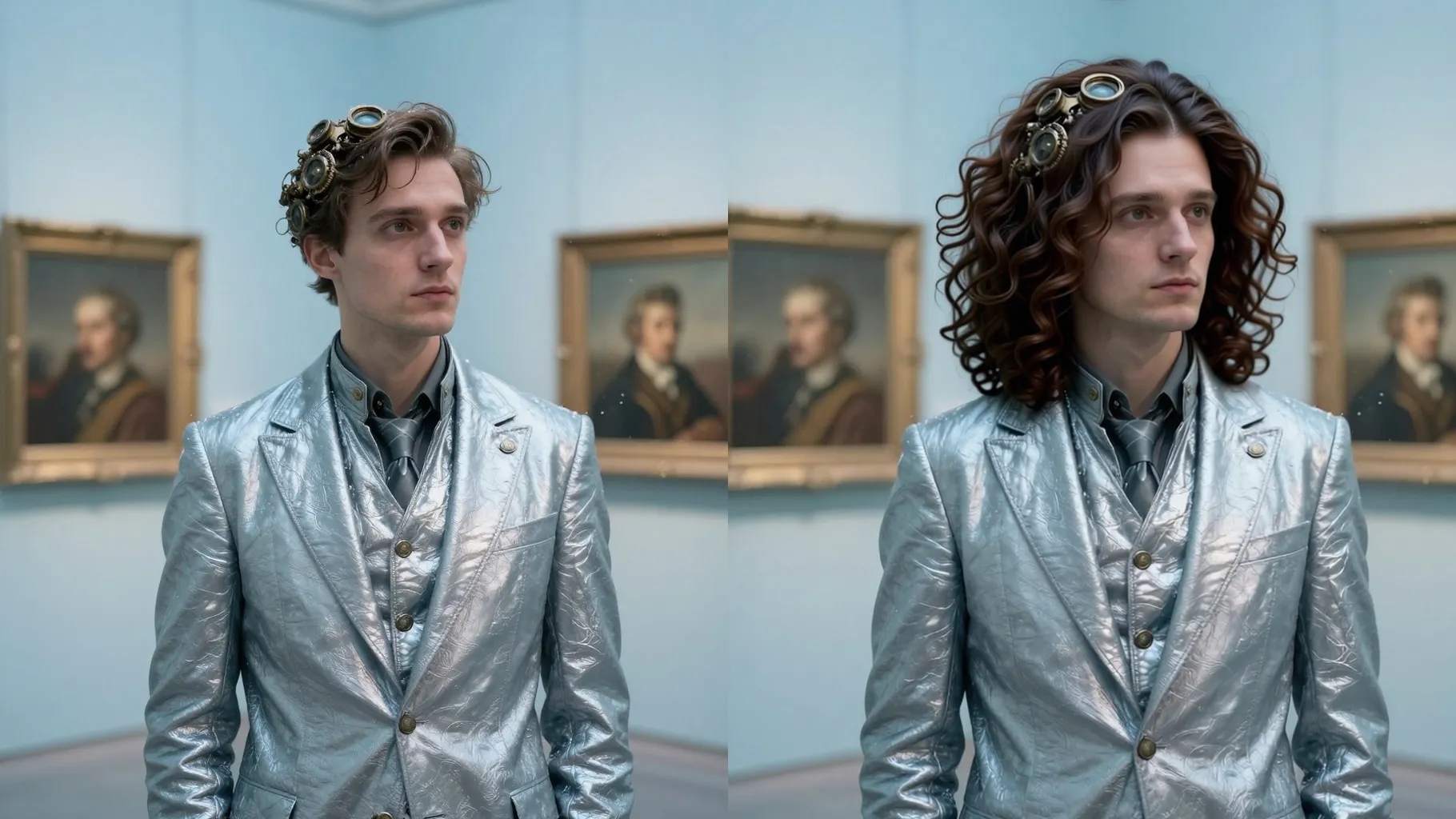
Add quick notes like "tight coils", "loose waves", or "side part" to set texture and body while lighting stays natural.
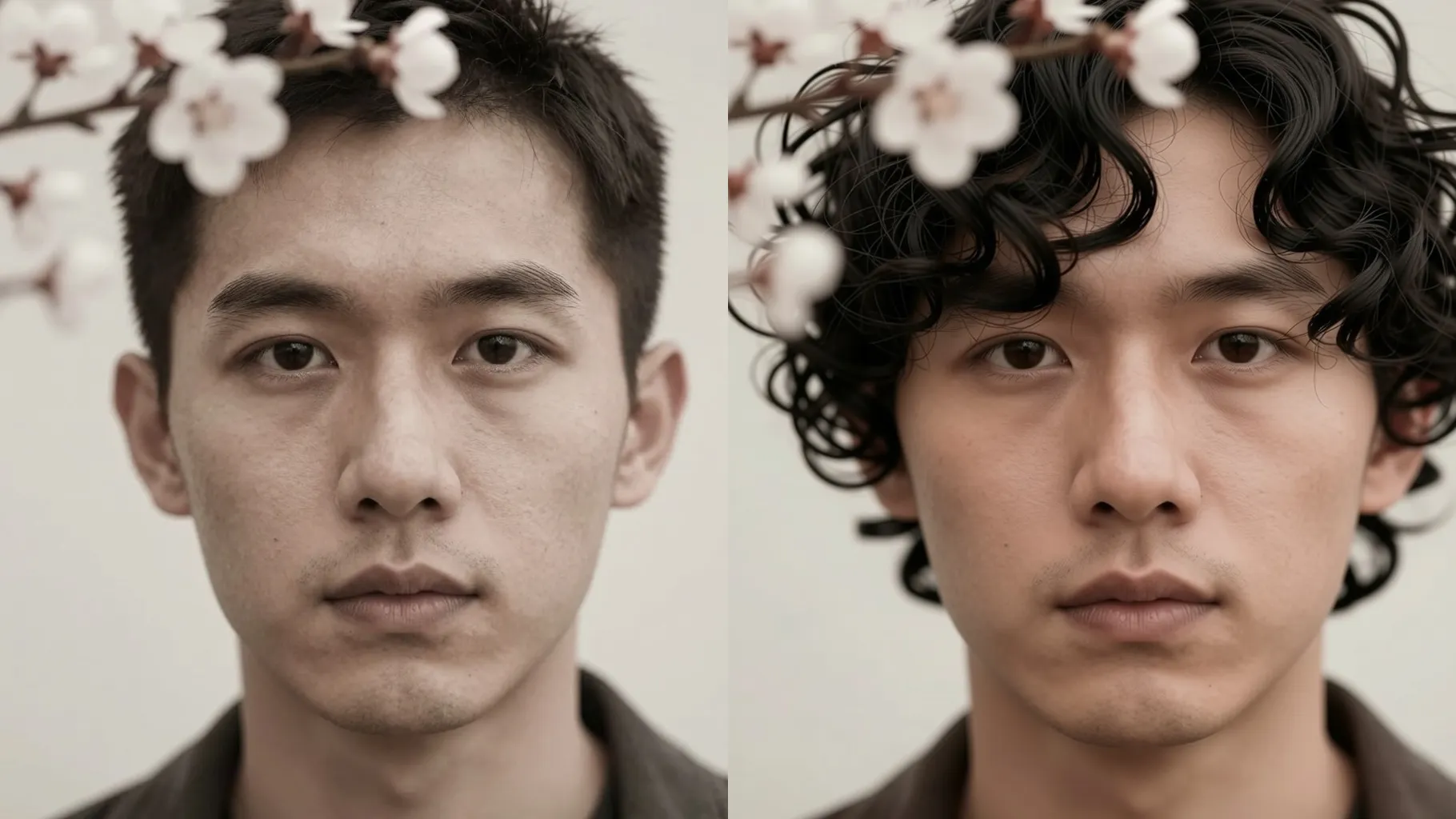
Use a front or 3/4 portrait with hair visible; avoid hats, heavy filters, or hair covering your face.
Mention ringlets, coils, or waves plus length and parting so the AI shapes the curls correctly.
Run the filter, review the curly render, rerun for variations, and download your favorite.
Upload one portrait at a time for accurate curl masking.
No. This curly hair filter is image-to-image and needs one upload.
Yes, keep hair visible and uncovered so the model can reshape it into curls.
It focuses on hair texture and volume while keeping your face shape, skin tone, and background natural.
Use JPG, PNG, or WebP under 10MB for sharp results.
Aspect ratio and model switching stay off to keep curly results consistent.

Generation time depends on the model, image size, and queue. Check the task status on this page.