
1. How many images can I upload per run?
Upload one portrait at a time for the most consistent bald conversion.
See yourself with a clean shaved head from one portrait upload while keeping facial details natural.
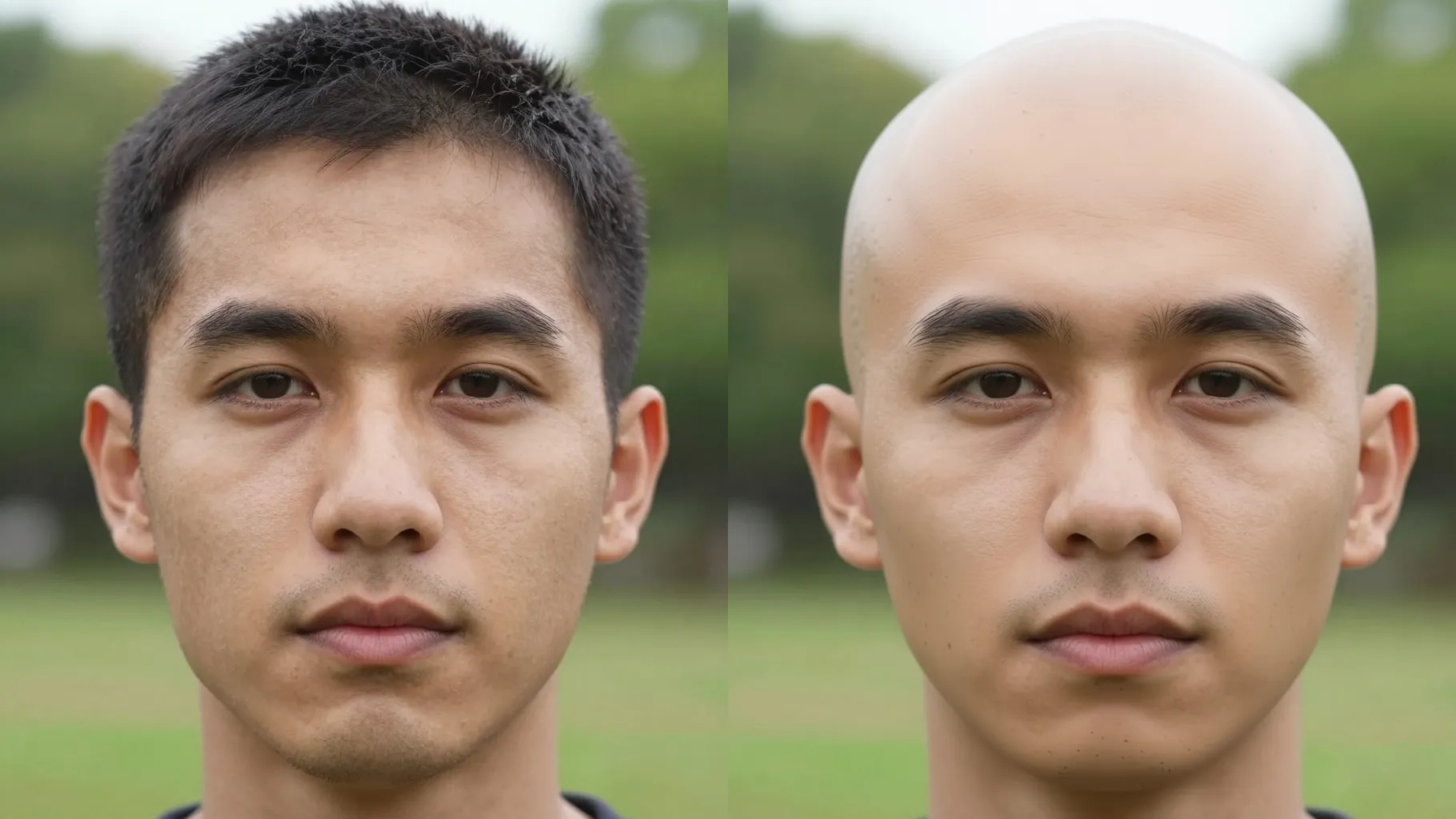
Swaps your hair for a clean shaved scalp while keeping eyebrows, face shape, and lighting consistent from one upload.
Examples show the target style. Your result depends on the chosen model and reference photo.
Upload one clear portrait to see a realistic shaved-head version that keeps your facial details and natural lighting.
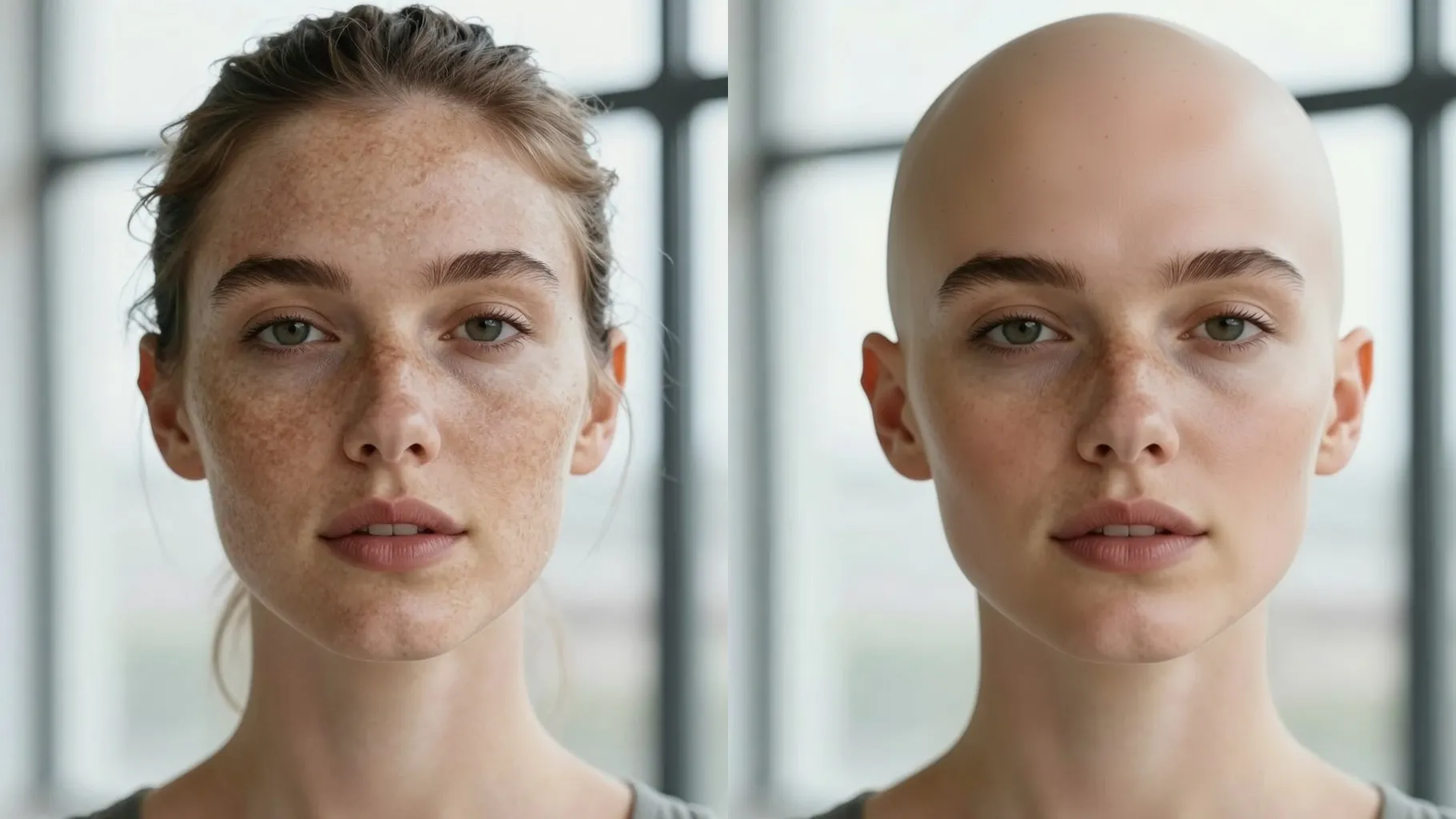
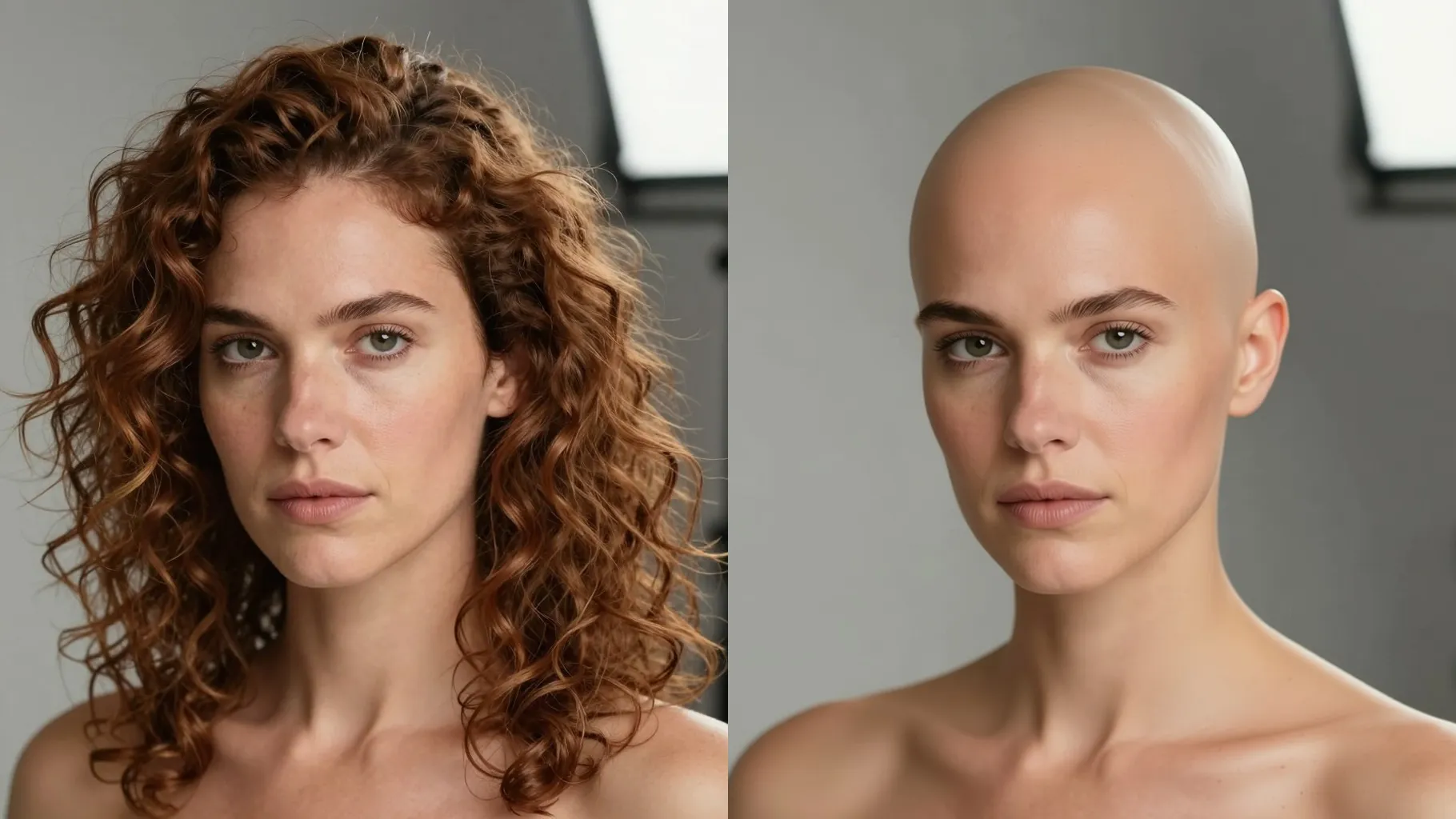
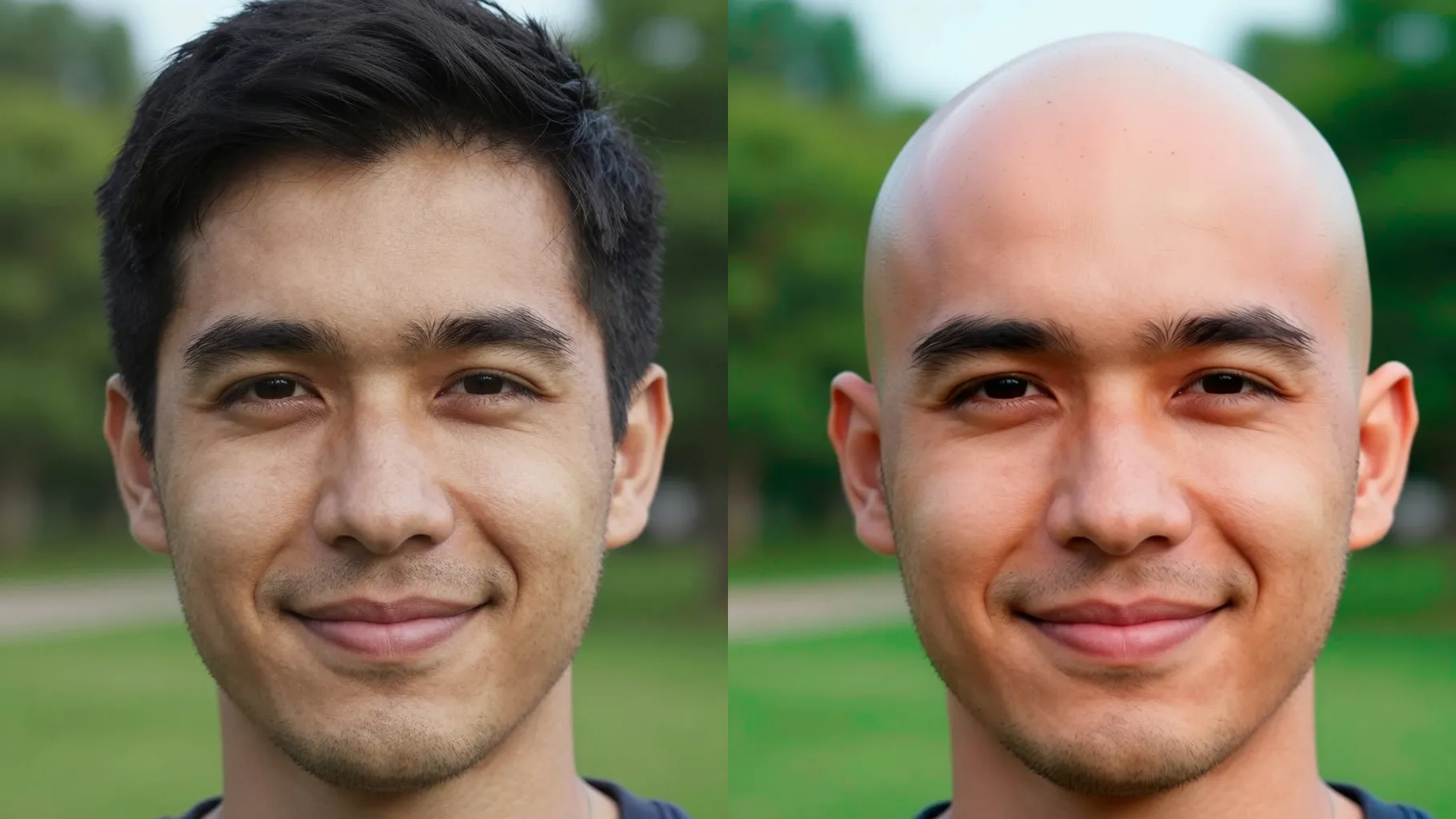
AI erases scalp hair while keeping eyebrows, eyes, and jawline sharp so the bald preview still looks like you.
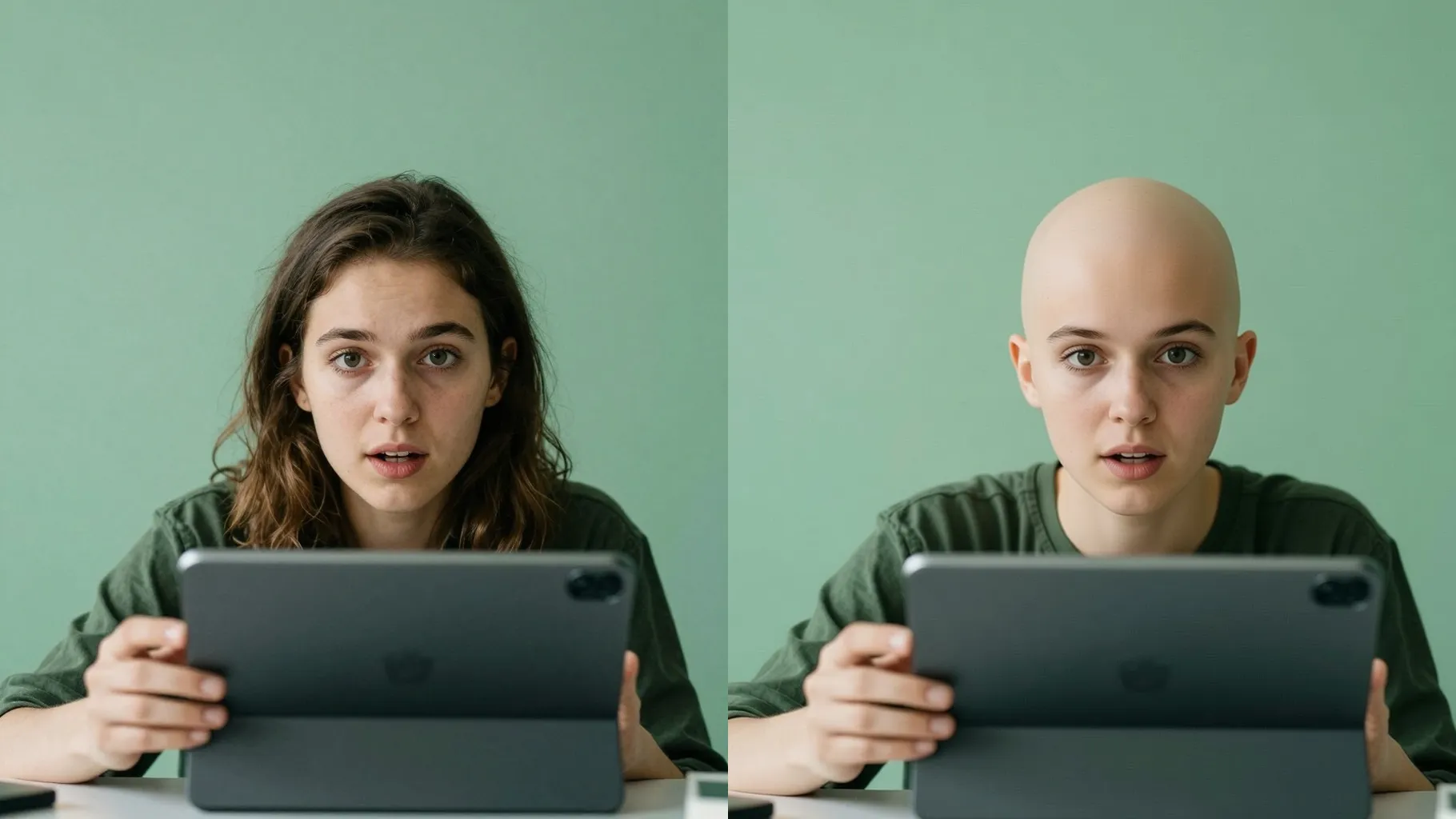
Adds gentle reflections and skin texture on the scalp, balancing highlights and shadows for a photoreal bald look.
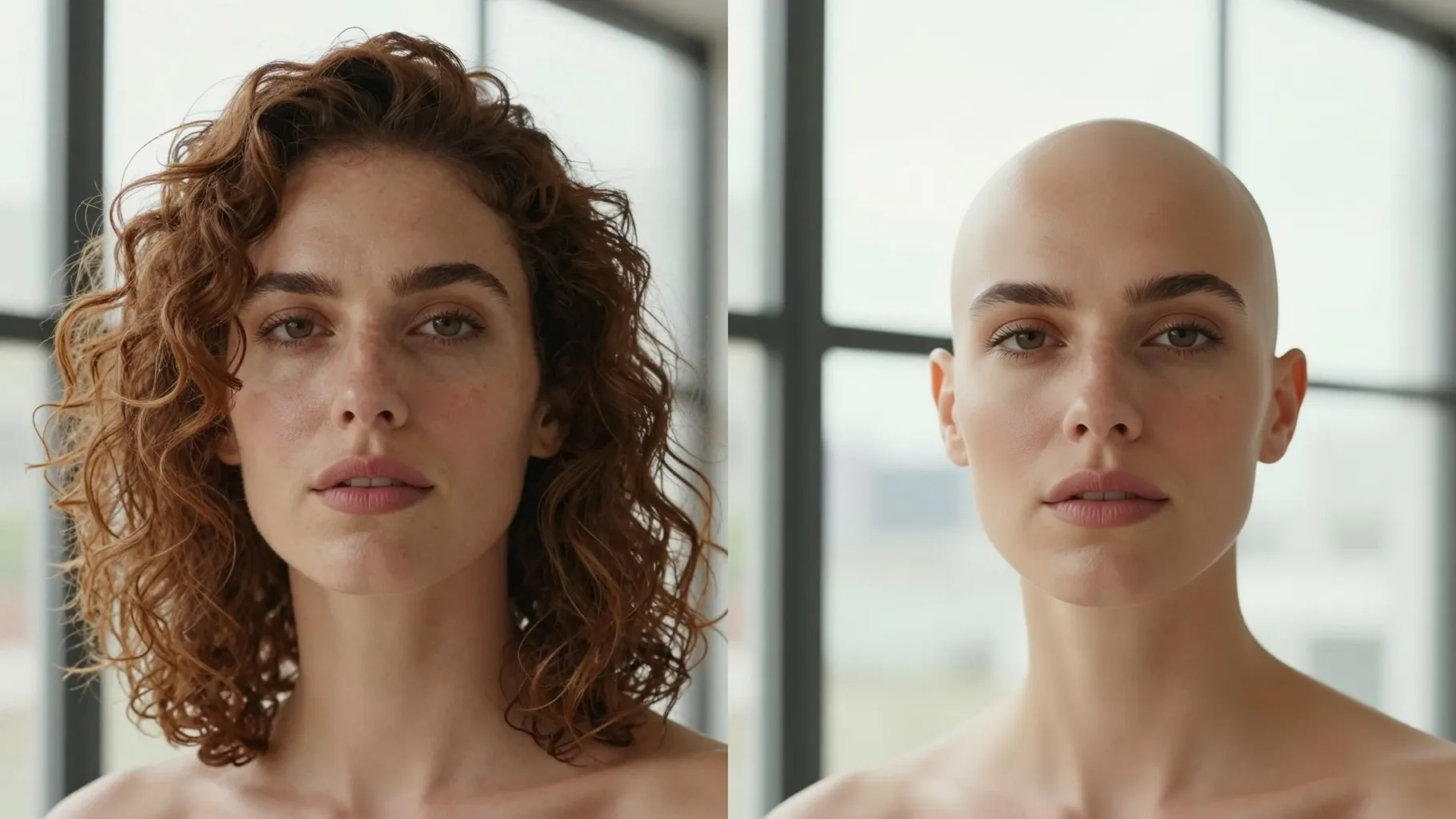
Use a front-facing or 3/4 headshot with your hair visible; avoid hats, hoods, or hands covering your head.
Optional: mention mood or background like \"studio light, neutral wall\" to guide the final render.
Run the filter, check the bald preview, rerun if you want variations, then save your favorite.
Upload one portrait at a time for the most consistent bald conversion.
No. This filter is image-to-image and needs one uploaded headshot.
It keeps eyebrows and most facial hair, focusing on removing scalp hair; heavy beards may remain.
JPG, PNG, or WebP under 10MB process quickly while keeping detail intact.
The canvas stays square; crop your photo beforehand if you need another ratio.
Yes. Add a short prompt about lighting or background to adjust the scene.
Model switching is disabled to keep bald results consistent.

Generation time depends on the model, image size, and queue. Check the task status on this page.