
AI Polaroid Maker

Transform digital shots into instant-film keepsakes with an ai polaroid maker that remembers presets and borders.

Loading available models…

AI Polaroid Maker

Transform digital shots into instant-film keepsakes with an ai polaroid maker that remembers presets and borders.

AI Polaroid Maker
Slide 1 / 2

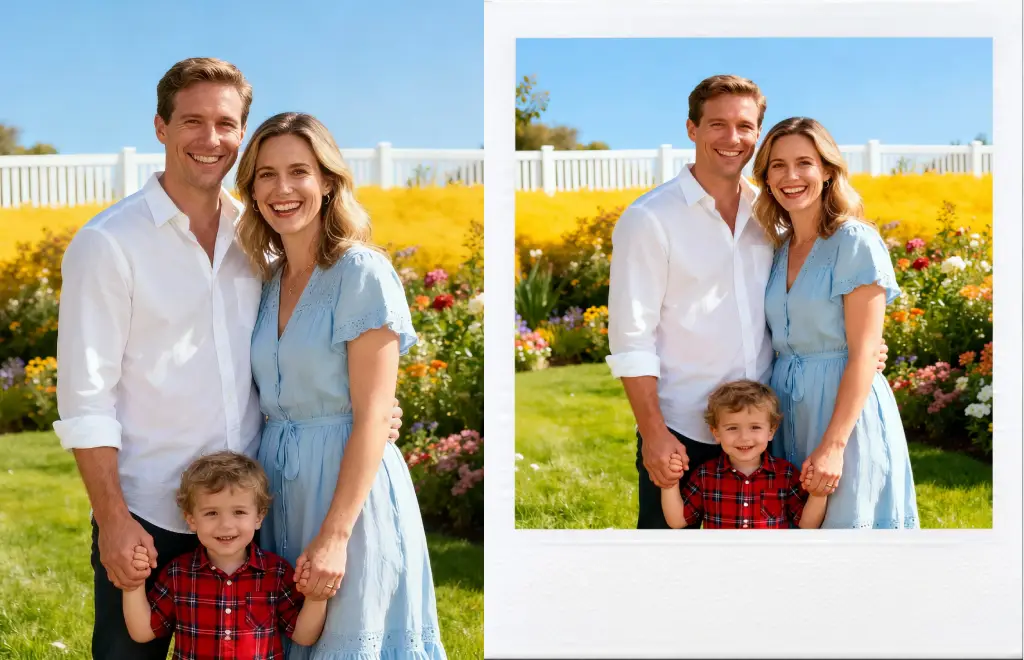
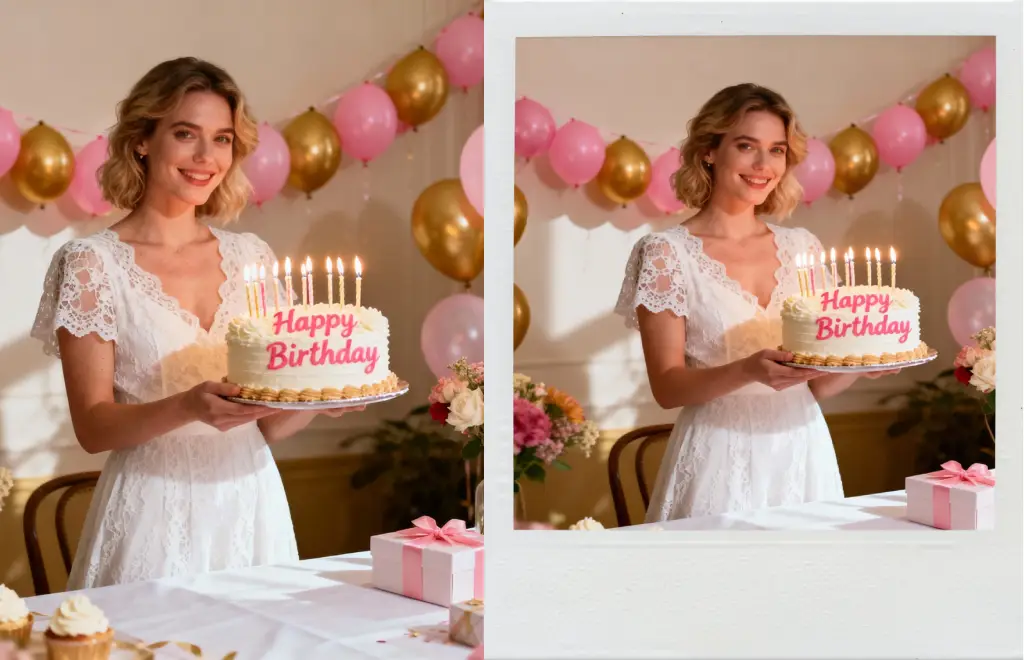
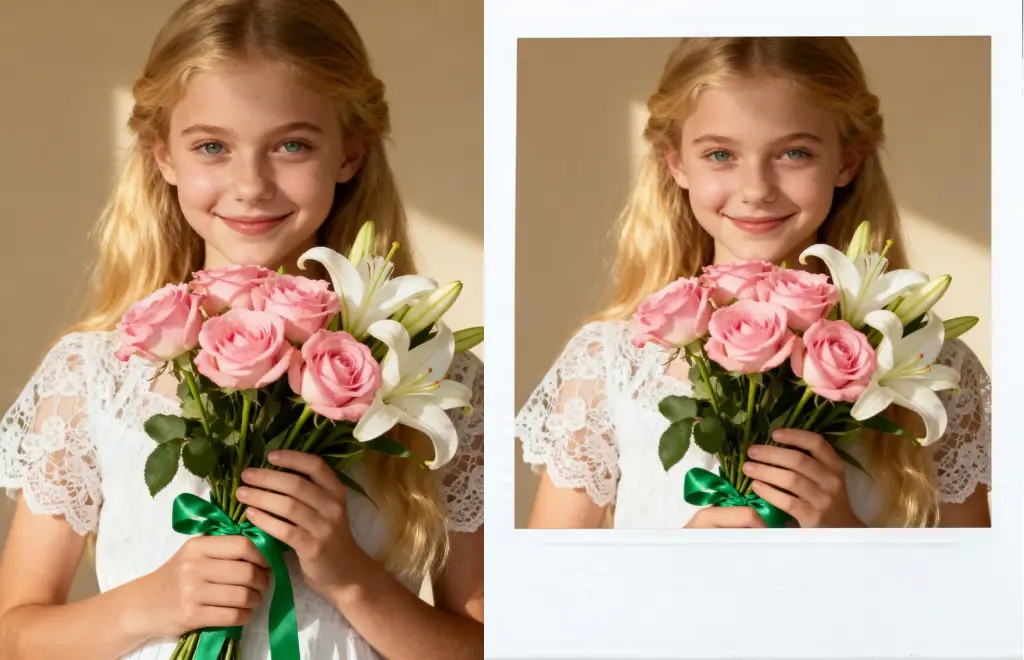
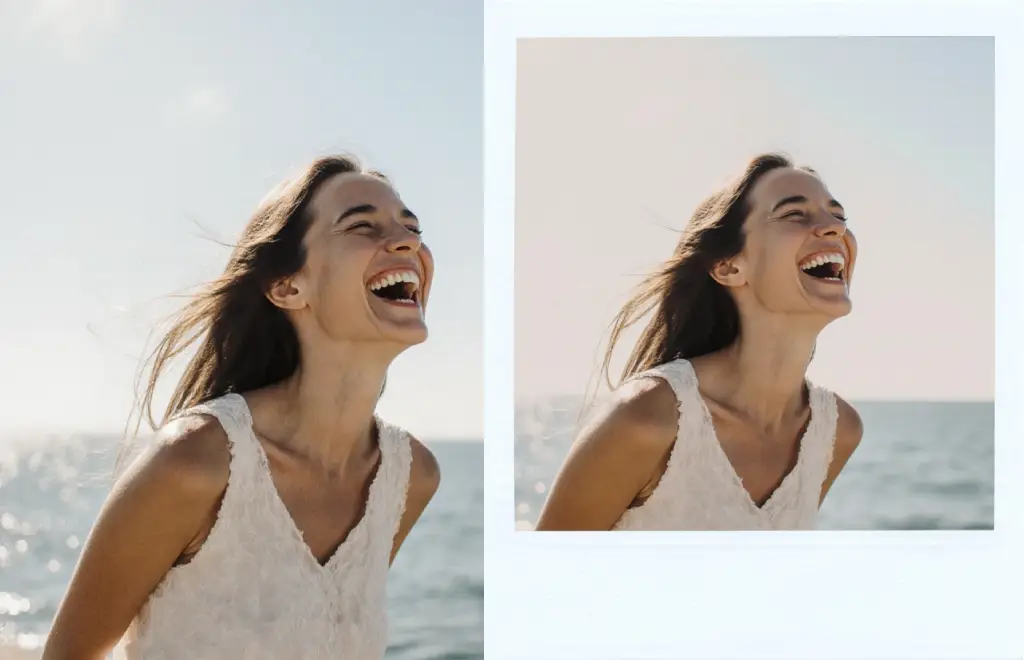
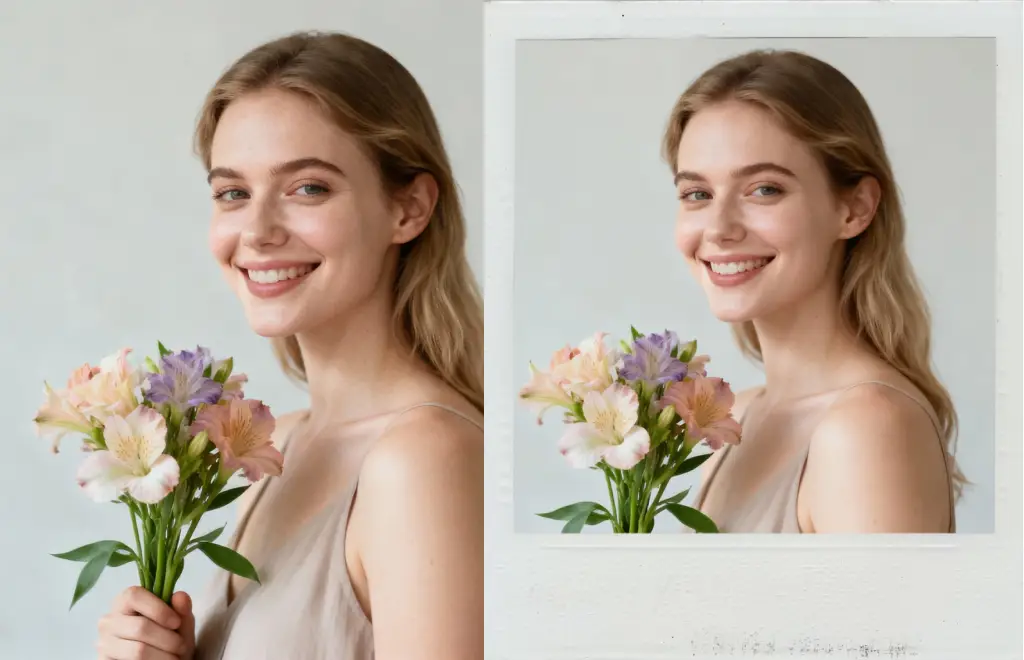
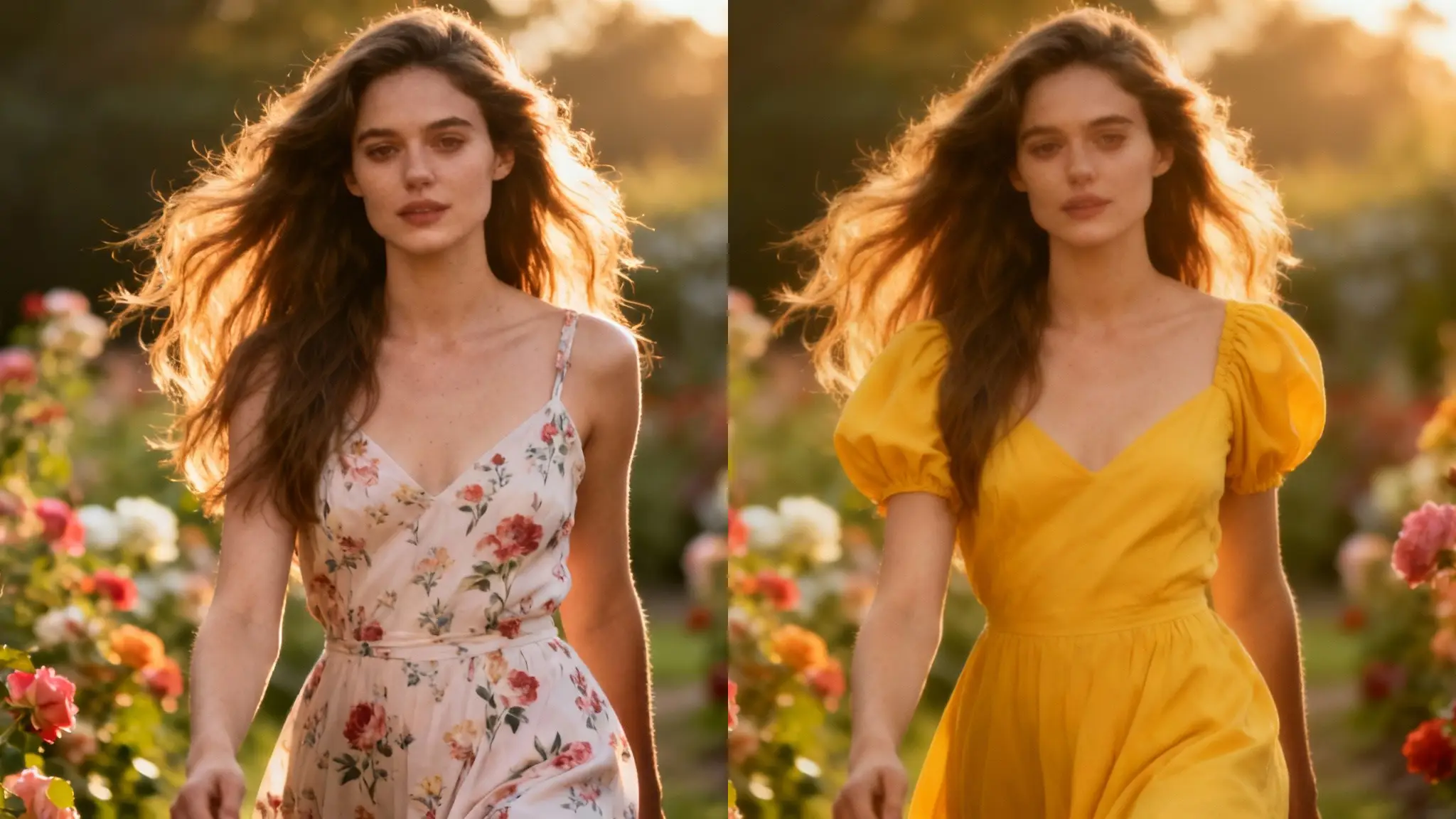
Before-and-after showing a portrait wrapped by the ai polaroid maker

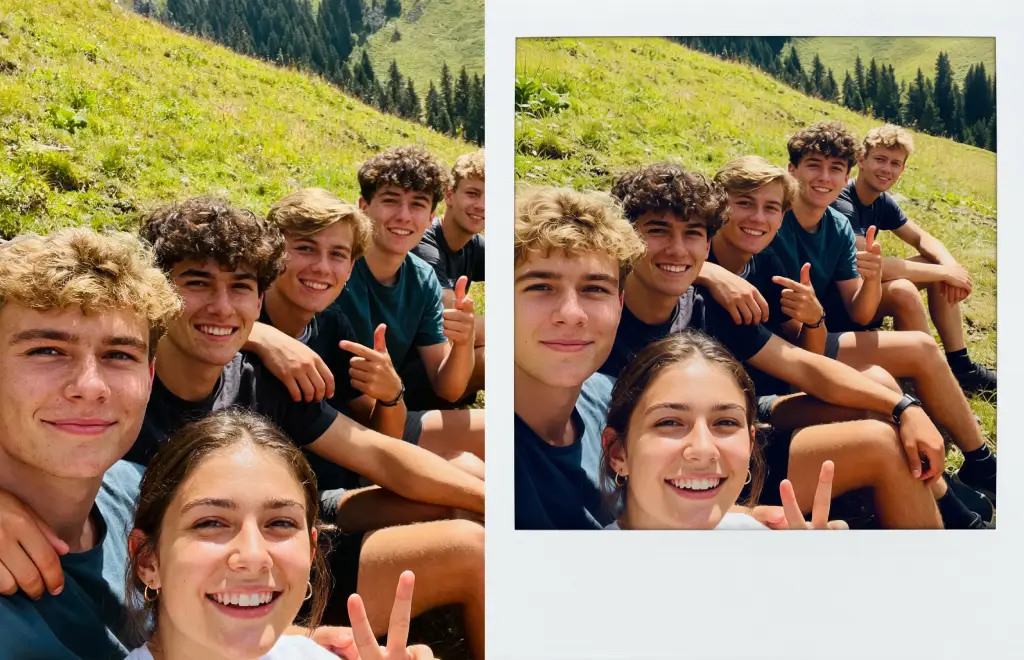
Examples show the target style. Your result depends on the chosen model and reference photo.

AI Polaroid Maker for Instant Nostalgia

Turn any photo into a believable instant print with textured borders, captions, and film chemistry in a few clicks.

Authentic Film Chemistry

Layered grain, bleed, and ink simulations recreate the tactile feel of instant film without extra plug-ins.

AI Polaroid Maker

Batch Storytelling

The featured gallery displays layered polaroids taped to a journal, exactly what this template outputs when you want retro stories for travel recaps or product drops.

AI Polaroid Maker

How to Create Polaroid Effects

  1. 1. Upload a crisp photo

    Keep subjects centered and backgrounds tidy for the most realistic result.

  2. 2. Pick film + extras

    Select frames, handwriting styles, light leaks, and tapes to match your story.

  3. 3. Render & export

    Preview the stack, tweak if needed, and download PNG/JPG or print-ready files.

AI Polaroid Maker FAQs

1. Which photos work best?

Bright portraits or product shots with clean edges give the ai polaroid maker enough detail to keep subjects sharp while adding film textures. The AI polaroid maker layers film grain, handwriting, and tape automatically, so each export looks like a curated keepsake.

2. Can I change frames and captions?

Yes. Pick borders, tapes, and handwriting fonts, then type a short caption to match the mood before exporting. The AI polaroid maker layers film grain, handwriting, and tape automatically, so each export looks like a curated keepsake.

3. How fast is rendering?

Generation time depends on the model, image size, and queue. Check the task status on this page.

4. Do existing edits stay intact?

Absolutely. Upload color-graded photos and the tool simply layers film grain and frames on top without flattening your work. The AI polaroid maker layers film grain, handwriting, and tape automatically, so each export looks like a curated keepsake.

5. What formats can I export?

Download PNG or JPG stacks for social posts, plus optional print-ready PDFs with bleed guides if you need physical copies. The AI polaroid maker layers film grain, handwriting, and tape automatically, so each export looks like a curated keepsake.

6. Can I add light leaks or textures?

Blend authentic dust, scratches, or chemical blooms with simple sliders until the print feels as vintage or clean as you want. The AI polaroid maker layers film grain, handwriting, and tape automatically, so each export looks like a curated keepsake.

7. Is scheduling built in?

No extra automation is required—just download files and post them wherever you like. The tool stays focused on generating art. The AI polaroid maker layers film grain, handwriting, and tape automatically, so each export looks like a curated keepsake.

8. Is my gallery private?

Sign in to access your generation history. See our privacy policy for image handling details.

9. Can the ai polaroid maker handle product launches?

Marketers shoot the product on white, upload it, and prompt for 'limited-edition polaroid'. The generator adds tape, scribbles, and vintage film tones that match unboxing campaigns. The AI polaroid maker layers film grain, handwriting, and tape automatically, so each export looks like a curated keepsake.

10. How do travelers use the ai polaroid maker?

They batch upload trip photos, run them through city-specific prompts, and print the resulting PNGs as journaling stickers or scrapbook inserts. The AI polaroid maker layers film grain, handwriting, and tape automatically, so each export looks like a curated keepsake.

11. Does it support captions in multiple languages?

Yes. Type any language into the caption field before exporting and the ai polaroid maker renders handwriting or typewriter text that matches the chosen frame. The AI polaroid maker layers film grain, handwriting, and tape automatically, so each export looks like a curated keepsake.

12. What about transparent backgrounds?

Choose the PNG with transparency option if you want to overlay the polaroid onto marketing layouts without the default canvas color. The AI polaroid maker layers film grain, handwriting, and tape automatically, so each export looks like a curated keepsake.

Publish AI Polaroid Prints Instantly

Upload, stylize, and download—everything you need to produce retro visuals lives in one simple generator.