
1. How many images can I upload?
This template uses one image at a time to keep the ESC keycap layout balanced and readable.
Turn one photo into a tiny 3D ESC keycap with resin shine, miniature props, and keyboard glow.
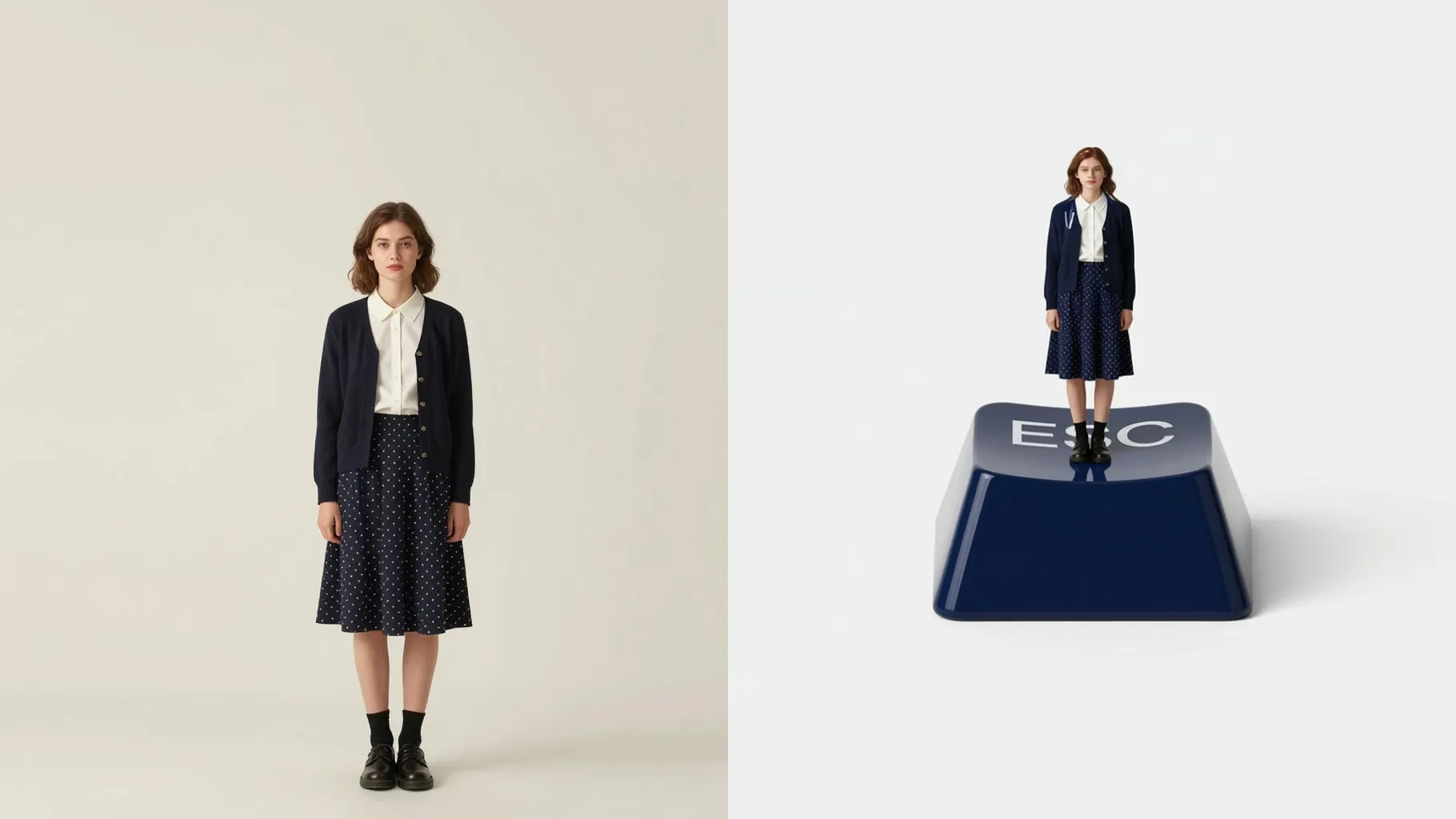
Upload one photo to mold it into a 3D ESC keycap with a miniature scene, glossy resin, and soft keyboard backlight.
Examples show the target style. Your result depends on the chosen model and reference photo.
Upload one photo and watch it turn into a glossy ESC keycap diorama with tiny props, resin shine, and keyboard glow.
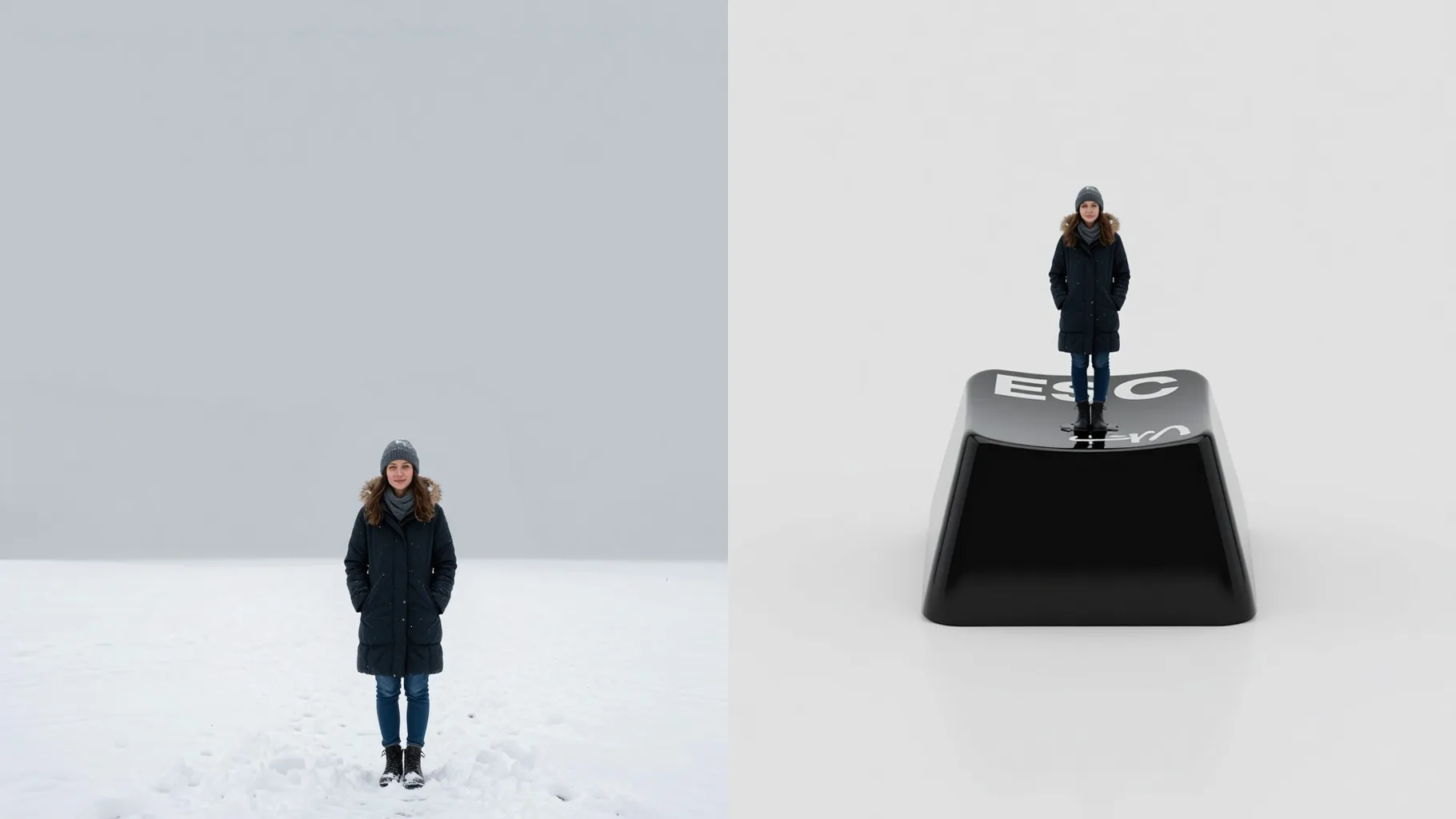
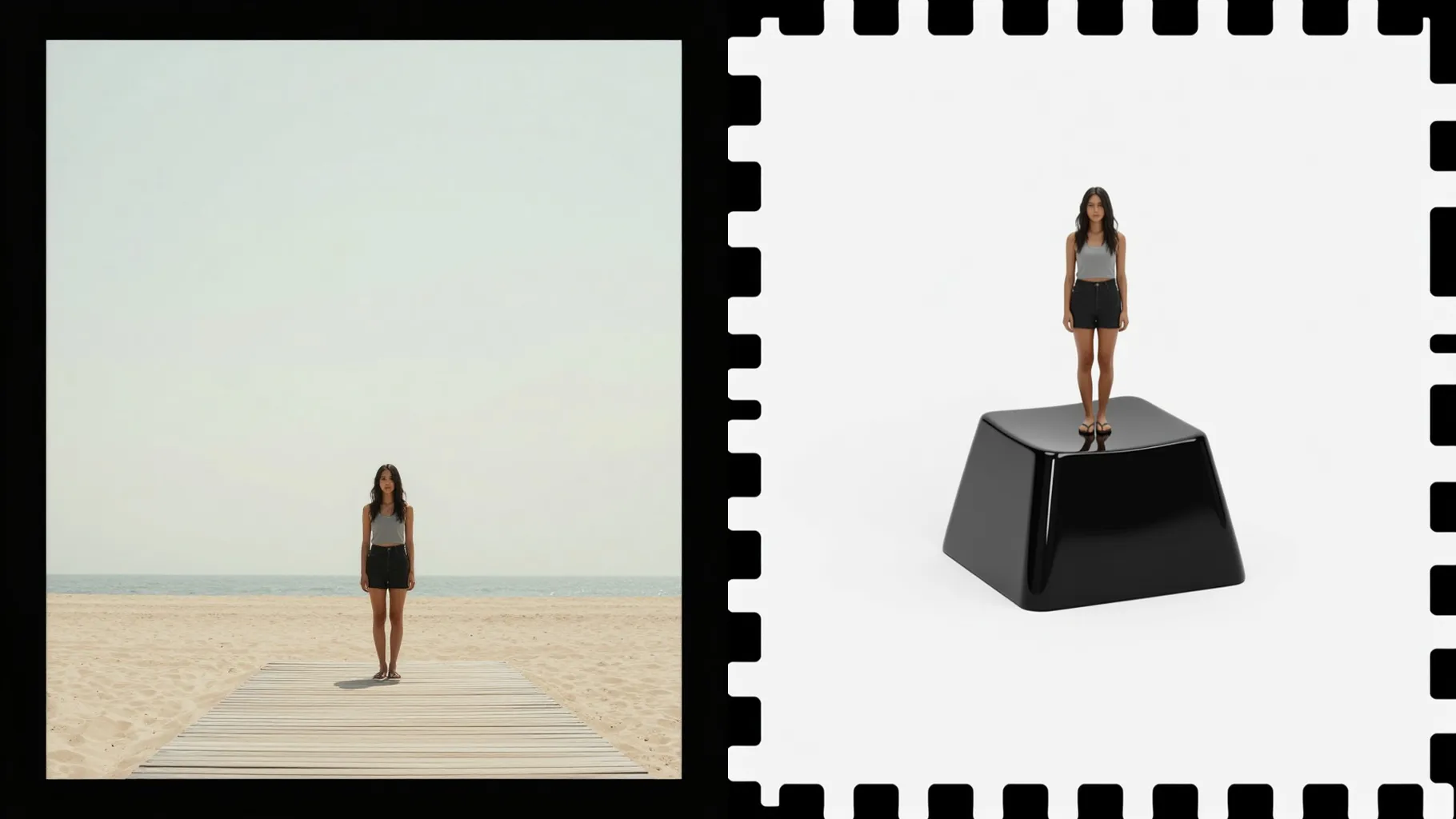
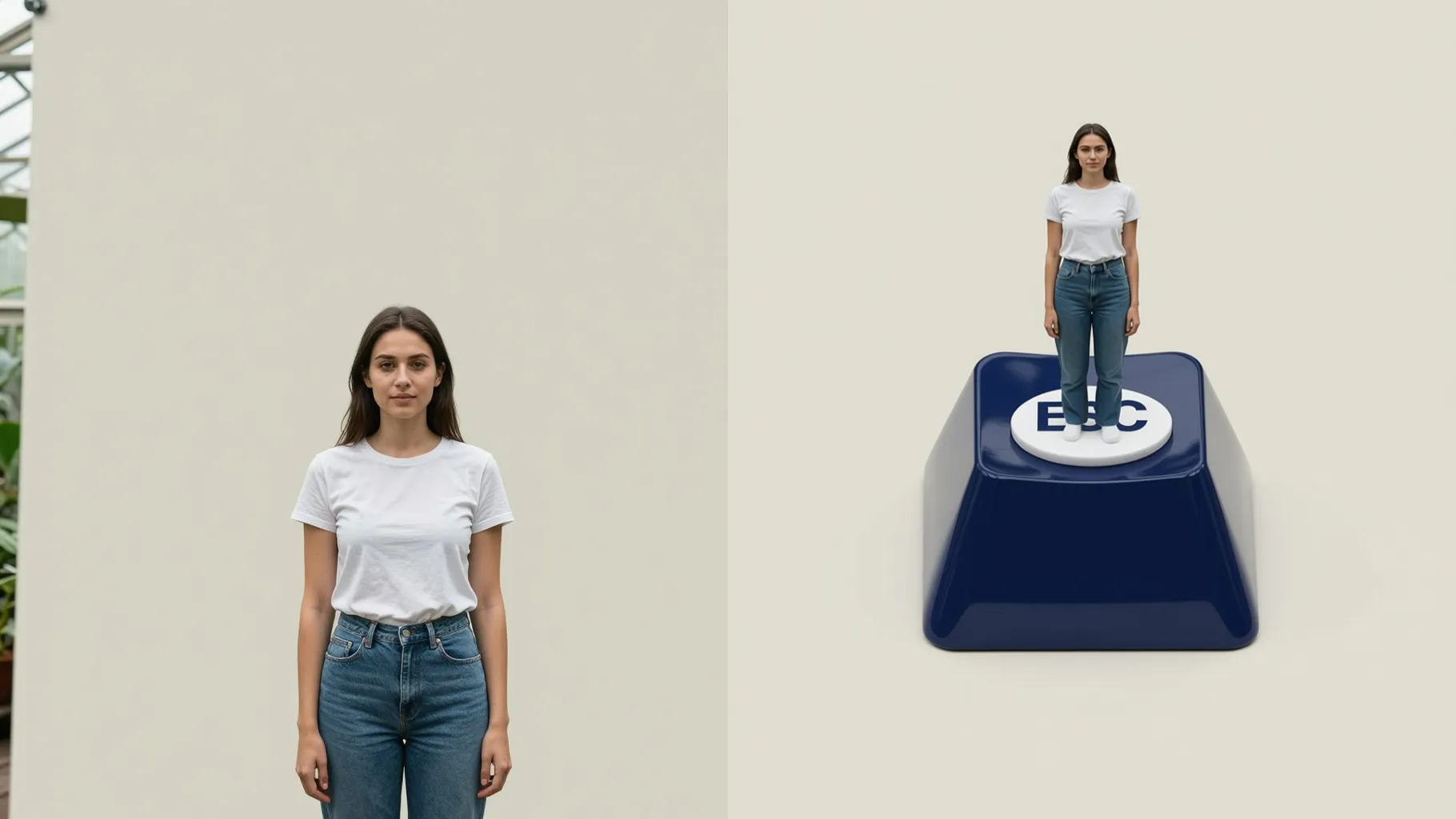
Keeps your face, logo, or object centered on the ESC key while shrinking it into a miniature layout.
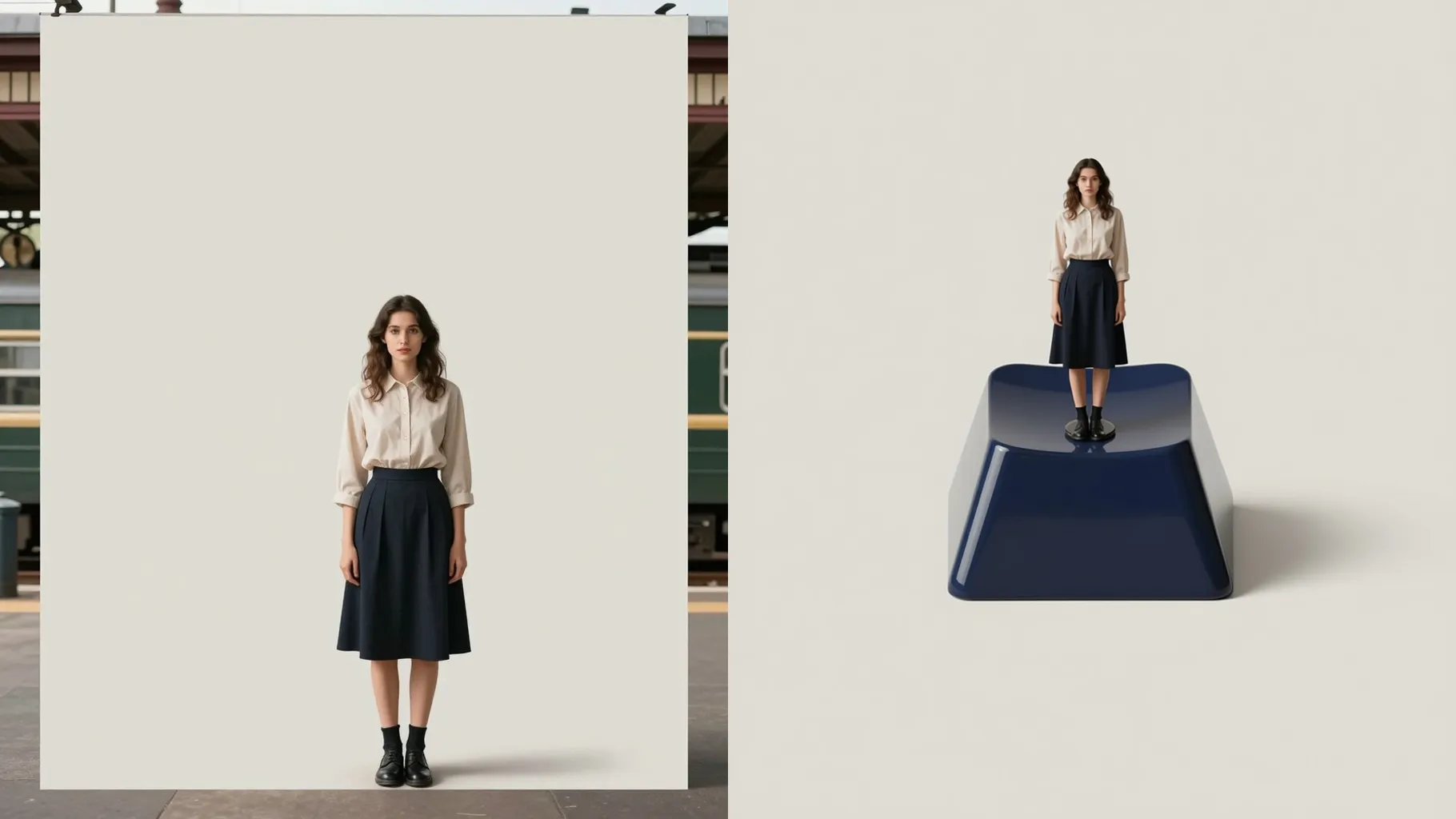
Adds glossy coating, soft backlight, and tilt-shift blur so the keycap feels like a handmade collector piece.
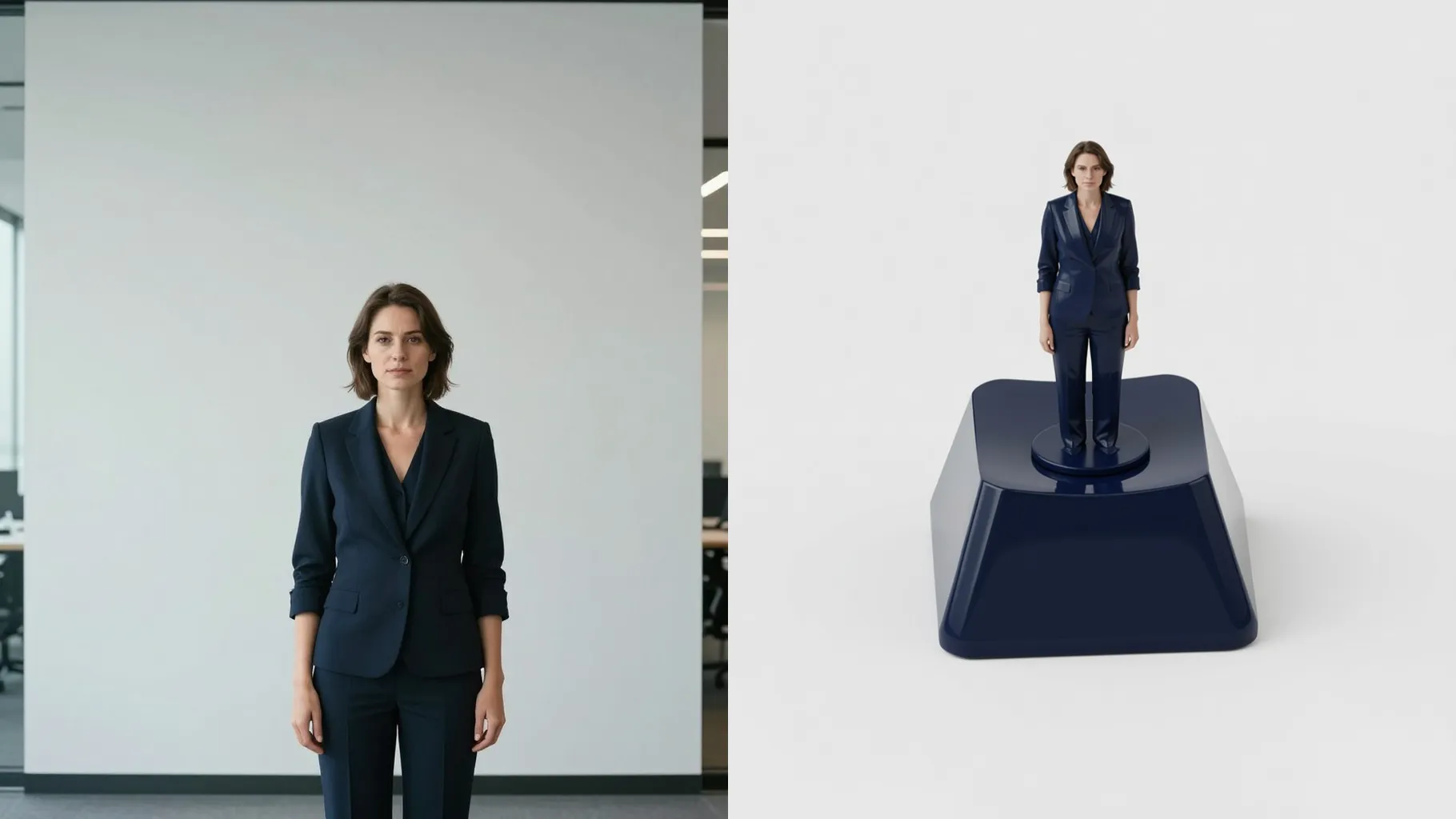
Use a centered subject on a clean background so the keycap layout stays sharp.
Mention colors, mood, or tiny props you want on the keycap in one quick line.
Generate the ESC key, rerun if you want tweaks, then save your favorite render instantly.
This template uses one image at a time to keep the ESC keycap layout balanced and readable.
A short note like “pastel jelly resin” or “cyber glow with cables” helps steer the tiny scene; keep it brief.
Yes. It preserves key details while shrinking them onto the keycap surface with clean outlines and lighting.
Aspect ratio control is off to avoid stretching the keycap canvas; crop your source image first if needed.
Model switching stays off so the resin shine and miniature depth remain consistent.
Yes. It handles faces, logos, or small props as long as they are centered and well lit.
Use JPG, PNG, or WebP under 10MB for faster rendering and sharper resin highlights.
No. This is an image-to-image effect and needs one upload to build the ESC keycap scene.

Generation time depends on the model, image size, and queue. Check the task status on this page.