
1. How many images can I upload per render?
This template supports one image at a time to keep the label crisp on the can.
Upload one photo to turn it into a playful soda can mockup with glossy cartoon shading.
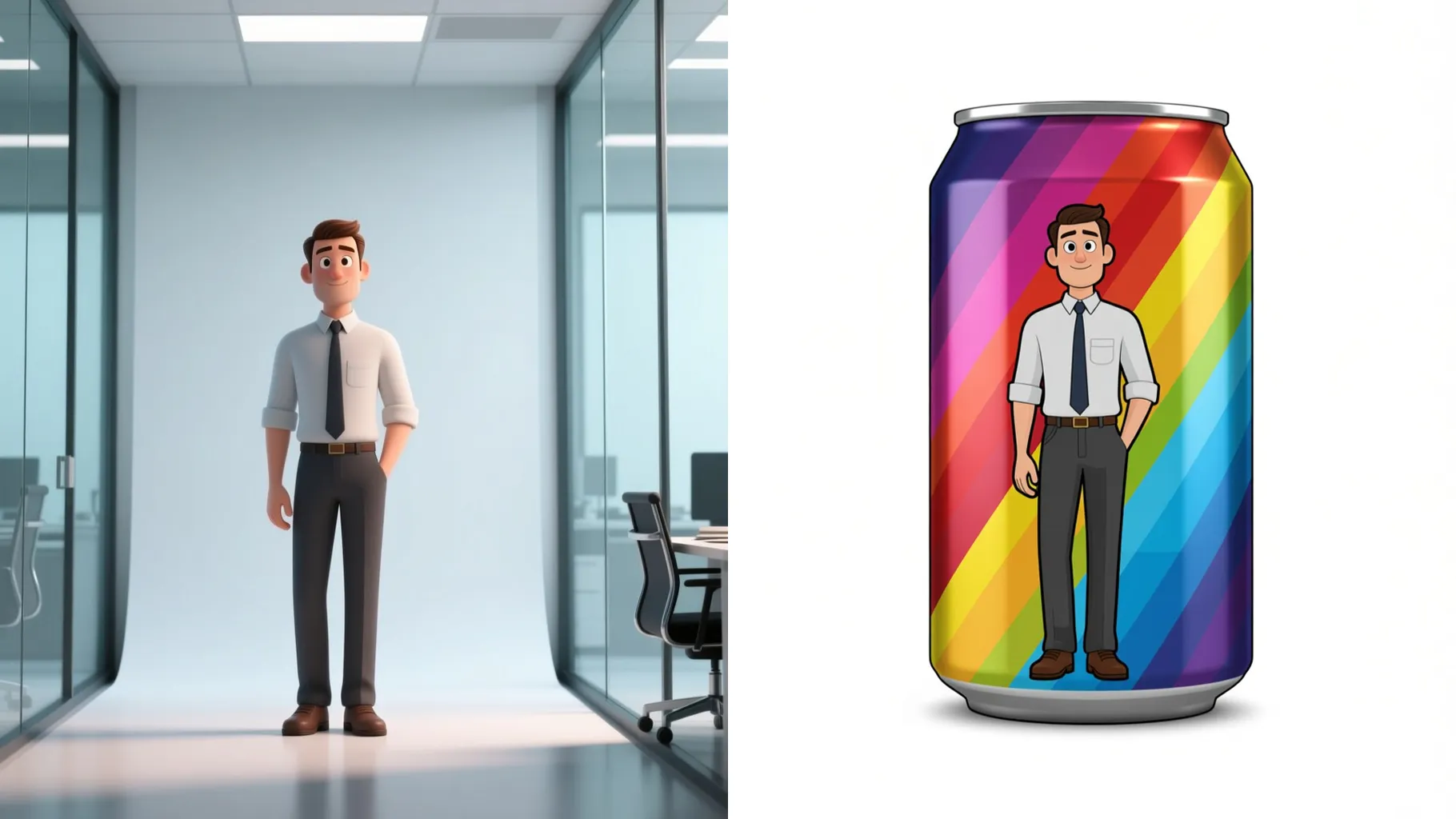
Wraps your uploaded photo onto a 3D soda can with bold cartoon outlines and shiny highlights.
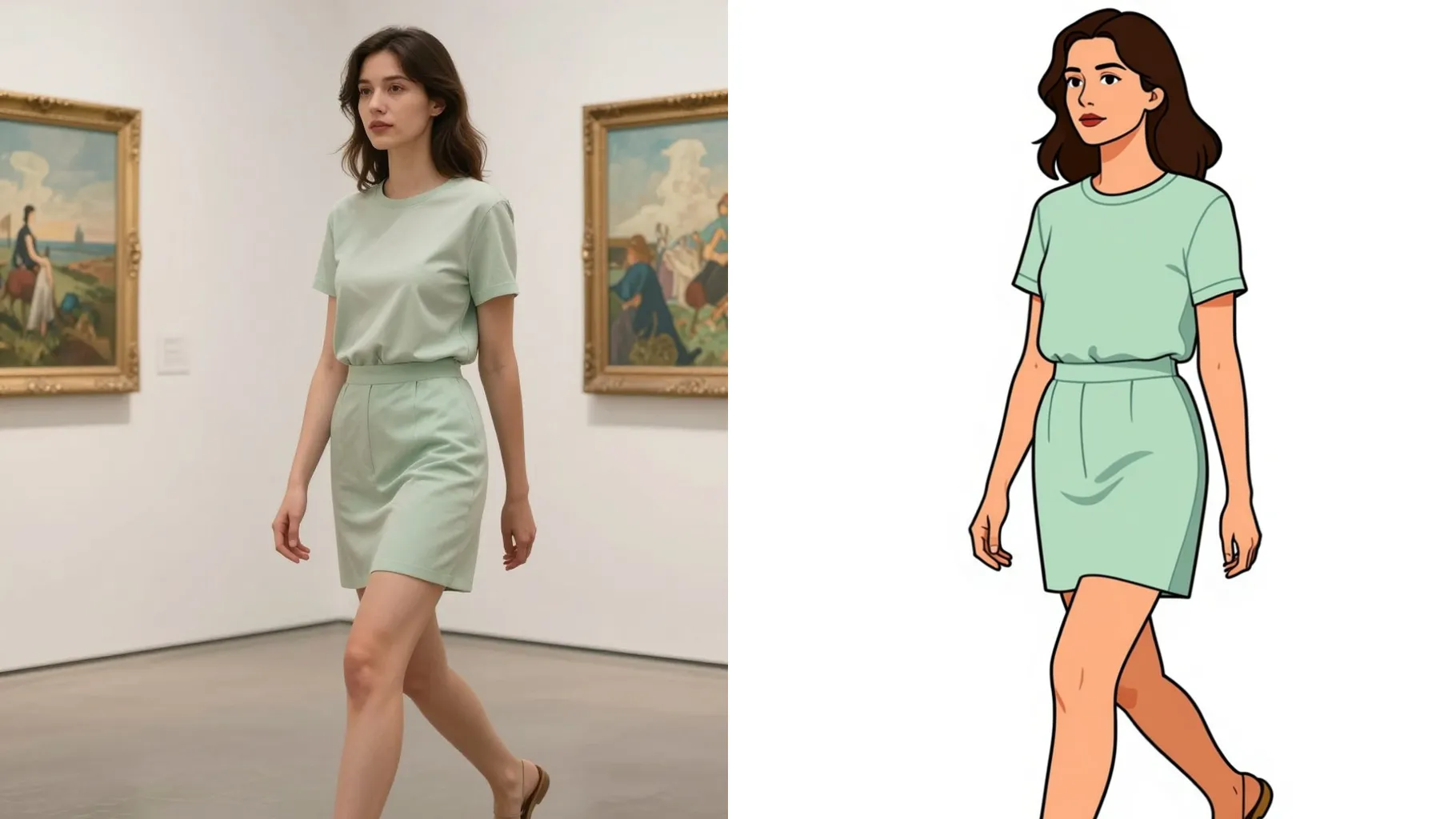
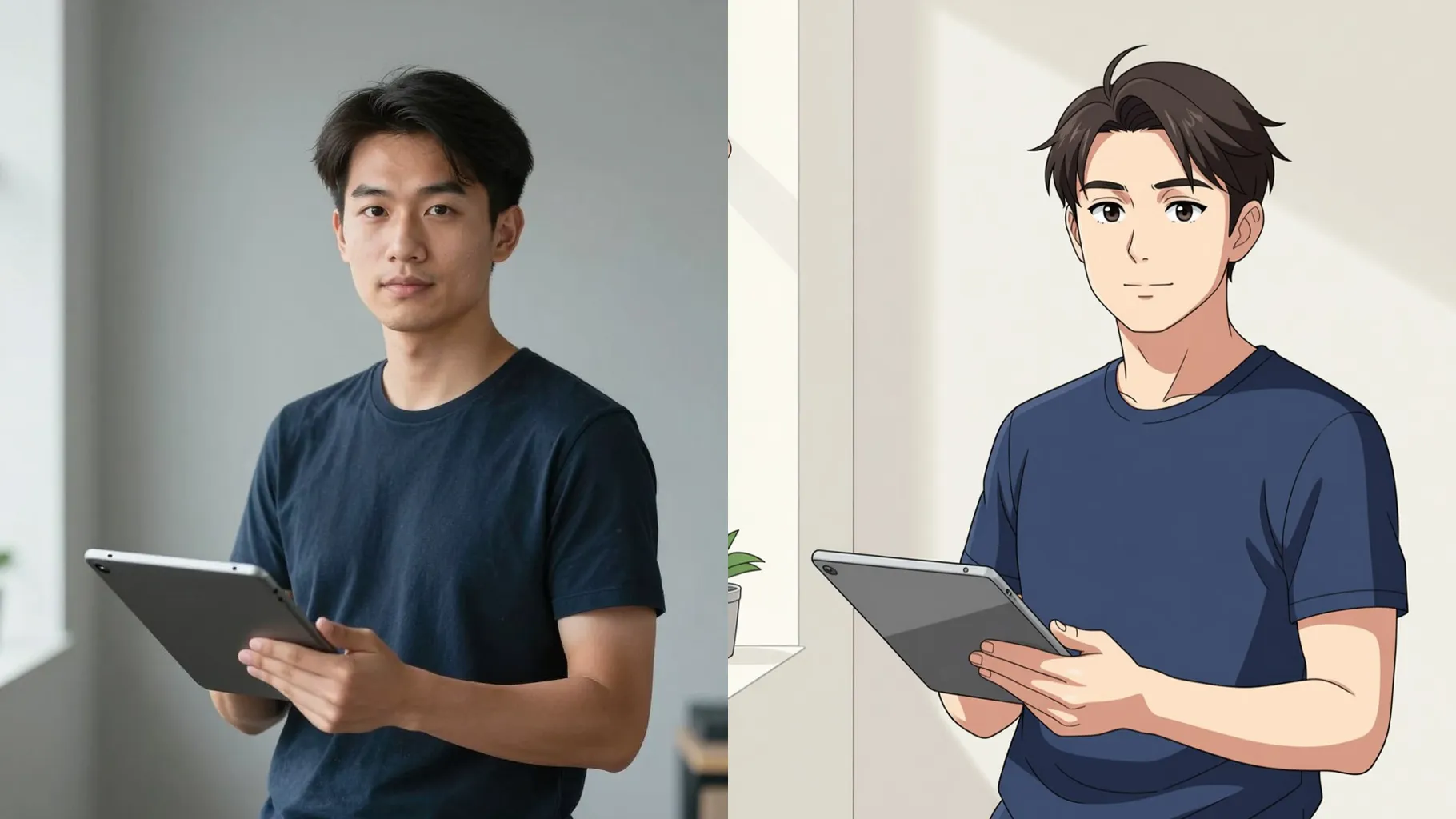
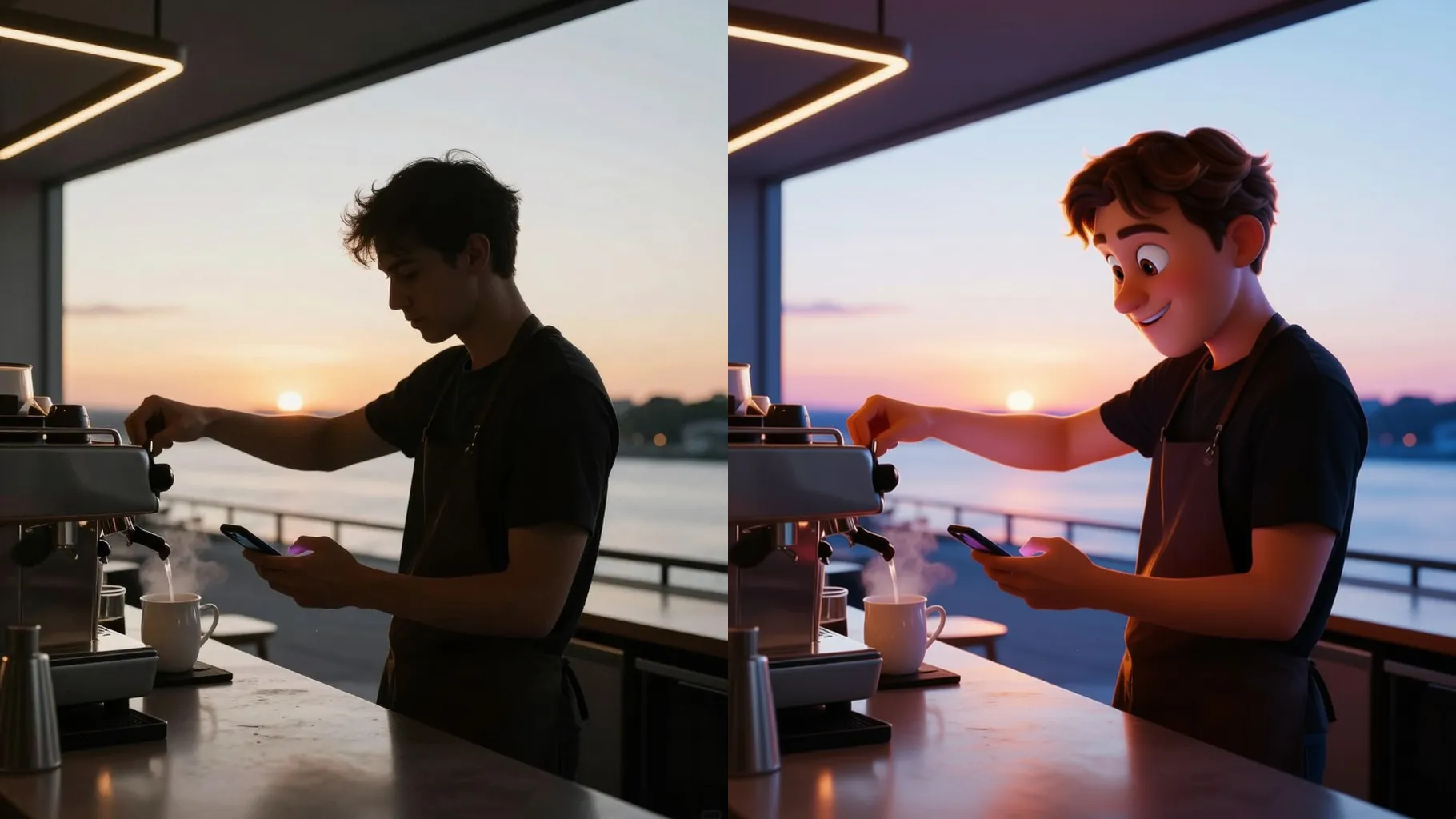
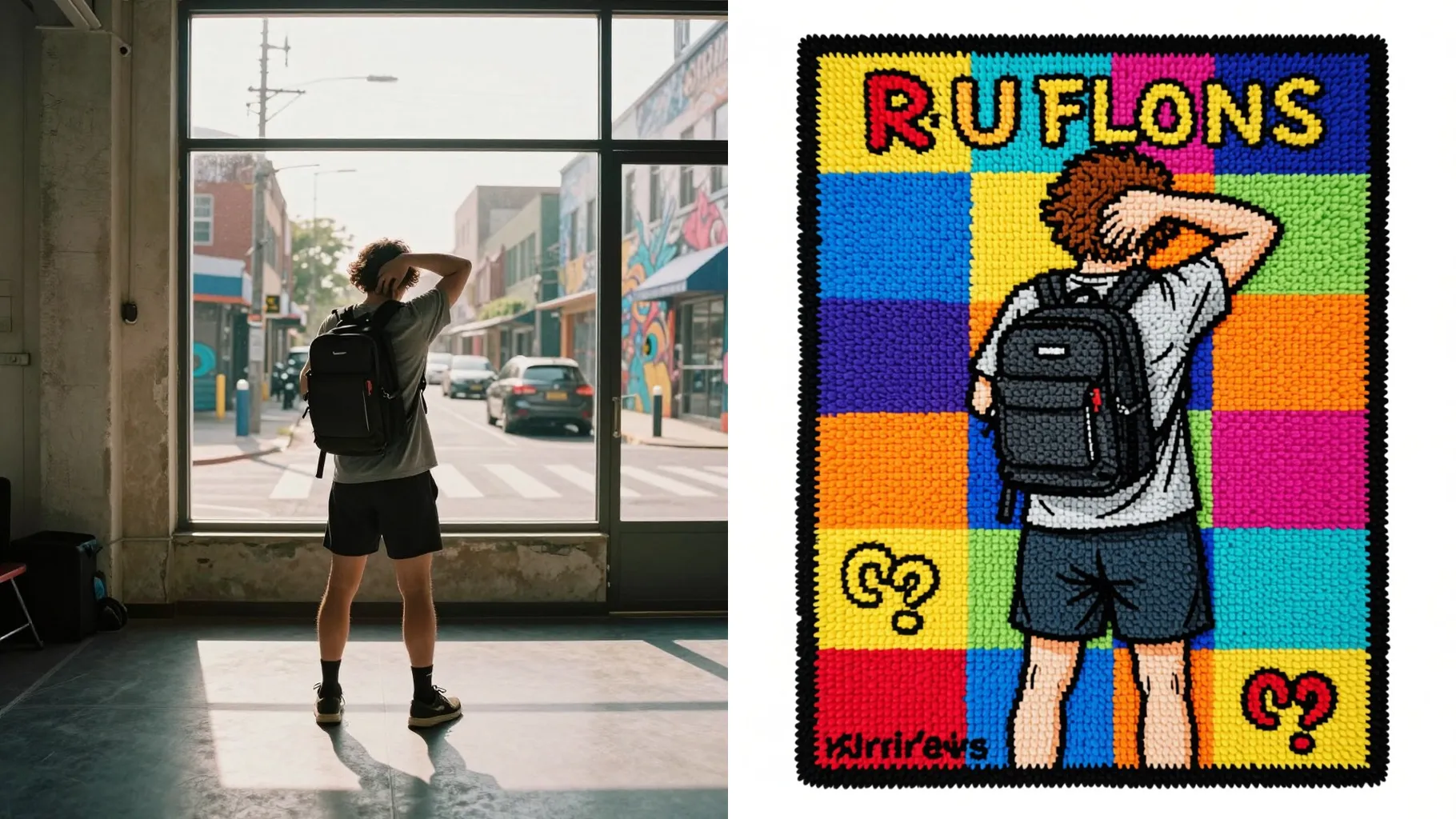
Examples show the target style. Your result depends on the chosen model and reference photo.
Upload one image to print on a playful soda can with cartoon shading, metallic shine, and bright label art.
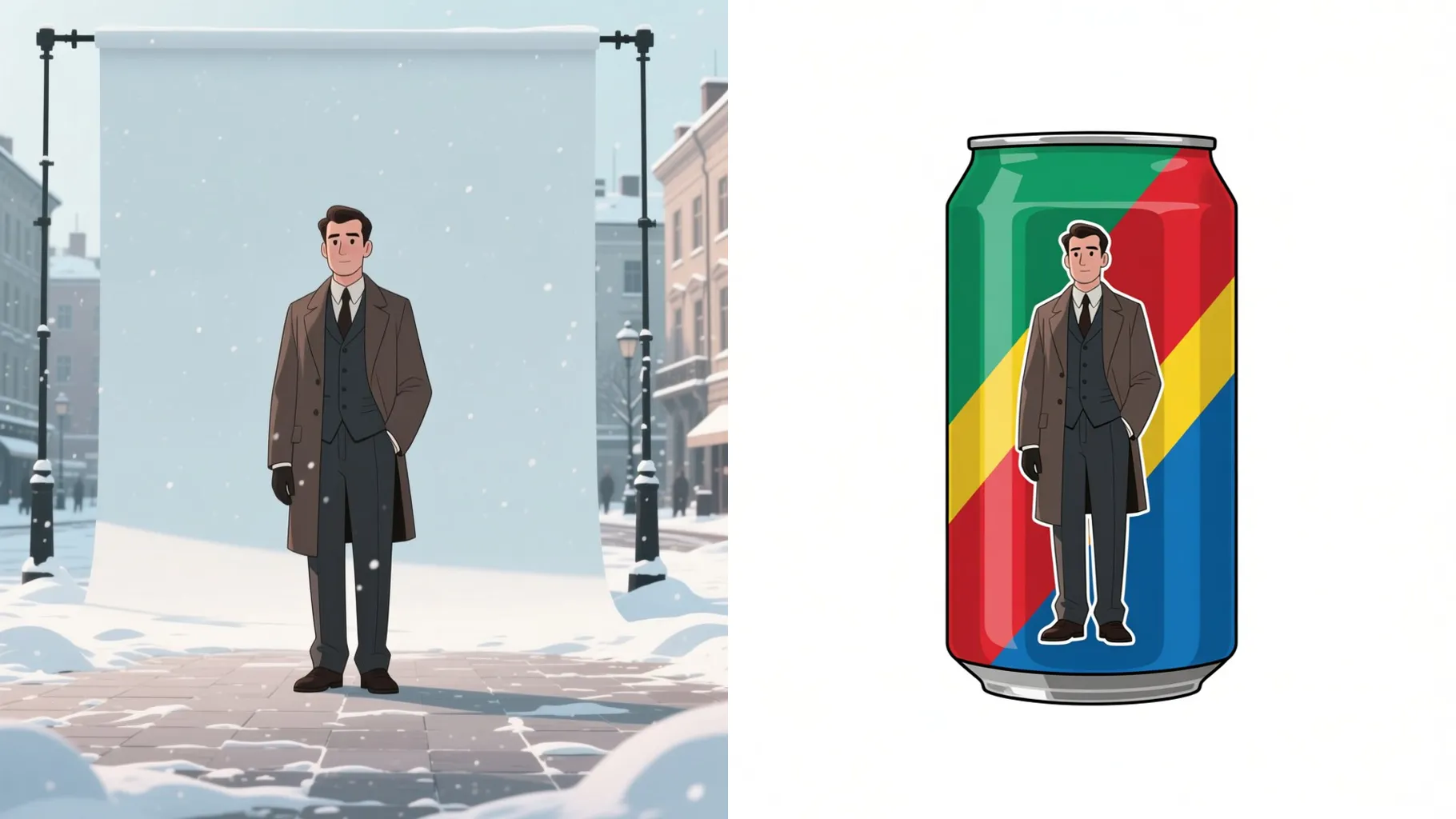
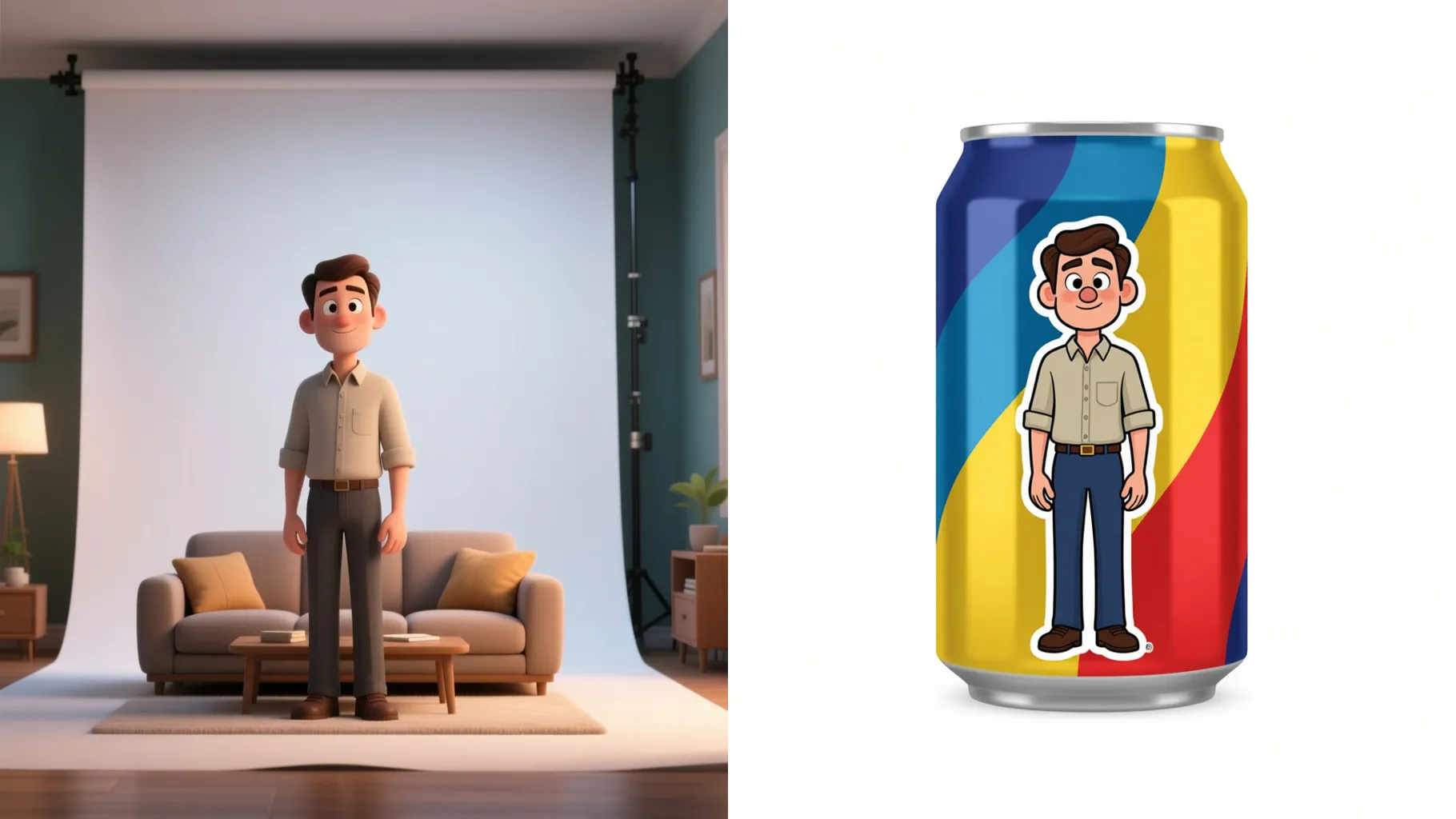
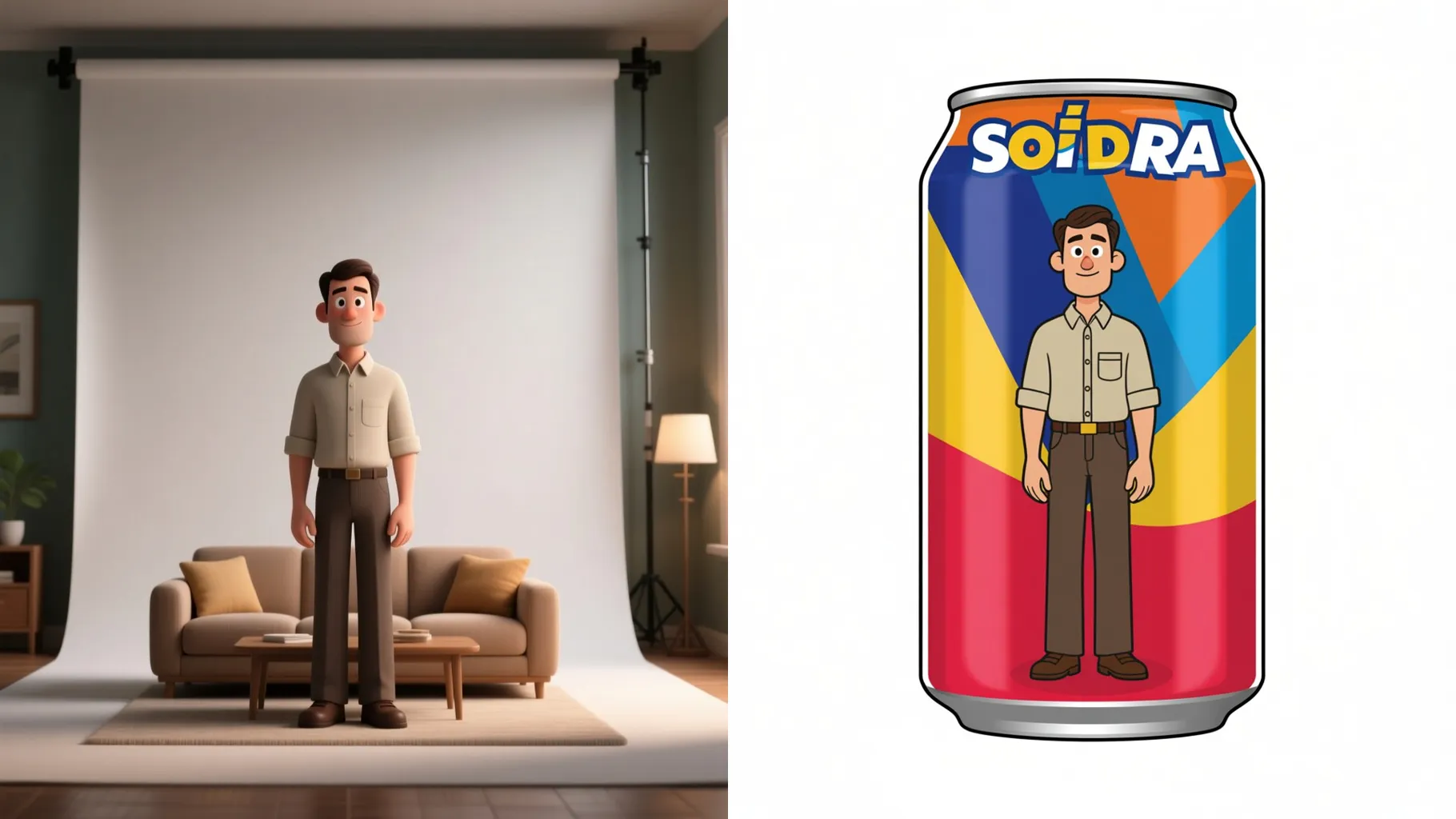
Wraps a face, logo, or doodle around the can with sharp edges so your illustration stays readable.
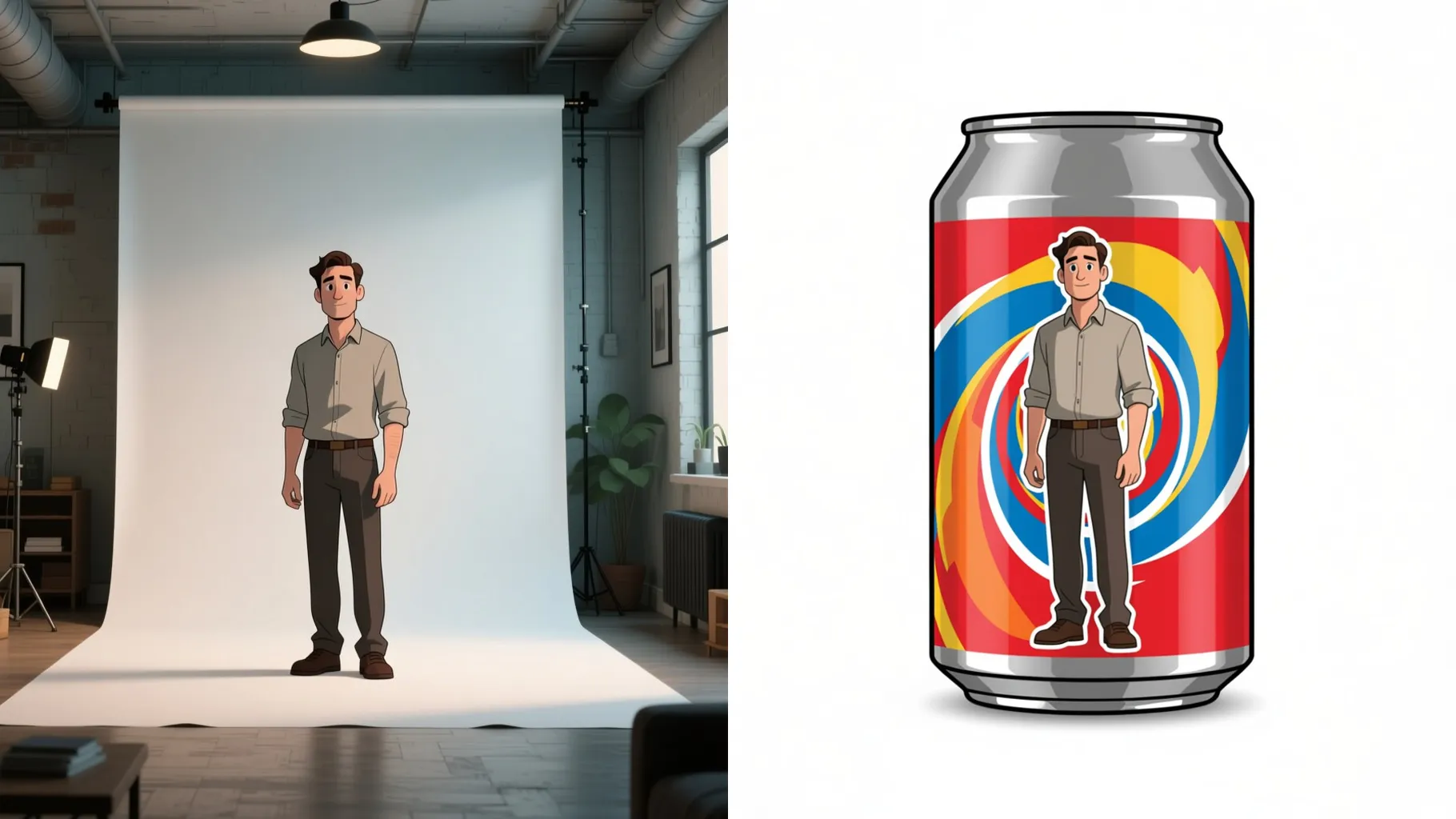
Adds reflections, bubbles, and colorful splashes so the can looks lively in one render.
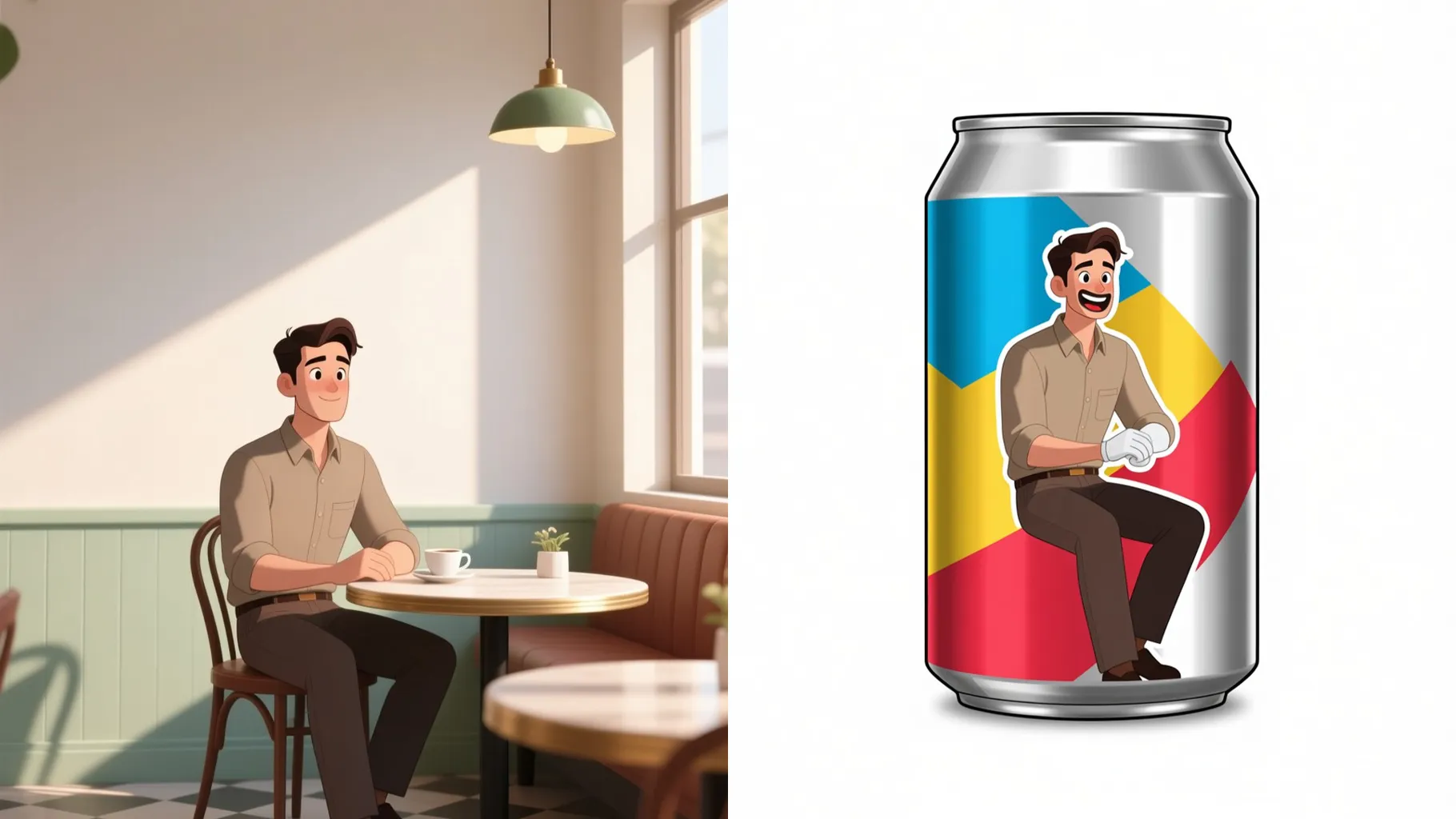
Use a centered photo, logo, or doodle; solid backgrounds keep the edges clean on the can.
Mention flavor, colors, or mood to guide the label style and background.
Preview the render, rerun if you want a new vibe, then save your favorite can.
This template supports one image at a time to keep the label crisp on the can.
Use clear JPG, PNG, or WebP files under 10MB; avoid busy edges so the wrap stays clean.
Short hints like “grape soda”, “retro comic bubbles”, or “blue background” are enough.
Ratio control is off for this preset; it centers your upload on a single can size.
Model switching is disabled to keep the cartoon style consistent.
No. This is an image-to-image template, so please upload one image to start.

Generation time depends on the model, image size, and queue. Check the task status on this page.