
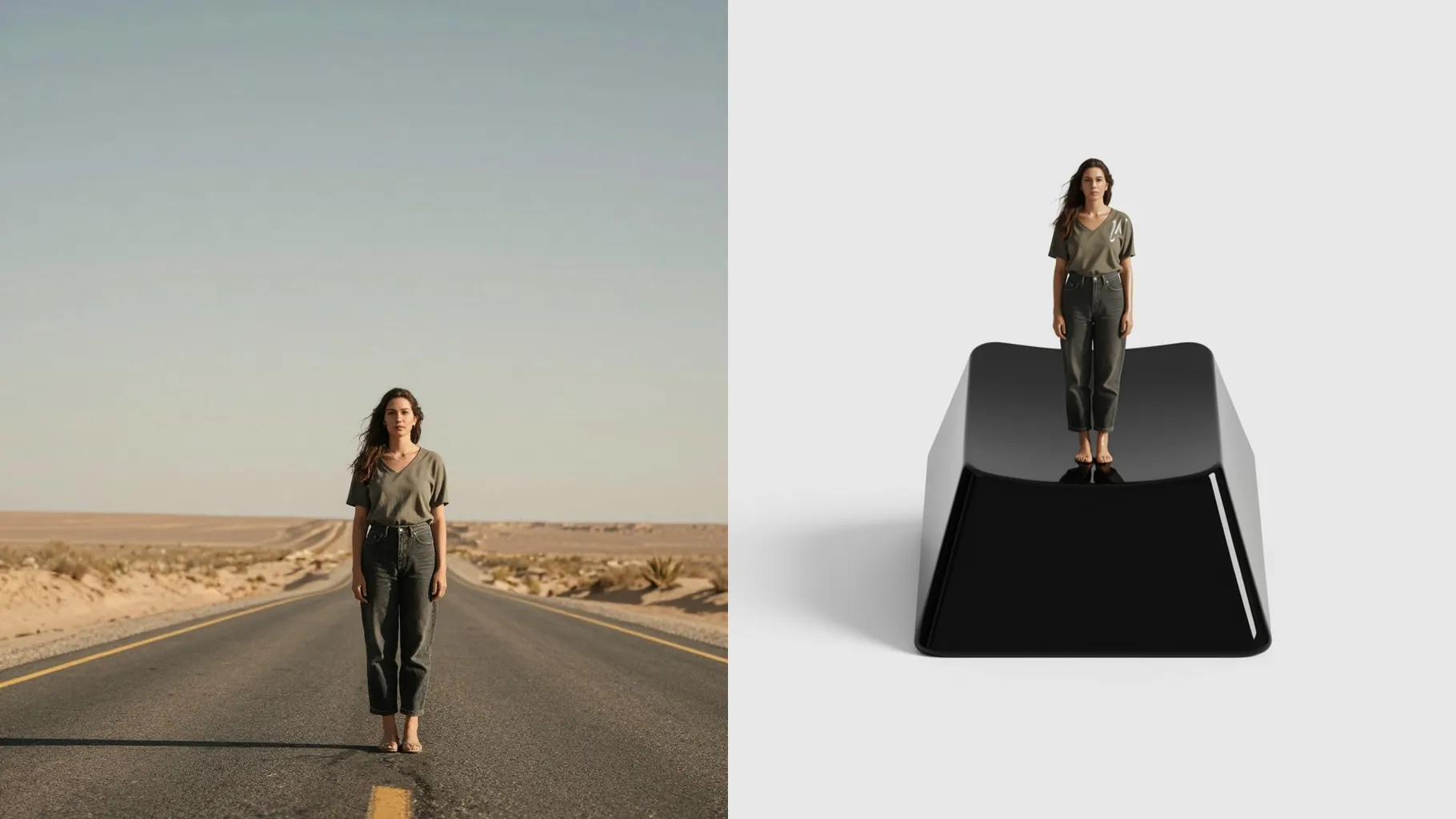
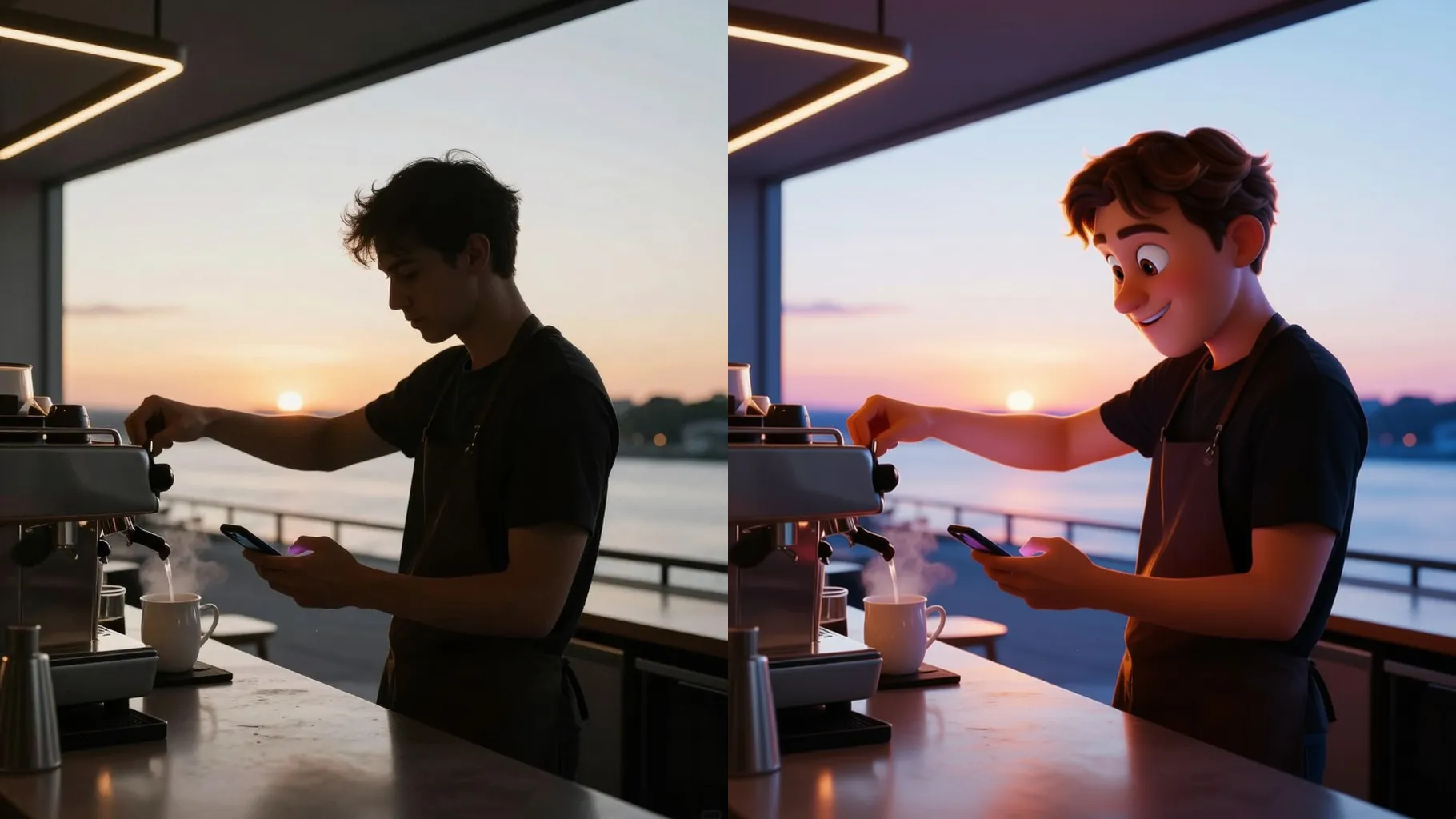
1. How many photos can I upload per render?
This template uses one photo at a time to keep the tilt-shift depth and diorama scale consistent.
Transform one photo into a tiny 3D diorama with tilt-shift depth, props, and cinematic glow.
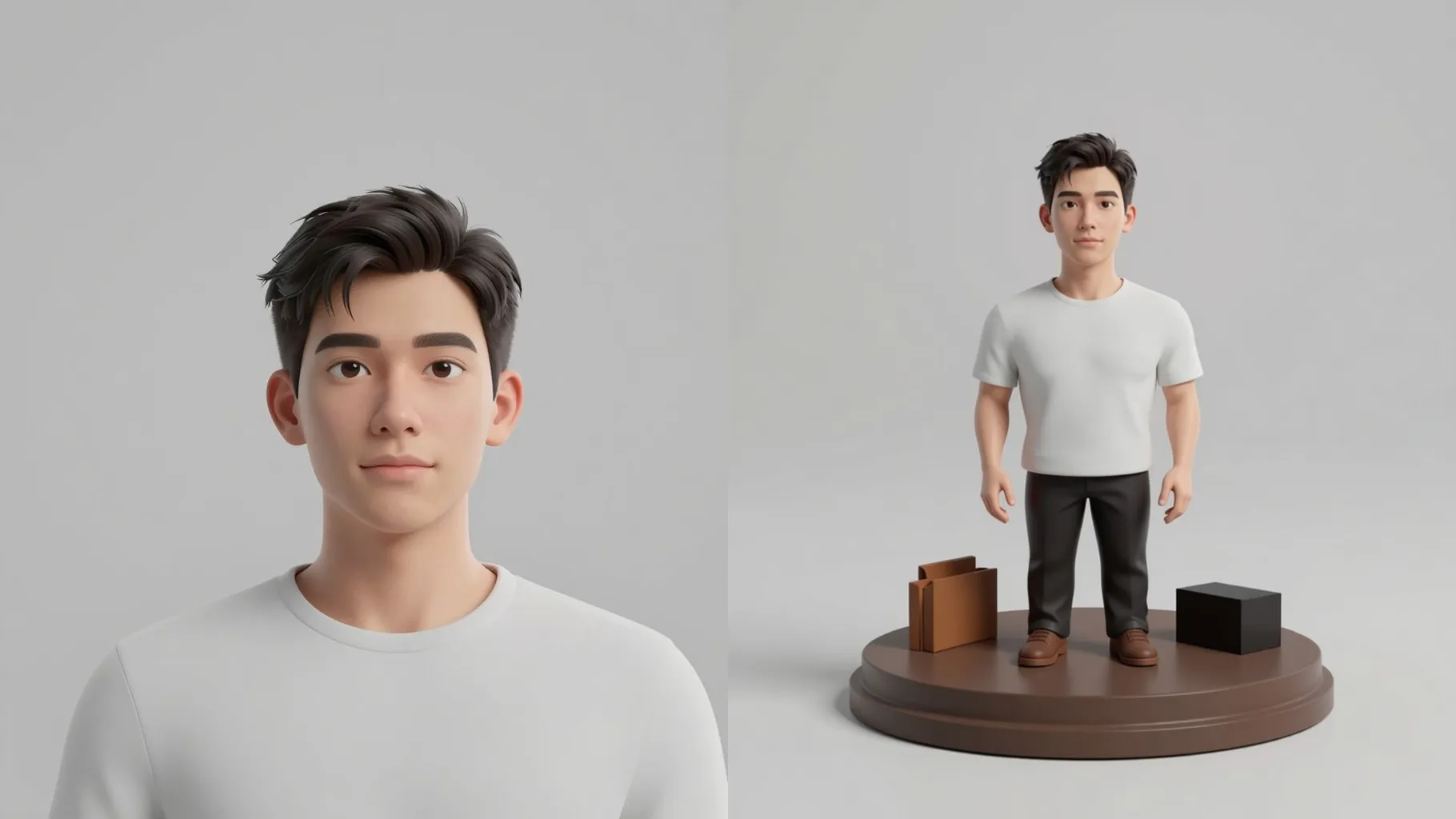
One photo shrinks into a diorama with tiny props, tilt-shift blur, and cinematic glow while keeping the main subject sharp.
Examples show the target style. Your result depends on the chosen model and reference photo.
Upload one photo to turn it into a tiny 3D diorama with tilt-shift depth, props, and warm cinematic lighting.
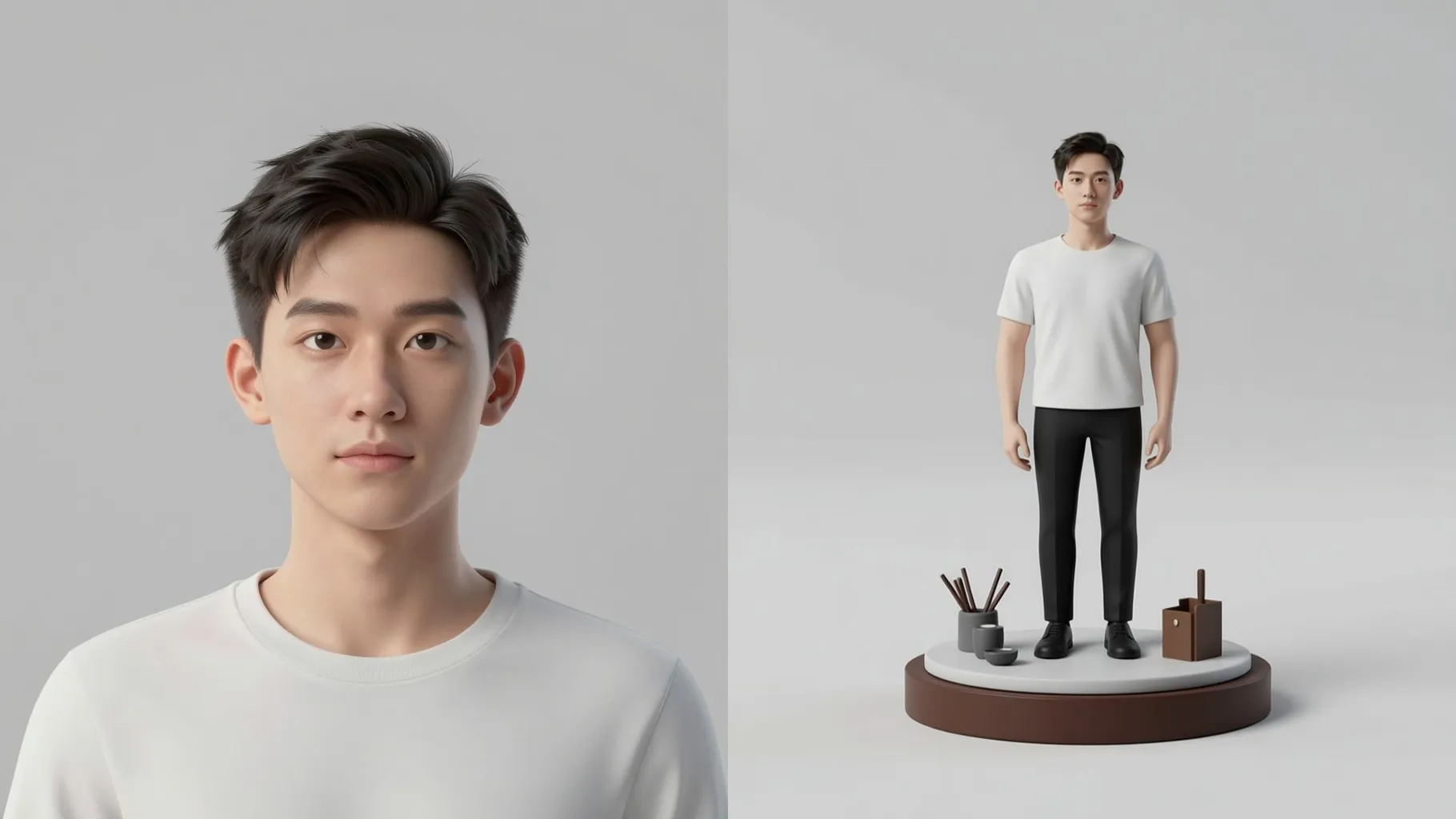
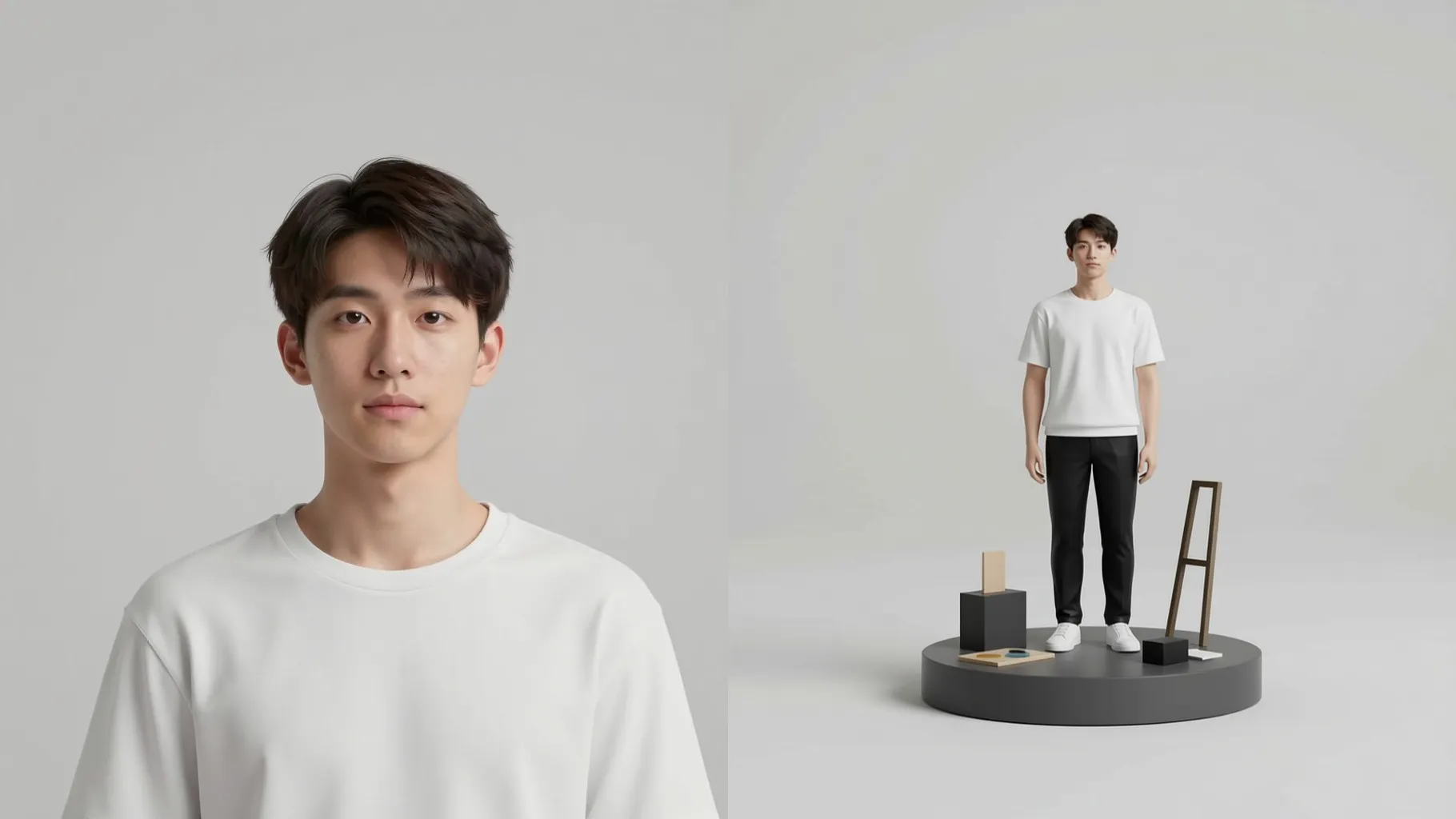
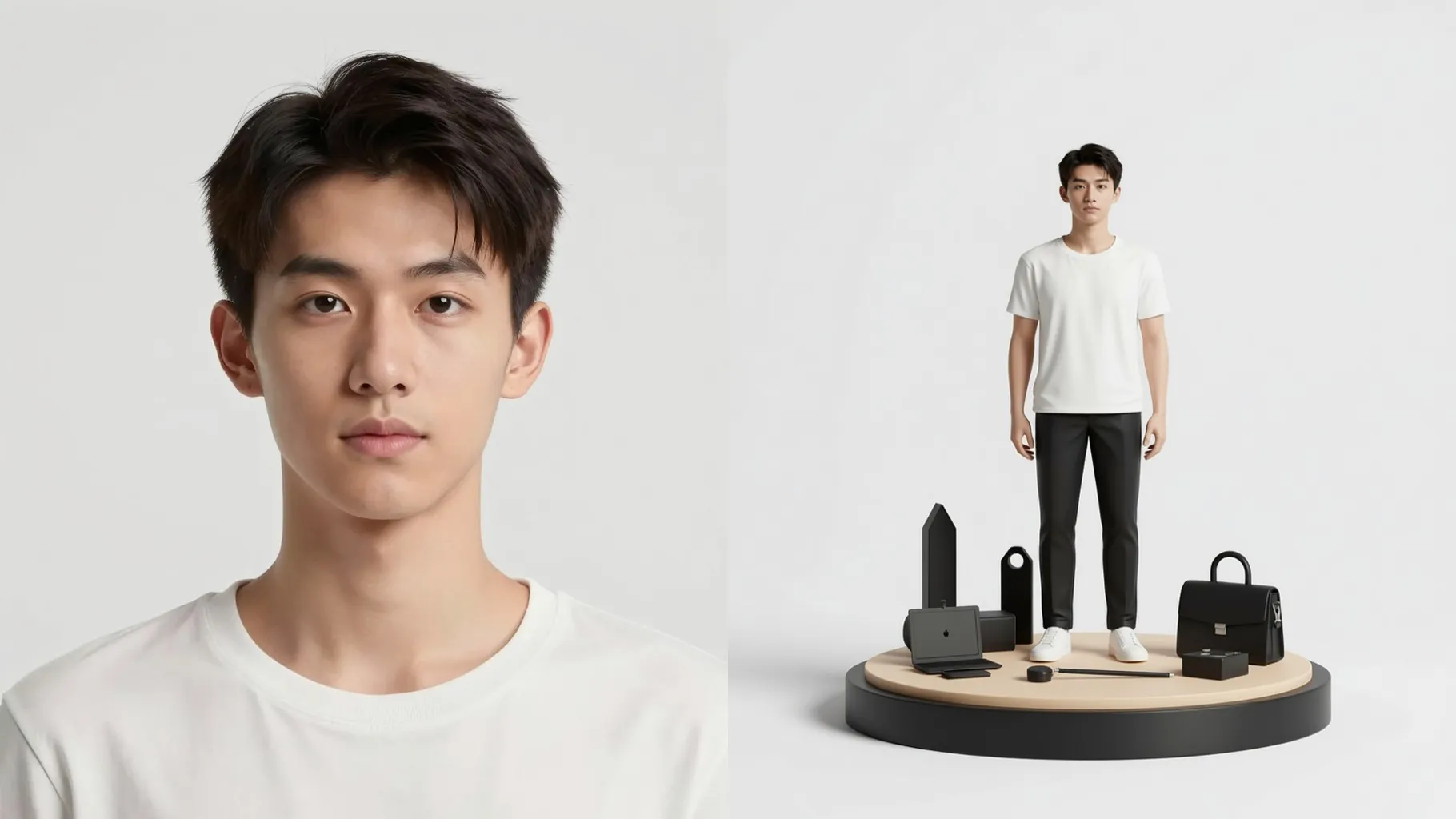
Keeps faces, outfits, and objects clean while adding scaled details, soft blur, and rim lights so the shot feels like a crafted set.
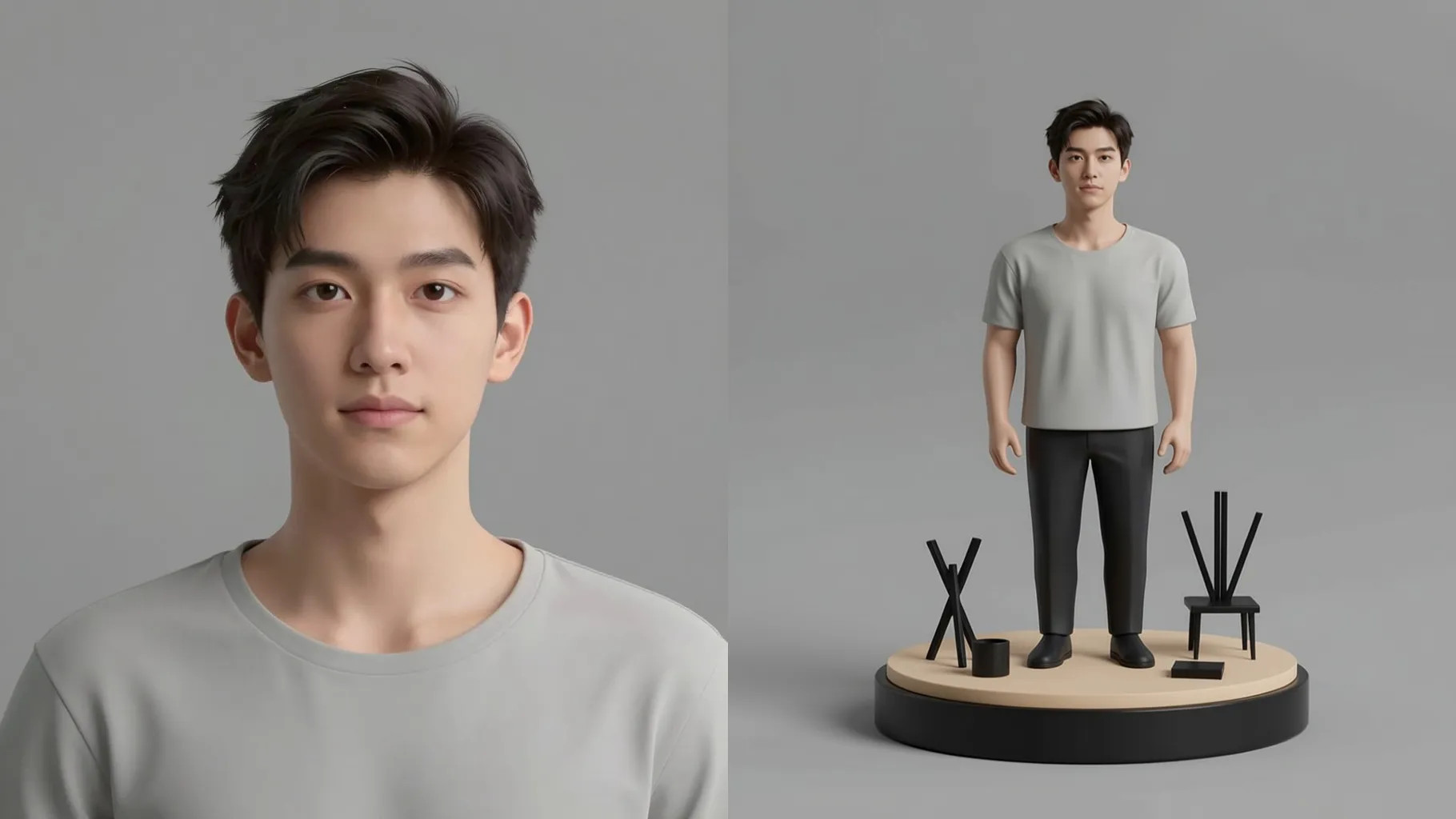
Adds dusk-like glow, volumetric haze, and model materials without warping your framing, so the scene stays recognizable.
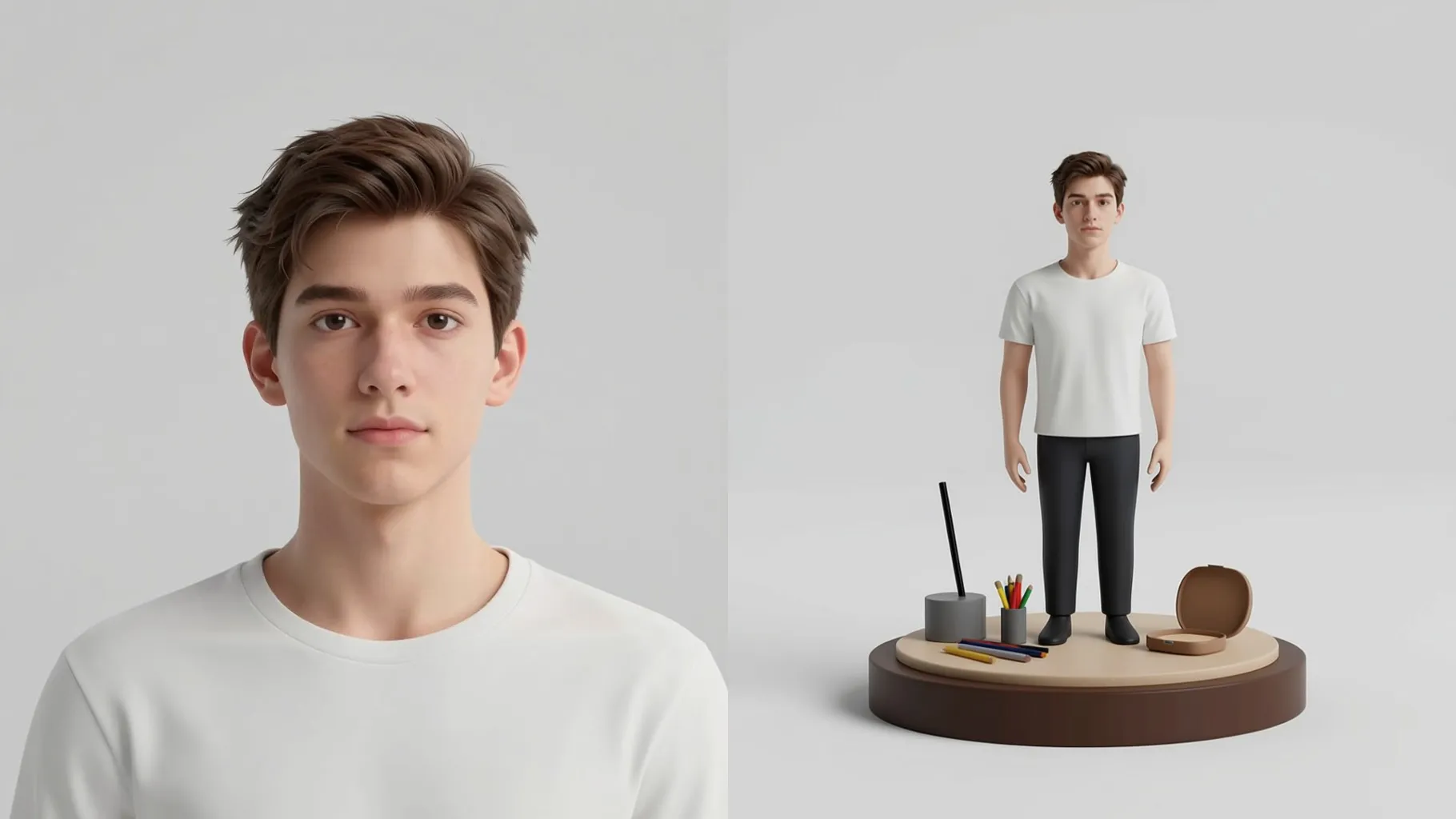
Use a subject with some background context so the model-scale lighting and depth land correctly.
Mention mood, time of day, or props in one line to guide the miniature styling.
Render the diorama, rerun if needed, and save your favorite frame instantly.
This template uses one photo at a time to keep the tilt-shift depth and diorama scale consistent.
A short vibe like “neon night market” or “sunset park bench” helps; keep it brief for accuracy.
Aspect ratio control is off to avoid stretching the miniature look; crop before upload if you need a specific frame.
Model switching stays off to maintain the tilt-shift and model-like material style.
Yes. It keeps subjects recognizable while adding tiny props and depth cues around them.
Use JPG, PNG, or WebP under 10MB for faster processing and clean edges.
No. This is an image-to-image effect and needs one source photo to miniaturize.
Upload a well-lit photo with clear subjects and minimal motion blur to keep details crisp after the tilt-shift effect.

Generation time depends on the model, image size, and queue. Check the task status on this page.