
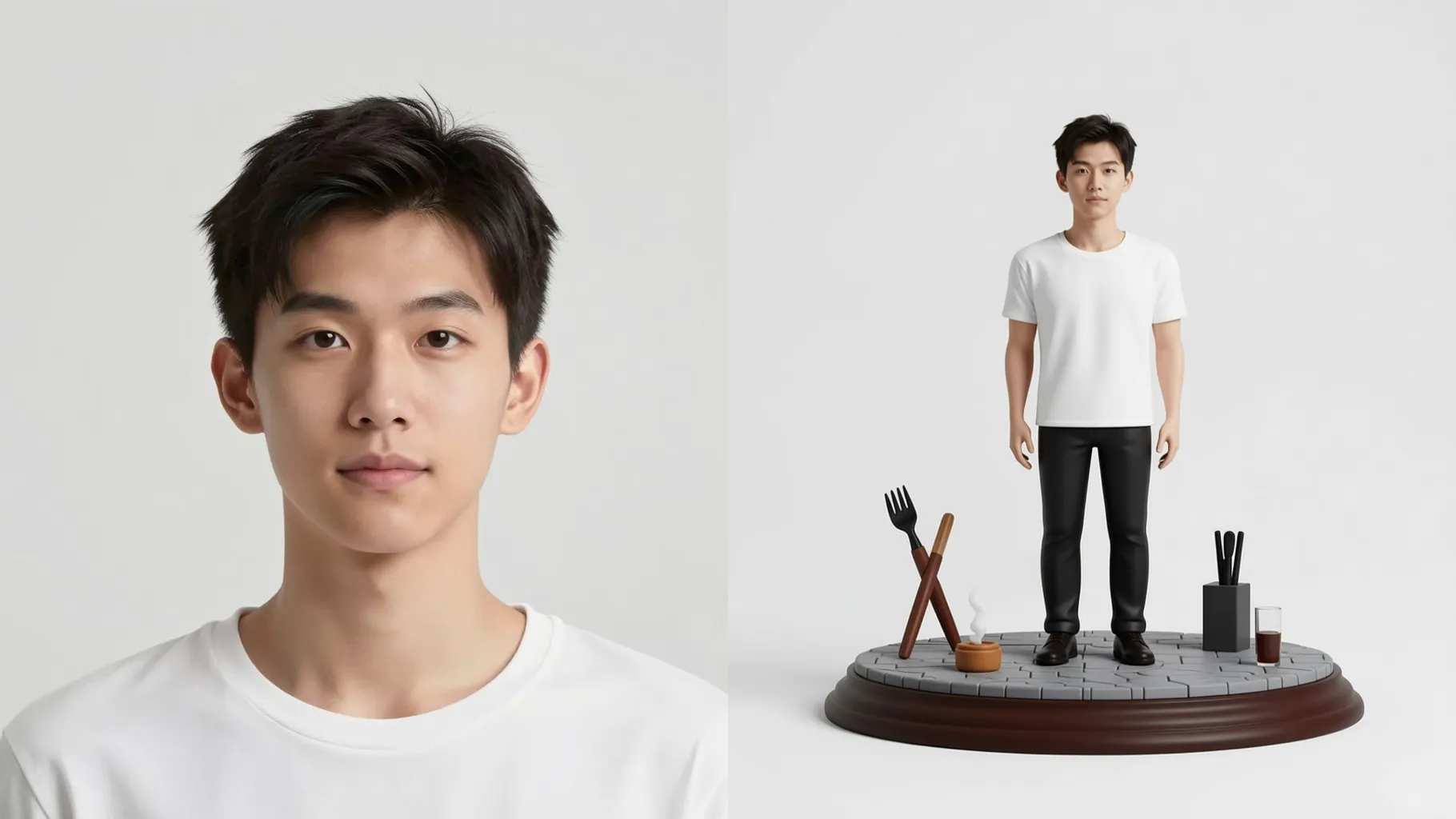
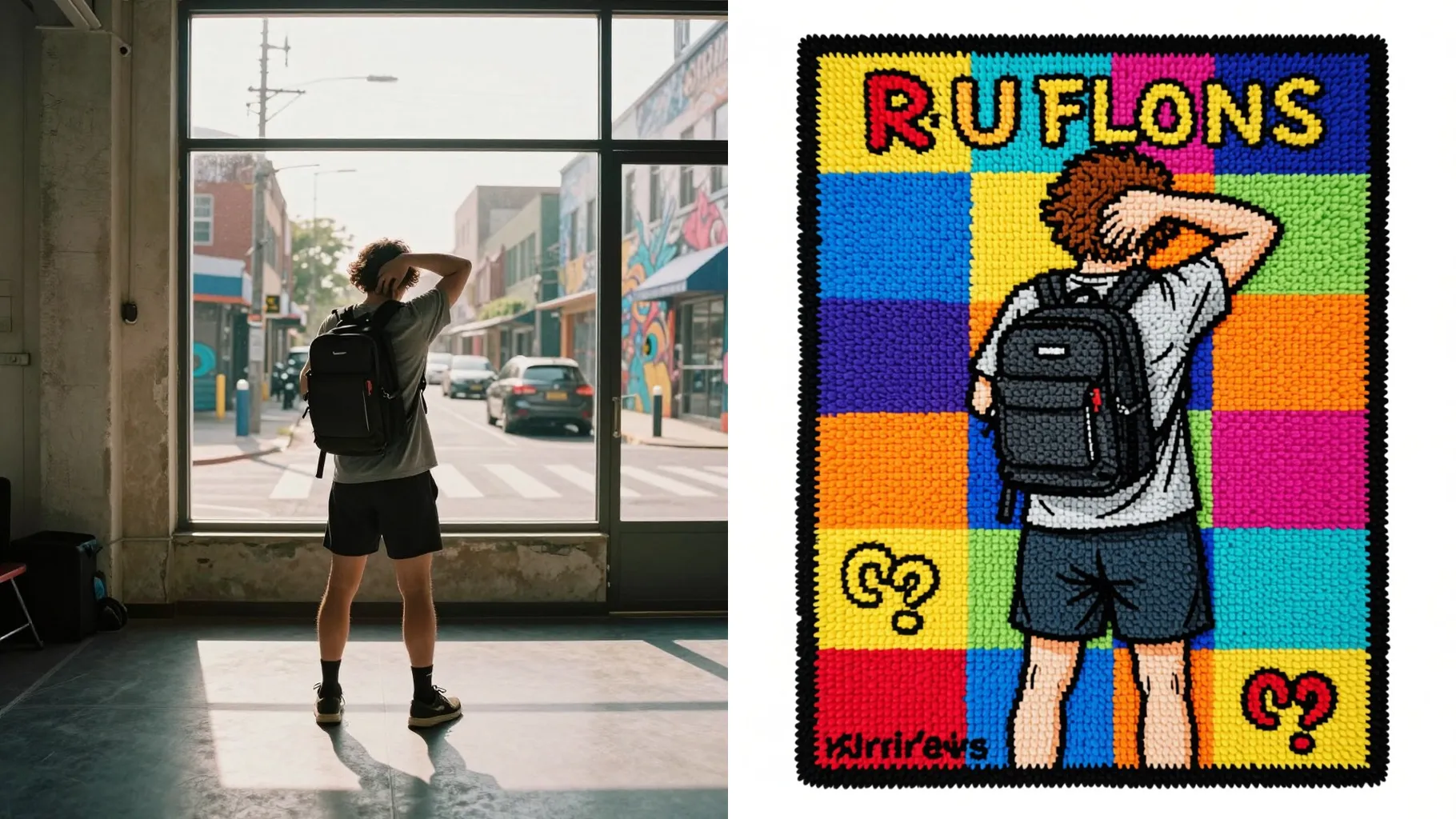
1. How many photos can I upload per render?
This template uses one photo at a time so the tiny diorama stays consistent.
Turn one photo into a tiny Polly Pocket-style diorama with pastel plastics and glossy toy details.
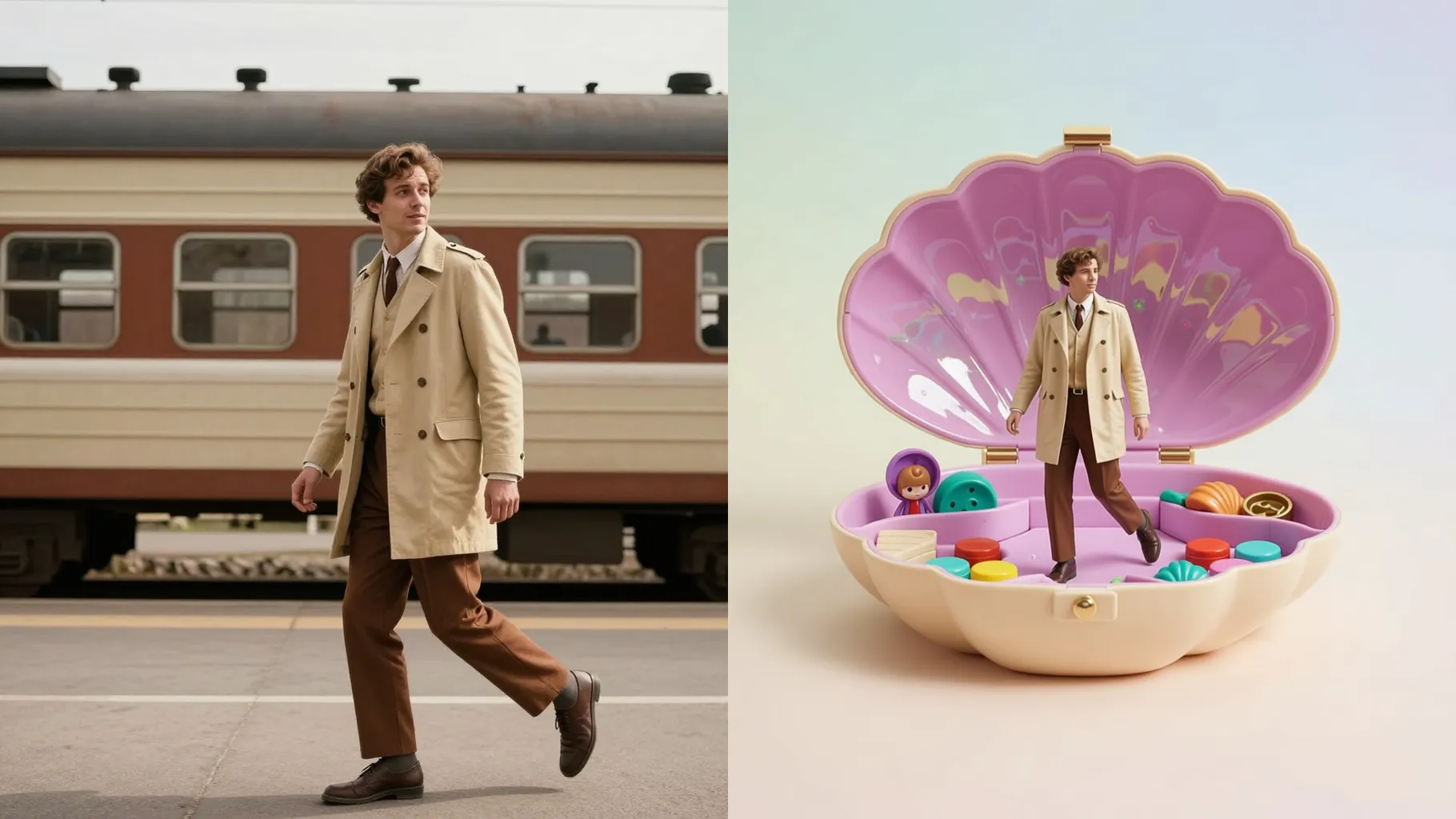
Transform one photo into a pastel Polly Pocket clamshell scene with glossy plastic textures and tiny accessories.
Examples show the target style. Your result depends on the chosen model and reference photo.
Upload one photo to turn your subject into a tiny Polly Pocket-style diorama with pastel plastics and toy shine.
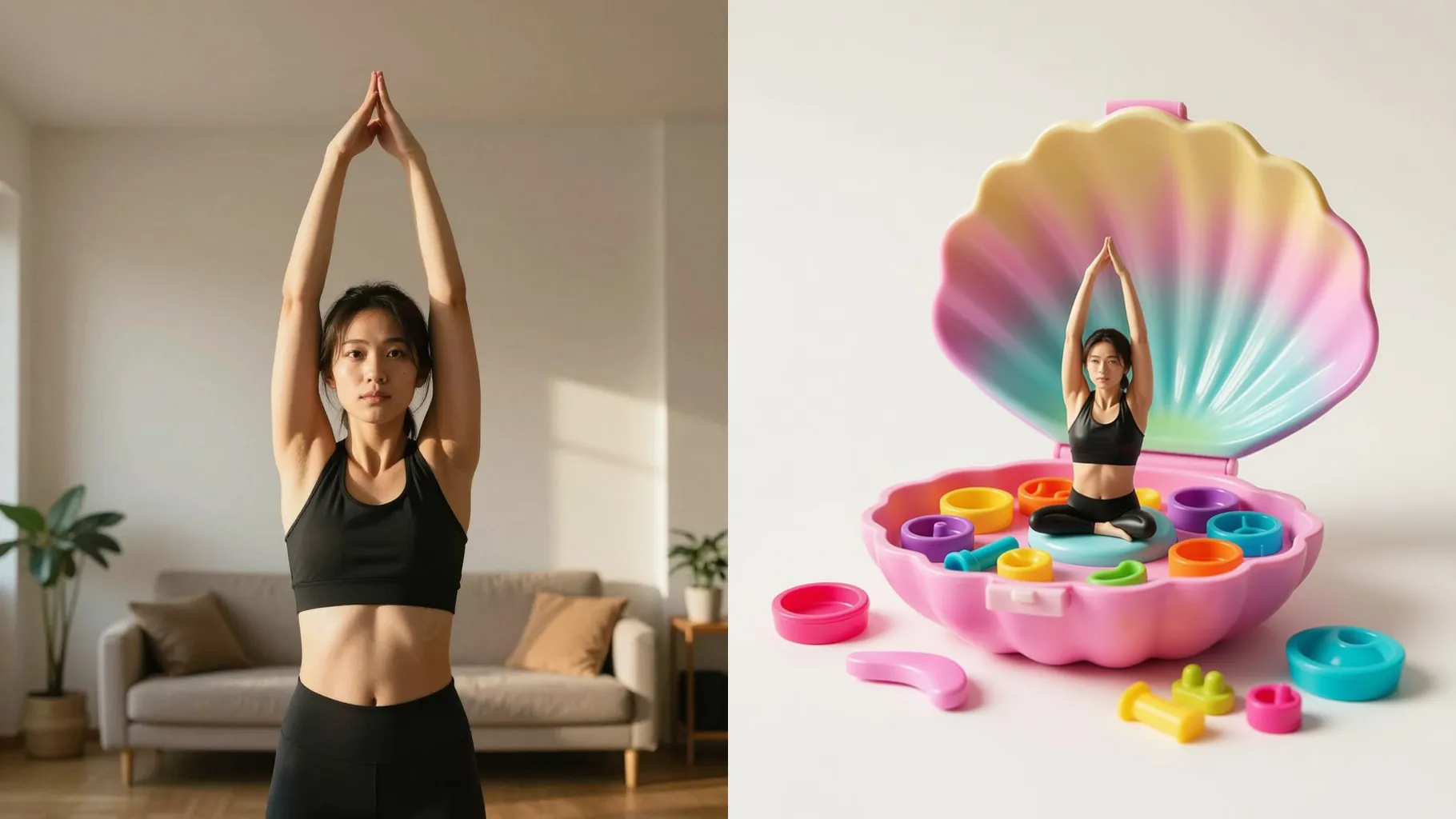
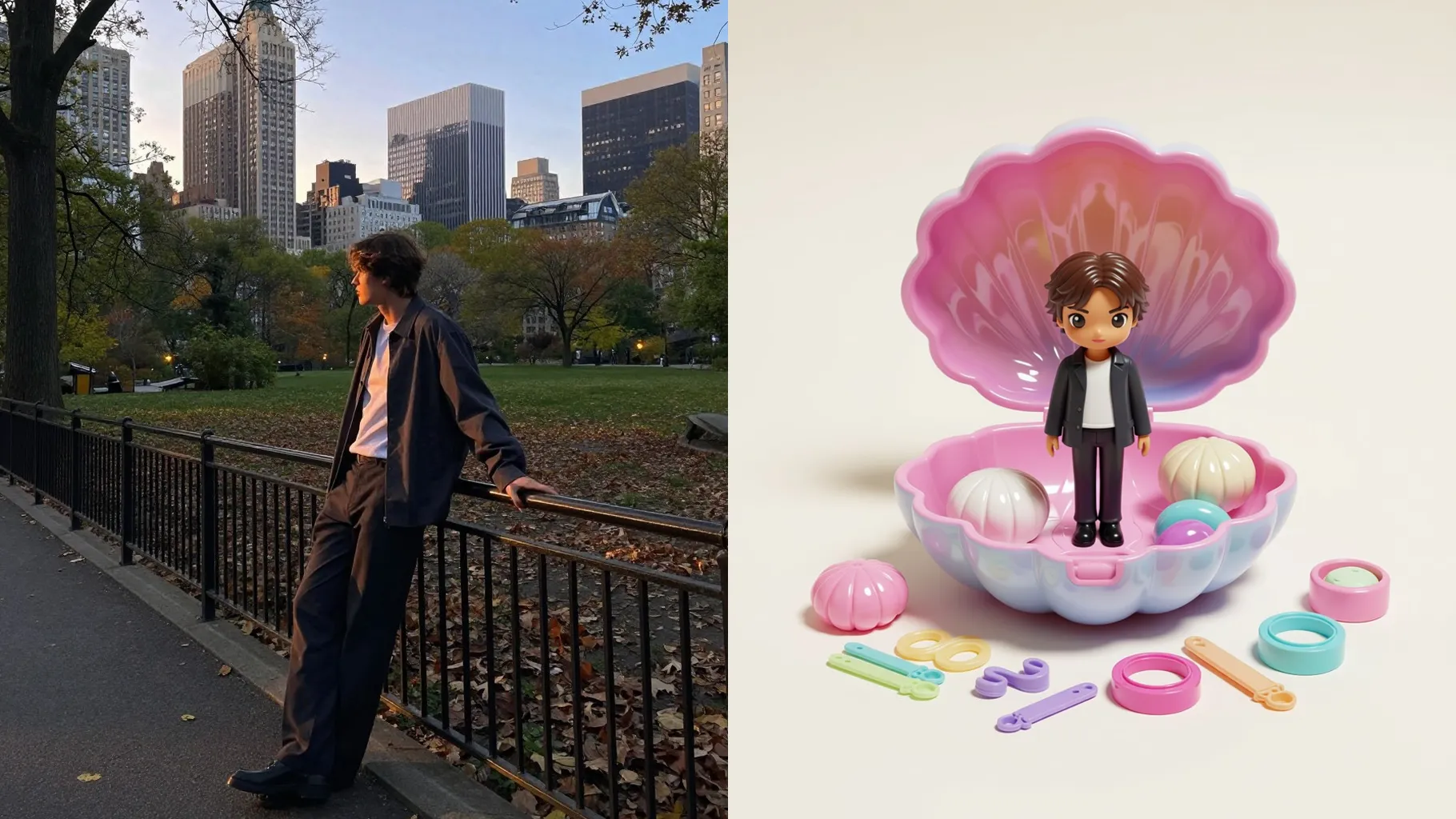
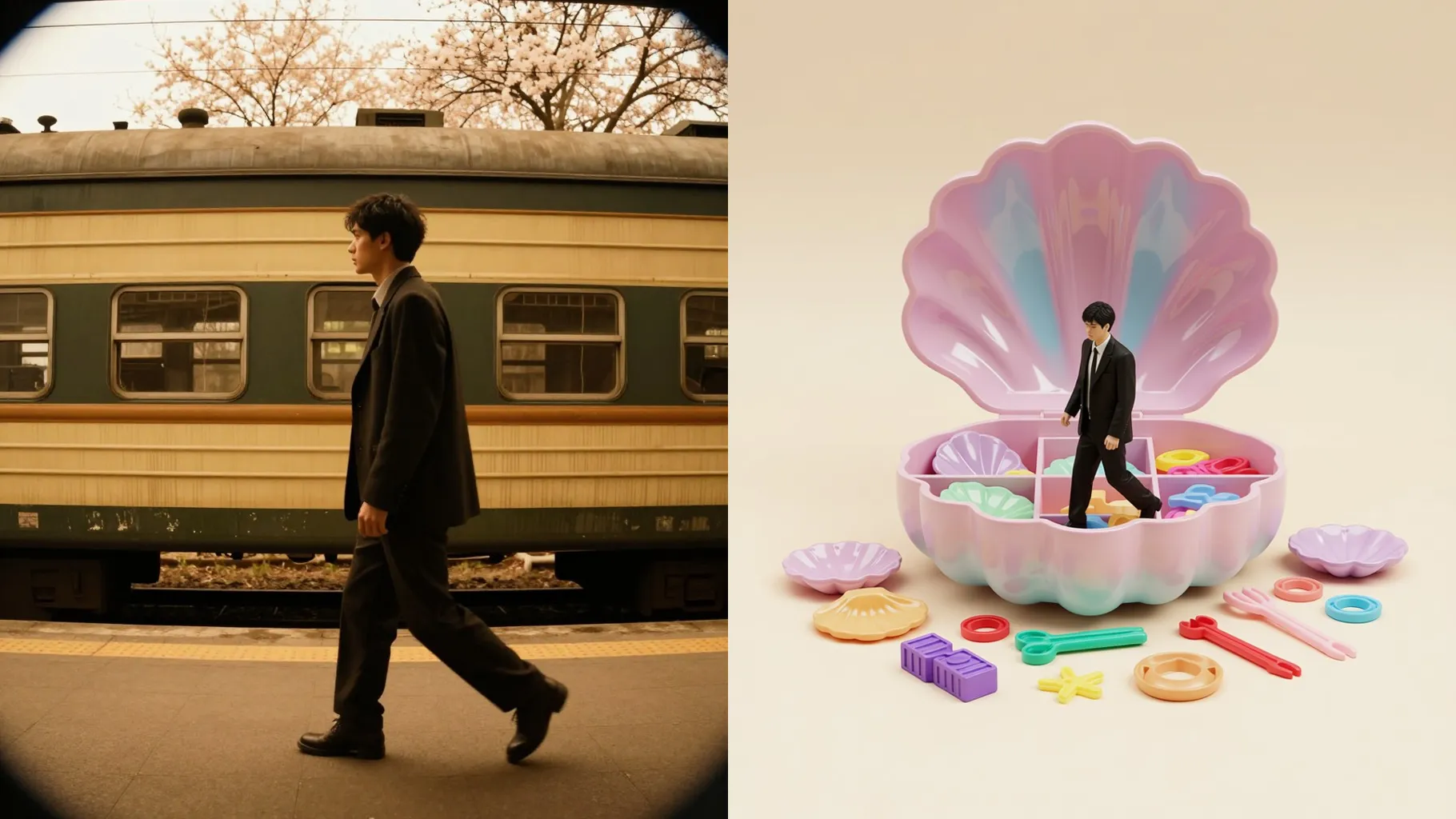
Miniature scene built inside a toy clamshell with layered backgrounds, tiny props, and soft gradients.
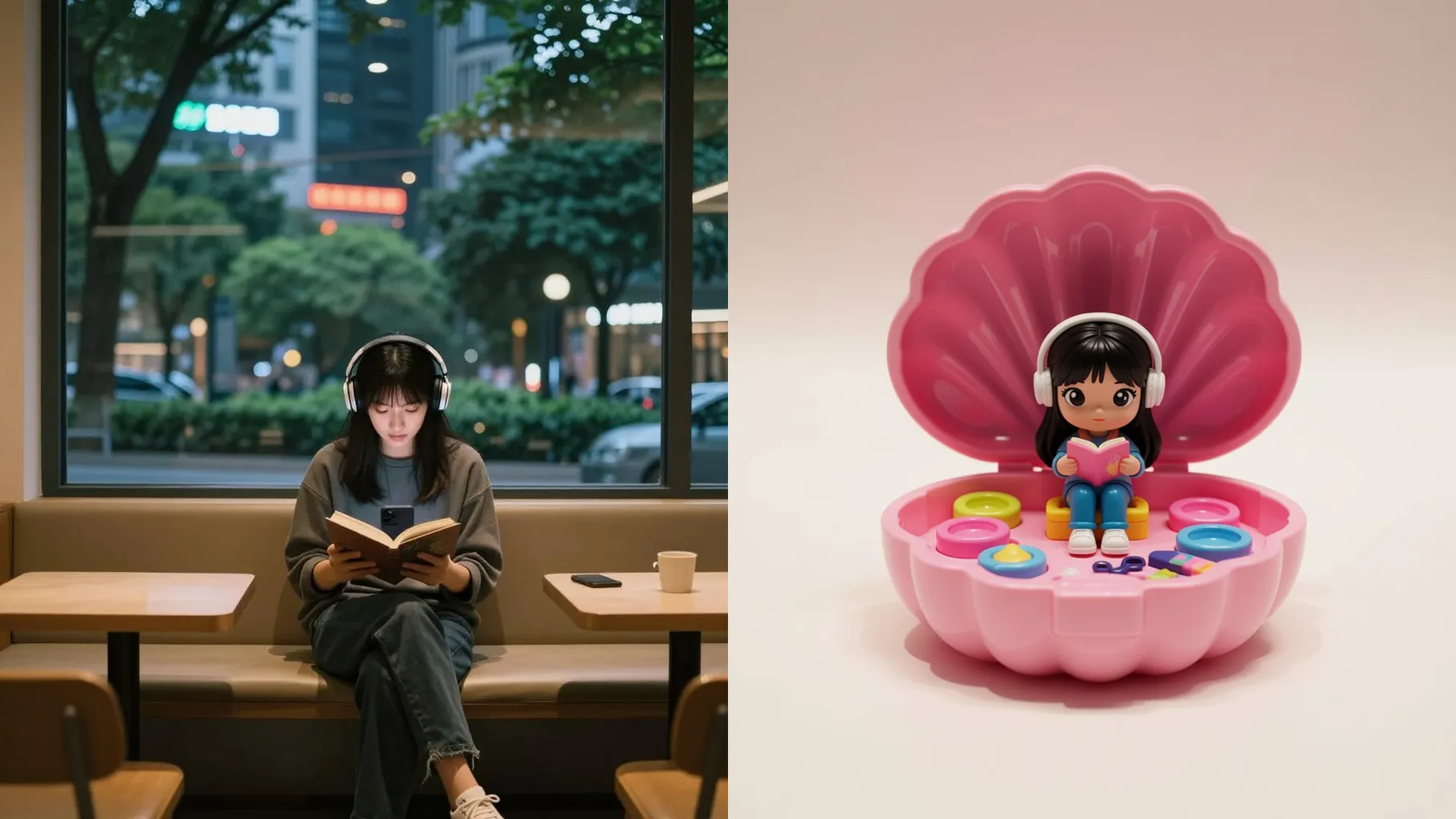
Maintains facial features while adding plastic sheen, sparkles, and dollhouse accessories for a playful collectible feel.
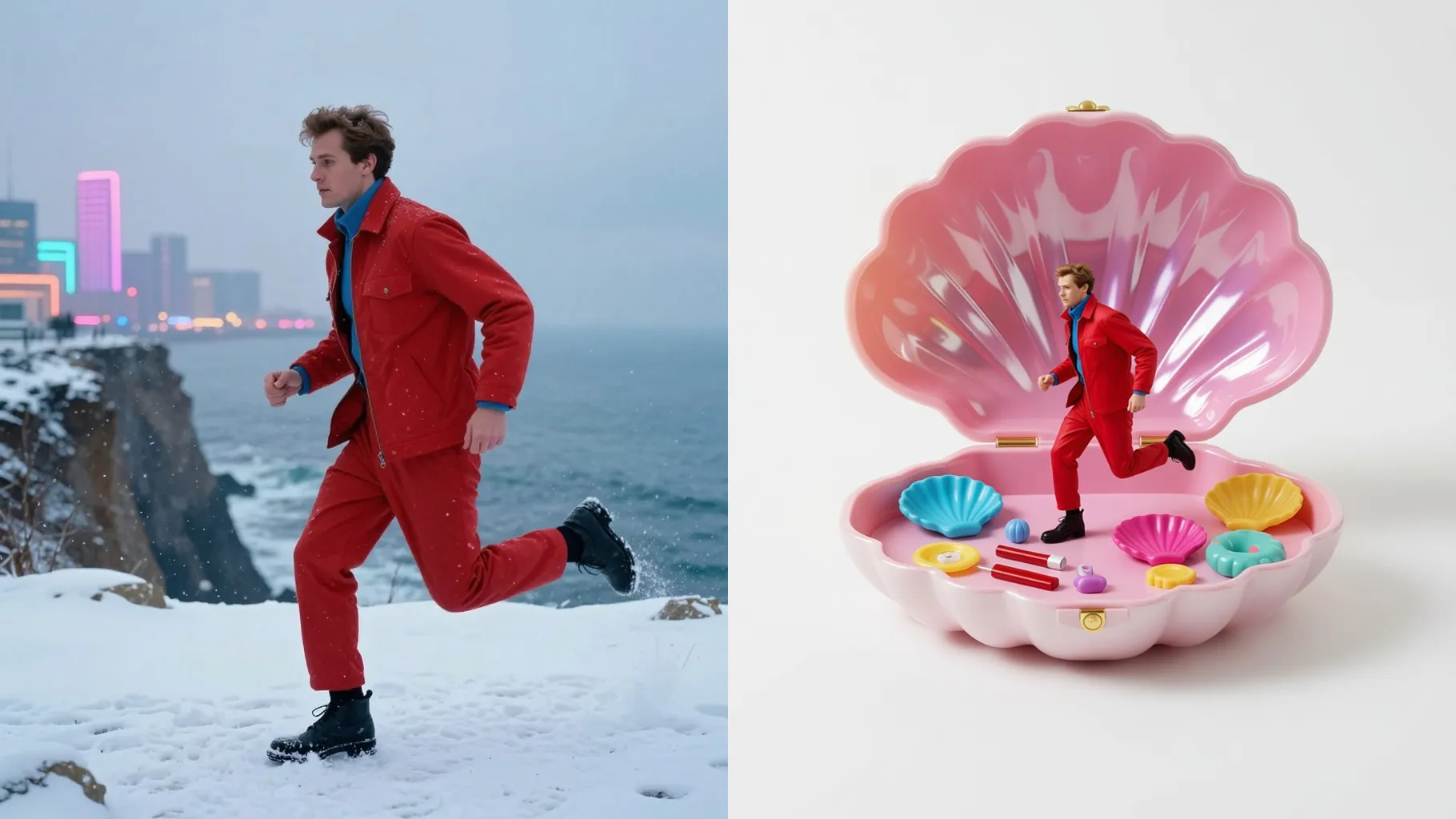
Front-facing, well-lit images keep the miniature doll crisp inside the pocket frame.
Mention colors, accessories, or setting ideas so the toy world fits your style.
Review the pastel 3D render, rerun if needed, and save the version you like.
This template uses one photo at a time so the tiny diorama stays consistent.
A short prompt is optional; keep it simple to guide colors, props, or theme.
Aspect ratio control is off to keep the clamshell frame centered and balanced.
Model switching is disabled to preserve the pastel plastic look.
Yes. It keeps your expression and proportions while adding glossy toy textures and mini accessories.
Single subjects work best; group photos may compress too much inside the pocket frame.
Use JPG, PNG, or WebP under 10MB for faster rendering and clean edges.
No. This effect is image-to-image and needs one upload to build the pocket scene.

Generation time depends on the model, image size, and queue. Check the task status on this page.