


1. How many images can I upload?
This template works best with one photo per run so the tufted texture and outlines stay stable.
Turn one photo into a tufted 3D cartoon rug mockup with bold outlines and plush shading.
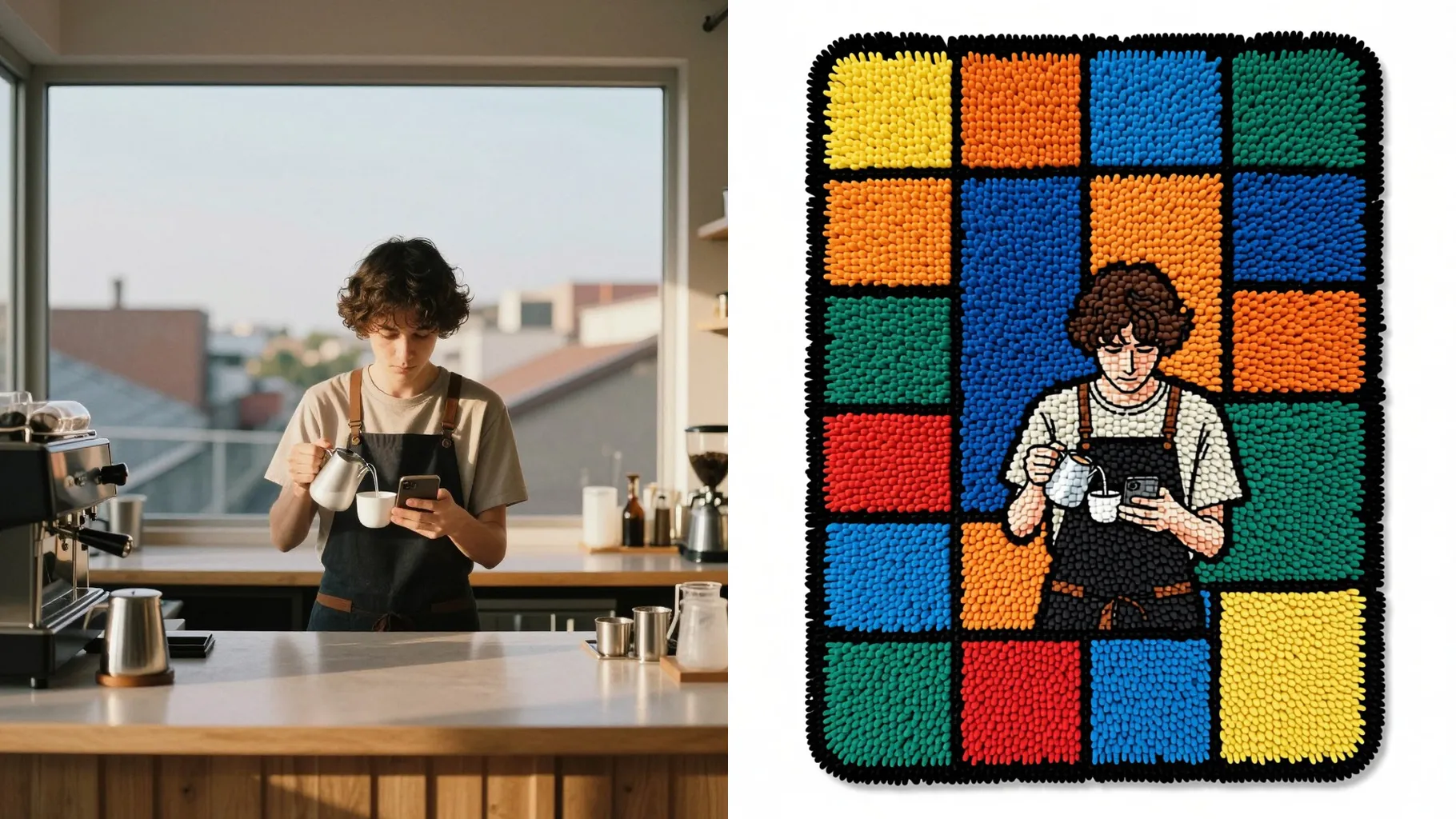
Turn one photo into a tufted 3D cartoon rug mockup with plush loops, bold outlines, and soft drop shadows.
Examples show the target style. Your result depends on the chosen model and reference photo.
Upload one photo to convert it into a plush cartoon rug mockup with tufted yarn depth, clean edges, and soft shadows for product-style previews.
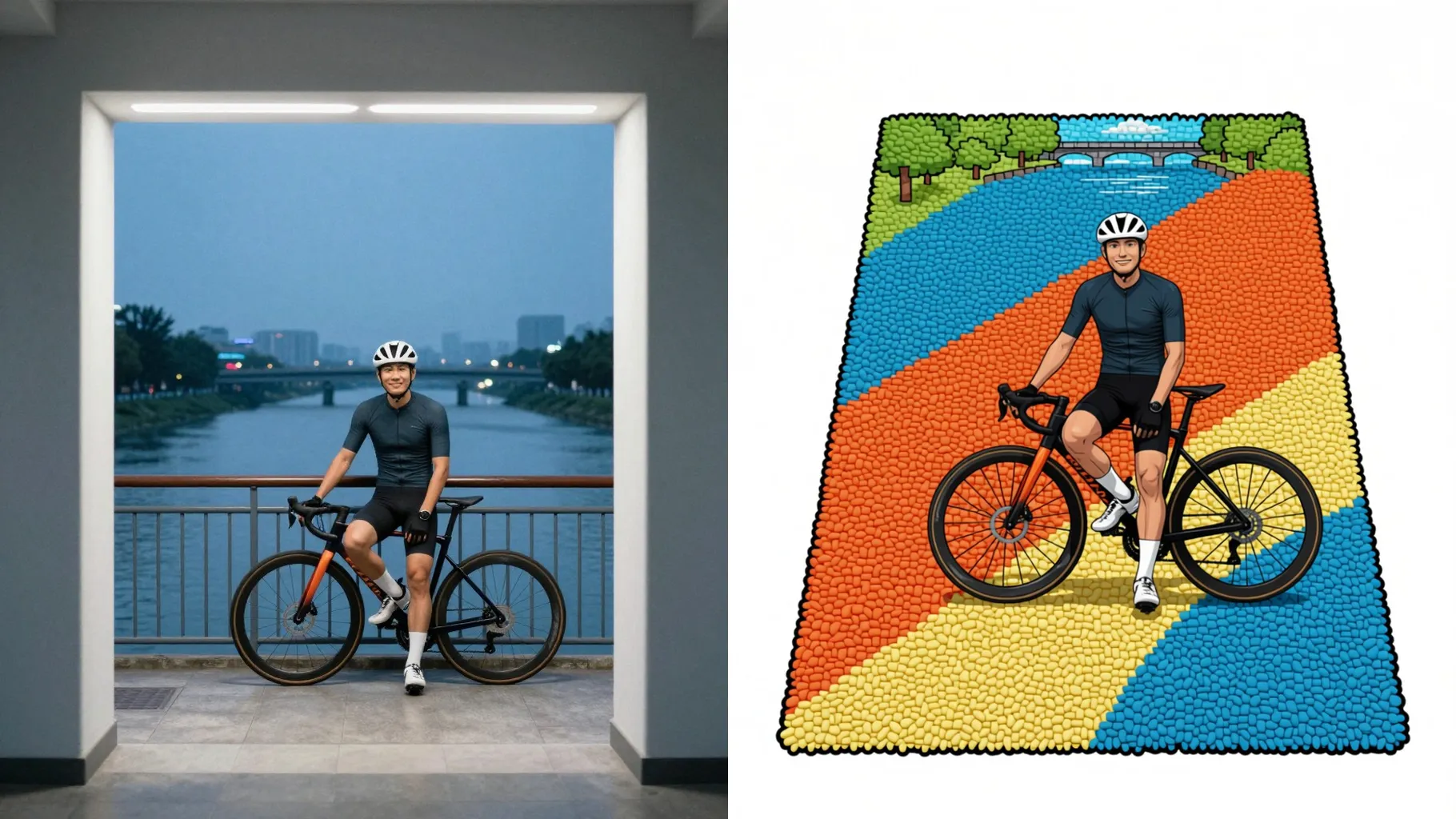
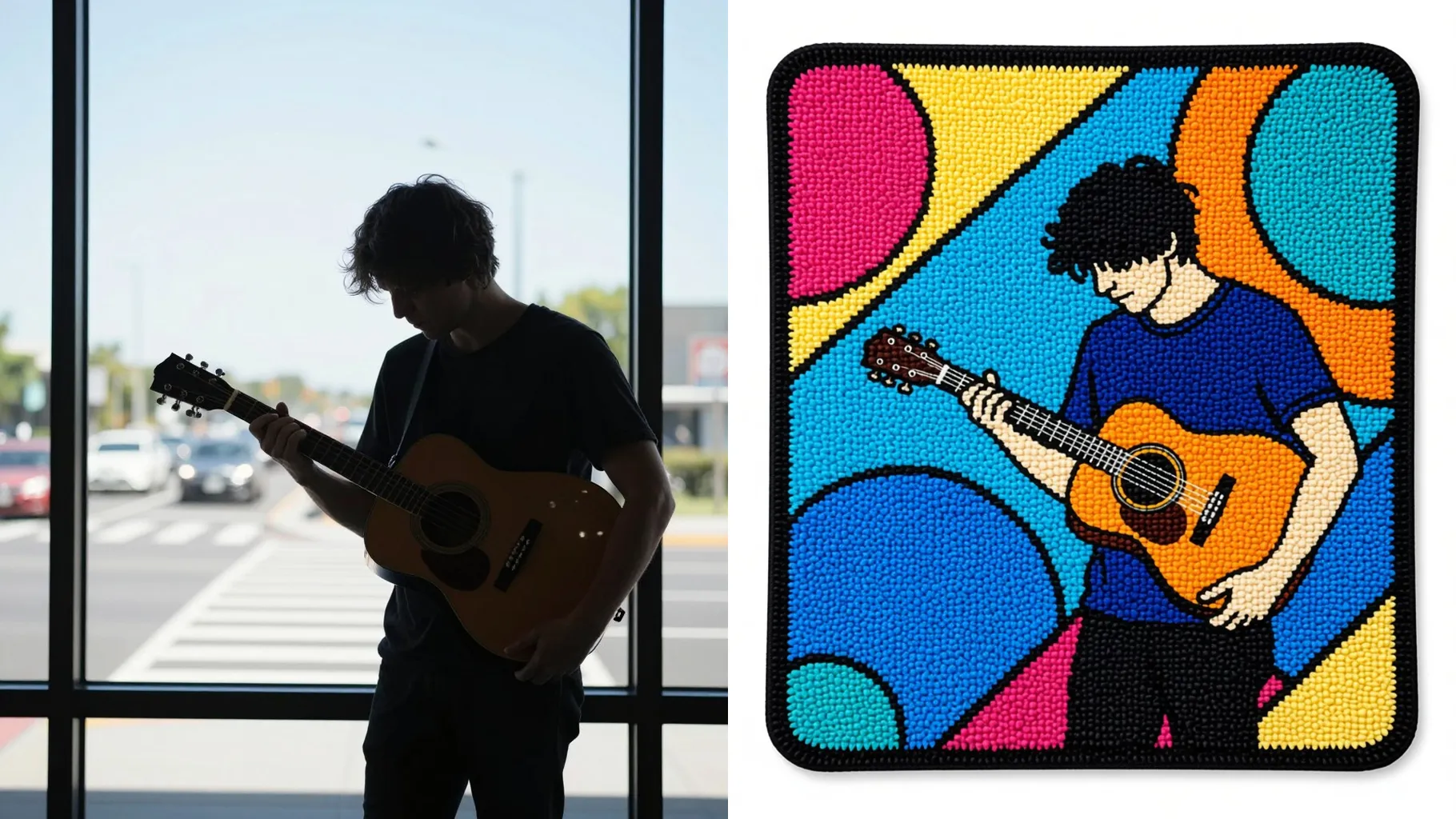
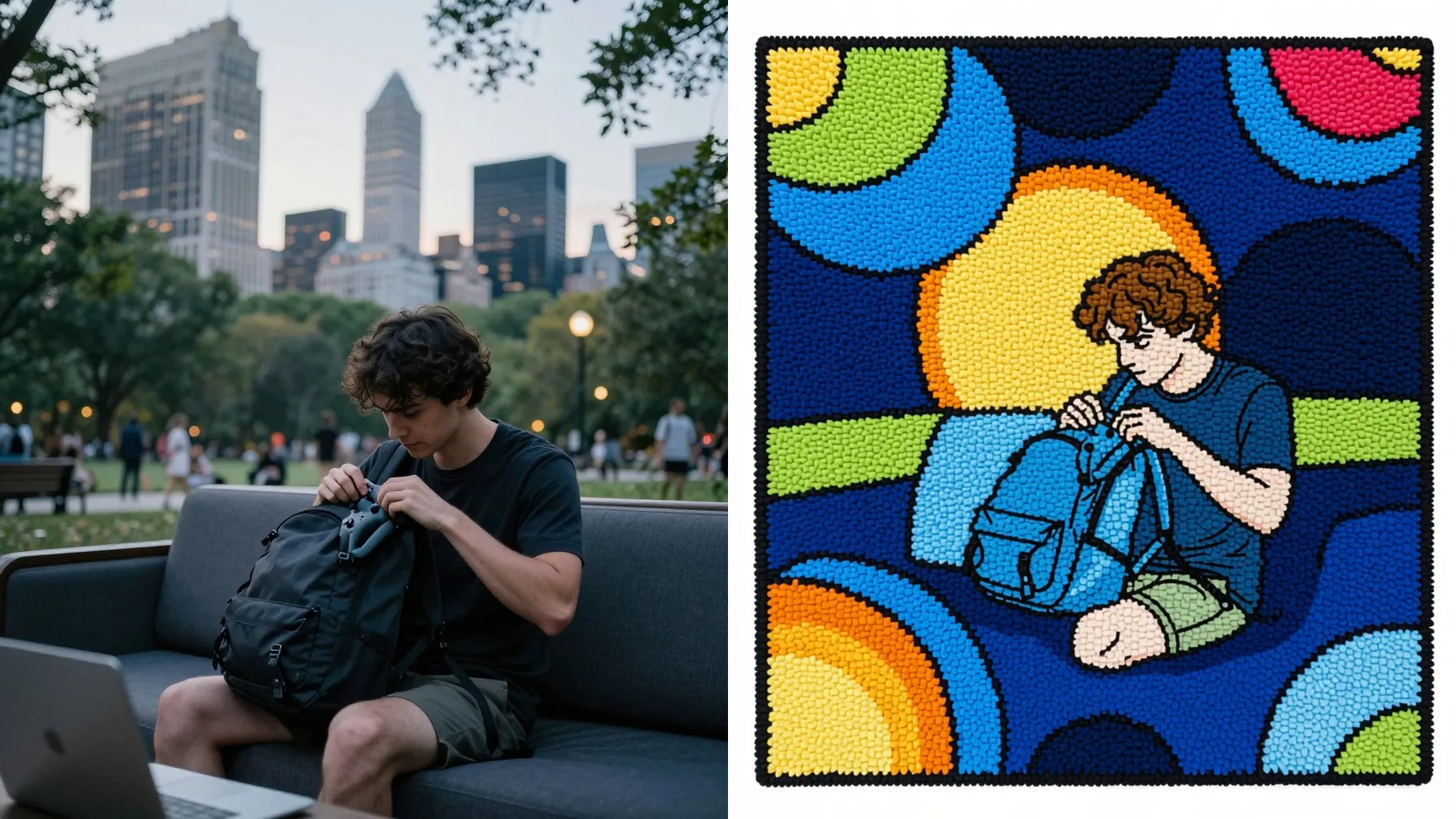
Generate raised yarn texture, looped outlines, and layered shading from your subject while preserving proportions.
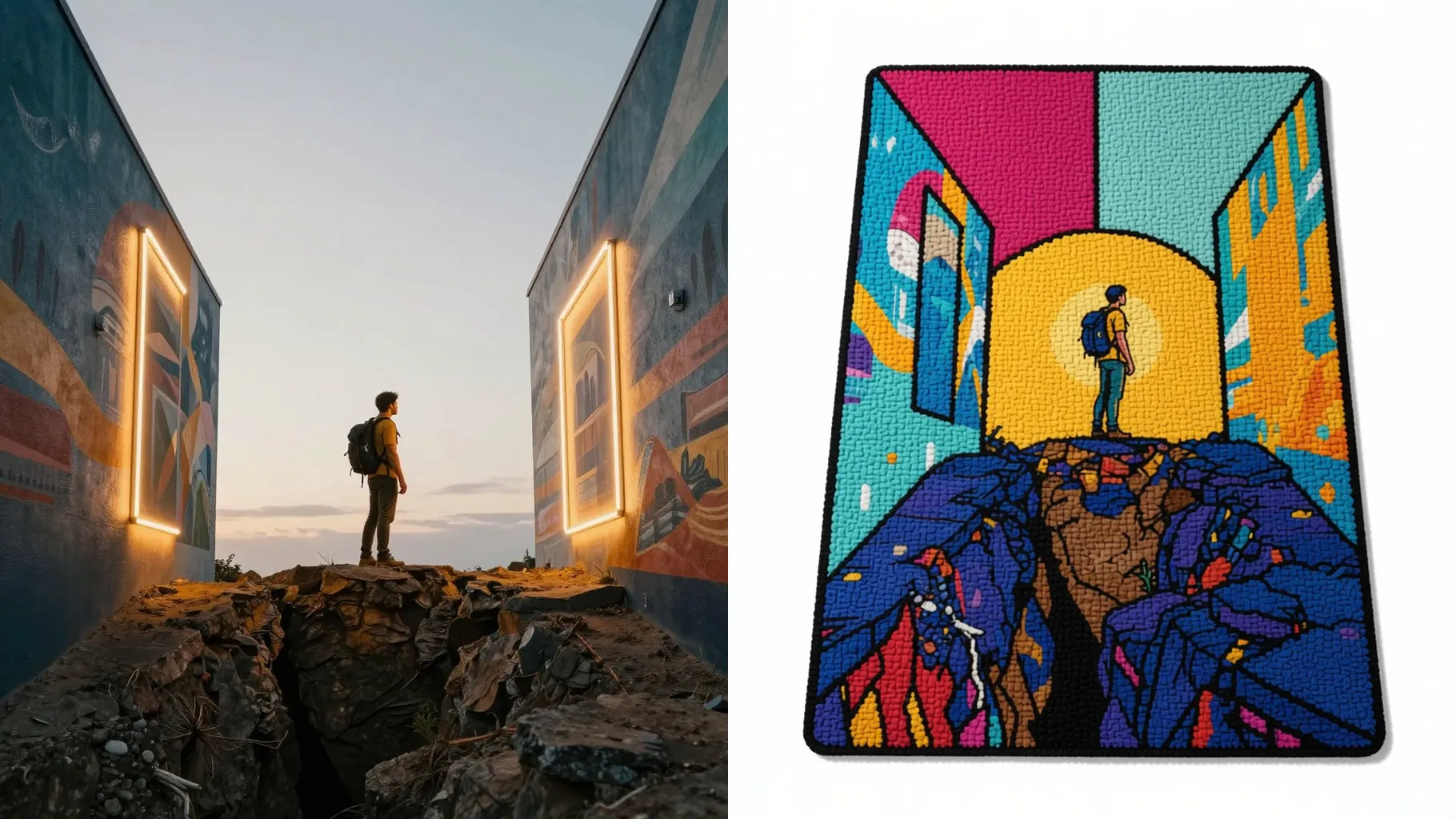
Overhead lighting, gentle floor shadows, and color blocking make the rug look photographed and ready to share or print.
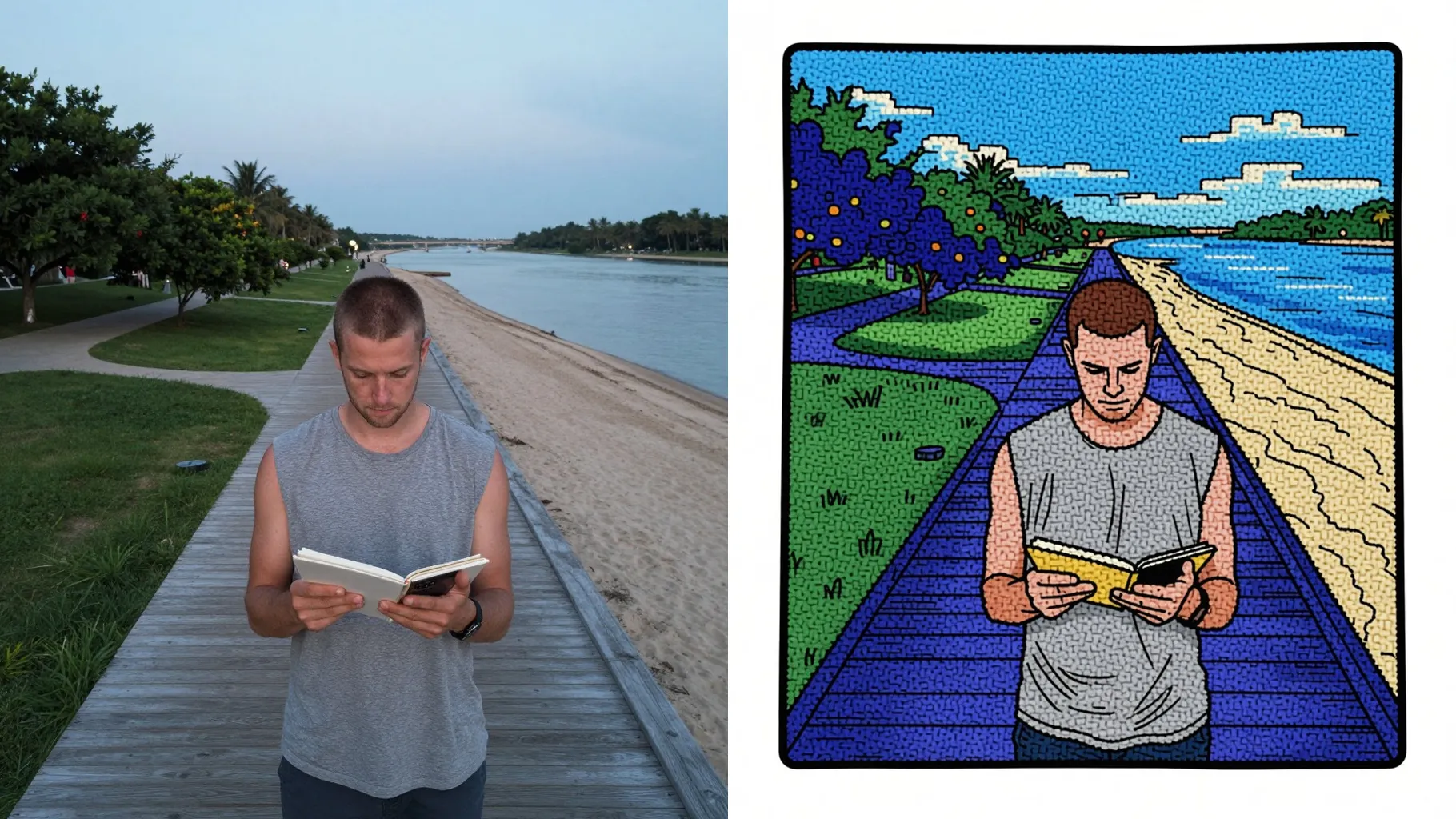
Centered people, pets, or objects give the rug outline enough room to trace clean edges.
Note colors, border shapes, or text you want on the rug; keep it concise for consistent texture.
Review the 3D rug preview, pick your favorite render, and save it for sharing or mockups.
This template works best with one photo per run so the tufted texture and outlines stay stable.
No. One short line about colors, border style, or characters is enough alongside your upload.
JPG, PNG, or WebP under 10MB process fastest while keeping yarn details clear.
Around 1024px on the long side balances speed and detail; very small files may look blurry.
The aspect ratio stays fixed to center the rug layout. Crop your photo first if you need a different shape.
Model switching is disabled to keep the 3D tufted look consistent across renders.
Yes. It keeps your main colors and outlines while adding yarn shading and stitched borders.
Single subjects work best. Multiple people may merge when converted to a rug outline.
Generation time depends on the model, image size, and queue. Check the task status on this page.
No. This rug effect is image-to-image and needs one uploaded photo to start.

Generation time depends on the model, image size, and queue. Check the task status on this page.