
1. How many photos can I upload per render?
This effect uses one image at a time so the pop-out framing stays consistent.
Make your subject jump out of the frame with layered depth, clean cutouts, and dramatic shadows.
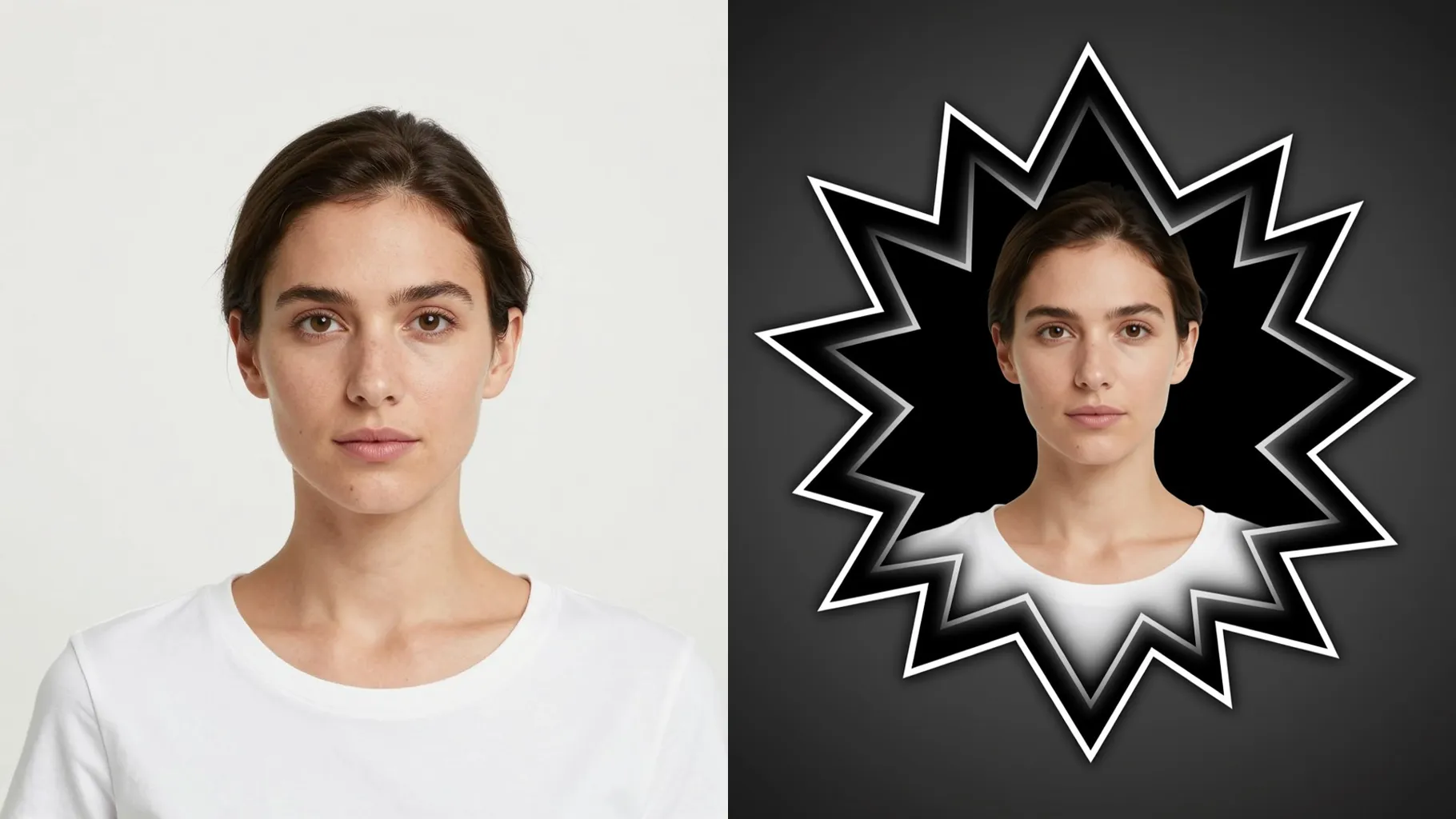
Transform one photo into a frame-breaking 3D look with clean cutouts, layered edges, and spotlighted depth.
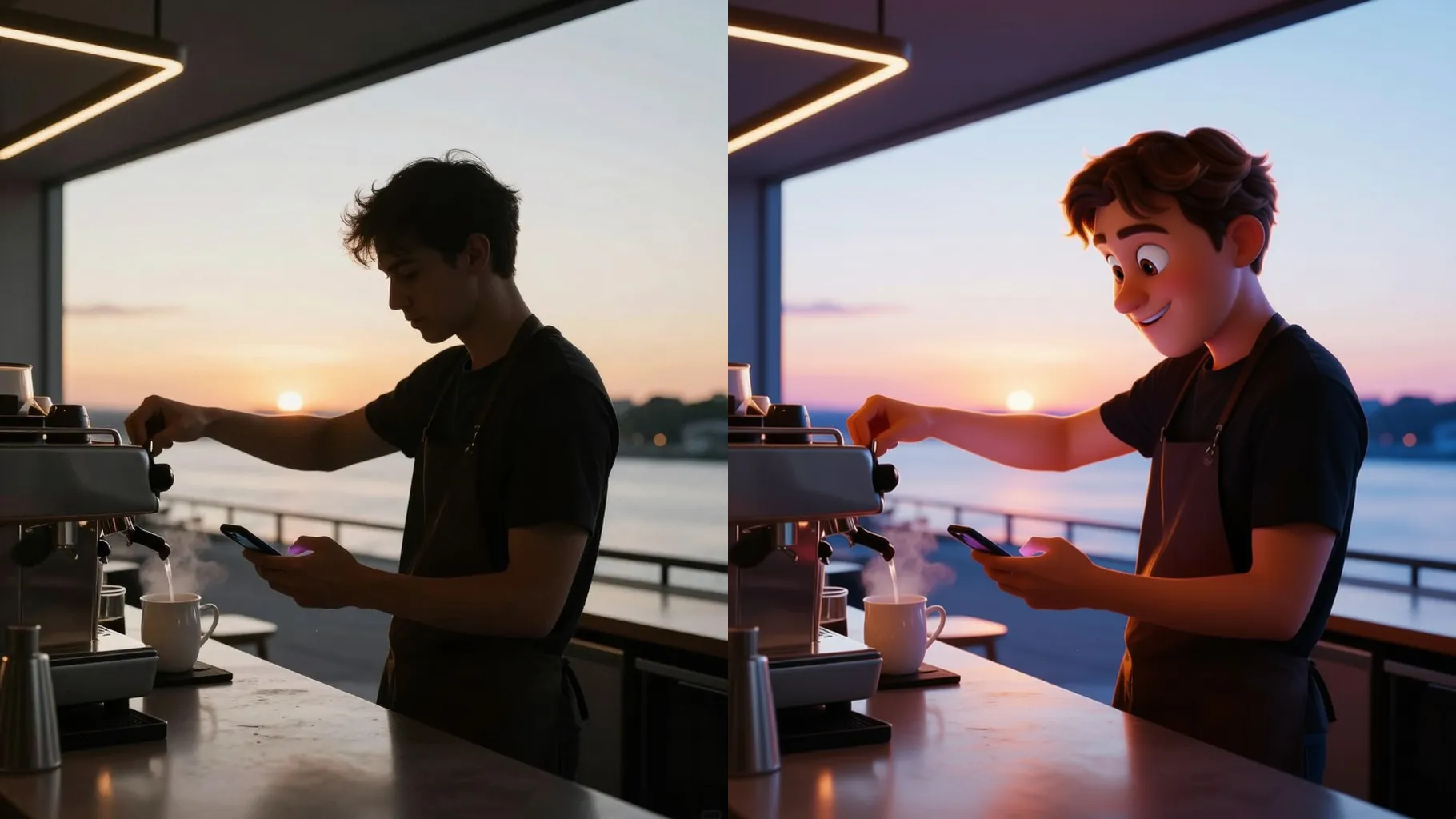
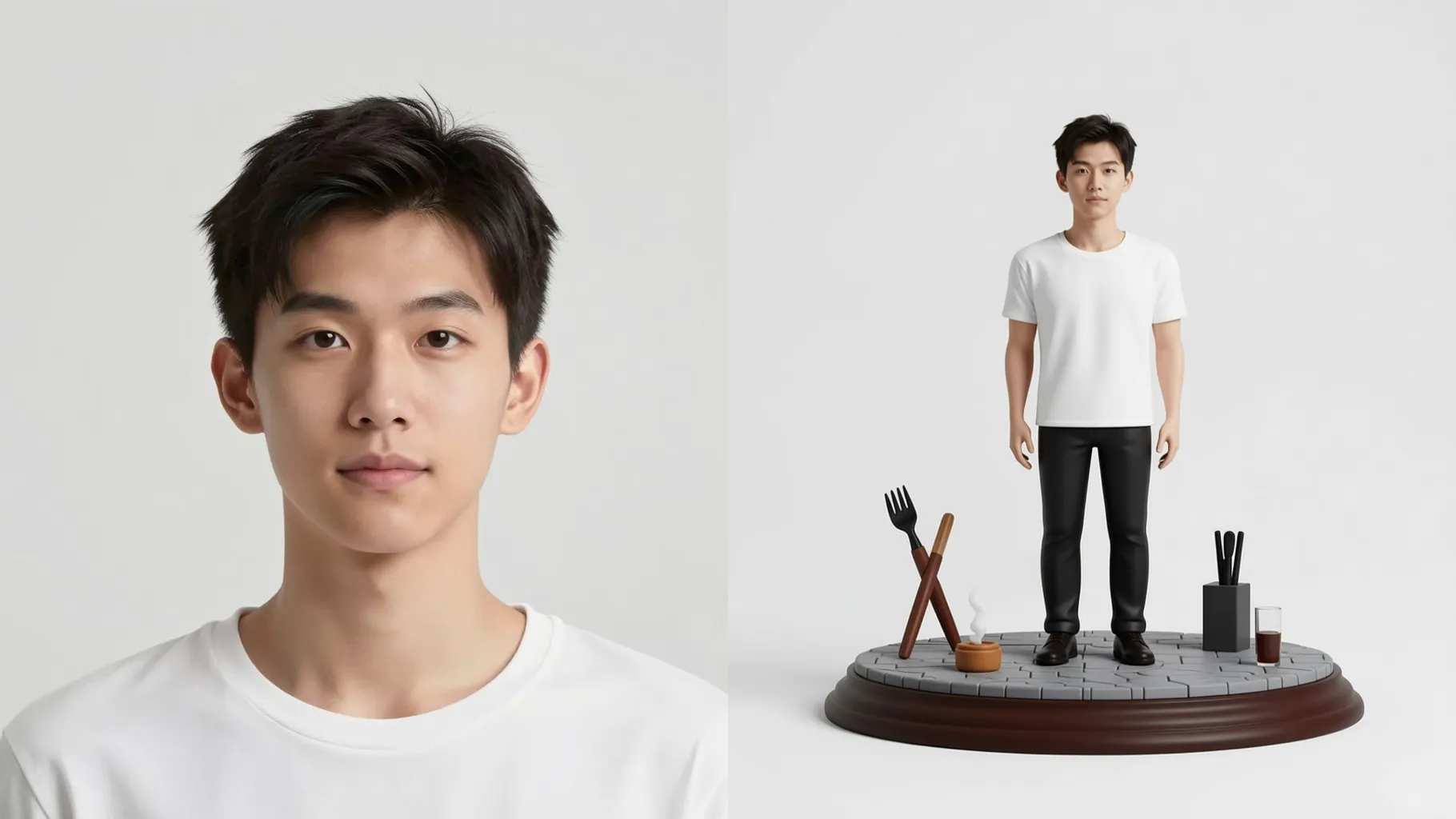
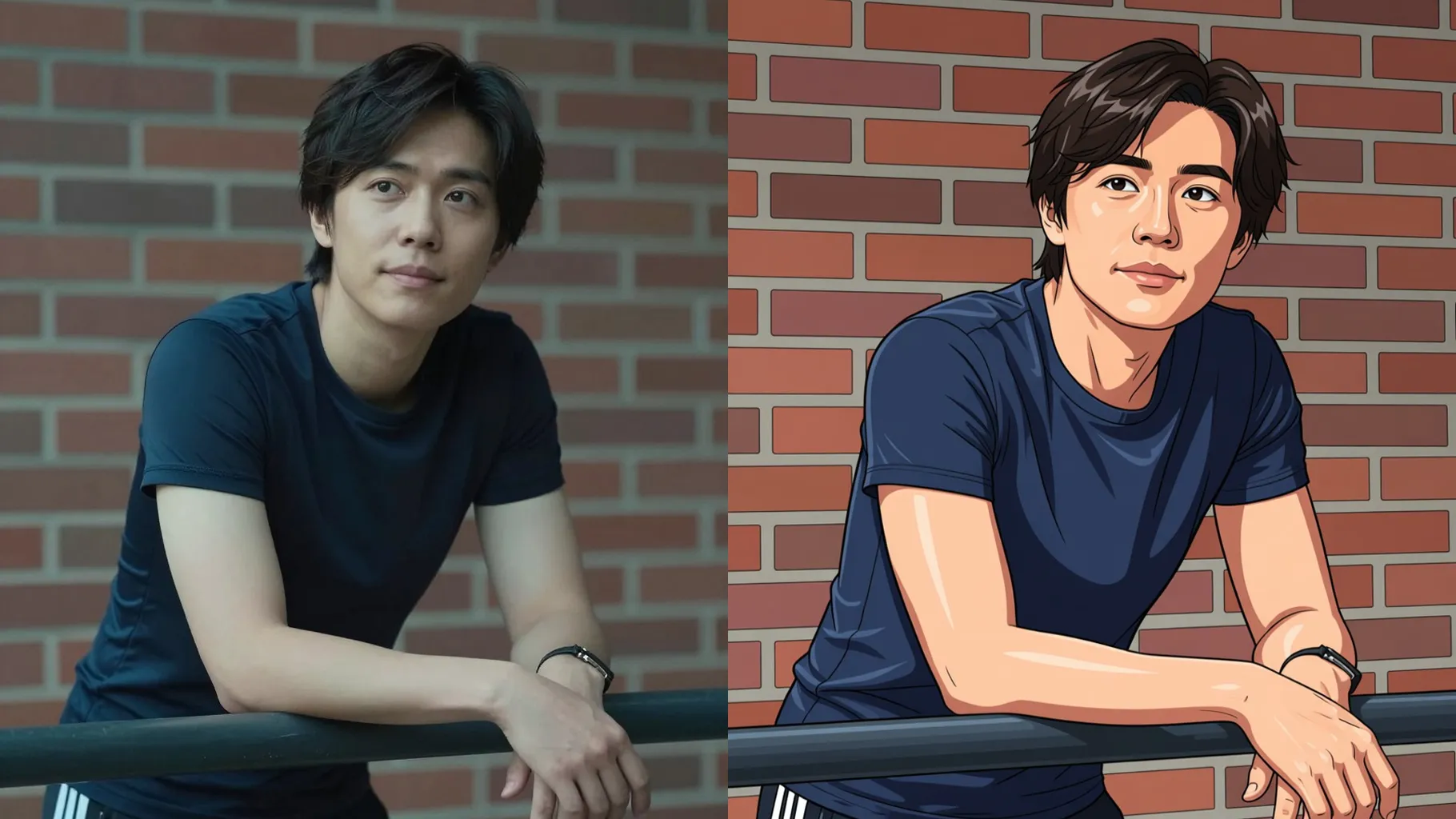
Examples show the target style. Your result depends on the chosen model and reference photo.
Upload one image to make your subject burst out of the frame with realistic depth, shadows, and highlights.
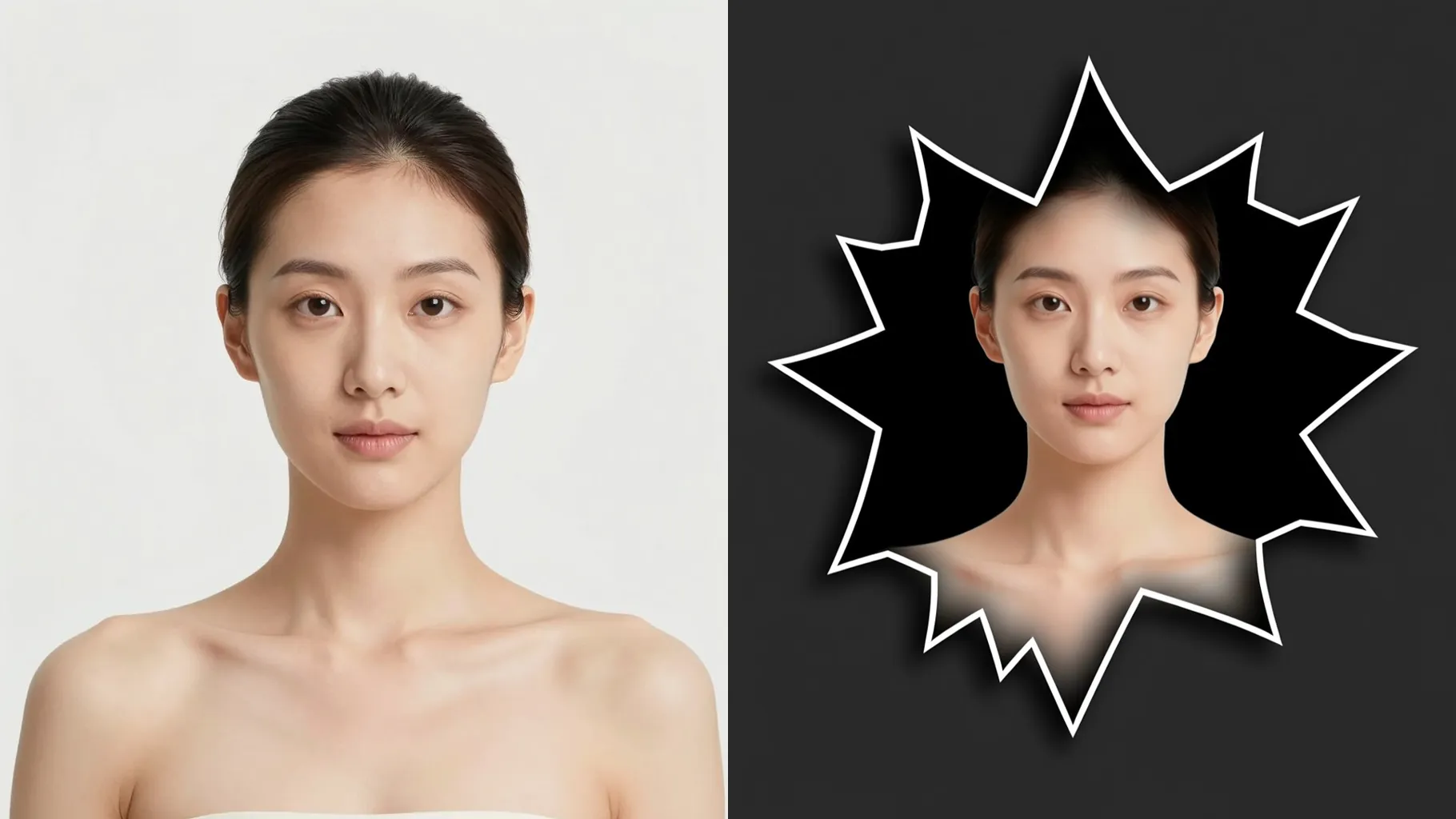
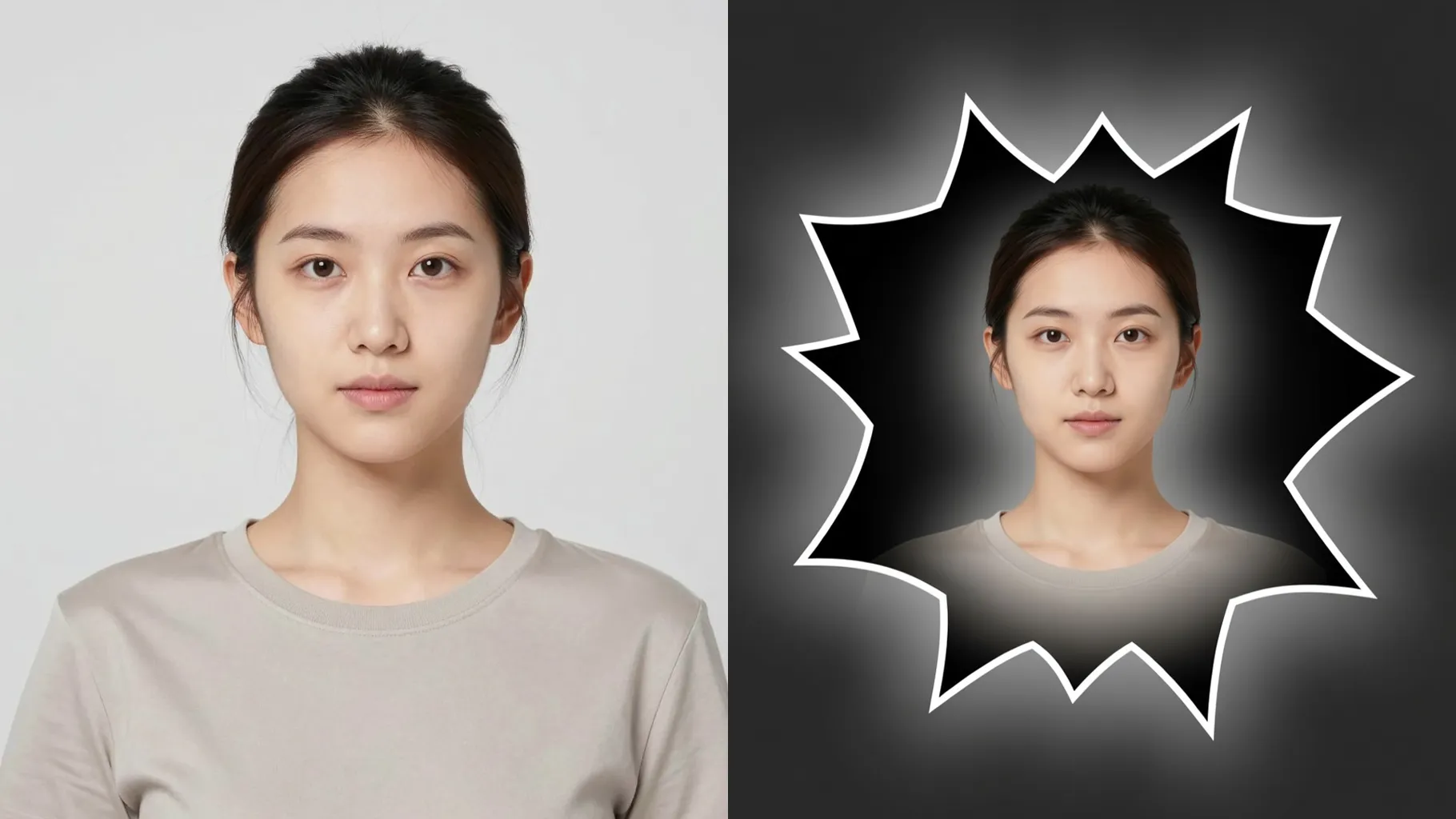
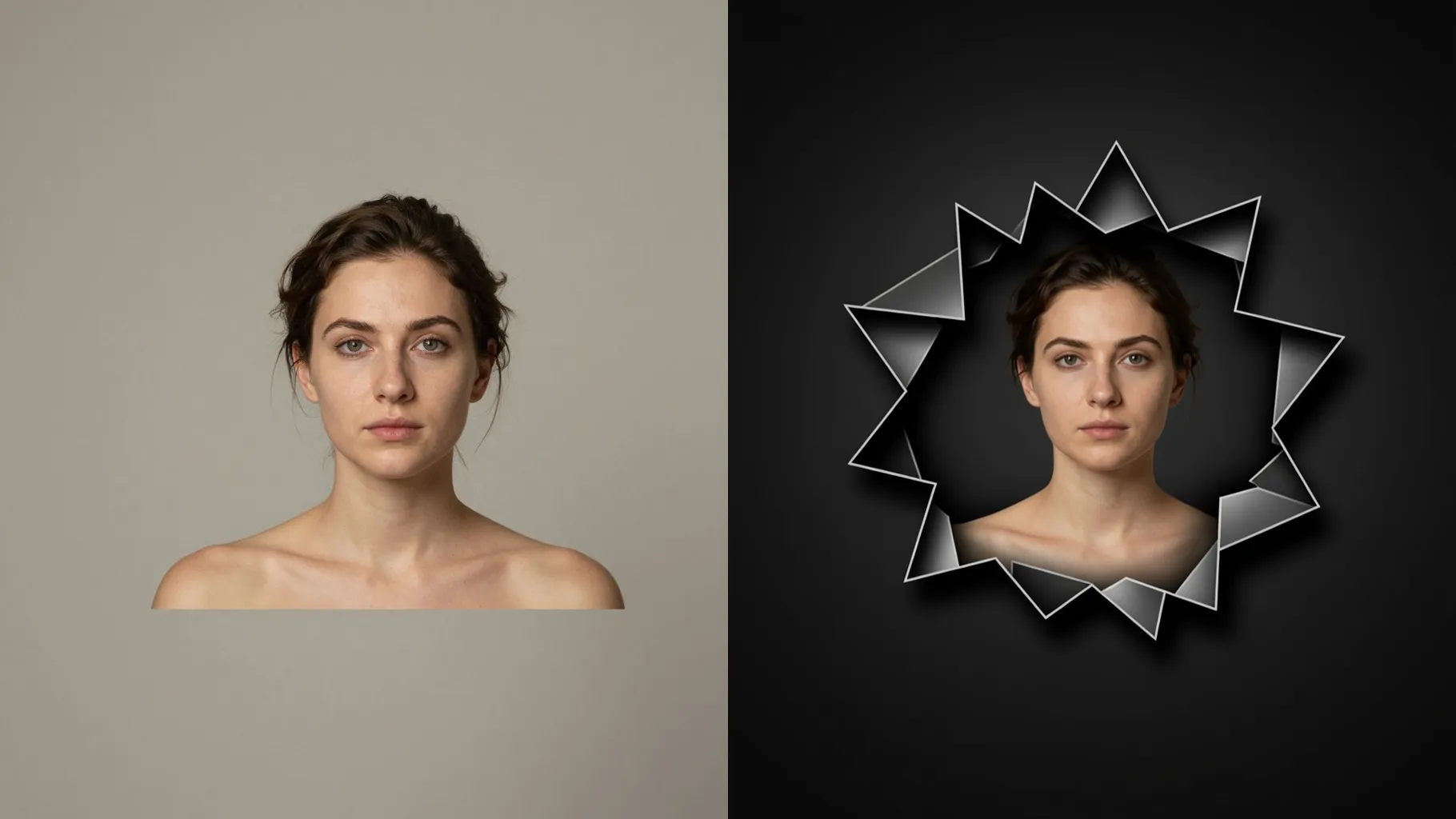
Precise edge detection keeps faces, hair, and props sharp while bending the frame so the subject pops toward the viewer.
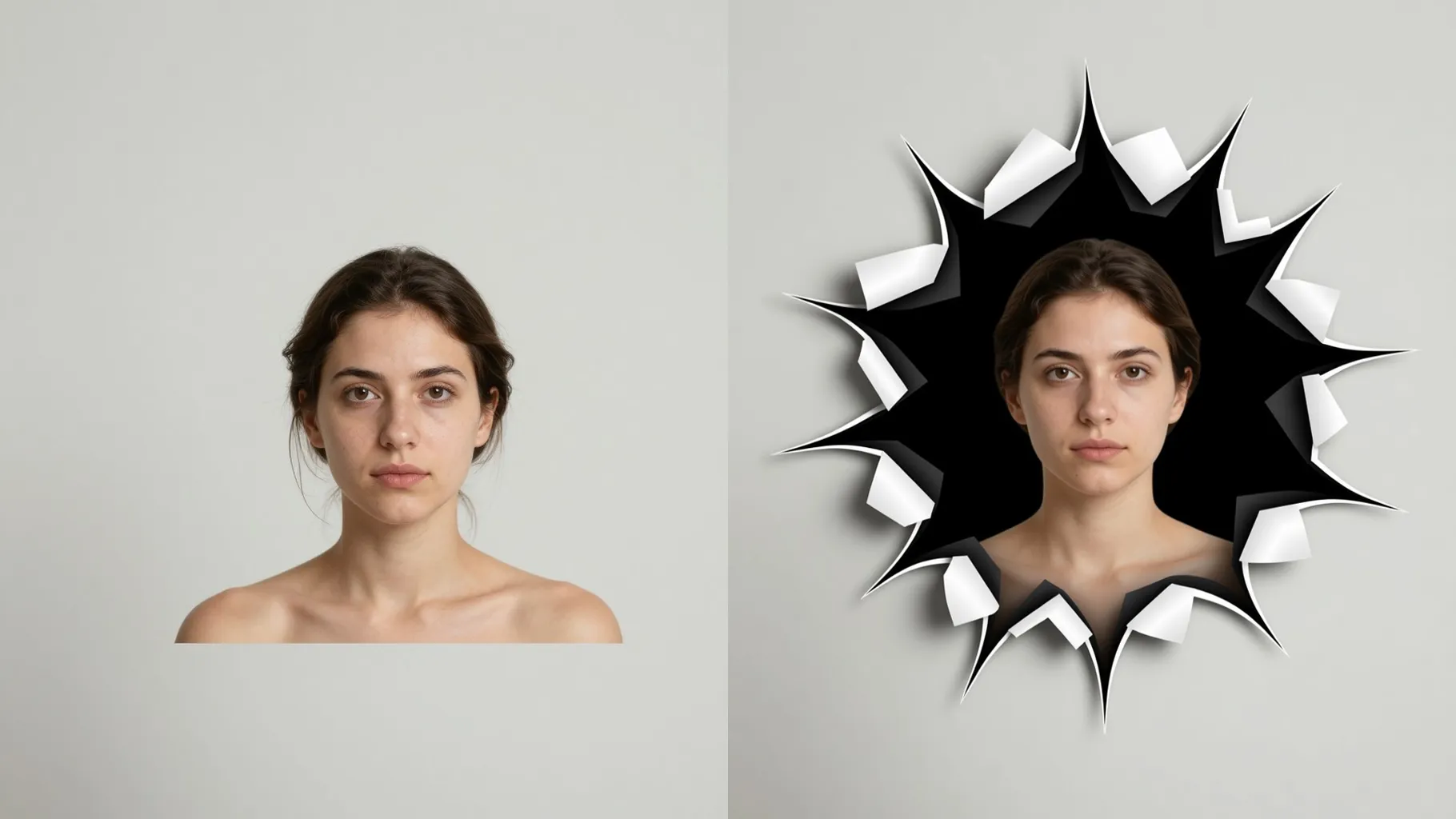
Soft rim lights and grounded drop shadows add a believable 3D lift without losing the original colors or texture.
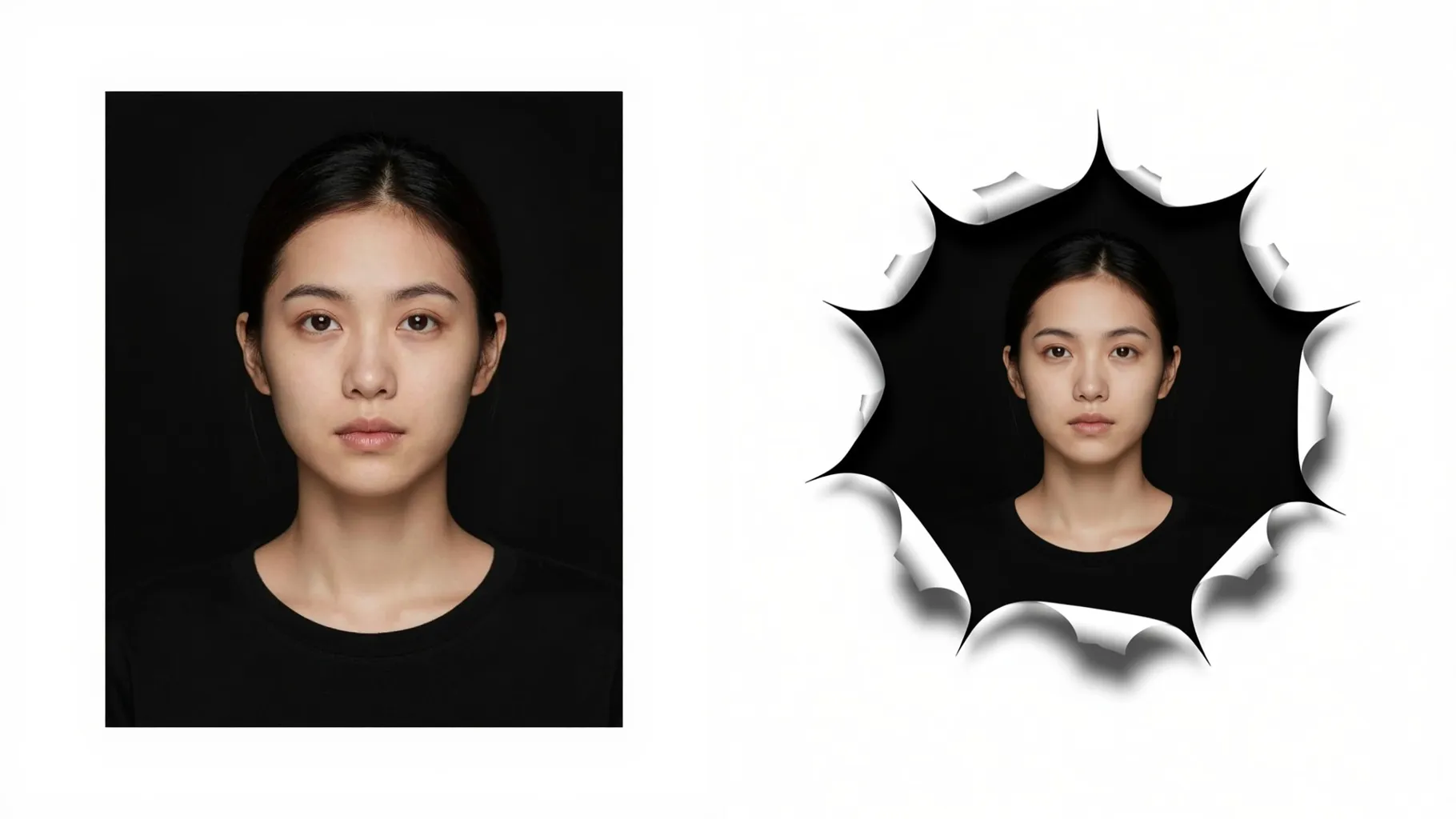
Centered subjects with clean backgrounds make the frame-burst effect sharper.
Mention vibe, props, or scene tweaks in one line to guide the 3D styling.
Review the pop-out render, rerun if needed, and download your favorite result instantly.
This effect uses one image at a time so the pop-out framing stays consistent.
A short prompt helps set the mood or props. Keep it brief to maintain likeness.
Aspect ratio is fixed to avoid stretching the frame cutout. Crop your photo first if needed.
Model switching is disabled to preserve the pop-out lighting and shadow style.
Yes. It maintains color and texture while adding depth, shadows, and subtle highlights.
It isolates the subject and softens the background to emphasize the 3D lift.
Use JPG, PNG, or WebP under 10MB for faster processing and cleaner edges.
No. This is an image-to-image effect and needs one photo to start.

Generation time depends on the model, image size, and queue. Check the task status on this page.