
1. How many photos can I upload per render?
This template supports one photo at a time to keep the 90s scene consistent.
Turn one photo into a CRT-lit arcade shot with pixel HUD details and neon ambience.
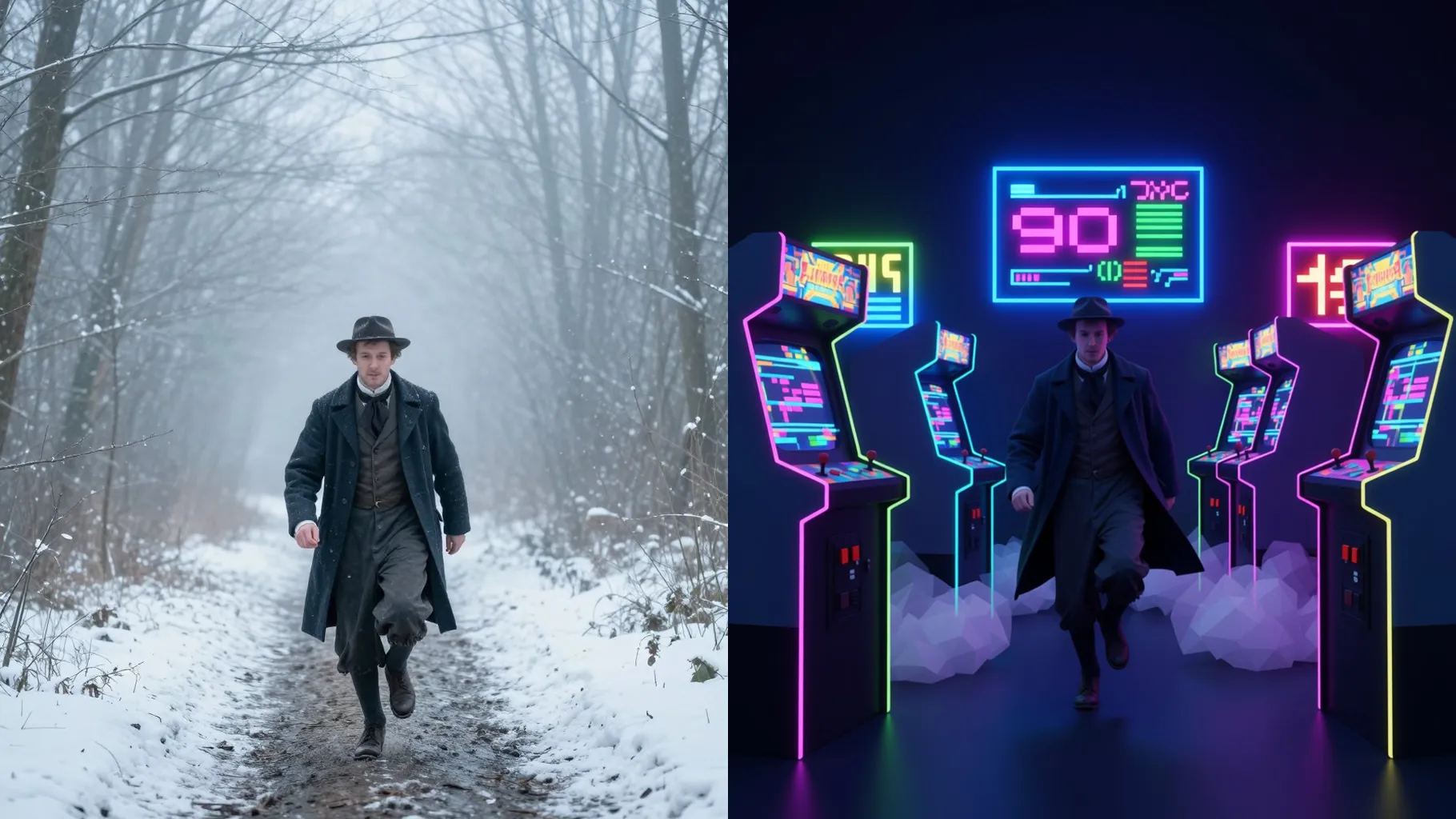
Transform one photo into a 90s arcade scene with CRT scanlines, neon cabinets, and pixel HUD overlays.
Examples show the target style. Your result depends on the chosen model and reference photo.
Upload one photo to wrap it in neon arcades, CRT glow, and pixel HUD cues for a throwback game moment.
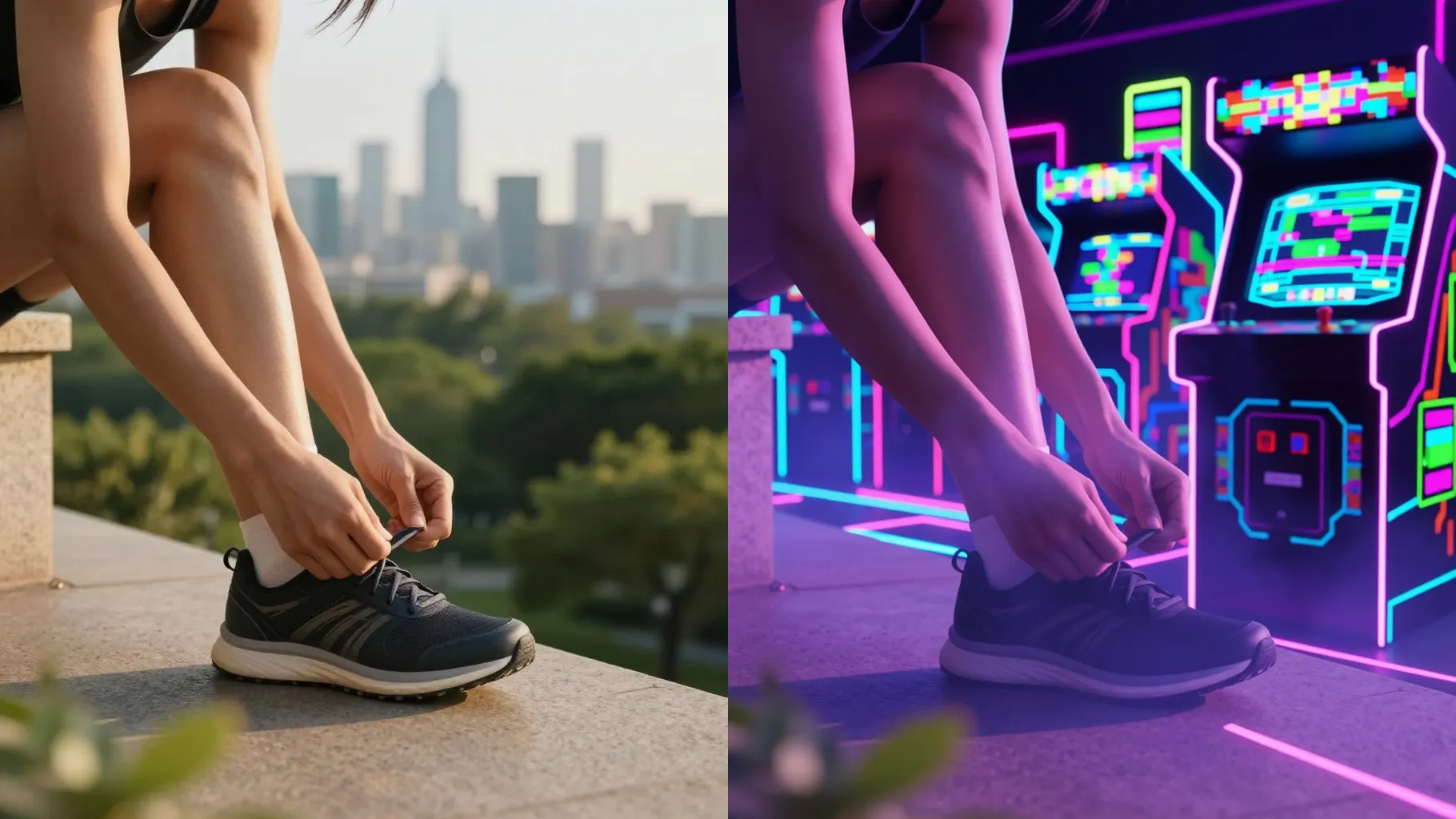
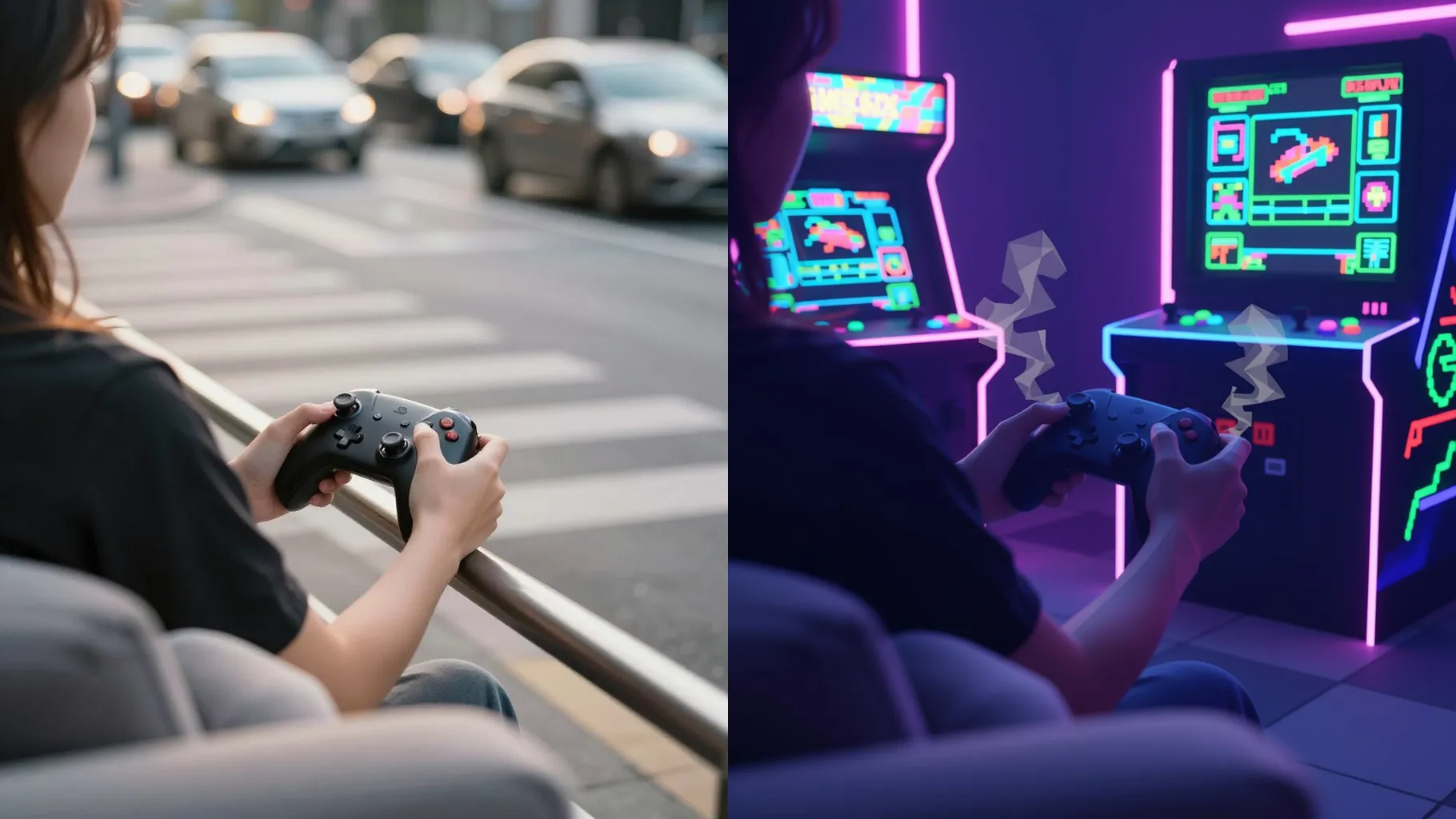
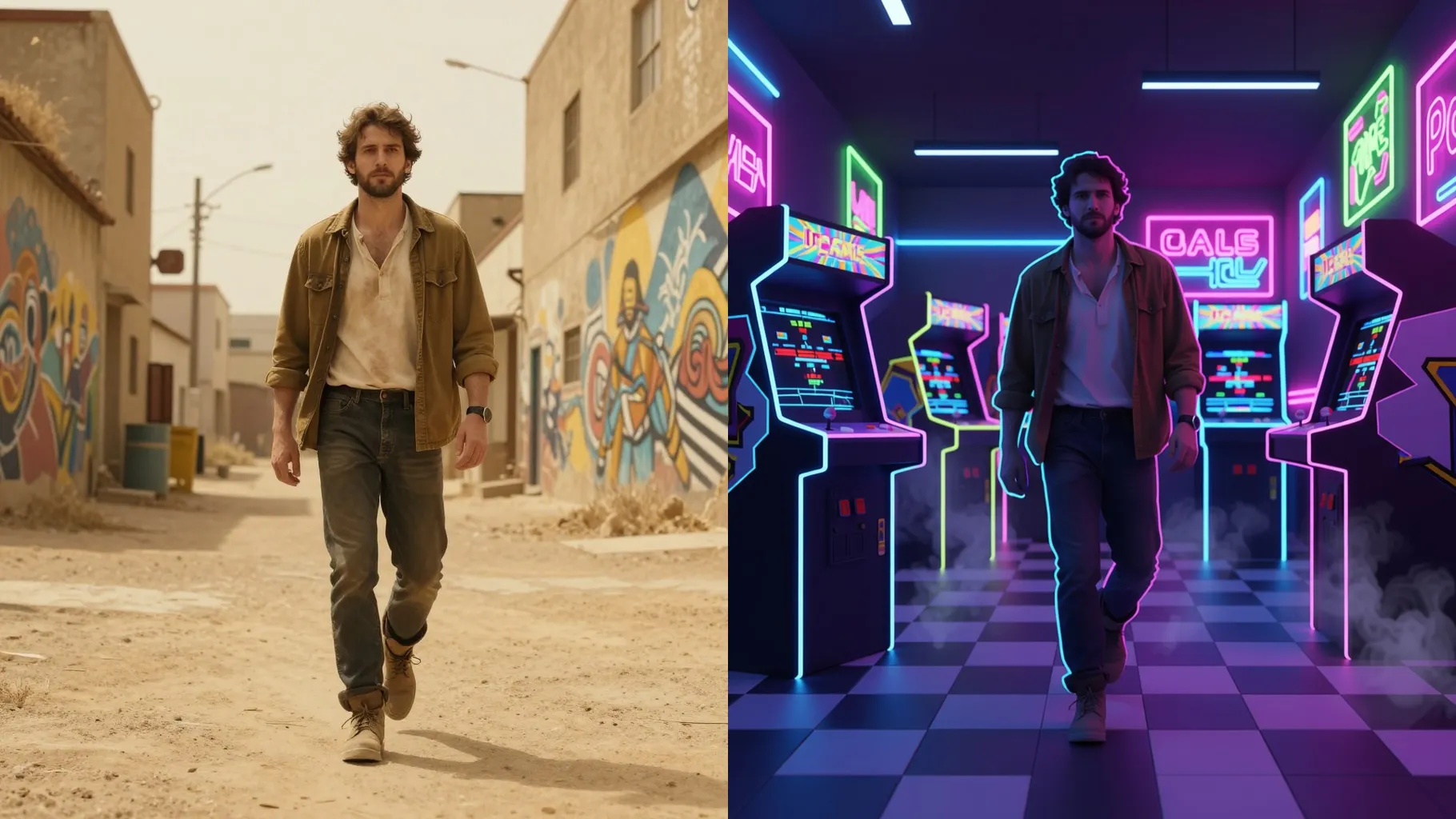
Soft bloom, screen grain, and horizontal scanlines make your photo look like it lives on a retro monitor.
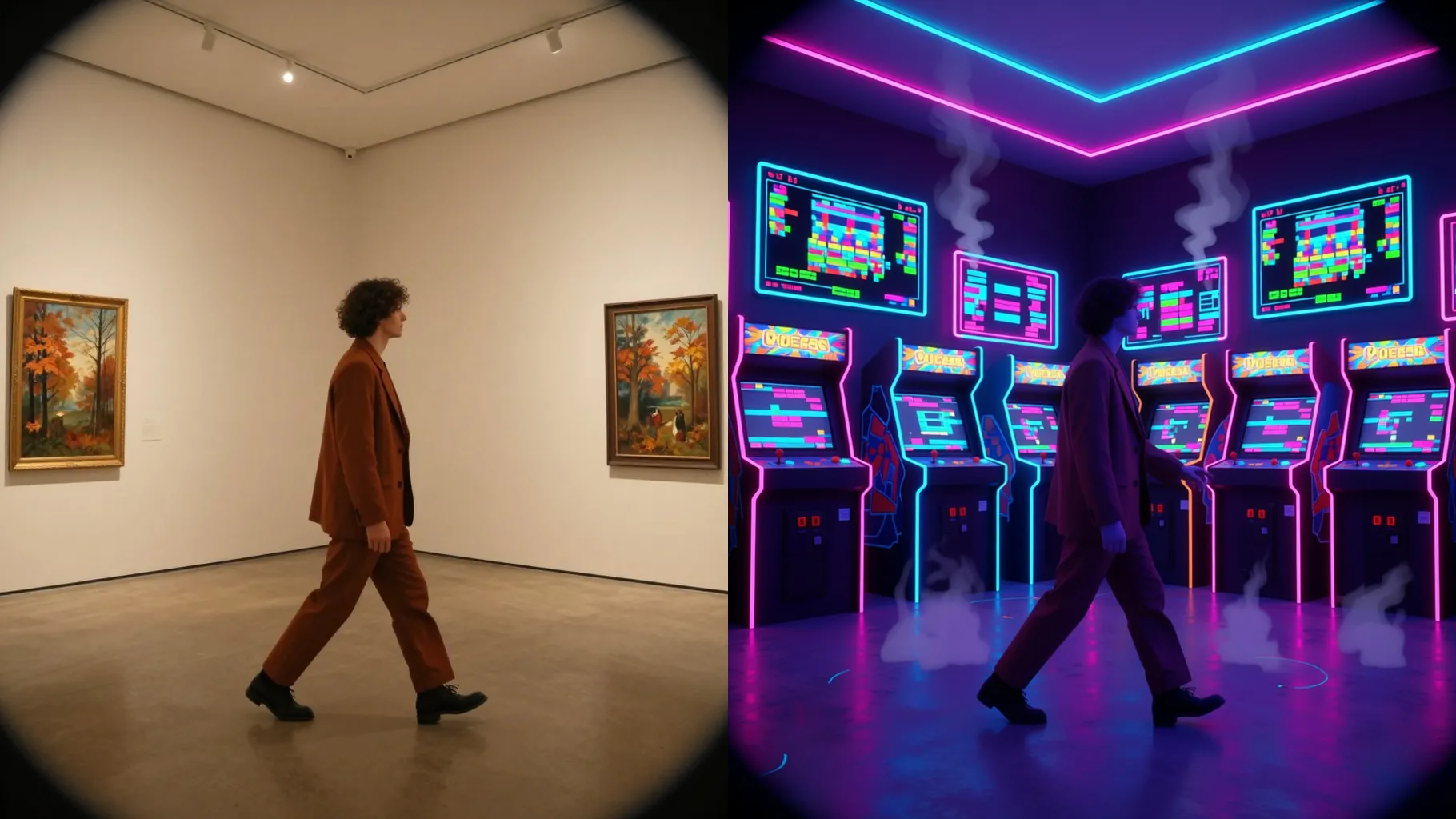
Adds neon cabinets, pixel coins, health bars, or grid floors while keeping your pose and outfit intact.
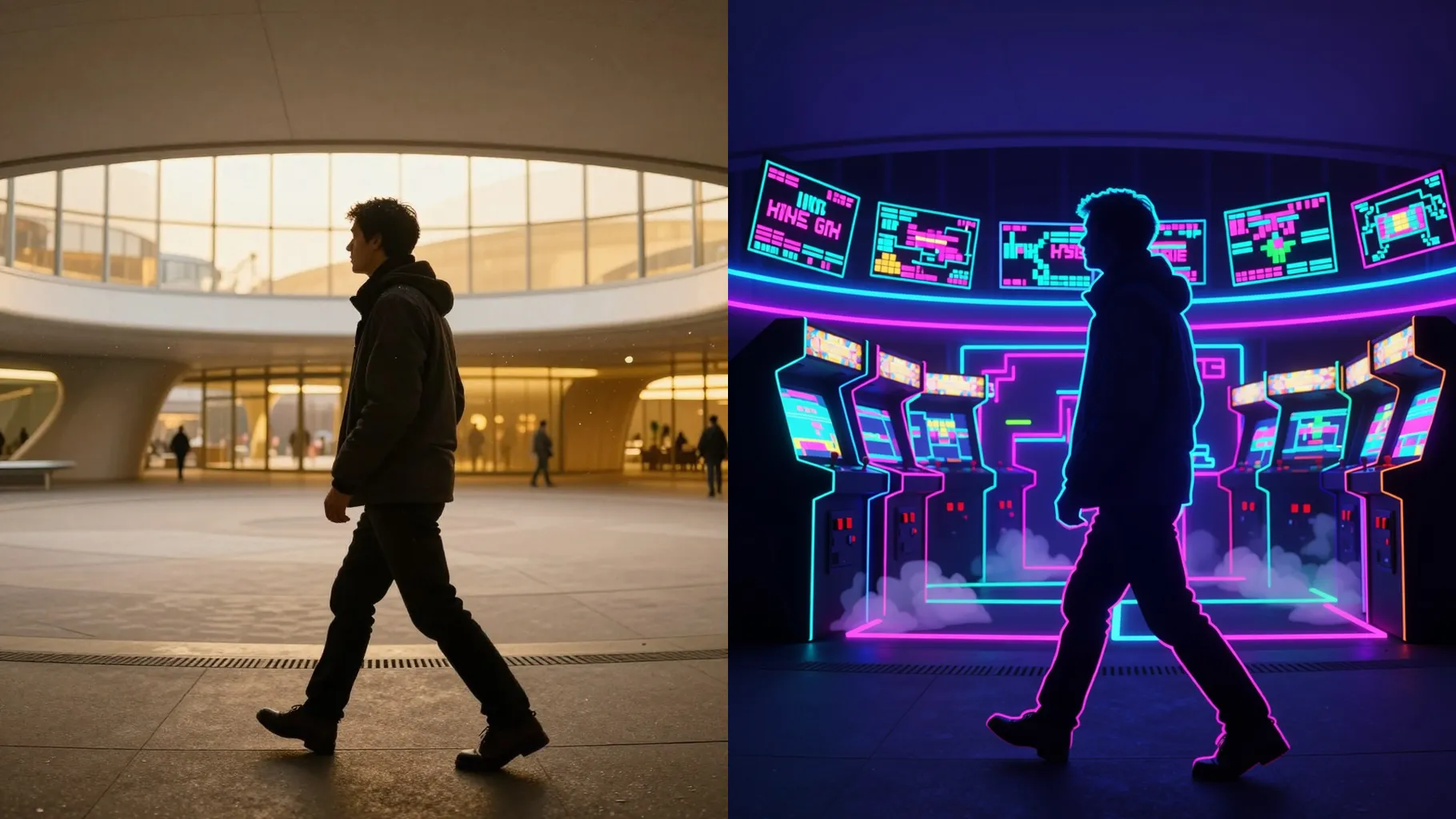
Front-facing or action shots work; balanced lighting keeps the pixel shading clean.
Mention platformer, fighter stage, or console style in one line to steer the render.
Review the 90s game scene, rerun if needed, and download the sharpest frame.
This template supports one photo at a time to keep the 90s scene consistent.
A short prompt is optional; mention the game genre or prop you want.
Aspect ratio control is off to avoid stretching the retro screen; crop before upload if needed.
Model switching is disabled to preserve the 90s game shading.
Yes. It keeps your likeness and clothes while adding CRT glow, HUD elements, and retro lighting.
Groups and pets work best when the subjects are centered with clear edges.
Use JPG, PNG, or WebP under 10MB for smoother rendering.
No. This effect needs one uploaded photo to build the scene.

Generation time depends on the model, image size, and queue. Check the task status on this page.