
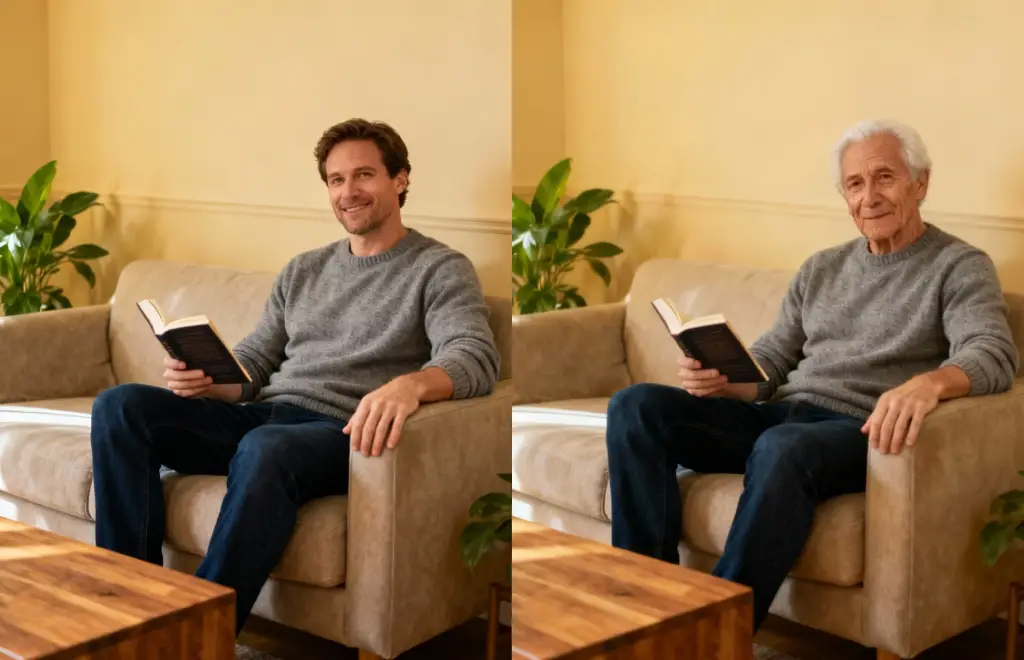
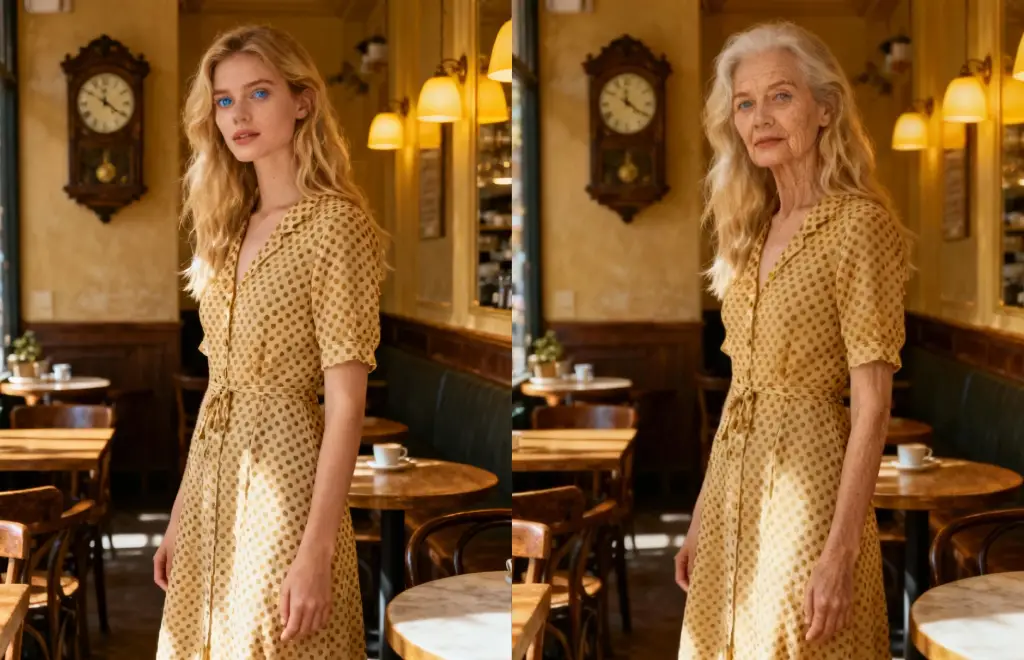
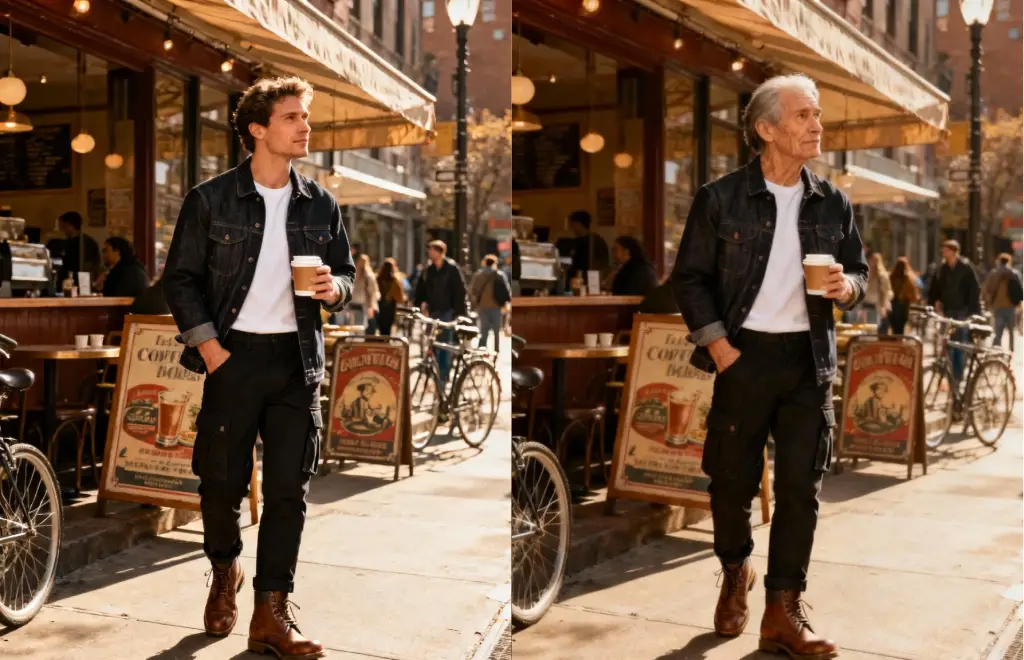
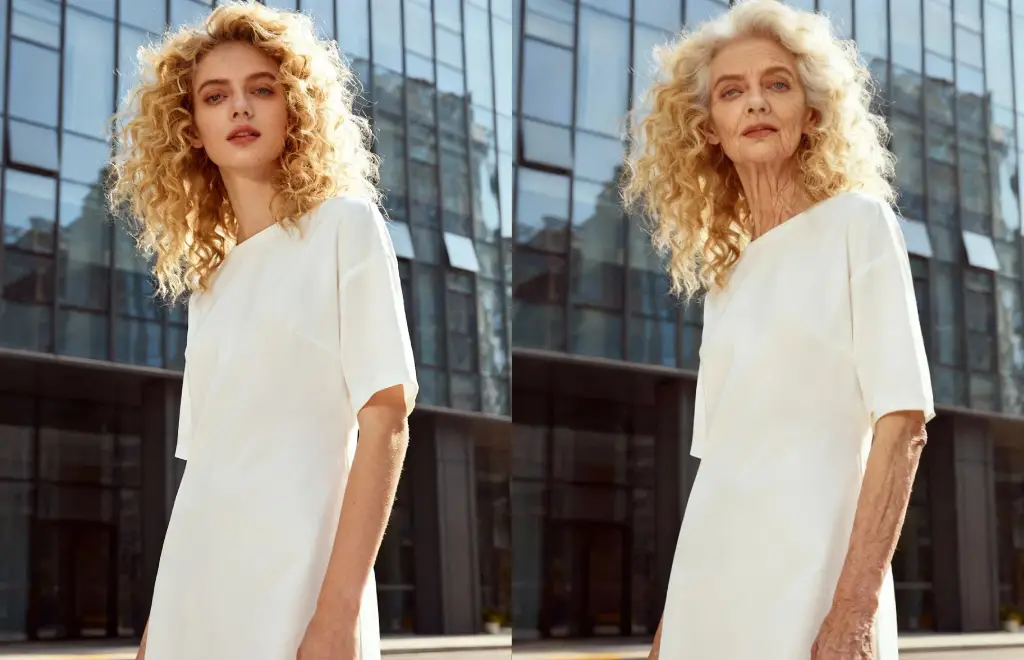
AI Age Filter

Preview the future or rewind time with an ai age filter that remembers prompts, captions, and sharing options.

Loading available models…

AI Age Filter

Preview the future or rewind time with an ai age filter that remembers prompts, captions, and sharing options.

AI Age Filter
Slide 1 / 2

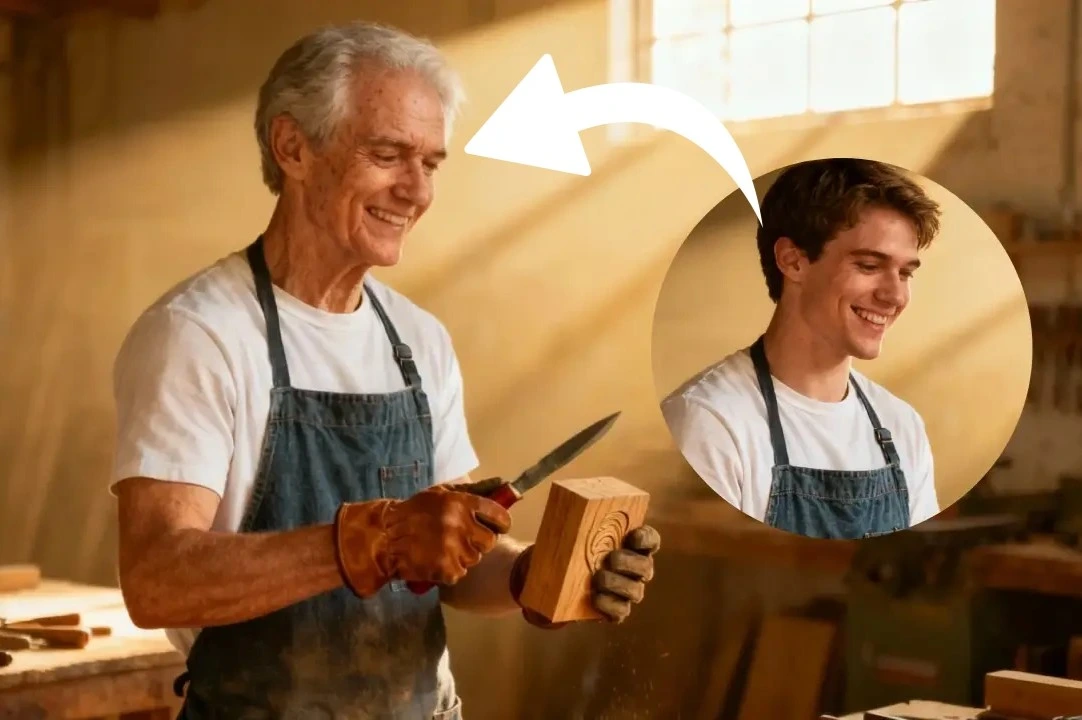
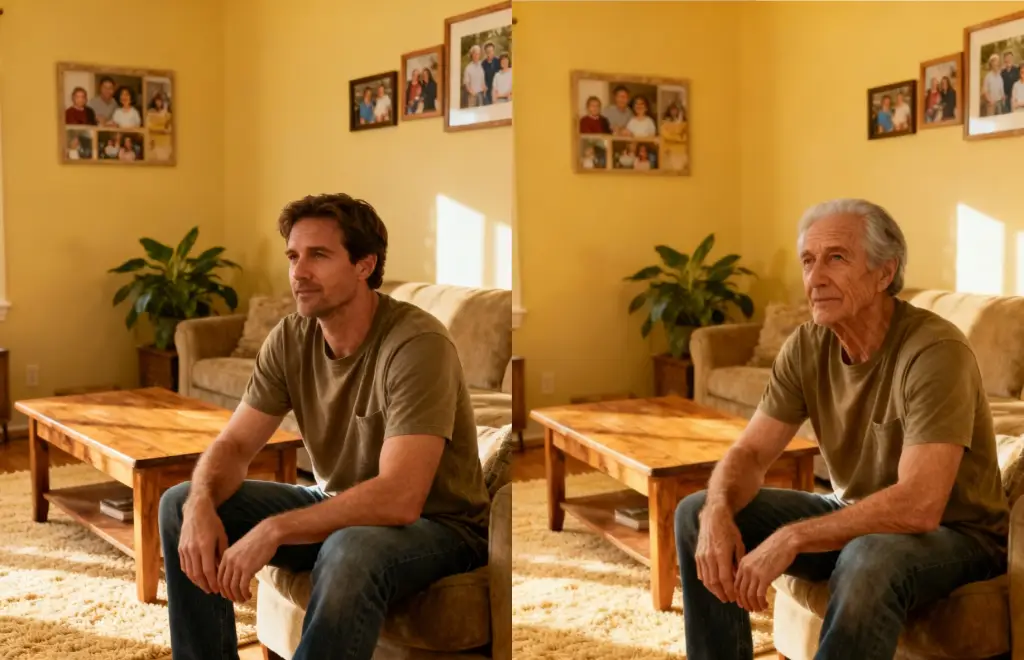
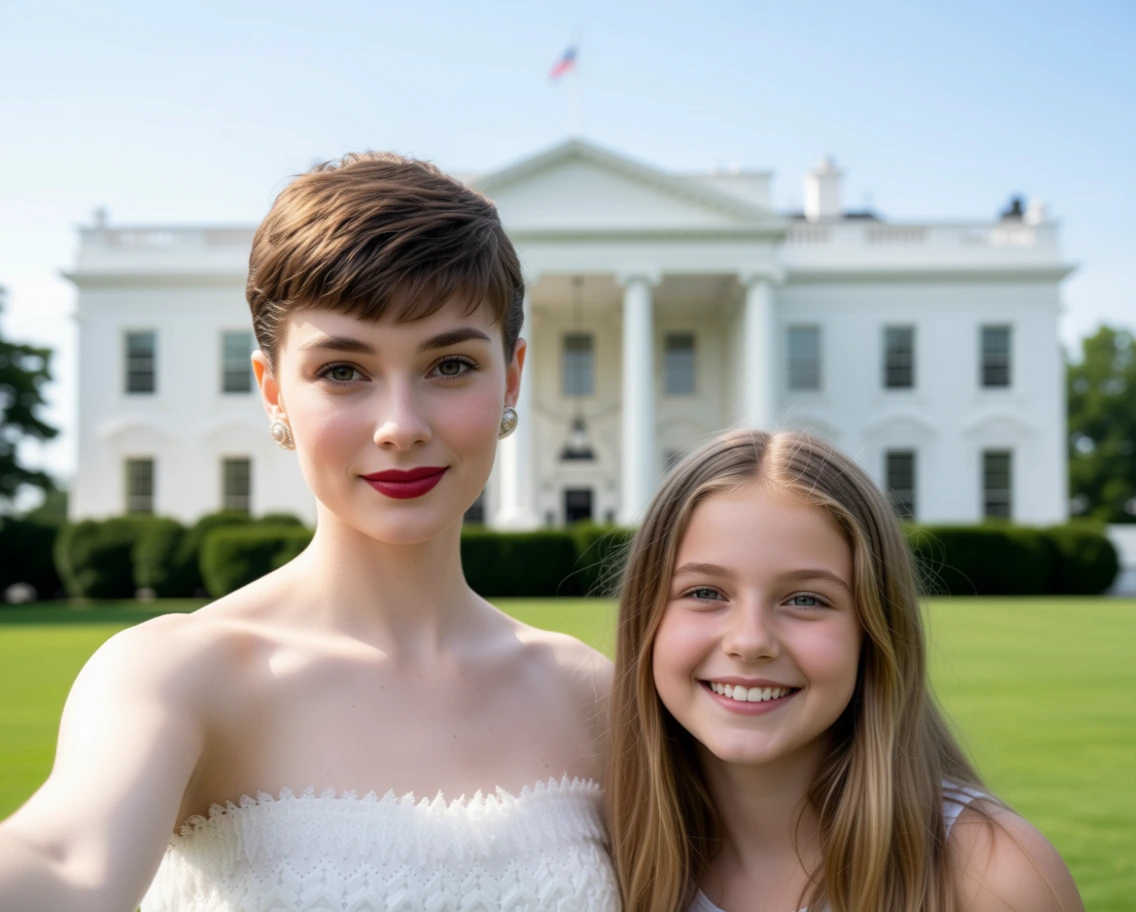
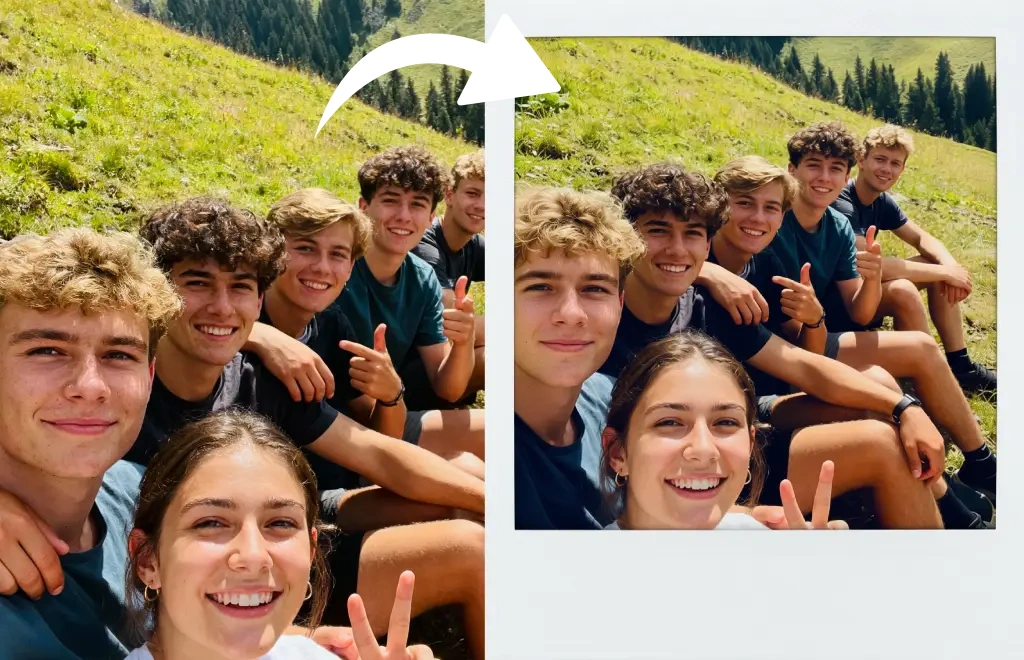
Face aged decades by the ai age filter

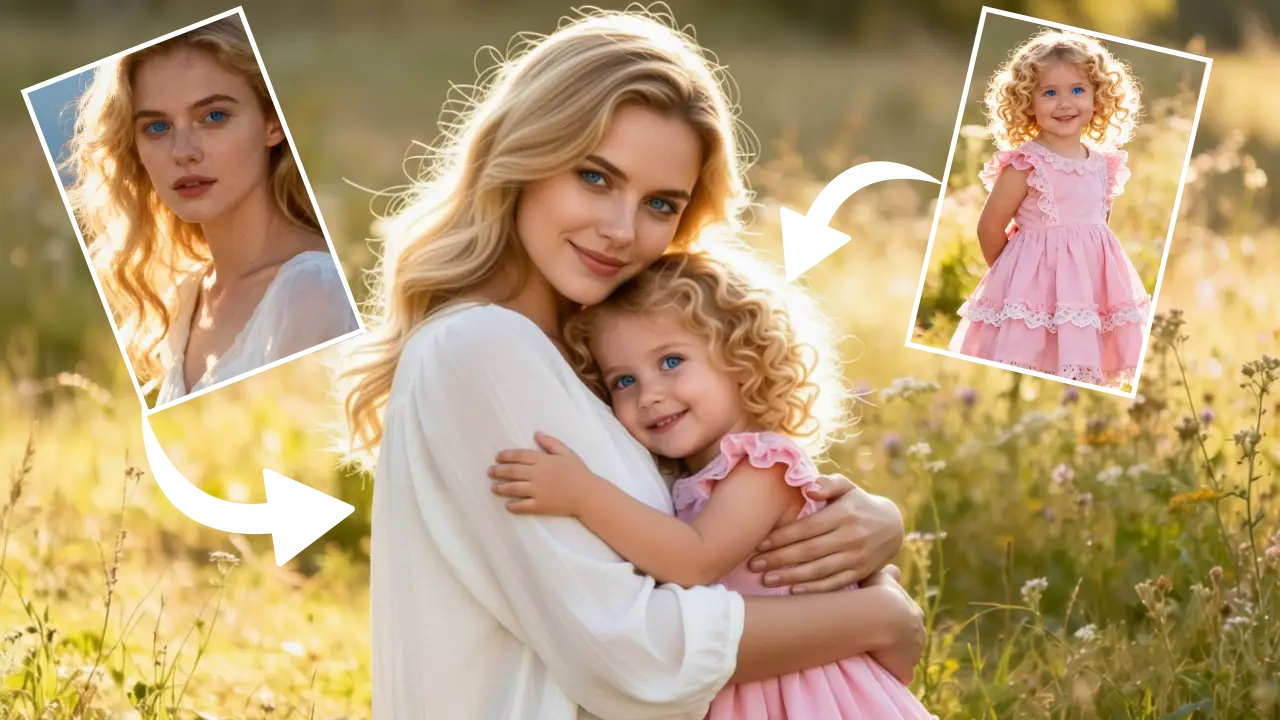
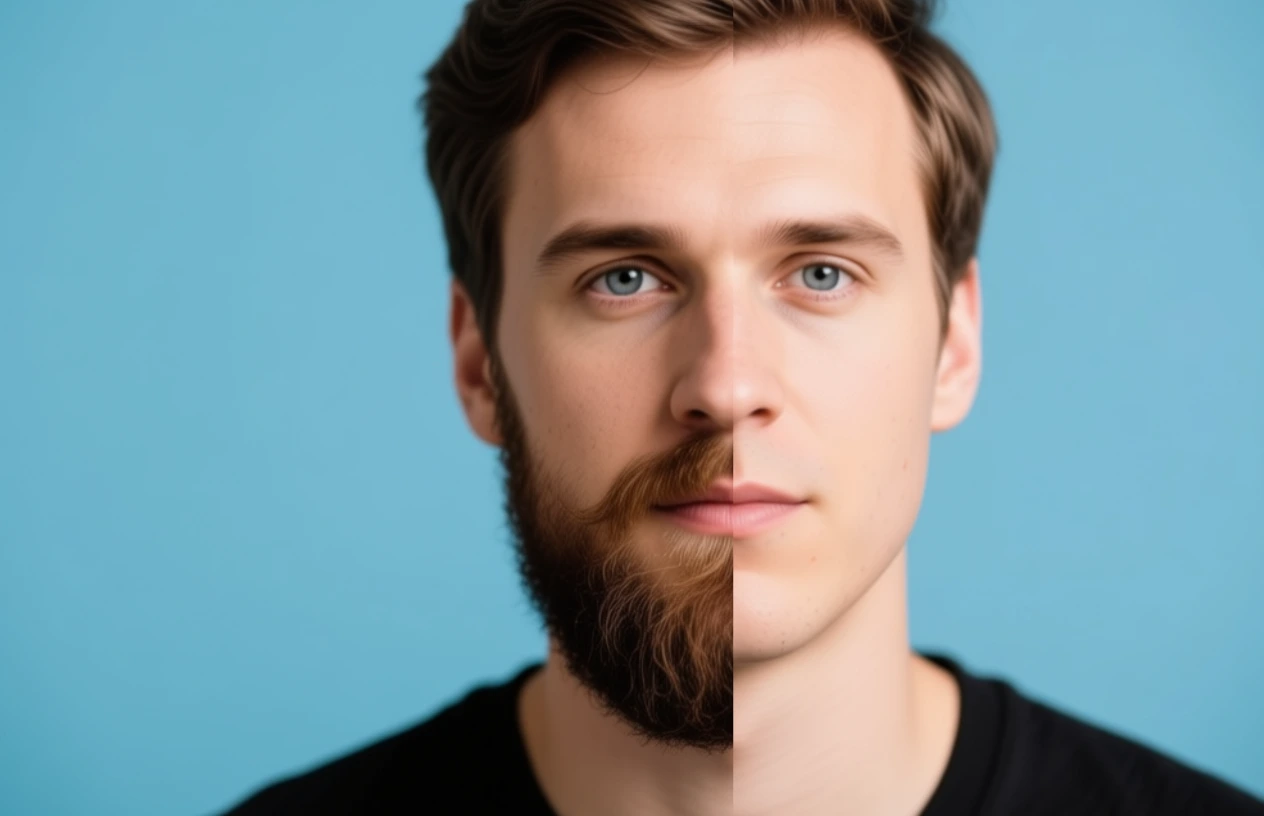
Examples show the target style. Your result depends on the chosen model and reference photo.

Ai Age Filter - AI Image Generator

Generation time depends on the model, image size, and queue. Check the task status on this page.

Advanced AI Technology

Powered by cutting-edge artificial intelligence algorithms that intelligently analyze your photos and generate natural, realistic effects. The technology automatically adjusts lighting, color, and composition for professional results.

AI Age Filter

Easy to Use

Simply upload your photo, choose your desired effect, and let AI handle the rest. No technical background or expertise needed - anyone can create amazing results.

AI Age Filter

Simple 3-Step Process

  1. 1. Upload Photo

    Choose a clear photo to upload. For best results, use well-lit photos with visible faces.

  2. 2. Select Effect

    Choose from various styles and effects. Each effect is carefully calibrated for optimal visual presentation.

  3. 3. Generate & Download

    Generation time depends on the model, image size, and queue. Check the task status on this page.

Frequently Asked Questions

1. What kind of photos work best?

Clear, well-lit photos with fully visible faces work best. Front-facing photos are recommended, avoiding overexposure or heavy shadows. The AI age filter keeps expressions and wardrobe intact while shifting subtle facial cues, so the outcome stays believable.

2. How long does generation take?

Generation time depends on the model, image size, and queue. Check the task status on this page.

3. What's the quality of generated images?

Our AI technology generates high-quality, high-resolution images. Final results depend on the quality of your original photo. The AI age filter keeps expressions and wardrobe intact while shifting subtle facial cues, so the outcome stays believable.

4. Is my photo data secure?

Absolutely. All photos are encrypted during transmission and processing. We don't store your original photos - data is automatically deleted after generation. The AI age filter keeps expressions and wardrobe intact while shifting subtle facial cues, so the outcome stays believable.

5. Can I use generated images commercially?

Generated images can be used for personal purposes and social media sharing. For commercial use, please review our terms of service or contact support. The AI age filter keeps expressions and wardrobe intact while shifting subtle facial cues, so the outcome stays believable.

6. How does the AI age filter work?

It analyzes facial landmarks, lighting, and skin texture, then simulates how those features shift when aging up or down. The original expression stays intact so the result feels believable. The AI age filter keeps expressions and wardrobe intact while shifting subtle facial cues, so the outcome stays believable.

7. Can I choose younger or older looks?

Yes. The prompt field accepts cues like 'age me 20 years' or 'show teenage version'. The AI age filter generates separate previews for each request. The AI age filter keeps expressions and wardrobe intact while shifting subtle facial cues, so the outcome stays believable.

8. What photos give the best results?

Front-facing shots with even lighting avoid harsh shadows. Remove heavy beauty filters so the AI age filter can map pores and wrinkles accurately. The AI age filter keeps expressions and wardrobe intact while shifting subtle facial cues, so the outcome stays believable.

9. Is the AI age filter useful for storytellers?

Screenwriters and game designers upload character portraits and age them forward or backward to visualize flashbacks, sequels, or alternate timelines. The AI age filter keeps expressions and wardrobe intact while shifting subtle facial cues, so the outcome stays believable.

10. Can I use the renders commercially?

You retain rights to age-filtered versions of your own photos. Follow platform policies when posting ads or thumbnails, but the files are cleared for marketing decks and pitch materials. The AI age filter keeps expressions and wardrobe intact while shifting subtle facial cues, so the outcome stays believable.

11. How do genealogists use the AI age filter?

Family historians age ancestors forward to imagine present-day reunions, or age themselves backward to mirror archival portraits. The AI age filter outputs JPGs that slip into ancestry books or reunion slide decks. The AI age filter keeps expressions and wardrobe intact while shifting subtle facial cues, so the outcome stays believable.

12. Can filmmakers pre-visualize timelines?

Directors run cast headshots through the AI age filter to visualize flashbacks and futures without full prosthetics tests. The renders guide makeup and costume departments before cameras roll. The AI age filter keeps expressions and wardrobe intact while shifting subtle facial cues, so the outcome stays believable.

Ready to Start Creating?

Join thousands of users creating stunning image effects with AI technology. Get started now, free to try.