
AI Hug My Younger Self

Reimagine past and present together with an ai hug my younger self editor that remembers every pose and caption.

Loading available models…

AI Hug My Younger Self

Reimagine past and present together with an ai hug my younger self editor that remembers every pose and caption.

AI Hug My Younger Self
Slide 1 / 2

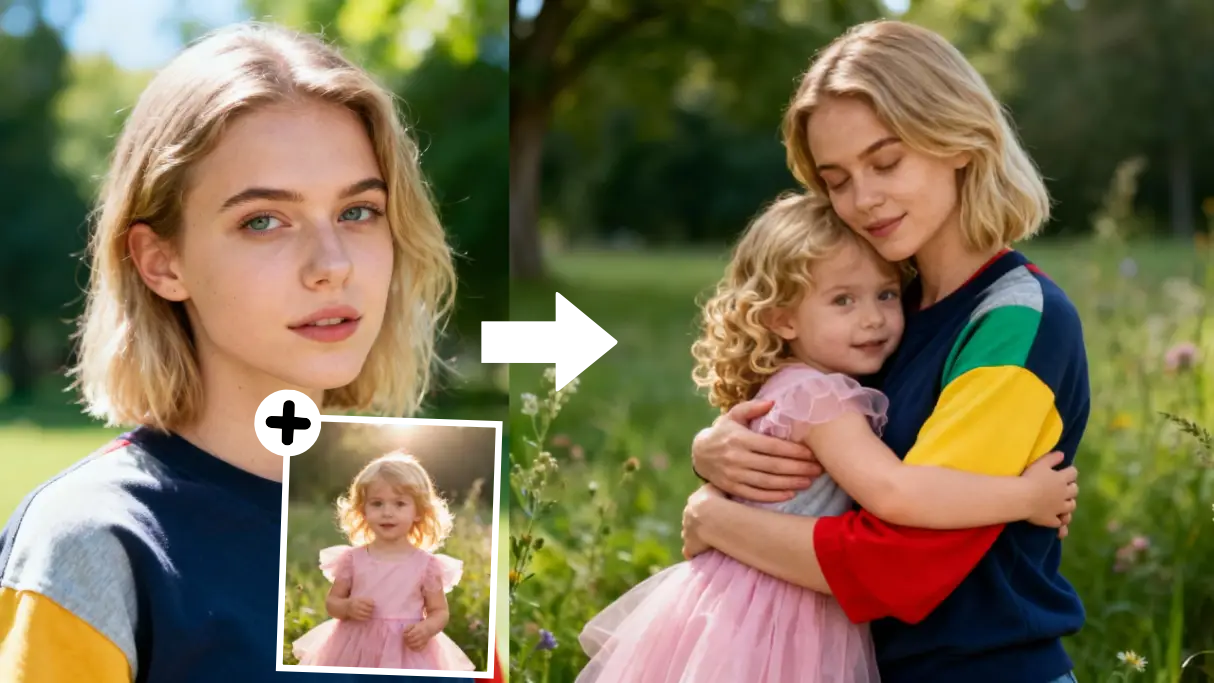
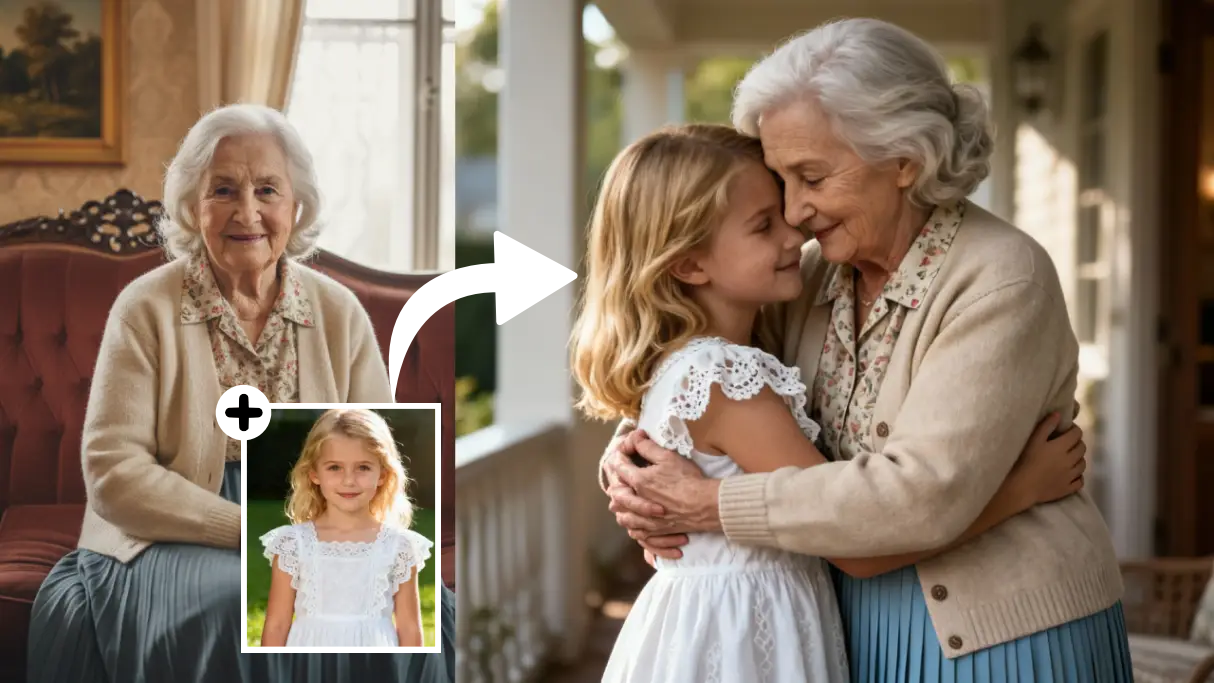
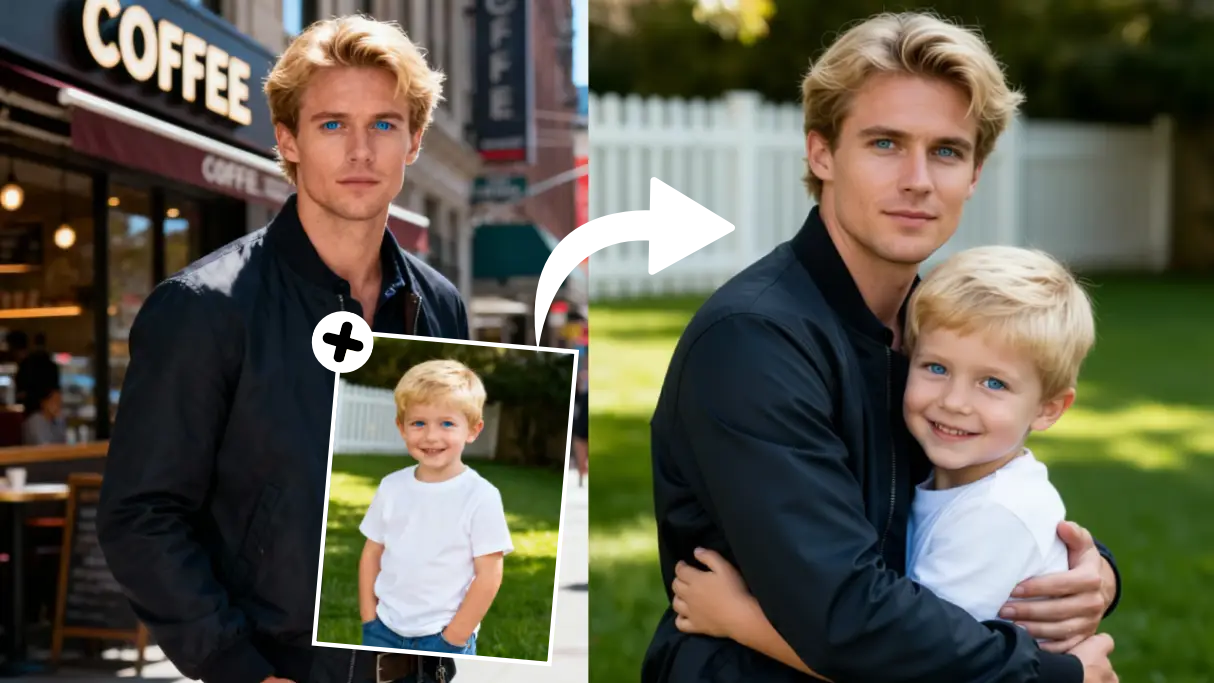
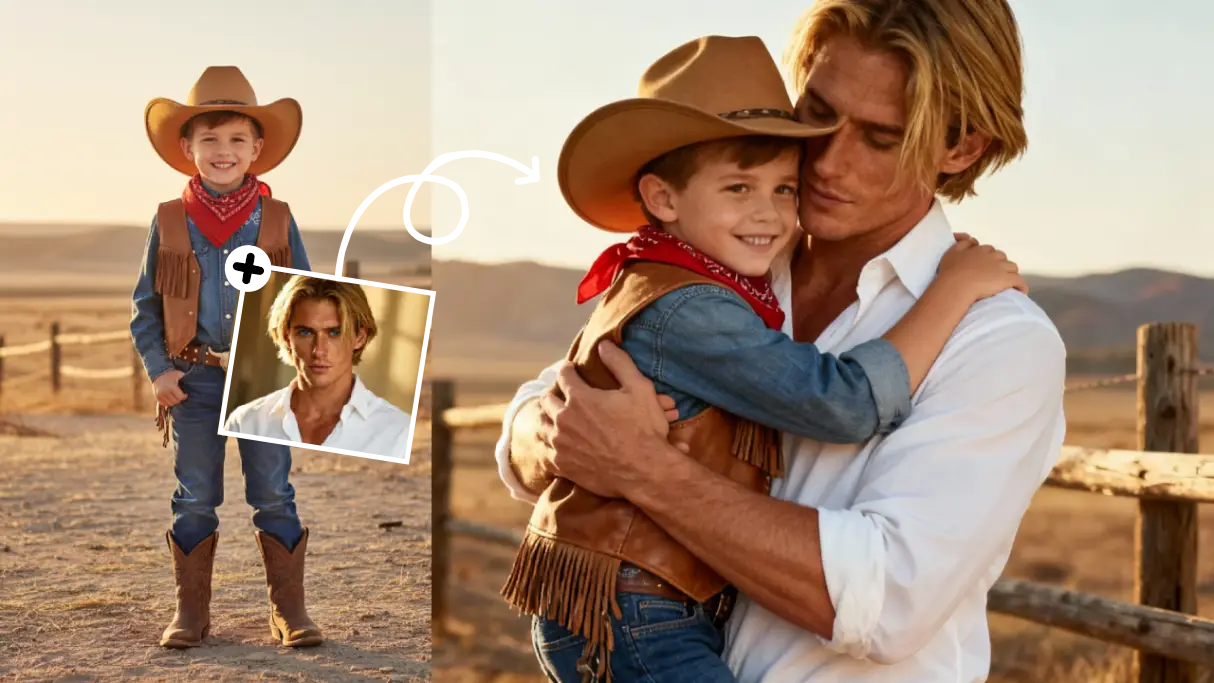
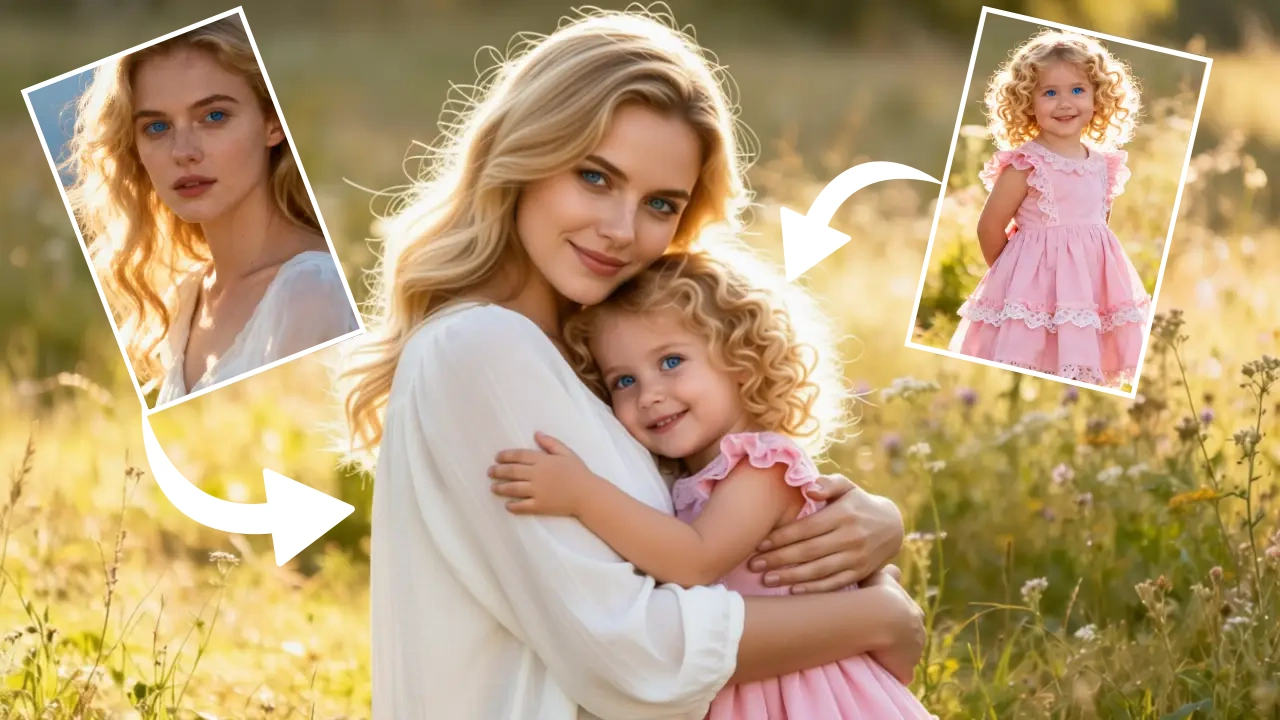
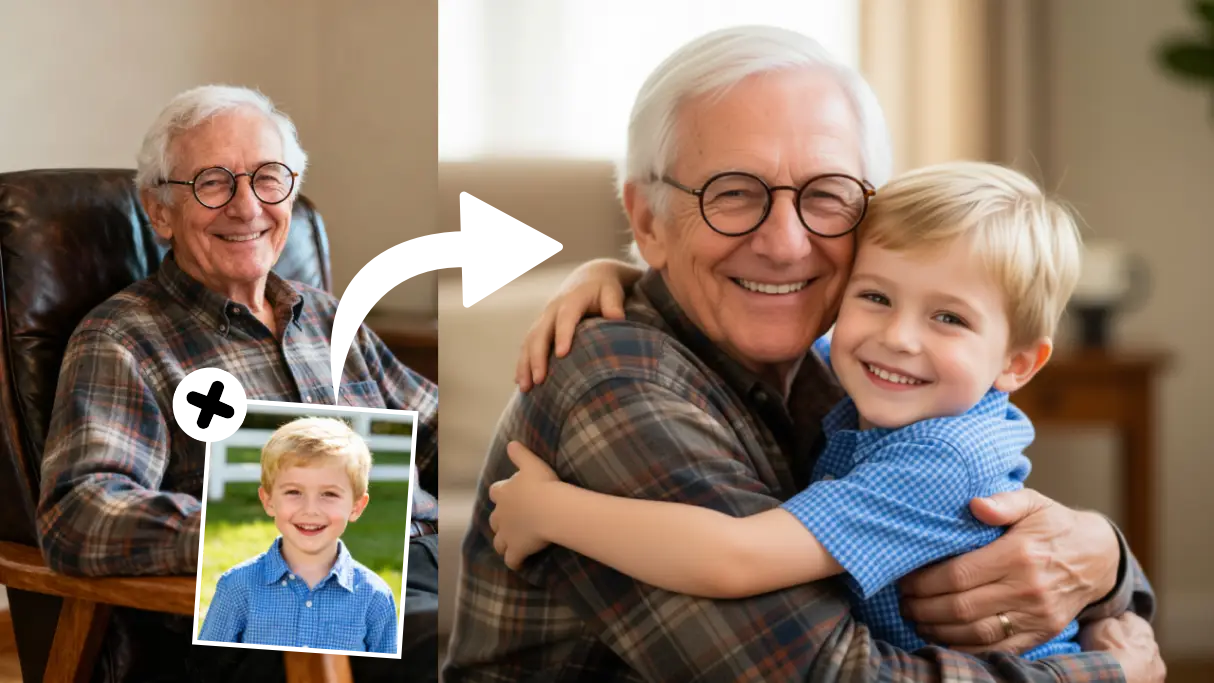
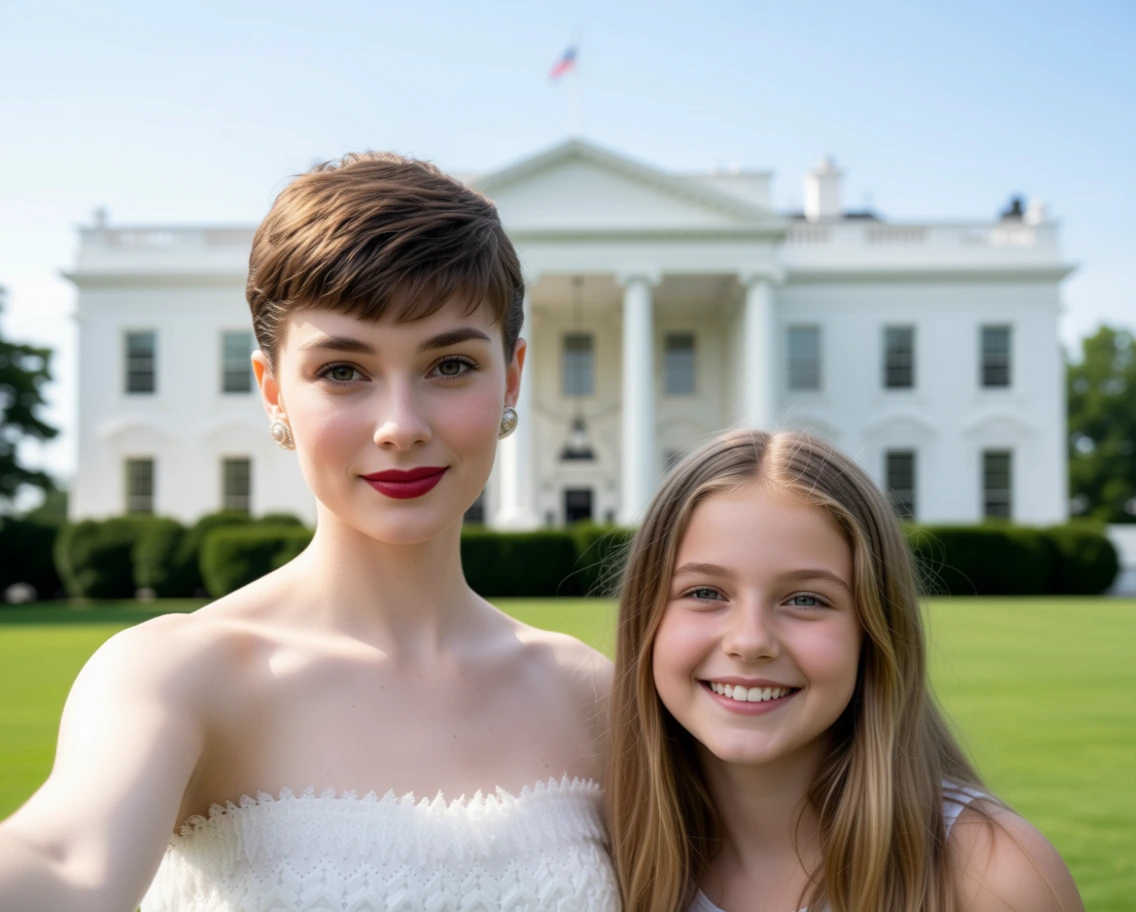
Adult hugging younger self example

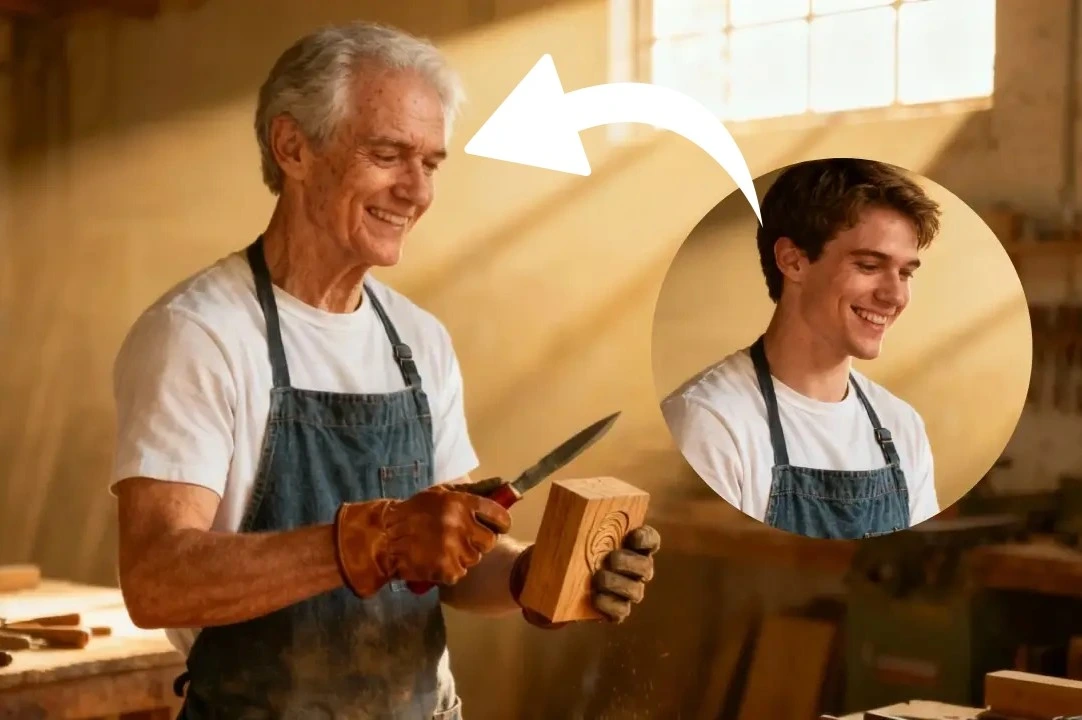
Examples show the target style. Your result depends on the chosen model and reference photo.

AI Hug My Younger Self

Upload past and present photos to create a heartfelt reunion portrait without staging a new photoshoot.

Emotional Storytelling

Soft relighting, matched clothing, and gentle depth of field make each composite feel like a real photograph.

AI Hug My Younger Self

Keepsakes Ready to Print

The image shows a current self embracing a childhood version, illustrating the keepsake that therapy clients and families create with this template.

AI Hug My Younger Self

How to Use the Hug Generator

  1. 1. Upload past and present

    Select a childhood photo and a recent portrait so the tool can align faces.

  2. 2. Guide the scene

    Describe locations, outfits, or props that matter to you.

  3. 3. Render & download

    Review the hug, add an optional caption, then export print-ready files.

Hug My Younger Self FAQs

1. What photos do I need?

Provide one current portrait and one childhood photo. Higher resolution scans help the generator align faces and hands during the hug. The AI hug my younger self editor relights each subject gently so the reunion feels like a single captured memory.

2. Can it handle scanned prints?

Yes. Photograph or scan the print in natural light, crop away borders, and upload. The tool cleans dust and color fade before composing the hug. The AI hug my younger self editor relights each subject gently so the reunion feels like a single captured memory.

3. Can I change outfits or backgrounds?

Describe the clothing, setting, or props you want—park bench, bedroom, milestone event—and the generator rebuilds the scene accordingly. The AI hug my younger self editor relights each subject gently so the reunion feels like a single captured memory.

4. How long does rendering take?

Most hugs finish within a minute. Larger scenes or multiple retries may take a bit longer, but you can monitor progress right in the task list. The AI hug my younger self editor relights each subject gently so the reunion feels like a single captured memory.

5. Can I add captions?

After generating, type a short note or quote and the editor will place it neatly beneath the image. The AI hug my younger self editor relights each subject gently so the reunion feels like a single captured memory.

6. What downloads are available?

Export PNG or JPG keepsakes plus optional 300 DPI files for printing cards, scrapbooks, or framed PNGts. The AI hug my younger self editor relights each subject gently so the reunion feels like a single captured memory.

7. Is everything private?

Sign in to access your generation history. See our privacy policy for image handling details.

8. Can I use it for therapy or memorial projects?

Many people print the images for journaling, counseling exercises, or remembrance walls. Just export the look you love and share it directly with those who need it. The AI hug my younger self editor relights each subject gently so the reunion feels like a single captured memory.

9. How do therapists use the hug my younger self template?

Counselors upload a current portrait plus a childhood scan, then prompt for comforting settings like 'family living room'. Clients review the render during journaling exercises. The AI hug my younger self editor relights each subject gently so the reunion feels like a single captured memory.

10. Can I include pets or relatives?

Yes. Mention 'include my grandmother' or 'hold childhood pet' in the prompt. The generator incorporates those elements while keeping the hug central. The AI hug my younger self editor relights each subject gently so the reunion feels like a single captured memory.

11. What file types work best for printing?

Download the PNG or high-res JPG and send it to your print shop. The hug my younger self generator maintains 300 DPI details so framed PNGts look crisp. The AI hug my younger self editor relights each subject gently so the reunion feels like a single captured memory.

12. How do I archive multiple hugs?

Save each render with descriptive names—'elementary school hug', 'college graduation'—so you can build a timeline album without re-uploading. The AI hug my younger self editor relights each subject gently so the reunion feels like a single captured memory.

Create Your Hug Today

Upload two photos, describe the memory, and keep the moment forever with a quick download.