
1. How many images can I upload per run?
Upload one photo at a time to keep the baby-face conversion stable and consistent.
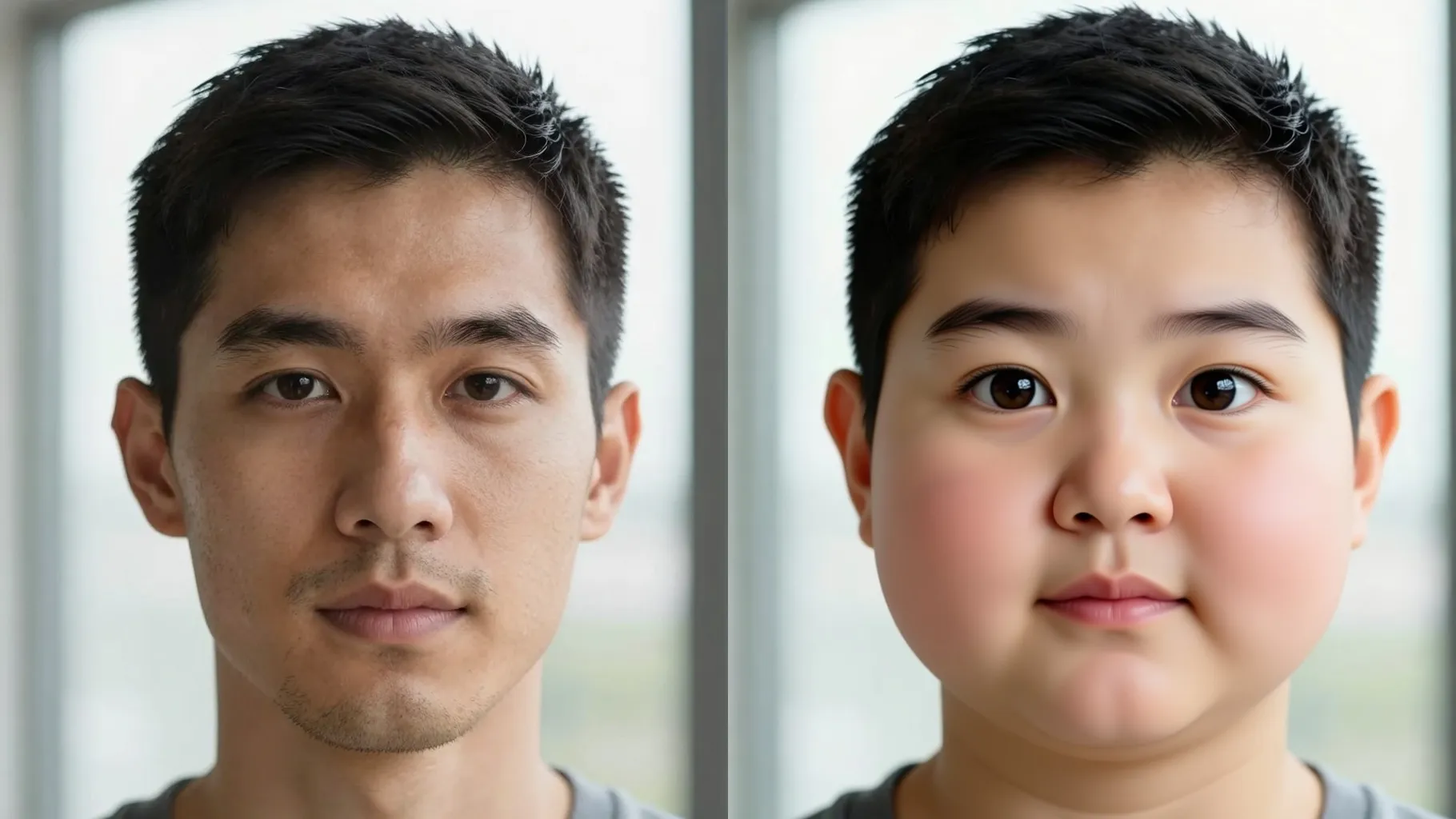
Turn your portrait into a baby-faced version with smooth skin, round cheeks, and pastel light from one upload.
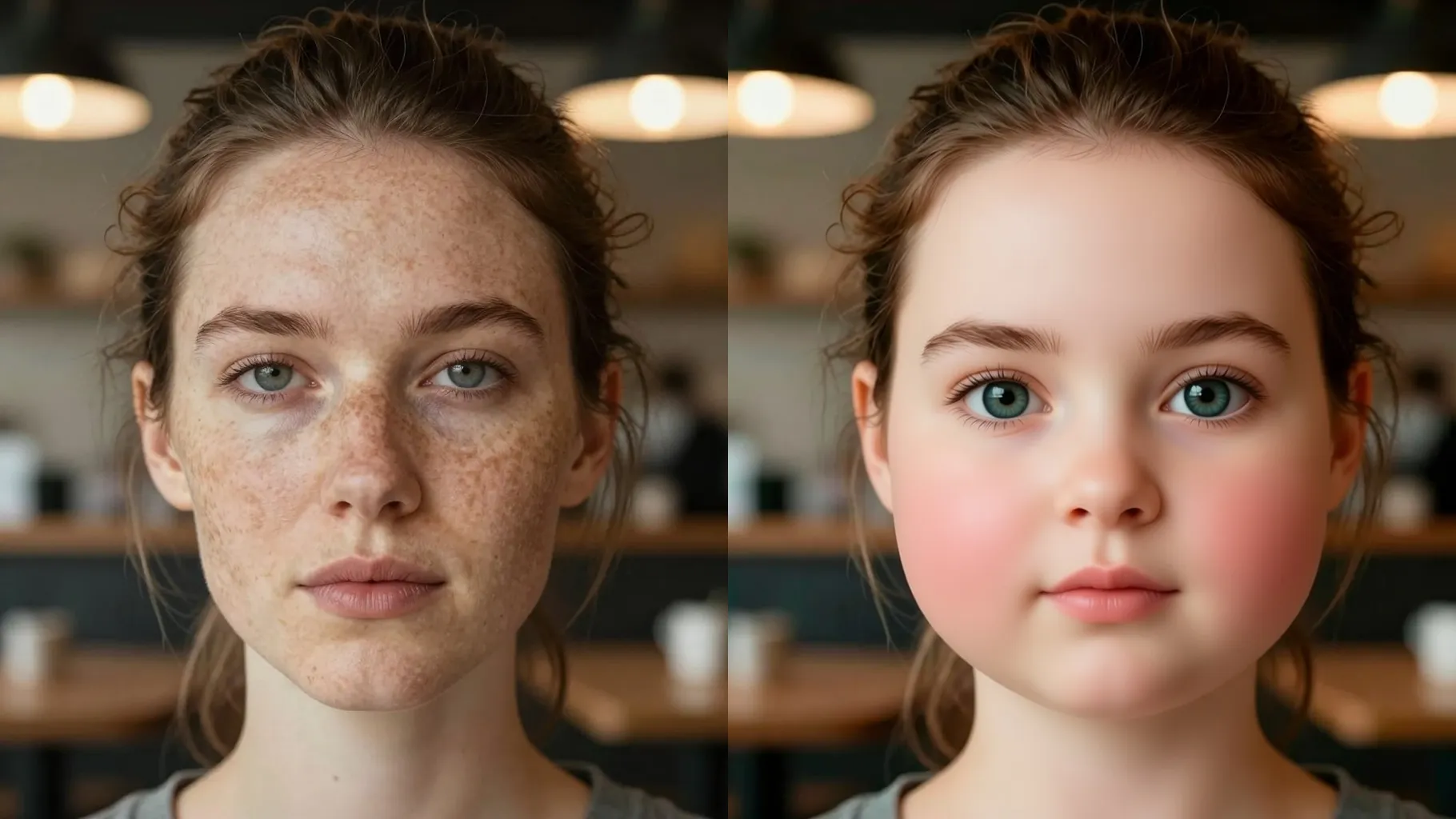
Round cheeks, bright eyes, and pastel light turn your photo into an adorable baby-faced portrait.
Examples show the target style. Your result depends on the chosen model and reference photo.
Upload one clear portrait to see a baby-faced version with chubby cheeks, bright eyes, and soft pastel lighting.
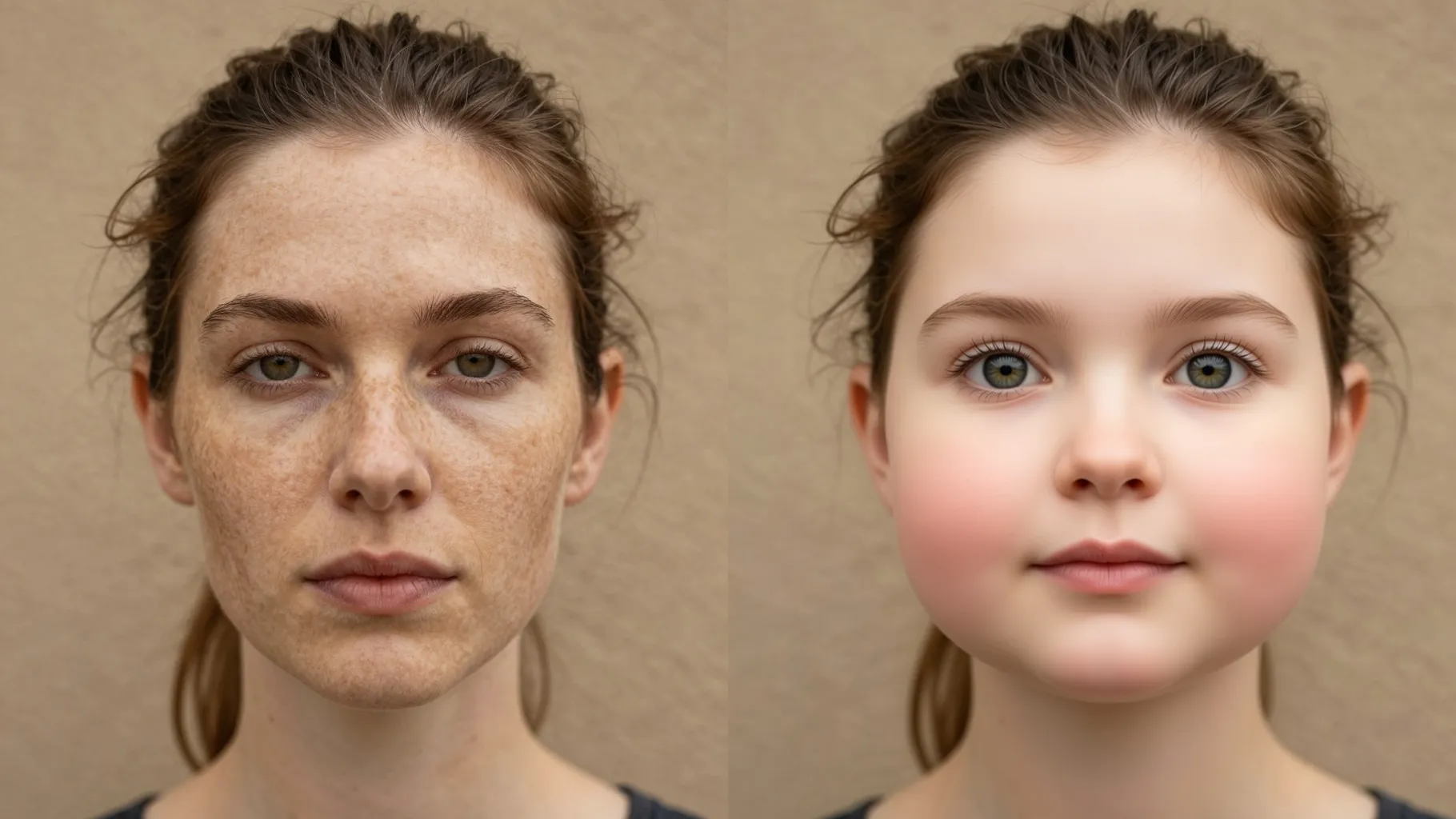
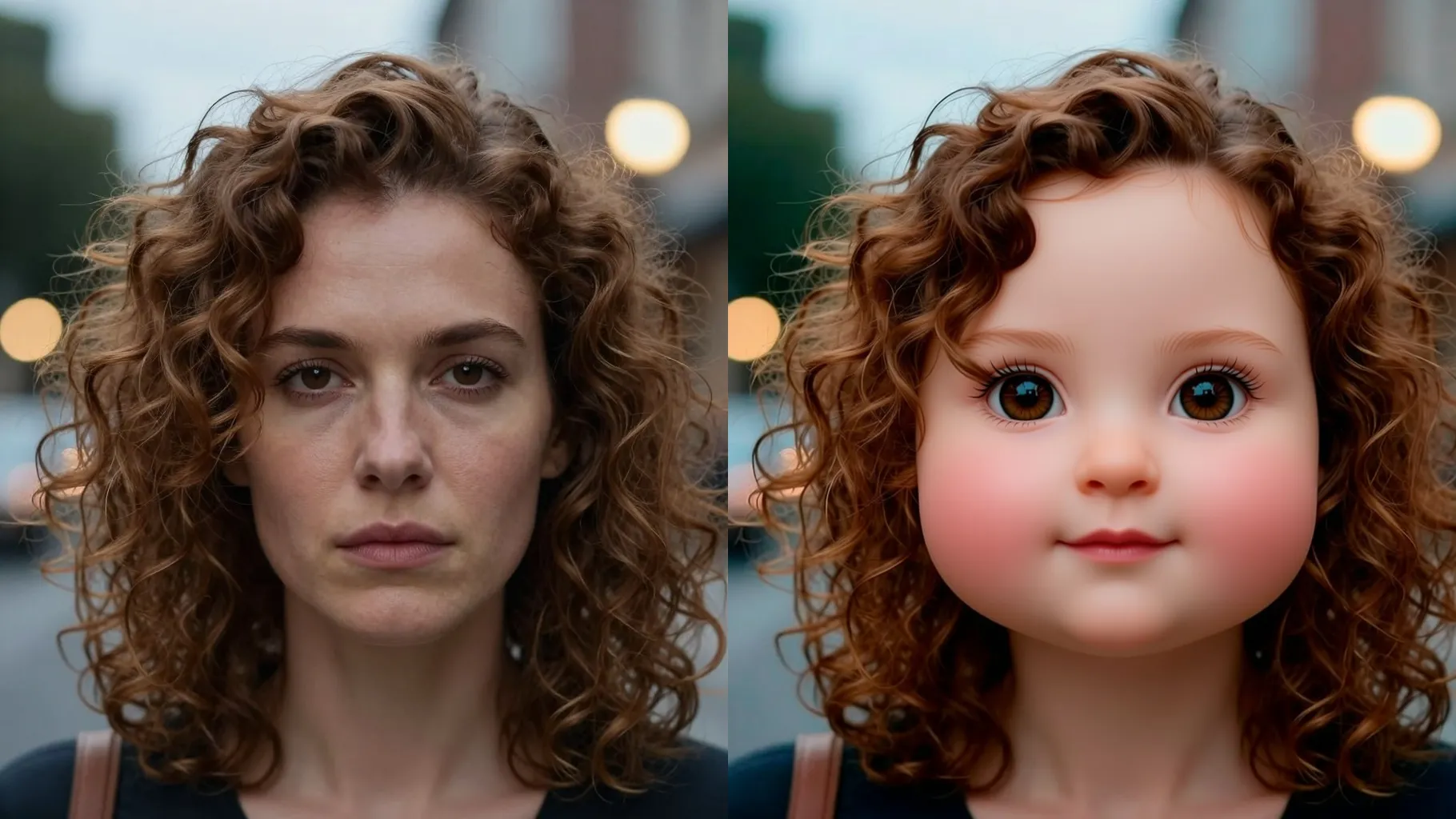
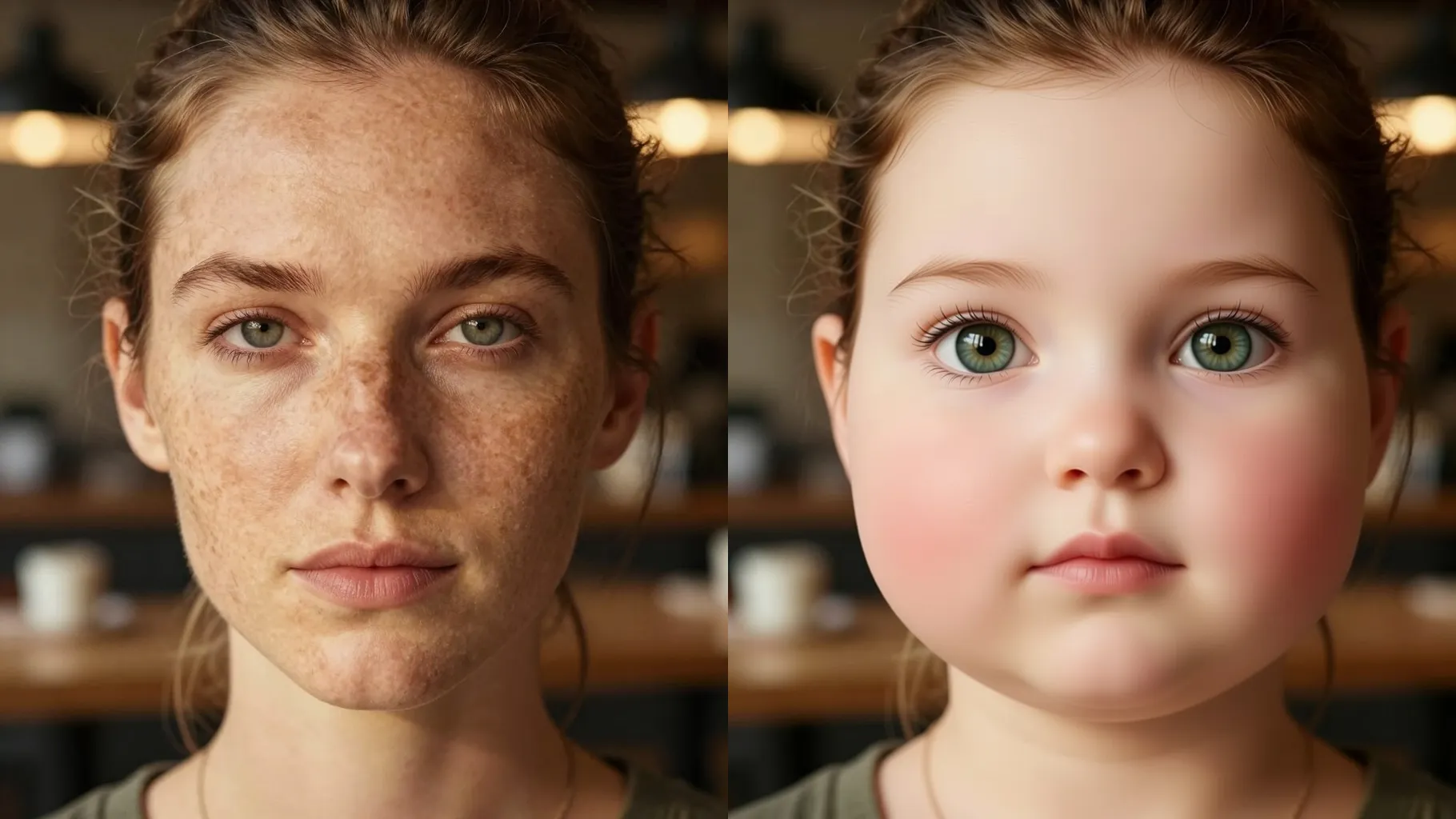
Shrinks the nose slightly, brightens eyes, and smooths skin to mimic infant softness while keeping your face recognizable.
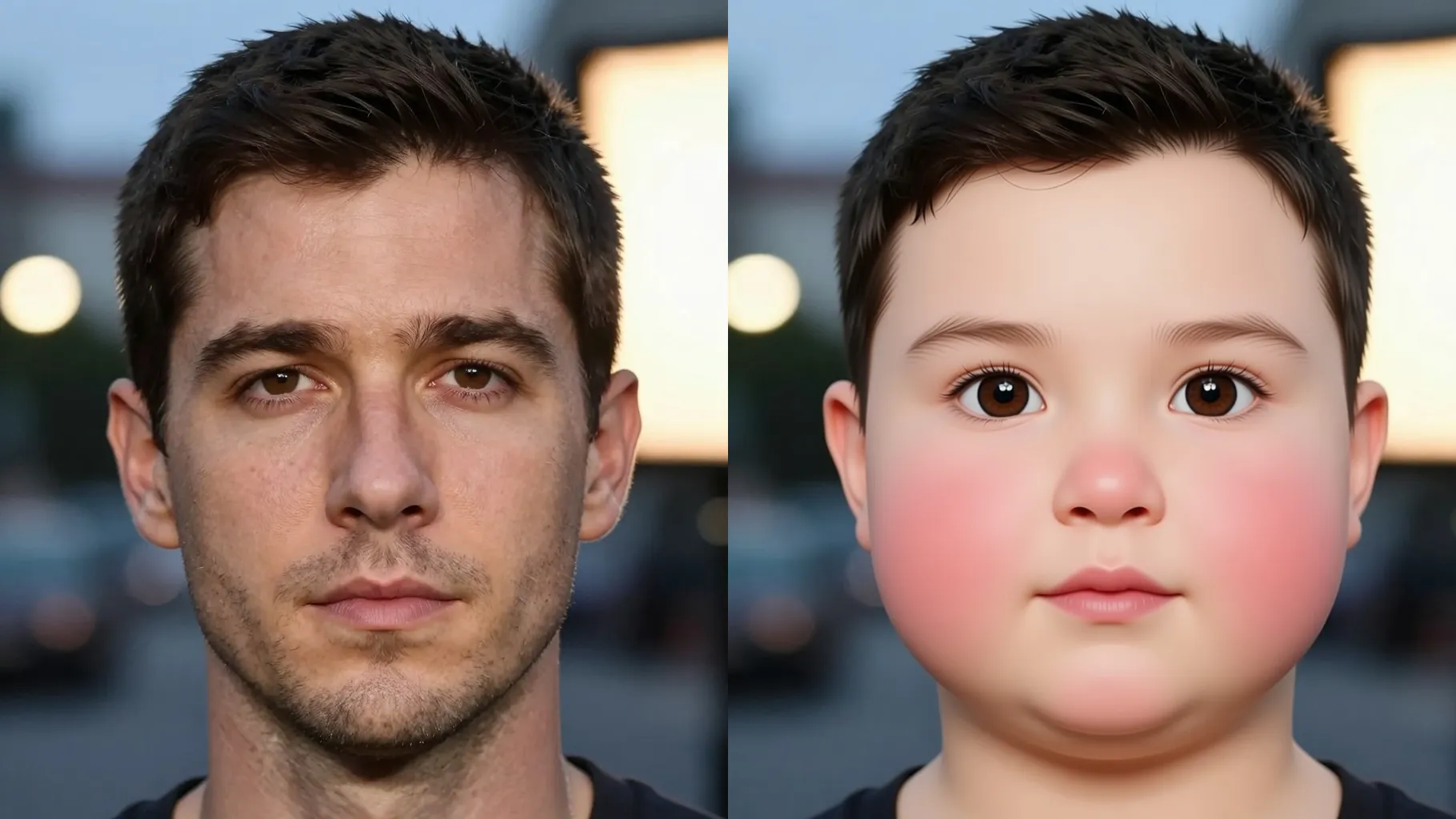
Adds soft blankets, pastel backdrops, and subtle baby accessories without distorting your pose.
Use a front-facing or 3/4 portrait with good lighting; avoid group shots for the cleanest result.
Mention vibe, props, or background like \"pastel blanket, studio light\" to guide the render.
Preview the baby-faced render, rerun if needed, then save your favorite.
Upload one photo at a time to keep the baby-face conversion stable and consistent.
No. A short line about mood, props, or background is enough to steer the look.
JPG, PNG, or WebP under 10MB process quickly while keeping detail intact.
The template stays square for consistency; crop before upload if you prefer another ratio.
Model switching is disabled so the baby-face style stays consistent.
Yes. It keeps your facial structure while softening features; clear lighting helps preserve likeness.
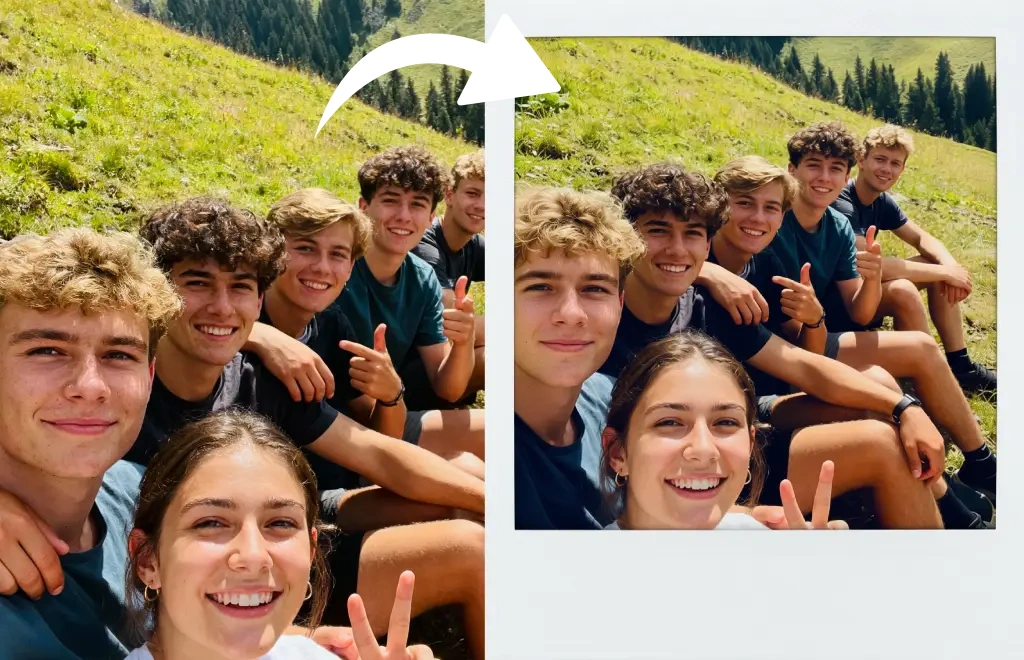
Single-subject photos work best. Multiple faces can confuse the effect and blur details.
Generation time depends on the model, image size, and queue. Check the task status on this page.

Upload one photo, add a quick note, and get a cute younger look to share.