
1. How many images can I upload?
Upload one image per render to keep the ball-jointed doll details stable.
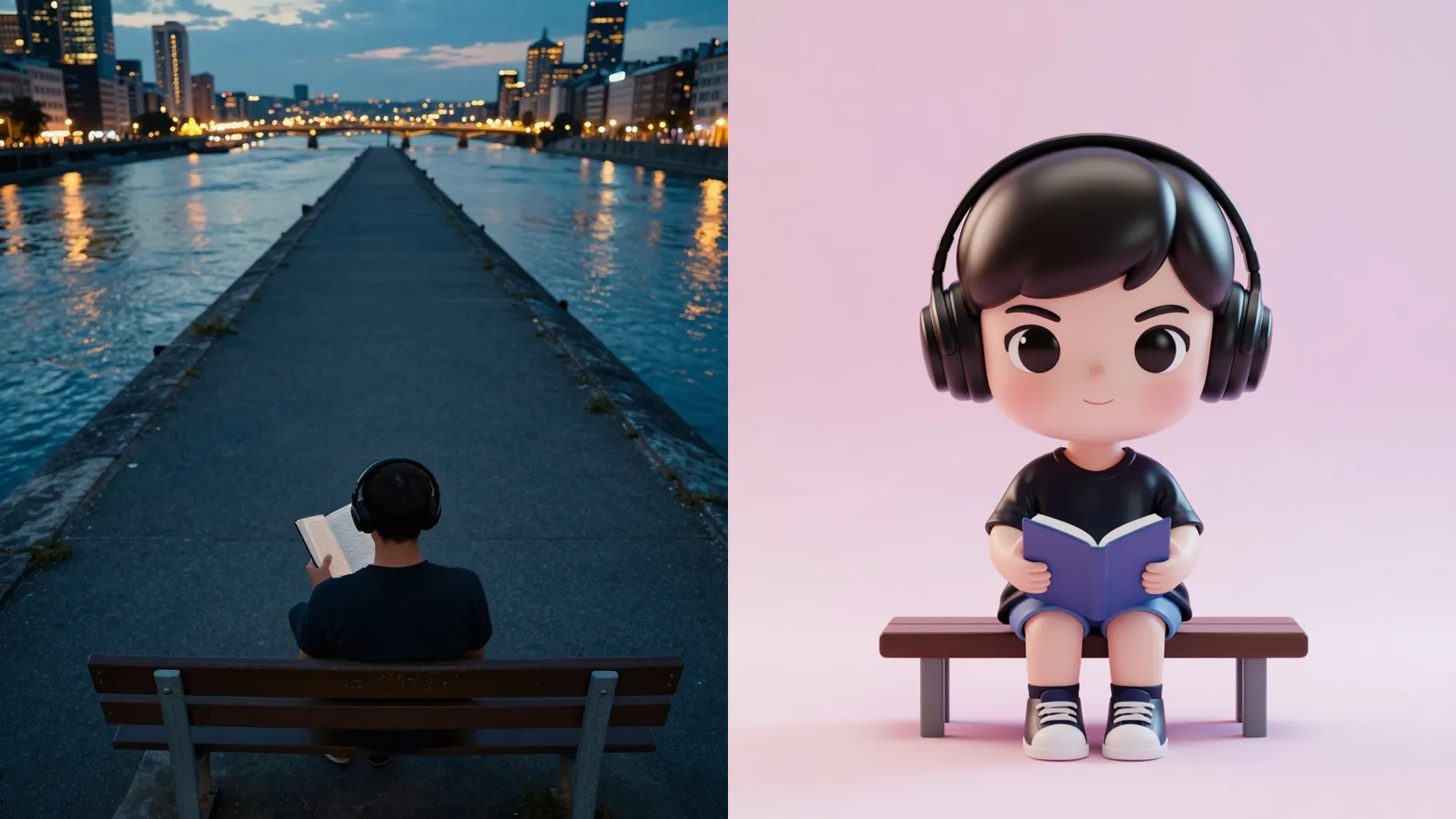
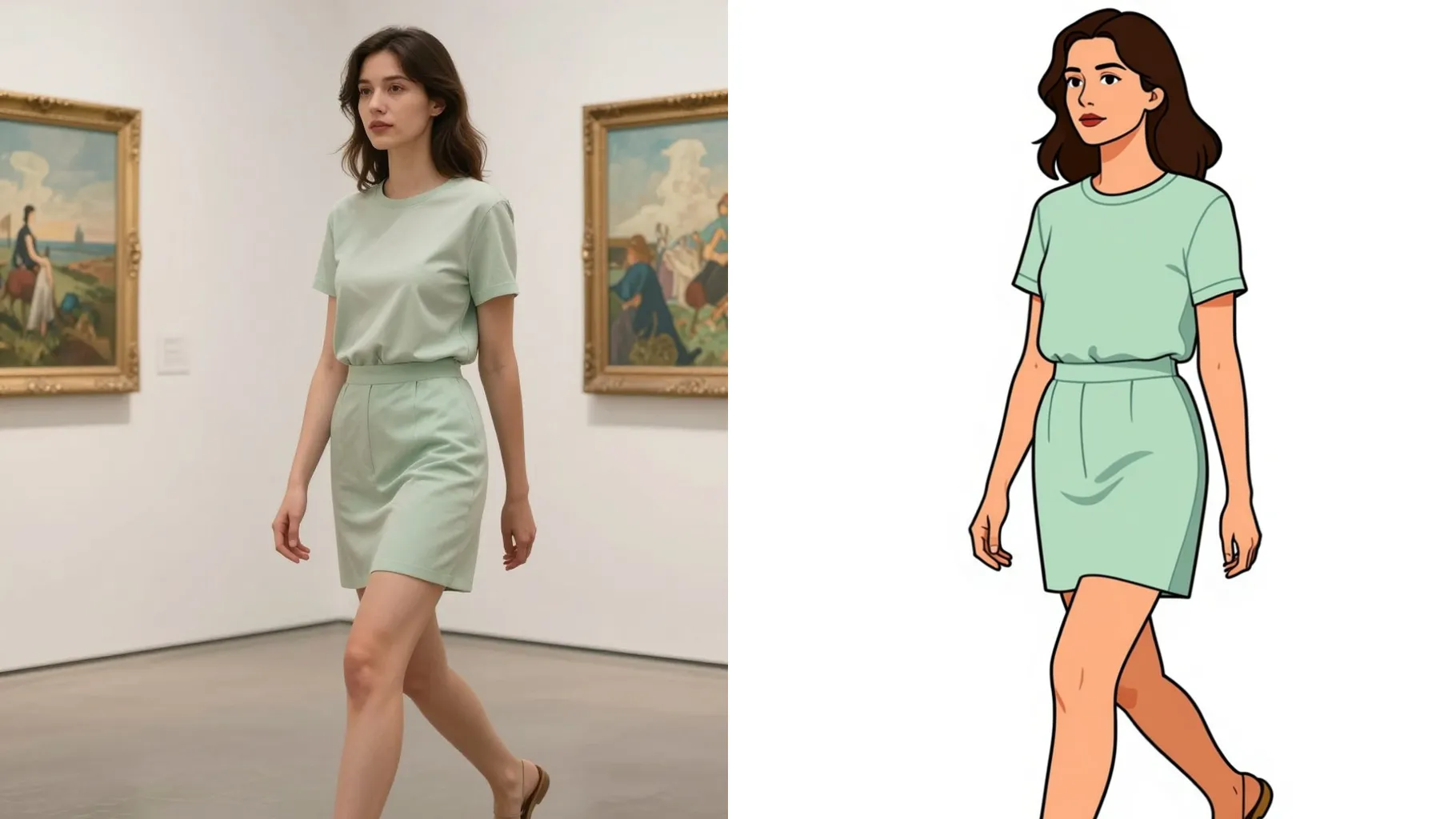
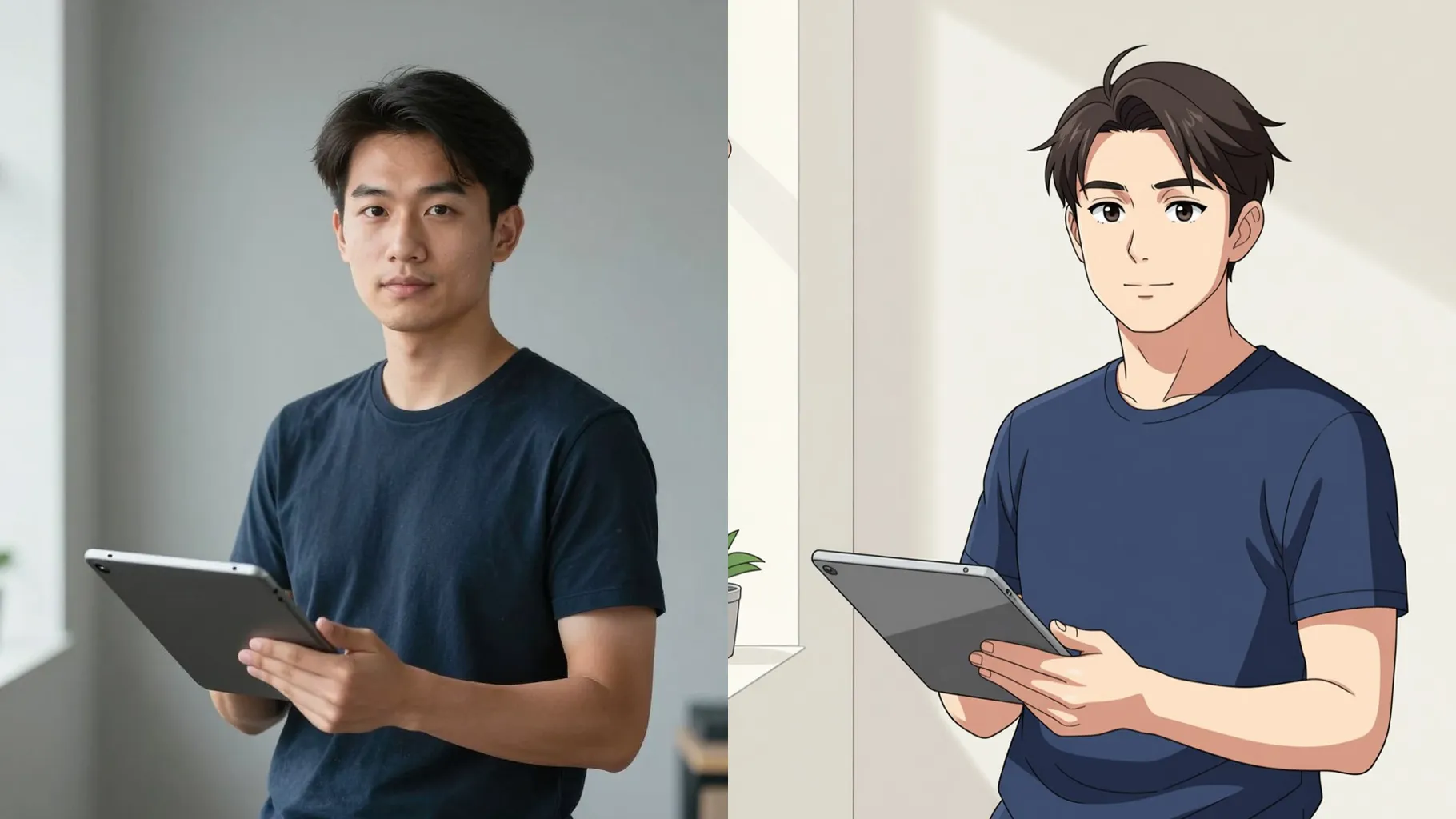
Turn one photo into a glossy ball-jointed doll chibi with glassy eyes, resin-smooth skin, and pastel studio lighting.
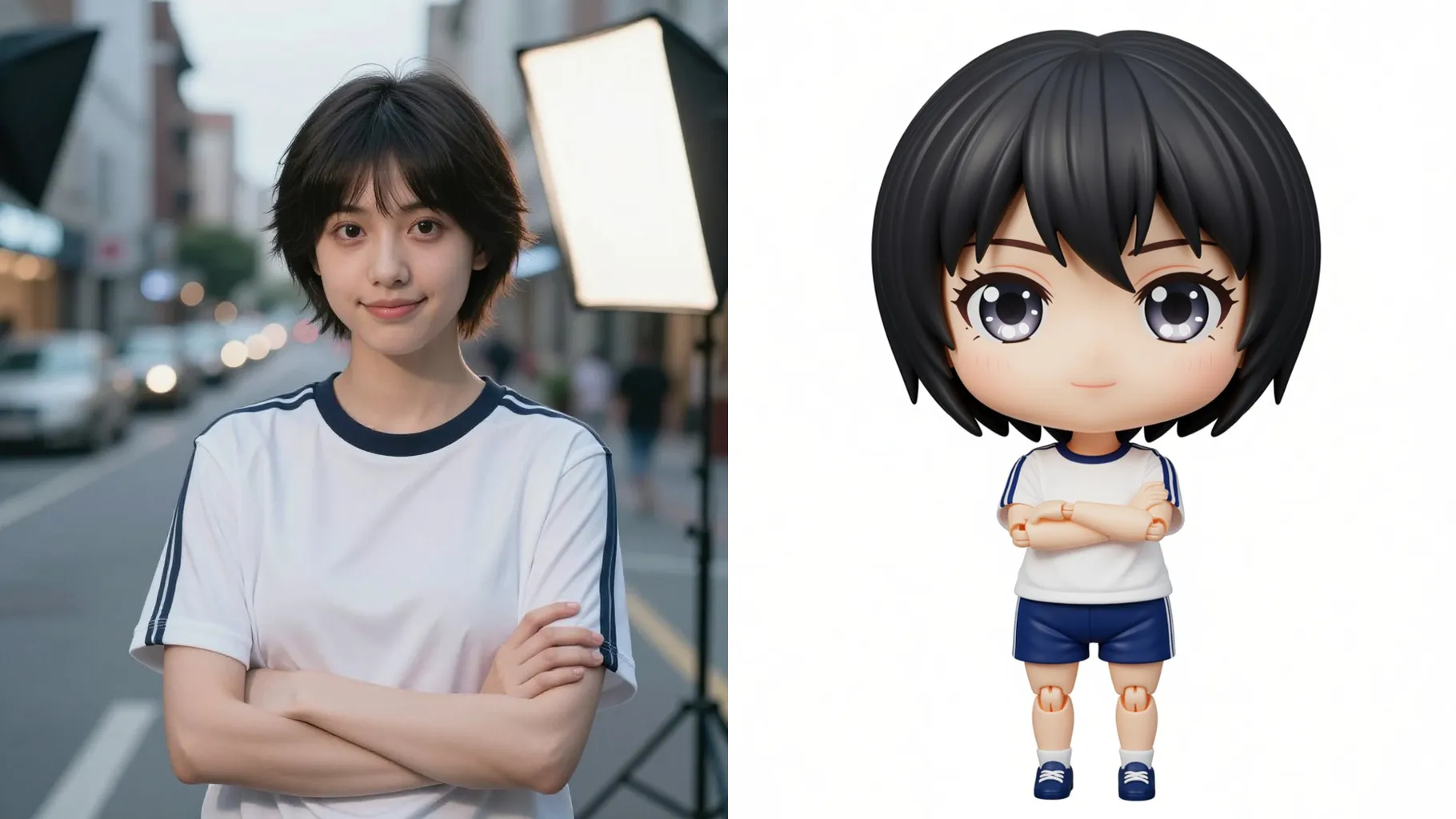
Turn a single portrait into a glass-eyed BJD chibi with resin-smooth skin, petite proportions, and pastel studio glow.
Examples show the target style. Your result depends on the chosen model and reference photo.
Upload one photo to become a ball-jointed doll chibi with glassy eyes, resin-smooth skin, and soft pastel lighting.
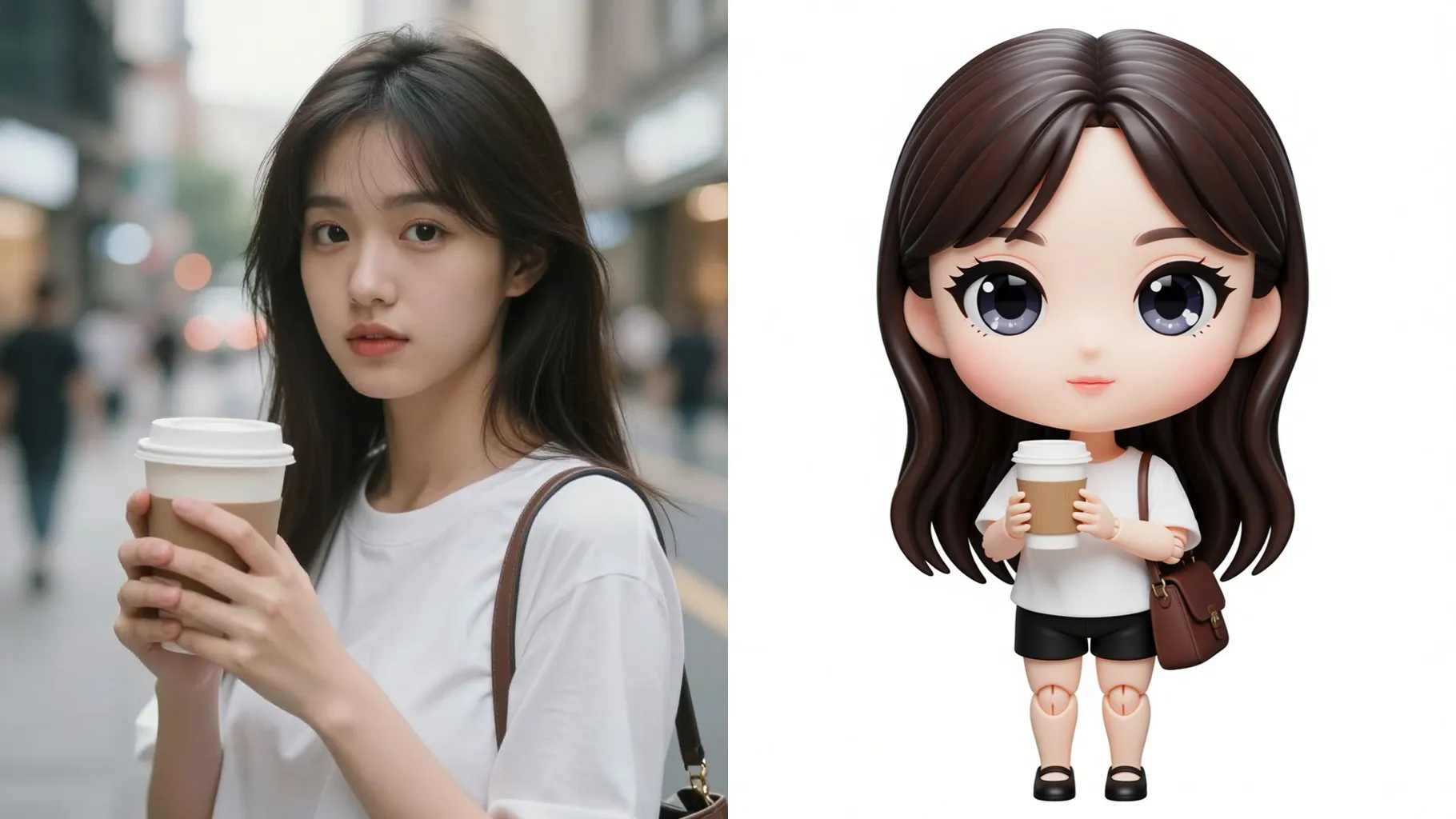
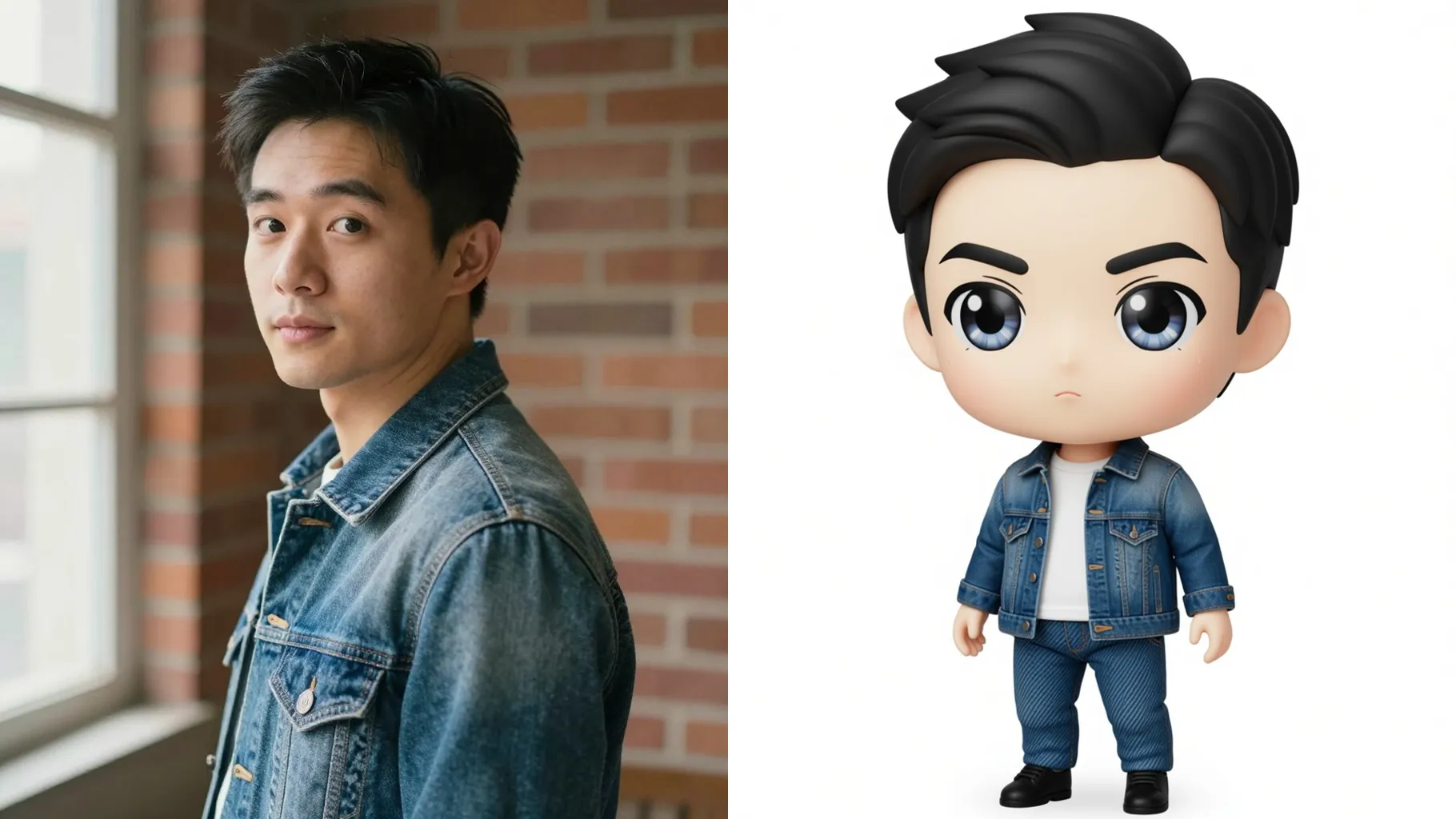
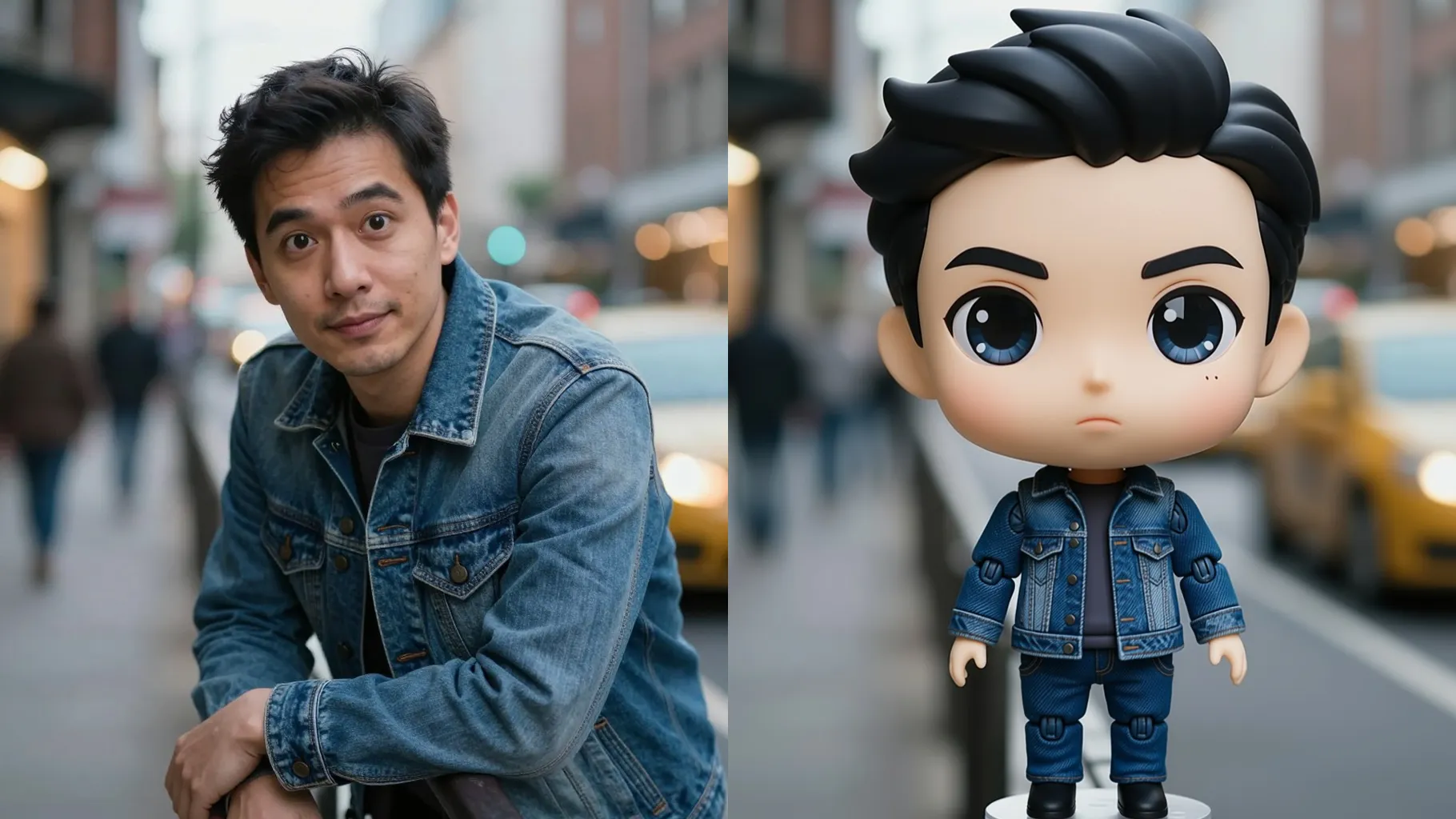
Keep your pose and likeness while adding translucent eyes, joint seams, and porcelain shine so it reads as a real BJD figurine.
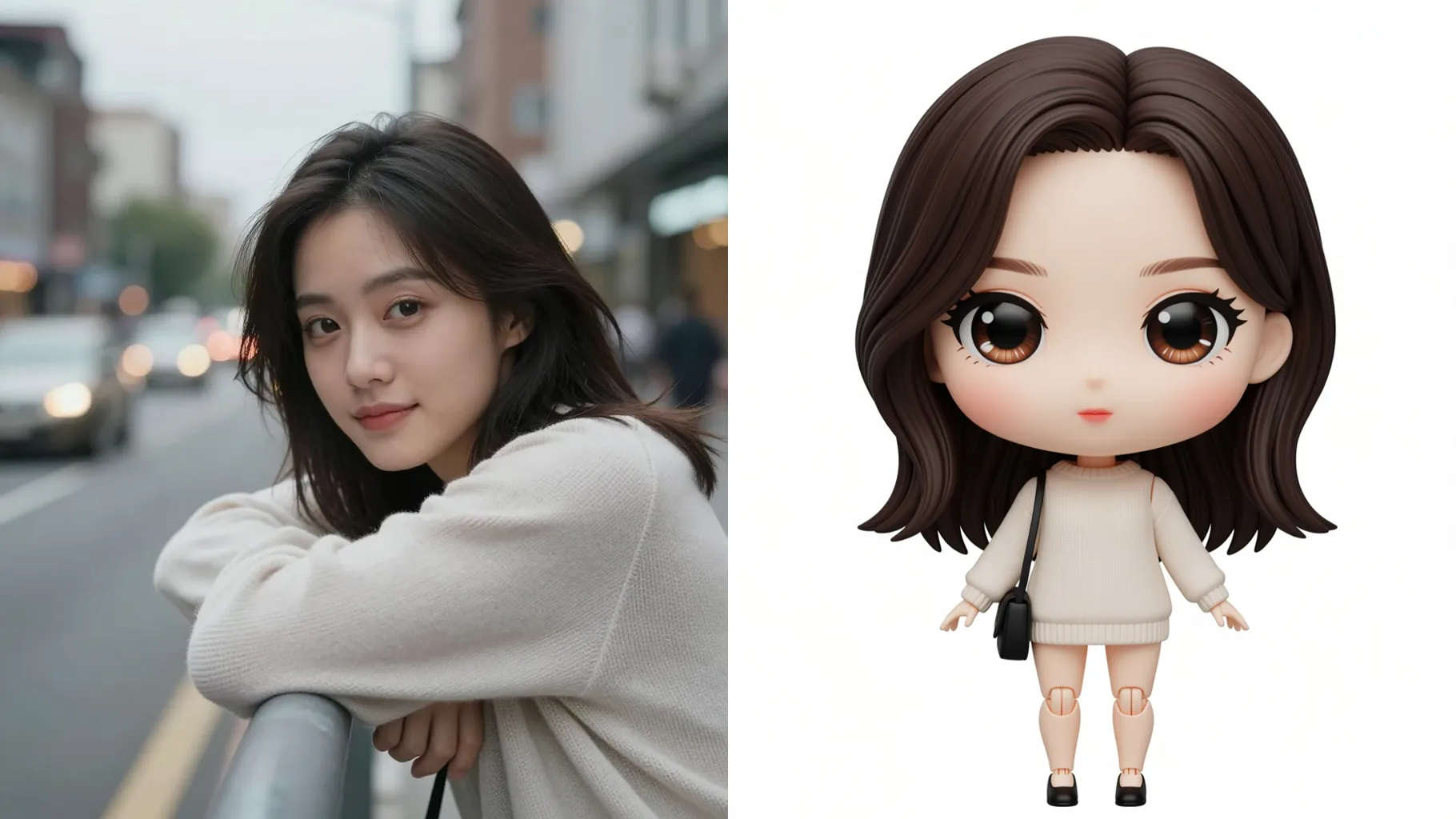
Auto add soft backgrounds, tiny accessories, and balanced rim light so the chibi doll feels ready for display.
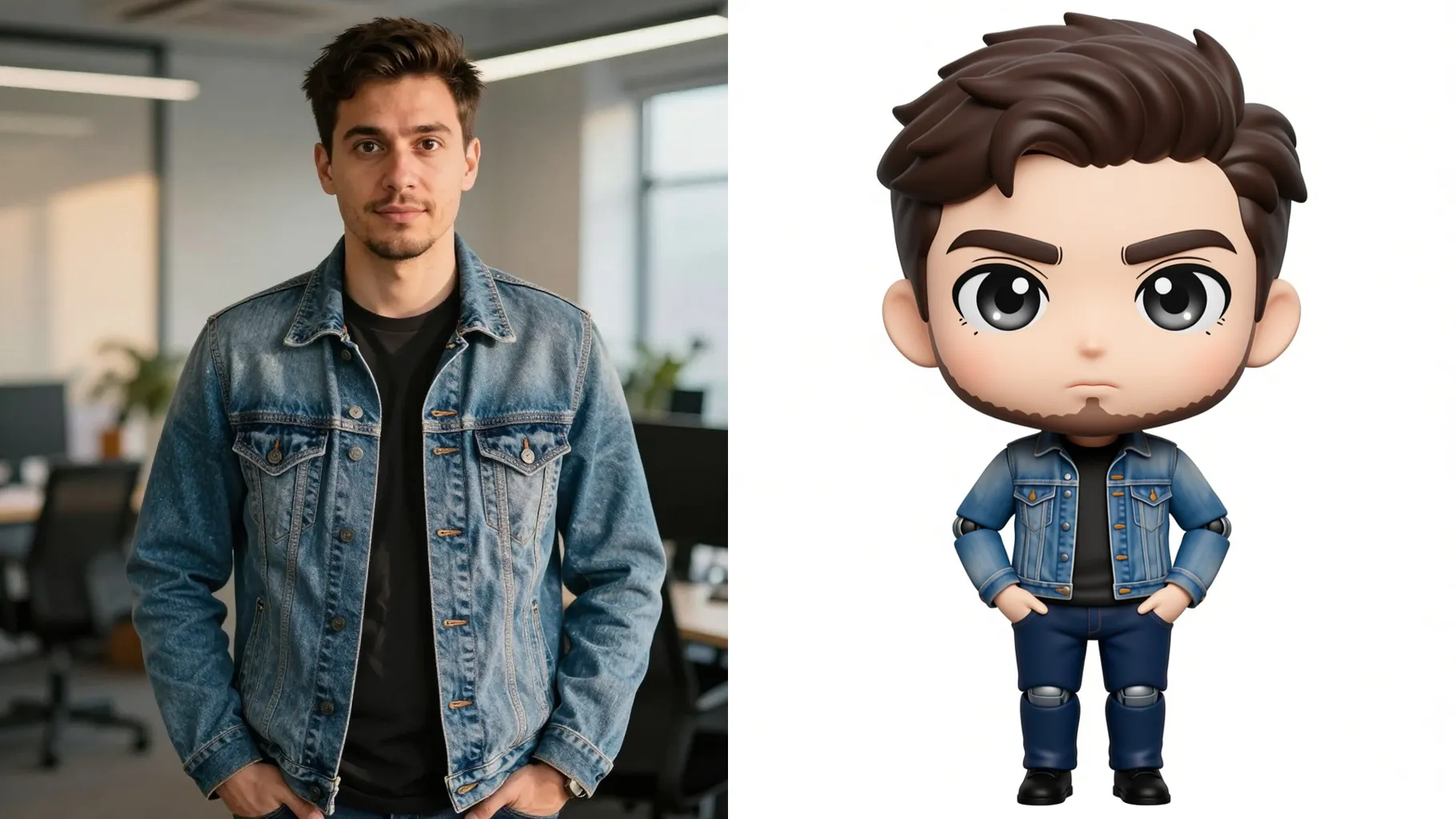
Front-facing or slightly angled photos with clean lighting keep the doll silhouette crisp.
Mention outfit, pose, or props in one line to steer the miniature style without overloading detail.
Preview the chibi BJD render, pick your favorite frame, and save instantly.
Upload one image per render to keep the ball-jointed doll details stable.
A short prompt is optional but helps guide outfits, props, or mood; keep it brief for the chibi scale.
Clear, front-lit portraits with the subject centered keep resin skin and eye highlights clean.
Aspect ratio is fixed to frame the chibi doll; crop before upload if you need a different shape.
Model switching is disabled so the BJD lighting and materials stay consistent.
Yes. Visible hats, glasses, or props stay in place while being miniaturized into the doll style.
Yes, single-subject pet or object photos can also be turned into a chibi BJD-style render.
Generation time depends on the model, image size, and queue. Check the task status on this page.
JPG, PNG, or WebP under 10MB process fastest while keeping fine highlights.
No. This effect is image-to-image and needs one uploaded photo to start.

Generation time depends on the model, image size, and queue. Check the task status on this page.