
1. How many images can I upload per run?
This template supports one photo at a time to keep line art and shading clean.
Generation time depends on the model, image size, and queue. Check the task status on this page.
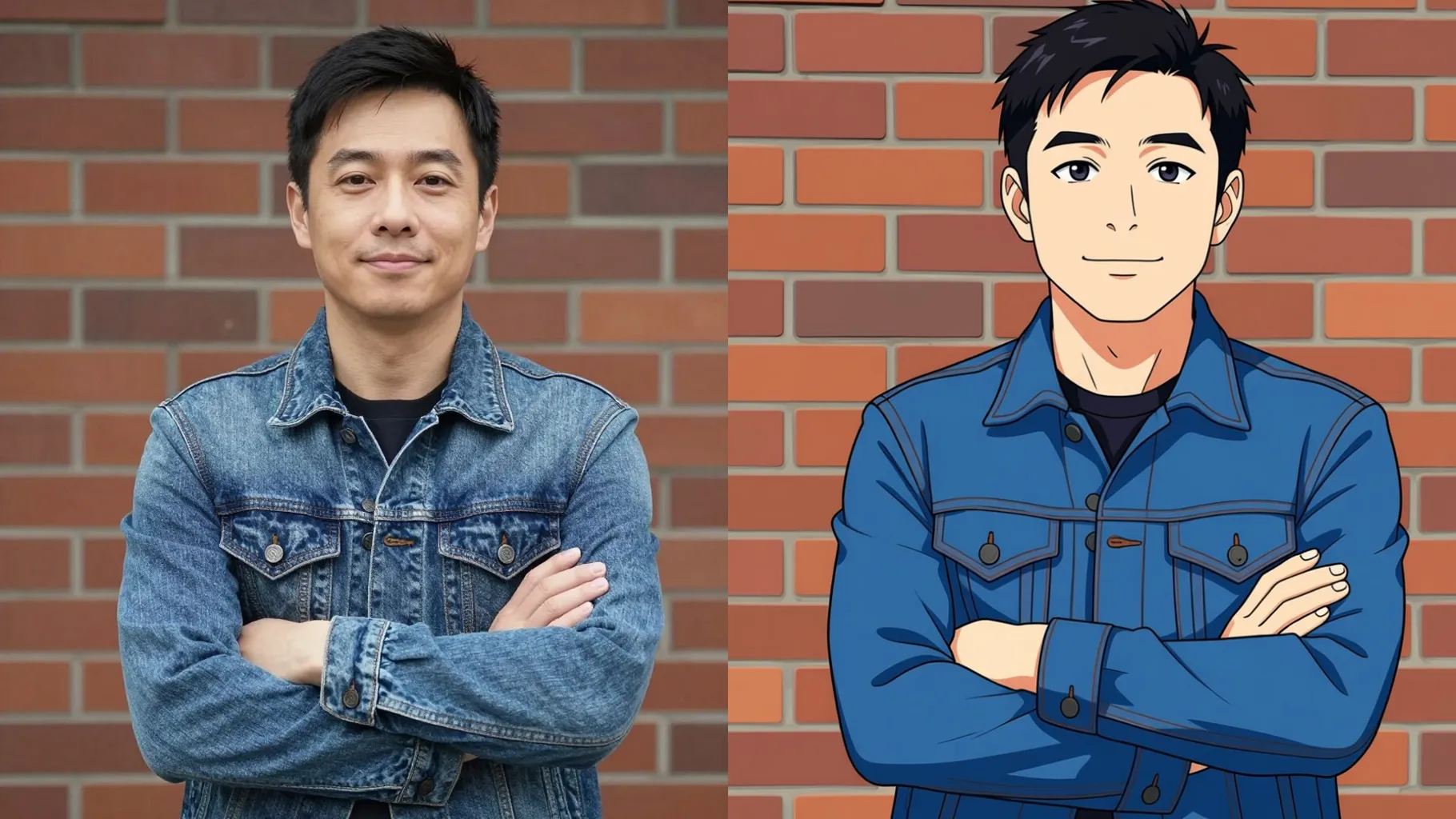
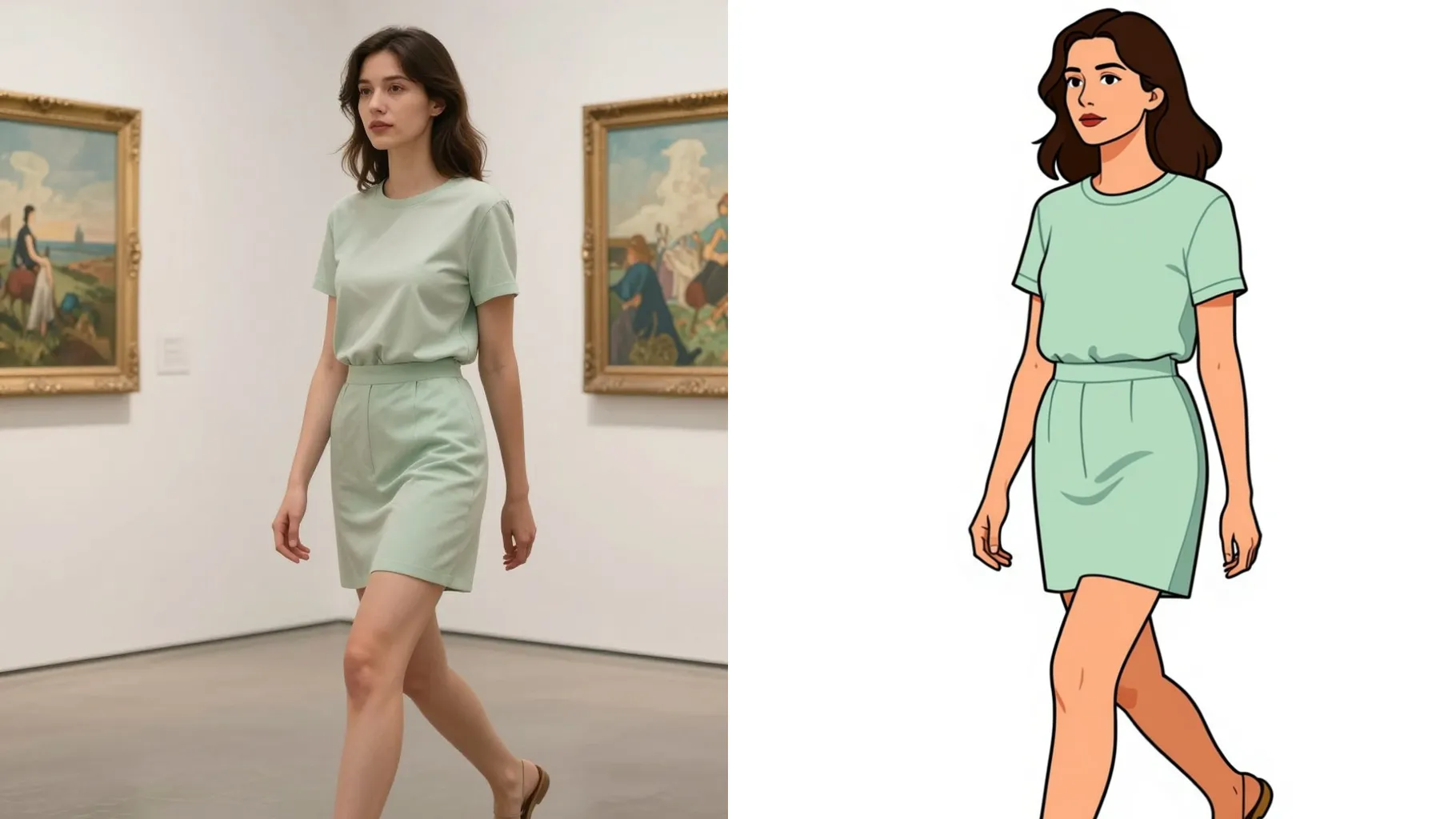
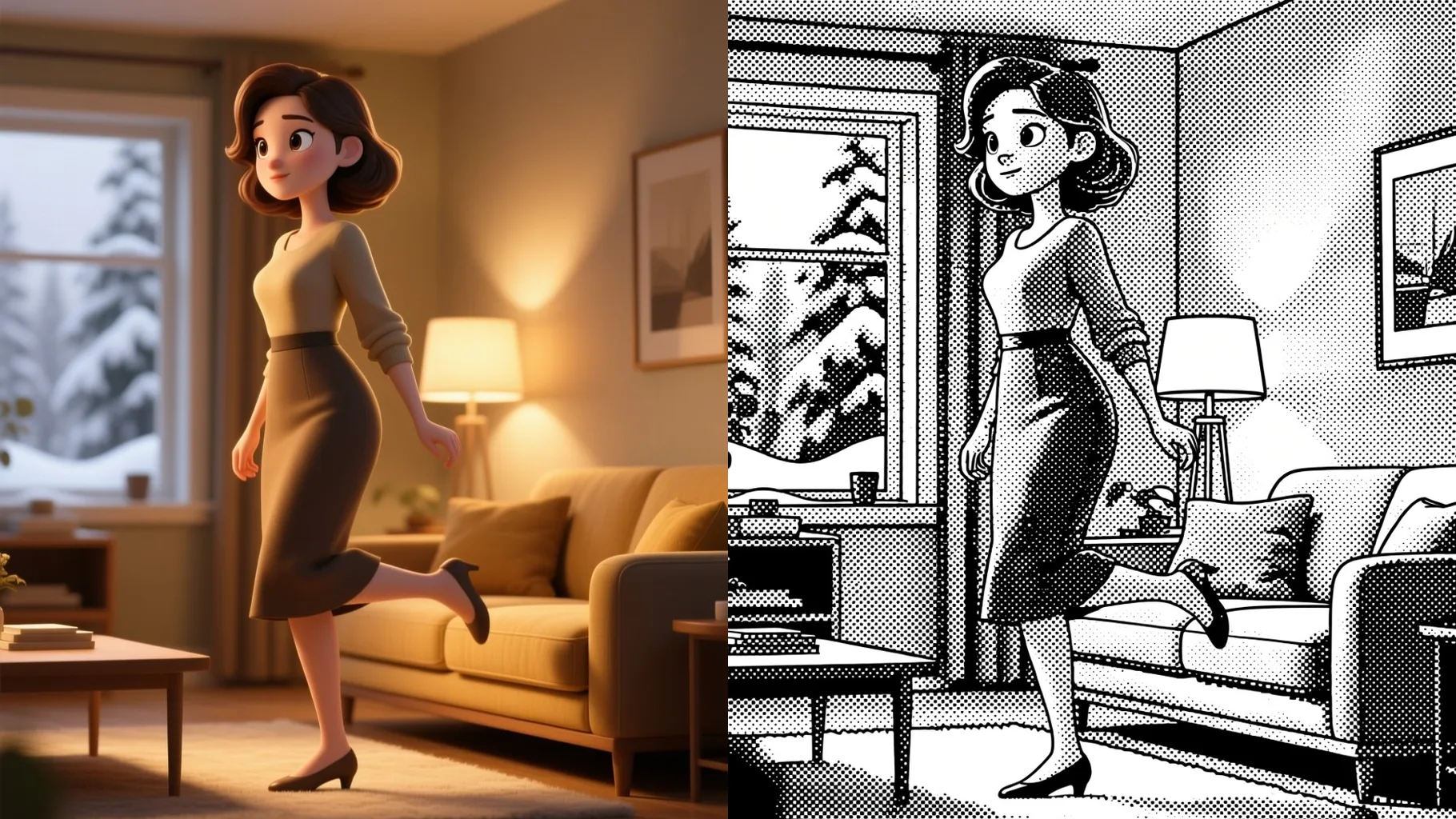
Transform portraits into crisp anime cel shading with bright highlights.
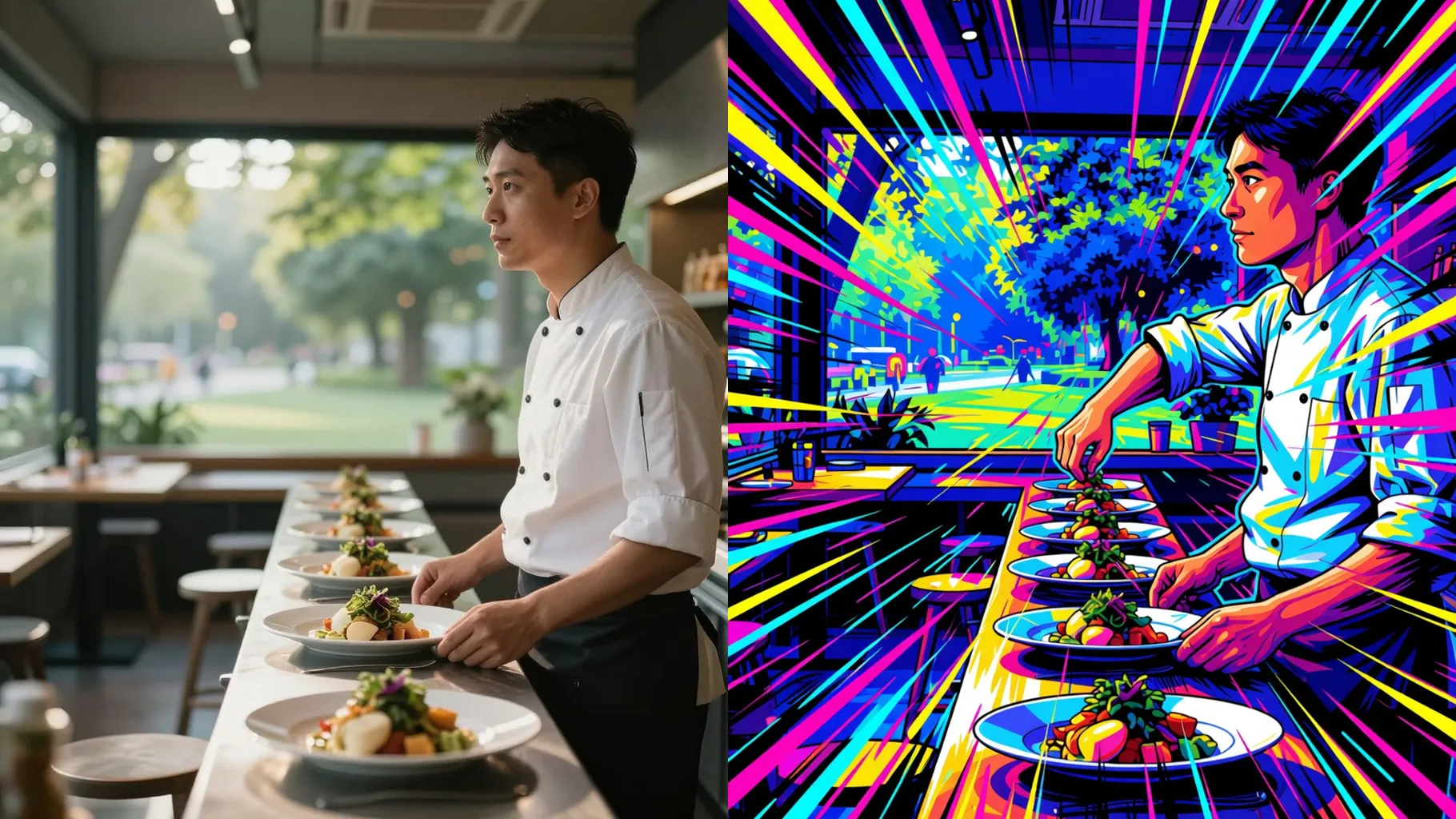
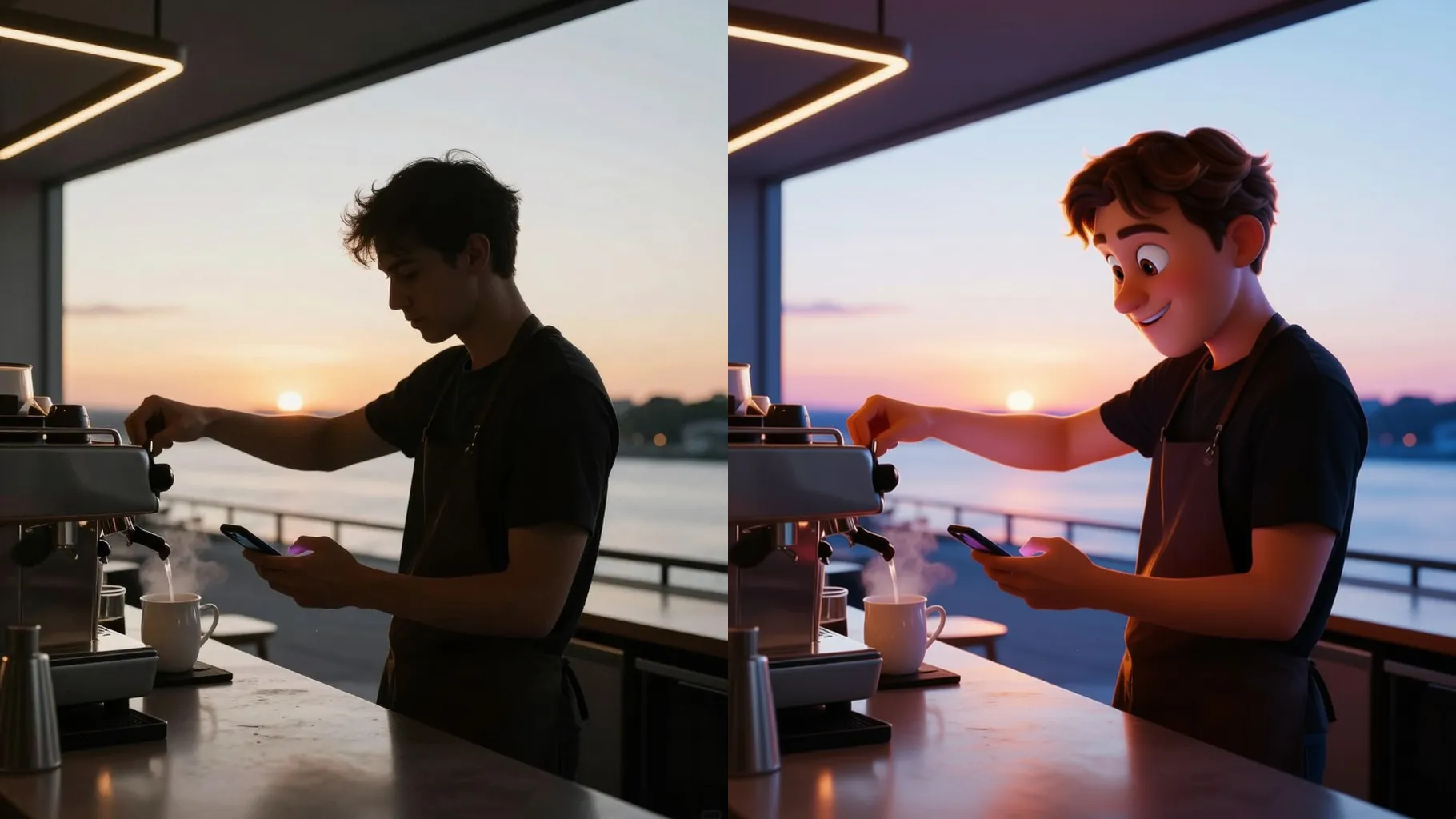
Examples show the target style. Your result depends on the chosen model and reference photo.
Upload a single photo to get anime-style line art, cel shading, and vibrant tones automatically.
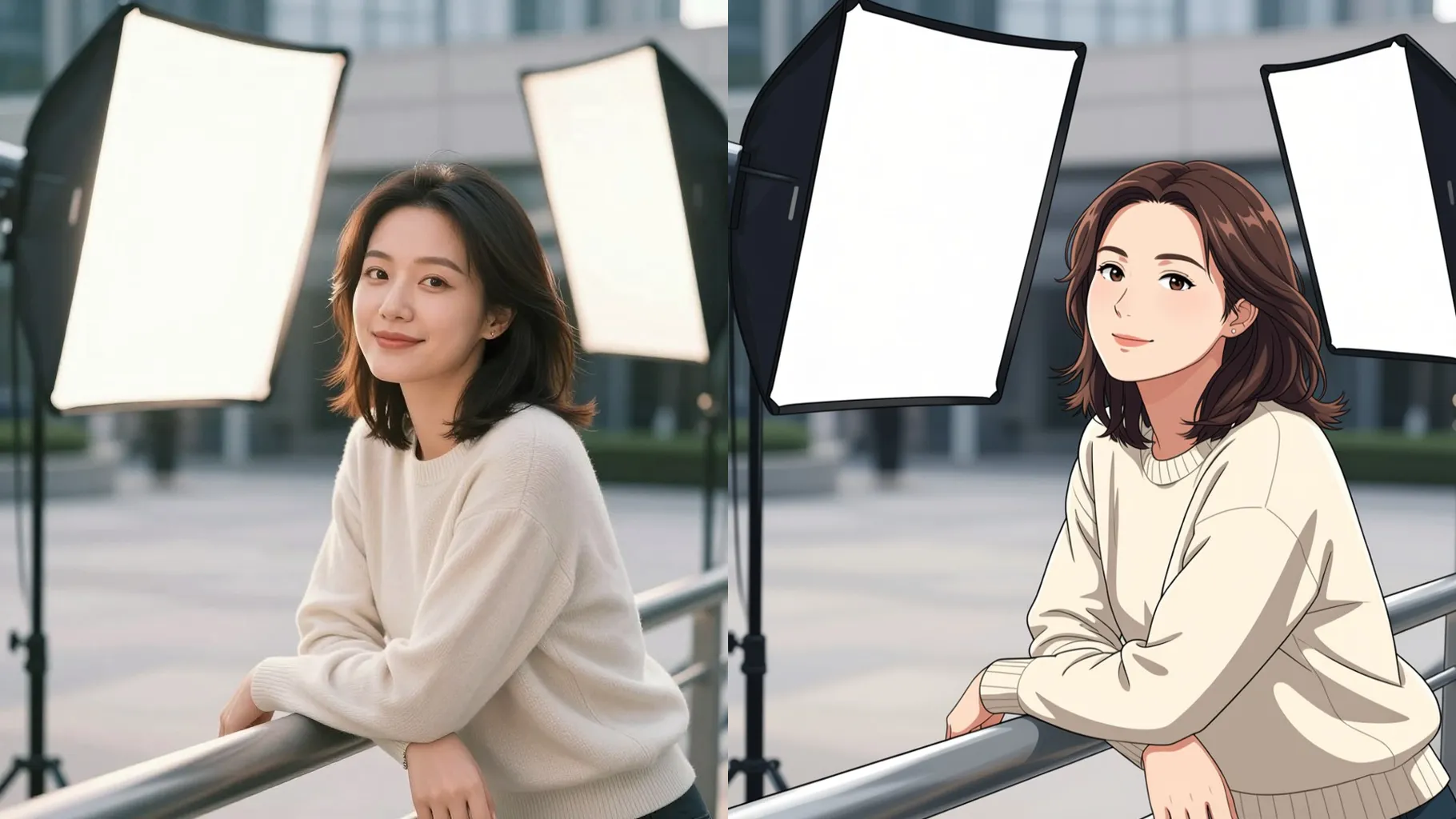
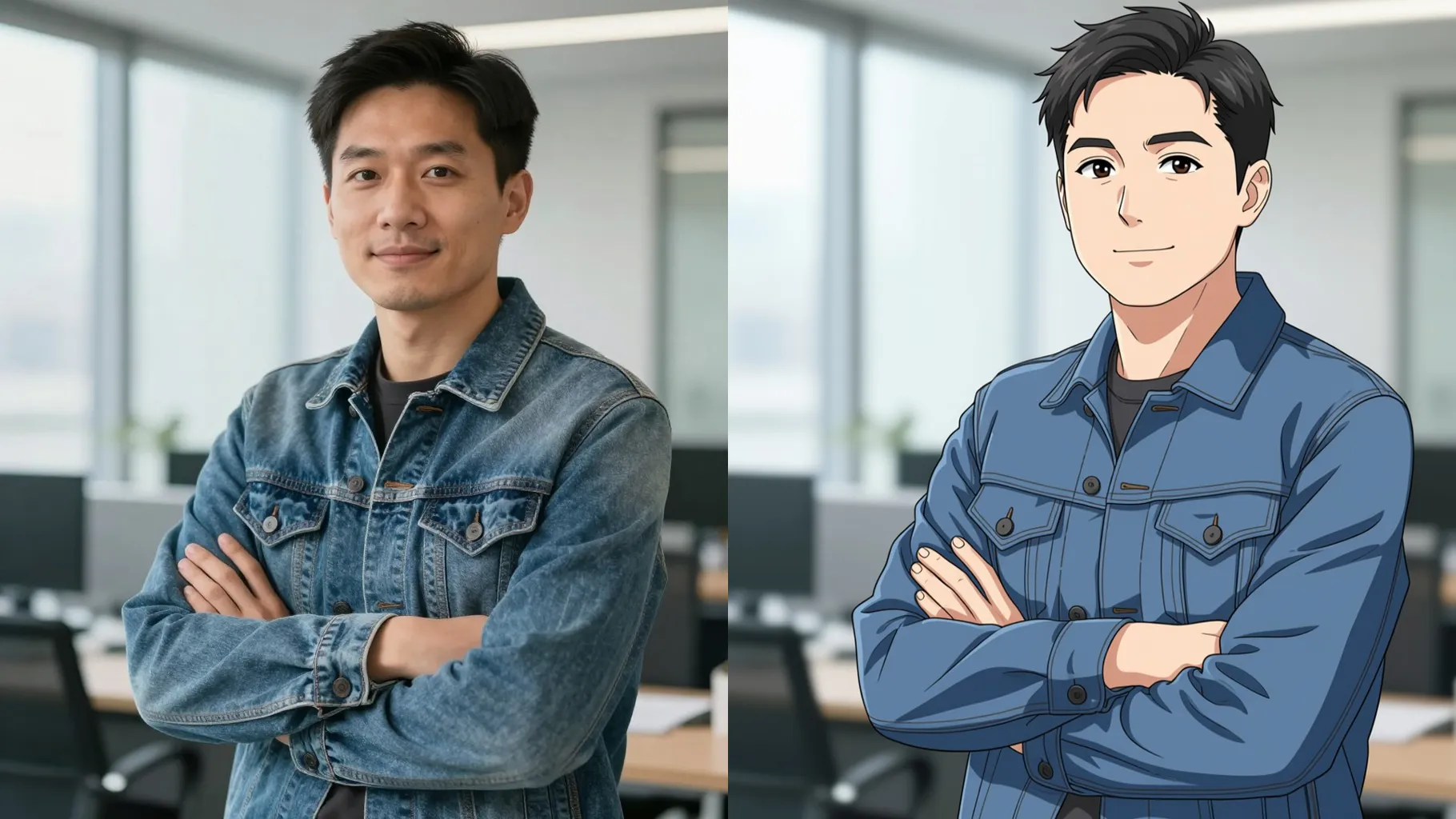
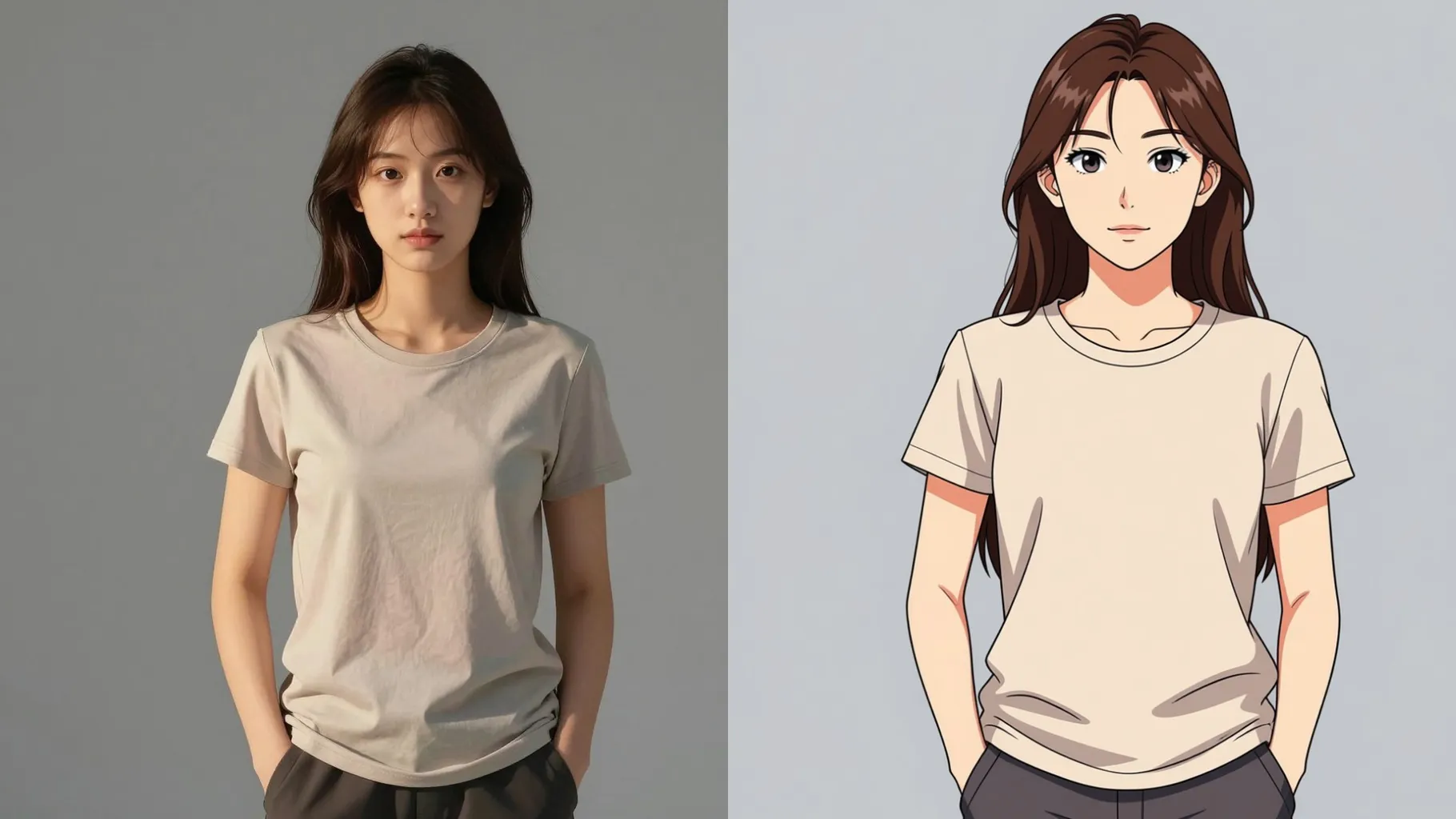
Softens skin, brightens highlights, and preserves key facial proportions so the anime look stays recognizable.
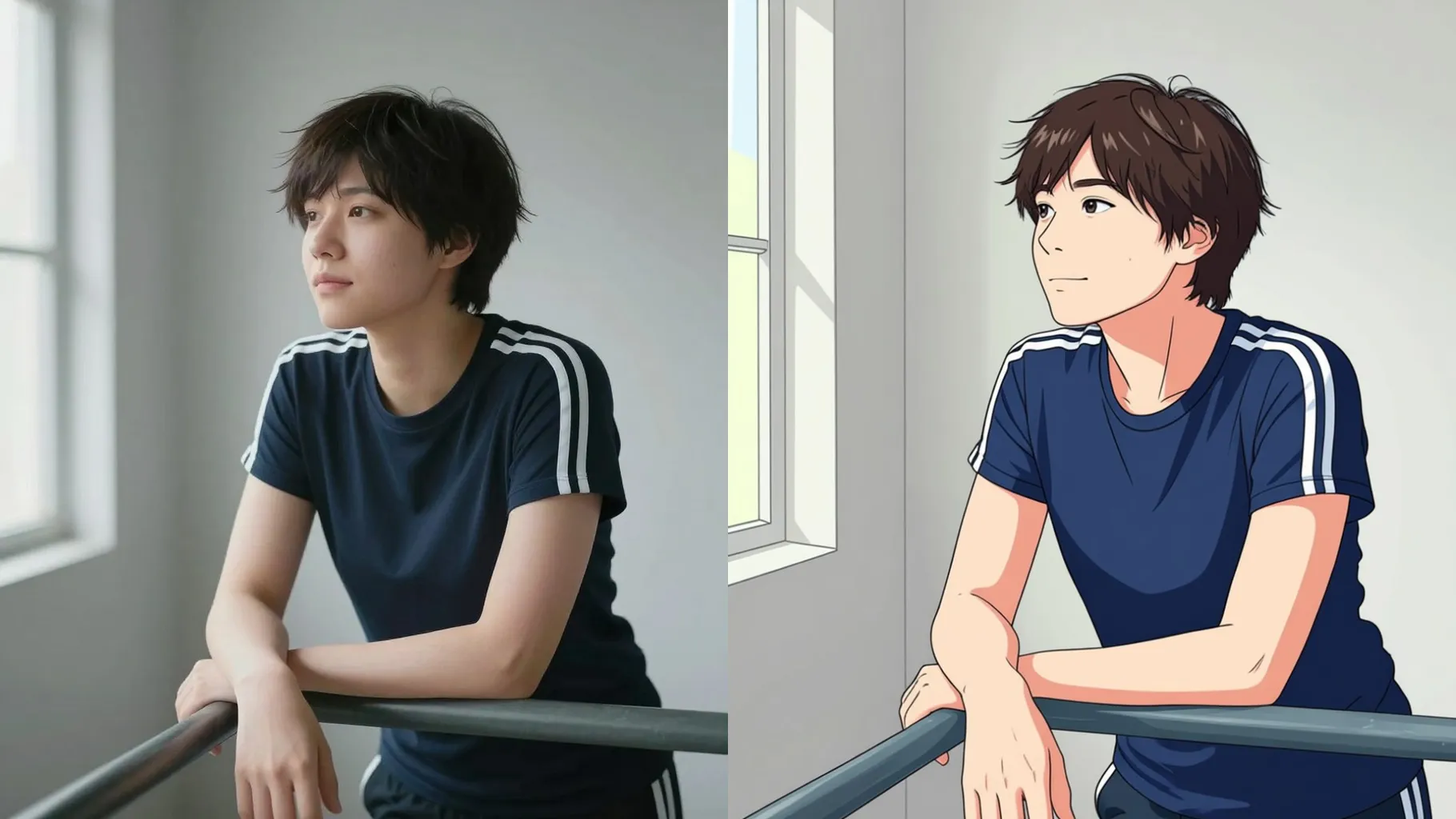
Applies pastel backgrounds, neon rim lights, and clean outlines that look like digital illustration ready to share.
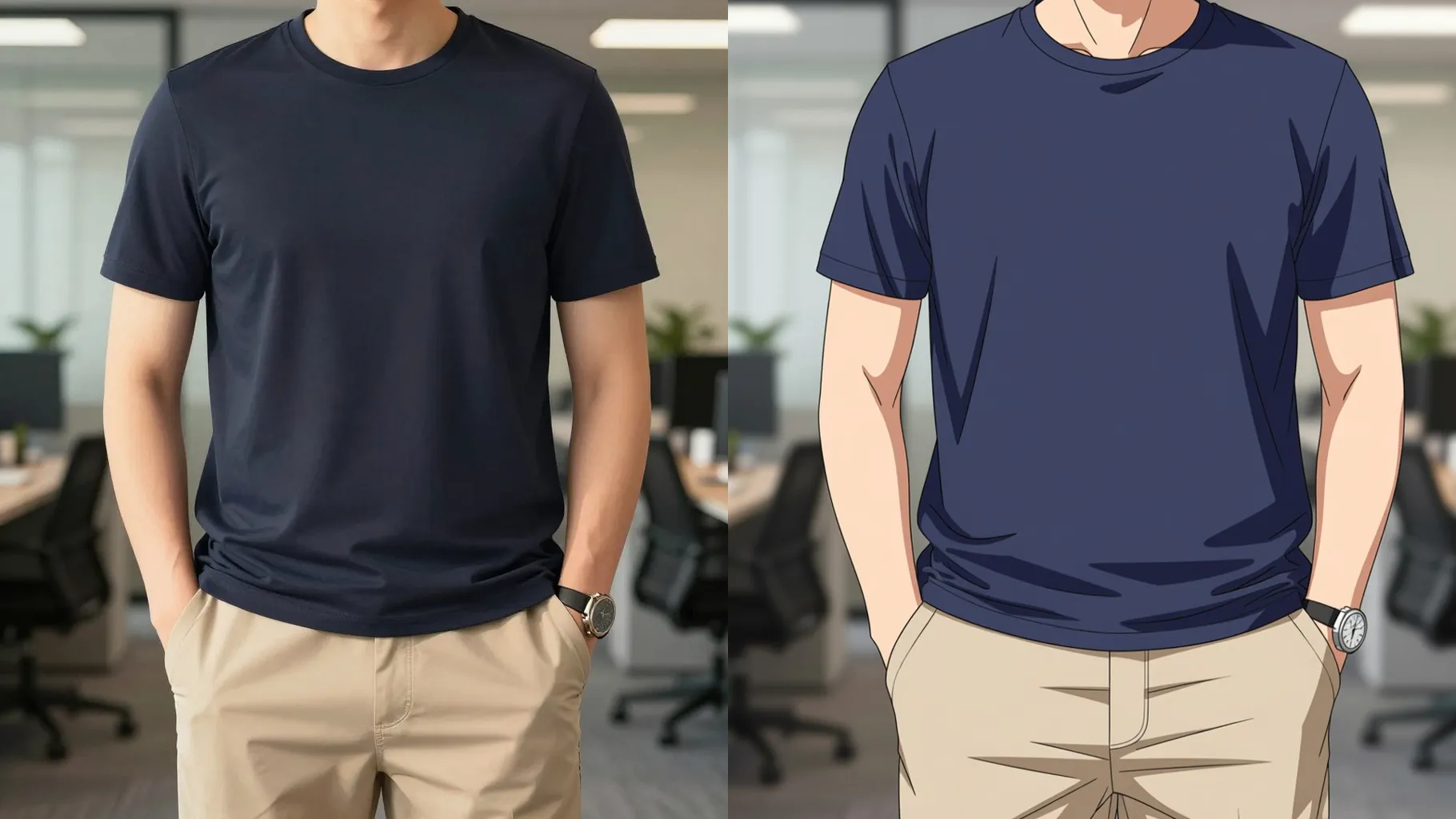
Use a front-facing image with good lighting to keep edges sharp and features defined.
Mention mood, setting, or outfit so the filter knows what to emphasize.
Preview the anime render, regenerate if needed, and save your favorite version.
This template supports one photo at a time to keep line art and shading clean.
Short hints like “soft pastel background” or “streetwear neon” are enough; long prompts can over-style the render.
Upload JPG, PNG, or WebP under 10MB for fast processing and stable results.
Yes. It preserves key proportions while smoothing skin and adding cel shading for the anime effect.
Aspect ratio control is off for this preset; crop your image before uploading if you need a specific frame.
Model switching is disabled to keep the anime coloring and line style consistent.
Generation time depends on the model, image size, and queue. Check the task status on this page.
No. This is an image-to-image filter, so please upload one picture to start.

Generation time depends on the model, image size, and queue. Check the task status on this page.