
1. How many images can I upload per run?
This template supports one photo at a time to keep the cartoon lines clean.
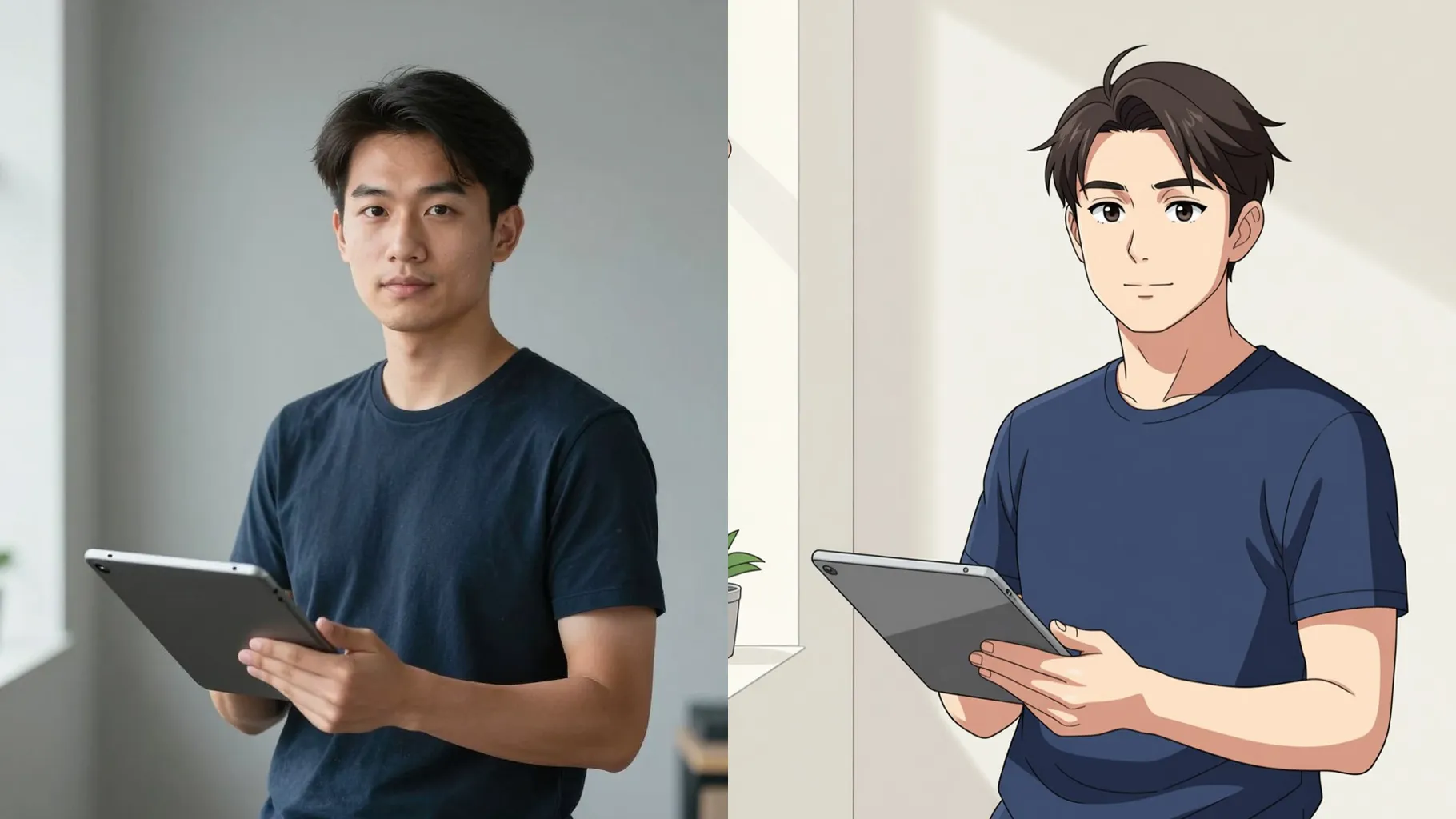
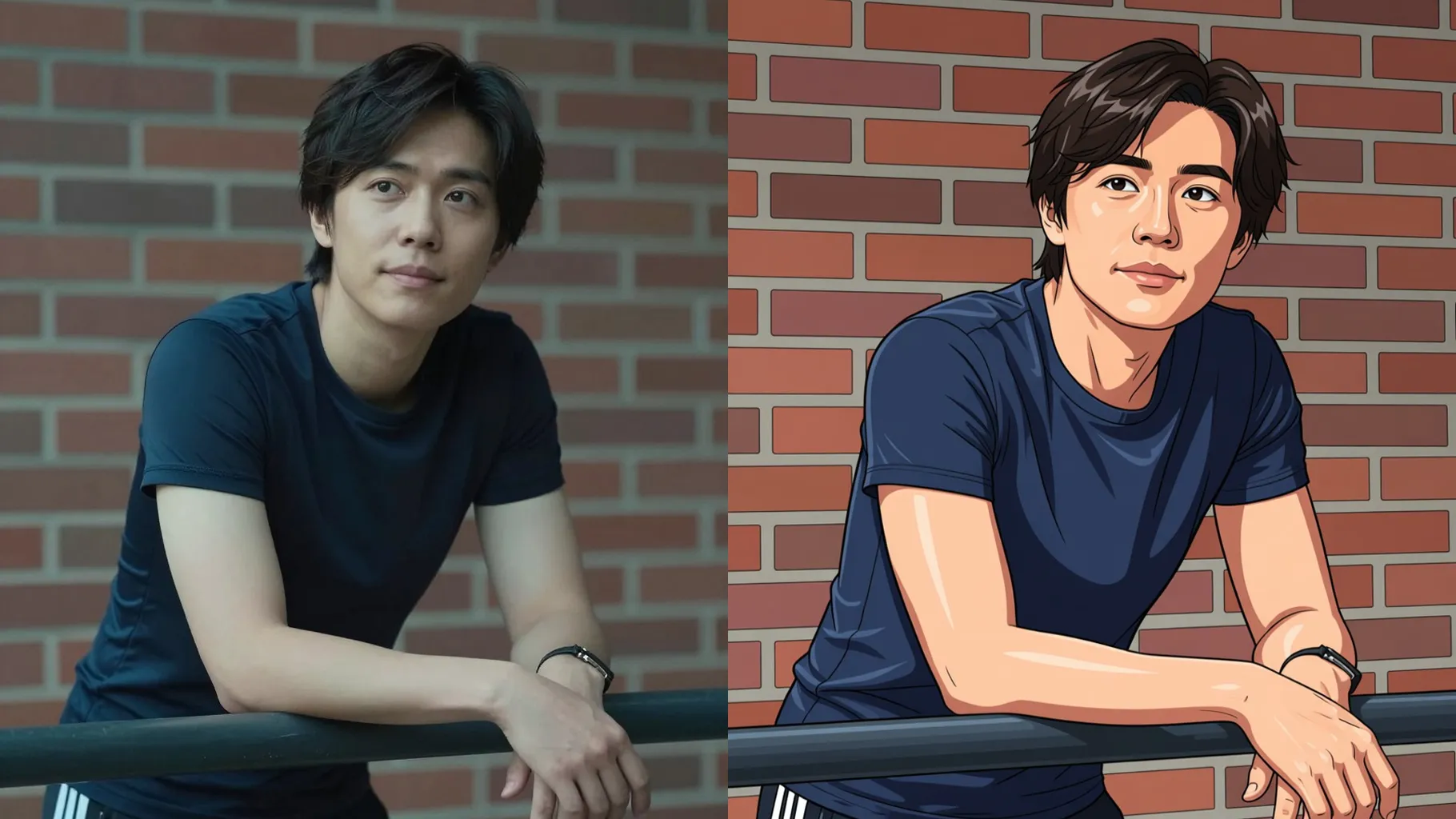
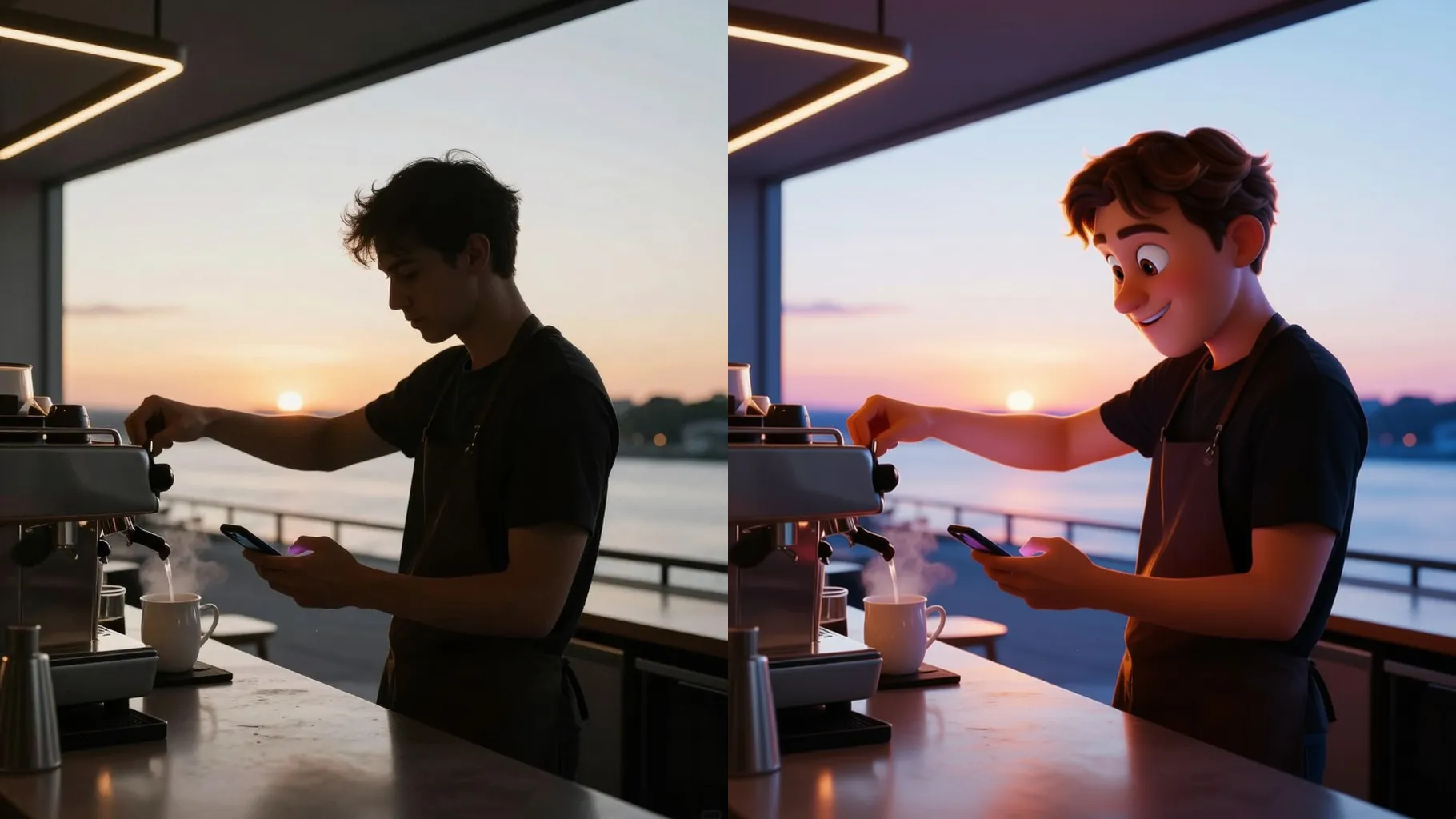
Upload one photo to get a bold cartoon version with smooth shading and saturated colors.
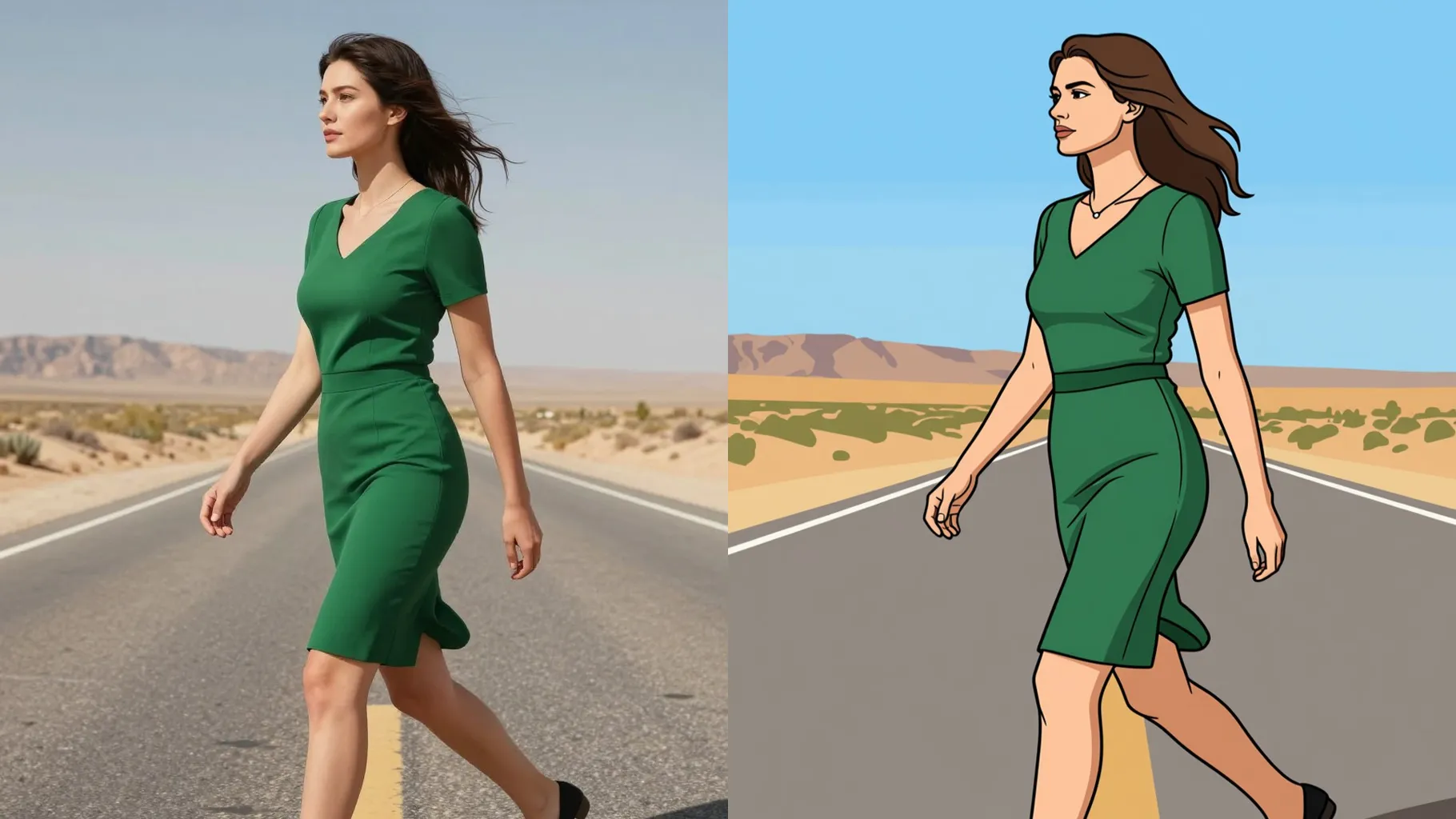
Bold comic outlines and smooth shading turn one selfie into a playful cartoon portrait.
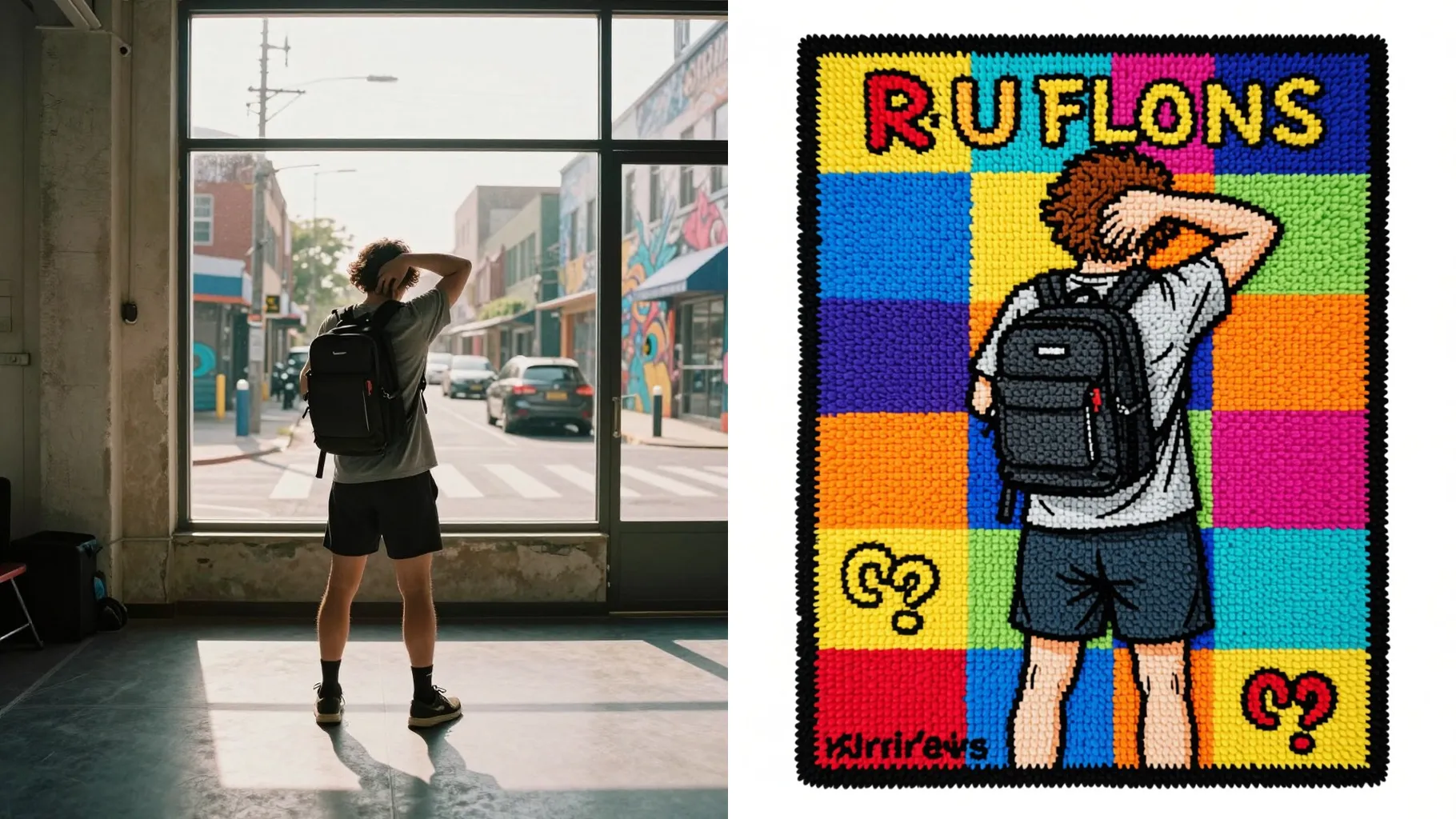
Examples show the target style. Your result depends on the chosen model and reference photo.
Upload one photo to get crisp outlines, bright palettes, and smooth shading in a cartoon look.
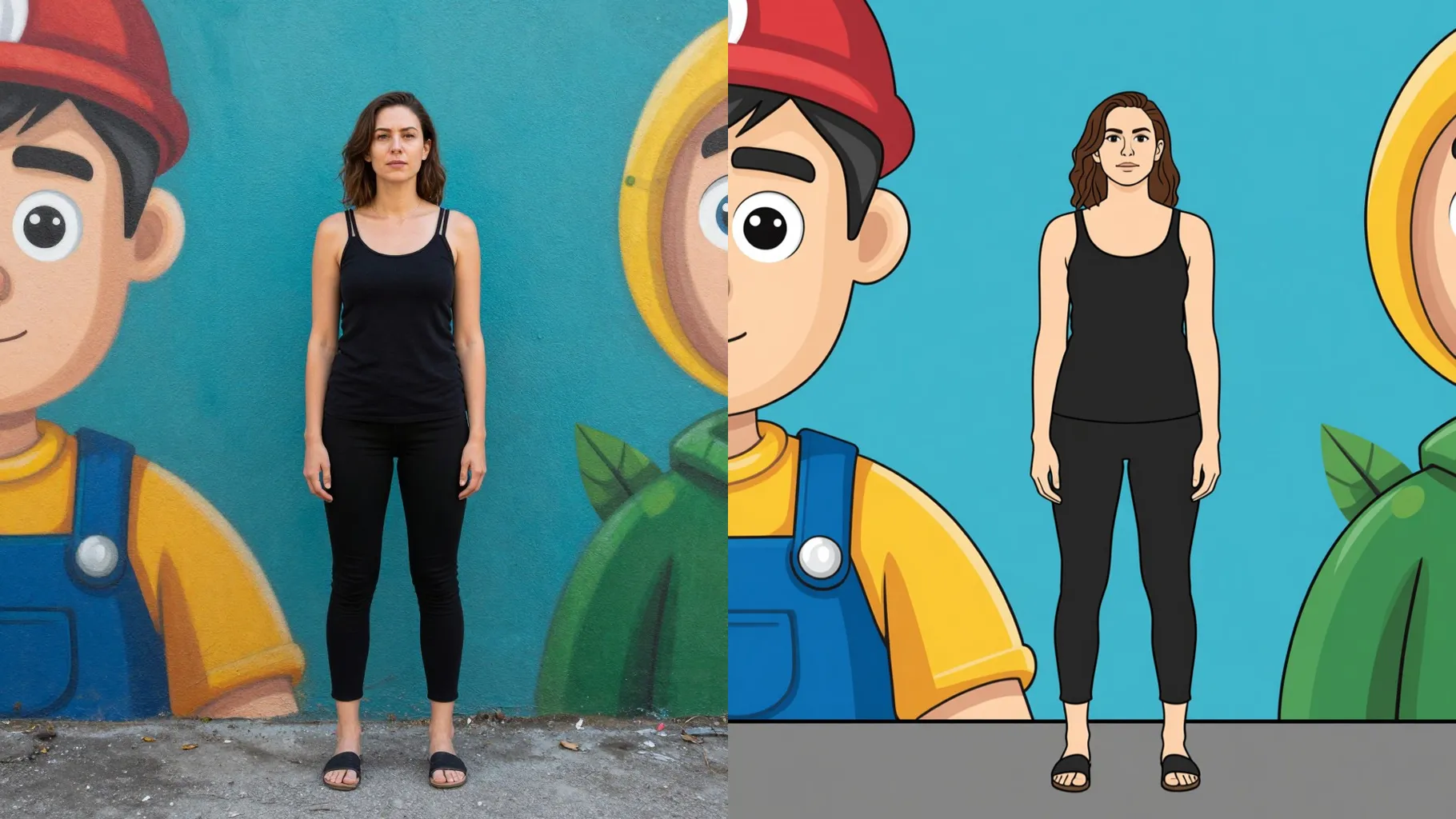
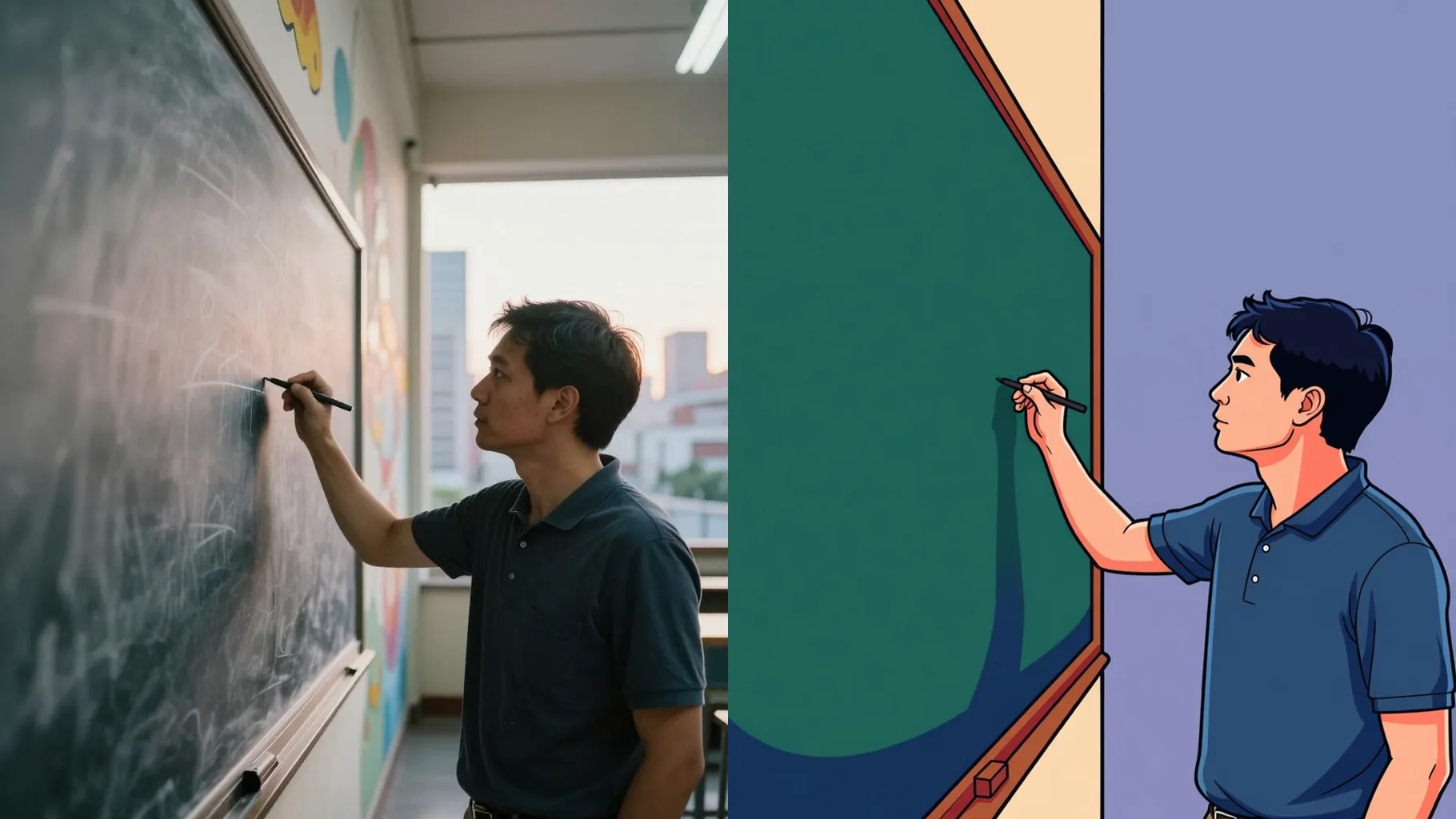
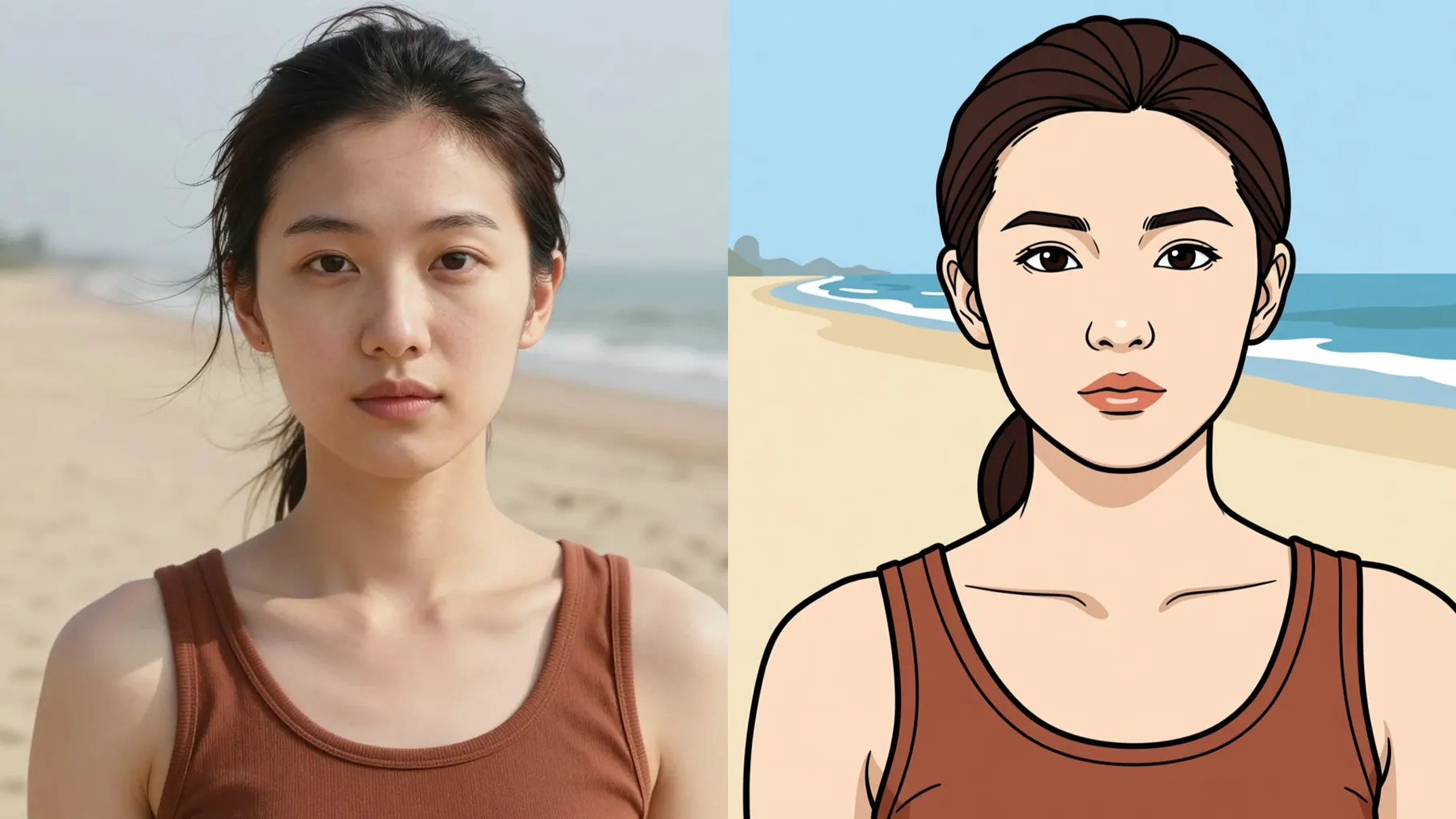
Enhances eyes and smile while smoothing skin so the cartoon stays true to your features.
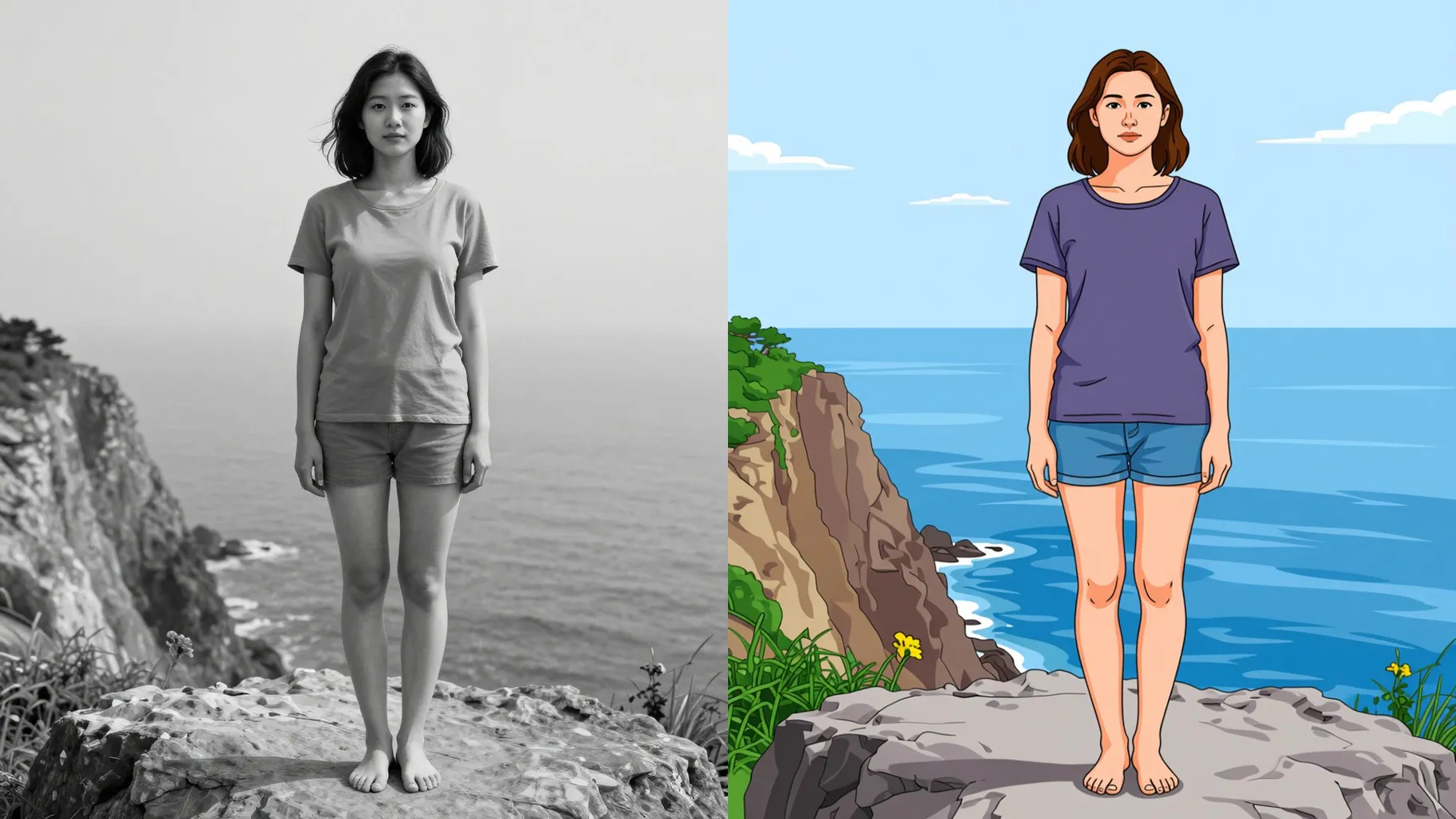
Applies saturated backgrounds, clean gradients, and soft highlights so you get a share-ready cartoon instantly.
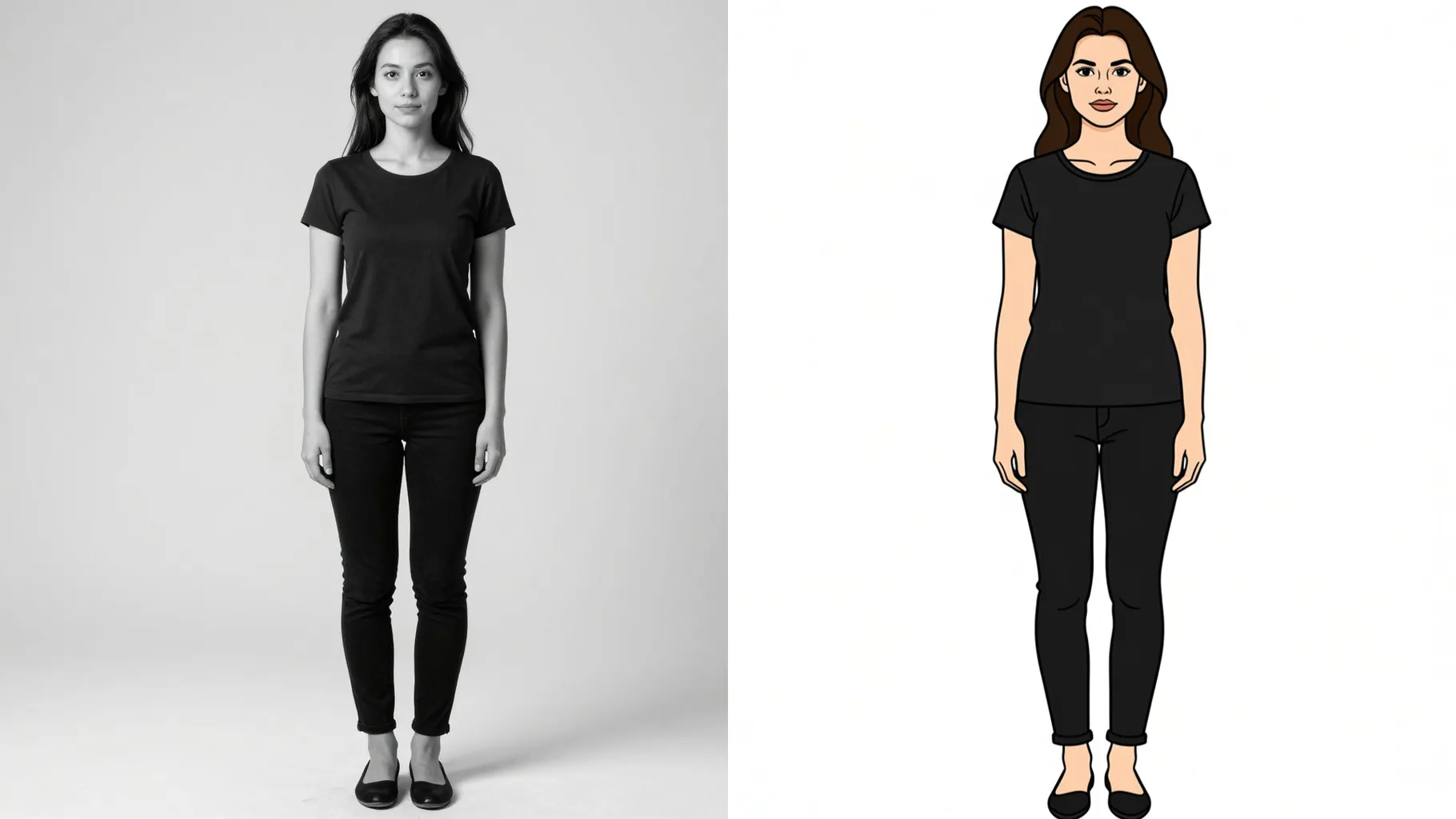
Face the camera with good lighting to keep outlines sharp and details readable.
Mention mood, outfit, or background so the cartoon matches your idea.
Preview the cartoon render, rerun if needed, and save your favorite version.
This template supports one photo at a time to keep the cartoon lines clean.
No. Short hints like “blue hoodie” or “comic city background” are enough; long prompts may over-style the render.
Aspect ratio control is off for this preset. Crop your photo first if you need a specific frame.
Model switching is disabled to keep a consistent cartoon look and color palette.
Upload JPG, PNG, or WebP under 10MB for fast processing and stable detail.
No. This is an image-to-image cartoon filter, so please upload one picture to start.

Generation time depends on the model, image size, and queue. Check the task status on this page.