
1. How many photos can I upload per run?
This template uses one photo at a time to keep the pin outline sharp.
Turn one photo into a glossy enamel pin with metal outlines, pastel enamel fill, and a soft shadow.
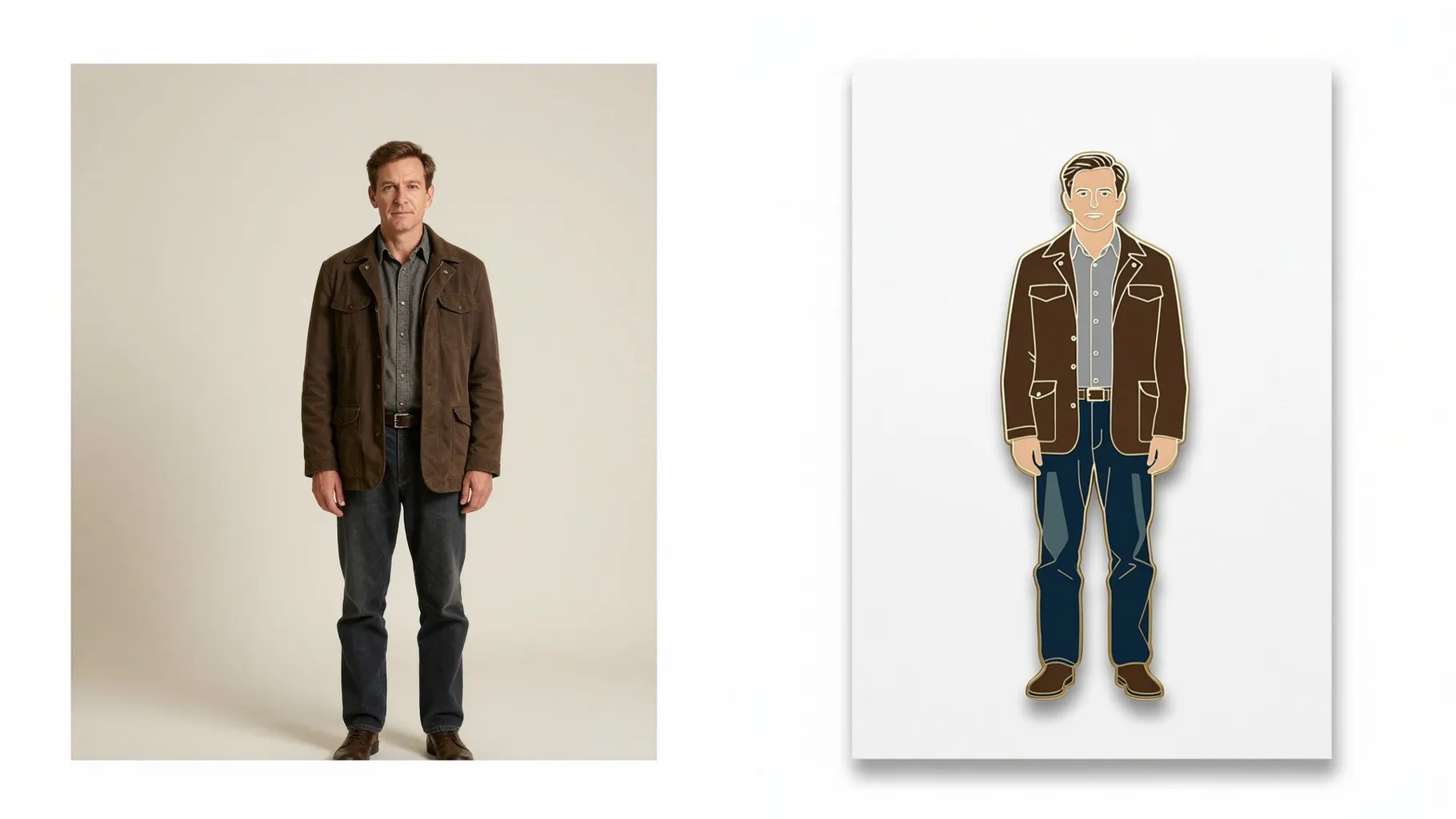
Turn one uploaded photo into a shiny enamel pin with polished metal edges, pastel enamel fill, and a soft shadow.
Examples show the target style. Your result depends on the chosen model and reference photo.
Upload one photo and get a glossy enamel pin render with metal outlines, smooth pastel enamel, and a soft drop shadow.
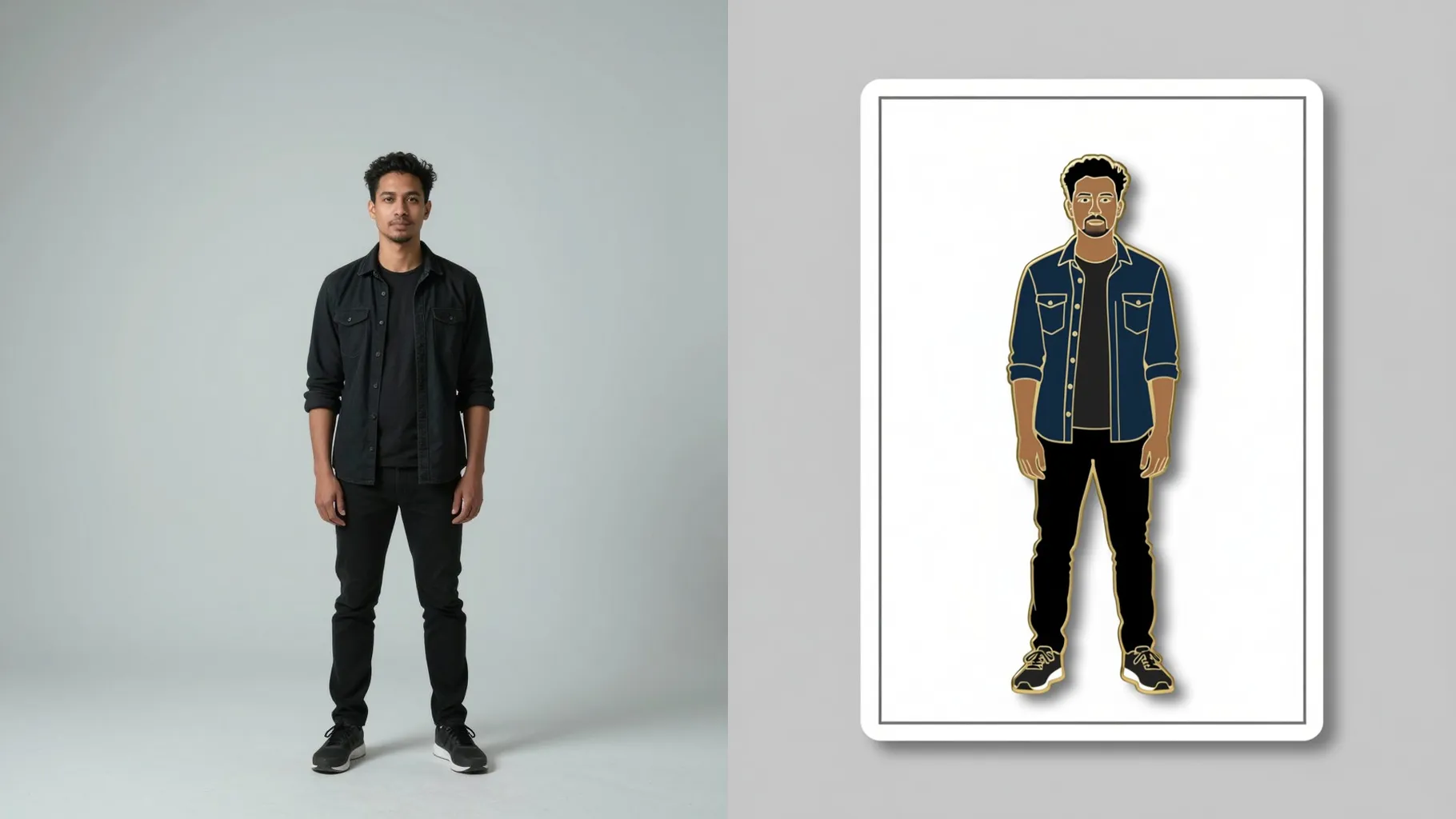
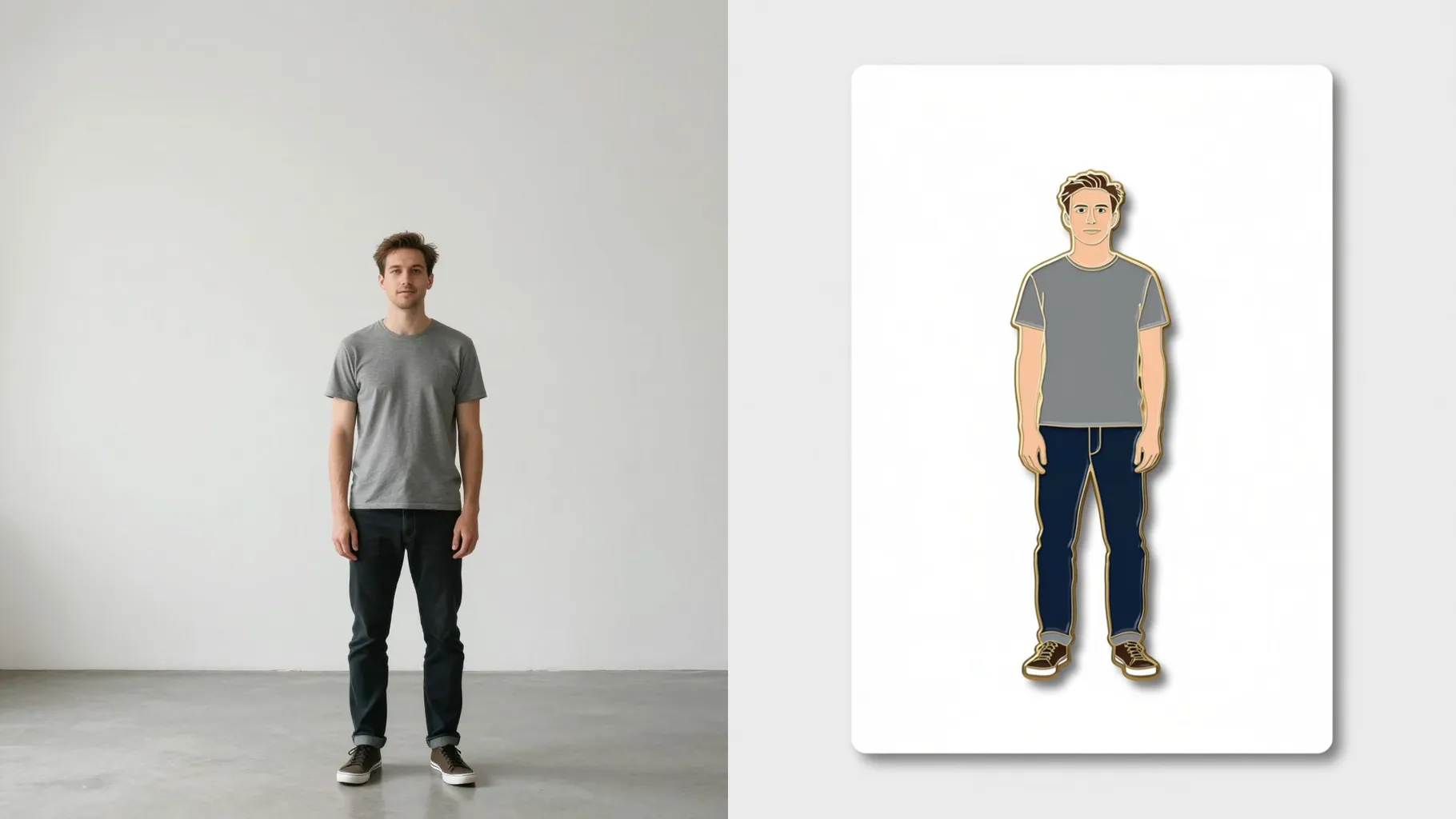
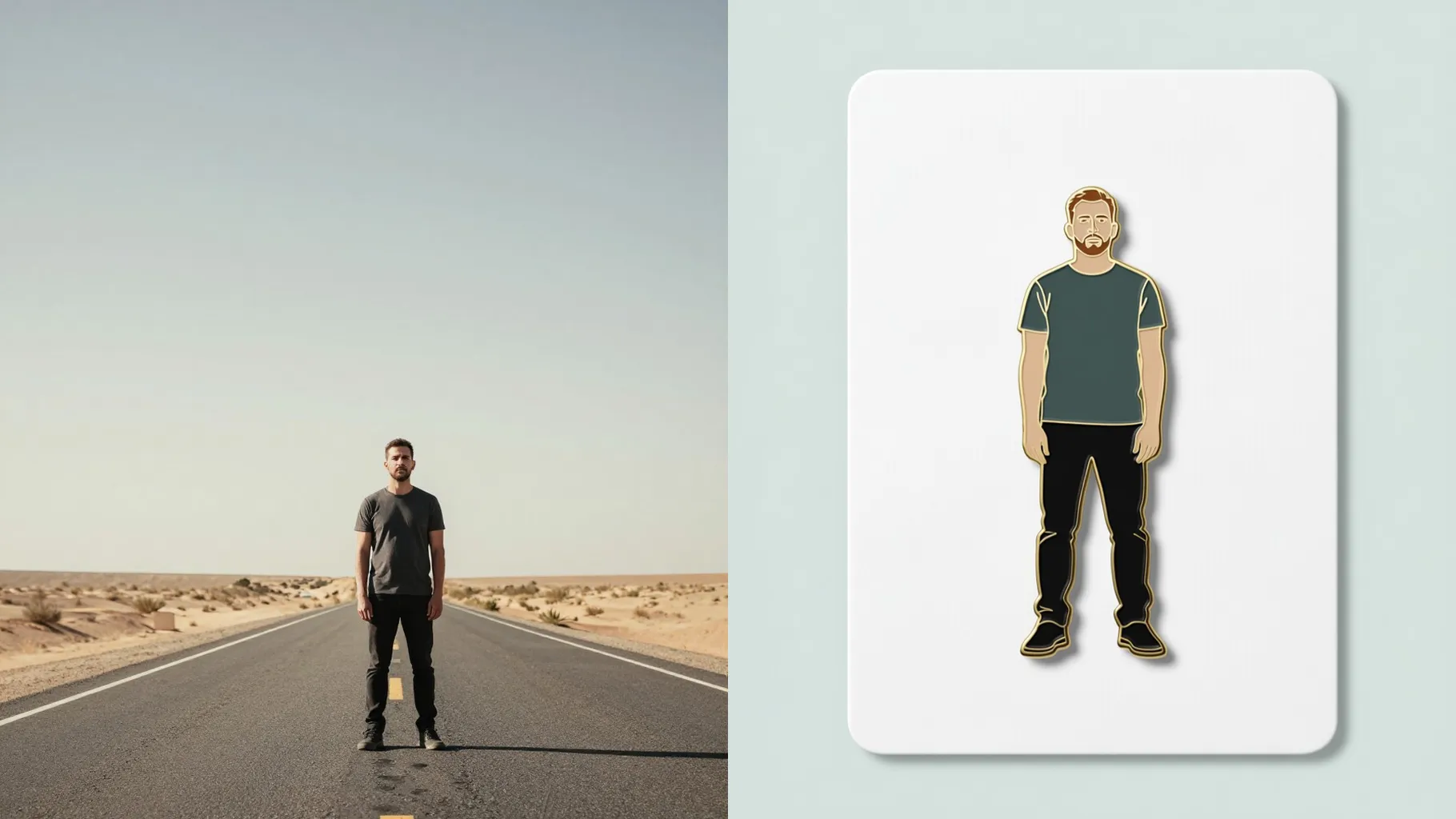
Traces your subject into a pin-ready shape, keeping polished edges and highlights intact.
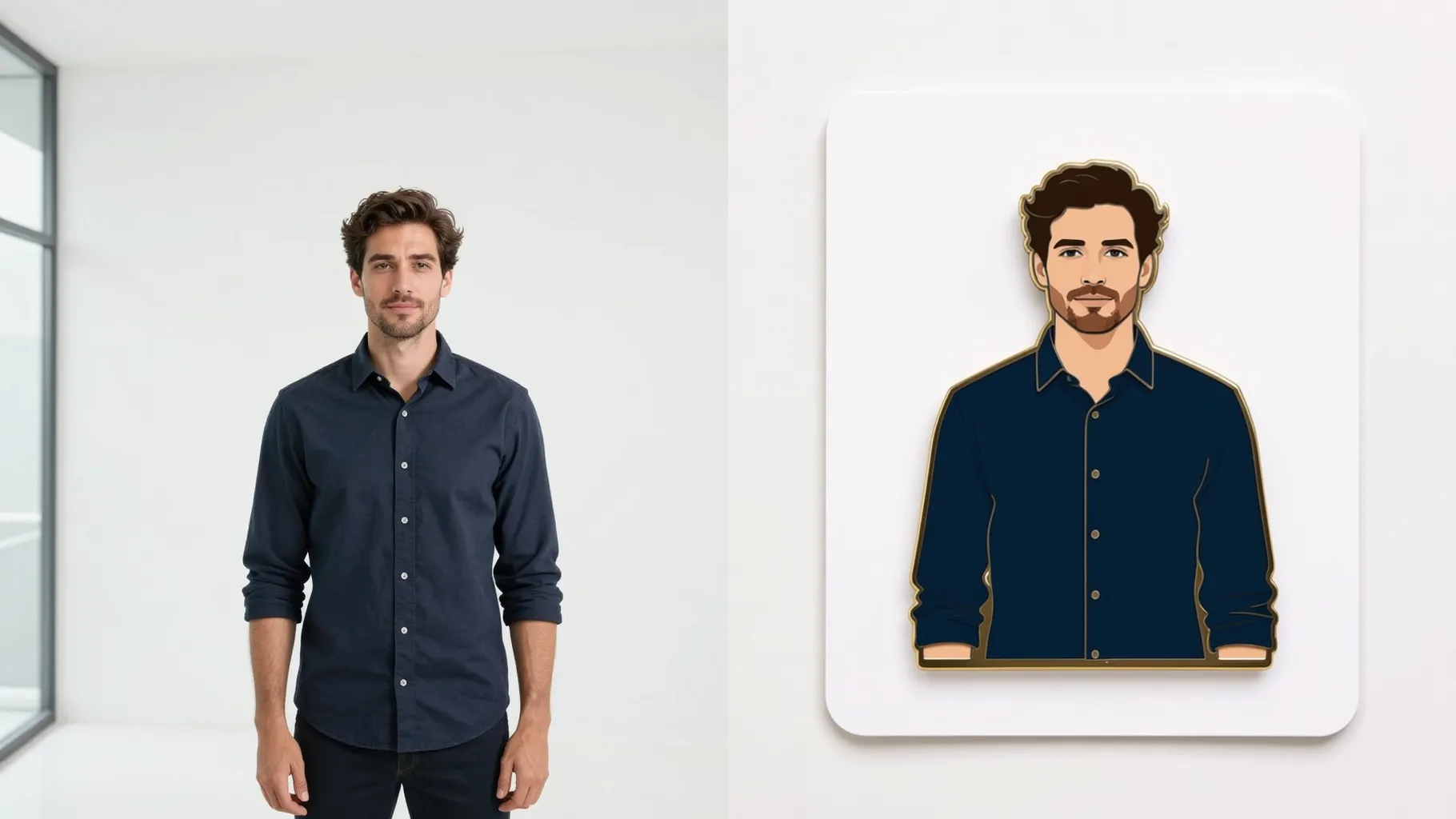
Adds clean enamel fill, gentle gradients, and a subtle shadow so the pin looks ready for packaging.
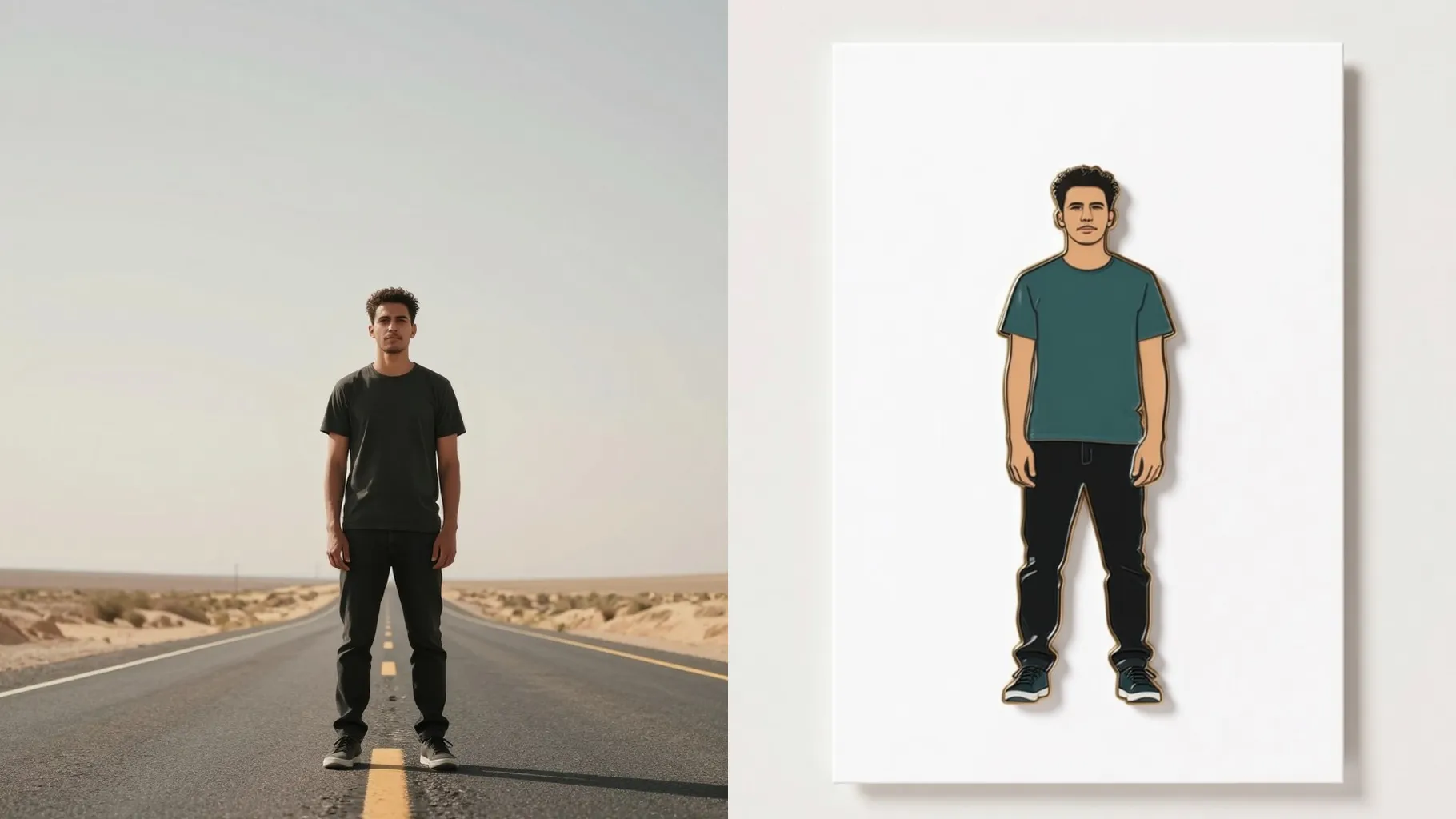
Center your subject on a simple background so the pin silhouette stays neat.
Mention colors, finish, or mood like glitter enamel, kawaii eyes, or metallic shine.
Render the enamel pin, rerun if you want tweaks, then save your favorite instantly.
This template uses one photo at a time to keep the pin outline sharp.
A short hint like “gold outline, pastel fill” or “glitter enamel” helps steer the look.
Aspect ratio control is off so the pin silhouette and shadow stay consistent.
Model switching is disabled to keep the enamel pin style stable.
Yes. Keep faces, mascots, or logos centered and well lit for the cleanest edges.
Yes. It focuses on the subject with a soft shadow so the pin pops on any mockup.
Use JPG, PNG, or WebP under 10MB for faster rendering and smoother enamel fills.
No. This is an image-to-image enamel pin effect and needs one upload to start.

Generation time depends on the model, image size, and queue. Check the task status on this page.