
1. How many photos can I upload each run?
Upload one portrait at a time for the cleanest loc placement.
Upload one portrait to try realistic dreadlocks without changing your face.
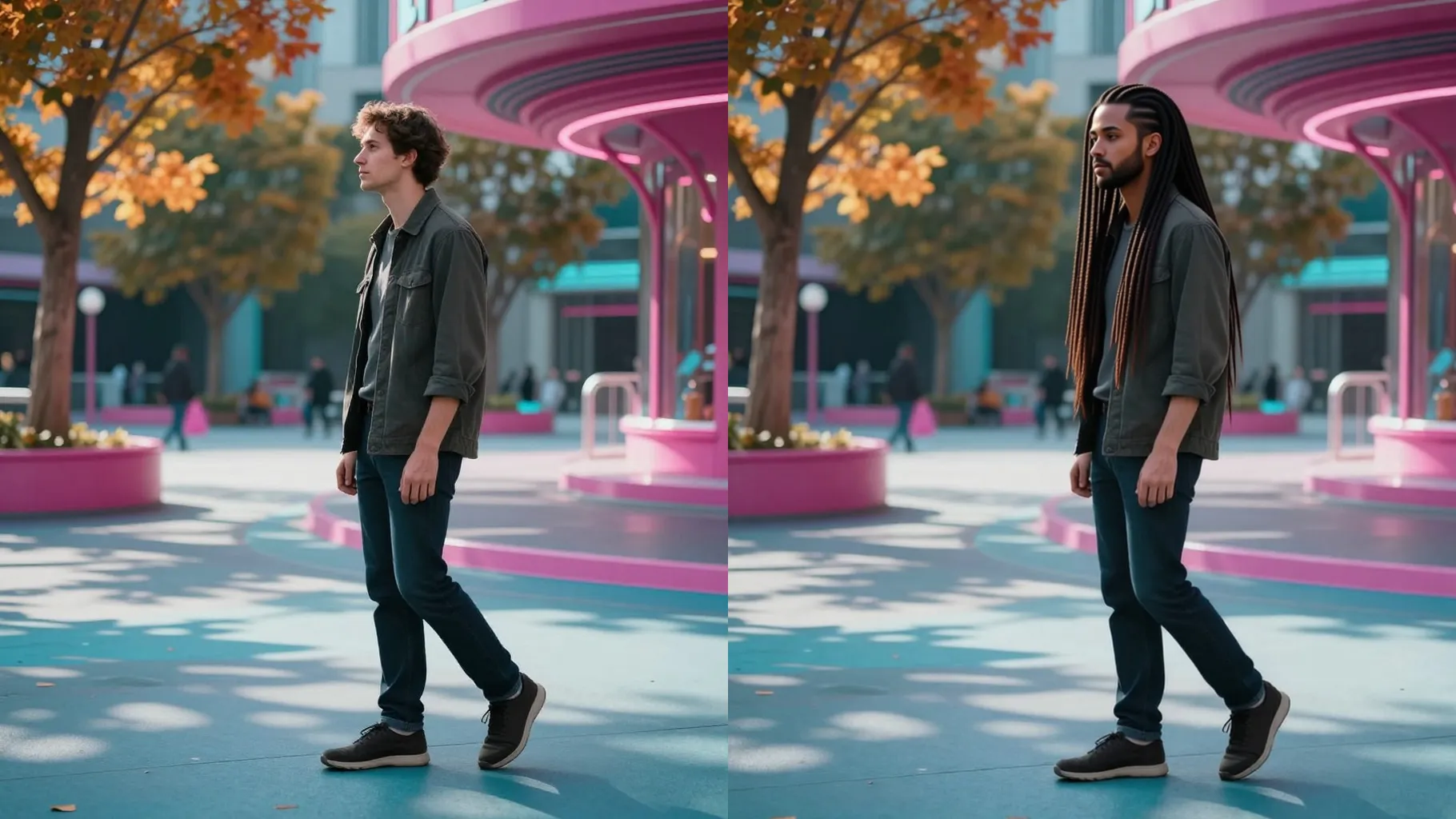
Upload one portrait to preview defined dreadlocks while preserving your facial features, skin tone, and lighting.
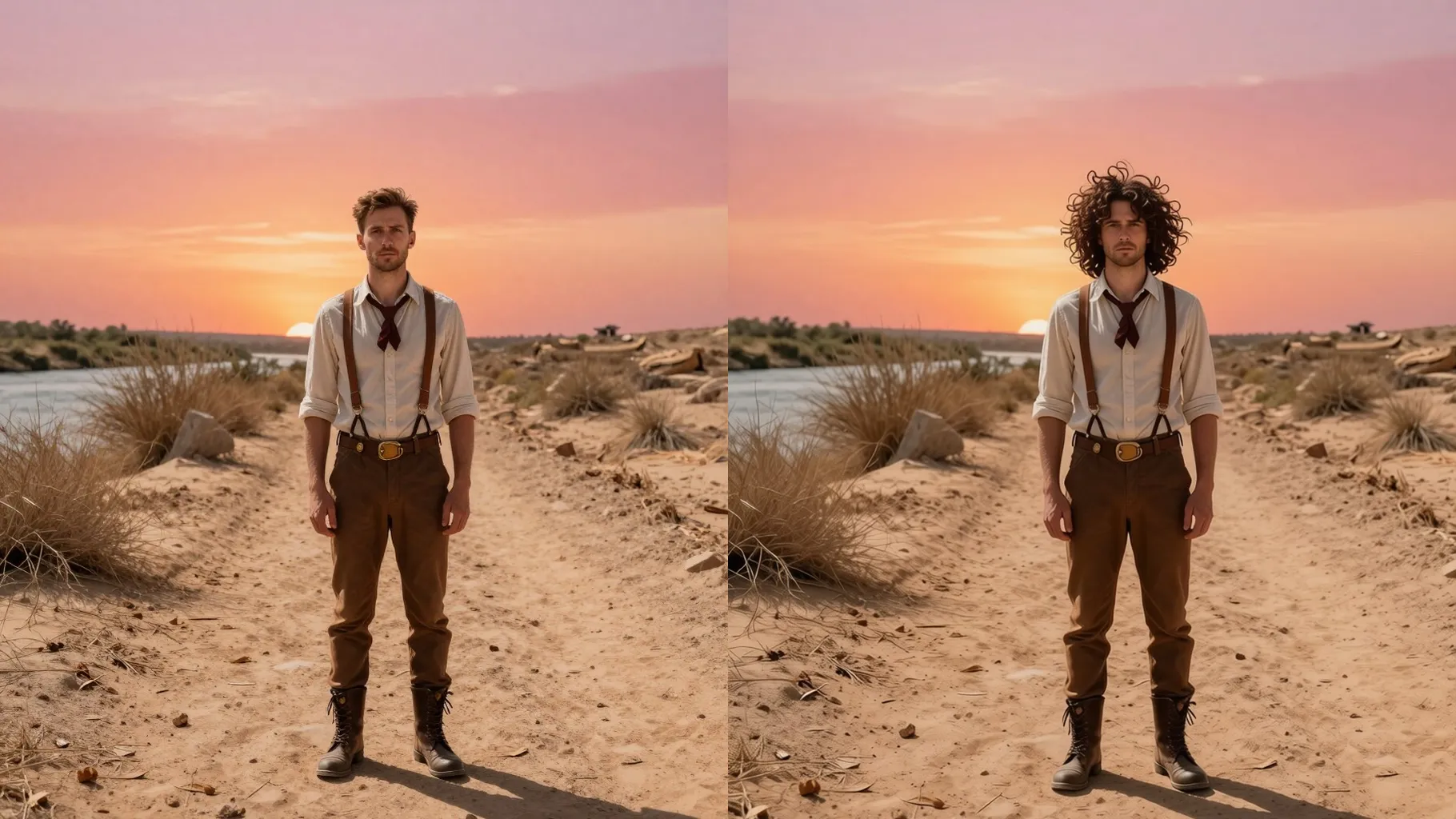
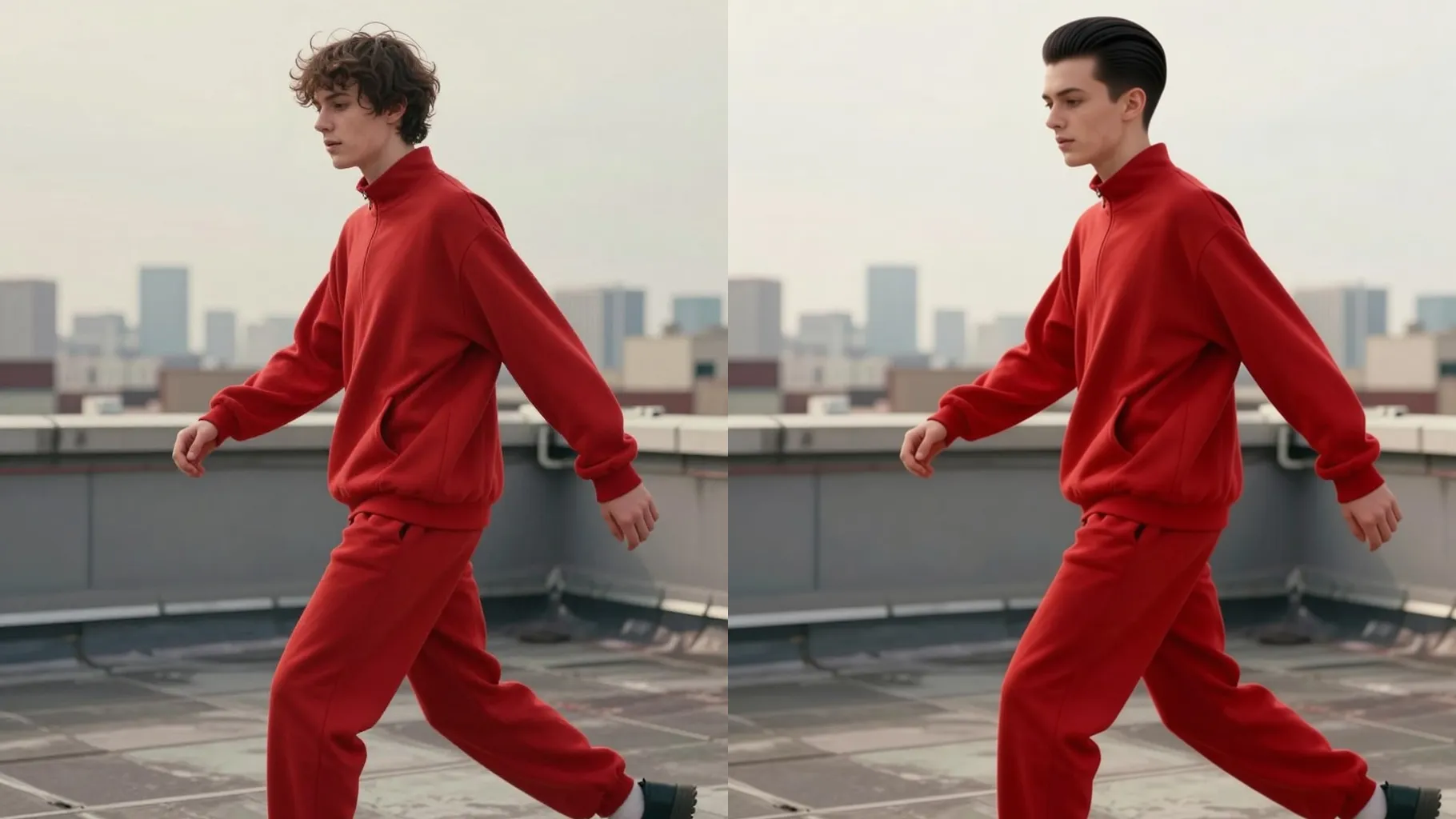
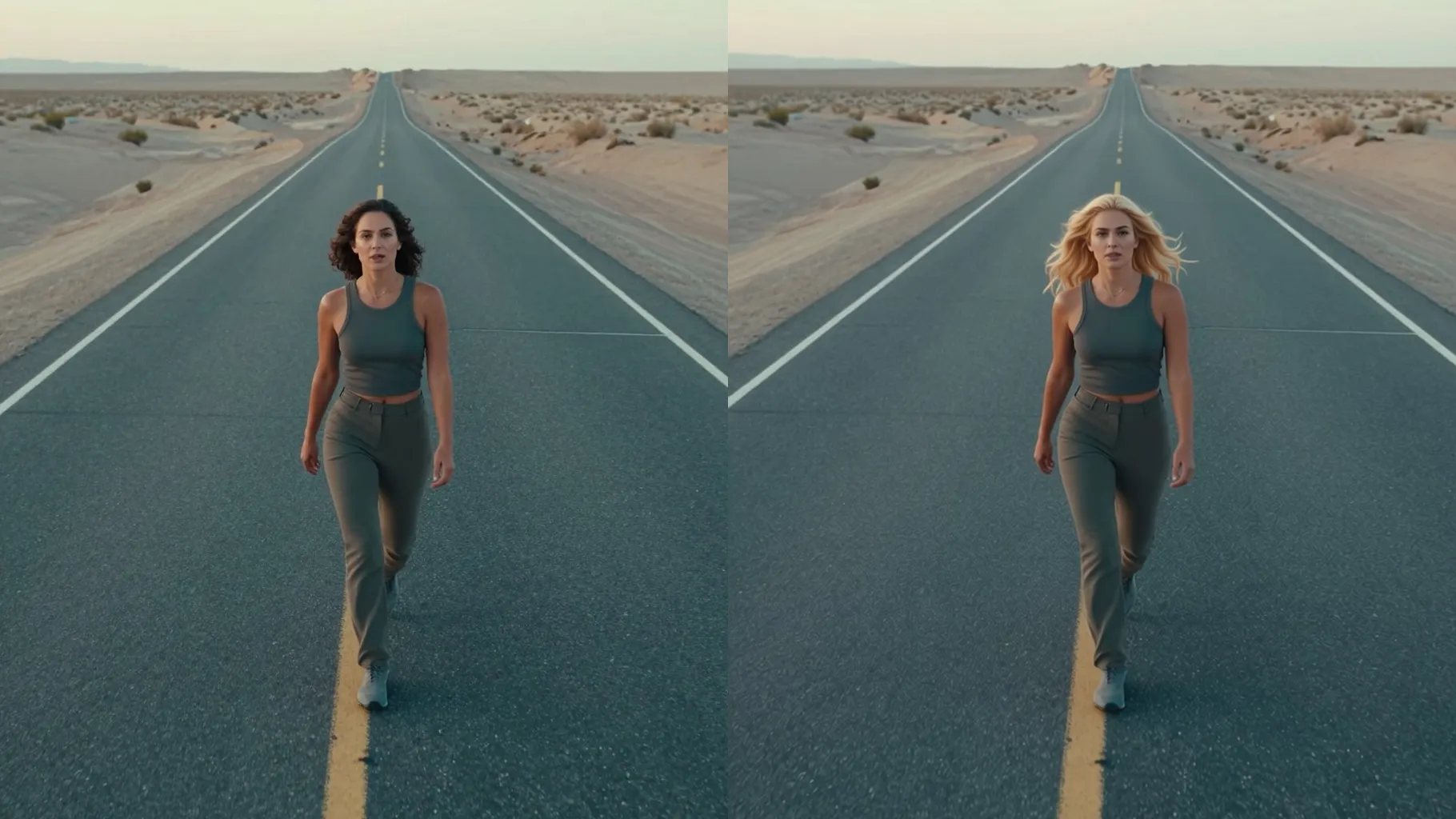
Examples show the target style. Your result depends on the chosen model and reference photo.
Upload one portrait to see yourself with realistic dreadlocks that keep your true face shape, skin tone, and lighting.
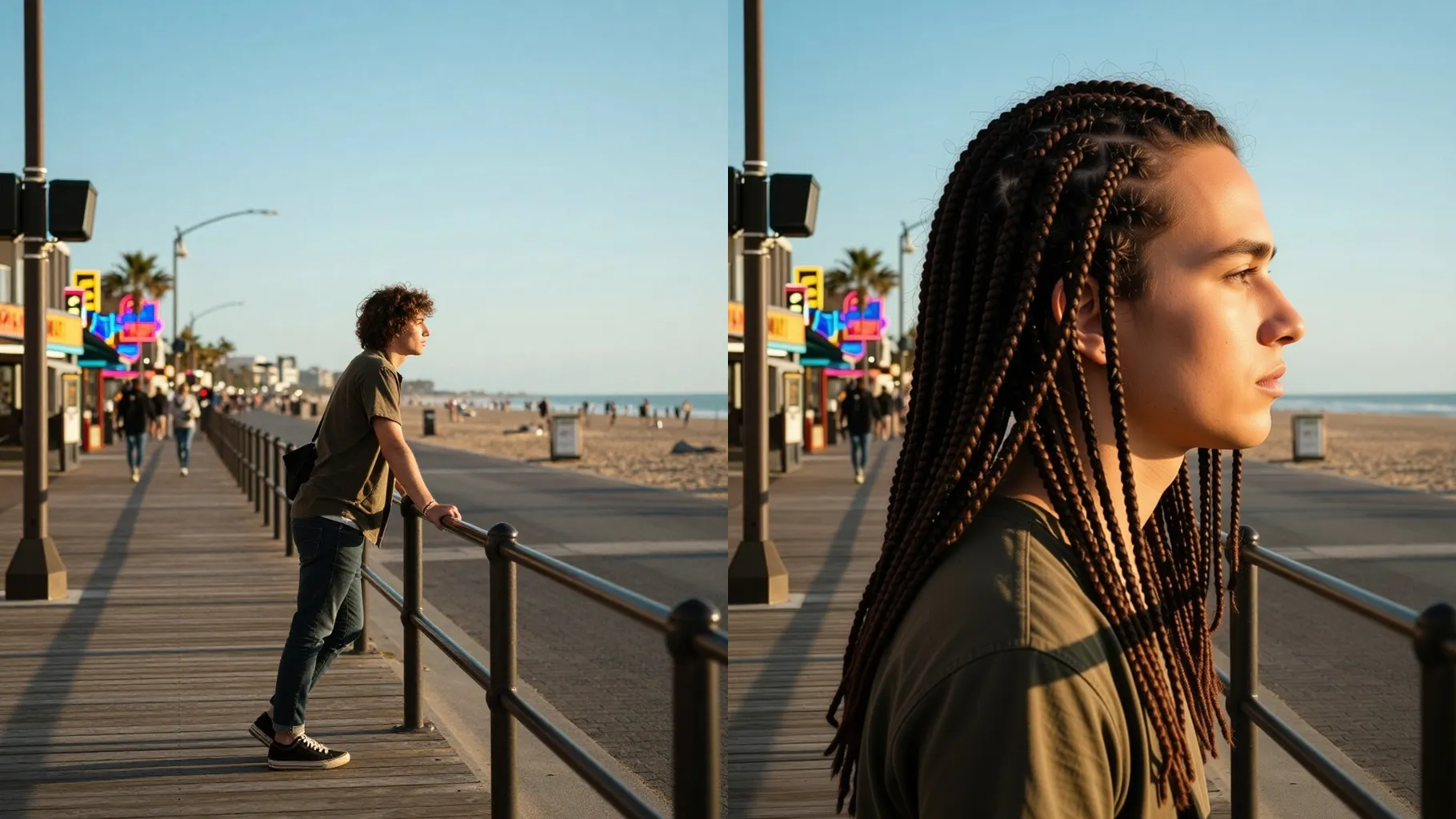
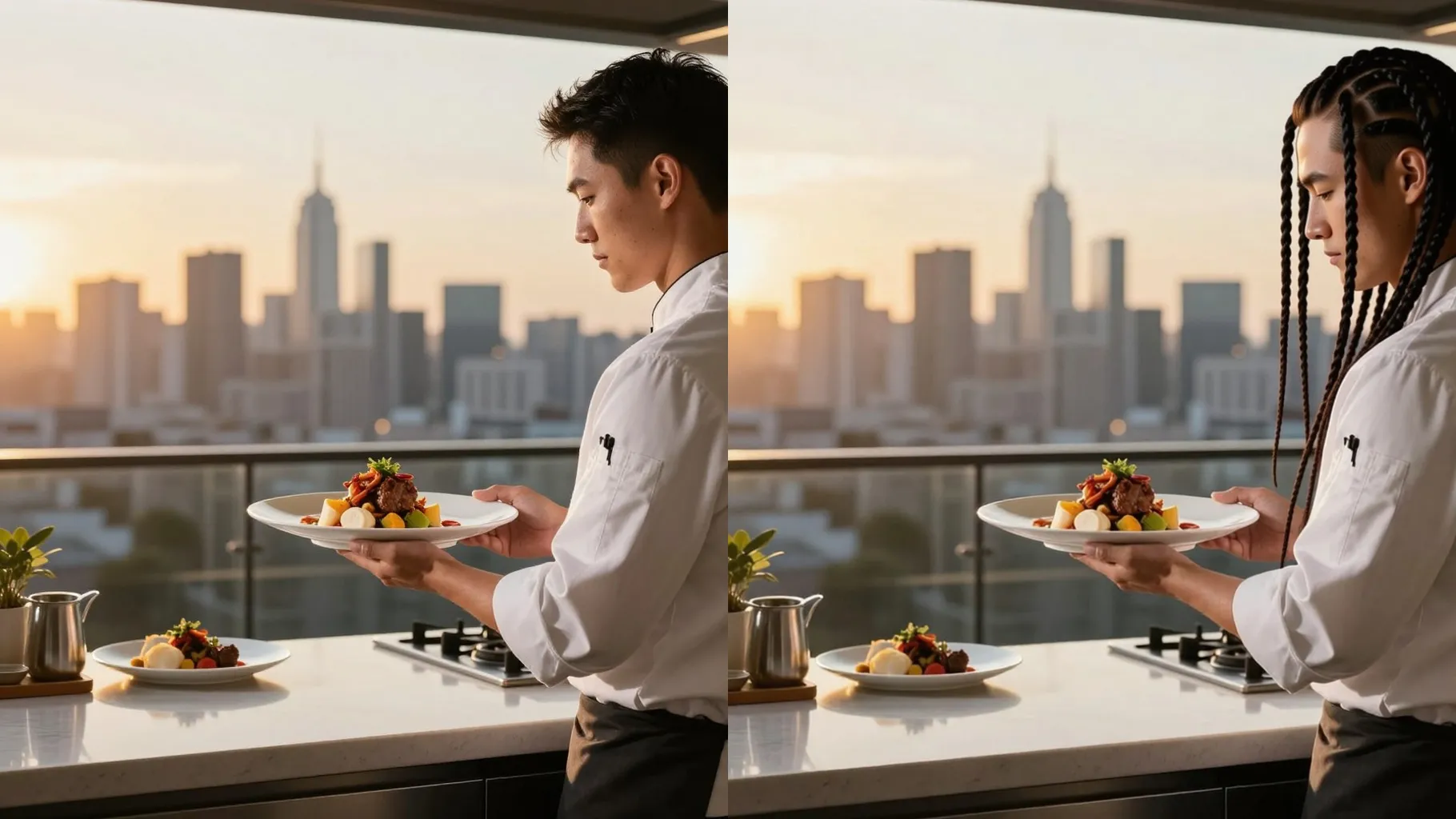
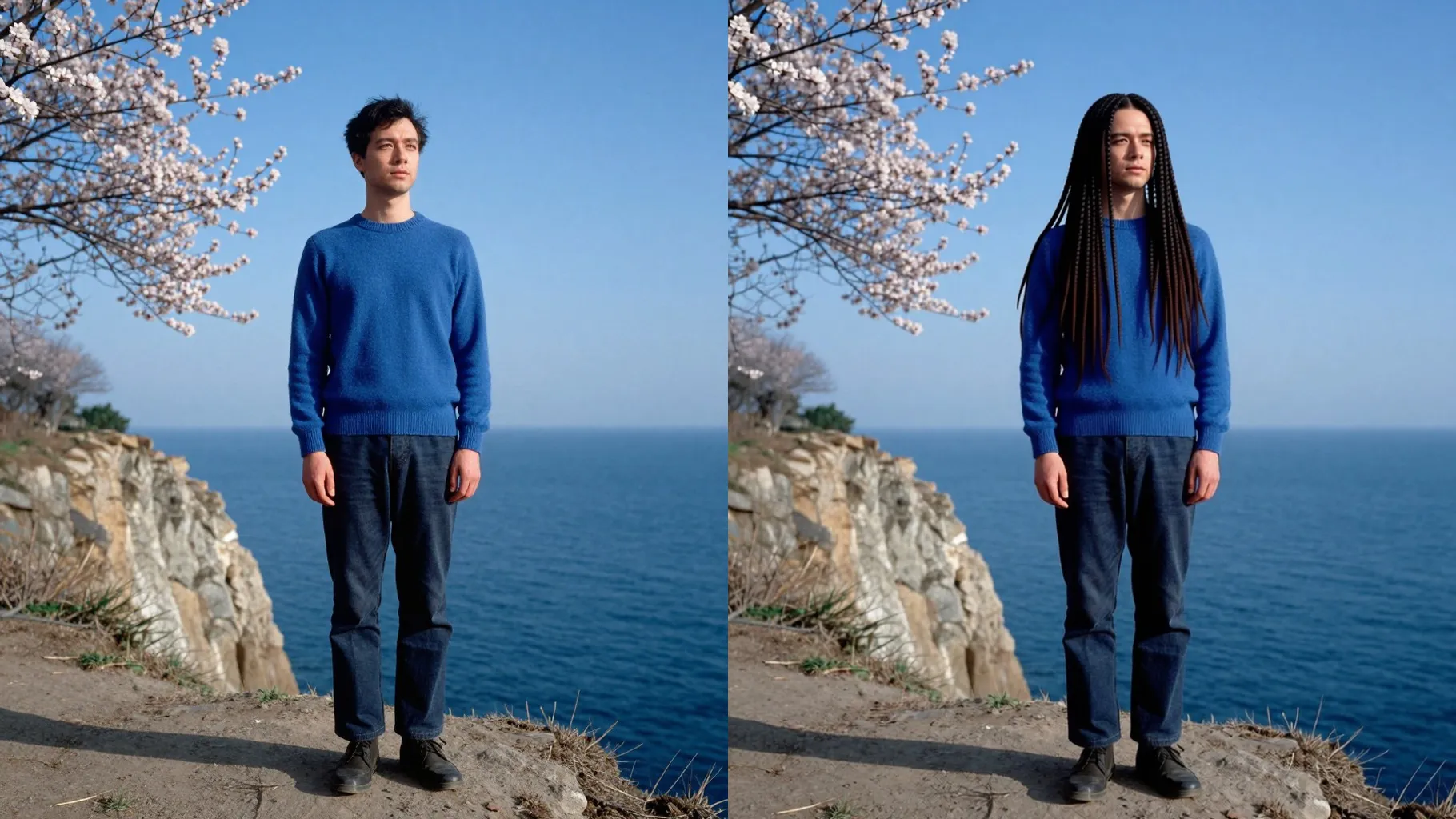
Generates clean parts, coiled strands, and subtle frizz while keeping edges and scalp natural so the locs look believable.
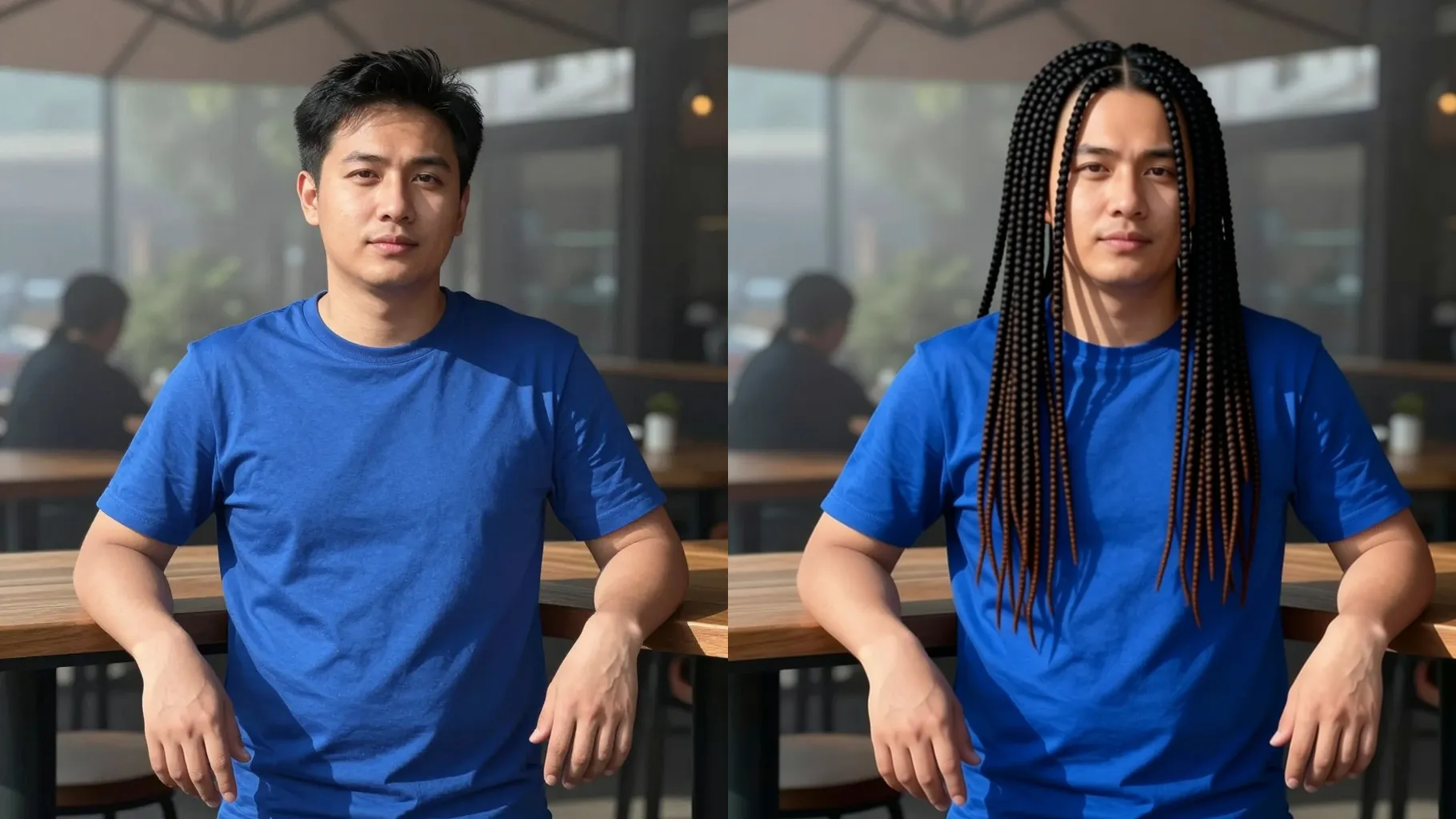
Add quick notes like \"shoulder-length locs\", \"colored tips\", or \"studio light\" to steer loc length, accessories, or mood without changing your face.
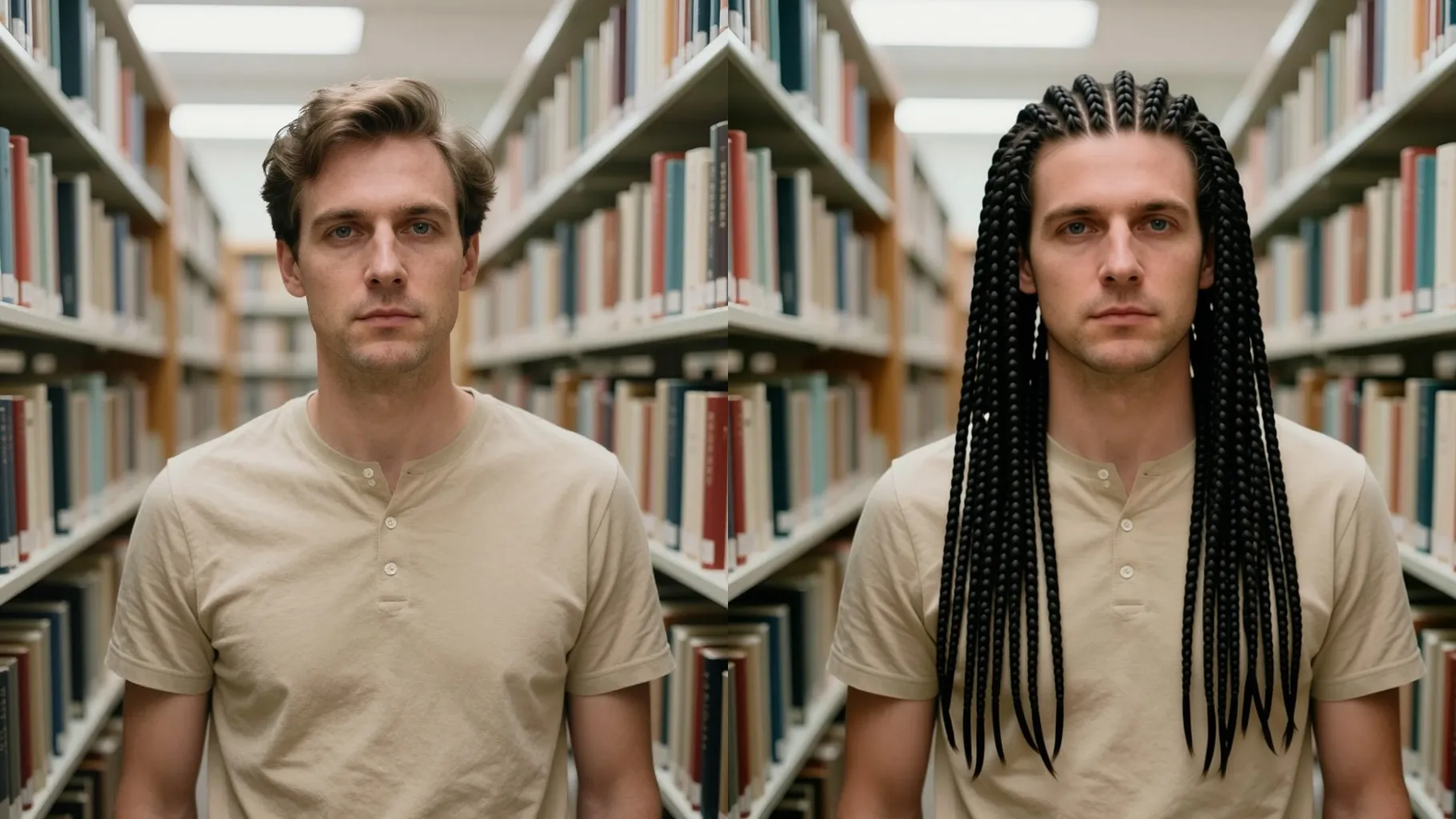
Use a front or 3/4 headshot without hats or heavy shadows; make sure your hairline and ears are visible.
Optional: mention loc length, thickness, color accents, or background mood like \"warm studio light\" to steer the render.
Run the filter, rerun for variations, and download the dreadlock look you like best.
Upload one portrait at a time for the cleanest loc placement.
Yes. This dreadlock filter is image-to-image and needs one uploaded headshot.
It keeps eyebrows and most facial hair, focusing on adding locs while your face stays realistic.
Use a well-lit photo with your forehead visible and add prompts like \"clean parts, defined locs\" for crisp edges.
The background stays unless you describe a new scene in the prompt.
Ratio and model switching are off to keep quality stable across runs.

Generation time depends on the model, image size, and queue. Check the task status on this page.