
1. How many images can I upload per run?
One portrait per run keeps the masking precise around your irises.
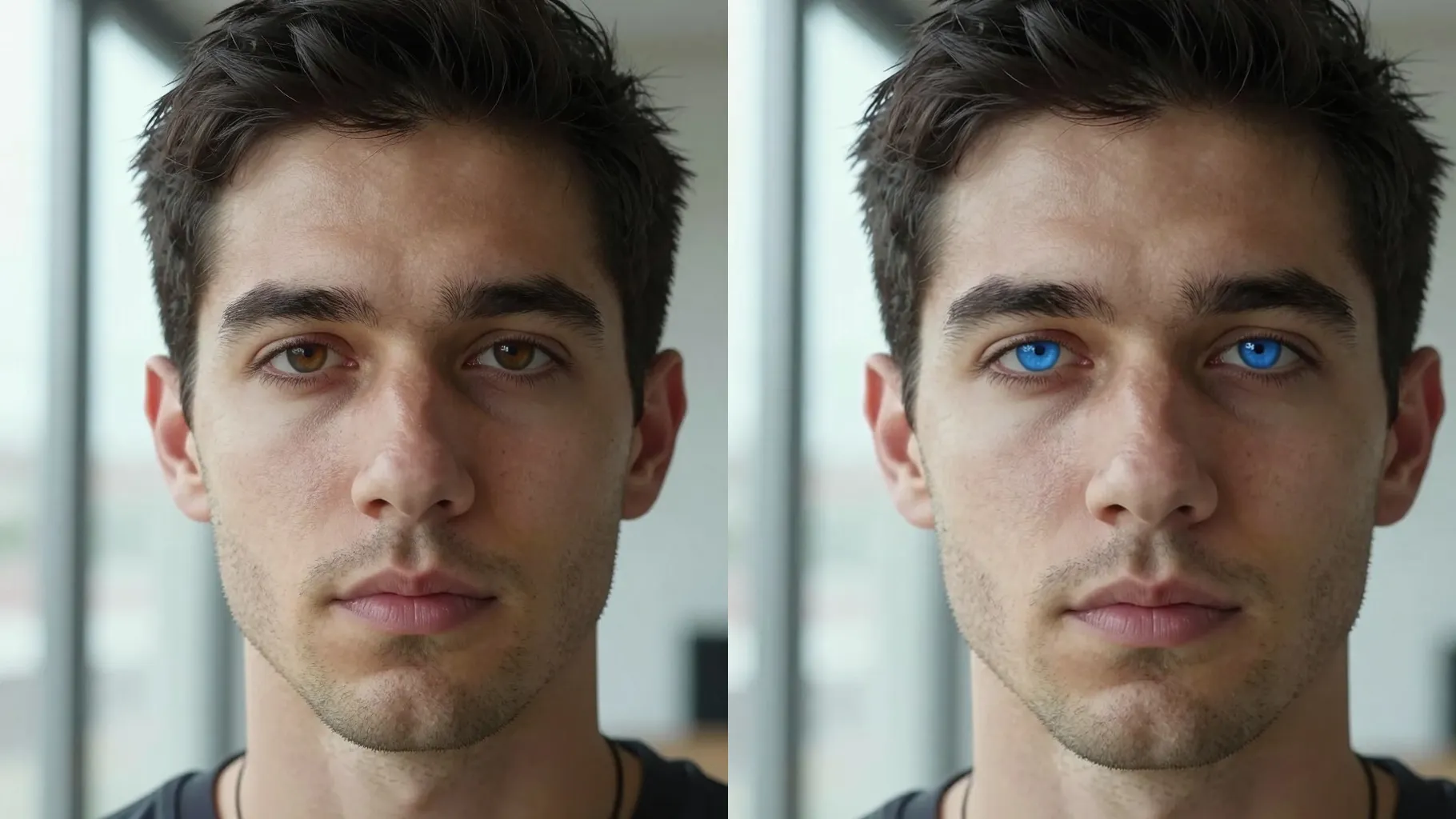
Try blue, green, hazel, or gray eyes on one portrait while keeping your skin and lashes realistic.
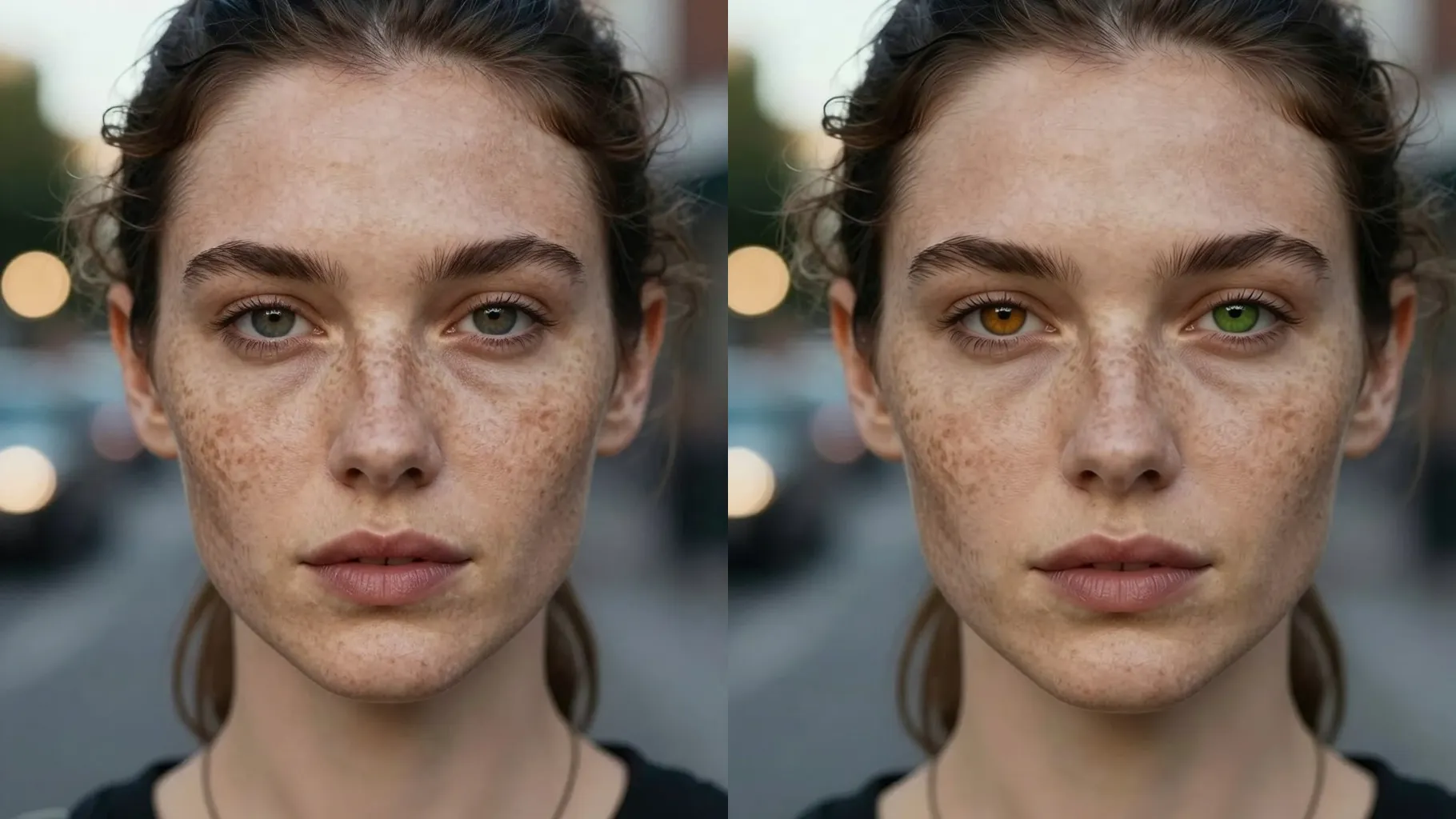
Swap your natural eyes to blue, green, hazel, gray, or amber from one portrait upload while keeping skin tone true.
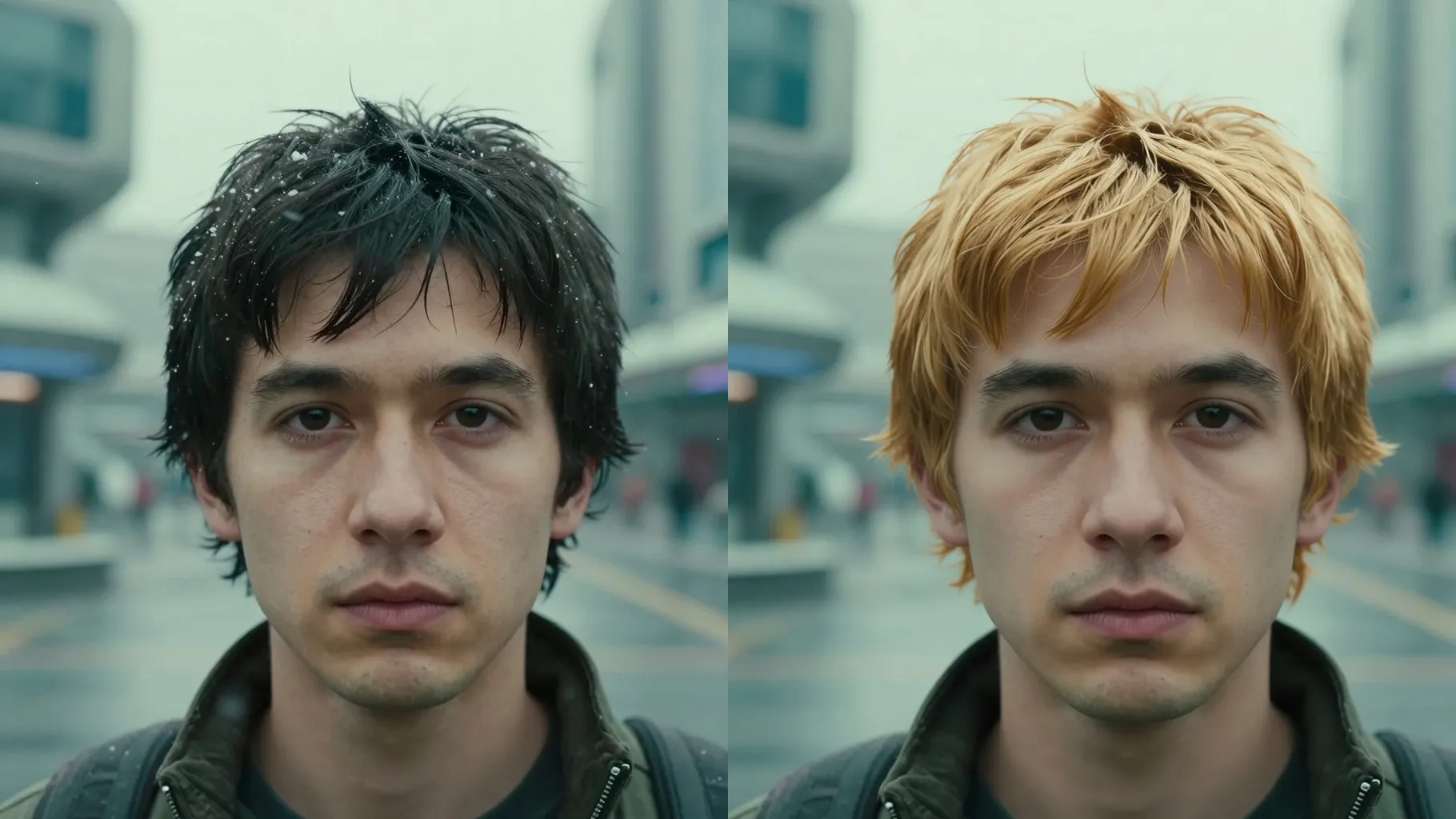
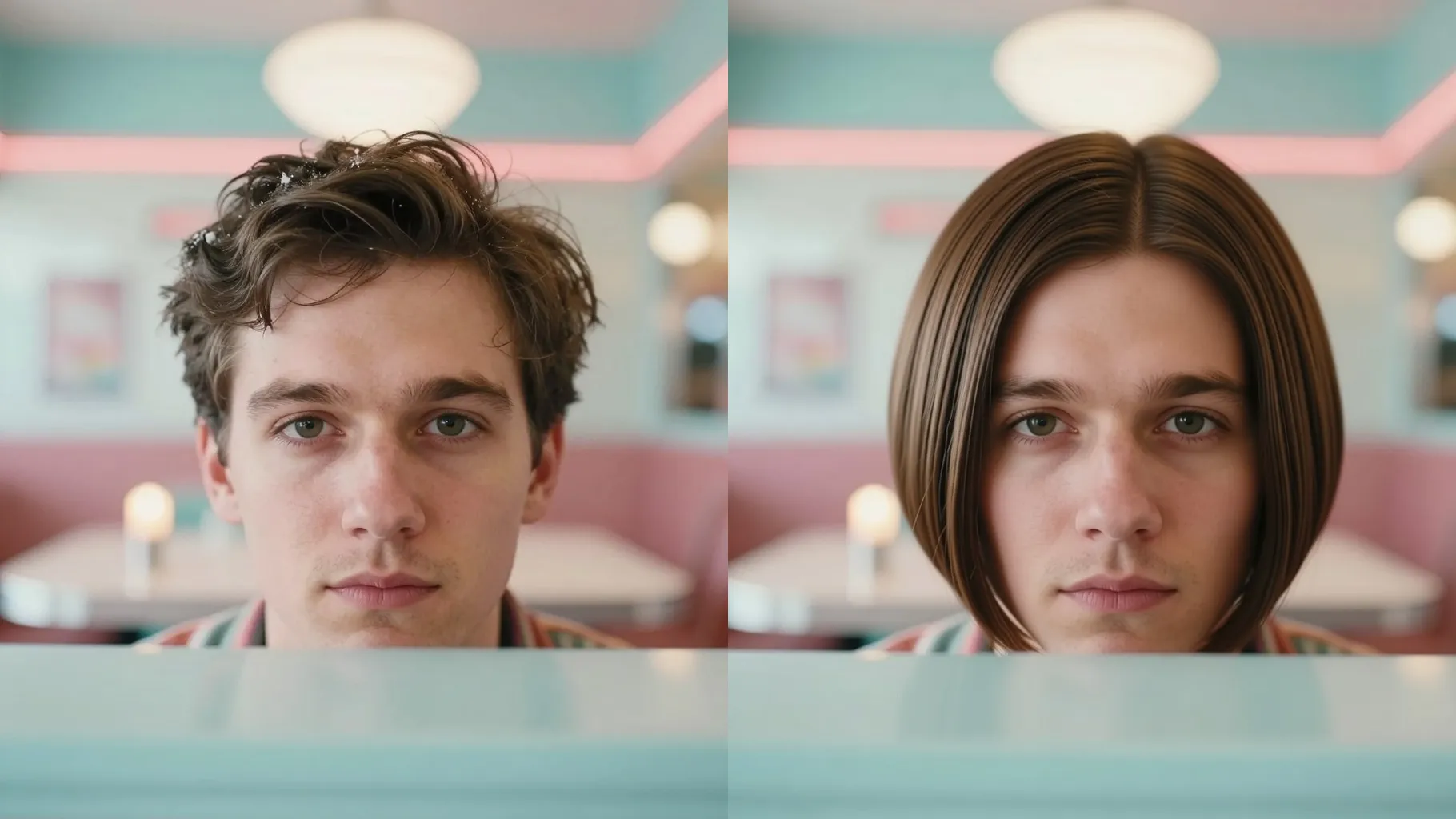
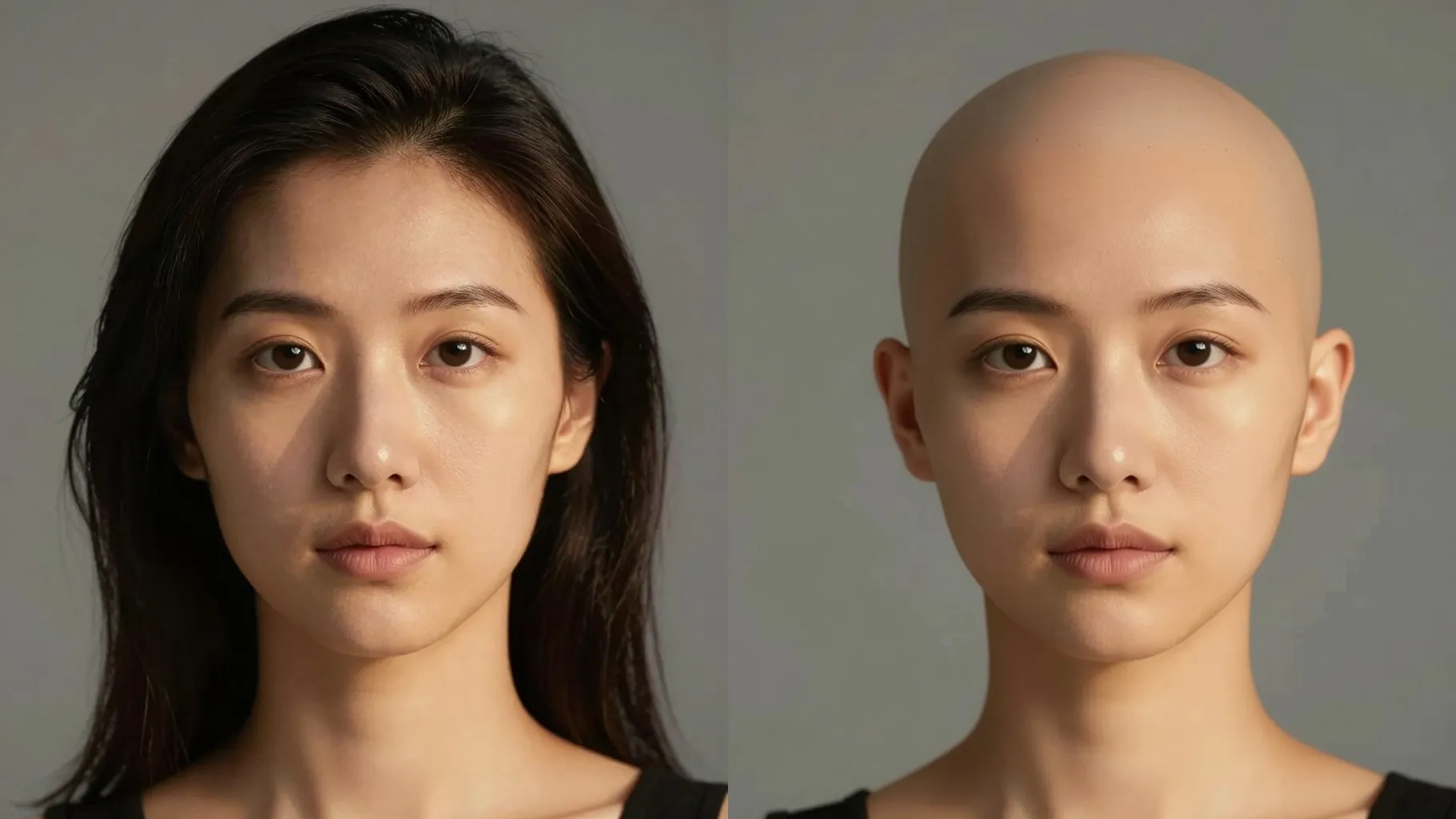
Examples show the target style. Your result depends on the chosen model and reference photo.
Upload one portrait to preview blue, green, hazel, gray, or amber eyes while keeping your original skin tone, brows, and lighting.
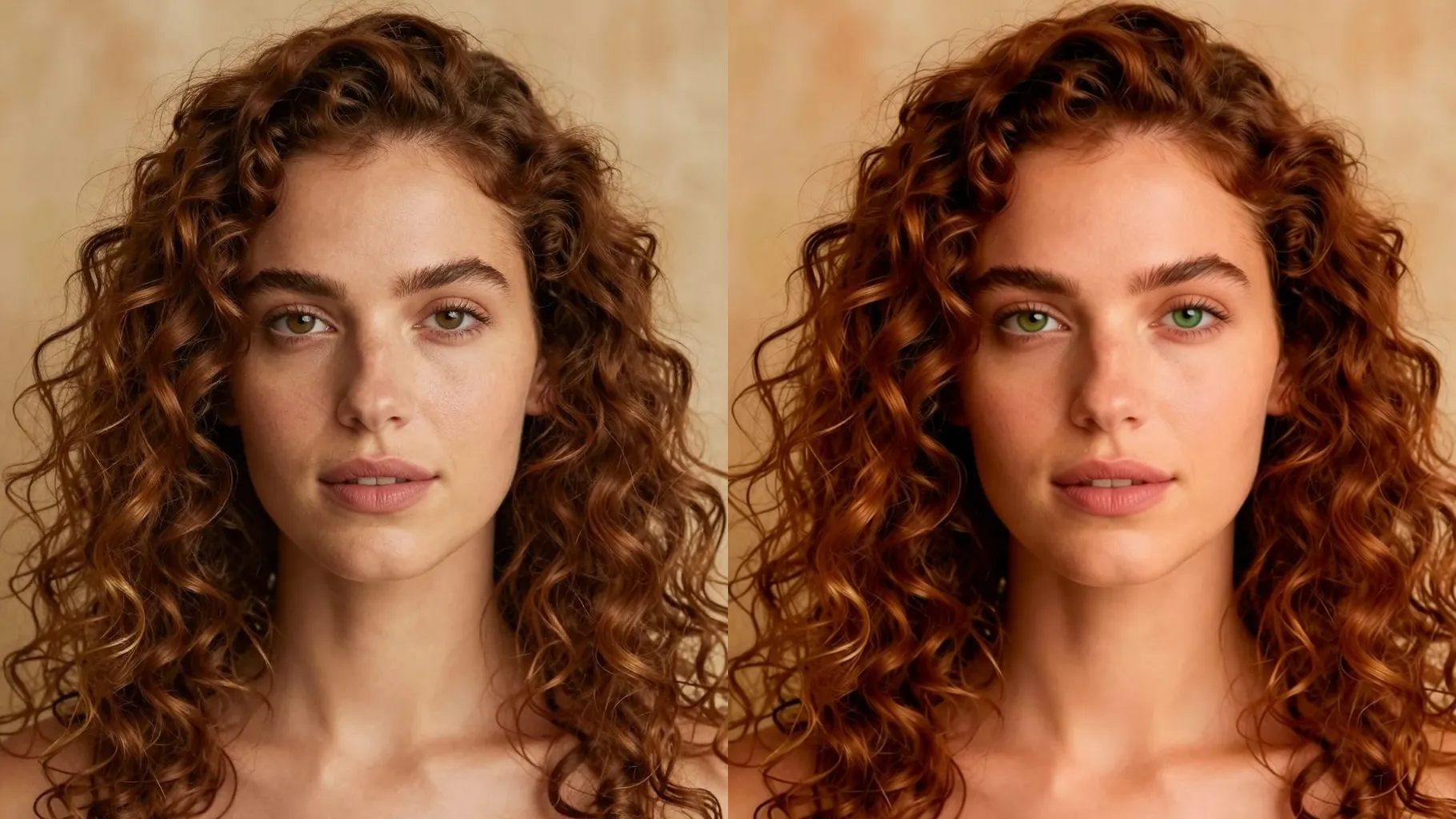
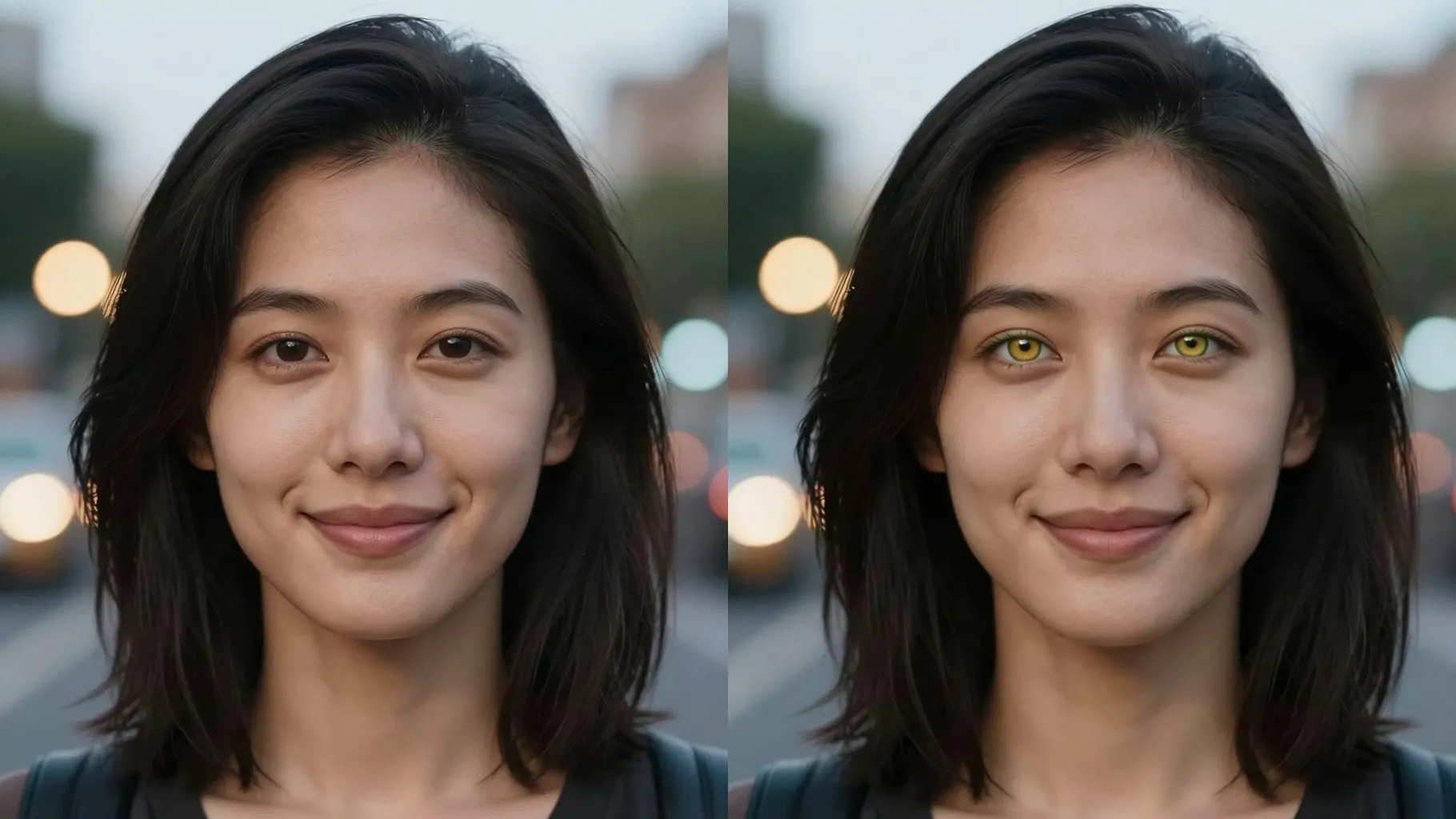
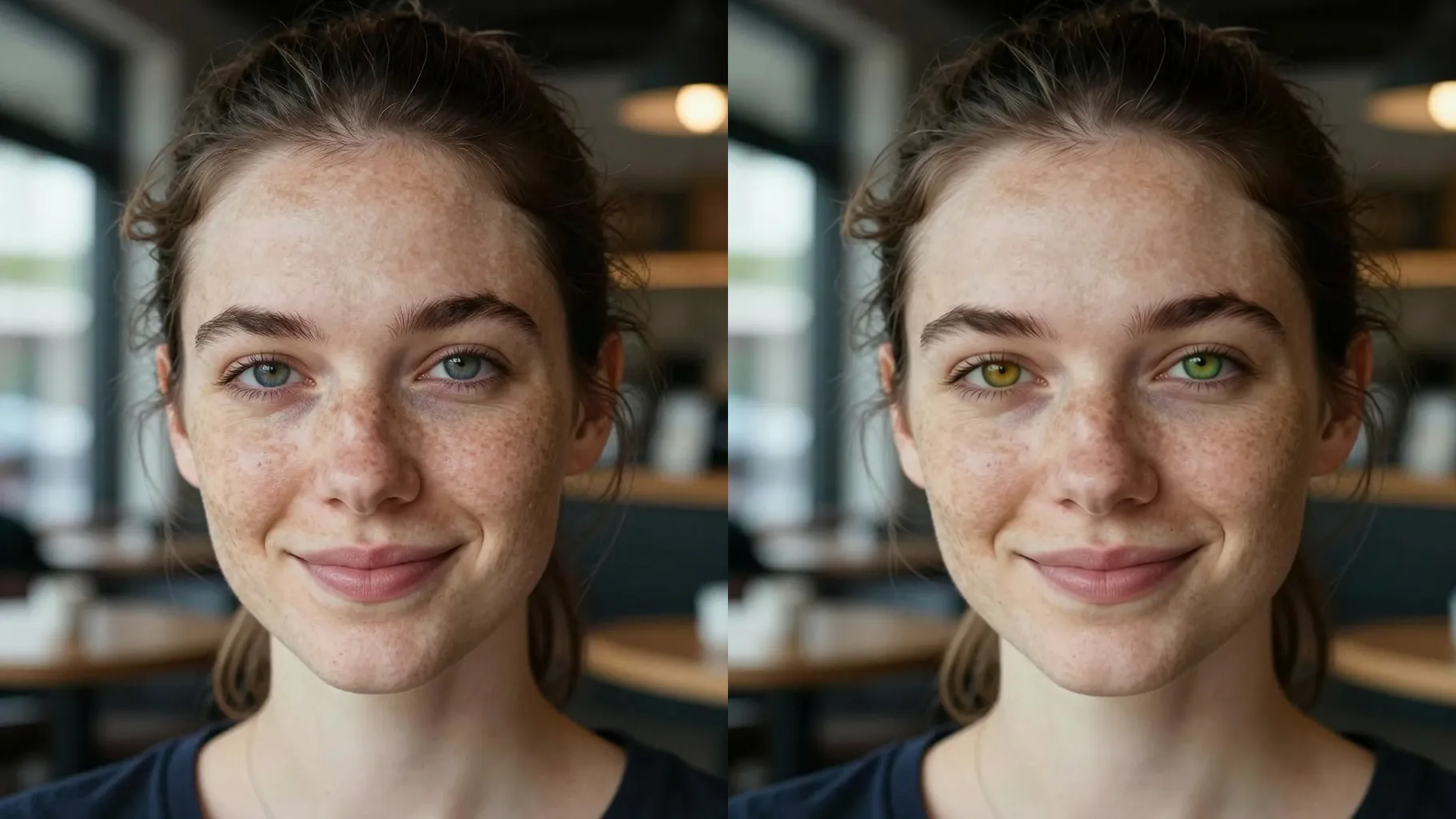
AI isolates your irises so color swaps stay inside the eye area without bleeding onto lids or skin.
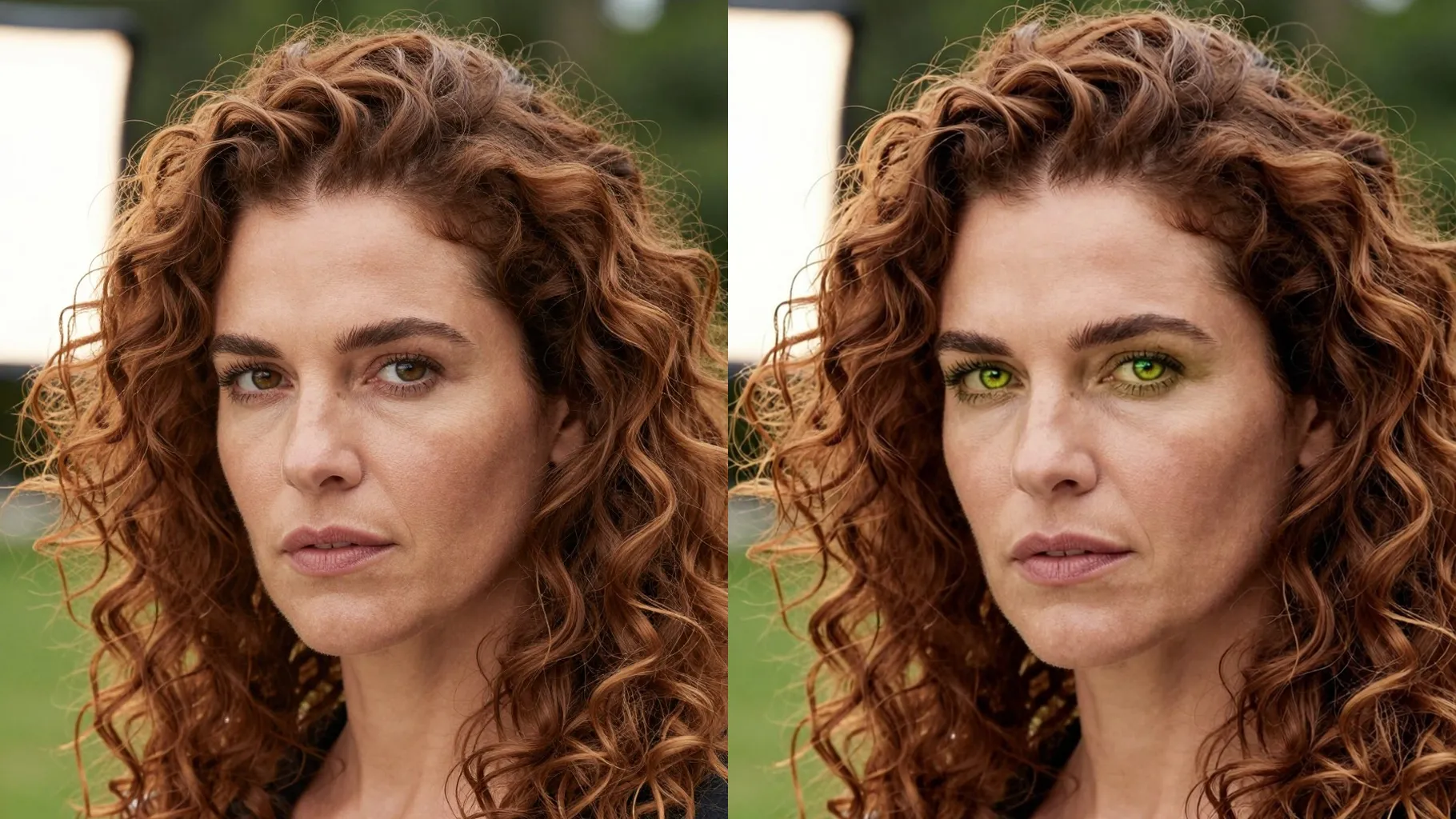
Lashes, brows, complexion, and lighting stay unchanged so only the eye hue shifts.
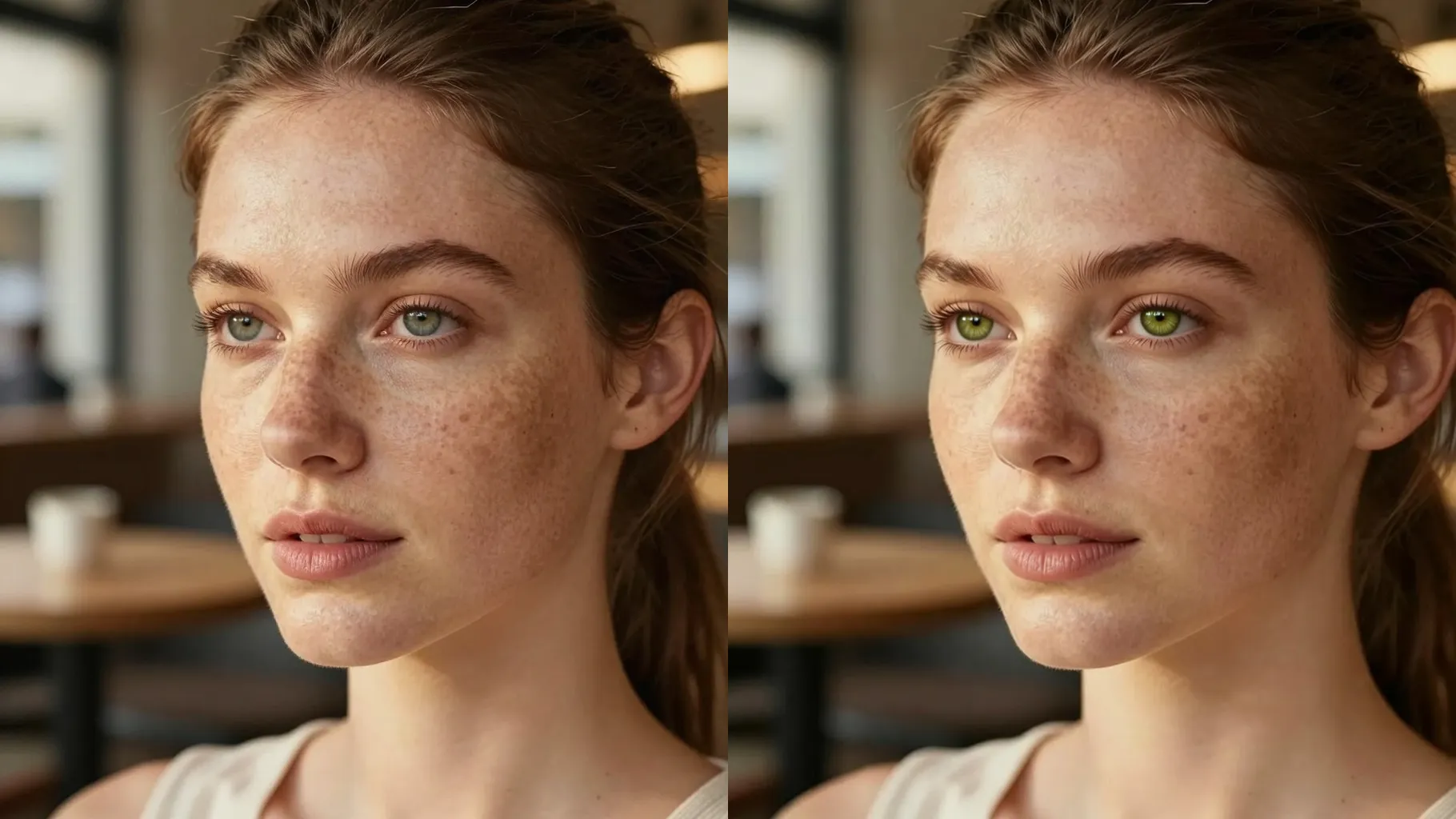
Use a front or slight-angle photo where both eyes are visible without heavy glare or hair blocking.
Specify blue, green, hazel, gray, or amber plus whether you want a subtle tint or vivid tone.
Review the render, rerun with tweaks to brightness or saturation, and download your favorite.
One portrait per run keeps the masking precise around your irises.
No. This is an image-to-image filter and needs one uploaded portrait.
Yes. Mention blue, green, hazel, gray, or amber plus how vibrant you want it.
No. It only adjusts iris color while keeping skin tone, lashes, brows, and makeup untouched.
Upload JPG, PNG, or WebP under 10MB with clear lighting so pupils stay sharp.
Aspect ratio and model switching are disabled to keep results consistent.

Generation time depends on the model, image size, and queue. Check the task status on this page.