1. How many photos do I upload?
Upload one full-body photo per render; this keeps proportions and shadows accurate.
Turn one photo into a giant version of you towering over streets or landmarks with realistic scale.
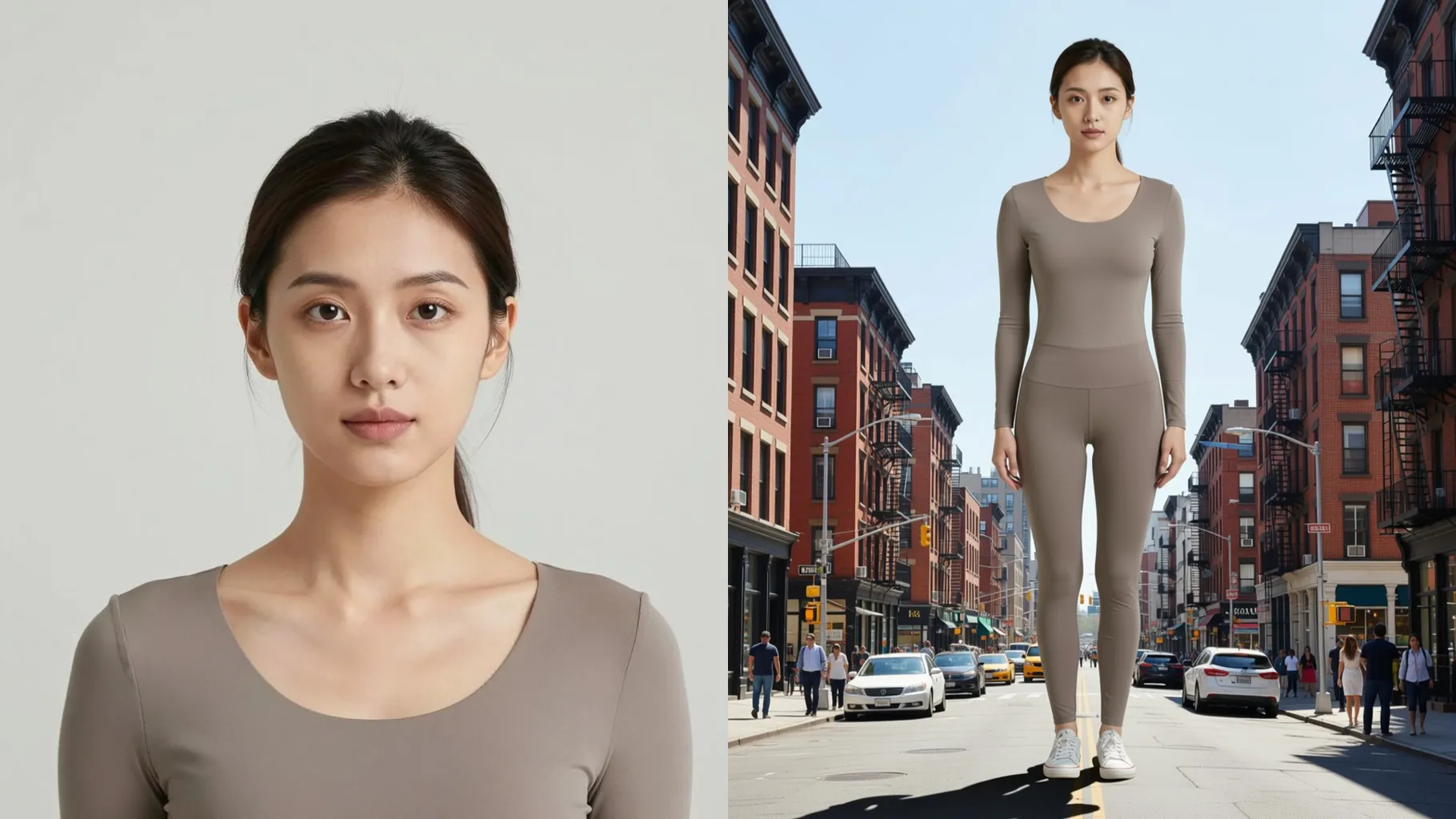
See yourself as a skyscraper-scale giant dominating city streets with crisp perspective and tiny cars below.
Examples show the target style. Your result depends on the chosen model and reference photo.
Upload one photo and turn into a towering figure placed into realistic urban scenes with dramatic scale.
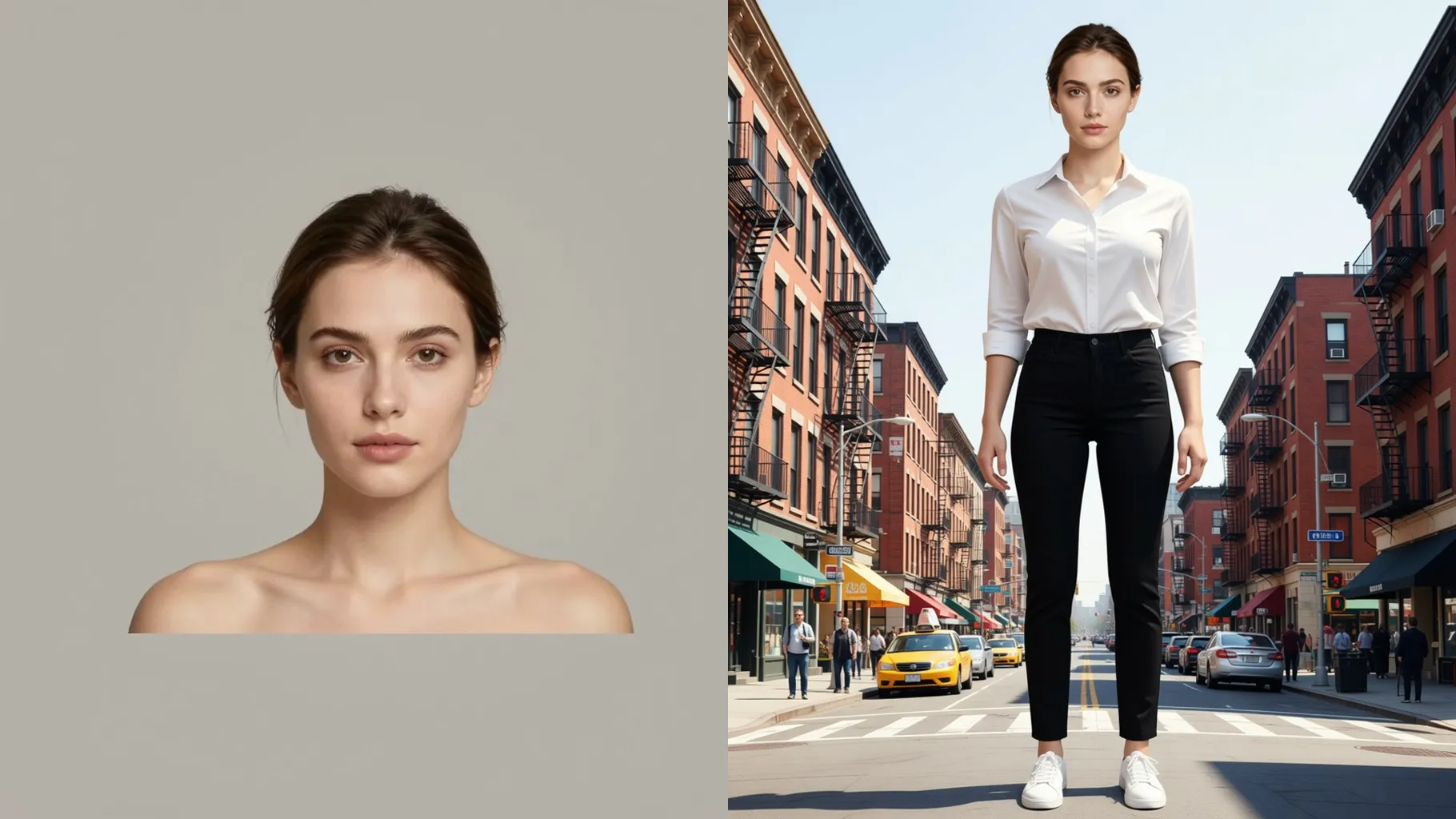
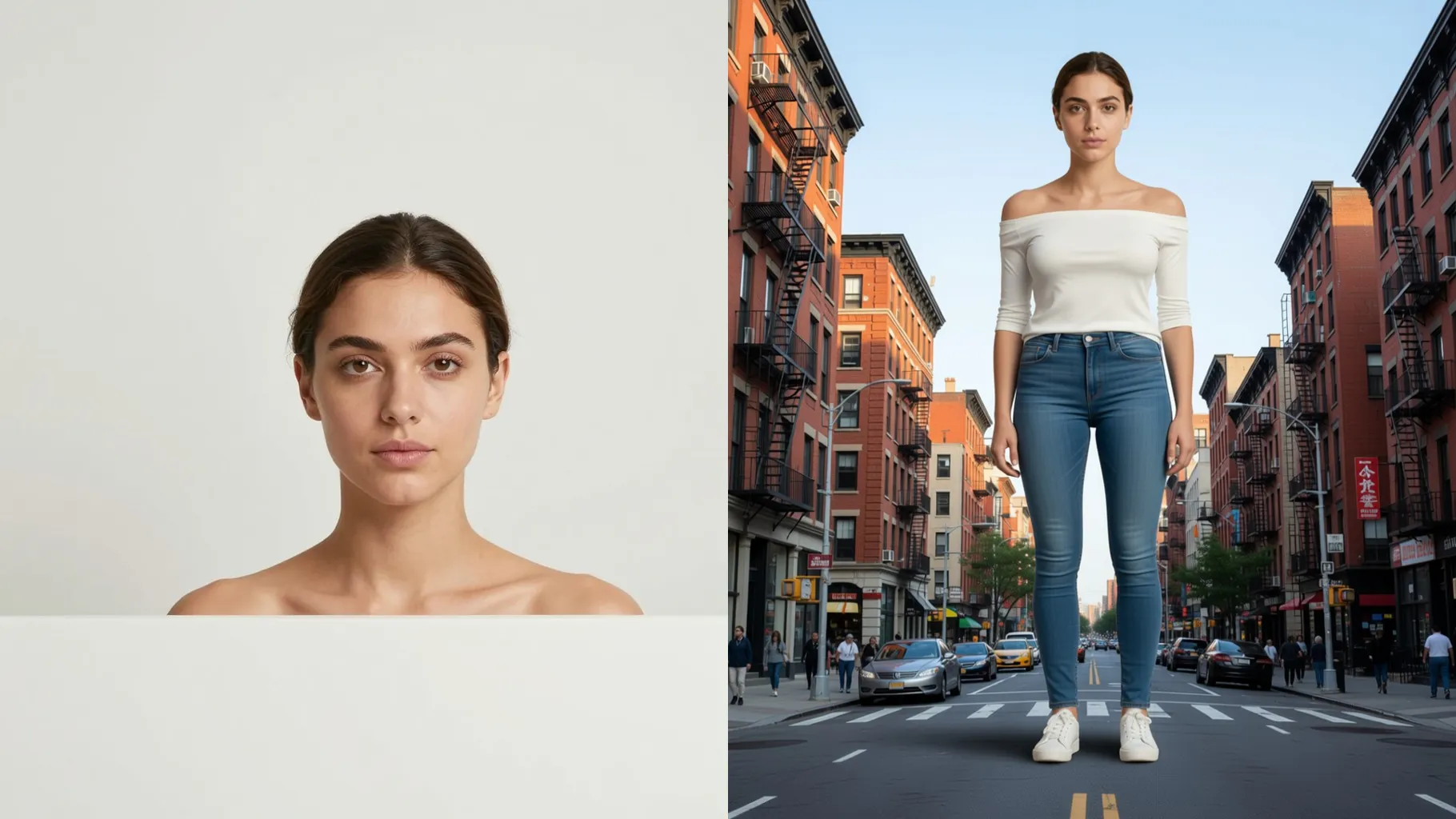
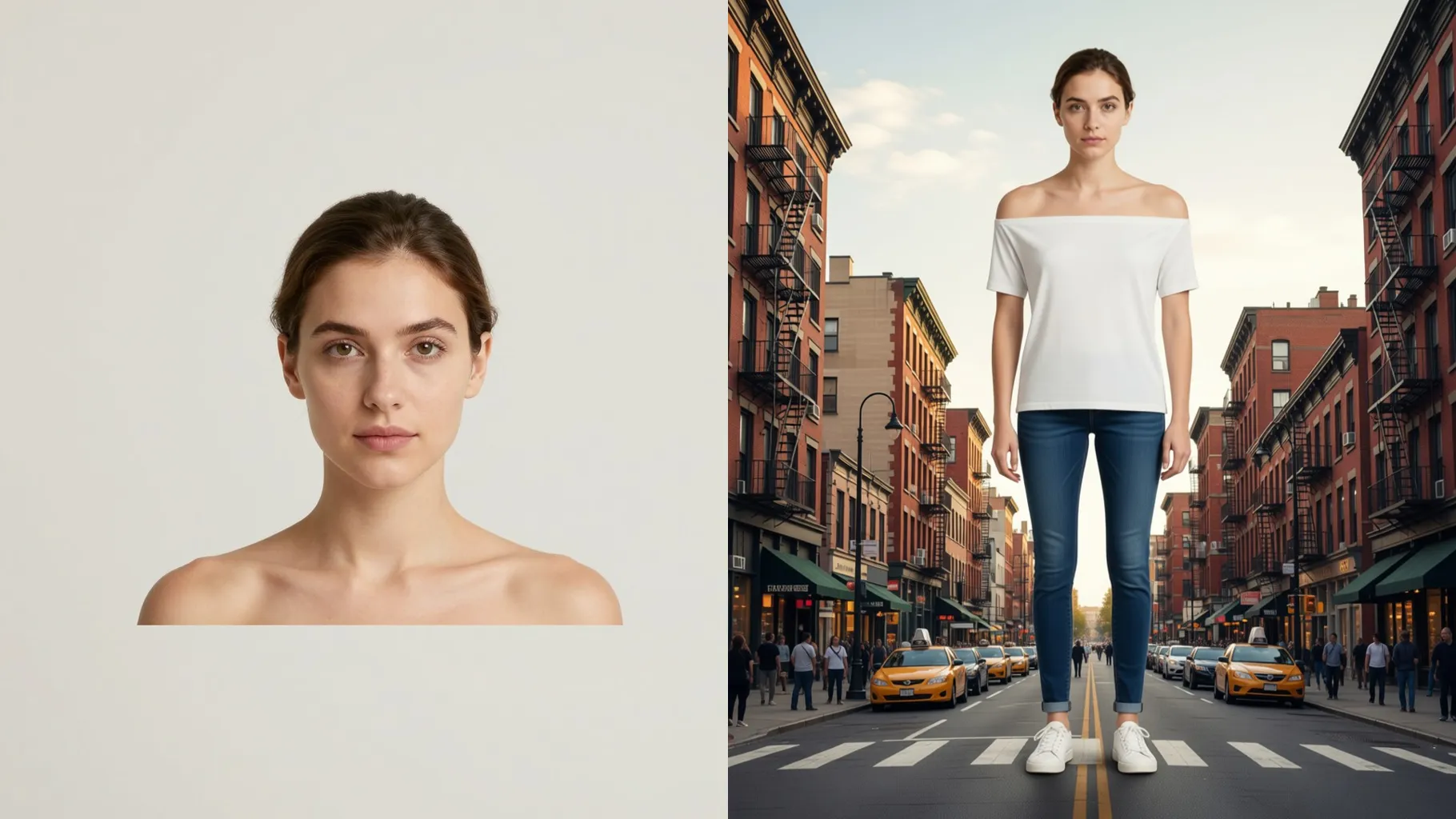
Perspective, cast shadows, and tiny surroundings make the giant illusion believable while keeping your face clear.
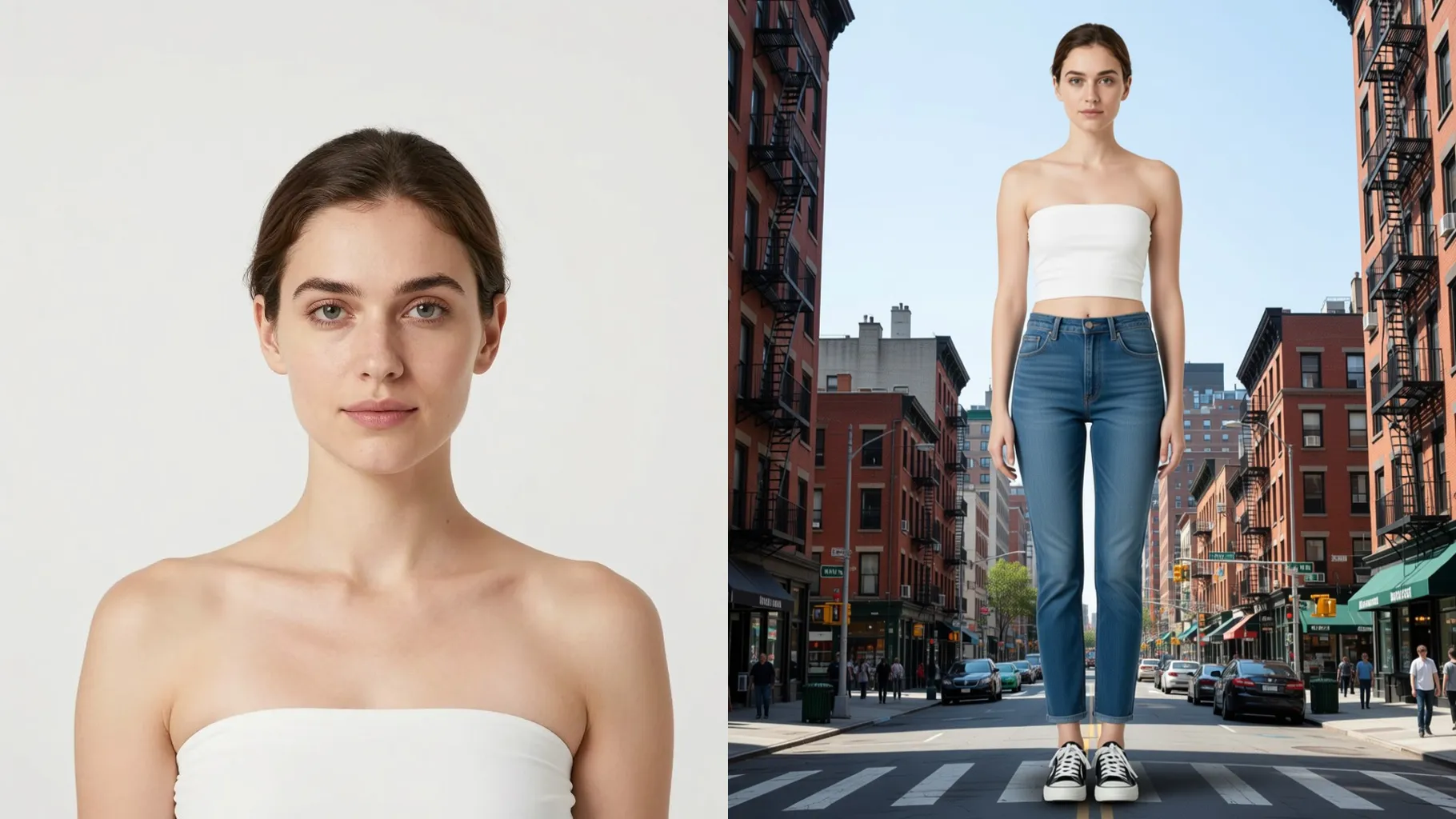
Set skyscrapers, highways, or coastal skylines with a short prompt to match the location and mood.
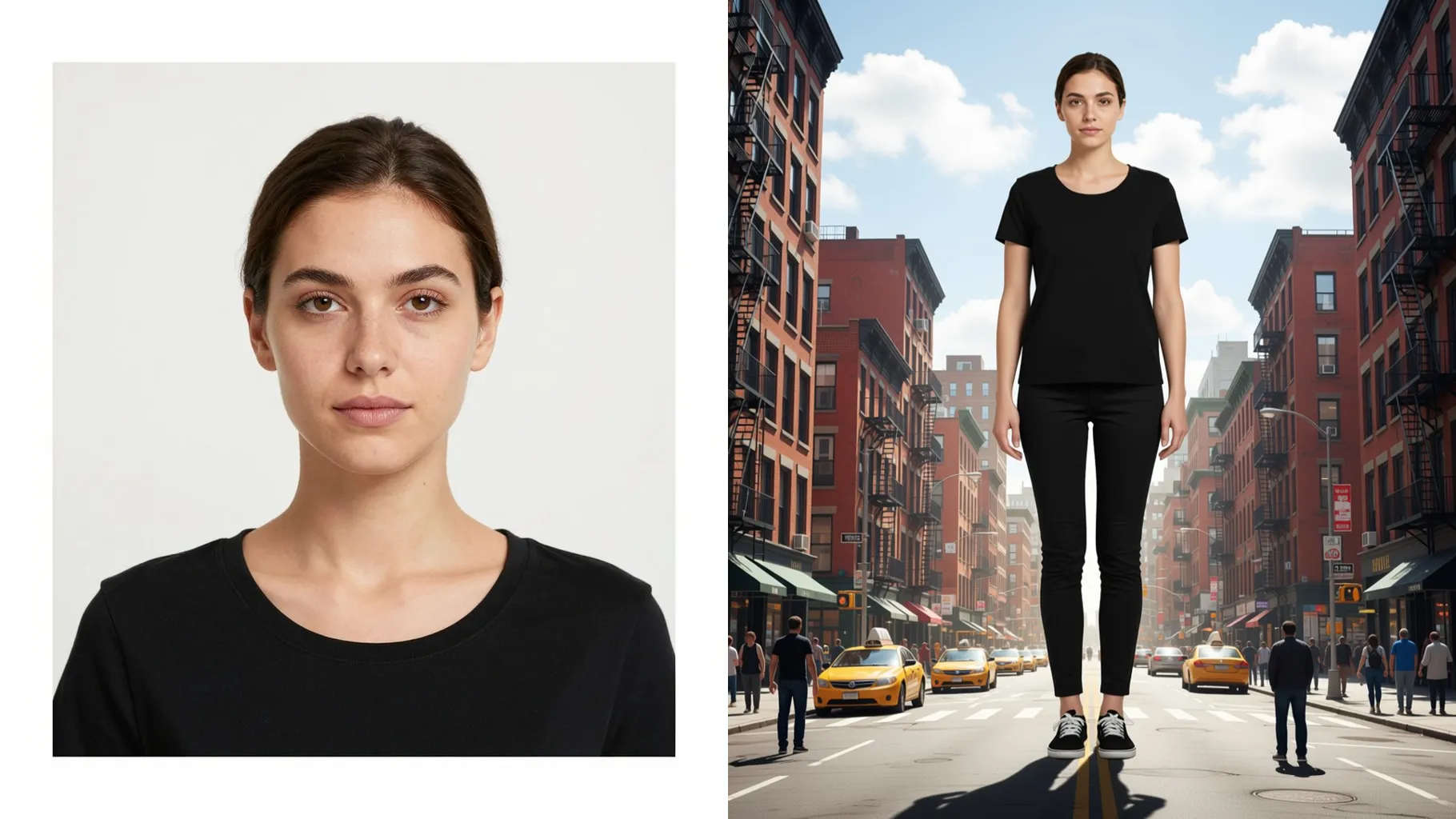
Use a full-body shot with head-to-toe framing so the AI can scale your silhouette cleanly.
Mention the city, landmark, or weather you want—keep it brief to protect likeness.
Get a towering version of you with tiny surroundings, then download or post instantly.
Upload one full-body photo per render; this keeps proportions and shadows accurate.
A short prompt sets the scene—name a city, landmark, or weather to guide the background.
Aspect ratio is fixed for composition stability. Crop before uploading if you need a specific frame.
Model switching is disabled to keep the giant-person look consistent across renders.
Yes. It enlarges you while preserving key details like face, hair, and outfit colors.
Generation time depends on the model, image size, and queue. Check the task status on this page.
JPG, PNG, or WebP under 10MB keep scaling clean and avoid artifacts.

Generation time depends on the model, image size, and queue. Check the task status on this page.