
1. How many images can I upload?
Upload one image per render so the outline tracing and frosted texture stay clean.
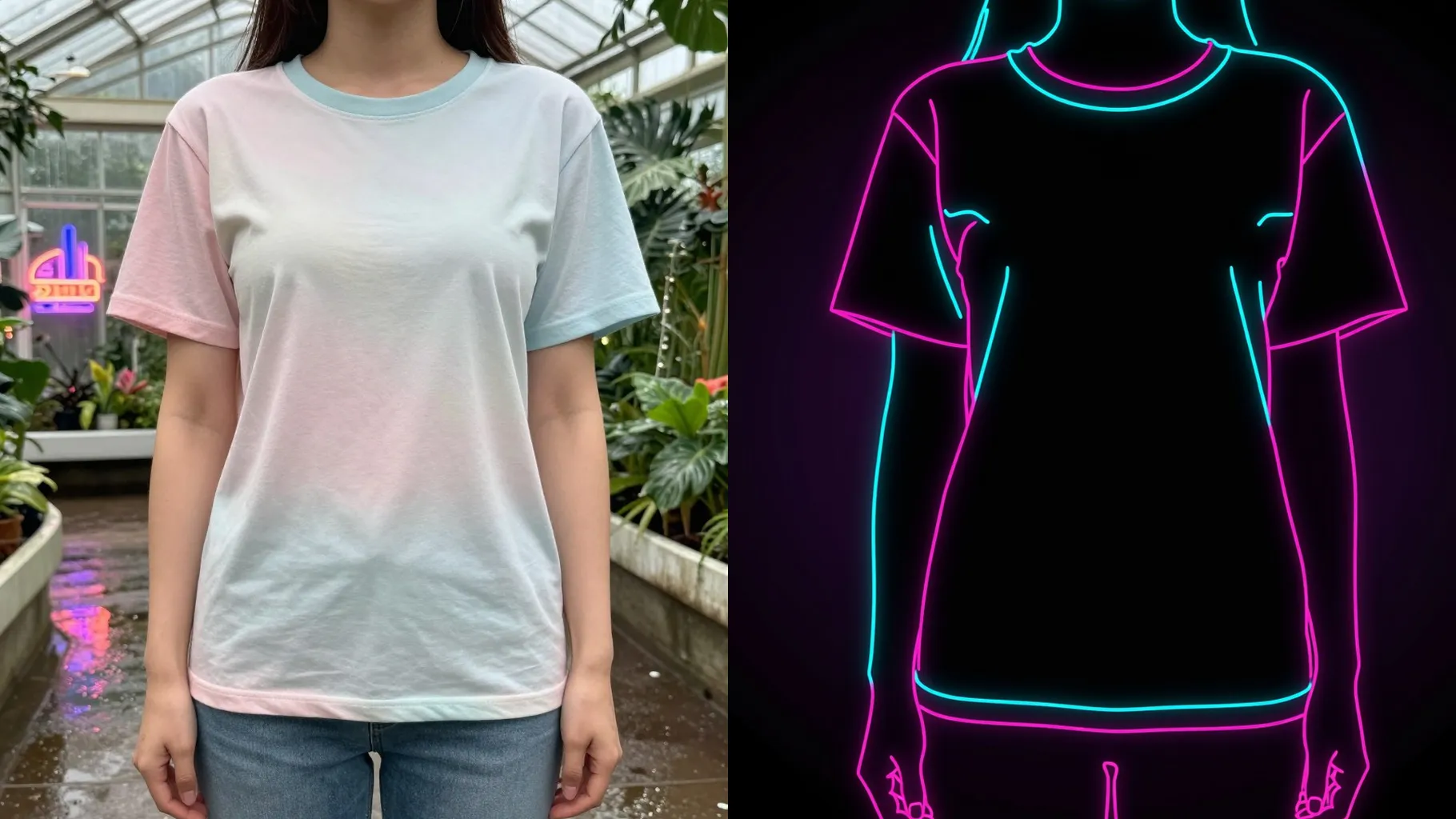
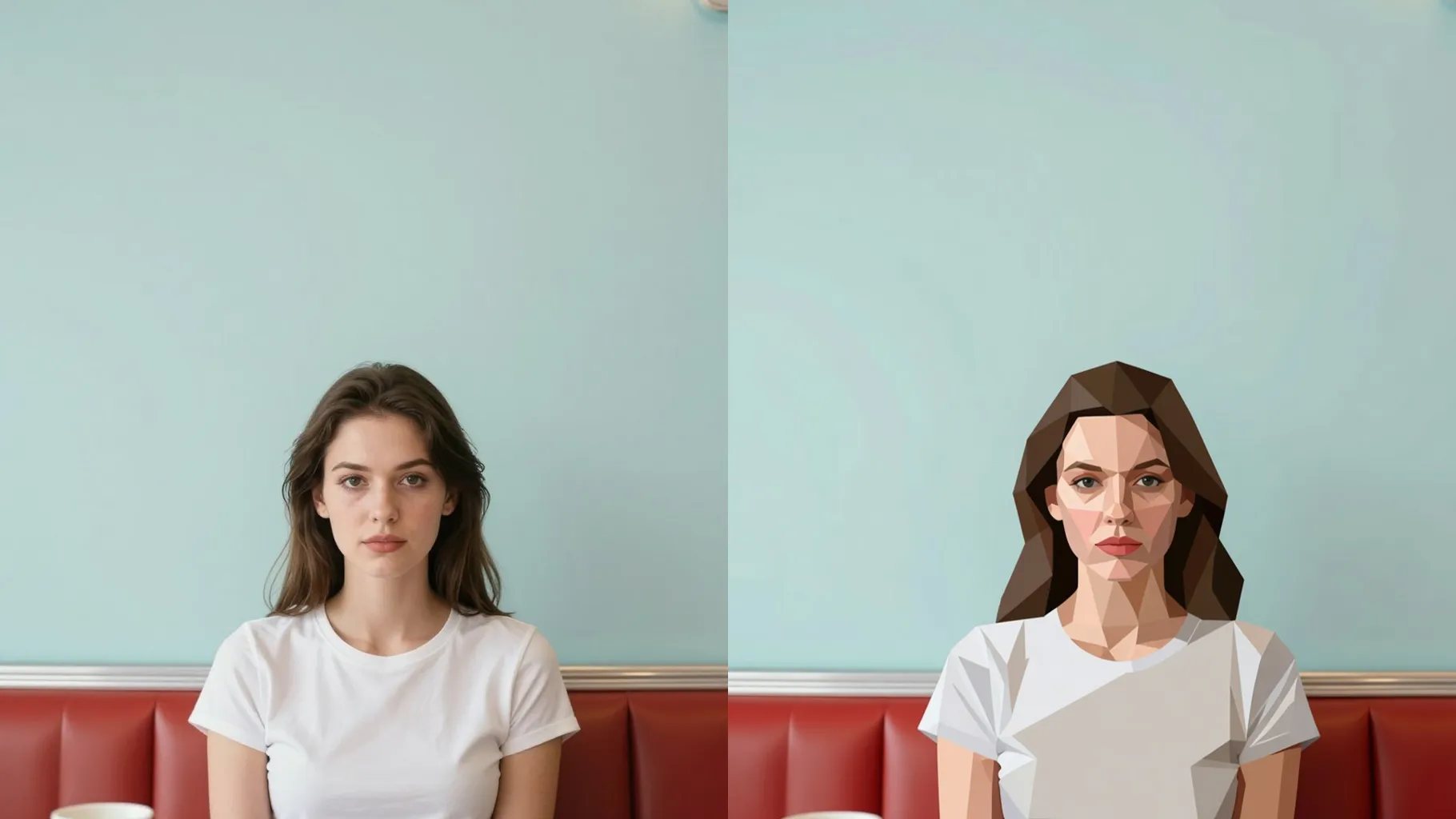
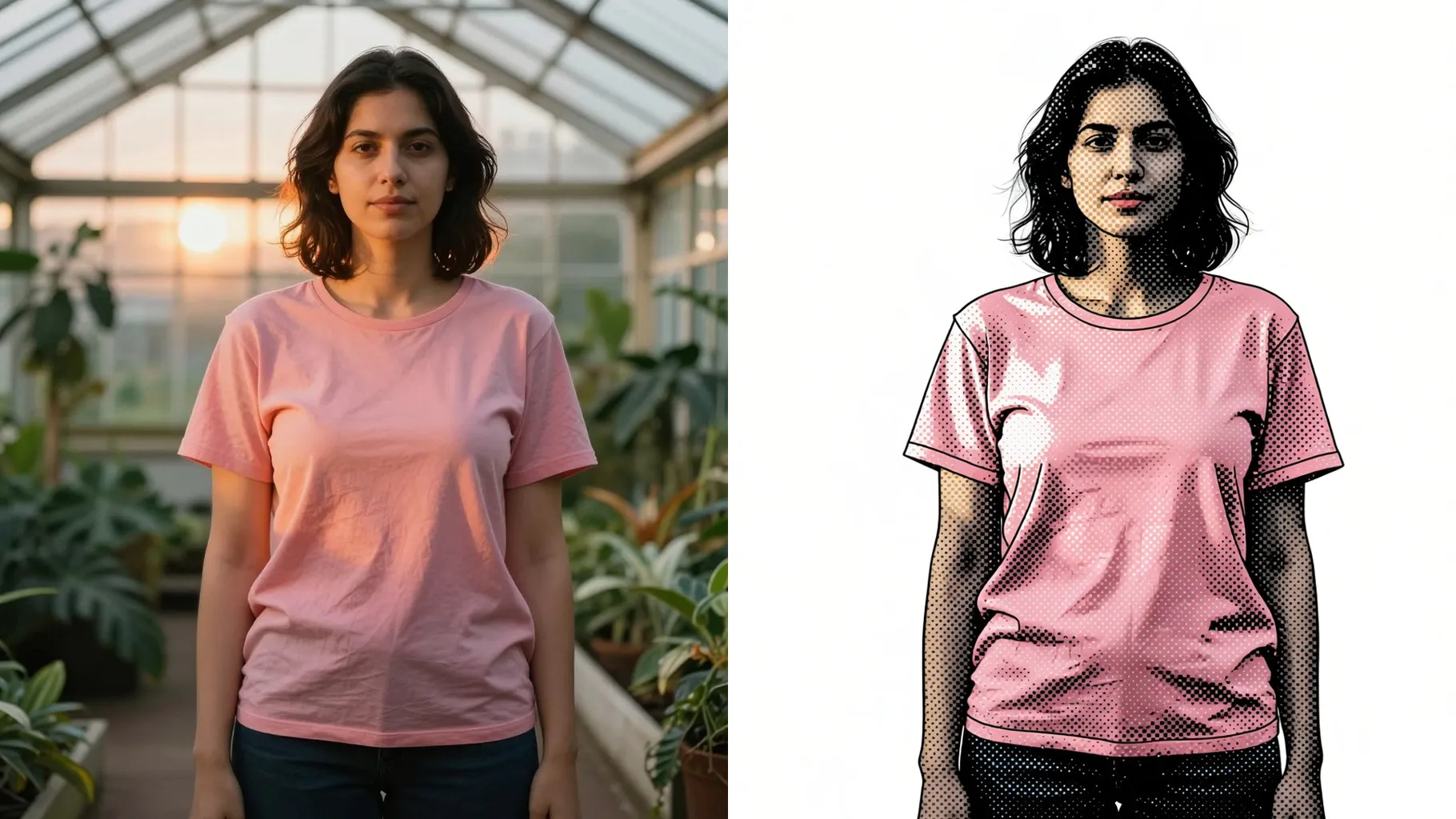
Upload one photo to turn it into a frosted glass silhouette with translucent gradients and soft glow.
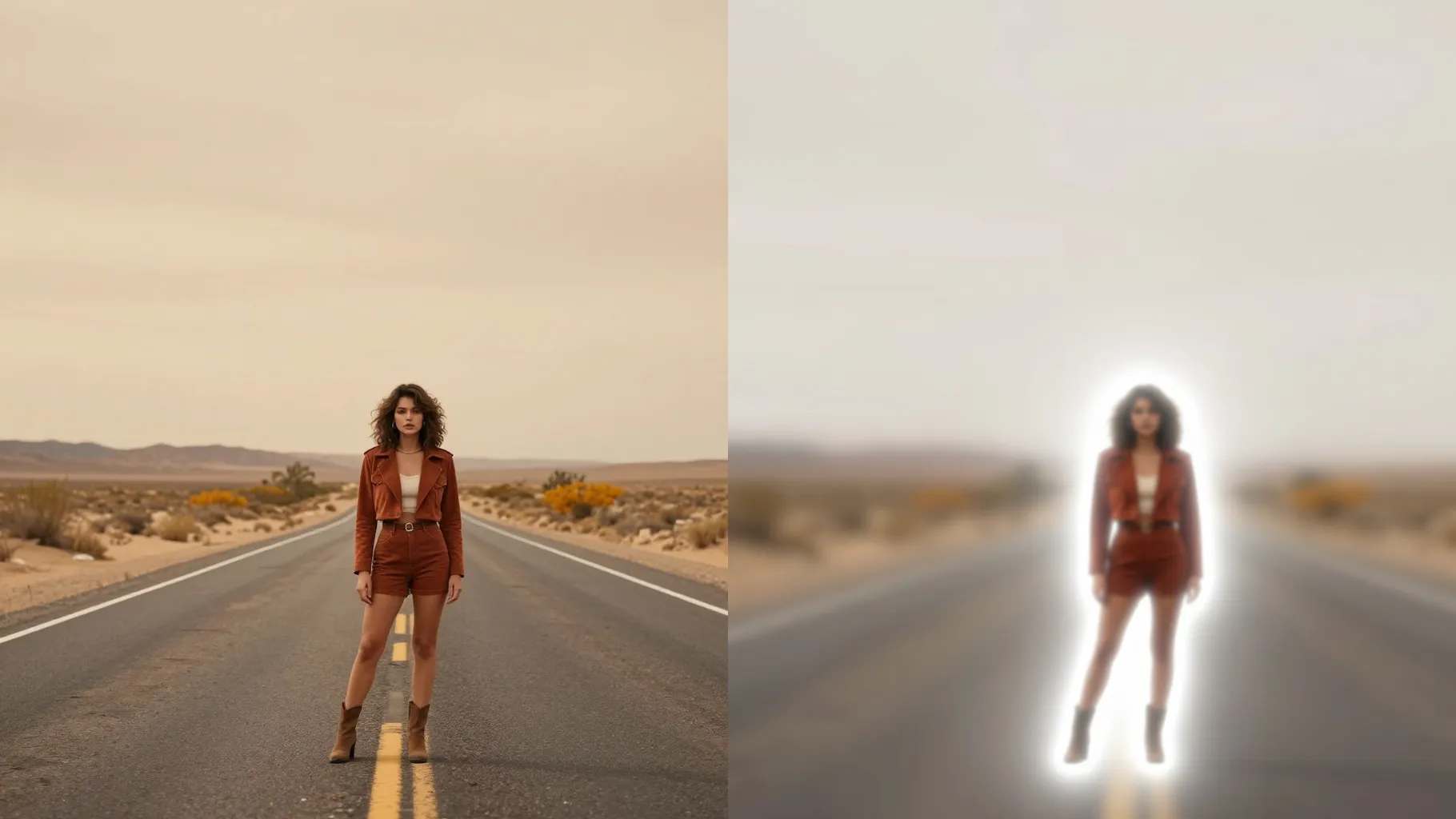
Transforms your upload into a translucent frosted glass silhouette with soft gradients while keeping the pose and proportions.
Examples show the target style. Your result depends on the chosen model and reference photo.
Upload one photo to turn your portrait into a frosted glass silhouette with soft gradients, diffused glow, and clean outlines.
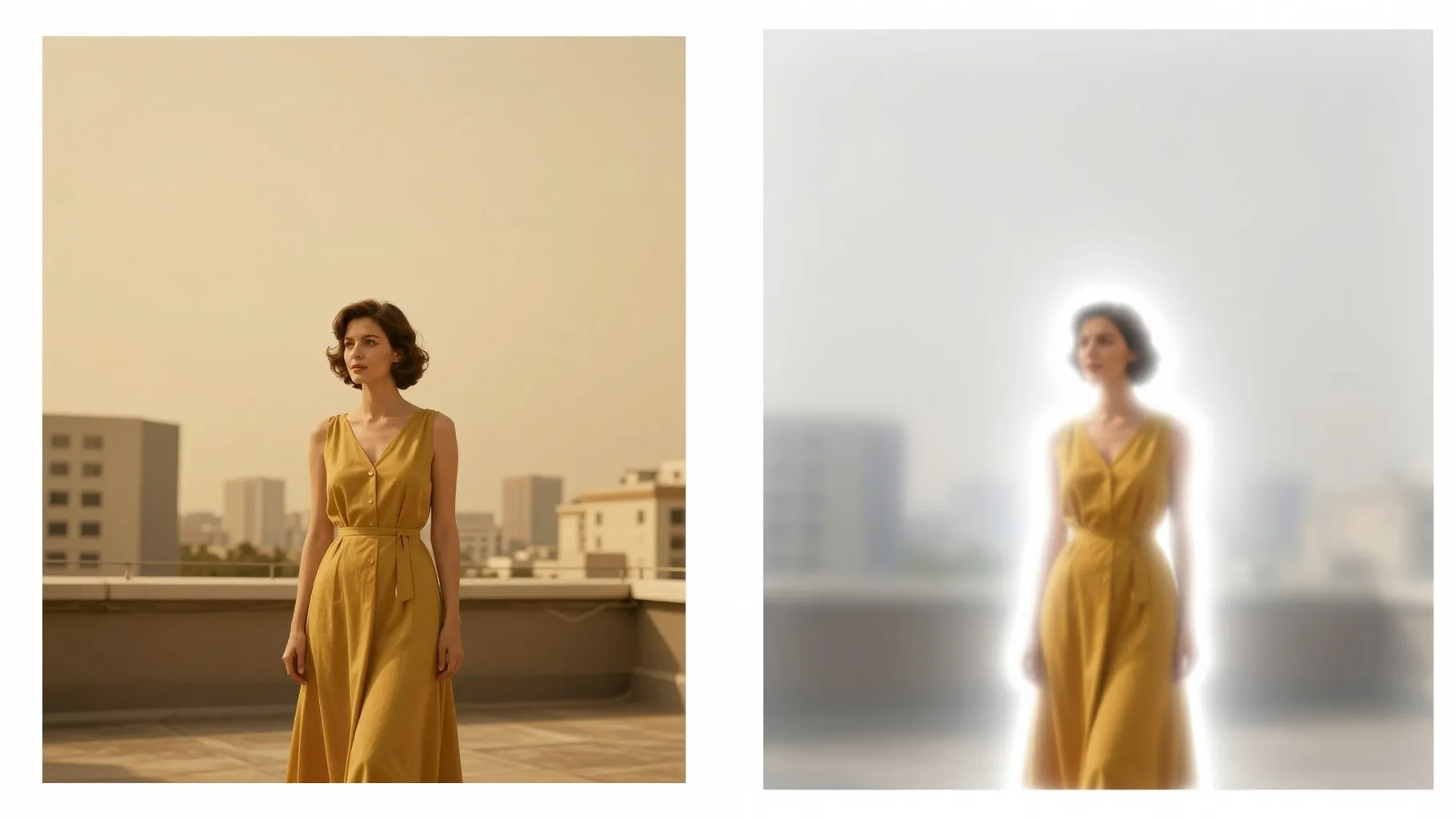
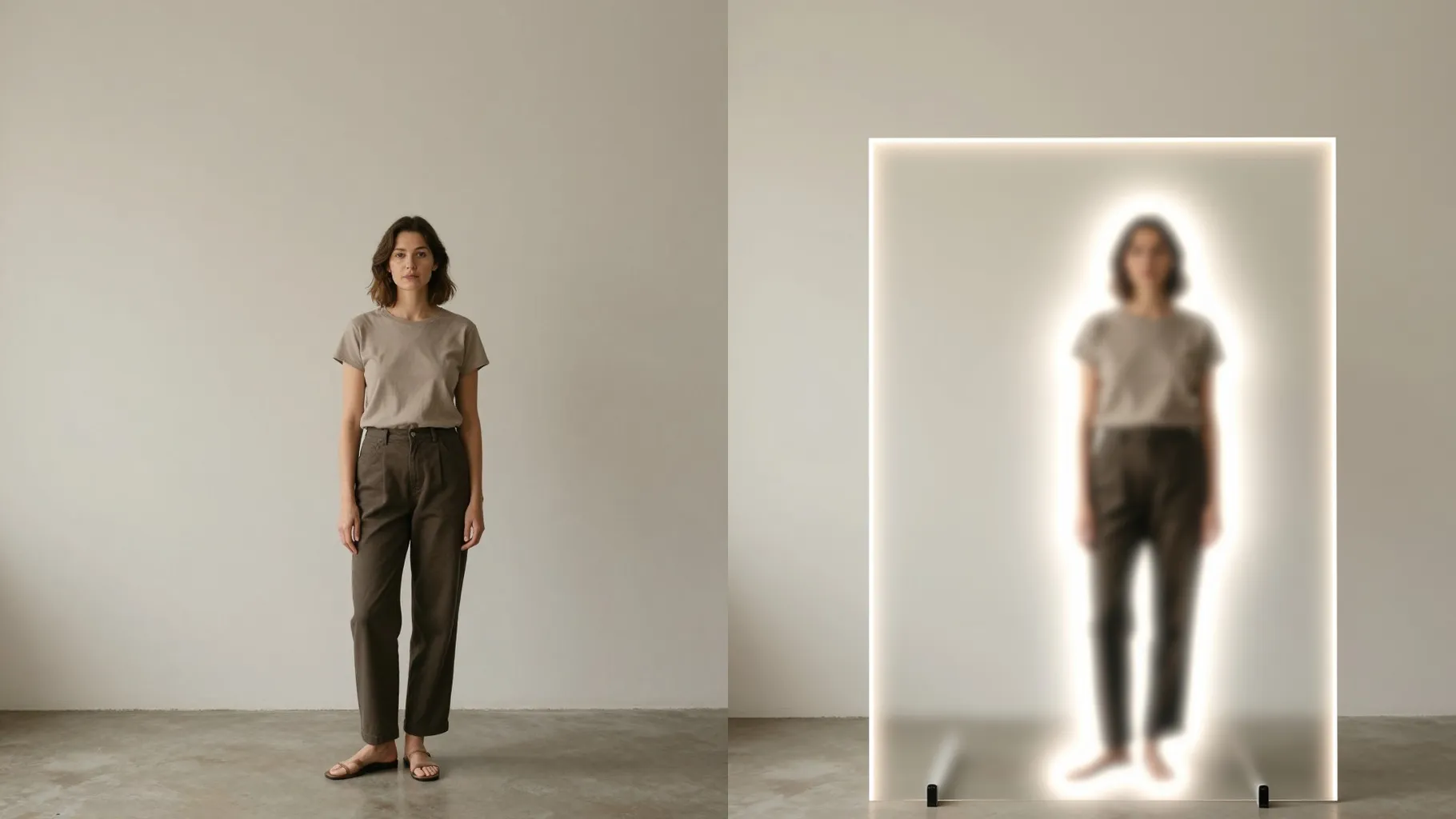
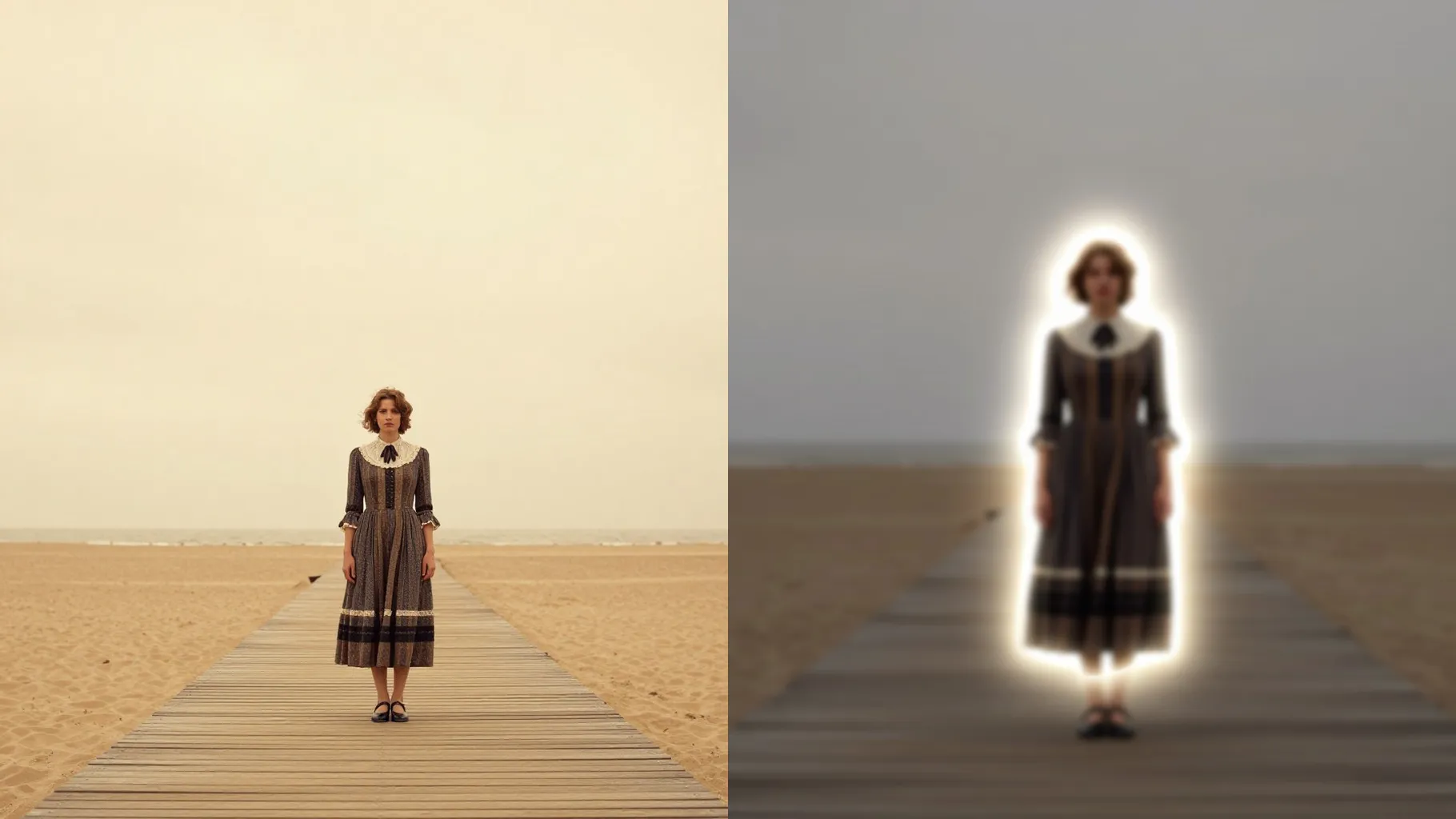
The model traces your subject cleanly, fills it with translucent glass blur and subtle grain, and keeps shapes proportional against a softened backdrop.
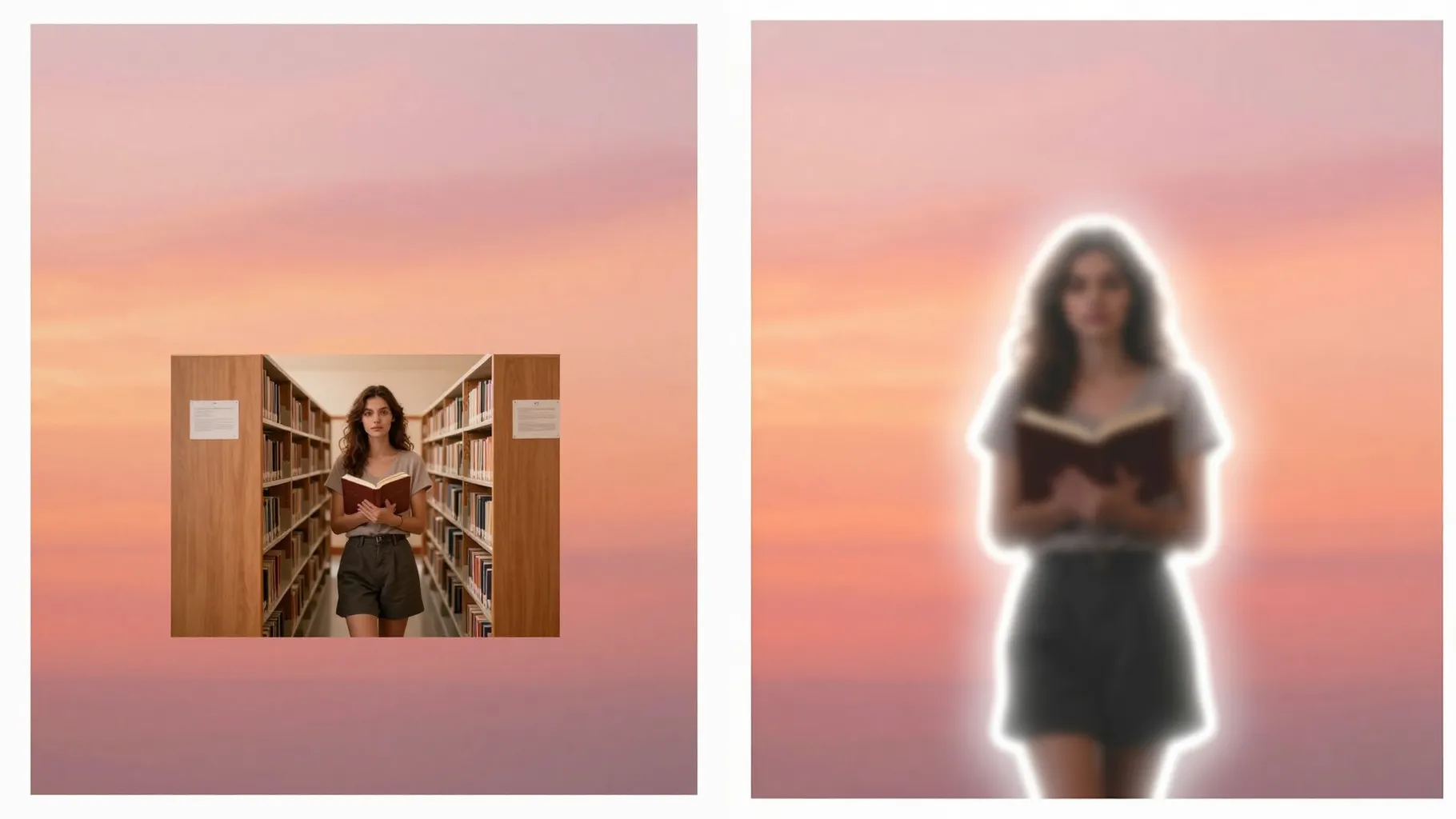
Add a short prompt like \"teal and lavender gradient\" or \"frosted white on dark\" to nudge palette, background blur, and lighting while the silhouette stays intact.
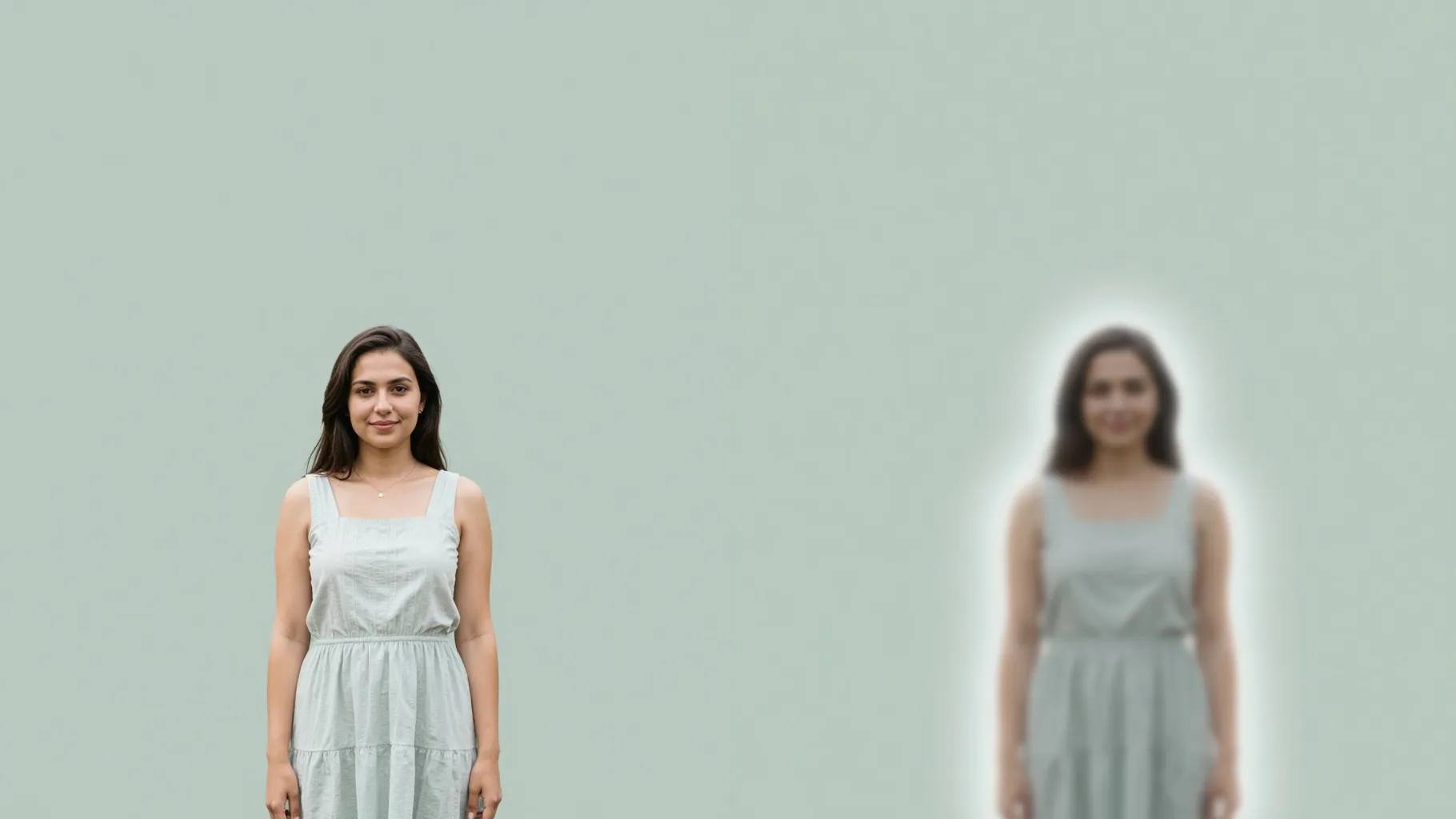
Use a photo with clear edges and contrast; avoid busy backgrounds that hide the silhouette.
Mention gradient colors, mood, or background softness in one line to guide the glass texture.
Create the frosted glass silhouette, rerun for variations, and download the version you like.
Upload one image per render so the outline tracing and frosted texture stay clean.
No. This effect is image-to-image and needs your photo to build the silhouette.
The background is softened with blur and glow, but the silhouette follows your subject outline; keep clutter minimal for best edges.
Ratio and model switches are off to keep consistent frosted glass results.
Choose well-lit shots with clear edges, avoid heavy crops, and keep the subject separated from the background.
Yes - add notes like \"cyan to magenta gradient\" or \"frosted white with warm glow\" in the prompt box.

Generation time depends on the model, image size, and queue. Check the task status on this page.