
1. How many photos can I upload per run?
Upload one photo at a time so the lineup framing and face details stay stable.
Turn one selfie into a crisp police-style mugshot with flash lighting and lineup details.
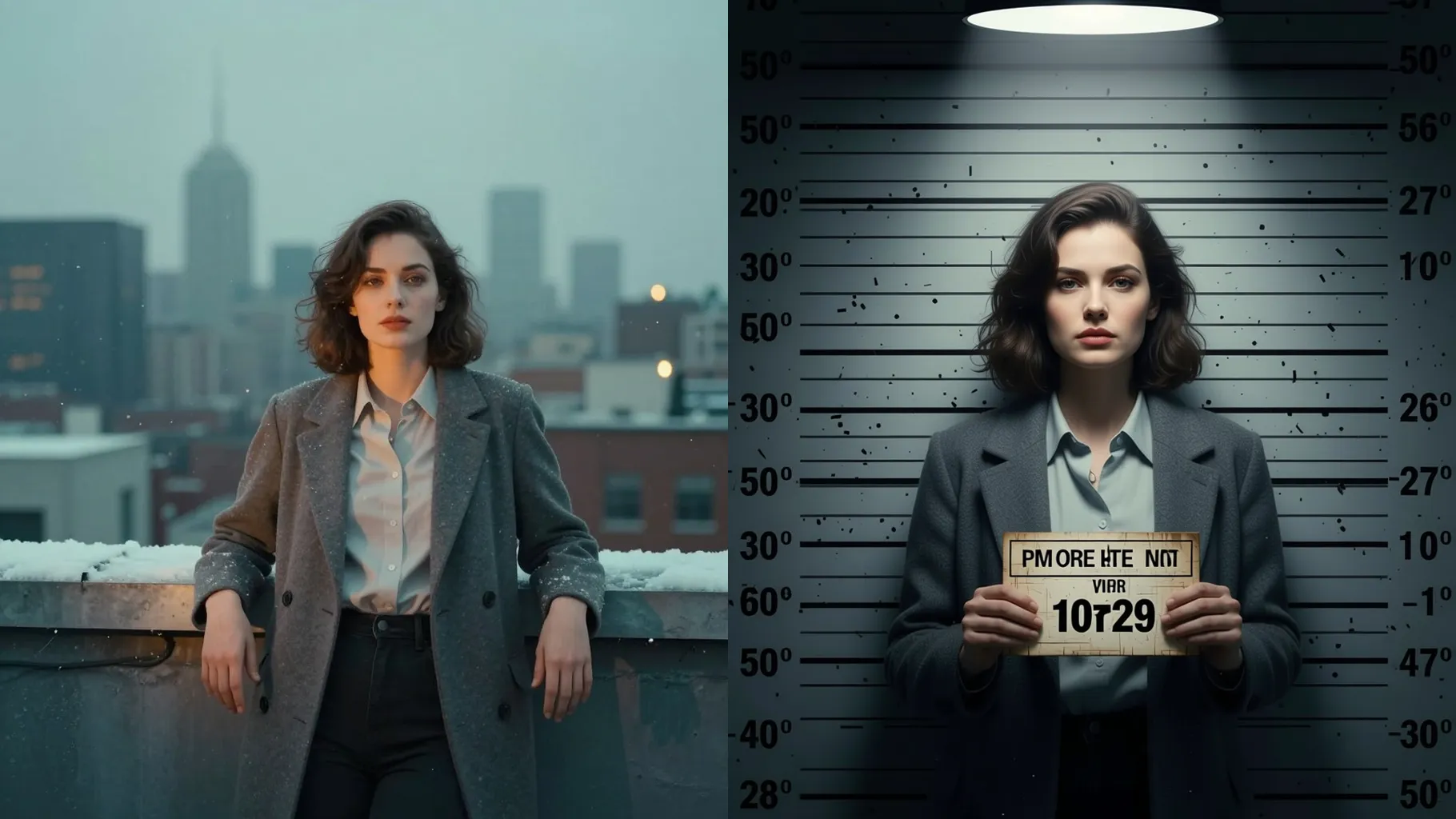
Convert one selfie into a sharp police mugshot with a height chart, flat flash lighting, and neutral pose while keeping facial details.
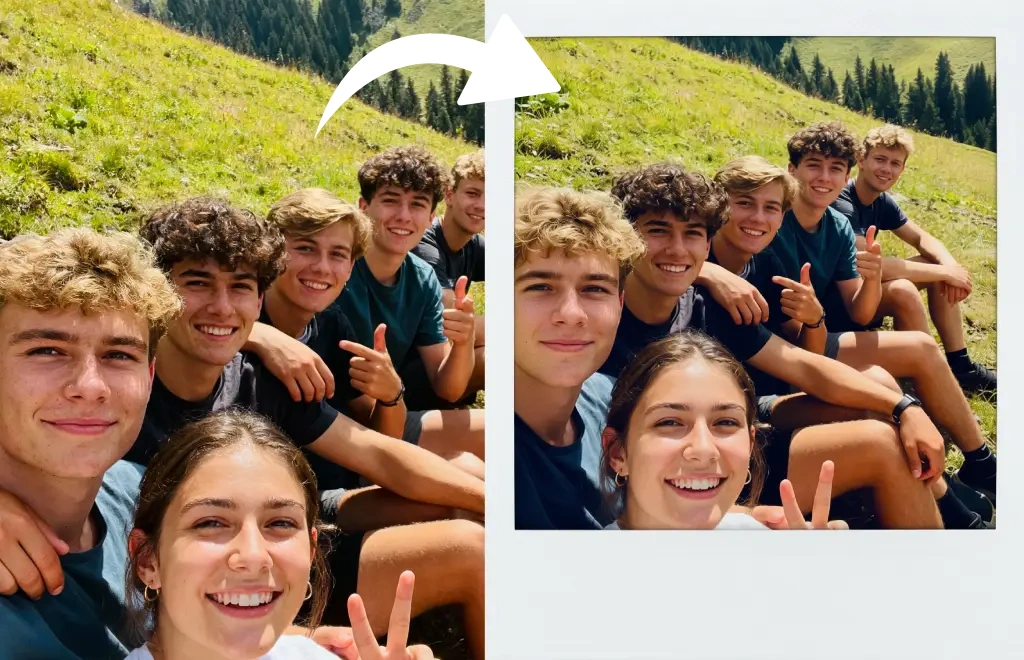
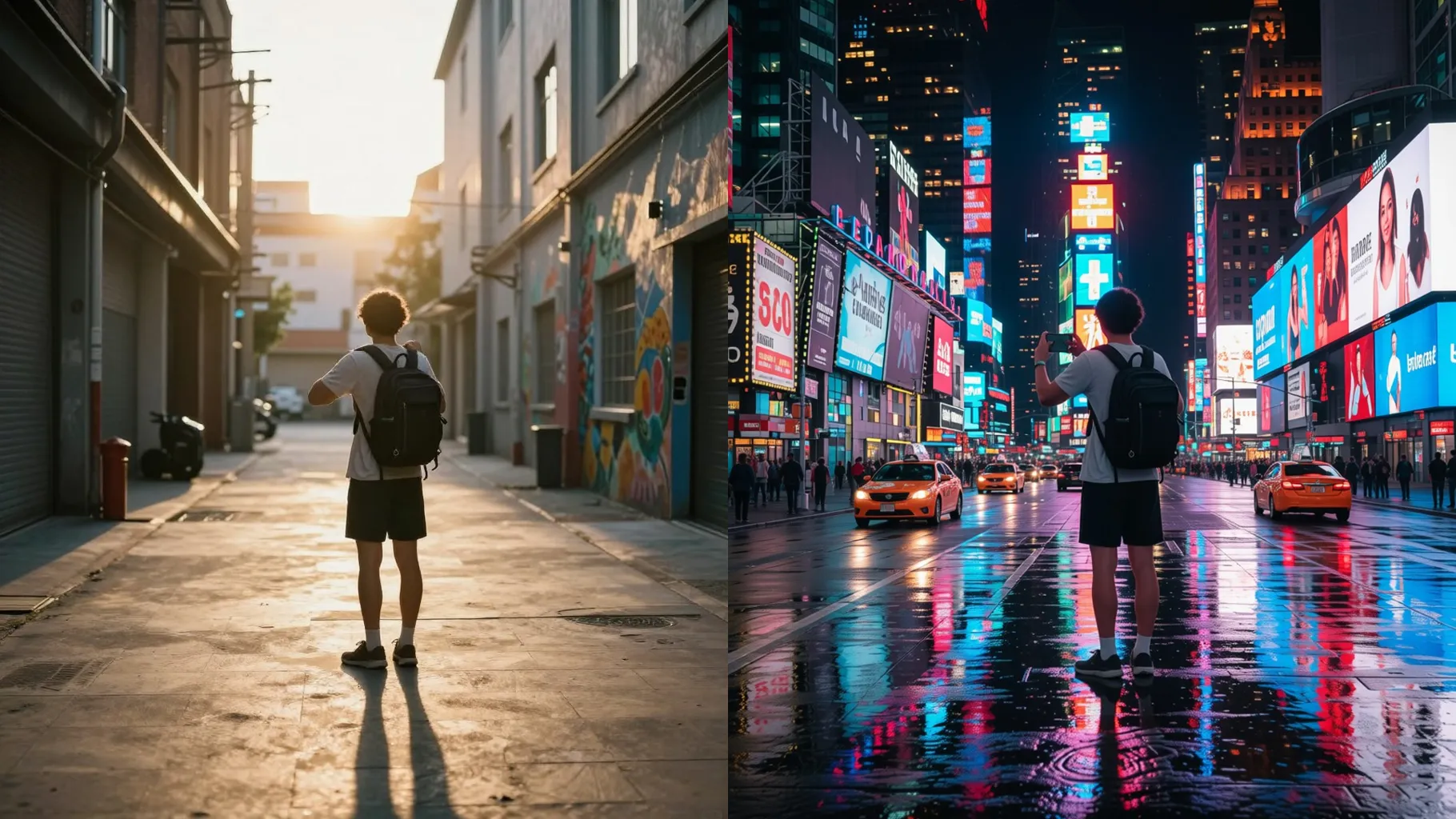
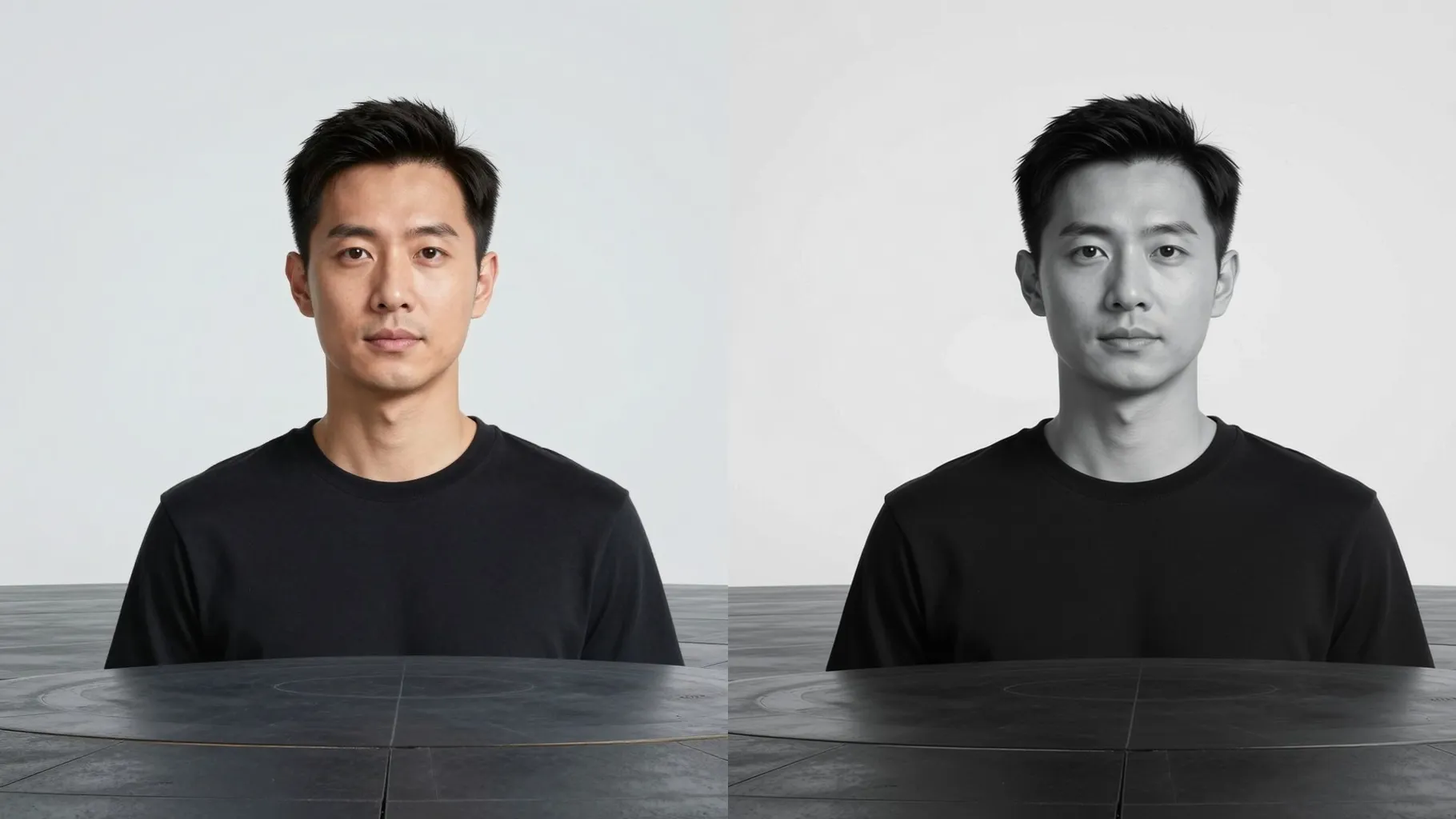
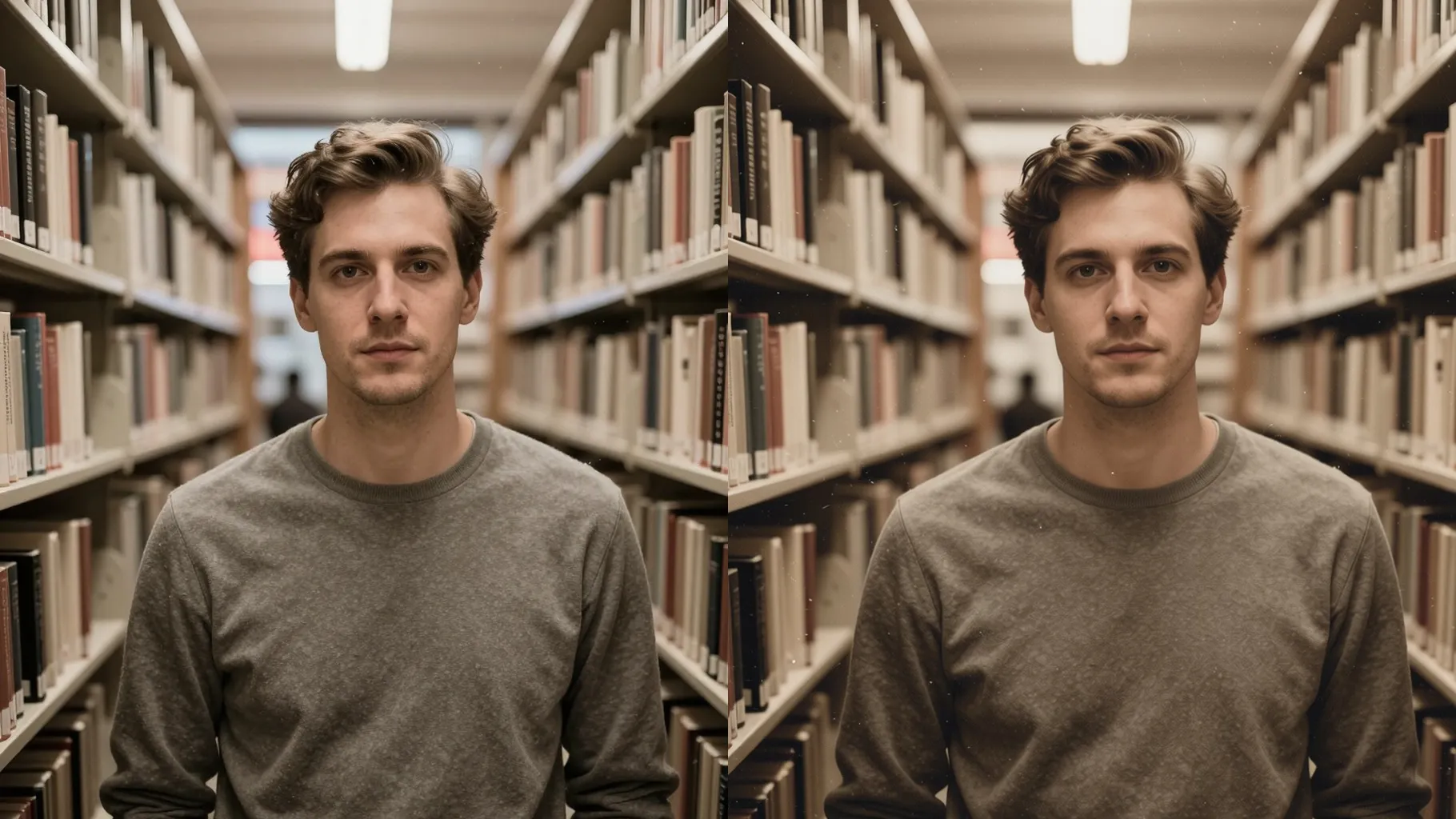
Examples show the target style. Your result depends on the chosen model and reference photo.
Upload one photo to get a cinematic booking-style mugshot with height markers, flash lighting, and a clean backdrop that keeps your face intact.
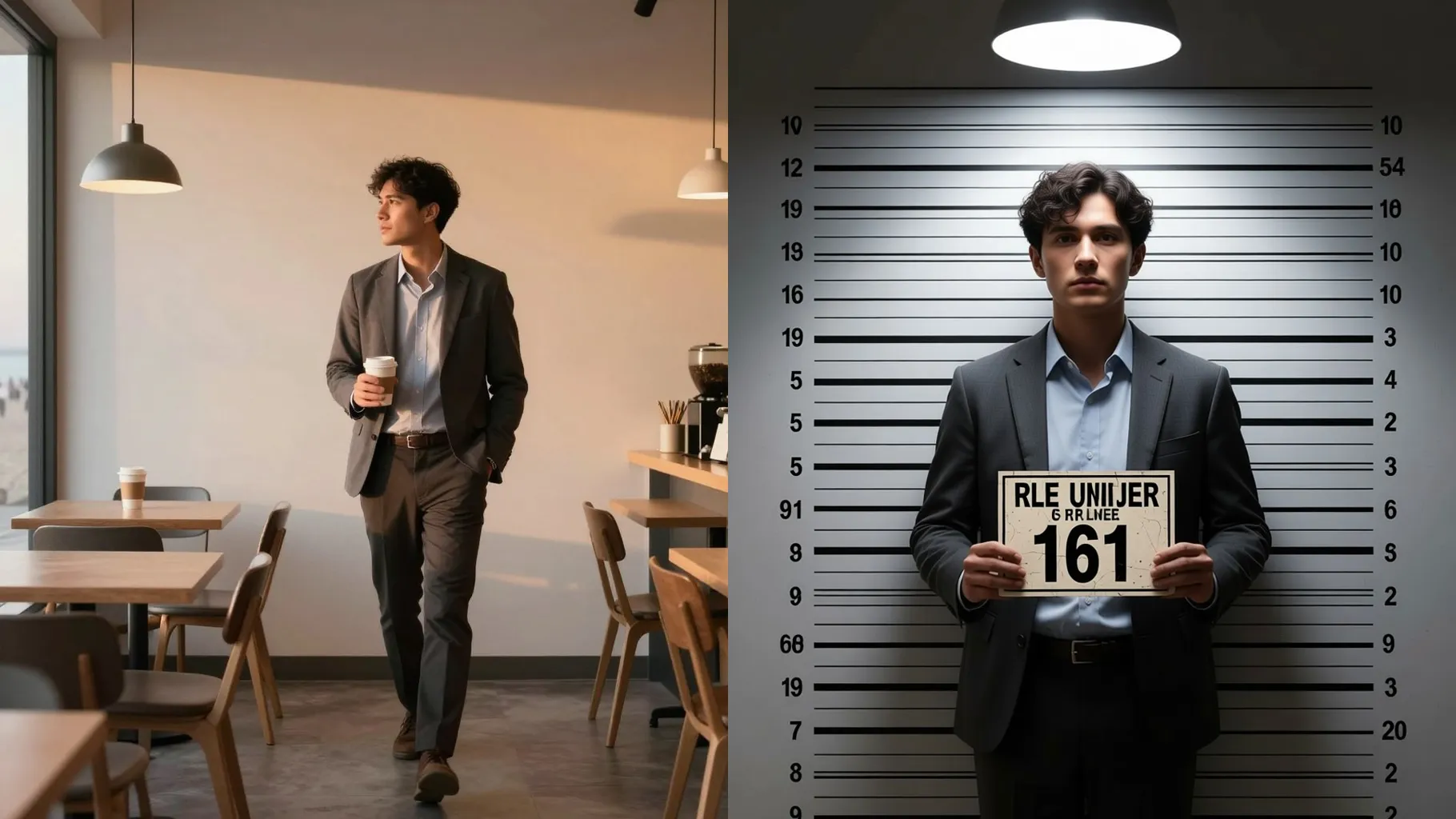
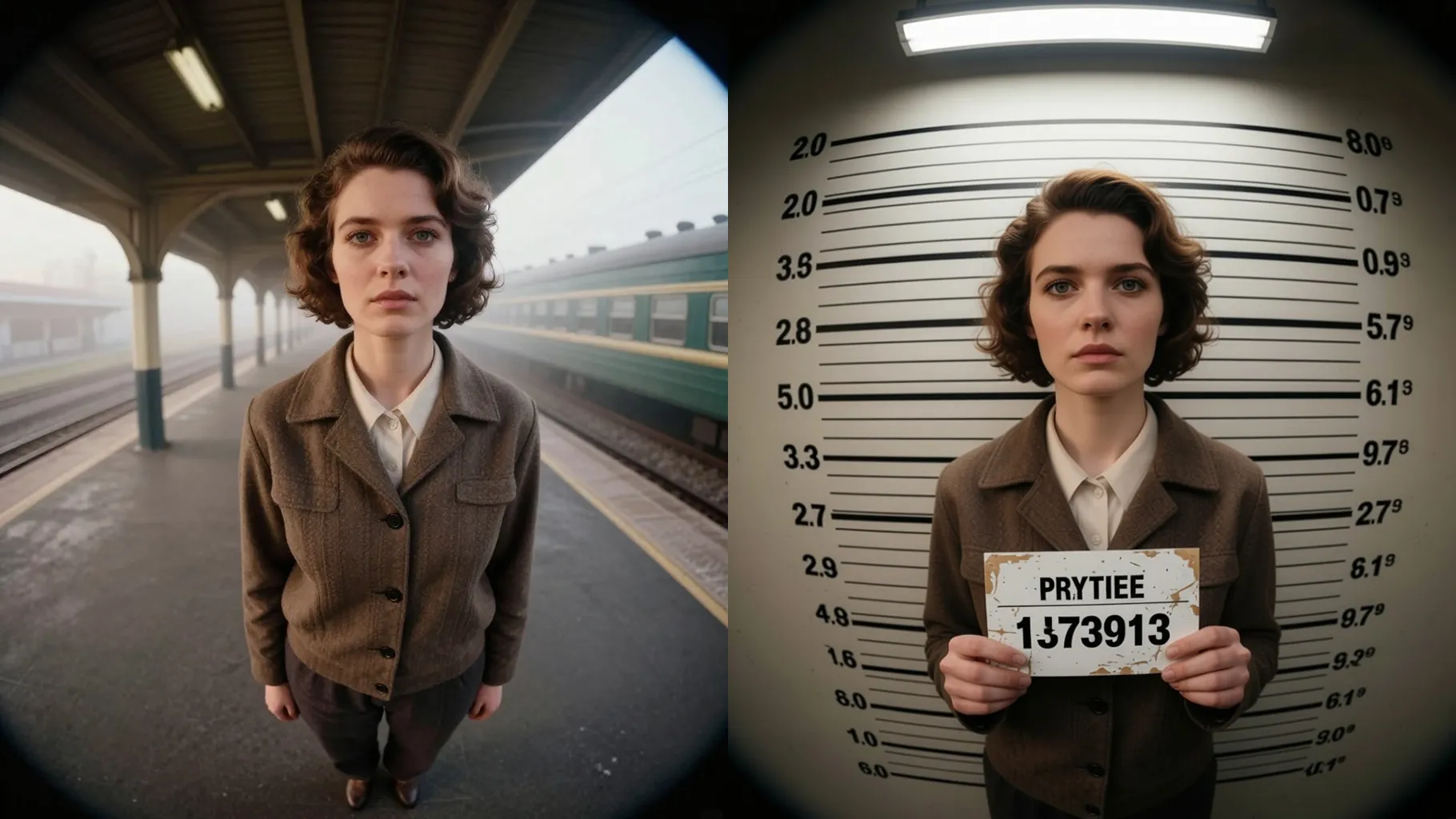
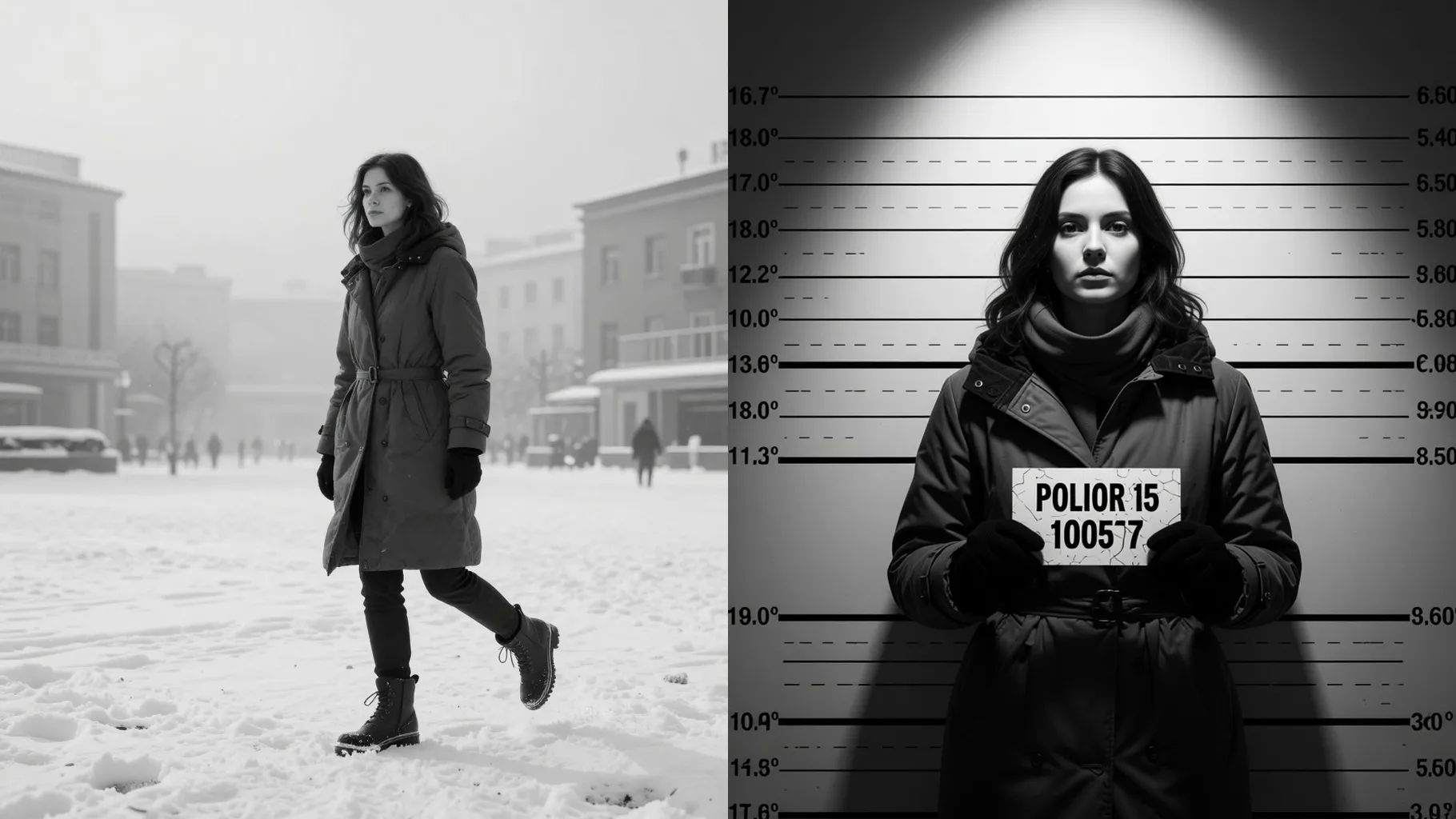
Centers your face, adds a booking board and height chart, and keeps skin tone, hair edges, and clothing crisp in flat lighting.
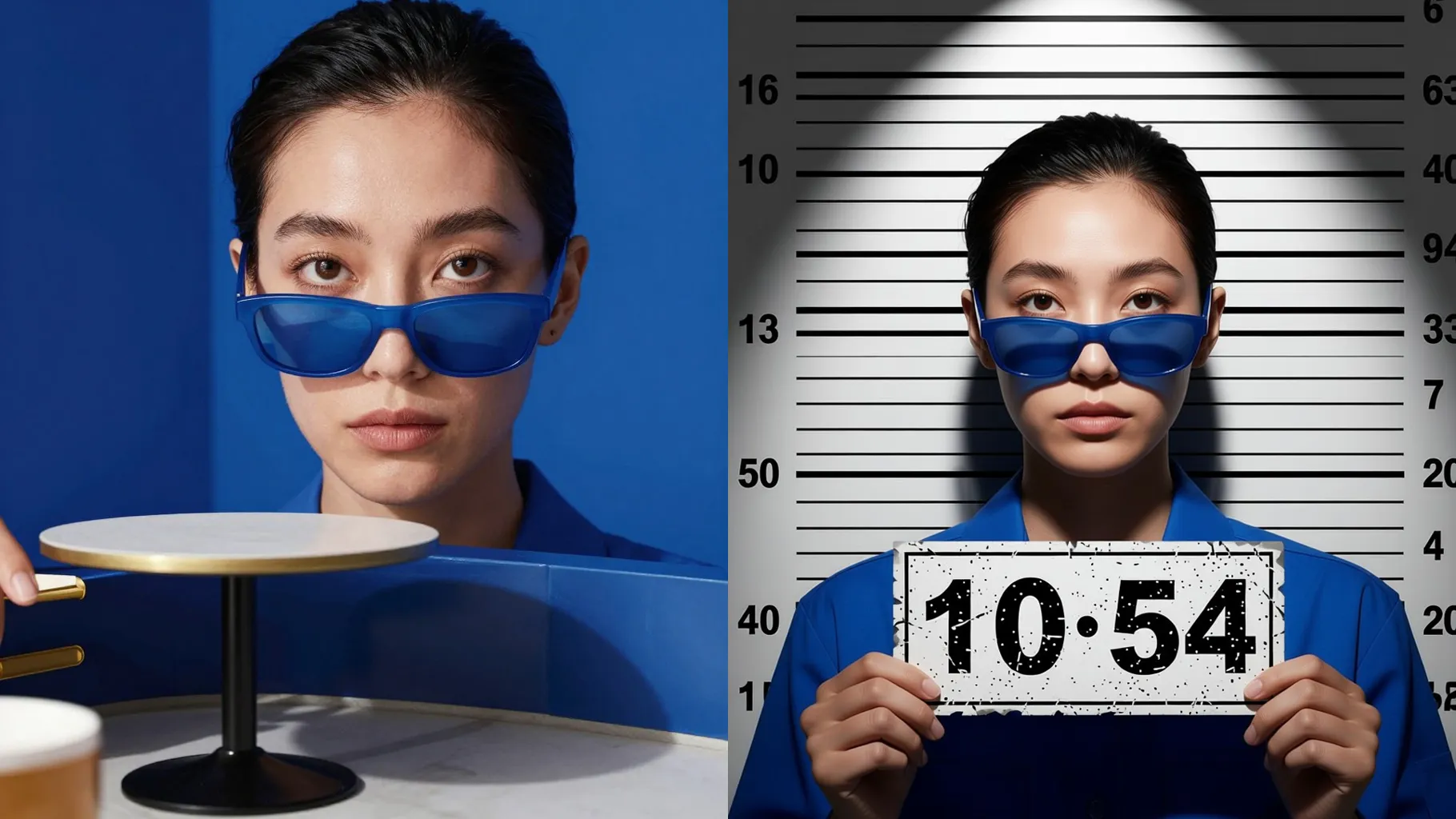
Add a quick prompt for lighting, era, or props—like harsh flash, 90s film grain, or dark wall—to steer the mugshot vibe without losing identity.
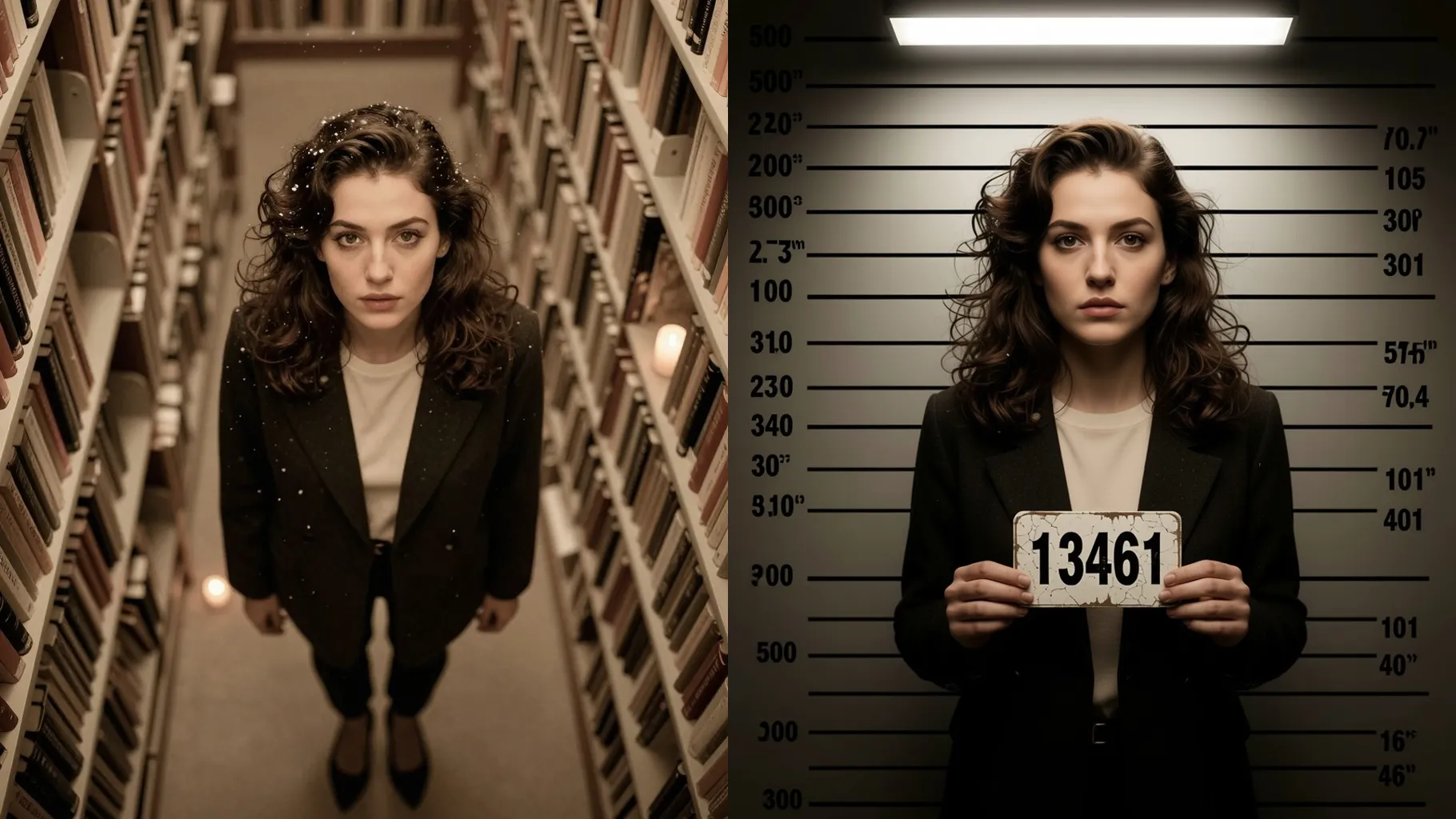
Use a centered portrait without heavy sunglasses; keep shoulders visible for the lineup framing.
Mention lighting, background color, or a prop such as a booking board to guide the render.
Review the mugshot, rerun for variations, then save your favorite file to share.
Upload one photo at a time so the lineup framing and face details stay stable.
No. This mugshot effect is image-to-image and needs one selfie to start.
JPG, PNG, or WebP under 10MB keep detail while generating quickly.
The aspect ratio stays fixed to center the height chart. Crop your photo first if you need a different frame.
Model switching is disabled to keep the mugshot lighting and texture consistent.
Use prompts like \"harsh flash, concrete wall\" or rerun to explore different vibes while keeping your identity.

Generation time depends on the model, image size, and queue. Check the task status on this page.