
1. How many images can I upload per render?
Upload one image at a time so the blue tones and highlights stay aligned to your subject.
Transform one photo into inky Prussian blue portraits with clean highlights and calm, fine-grain texture.
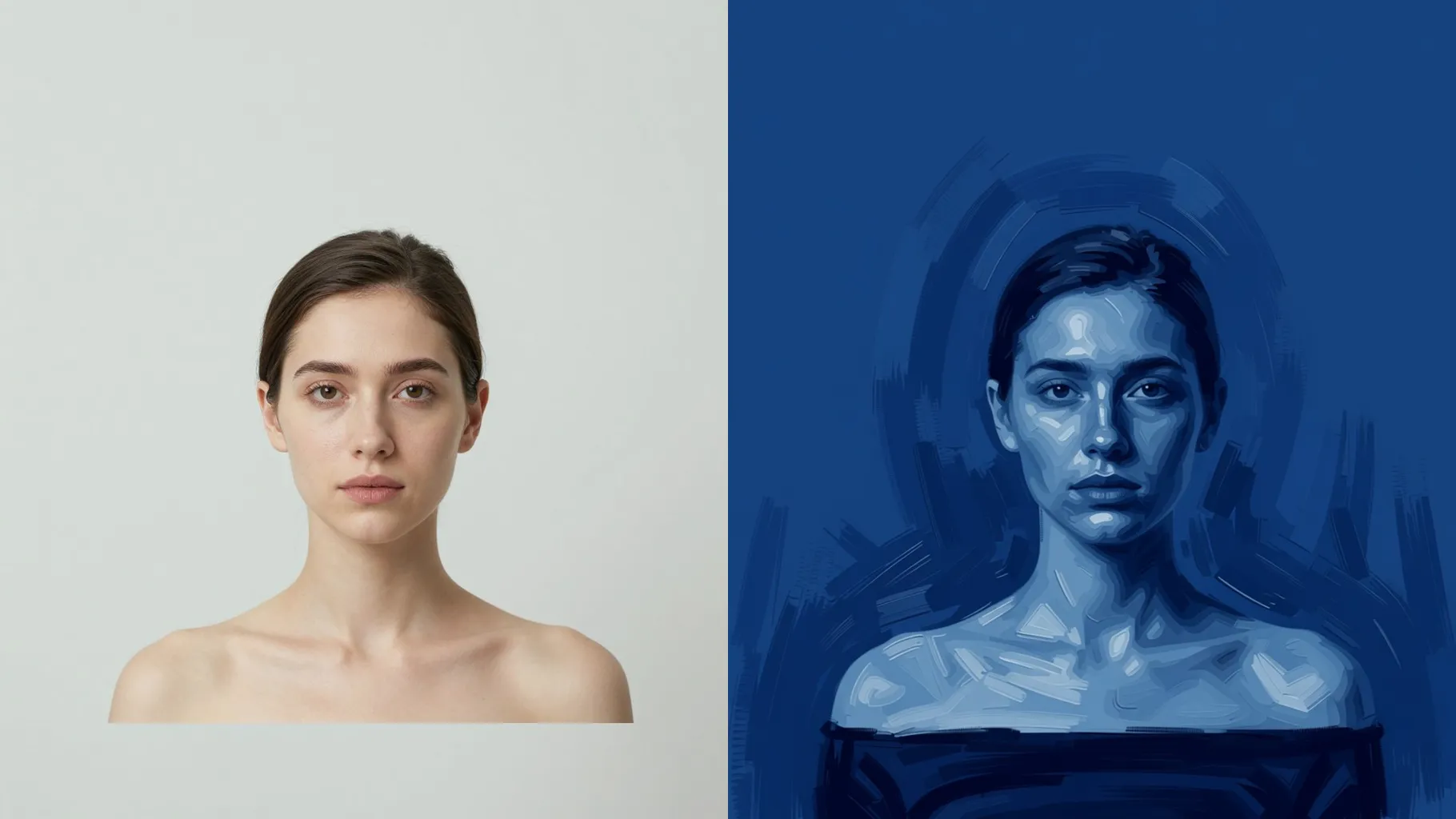
Deep Prussian blue wash wraps your upload while keeping facial structure and calm light direction intact.
Examples show the target style. Your result depends on the chosen model and reference photo.
Upload one photo to turn it into Prussian blue portraits with inky shadows, clean highlights, and painterly grain.
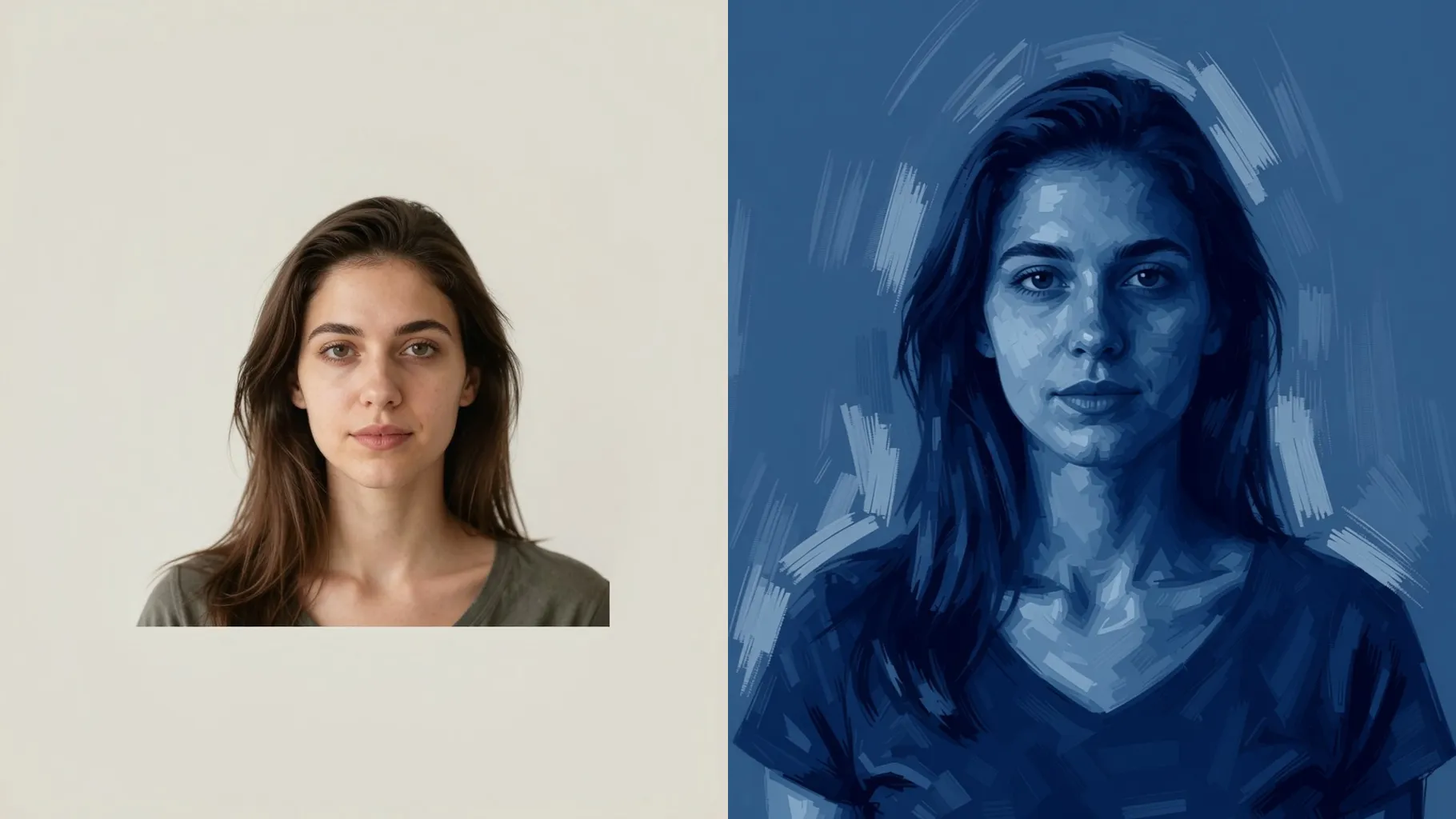
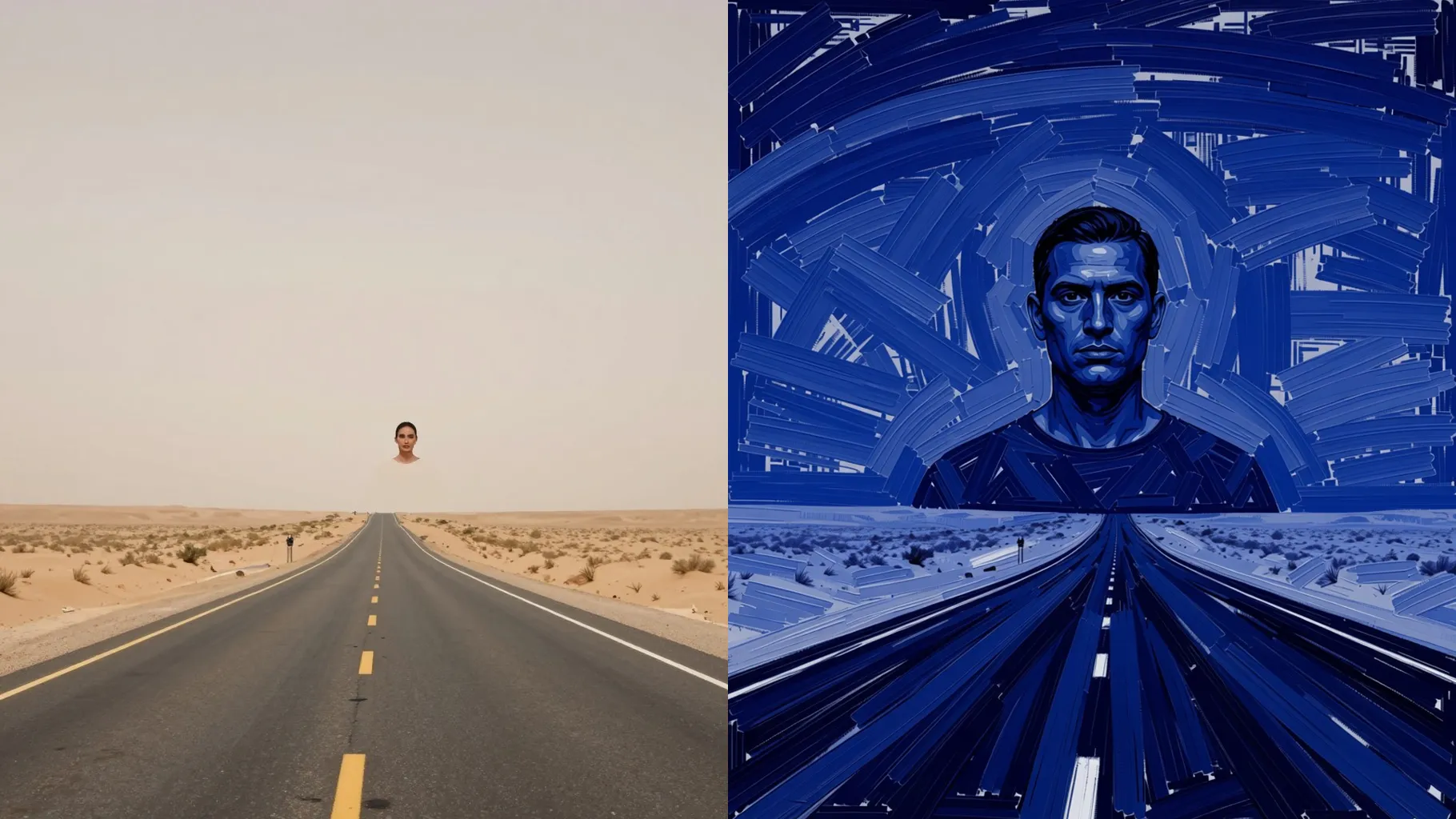
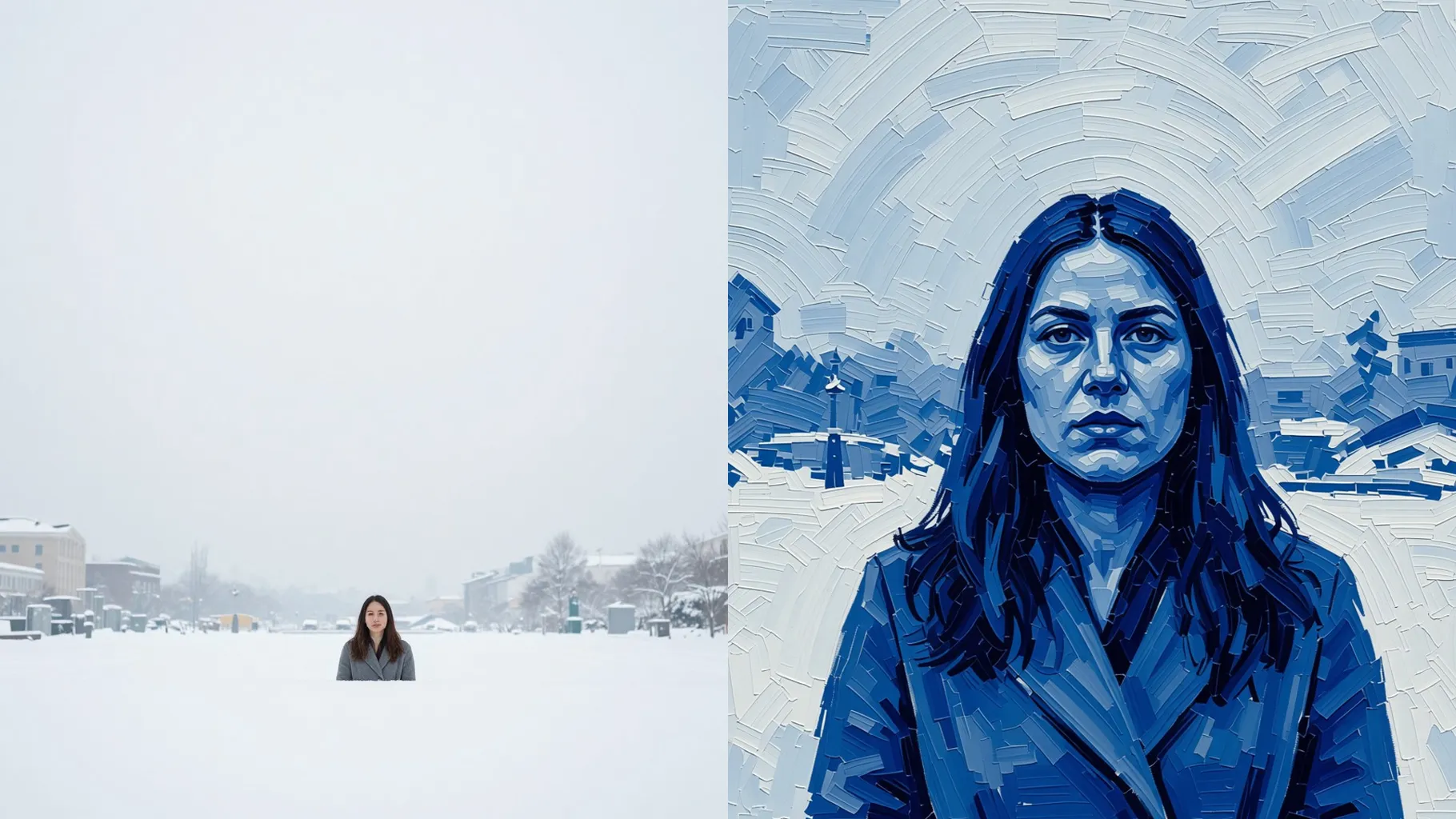
One upload becomes layered Prussian blue tones with crisp edges so expressions and proportions stay true.
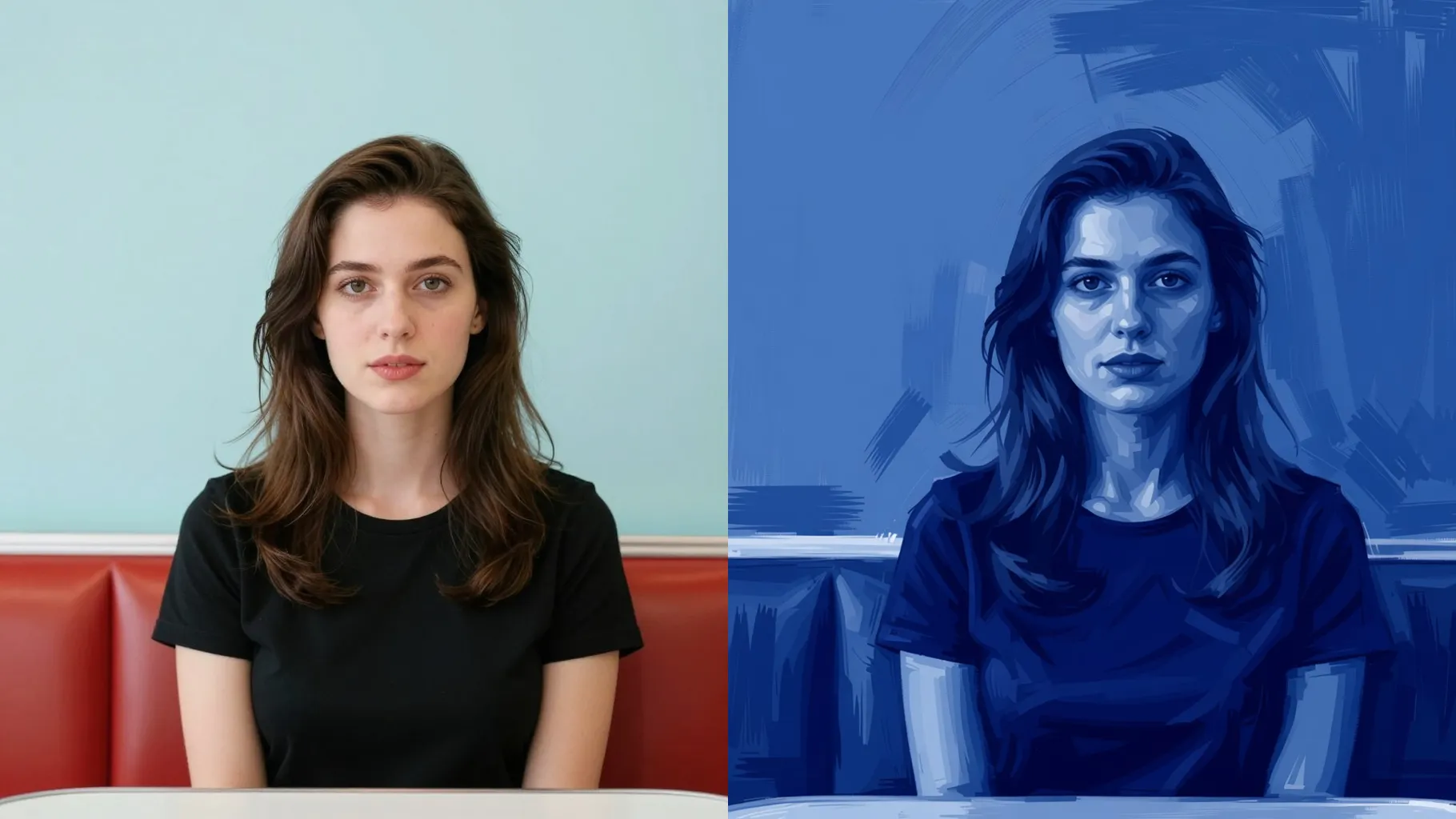
Add a cue like "foggy morning" or "studio portrait" to nudge contrast while the deep blue palette stays stable.
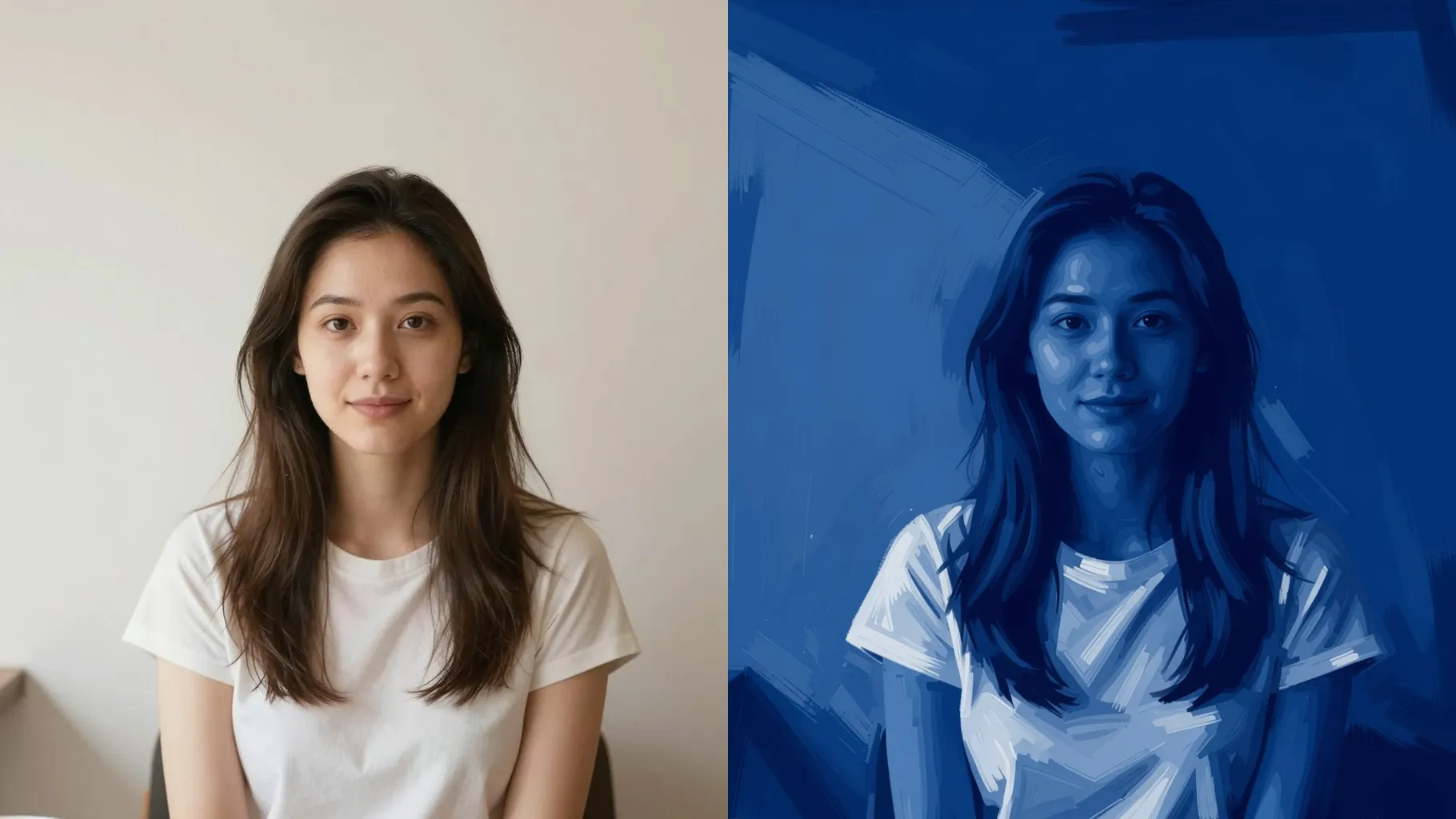
Centered face or upper-body shots with even lighting keep the indigo shadows smooth.
Mention mood, setting, or texture in one line to guide contrast and background feel.
Render the blue portrait, rerun if you want a different vibe, then save your favorite instantly.
Upload one image at a time so the blue tones and highlights stay aligned to your subject.
This is an image-to-image filter. Upload a picture for the AI to convert into Prussian blue art.
Prompts are optional. Leaving it blank still applies the Prussian blue look; a short cue just steers mood.
Aspect ratio and model switching are disabled to keep the blue rendering consistent.
Front or 3/4 portraits with balanced light and clear edges produce the cleanest indigo gradients.
Use JPG, PNG, or WebP under 10MB for quick uploads and smooth blue shading.

Generation time depends on the model, image size, and queue. Check the task status on this page.