
1. How many images can I upload per render?
Upload one image at a time so the halftone dots stay aligned with your subject.
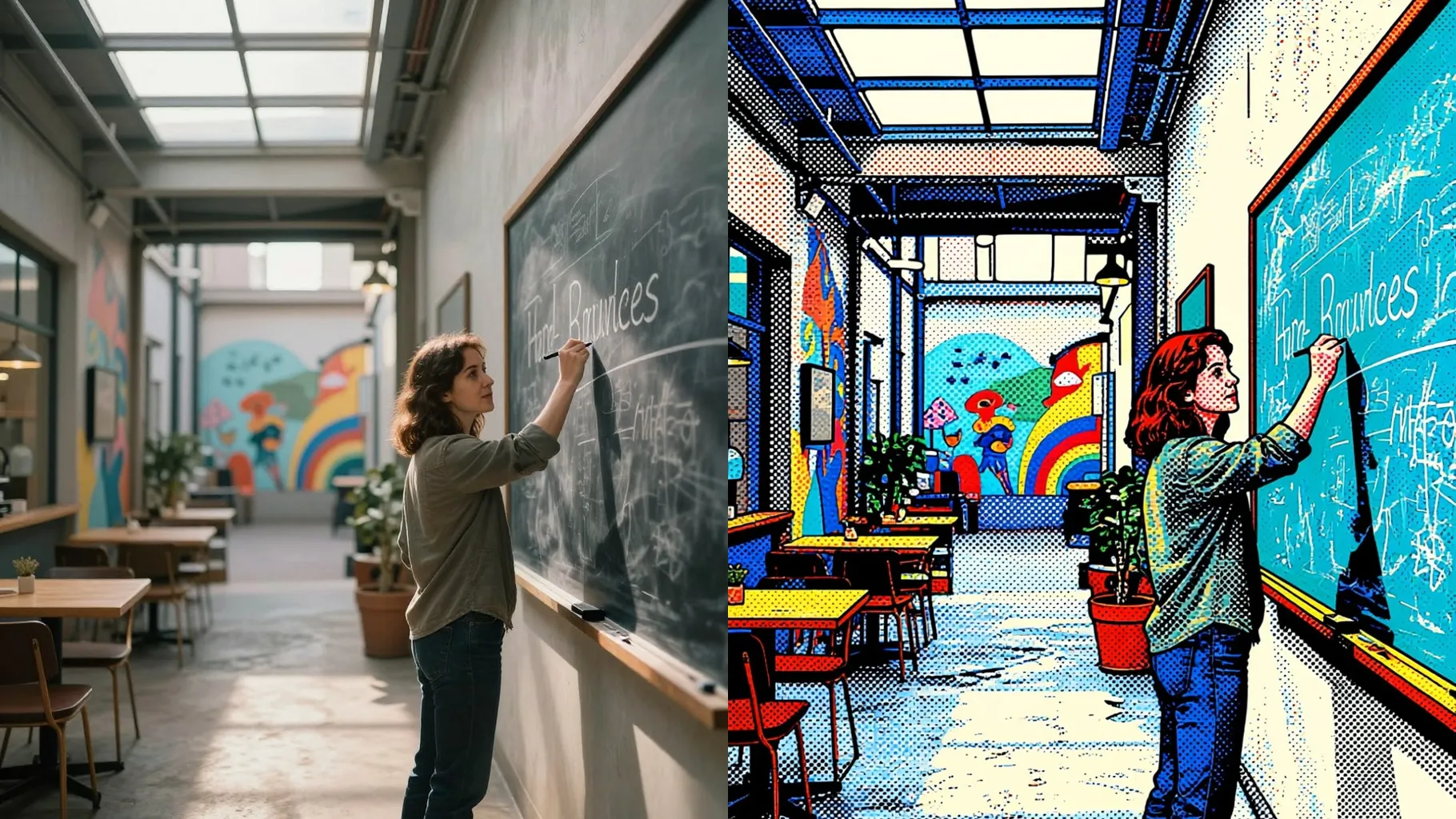
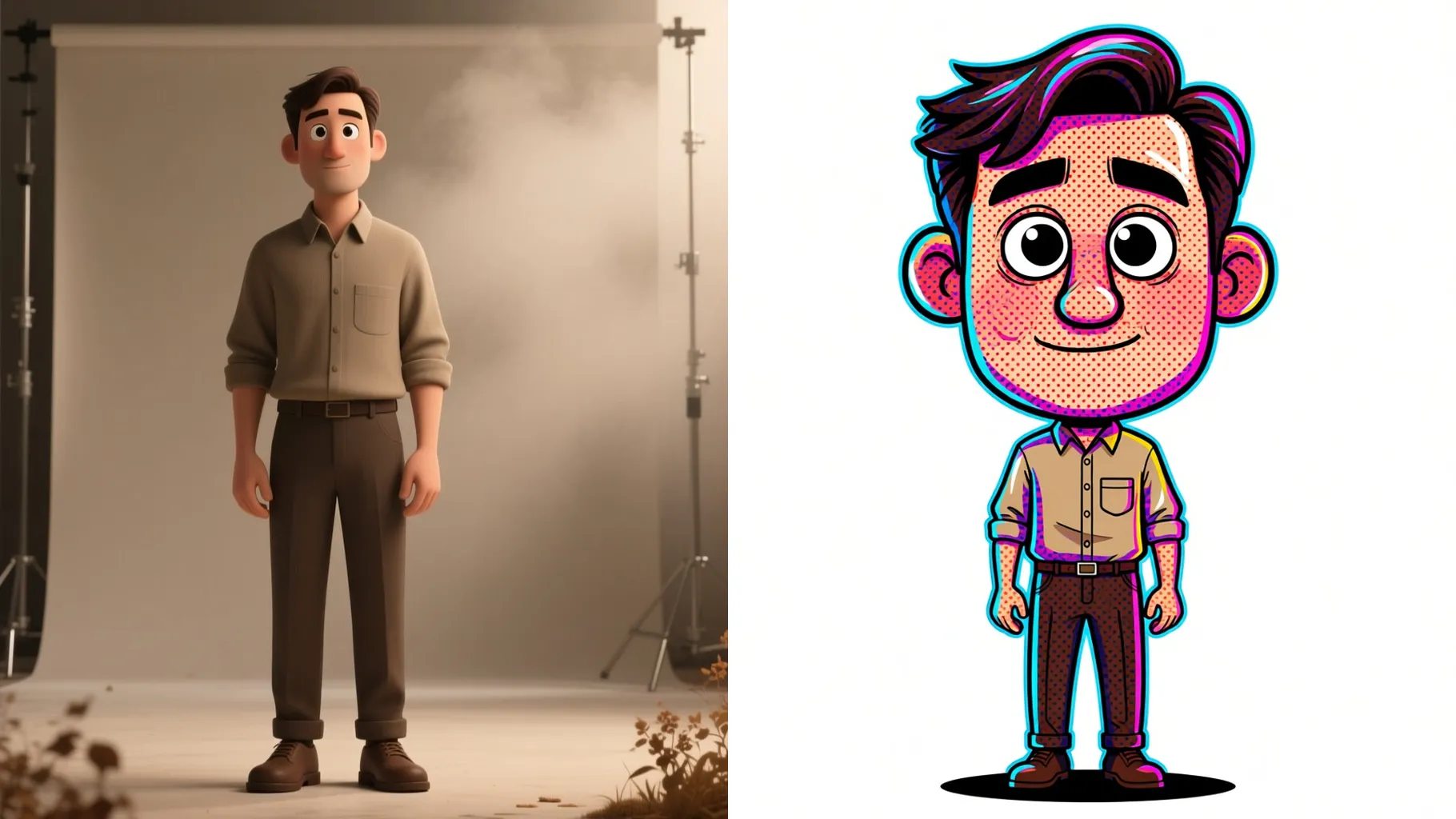
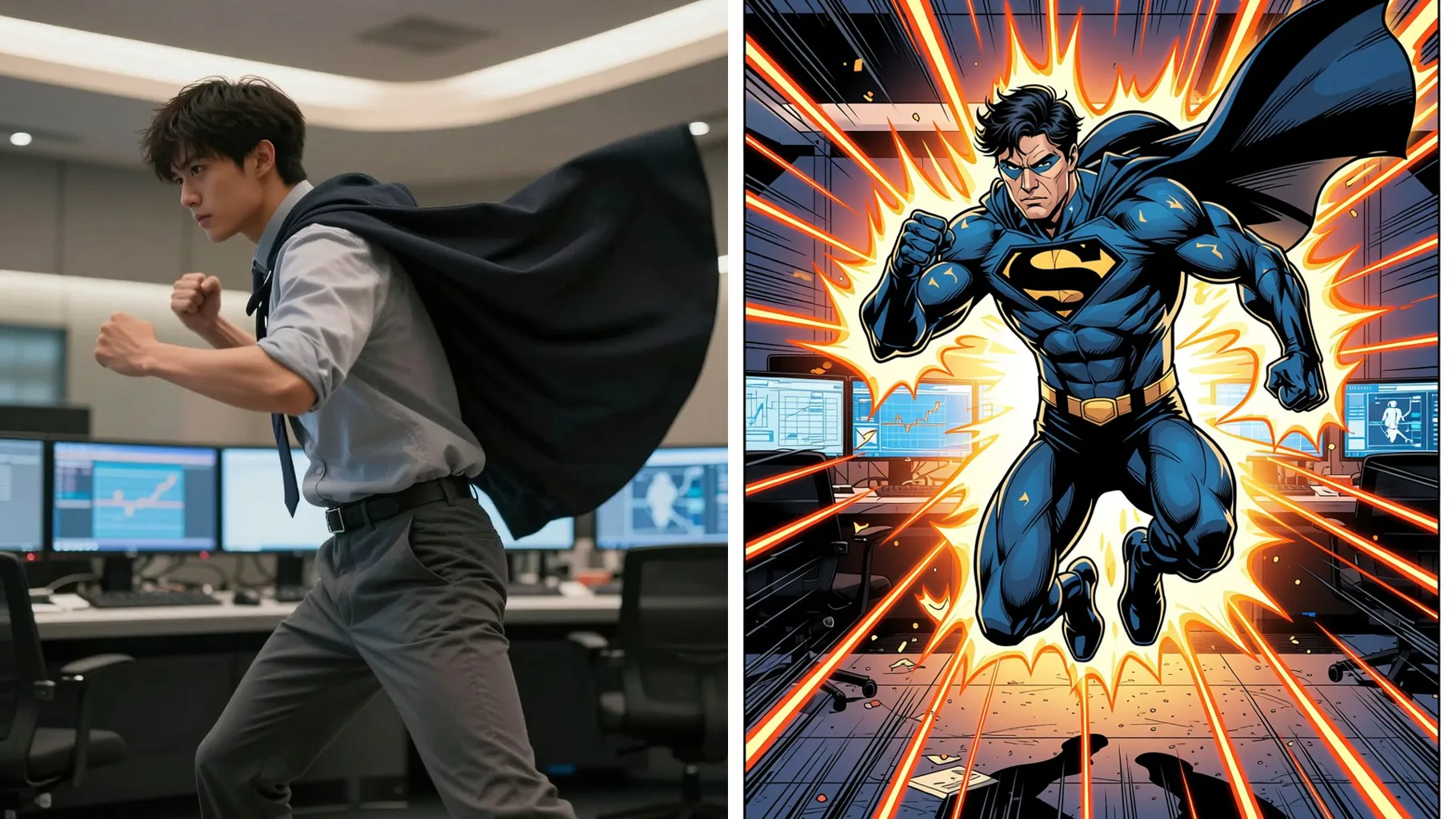
Upload one photo to turn it into retro halftone dots with comic-style contrast.
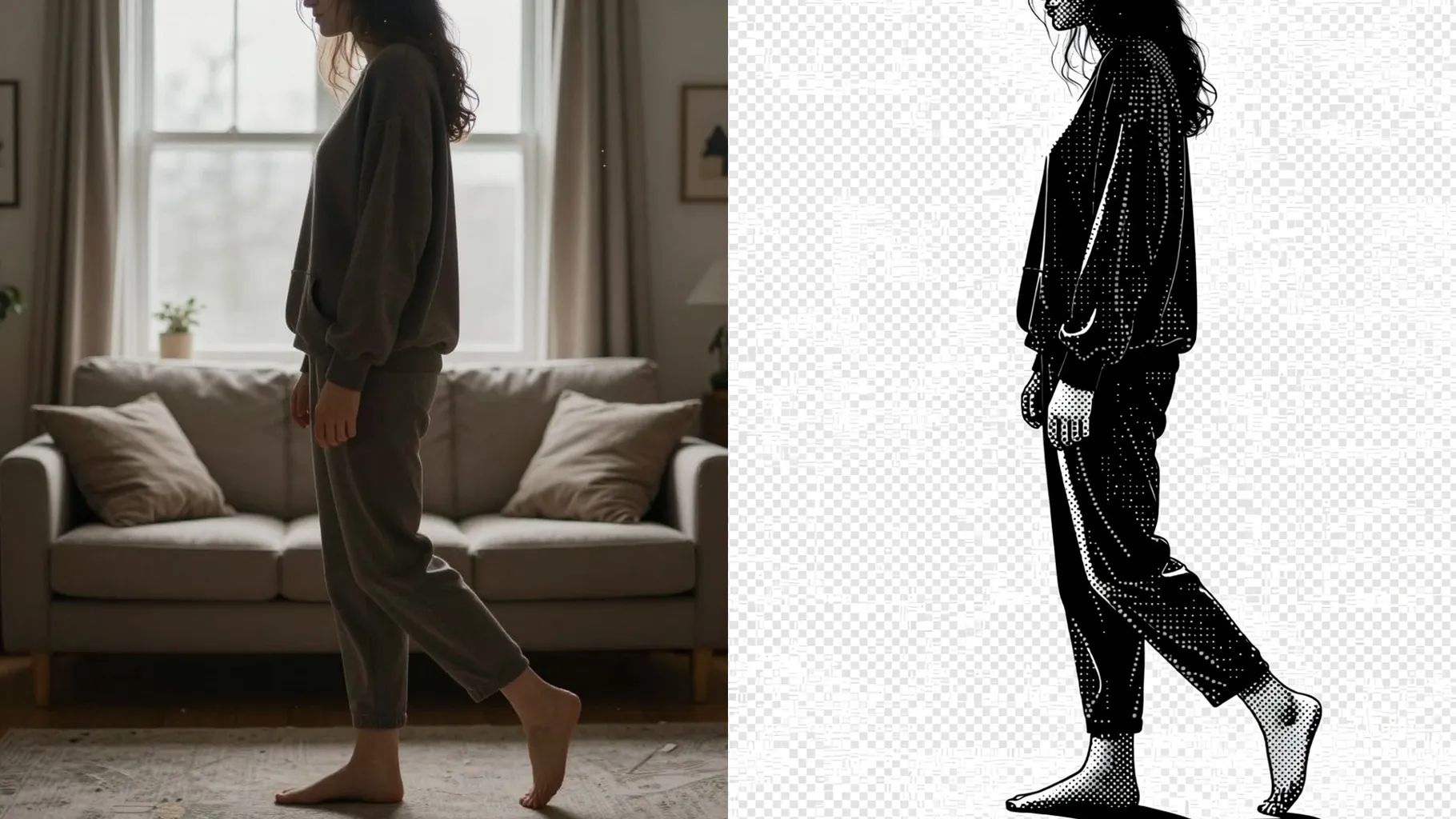
Screenprint-style halftone dots wrap your upload while keeping facial contours sharp and readable.
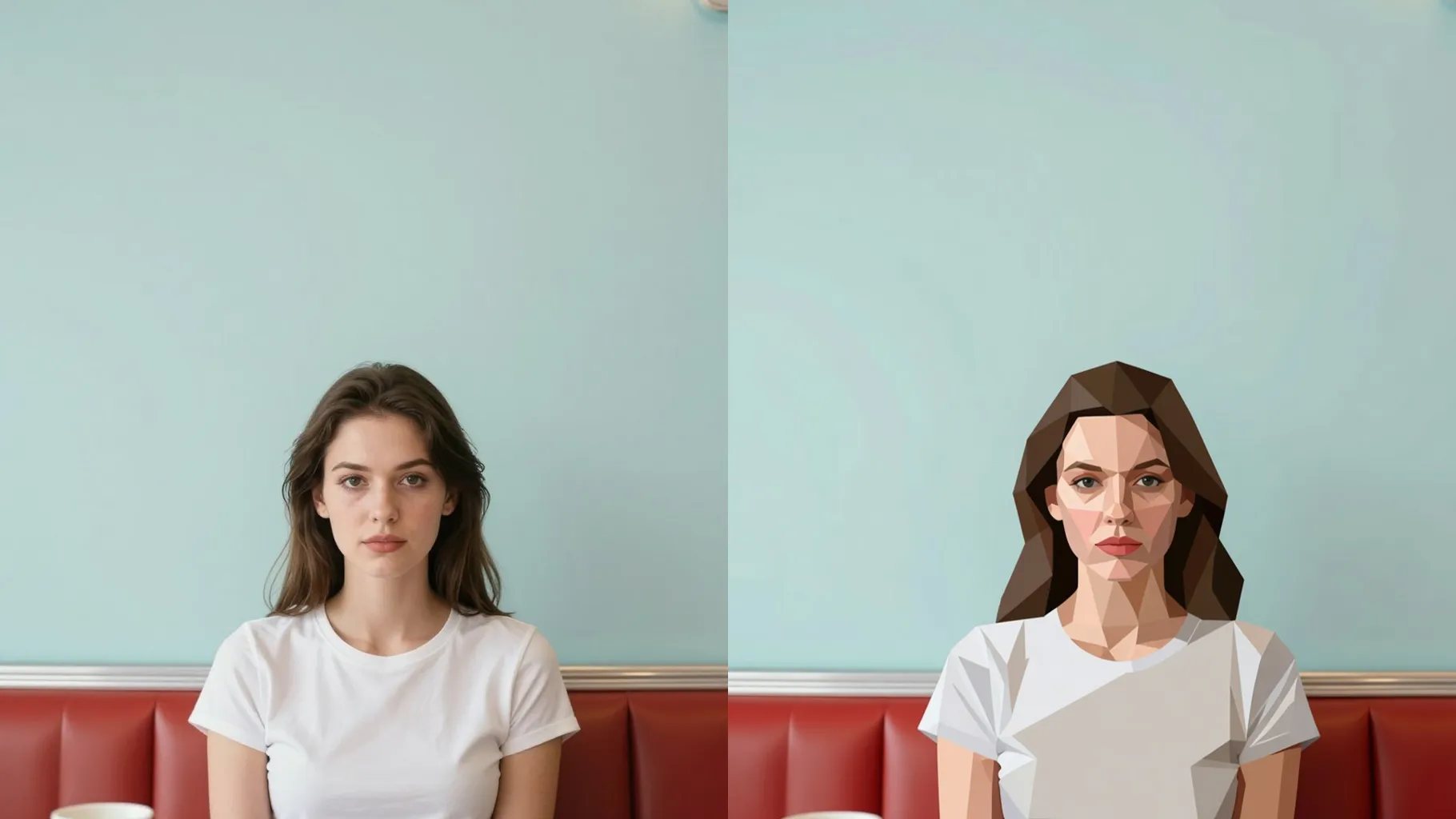
Examples show the target style. Your result depends on the chosen model and reference photo.
Upload one image to turn into halftone dots, duotone shading, and clean outlines without losing your likeness.
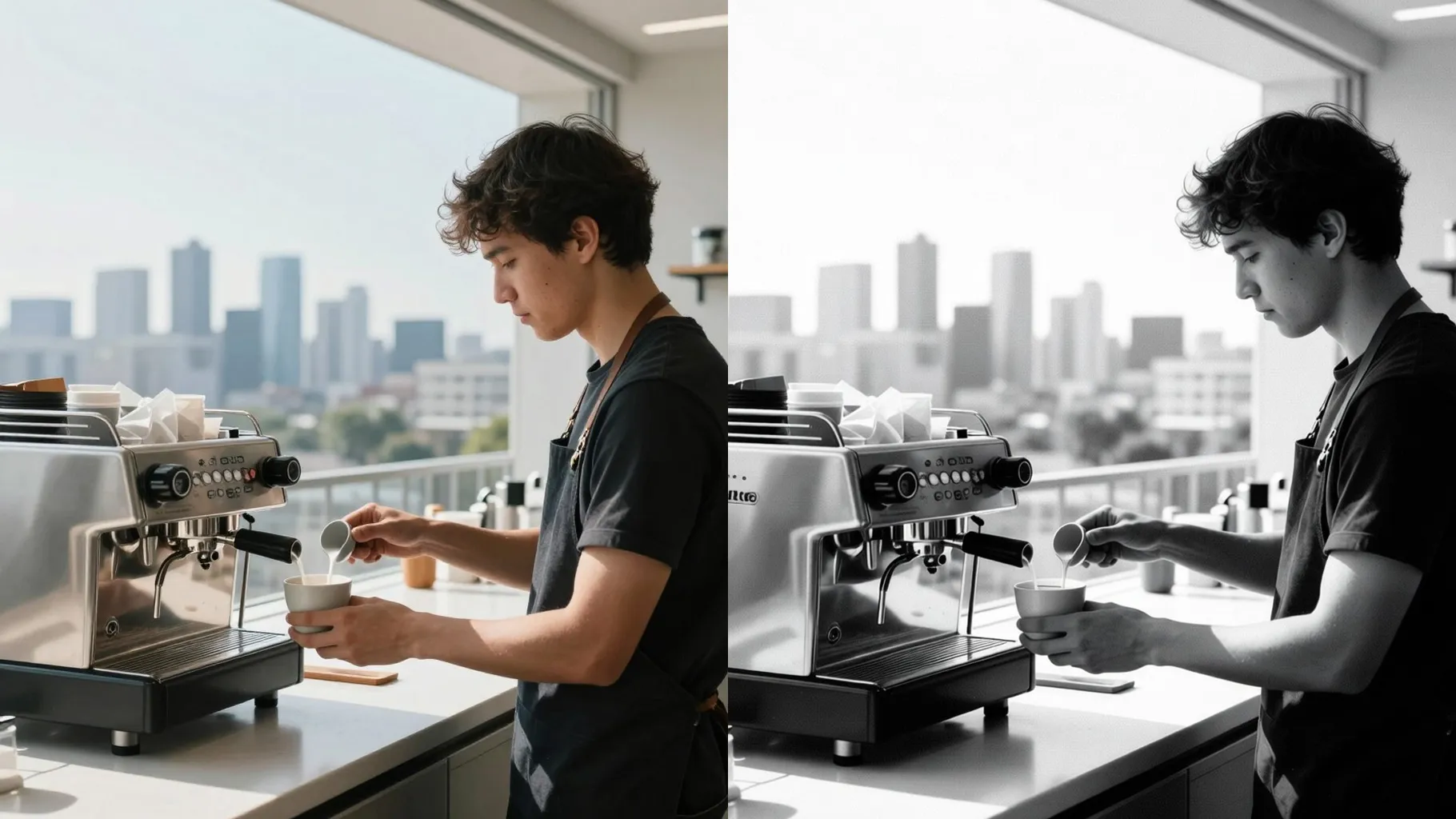
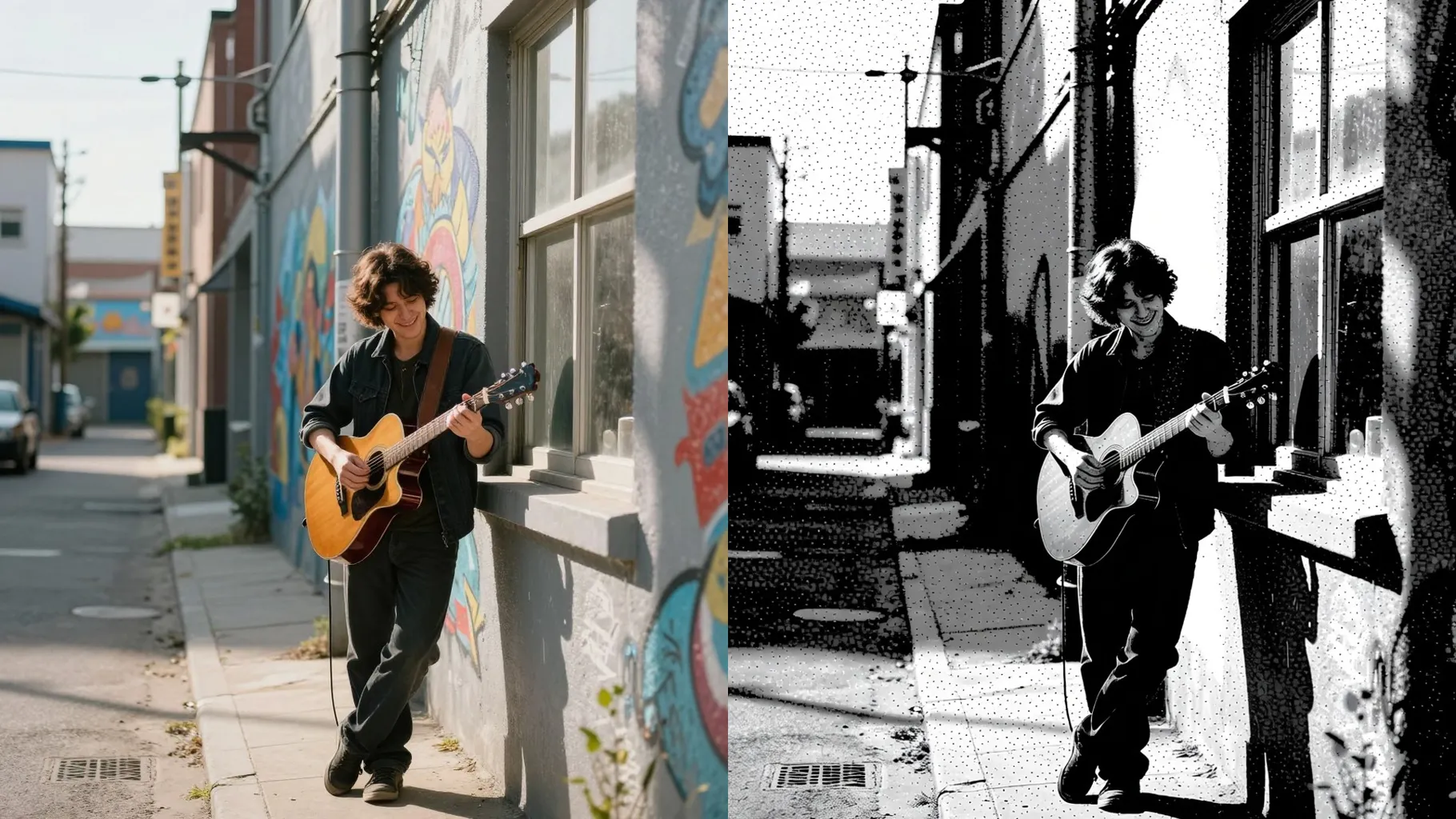
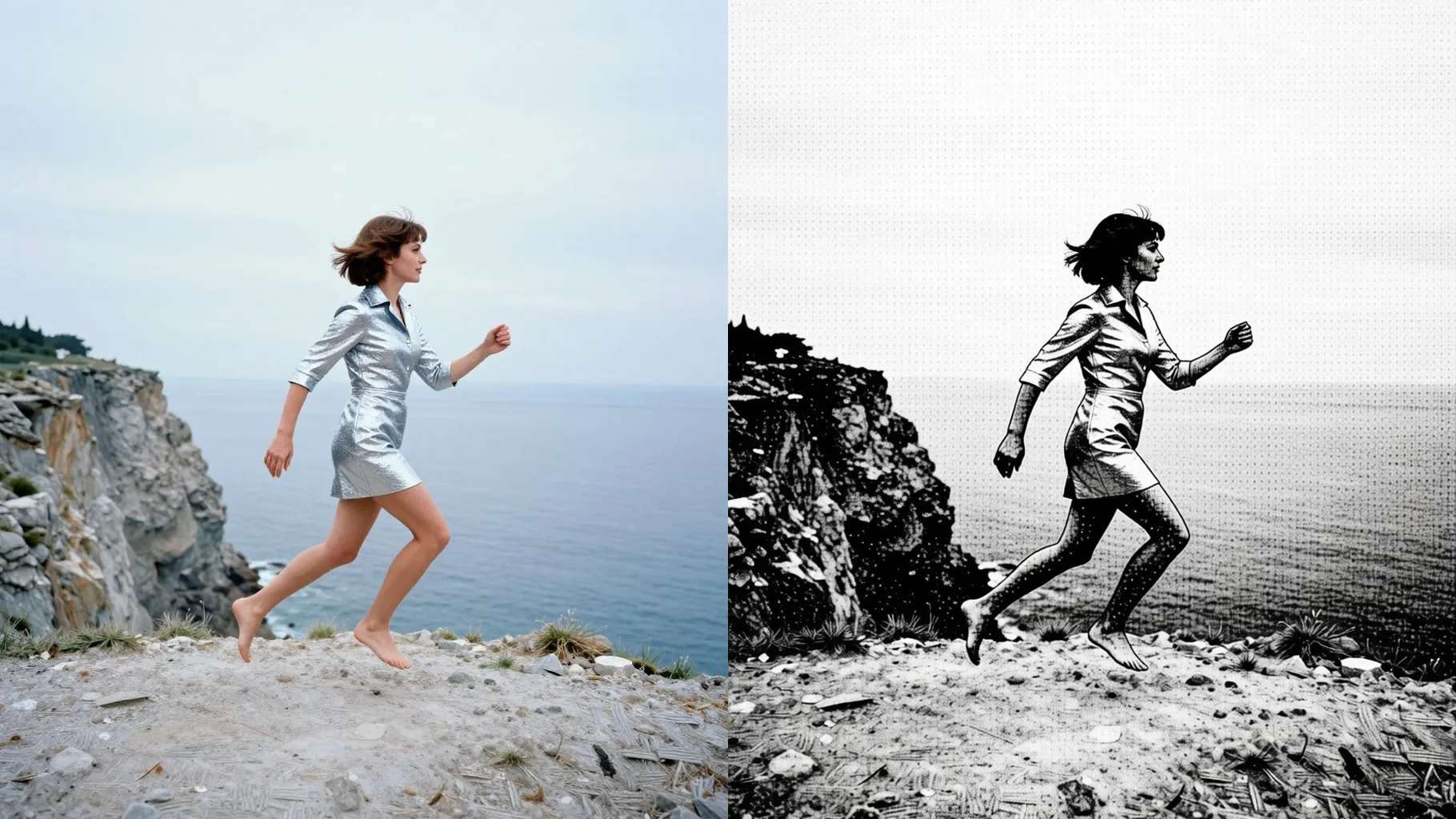
One upload adds screenprint dots and bold edges while preserving proportions and light direction.
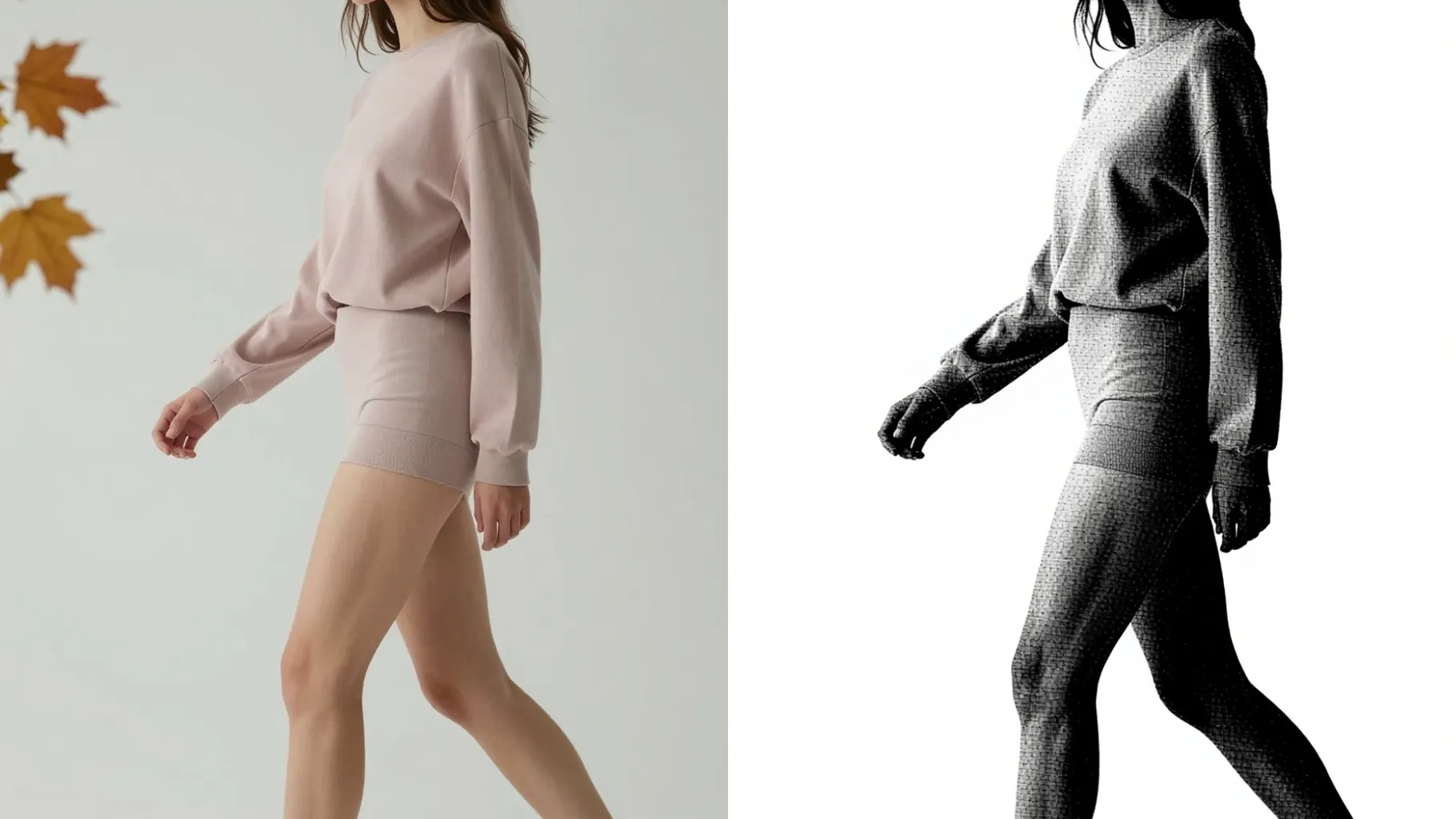
Add a quick cue like \"blue and orange\" to nudge the ink palette while the halftone grid stays stable.
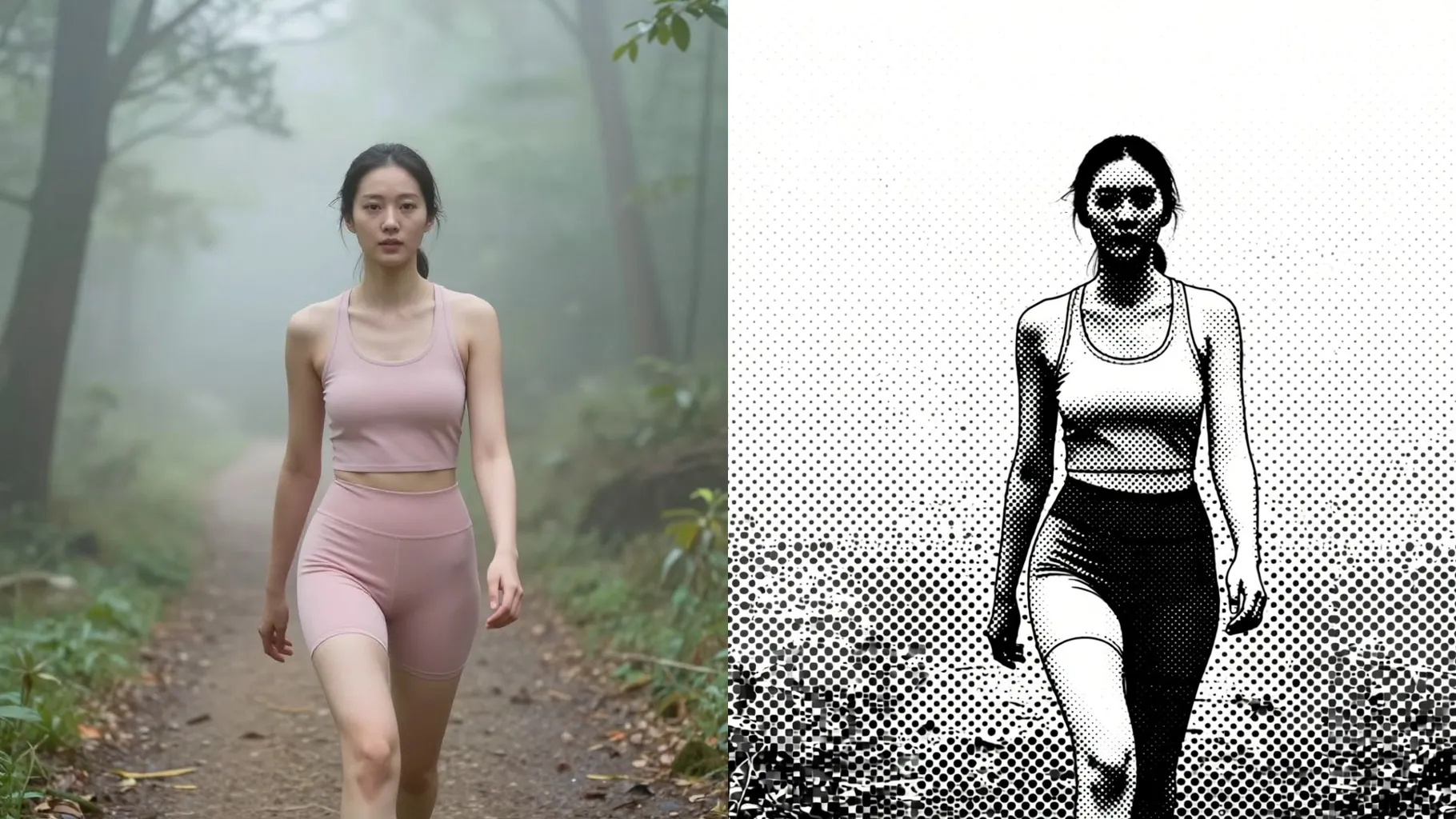
Front or 3/4 shots with even lighting make the halftone dots clean and consistent.
Mention color pairs, mood, or background in one line to shape the print vibe.
Render the dotted print, rerun for another color take, and save your favorite instantly.
Upload one image at a time so the halftone dots stay aligned with your subject.
No. This effect is image-to-image and needs an uploaded picture to apply the dots.
Prompts are optional. Leaving it blank still generates halftone art; a short cue just adjusts colors or mood.
Aspect ratio and model switching are disabled to keep the print grid and contrast stable.
Centered portraits with even lighting and minimal filters keep edges crisp and the dot pattern clean.
Use JPG, PNG, or WebP under 10MB for fast uploads and sharp screenprint texture.

Generation time depends on the model, image size, and queue. Check the task status on this page.