
1. How many photos can I upload per render?
This template supports one image upload at a time for stable outlines and lighting.
Upload one photo to turn it into glowing neon line art with crisp outlines.
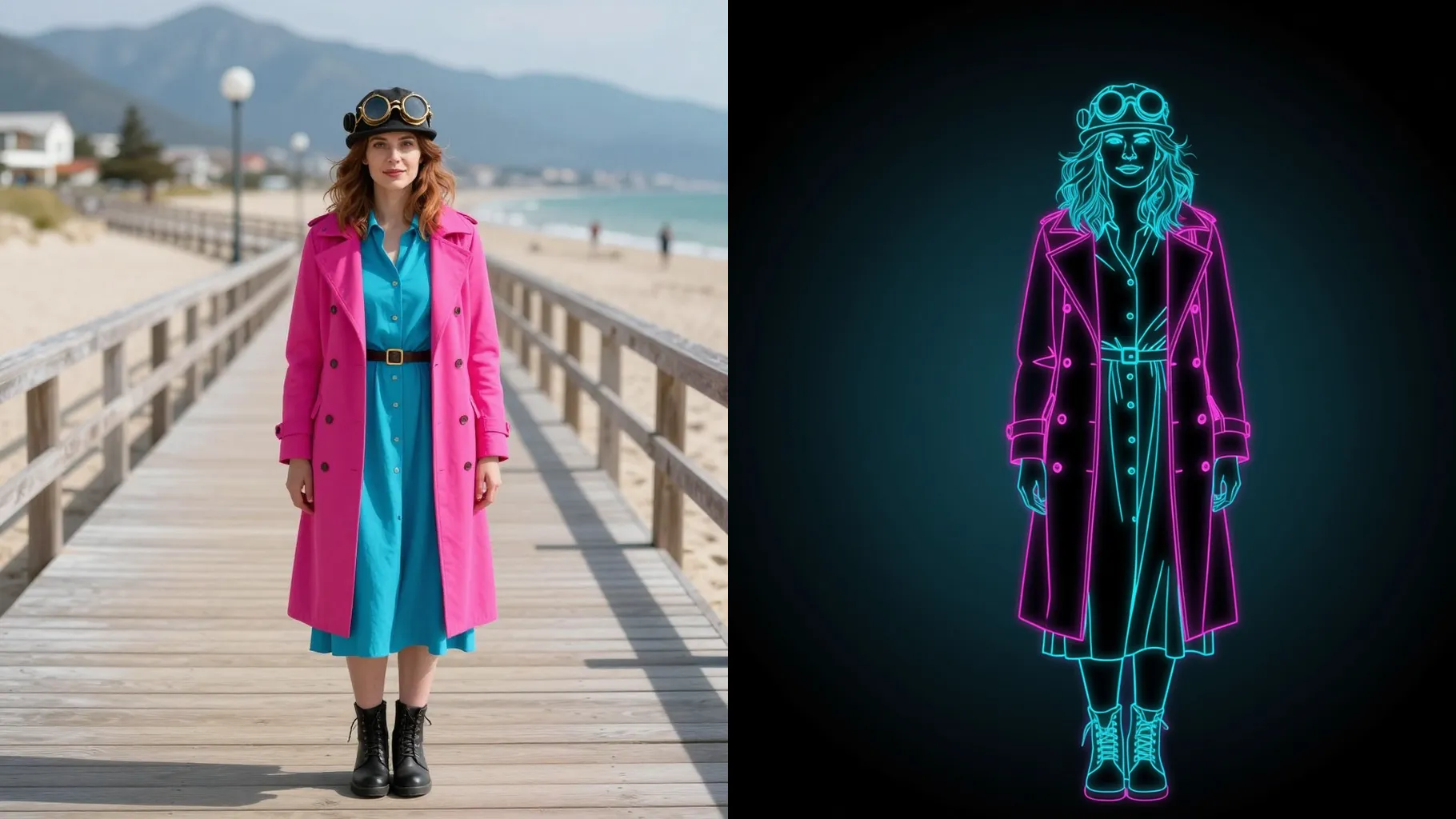
Cyan neon outlines trace your portrait while keeping jawline, hair direction, and facial proportions from one upload.
Examples show the target style. Your result depends on the chosen model and reference photo.
Upload one photo to turn it into glowing neon line art with crisp outlines and a clean dark backdrop.
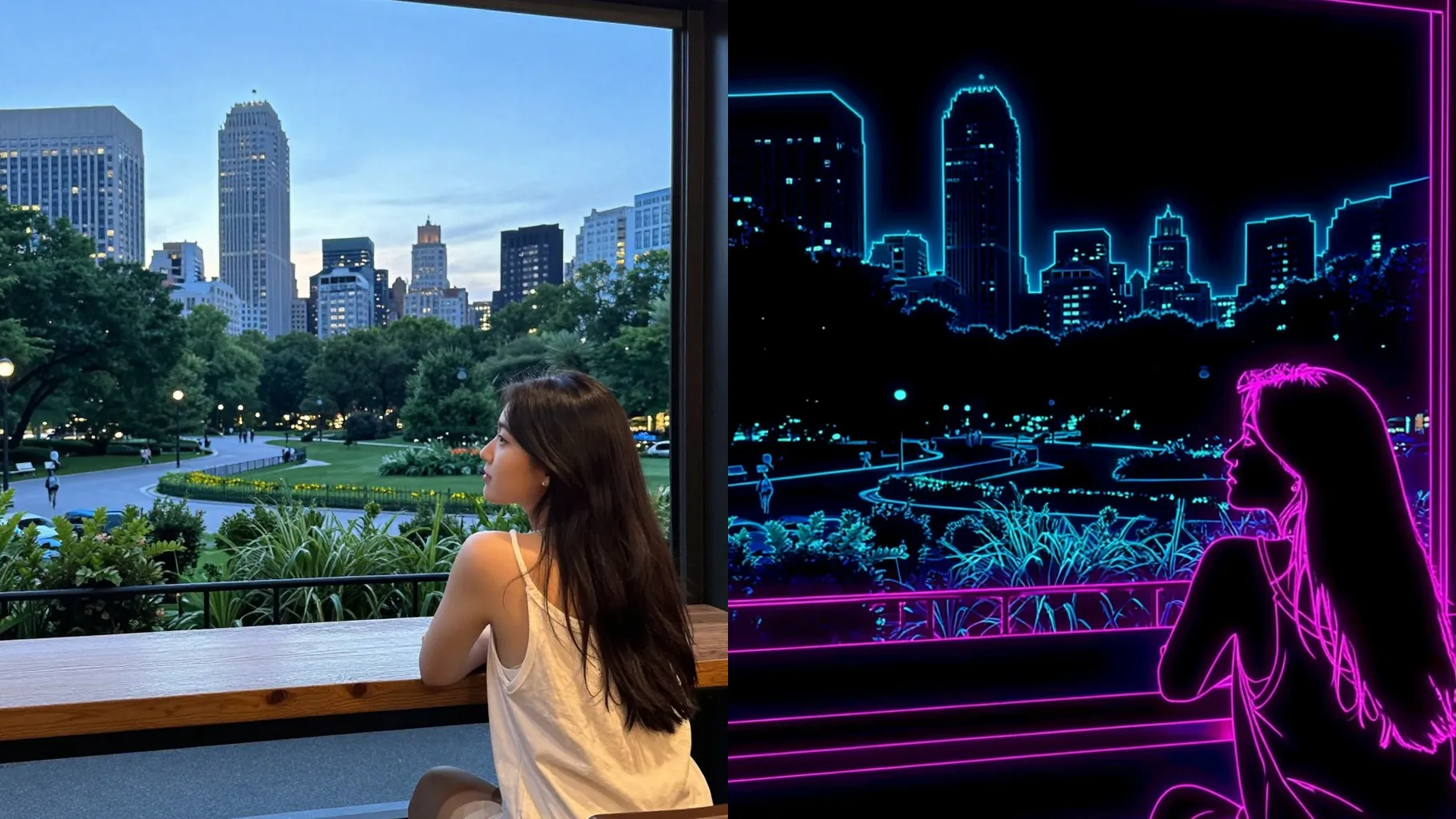
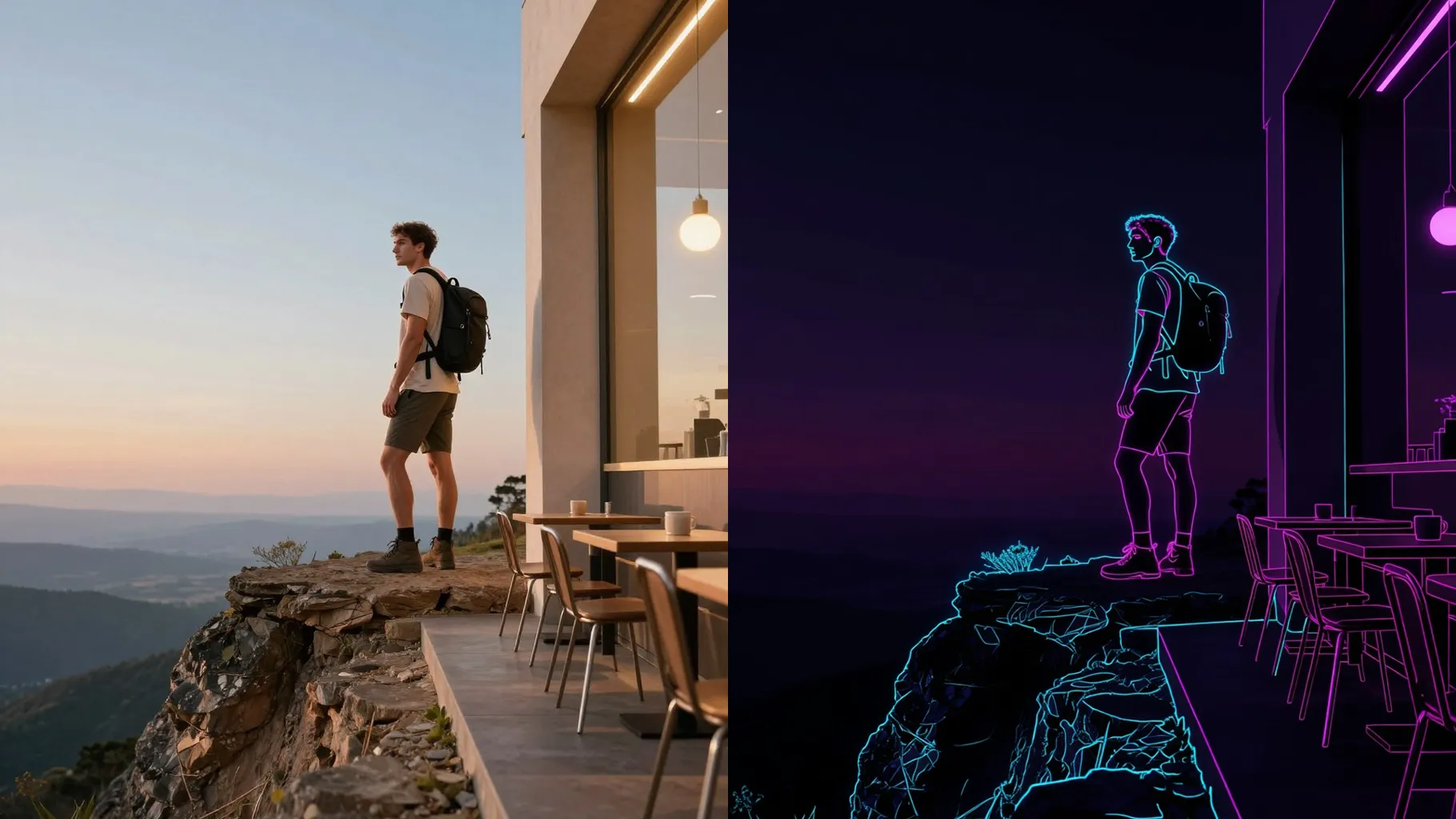
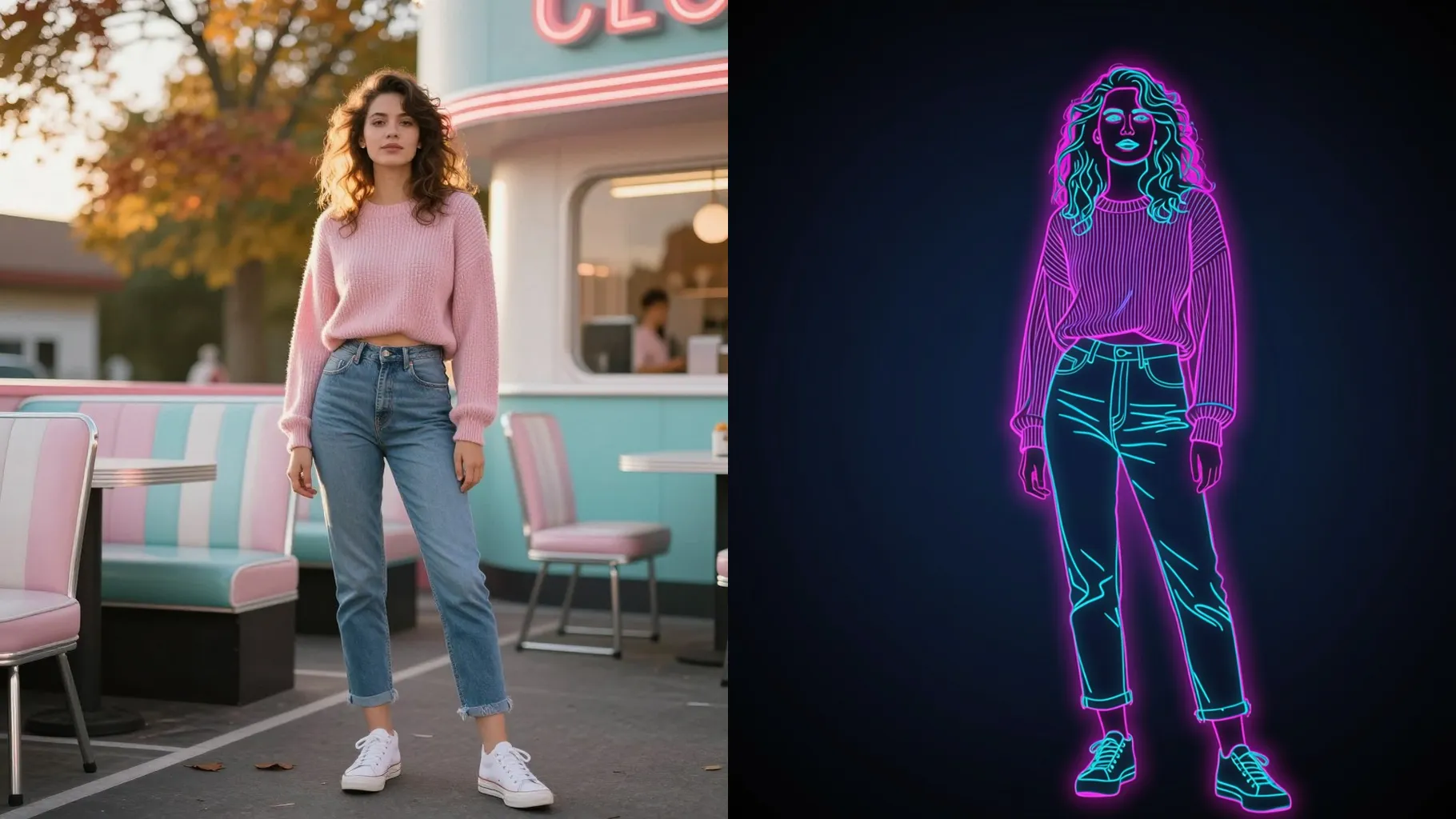
Bright cyan strokes follow your contours without warping proportions, so expressions stay true.
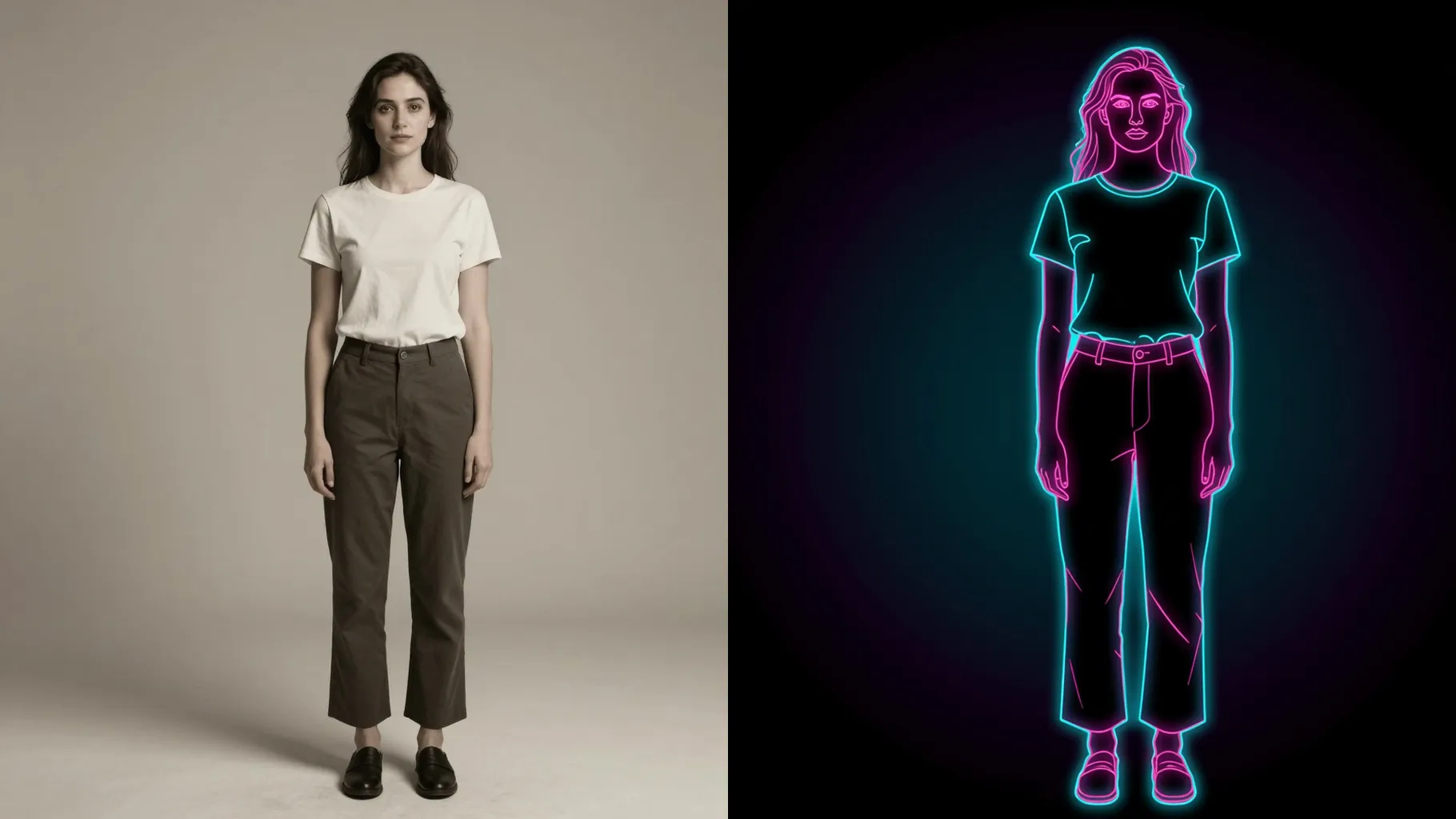
Add a quick cue like “electric purple” or “teal glow” to steer the palette while lines stay sharp.
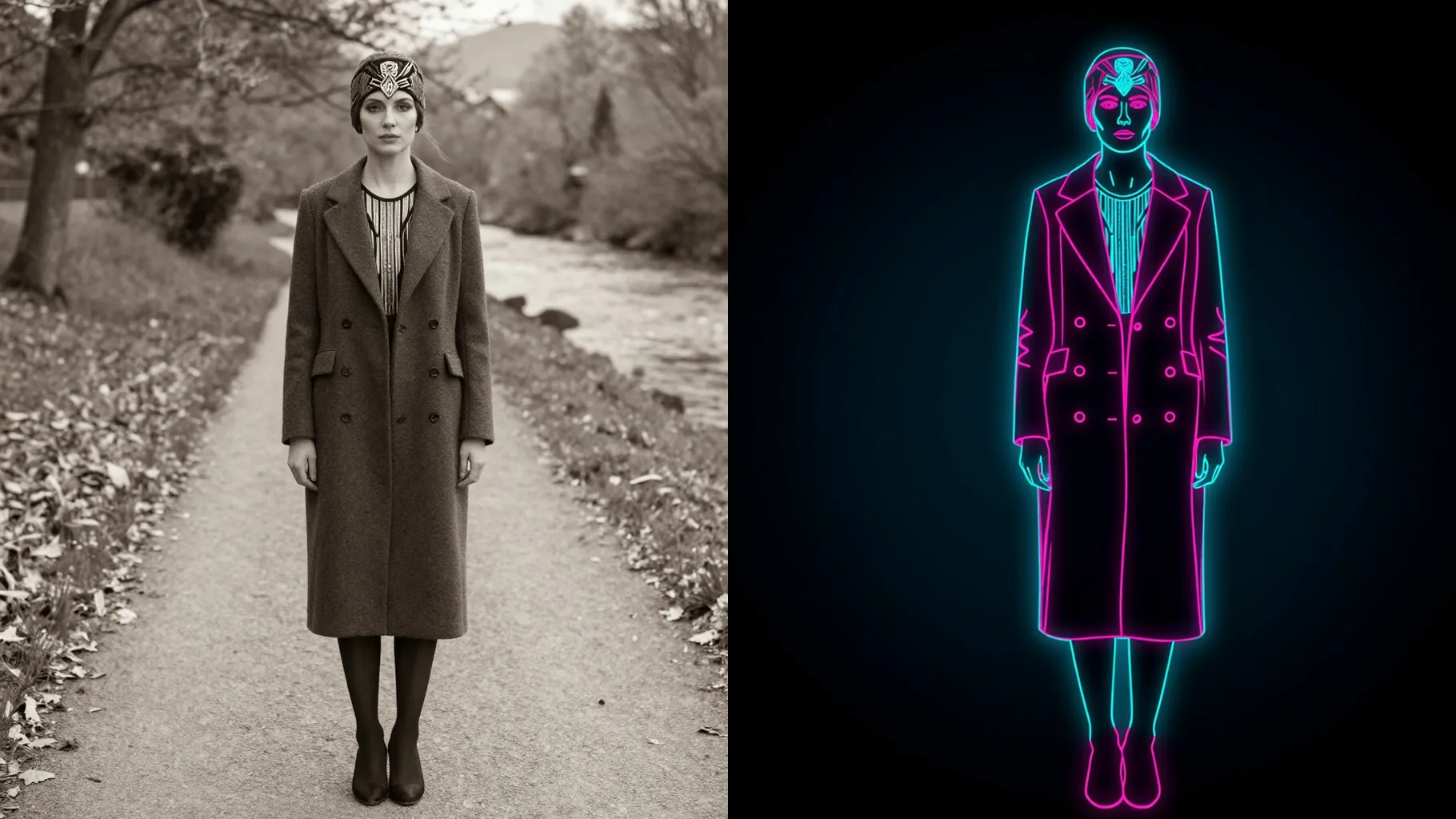
Centered head-and-shoulders photos with clean edges make the neon strokes precise.
Mention colors or mood like “blue and pink glow” or “dark club lighting” to guide the style.
Render the neon outline, rerun if you want new colors, then download your favorite image.
This template supports one image upload at a time for stable outlines and lighting.
Prompts are optional. A short note can steer neon colors, but leaving it blank still works.
Aspect ratio and model switching are off to keep the neon line style consistent.
Front or 3/4 portraits with clear lighting help the model draw clean edges and glows.
Use JPG, PNG, or WebP under 10MB for fast uploads and crisp line detail.
It is image-to-image. Upload one photo and the AI converts it to neon line art.

Upload one photo, add a quick neon cue, and download glowing outline art instantly.