
1. How many photos per run?
Upload one portrait at a time to keep the short-hair masking accurate.
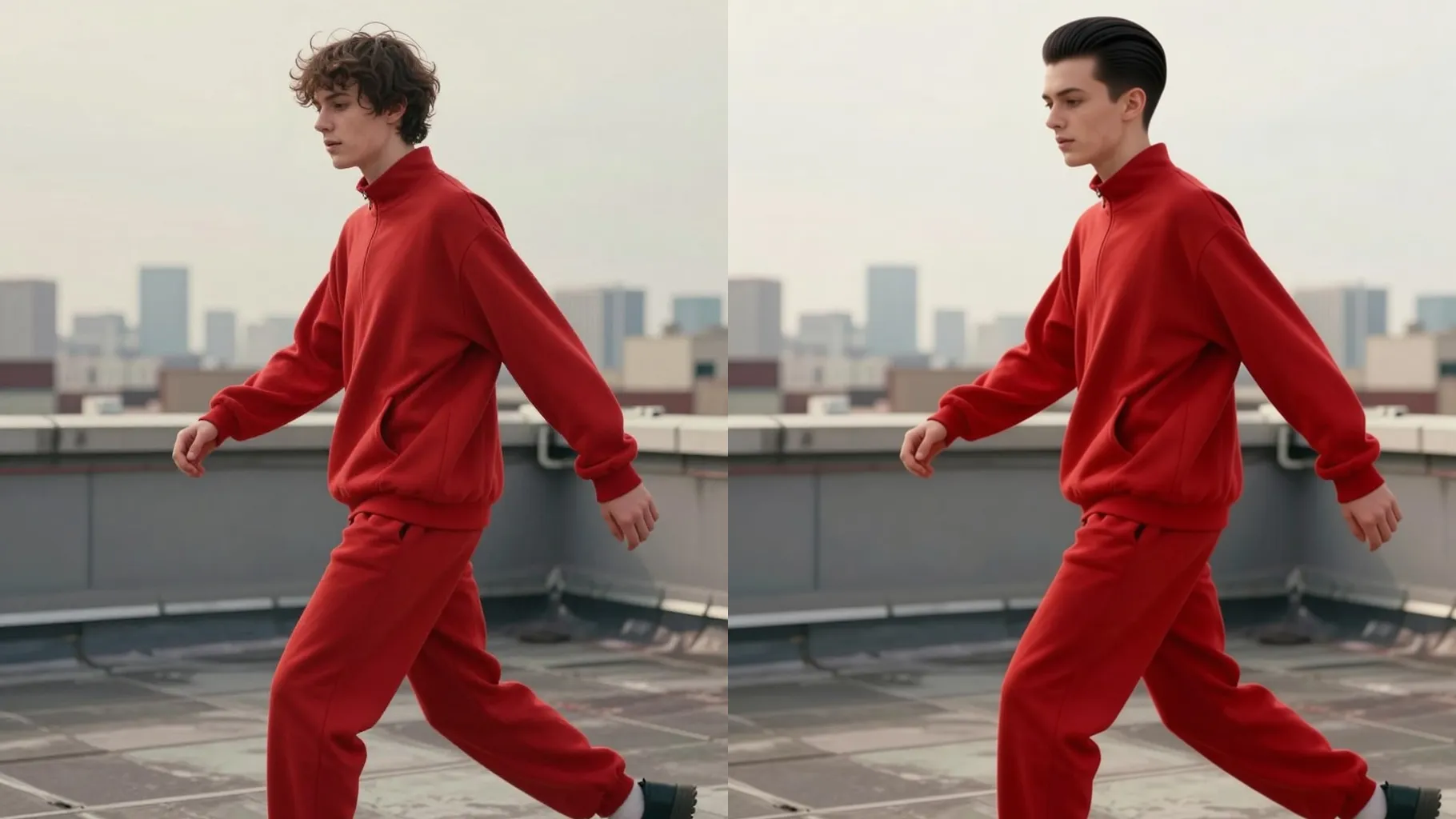
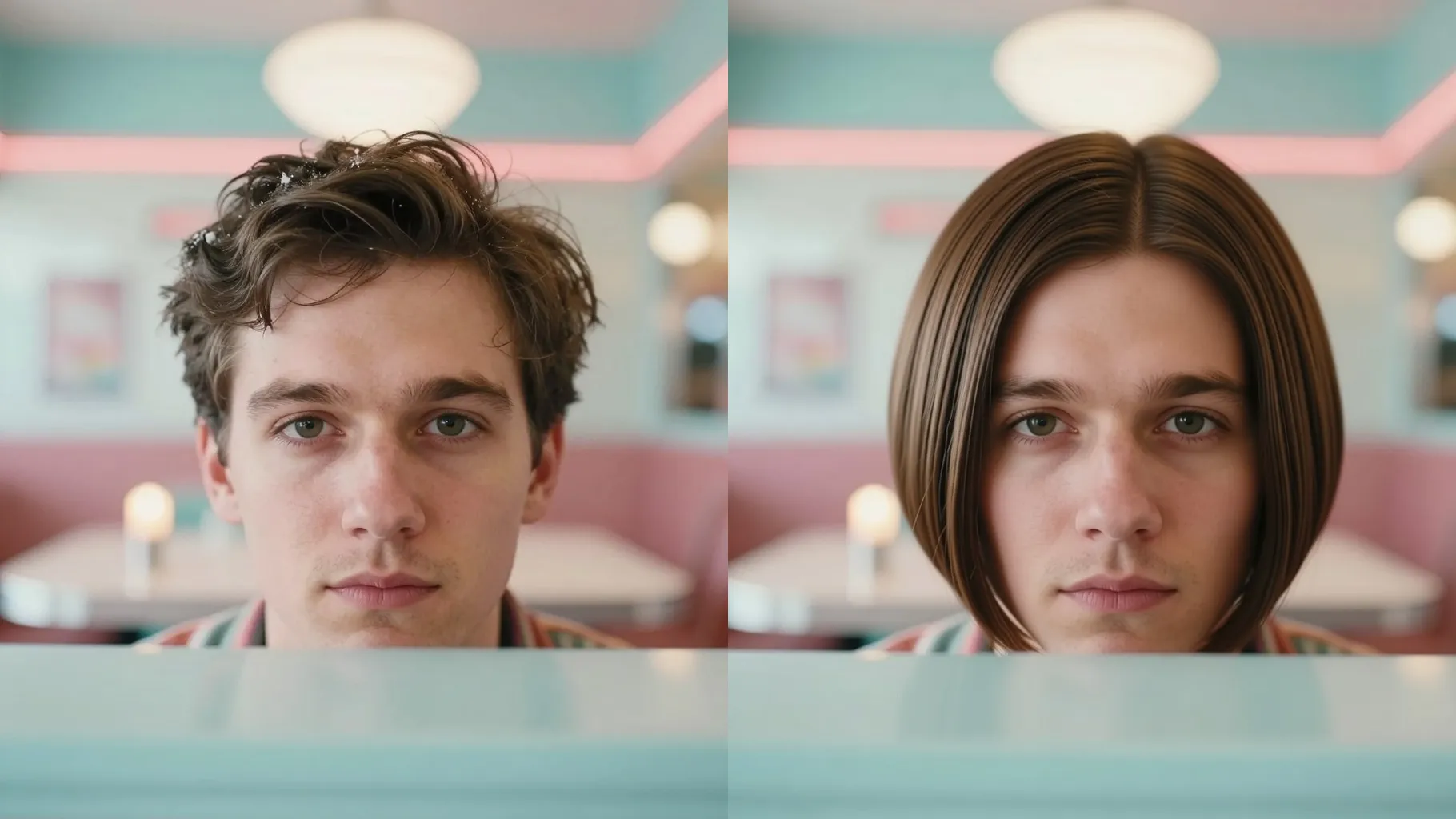
Trim your look to a bob or pixie from one portrait while keeping your real face intact.
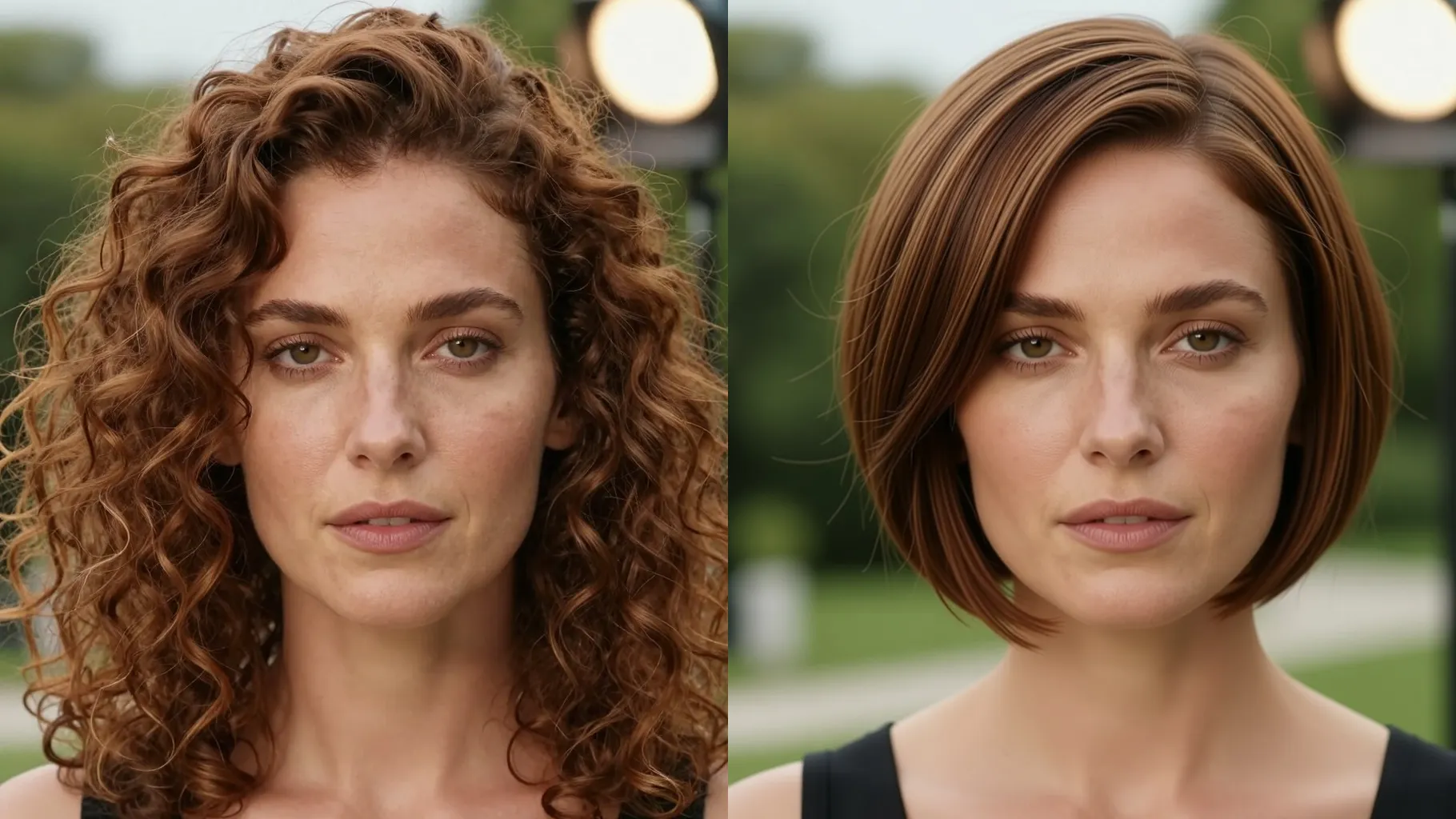
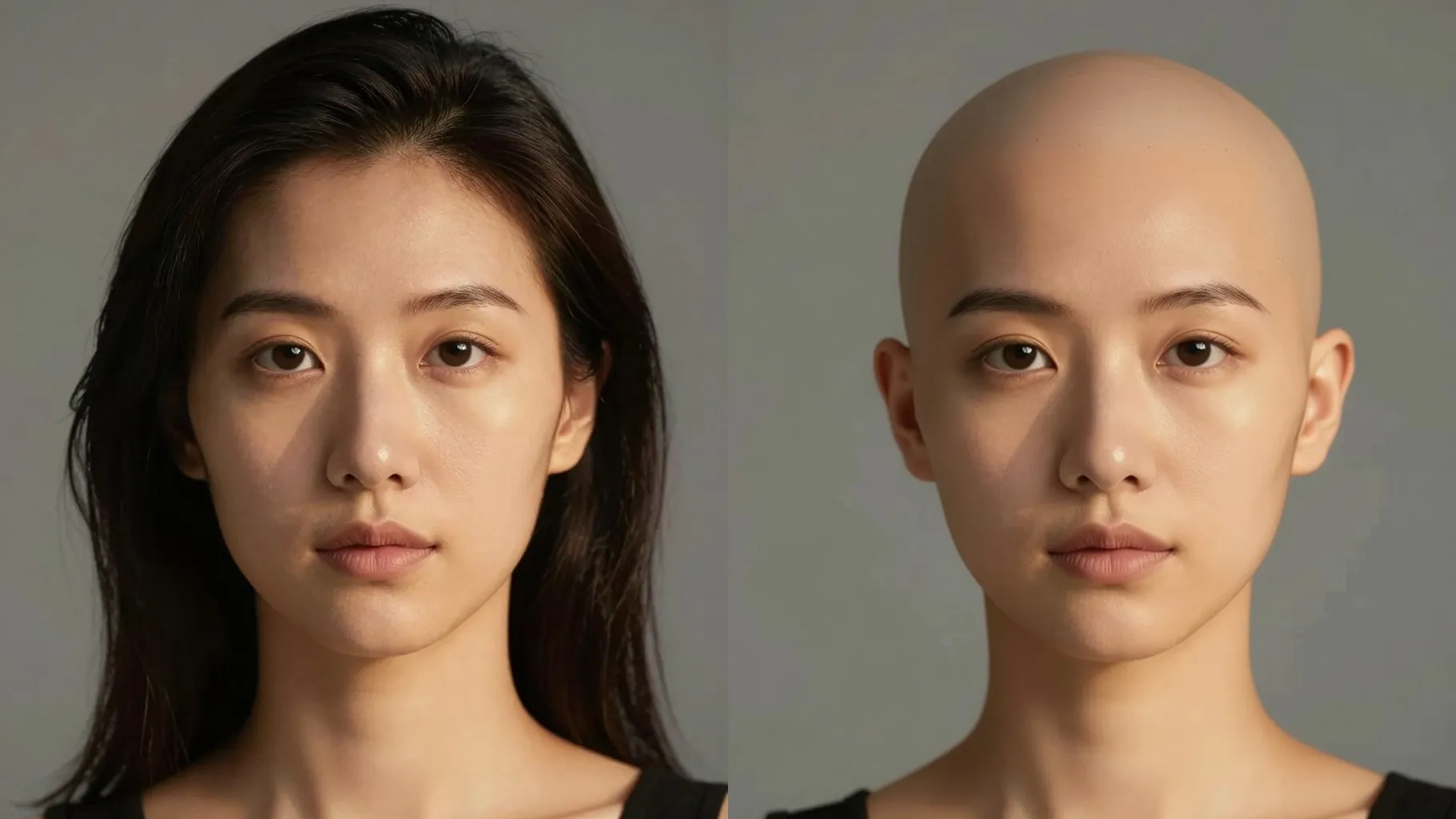
Upload one portrait to see a chin-length or pixie crop while keeping your real face shape and skin tone.
Examples show the target style. Your result depends on the chosen model and reference photo.
Upload one portrait to preview chin-length, bob, or pixie cuts while keeping your facial features realistic.
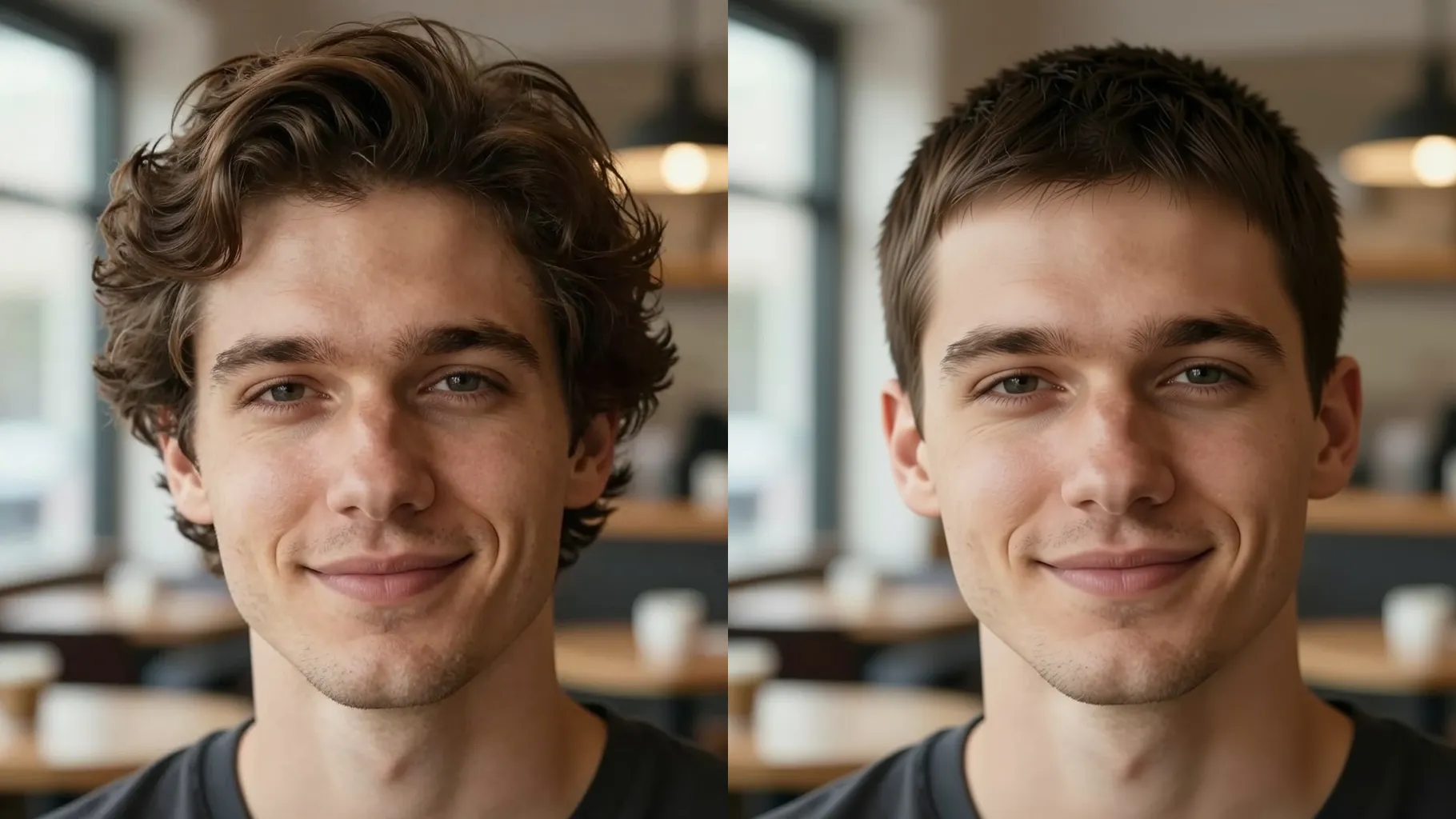
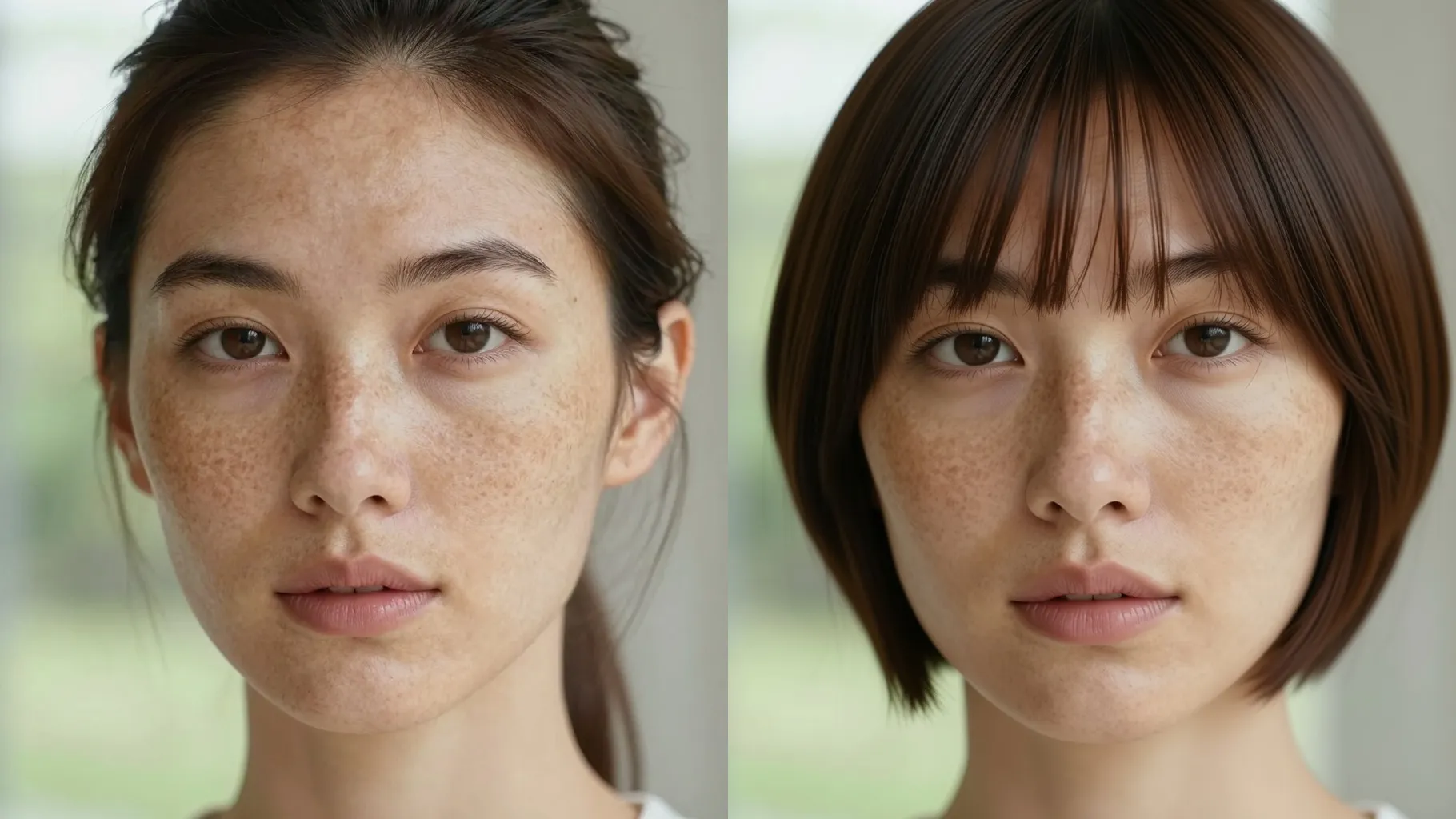
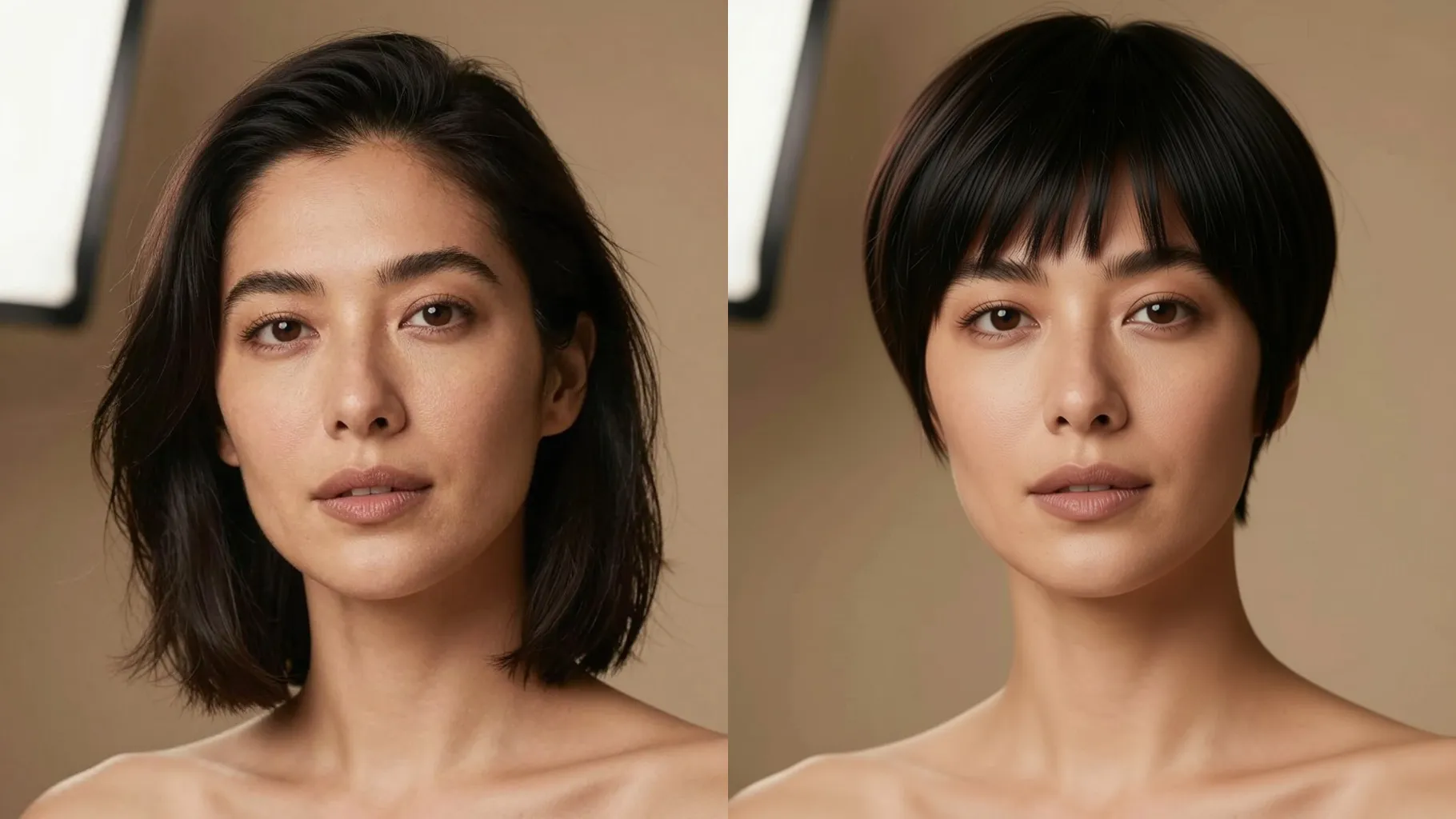
Shortens hair while preserving face shape, brows, and skin tone so the preview looks like you.
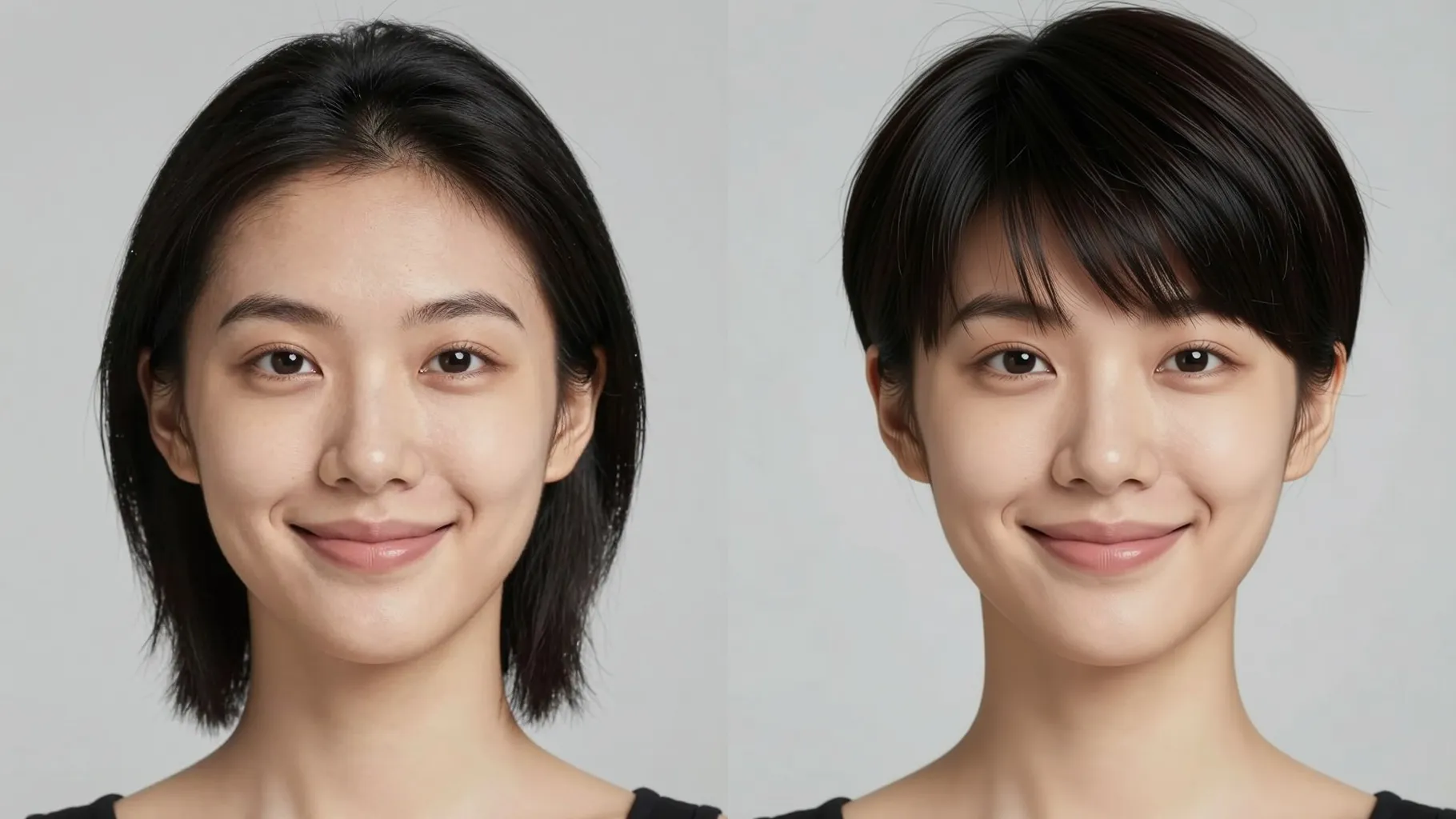
Try bob, pixie, or cropped layers with textured strands and natural lighting—no scissors needed.
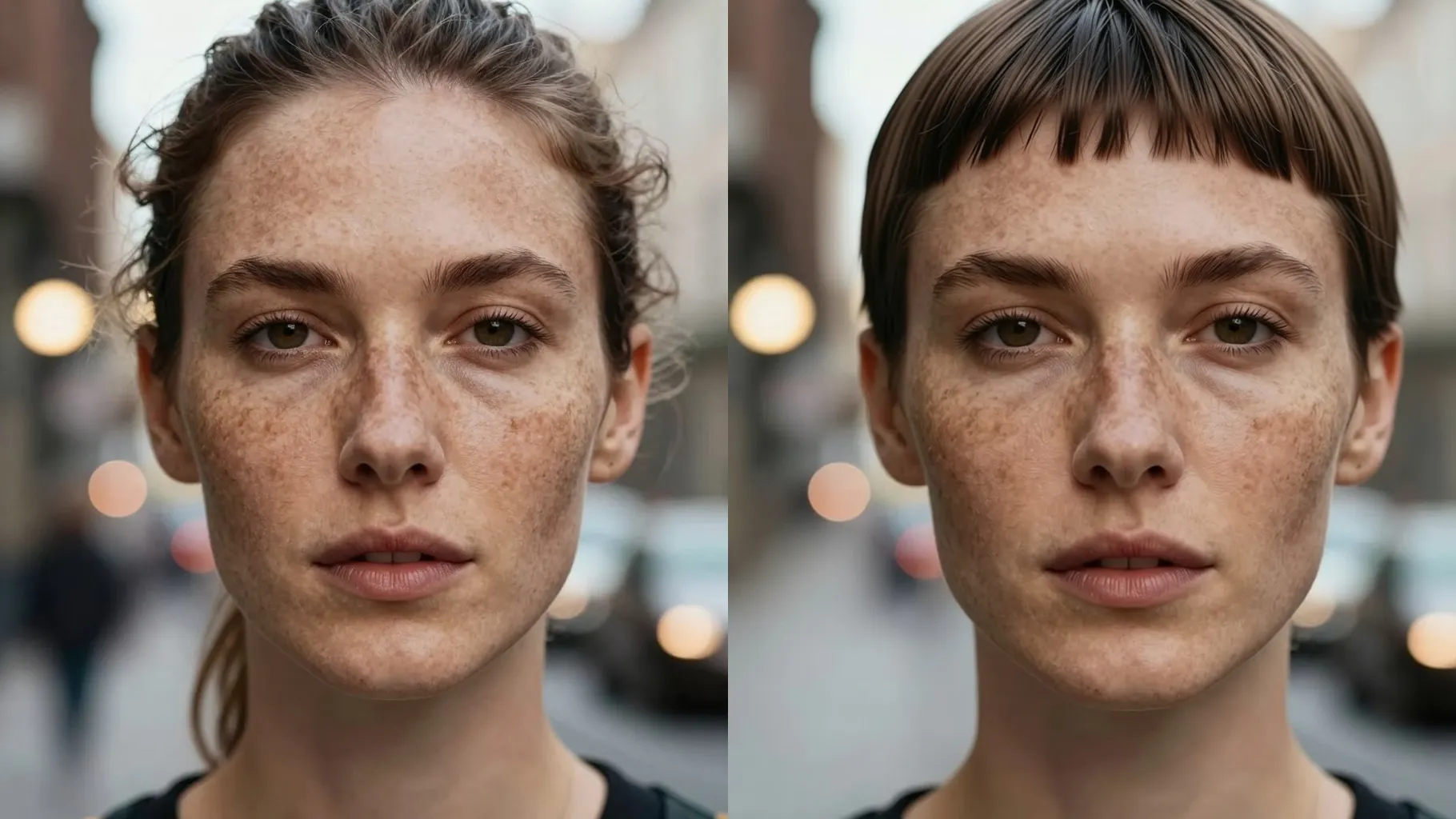
Use a front or 3/4 headshot without hats or heavy filters so hair edges are clear.
Mention pixie, jaw-length bob, undercut fade, bangs, and the vibe or texture you want.
Run the filter, rerun for variations, and save the short hair preview you like.
Upload one portrait at a time to keep the short-hair masking accurate.
No. This short hair filter is image-to-image and needs one uploaded headshot.
It focuses on trimming hair length and texture while keeping facial features, brows, and makeup intact.
Add style cues like pixie cut, jaw-length bob, tapered sides, matte or glossy finish, and lighting mood.
Aspect ratio and model are fixed to keep portrait quality consistent for short hair previews.

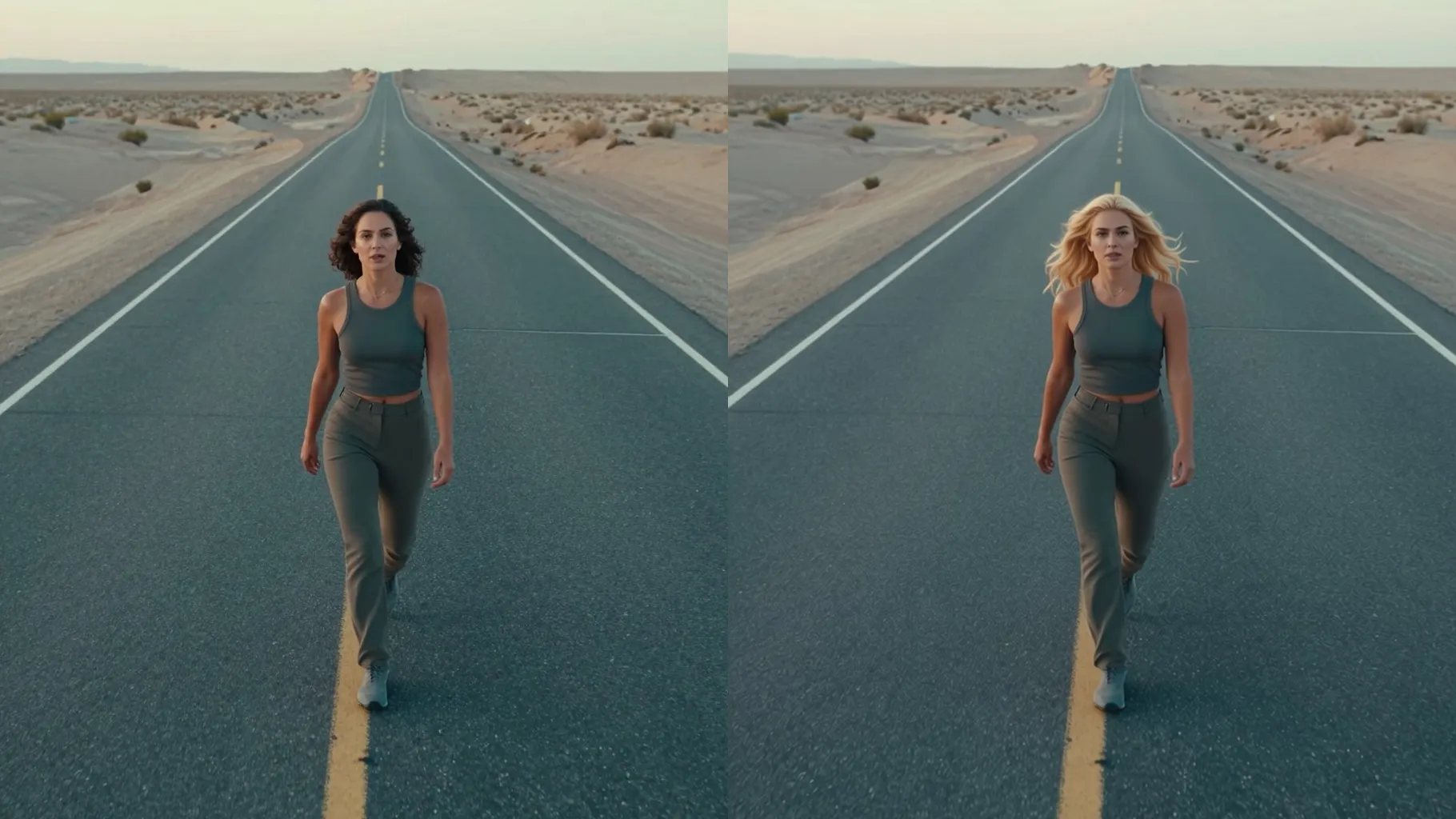
Upload one photo, describe the cut you want, and download a realistic short hair preview instantly.