
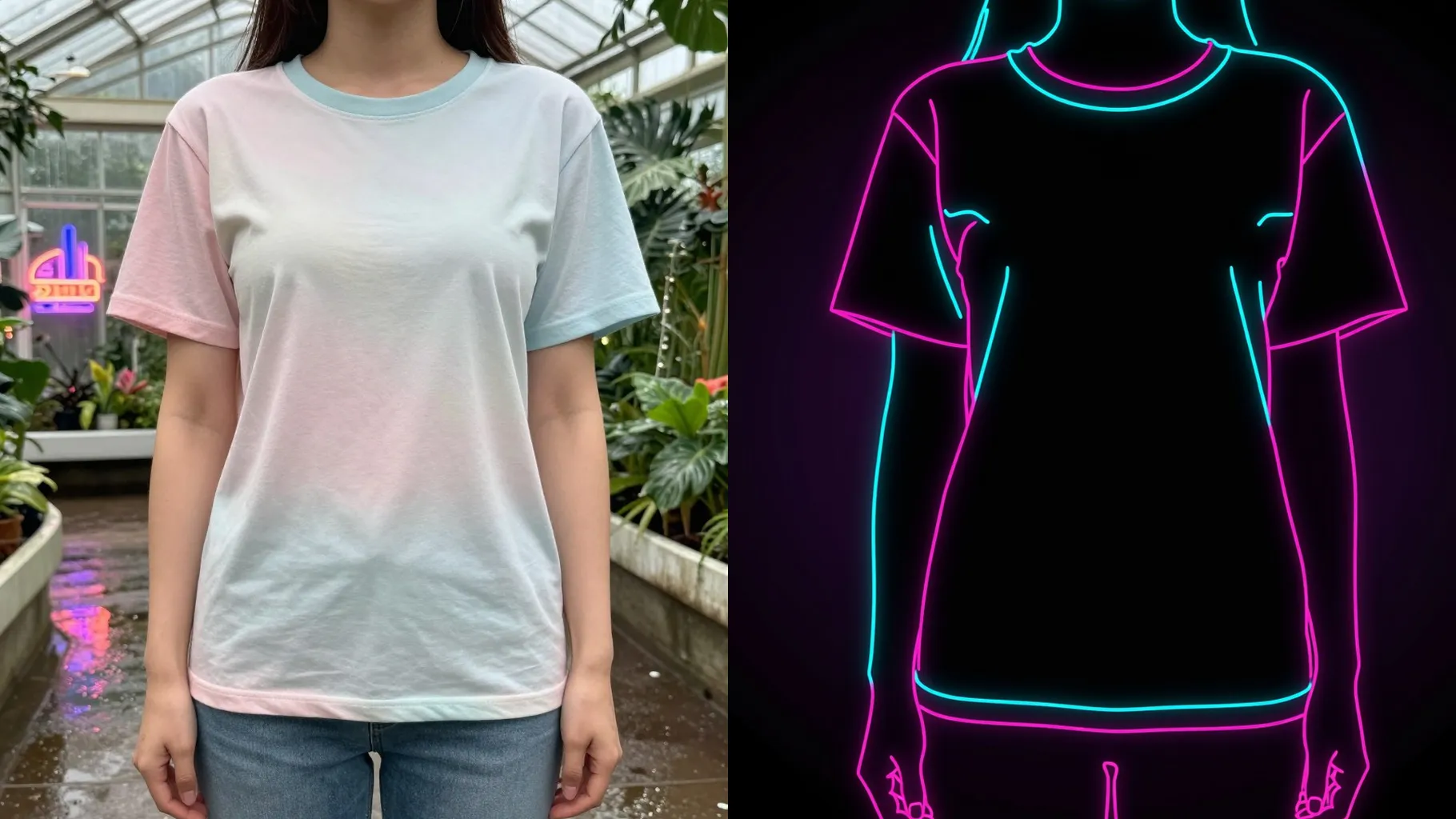
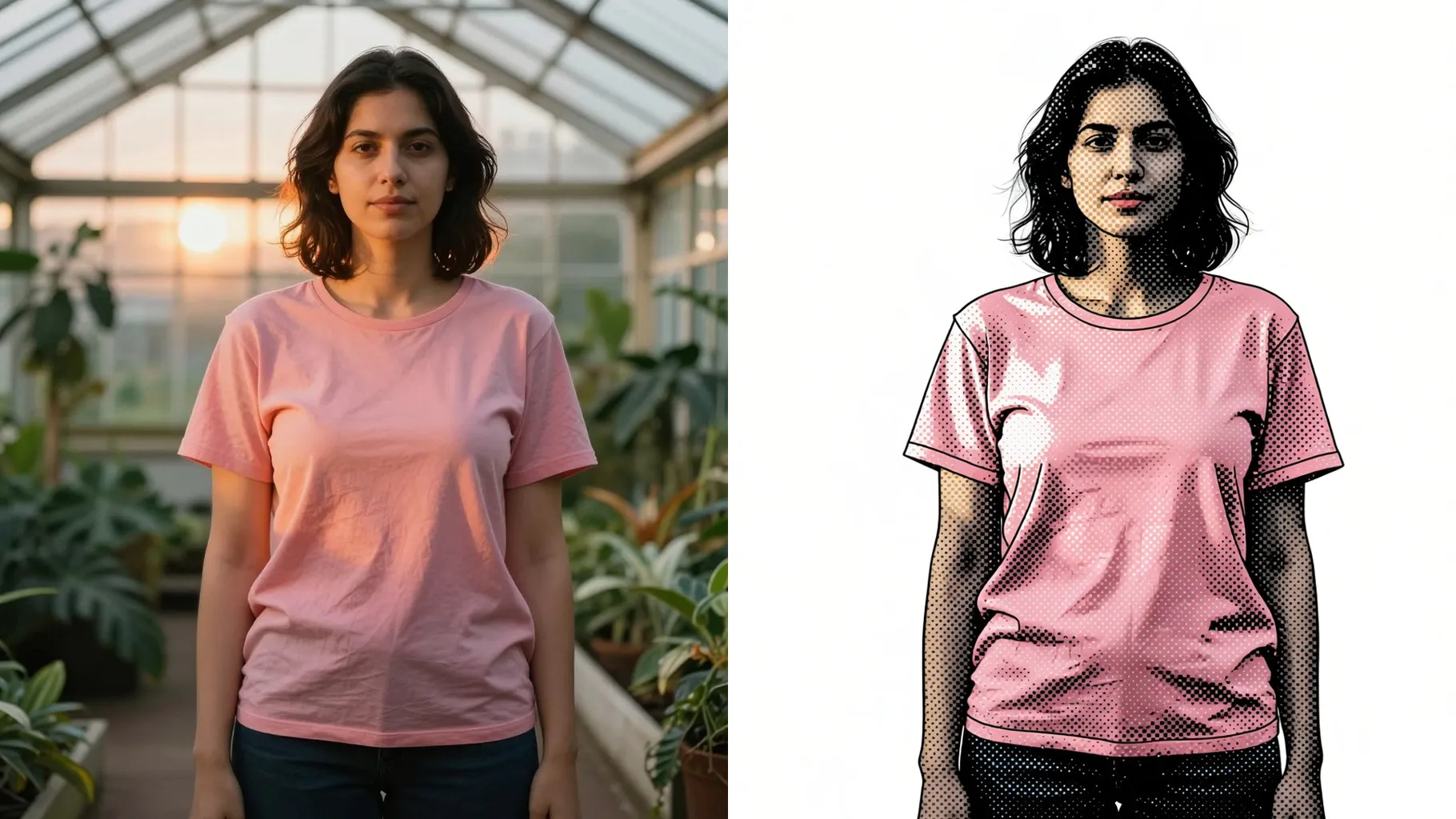
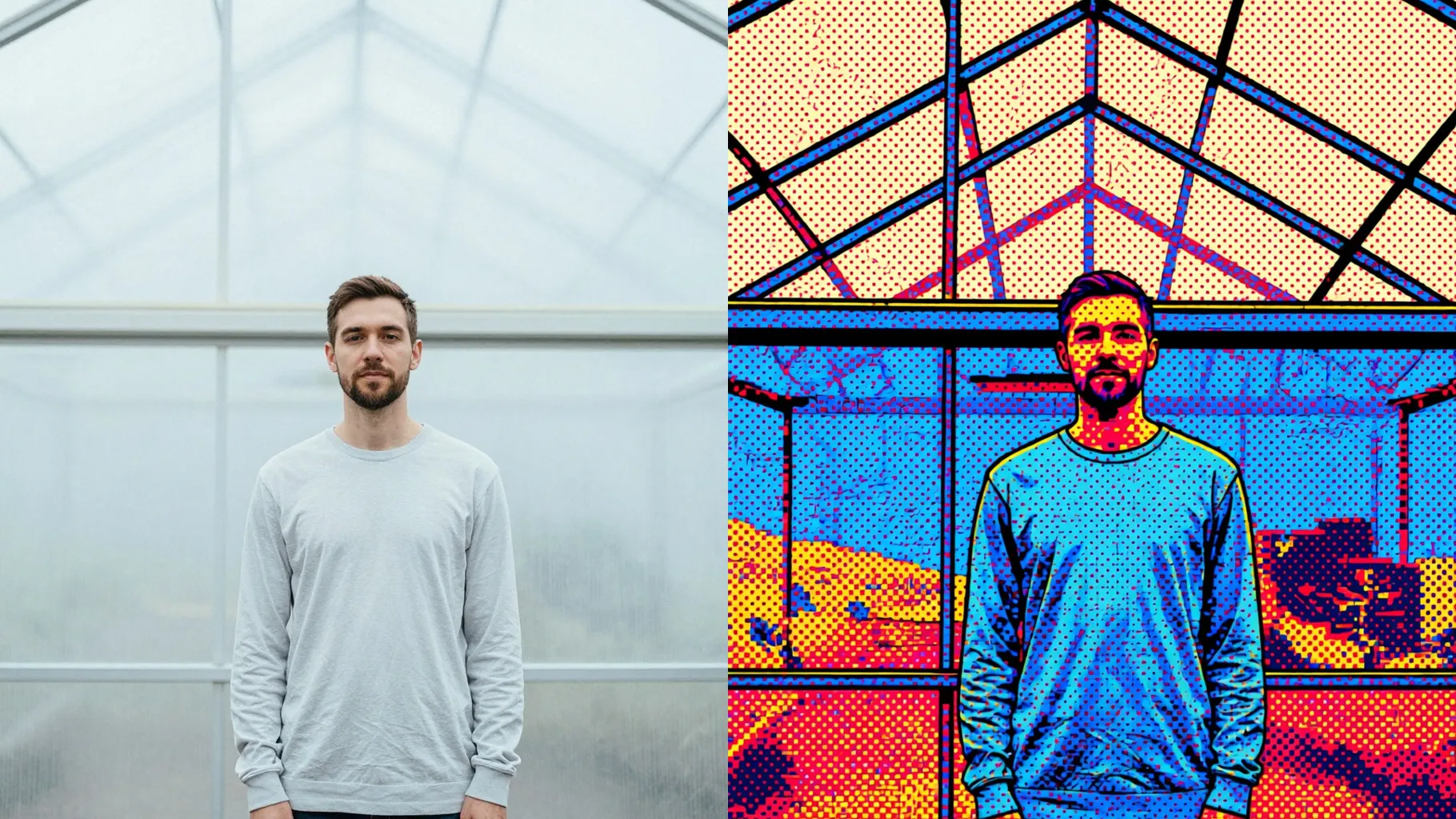
1. How many photos can I upload per render?
This template supports one image upload at a time for stable outlines and expressions.
Upload one photo to turn faces into simple line art emoji stickers with clean outlines.
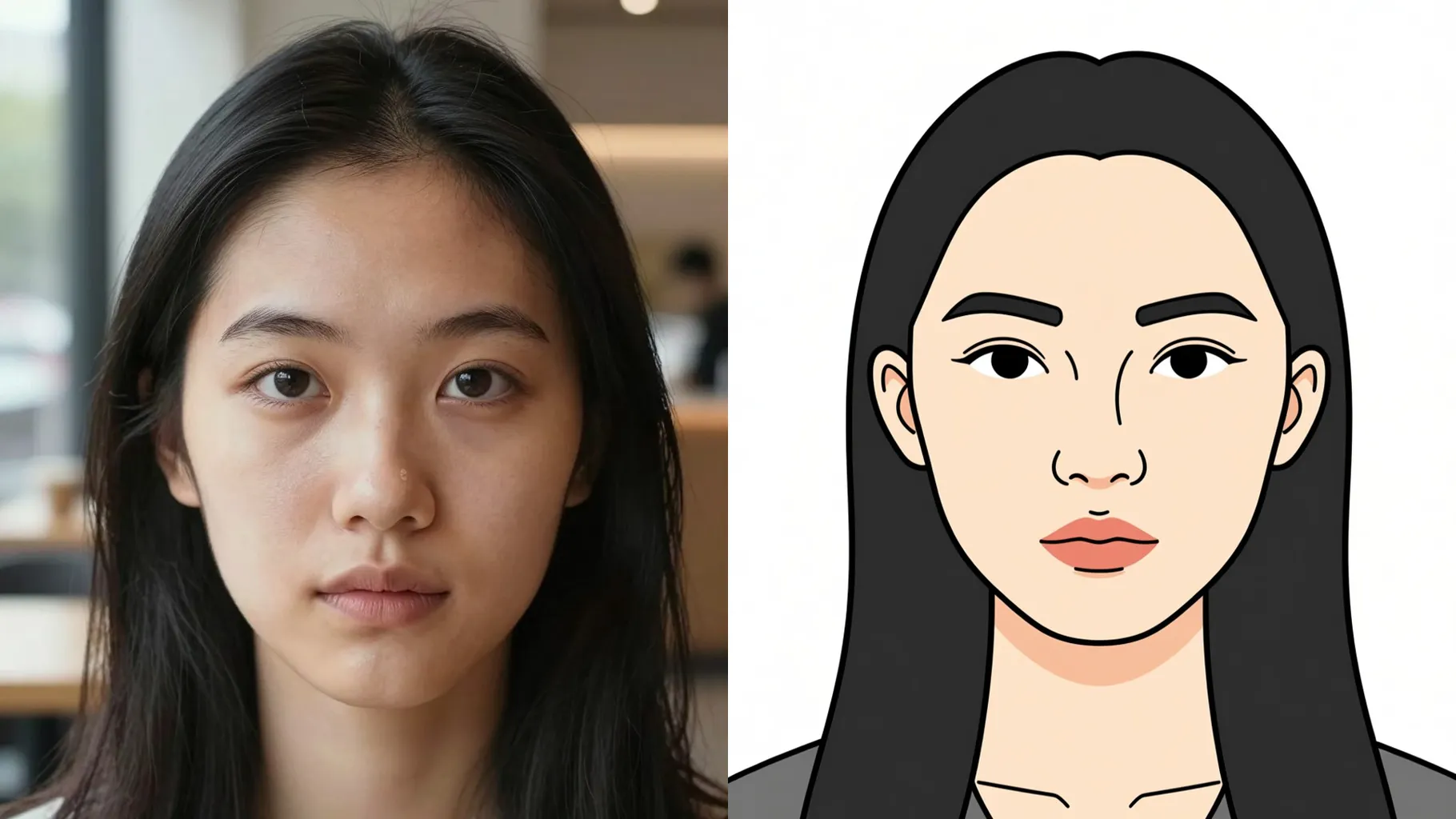
Turns your selfie into simple black-line emoji art while keeping the head shape and expression from the upload.
Examples show the target style. Your result depends on the chosen model and reference photo.
Generation time depends on the model, image size, and queue. Check the task status on this page.
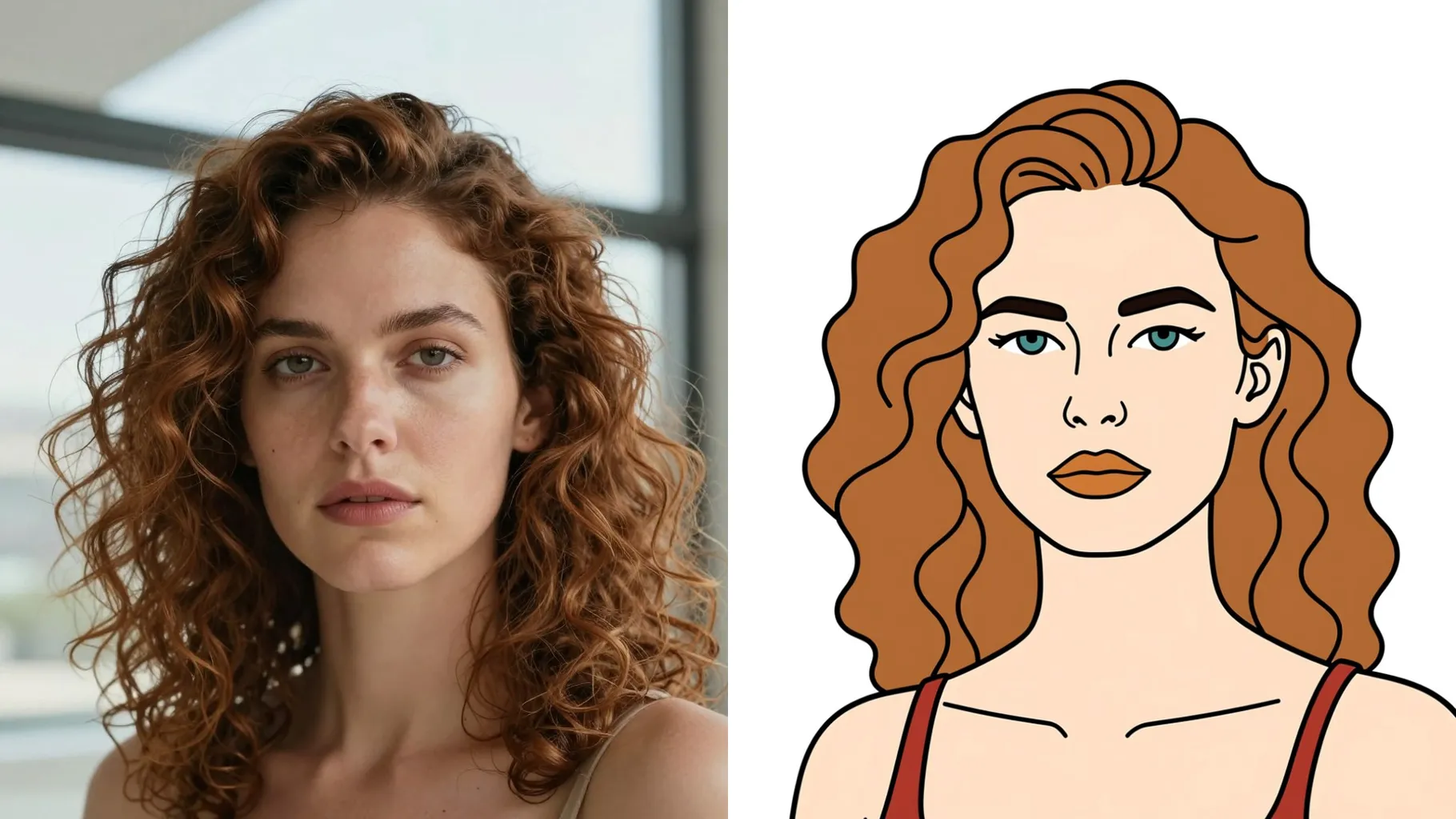
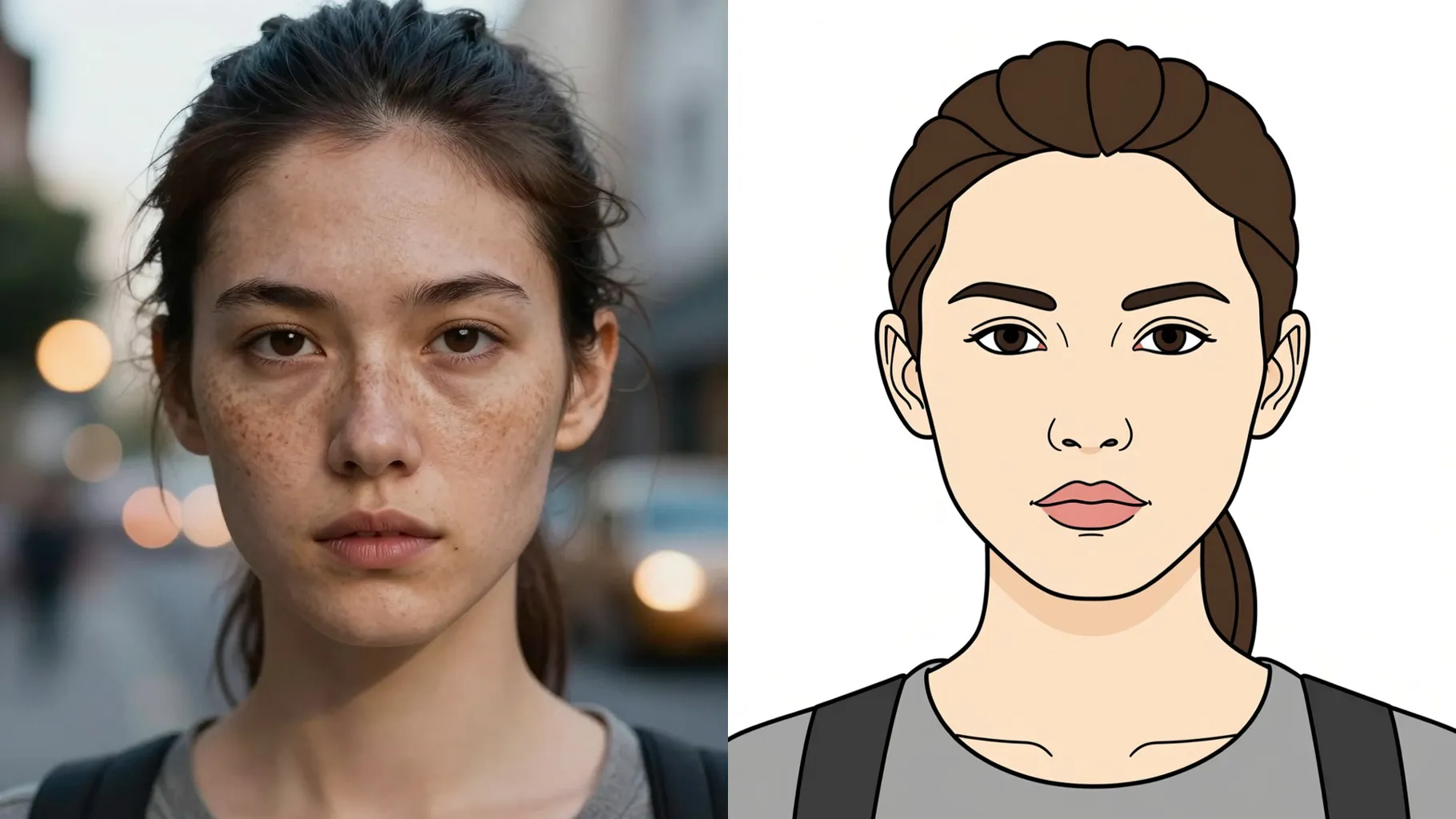
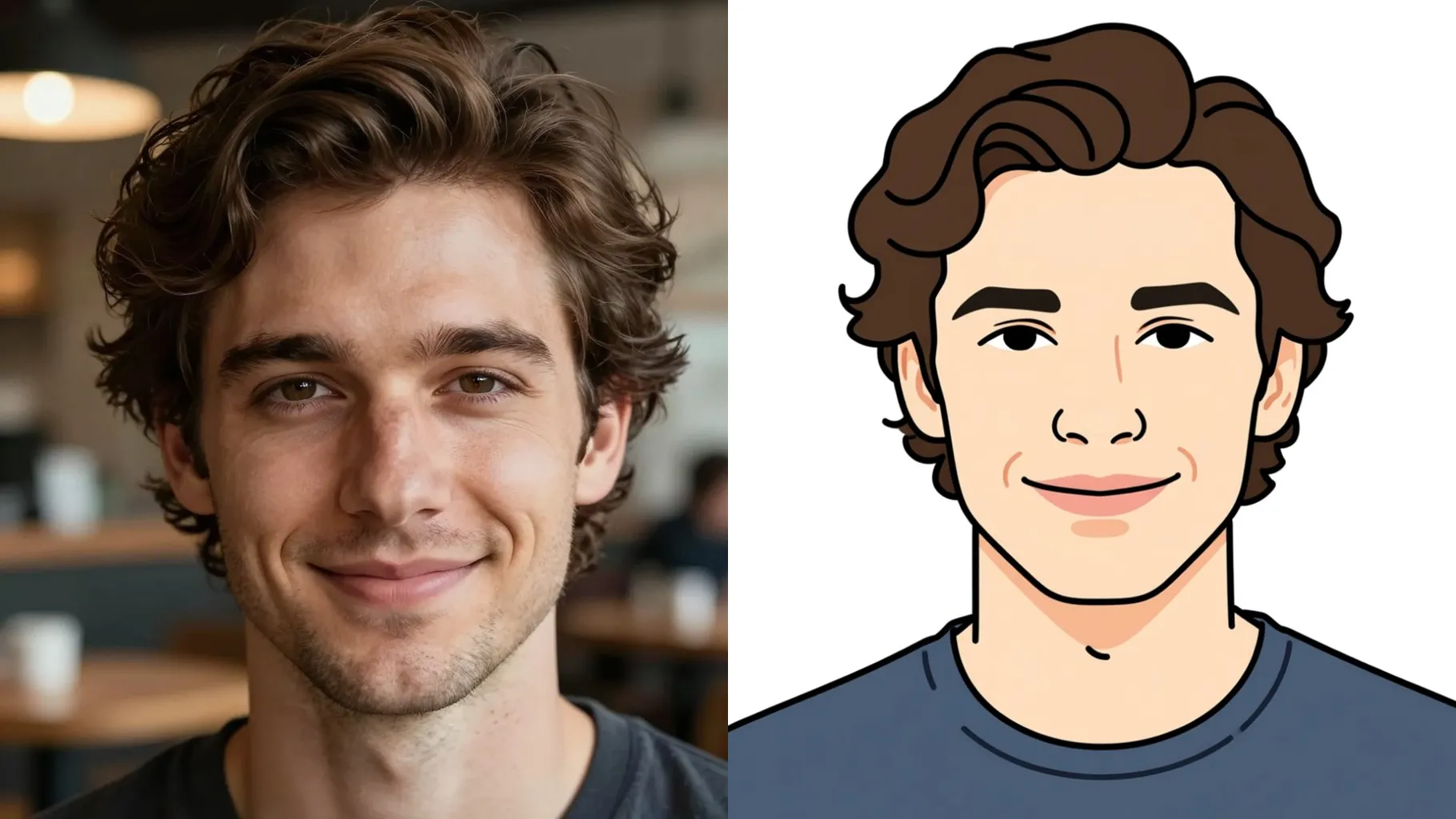
Facial features stay recognizable as the model traces smooth outlines and removes busy backgrounds.
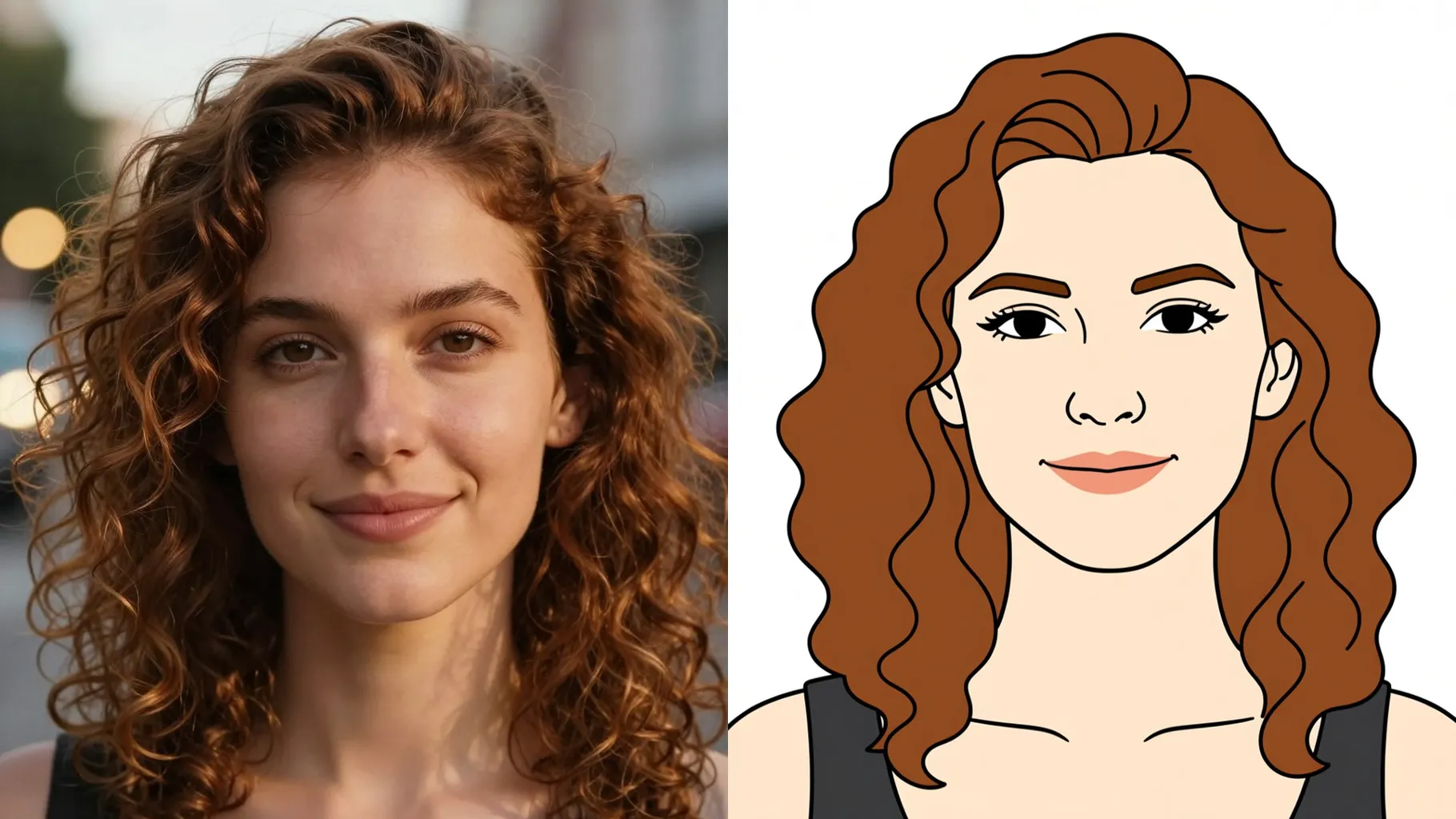
Add a cue like "wink emoji" or "soft blush" to steer expressions and colors while the lines stay clean.
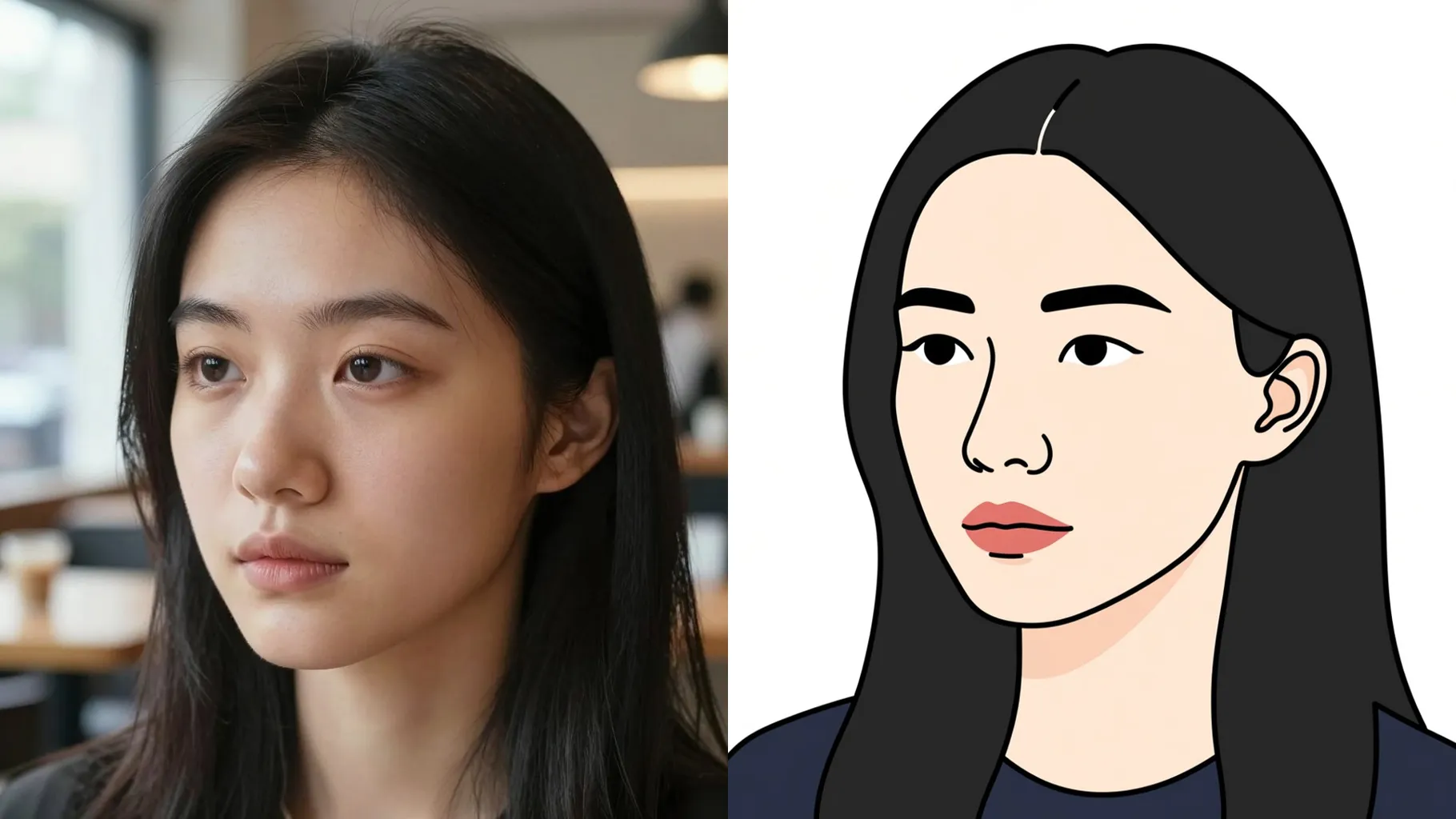
Centered selfies with visible outlines help the model trace smooth strokes and keep proportions.
Mention mood or colors like "happy pastel" or "bold black lines" to nudge the emoji style.
Render the line art emoji, rerun for variations, then save the version you like.
This template supports one image upload at a time for stable outlines and expressions.
Prompts are optional. Leaving it blank still works; a short cue just steers colors or expressions.
Ratio and model switching are disabled to keep the line art emoji style consistent.
It is image-to-image. Upload one photo and the AI converts it into line art emoji.
Front or 3/4 portraits with clear edges and minimal clutter give the cleanest emoji outlines.
Use JPG, PNG, or WebP under 10MB for fast uploads and crisp line detail.

Upload one photo, add a short cue, and download crisp emoji-style stickers instantly.