
1. How many photos per run?
Upload one portrait each time to keep hair masking accurate around your face.
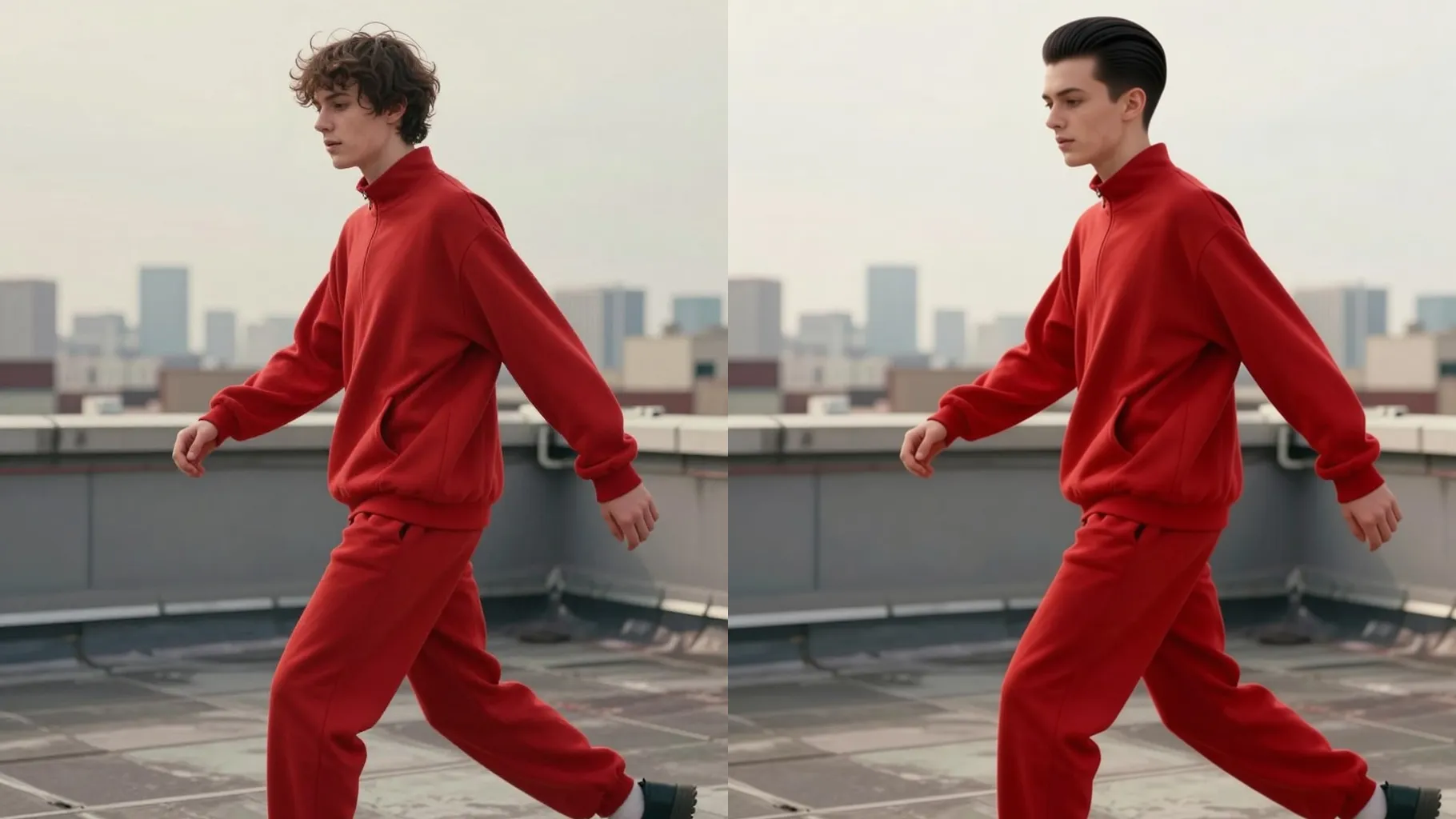
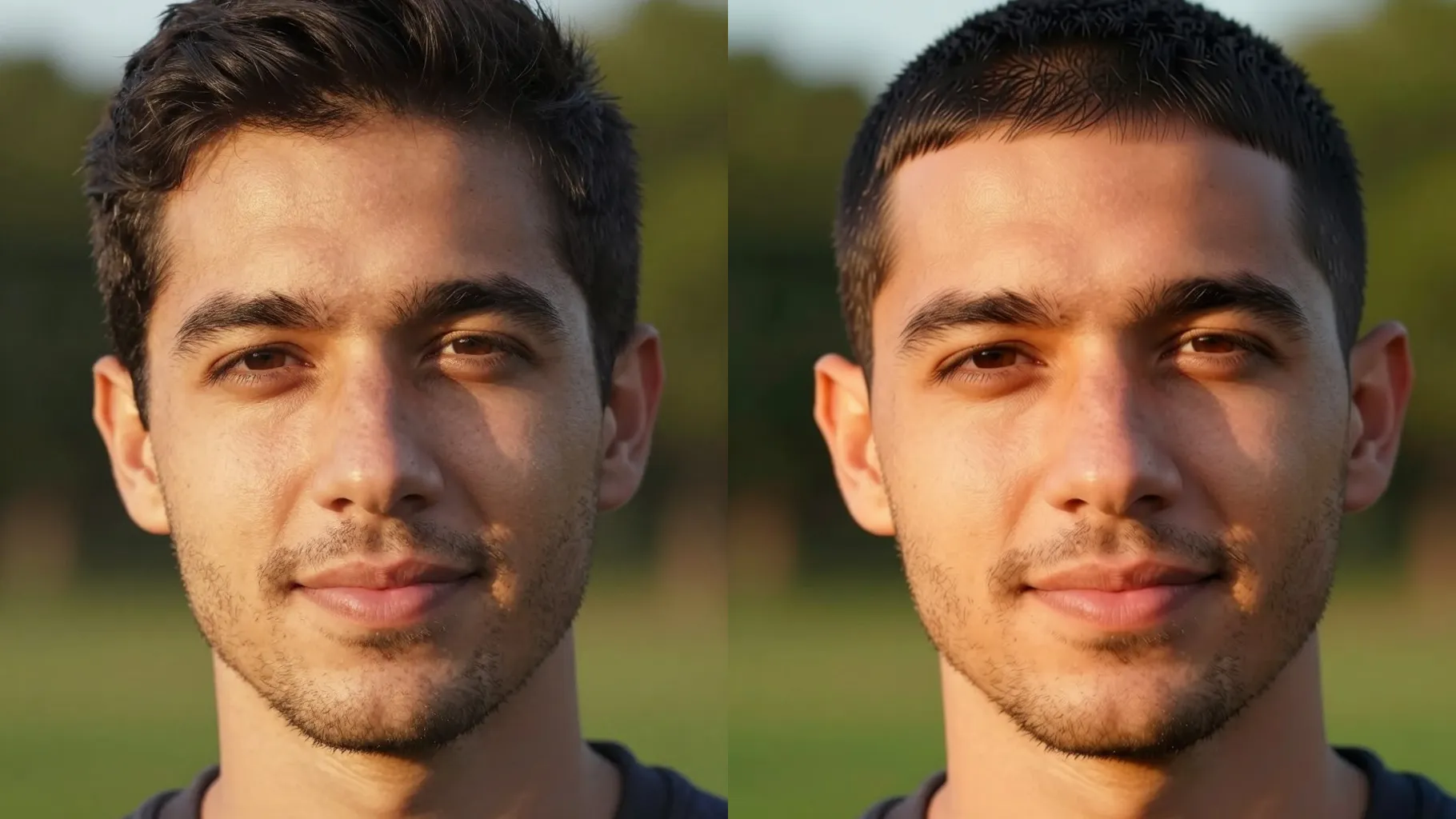
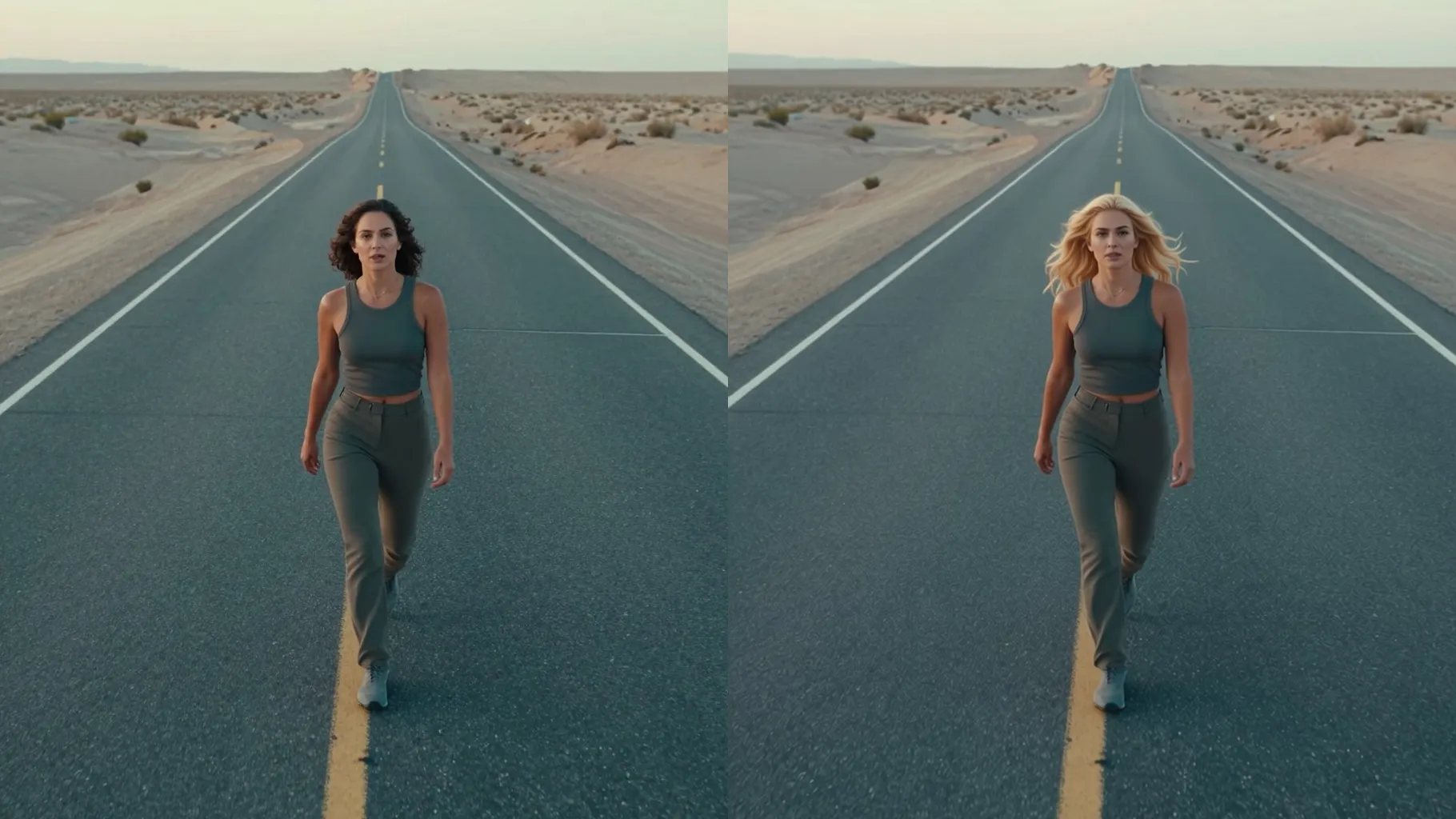
Smooth frizz and preview sleek straight hair from one portrait without changing your face.
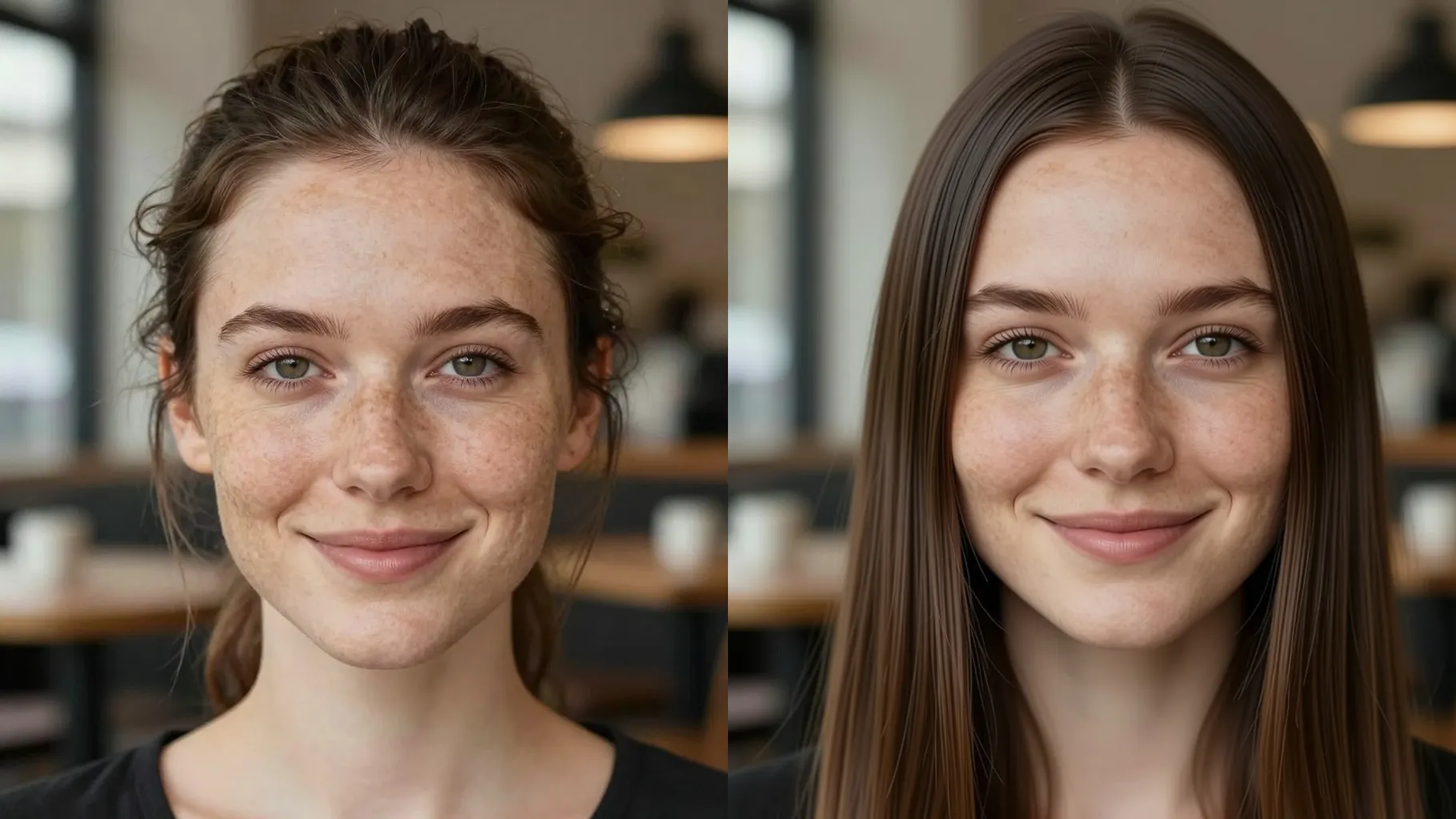
Upload one portrait to smooth waves or frizz into sleek straight hair while keeping your face shape and skin tone realistic.
Examples show the target style. Your result depends on the chosen model and reference photo.
Upload one portrait to preview sleek, straight hair with frizz-free shine while keeping your real face, skin tone, and background intact.
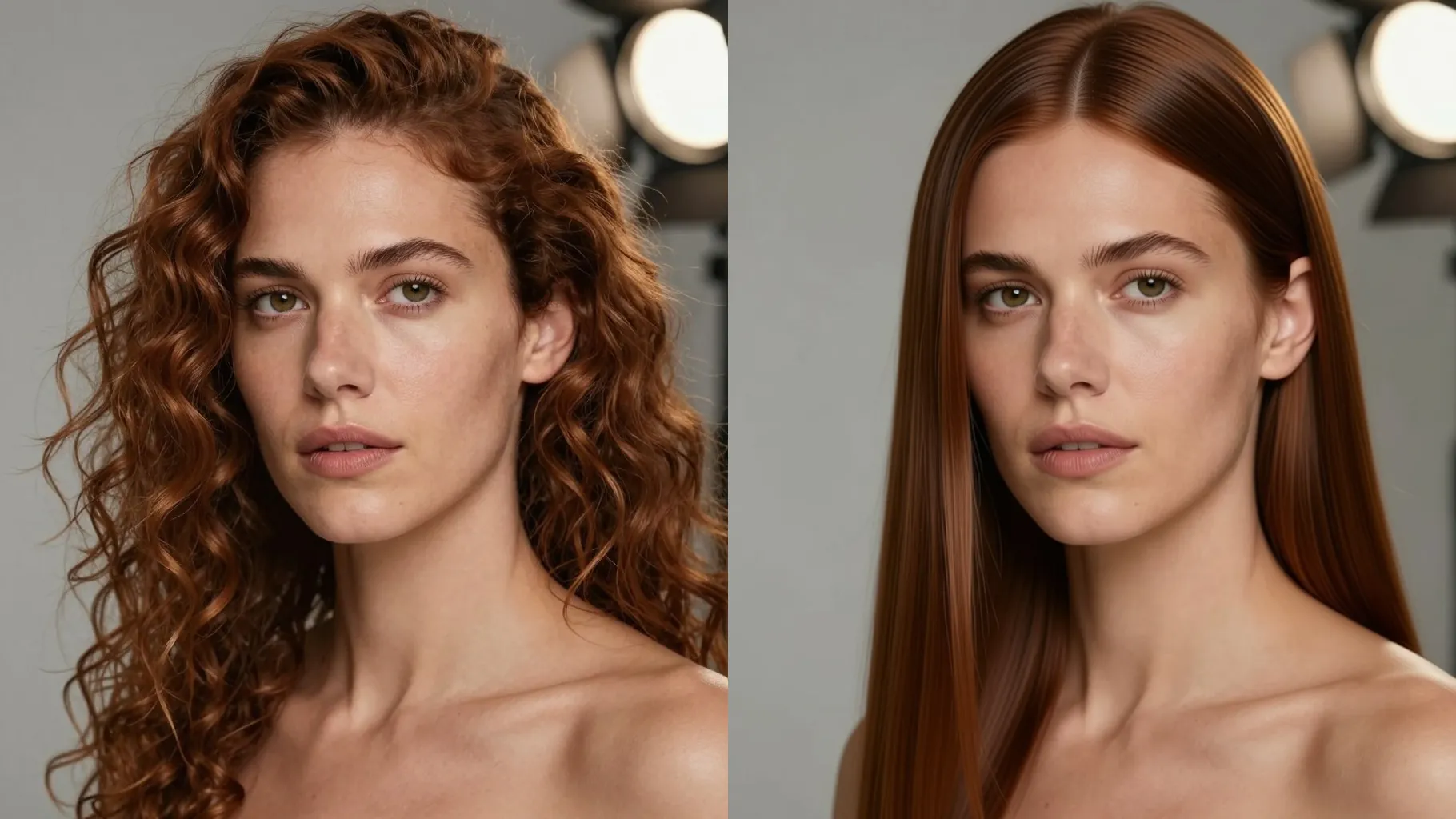
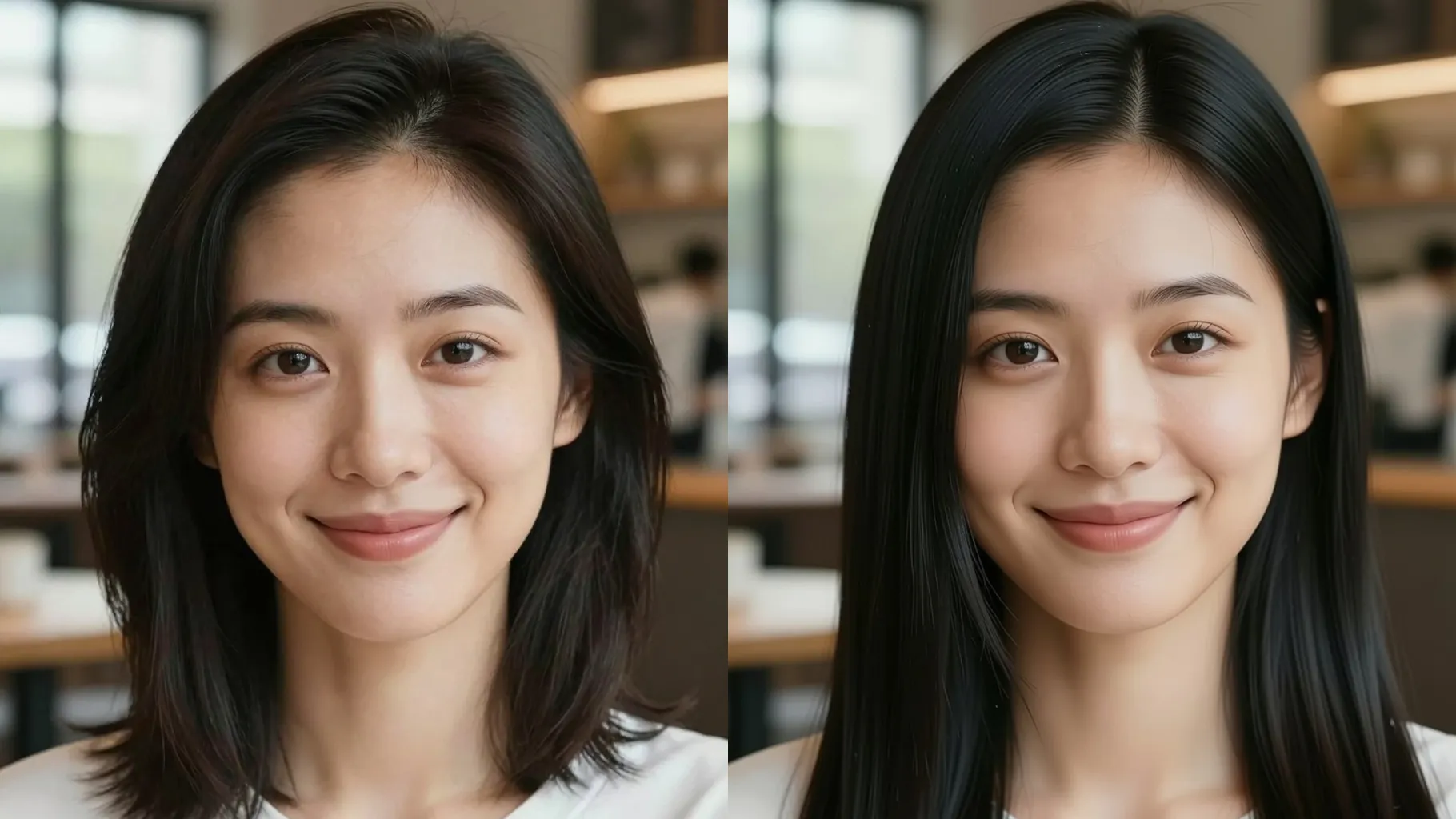
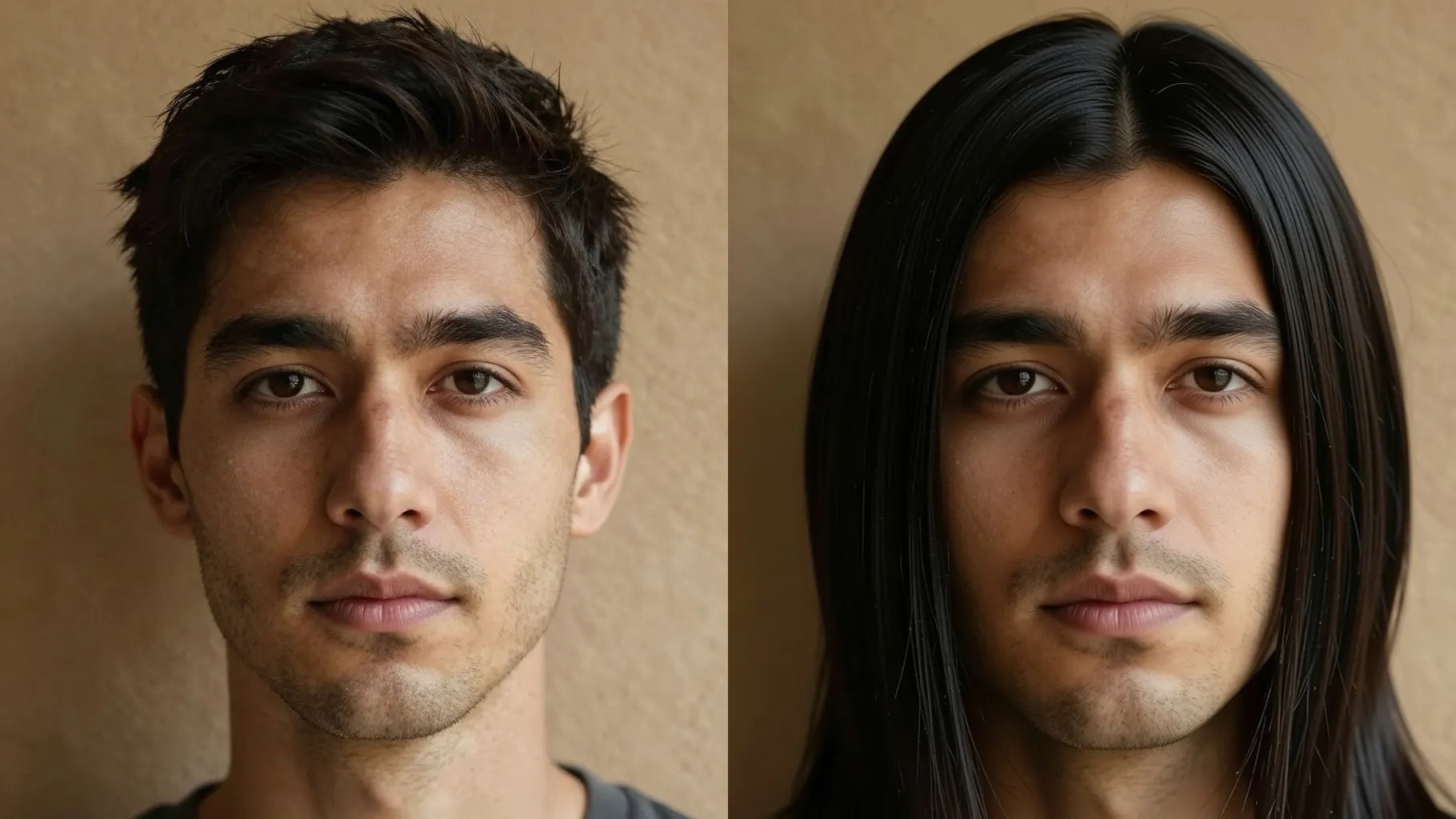
The model masks your hair, tames flyaways, and adds soft shine without altering facial features, brows, or complexion.
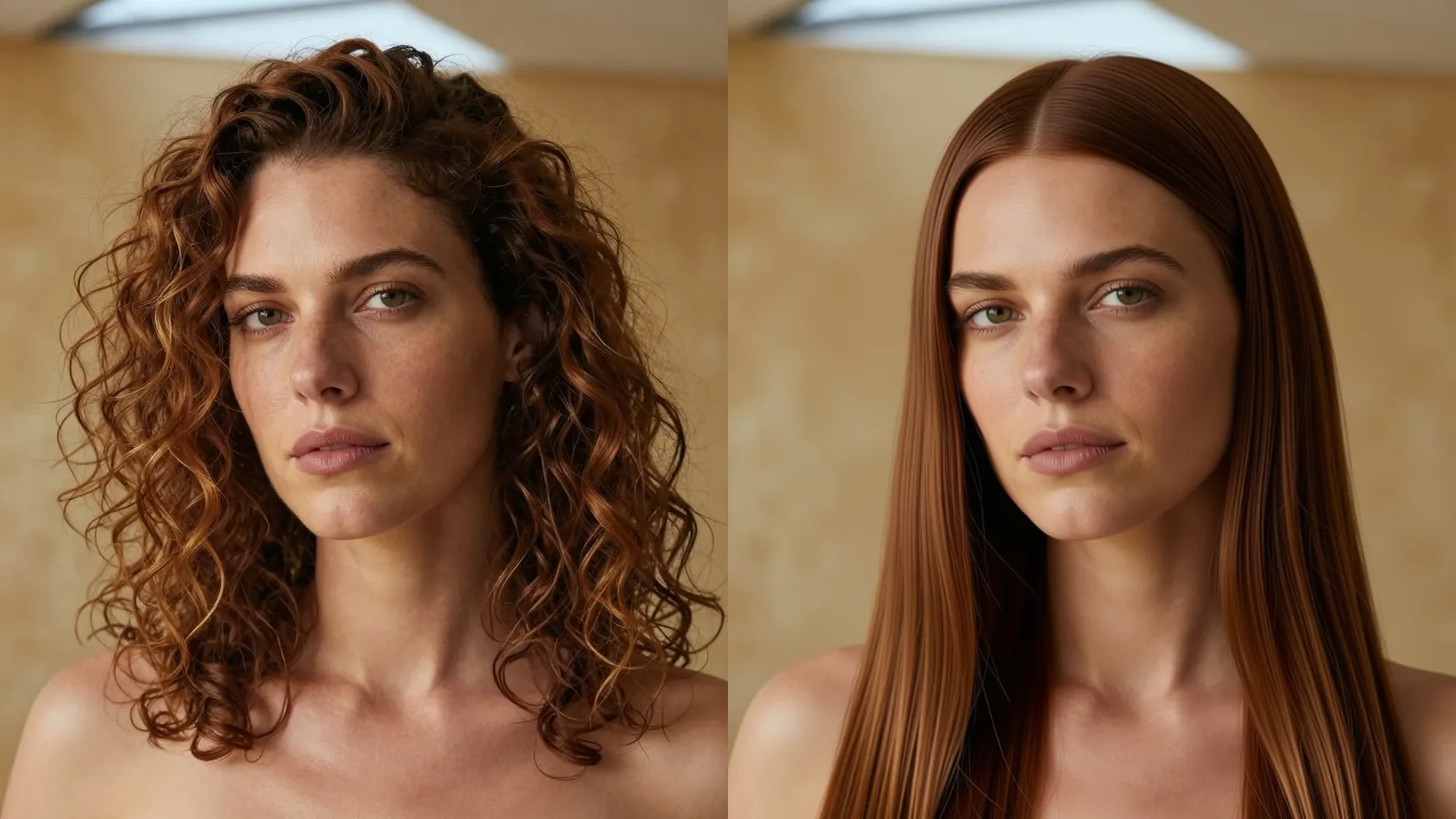
Mention middle or side part, shoulder or chest length, and “glass hair” shine so the straight style follows your notes.
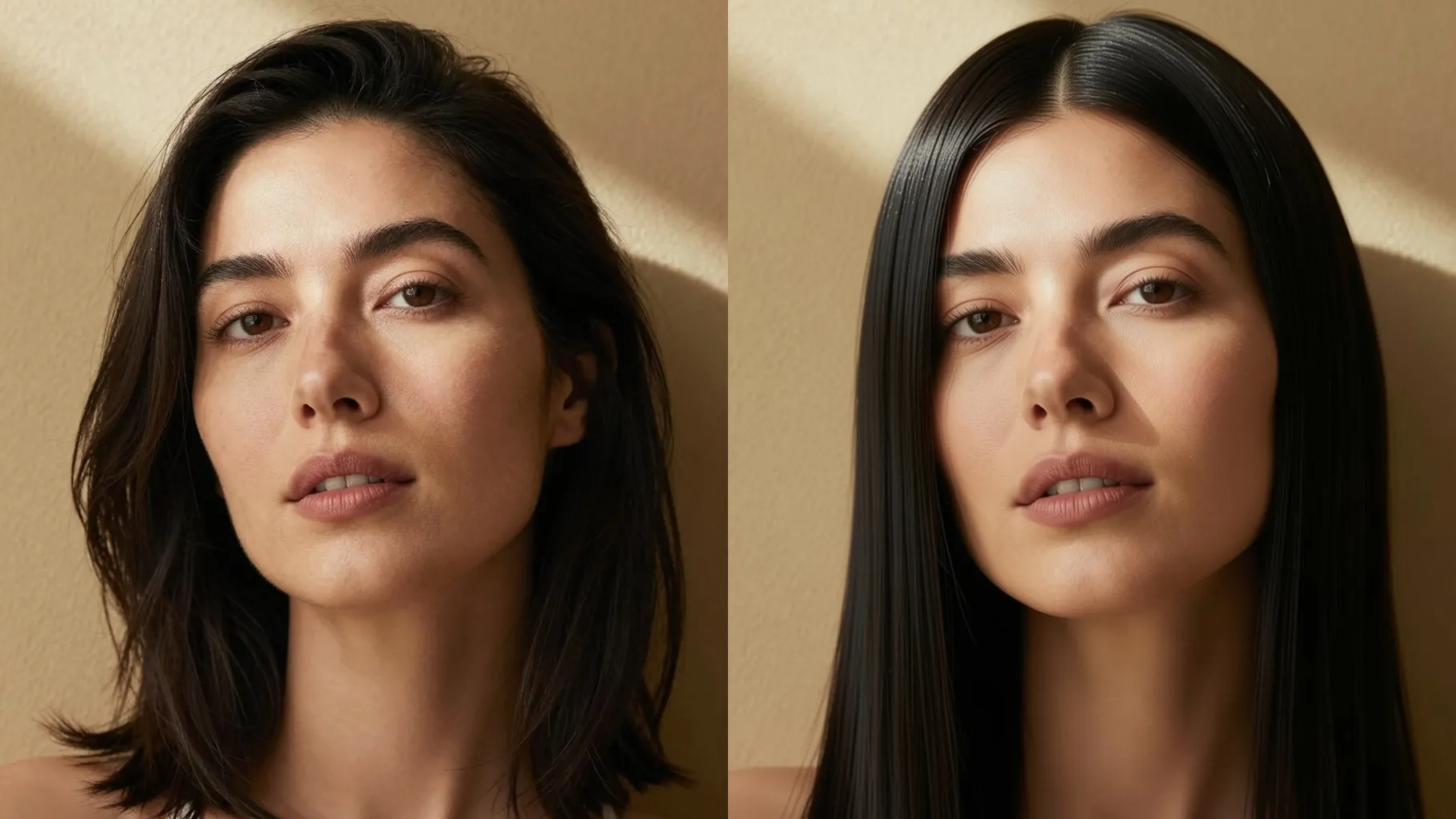
Use a front or 3/4 selfie with visible hair; avoid hats, harsh filters, or heavy motion blur.
Call out middle or side part, length, bangs, and whether you want glossy glass hair or soft, natural shine.
Run the filter, review the straight render, rerun for variations, and save the version you like best.
Upload one portrait each time to keep hair masking accurate around your face.
No. This straight hair filter is image-to-image and needs one uploaded portrait.
No. It focuses on smoothing hair and shine while preserving your face shape, skin tone, and makeup.
Use a clear headshot with hair visible and even lighting so the AI can trace strands cleanly.
Aspect ratio and model switching stay off to keep straight hair previews consistent.

Generation time depends on the model, image size, and queue. Check the task status on this page.