
1. How many photos can I upload per render?
This template supports one photo at a time so the vintage tones stay accurate.
Turn one photo into a retro film portrait with sepia tones, real grain, dust, and soft vignettes.
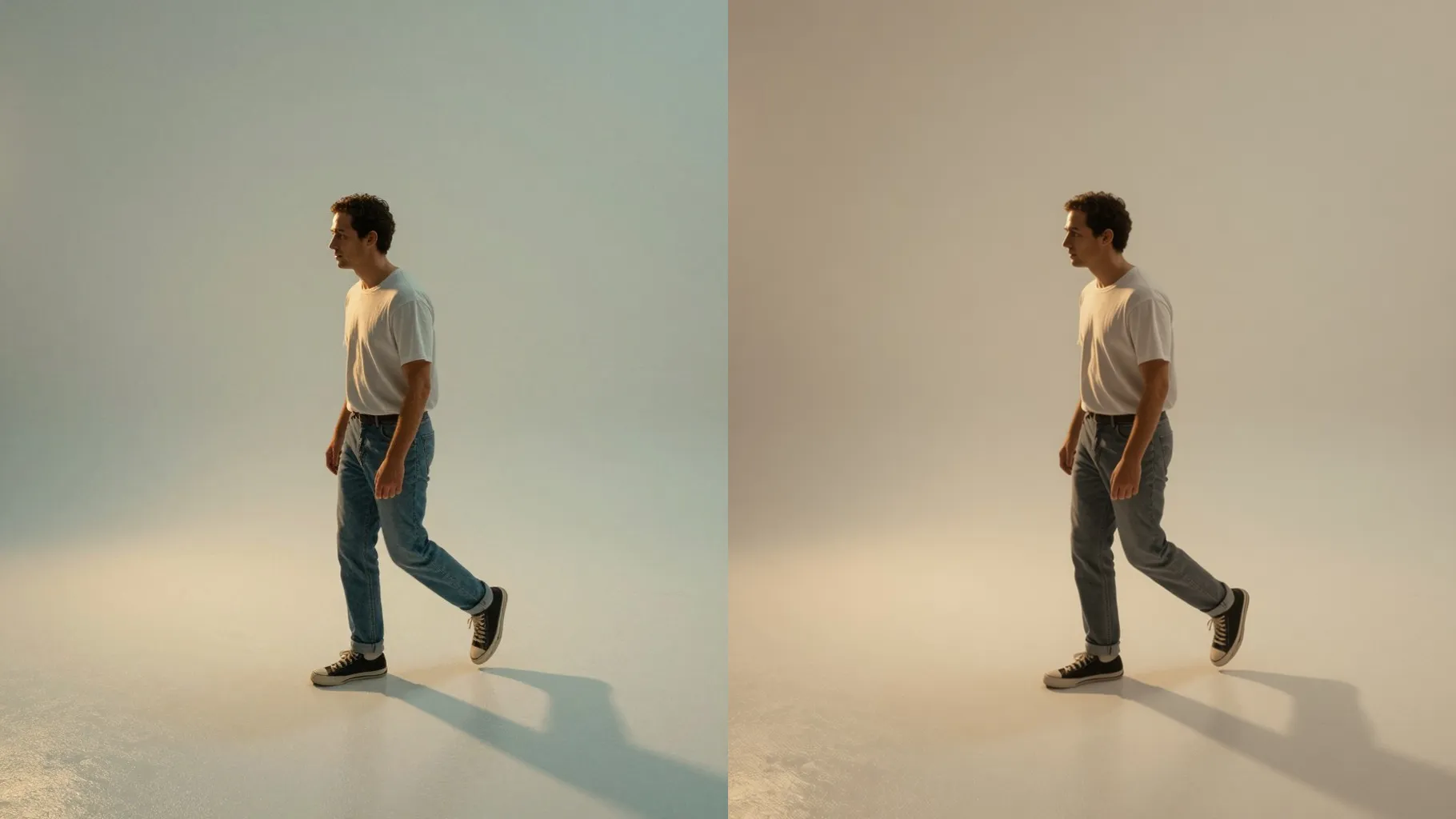
Add sepia warmth, film grain, and dust specks to one portrait while keeping your face clear and the lighting intact.
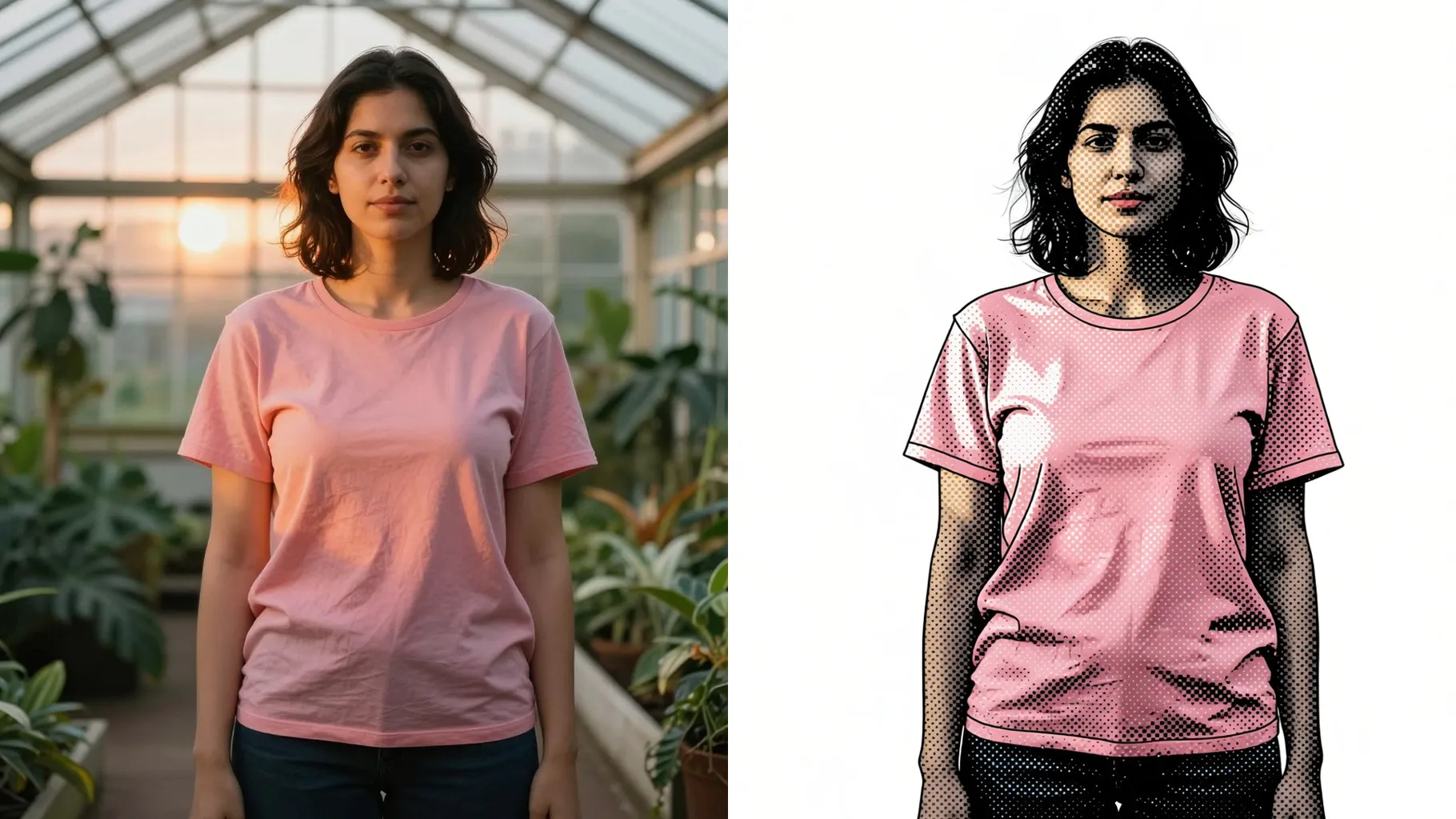
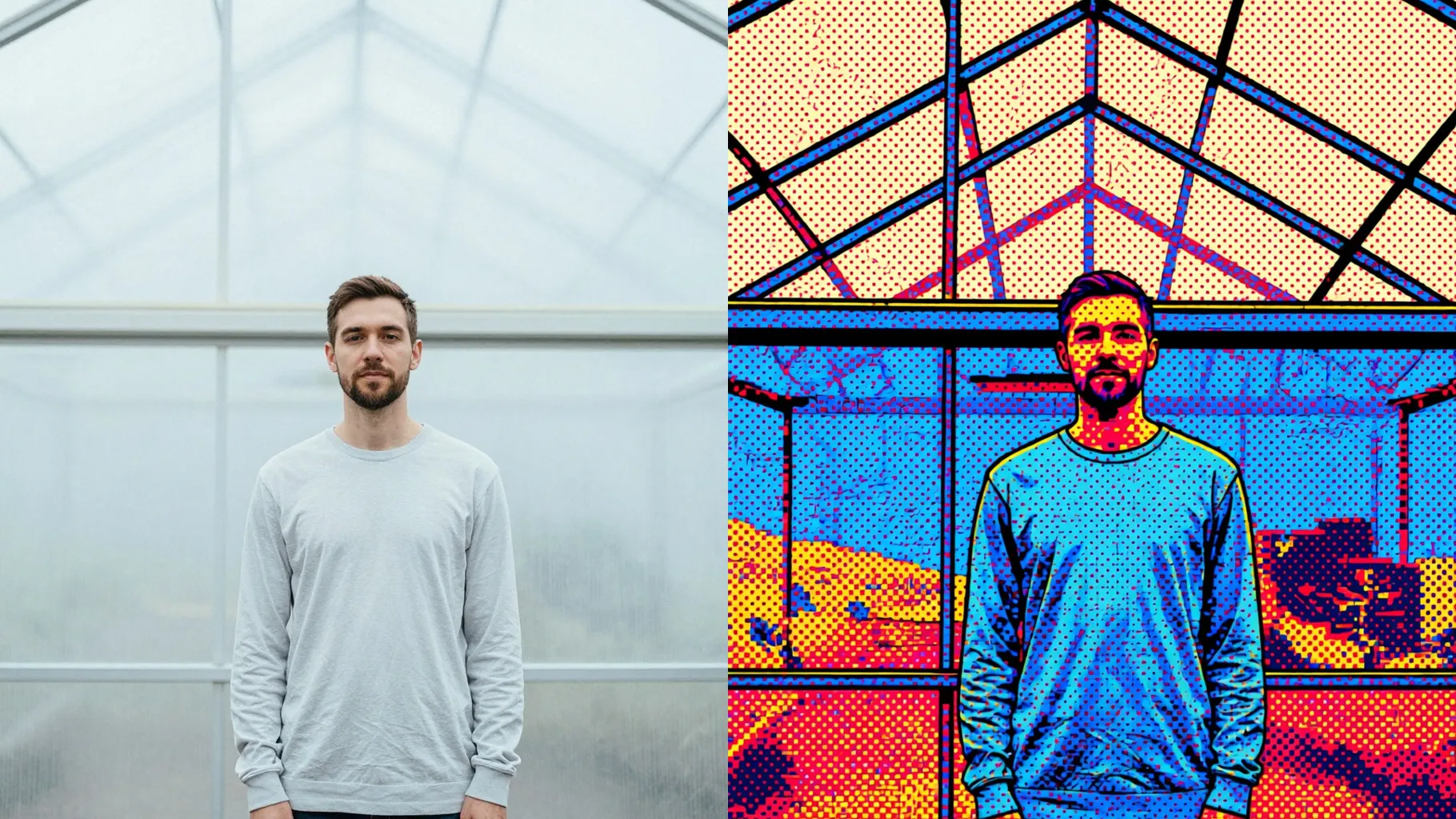
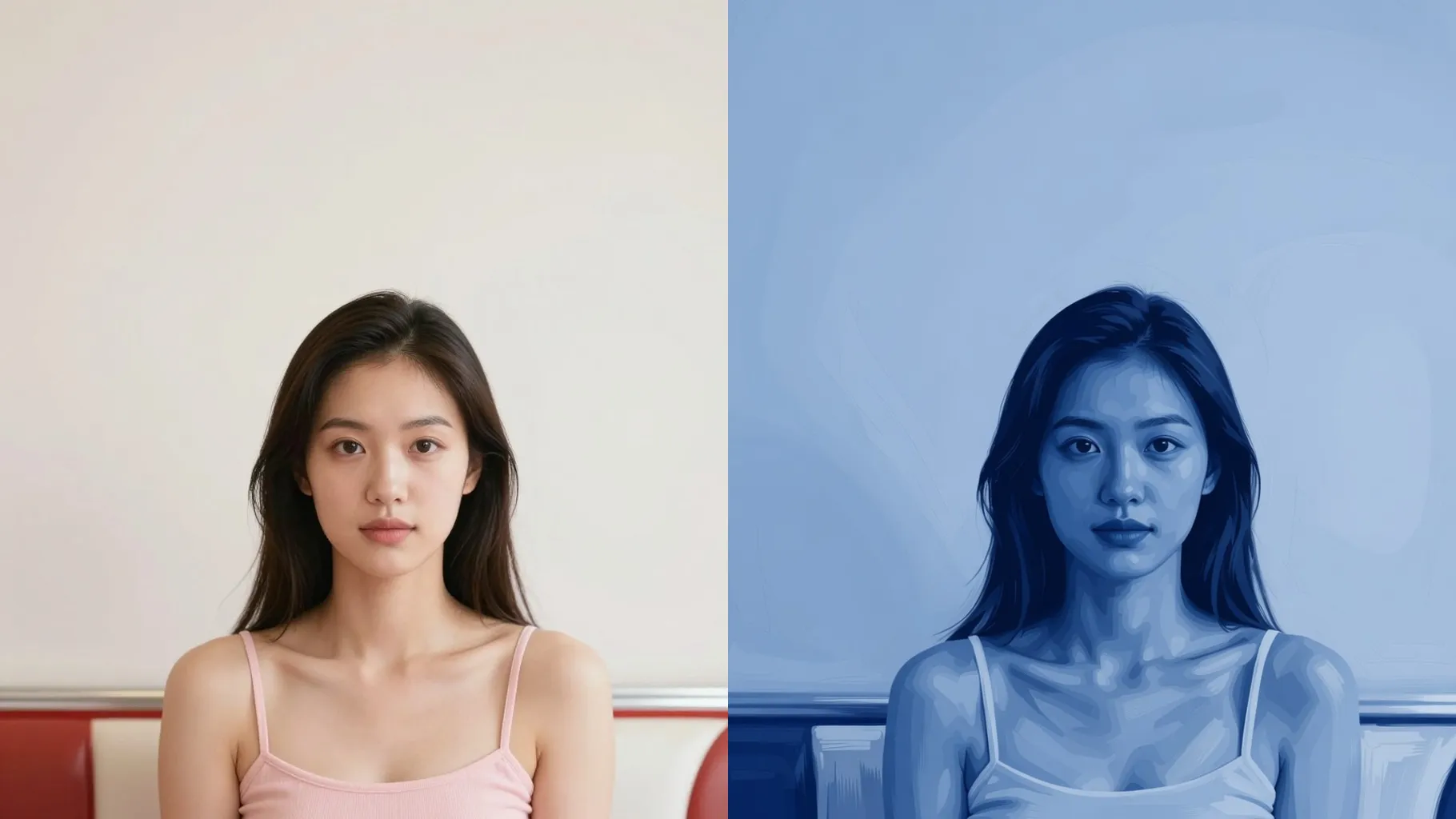
Examples show the target style. Your result depends on the chosen model and reference photo.
Upload one photo to get sepia film tones, gentle fade, and real grain that make it look like an aged print.
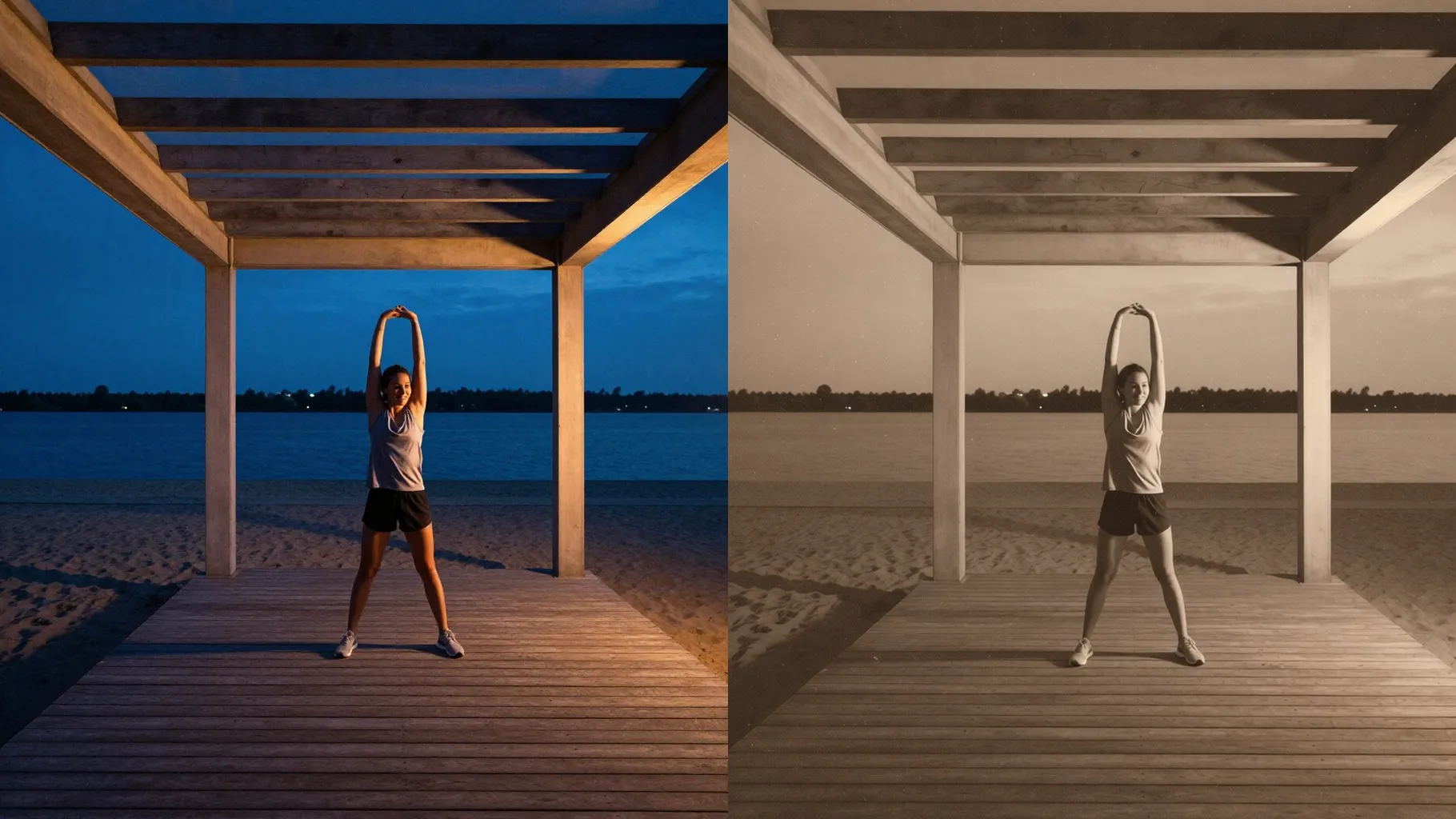
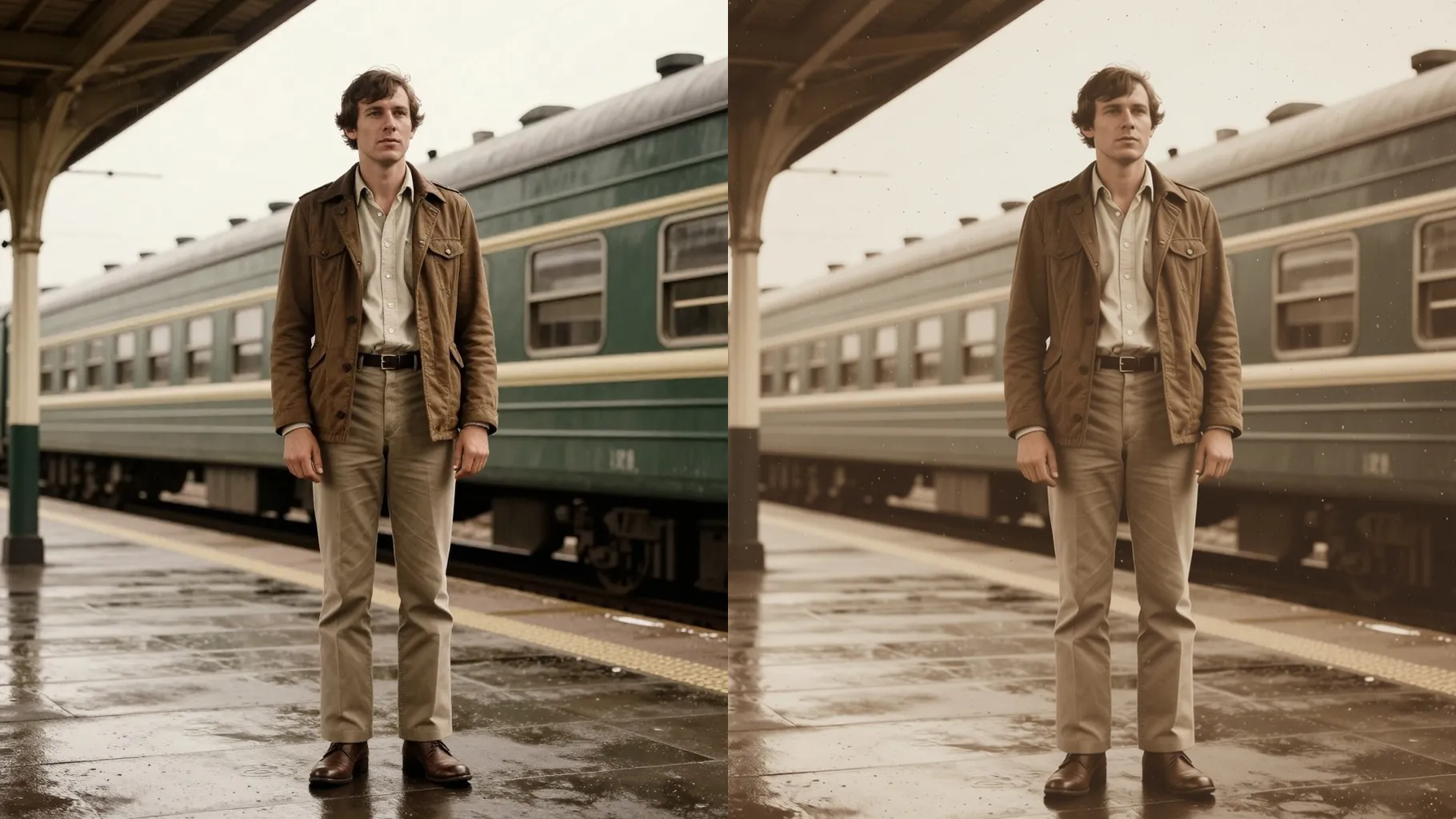
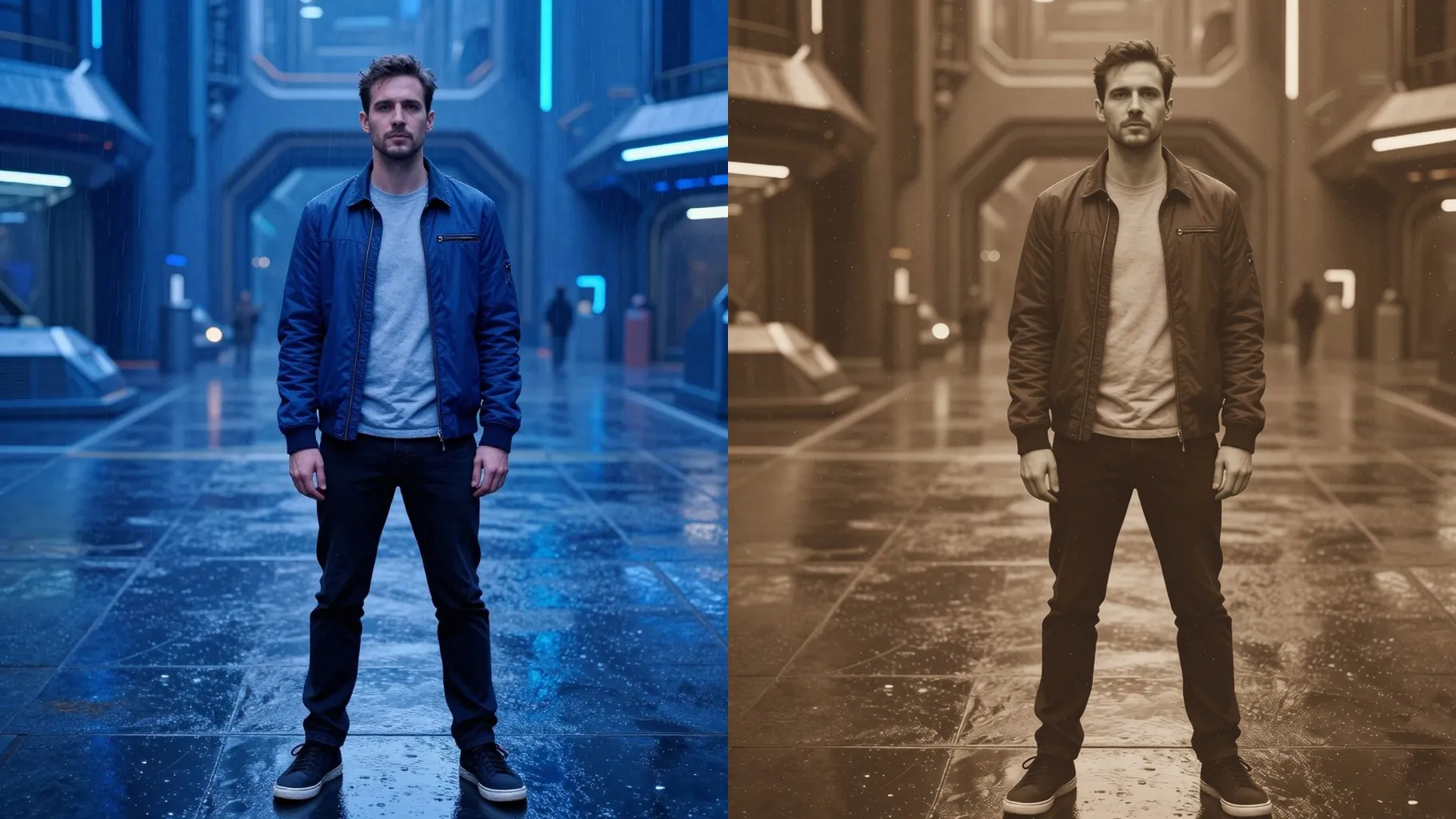
Fine grain, light scratches, and soft vignettes add age without blurring your face or outfit.
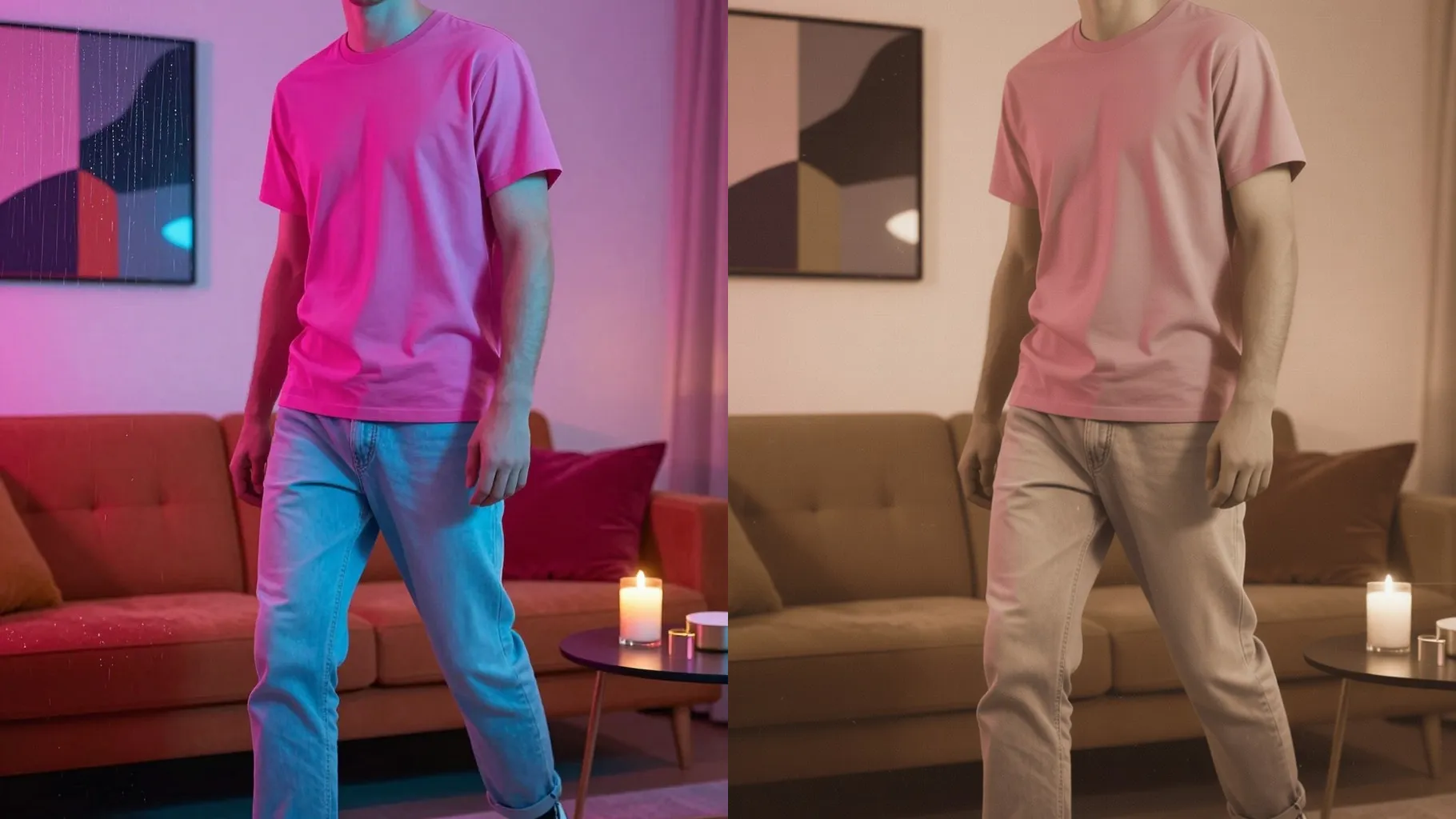
Keeps your pose and lighting while shifting colors to timeless sepia or muted retro tones.
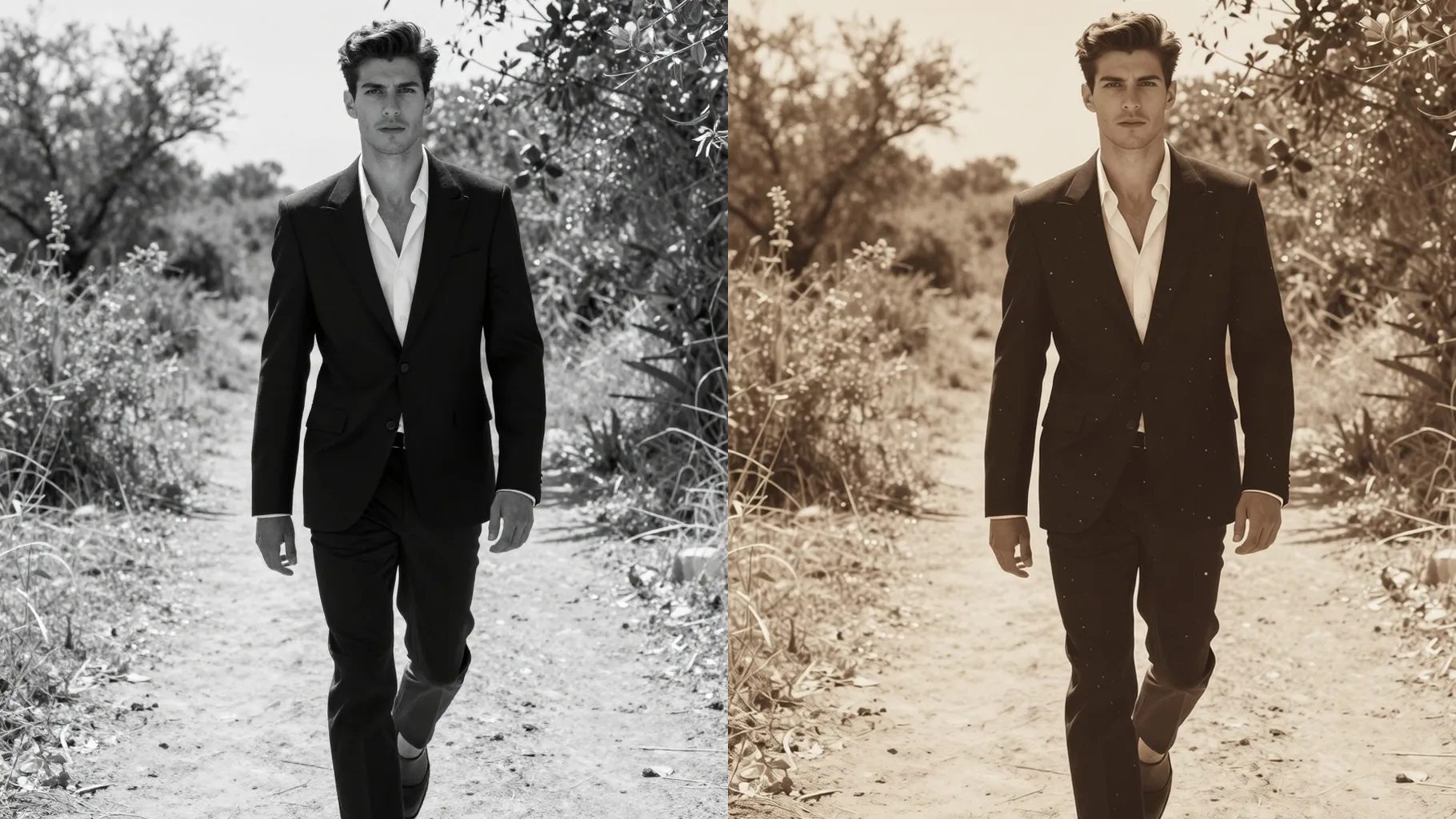
Front or half-body shots with balanced light keep the grain and vignette clean.
Mention the era, film mood, or colors you want—leave it blank for a classic sepia look.
Review the vintage render, rerun for another tone, then save your favorite frame.
This template supports one photo at a time so the vintage tones stay accurate.
Prompts are optional; a short note about era or mood will nudge the colors, but blank works too.
Aspect ratio and model switching are off to keep the film-like framing and texture stable.
Centered portraits with even lighting and minimal filters give the cleanest sepia fade and grain.
Yes. It preserves your features and scene while applying color shift, grain, and vignette.
Yes. Single-subject pets or objects also take on the vintage palette and film texture well.
Use JPG, PNG, or WebP under 10MB for fast uploads and clean rendering.

Generation time depends on the model, image size, and queue. Check the task status on this page.