
1. How many photos can I upload?
Upload one photo per render to keep the puppet proportions accurate.
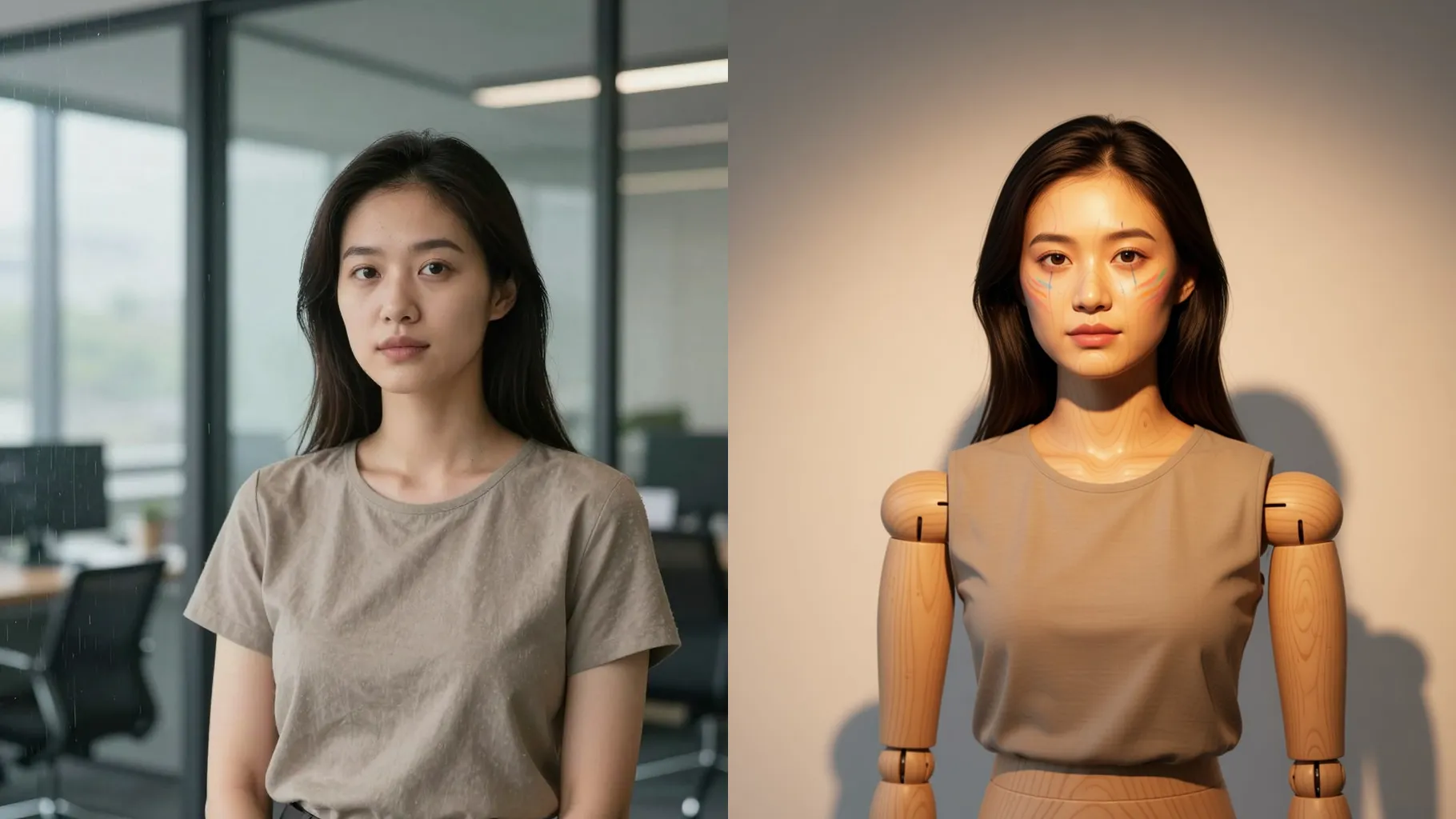
Upload one photo to turn yourself into a stage-ready puppet with strings, carved joints, and dramatic lighting.
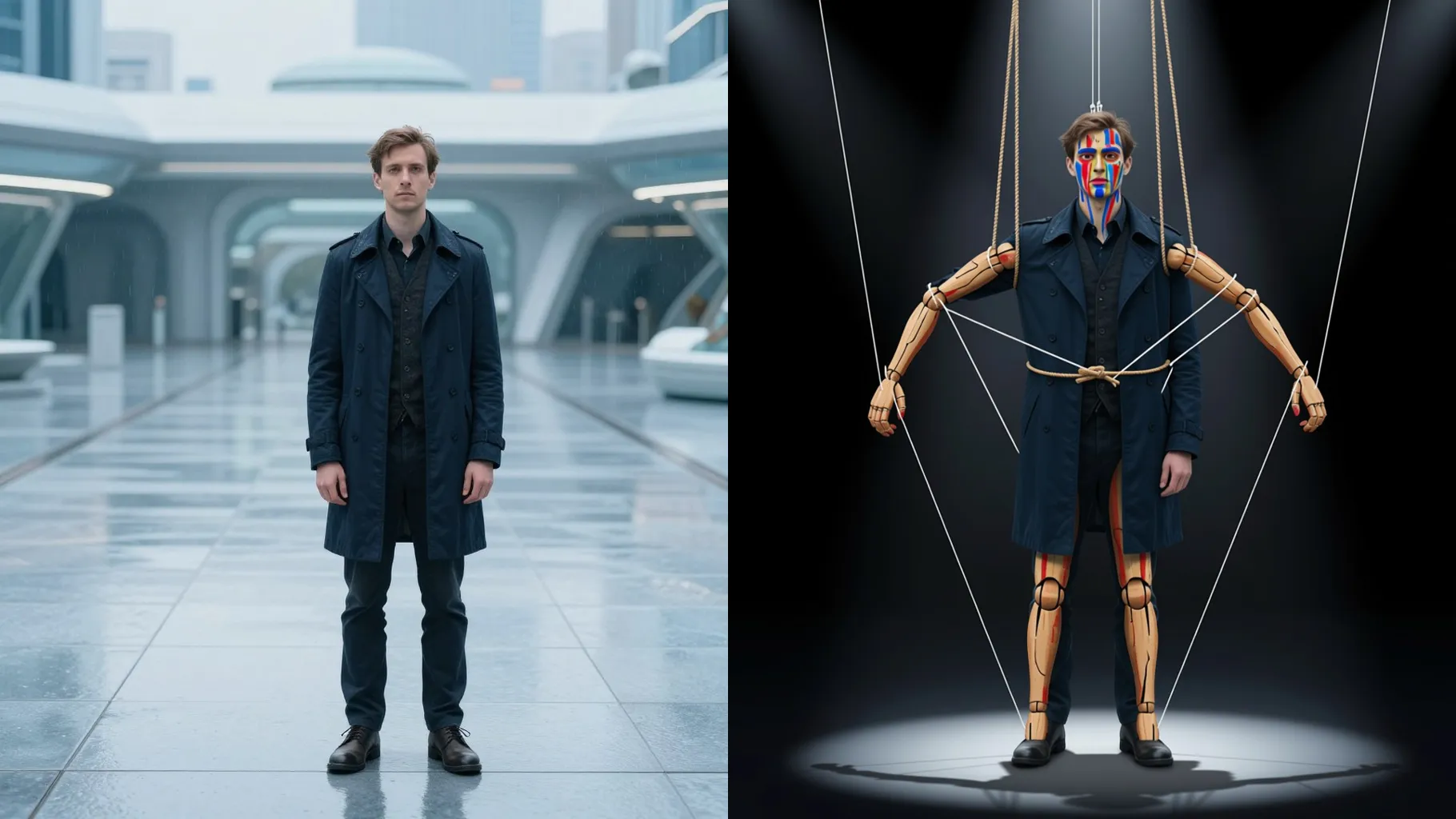
Keep your pose while AI adds puppet strings, carved joints, and warm stage lighting around your face.
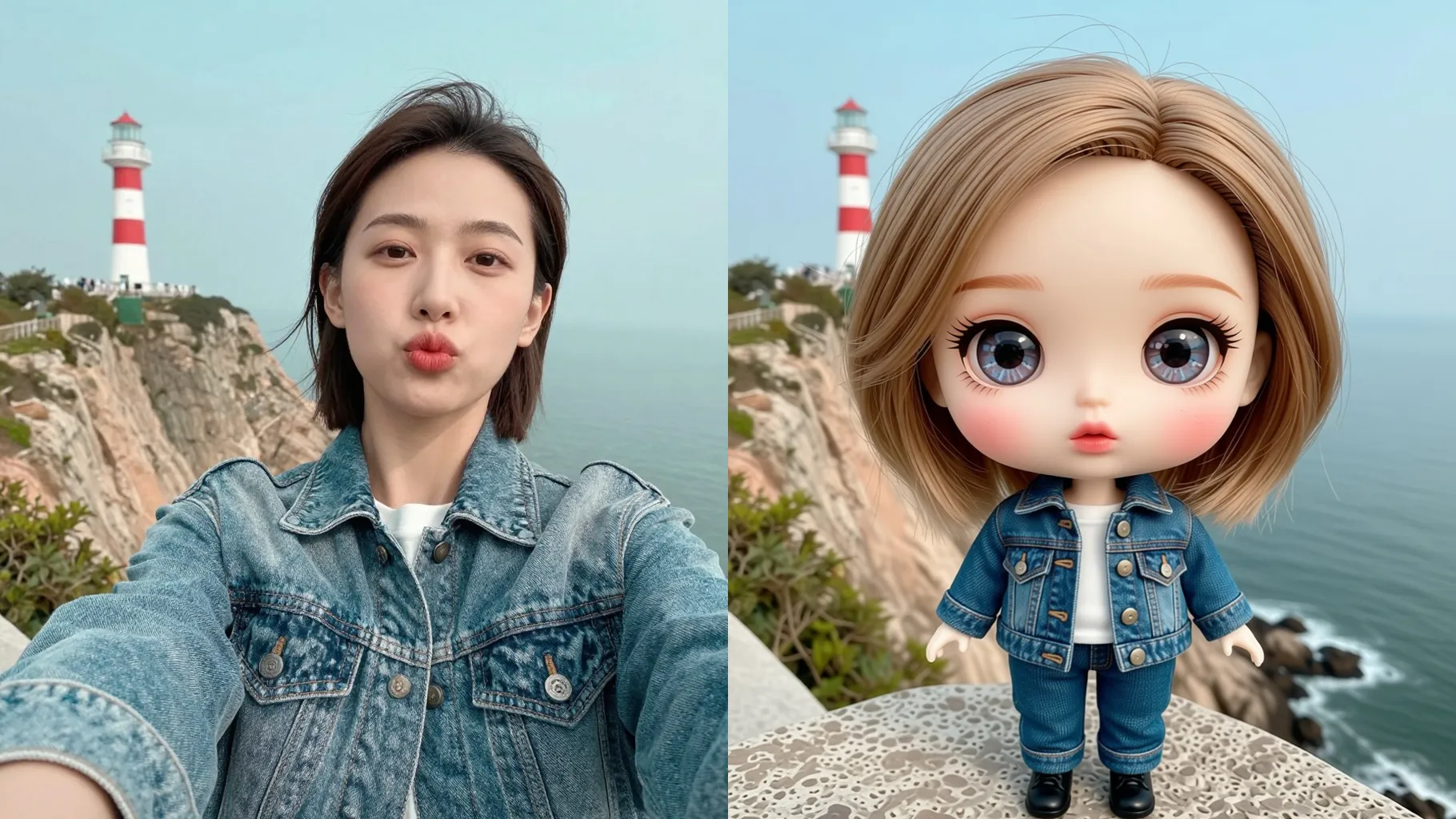
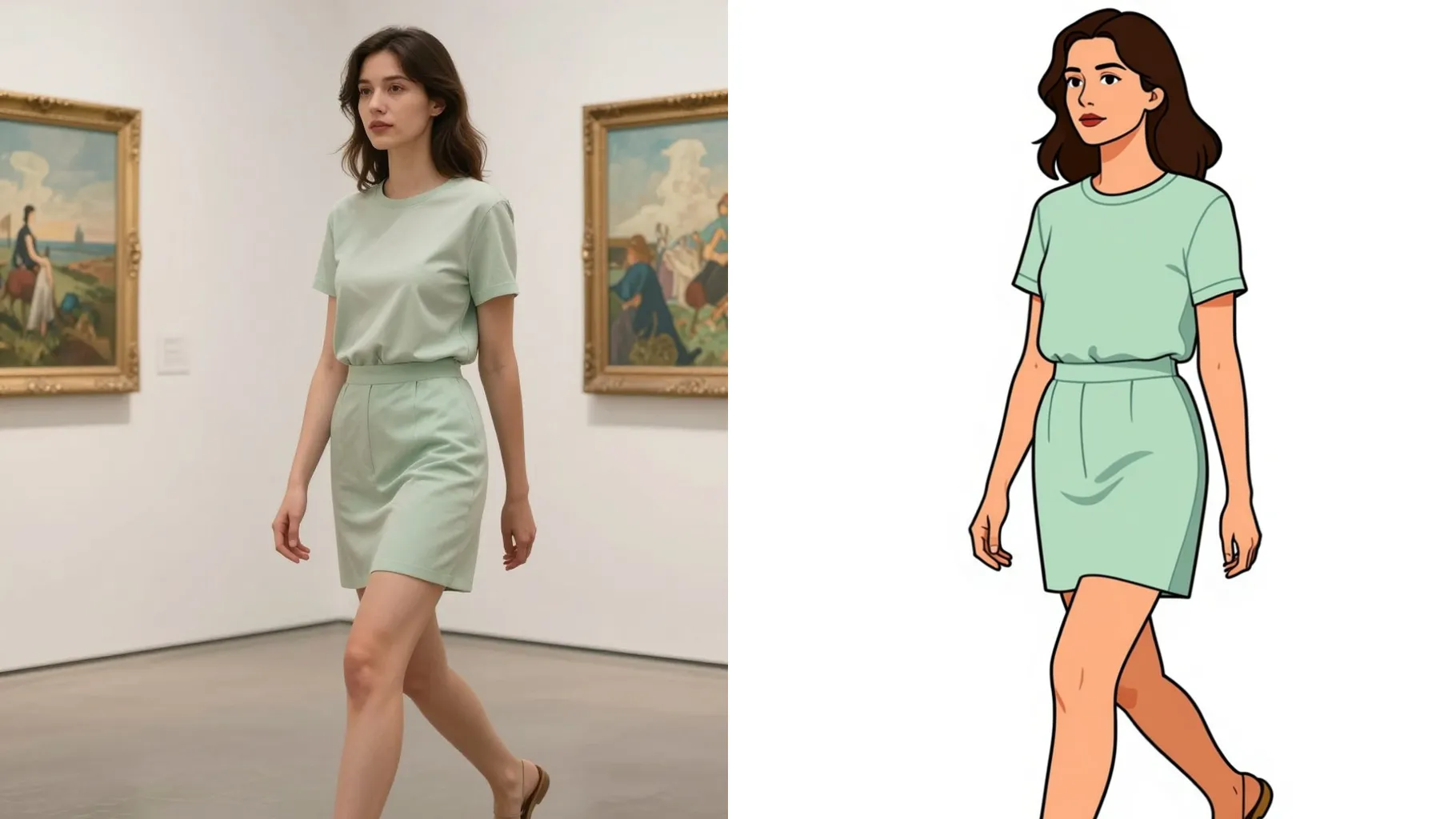
Examples show the target style. Your result depends on the chosen model and reference photo.
Upload one photo to become a marionette-style puppet with strings, carved joints, and theater lighting.
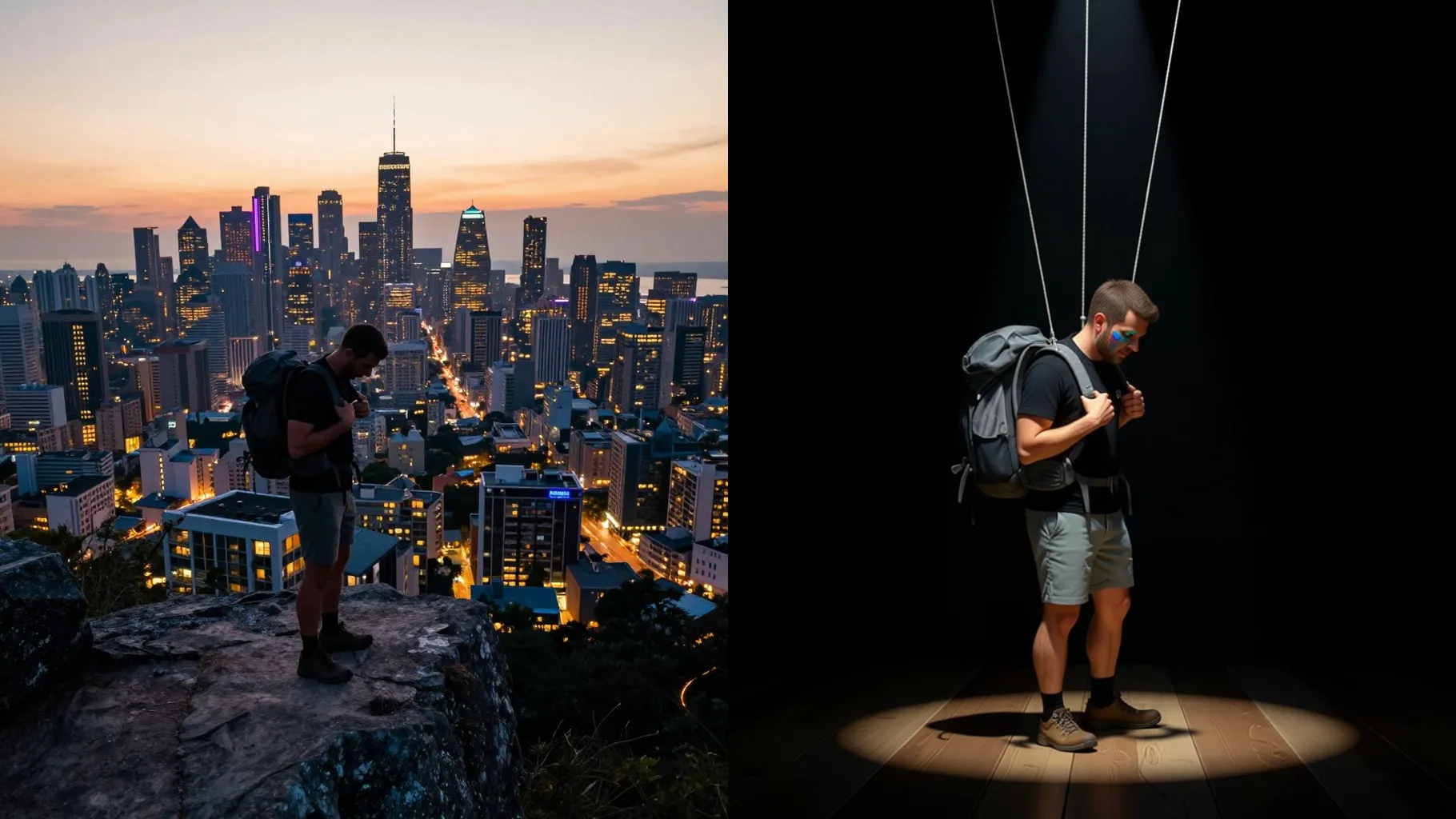
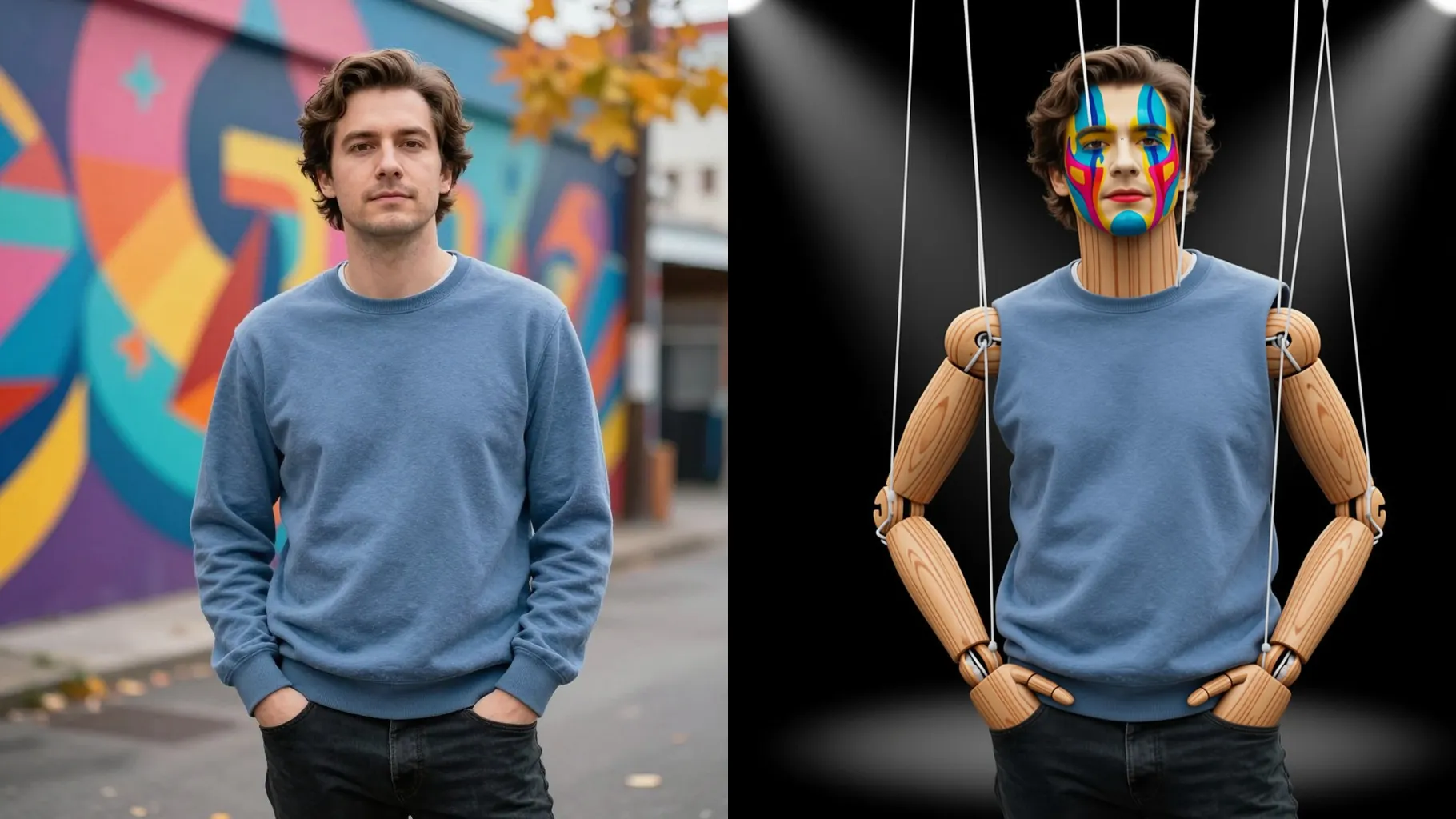
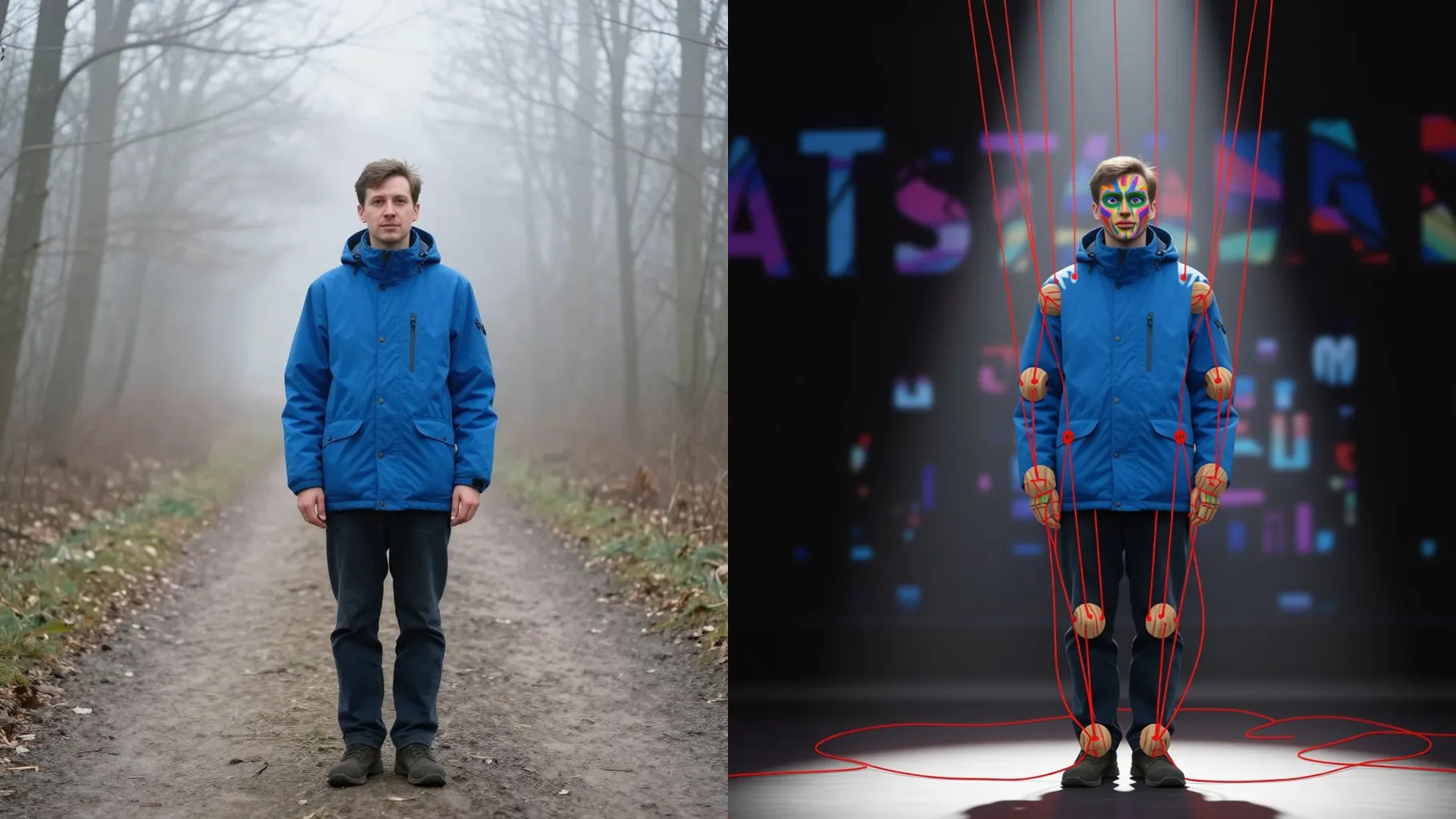
Your face stays intact while AI adds puppet joints, painted blush, and grain so it still looks like you.
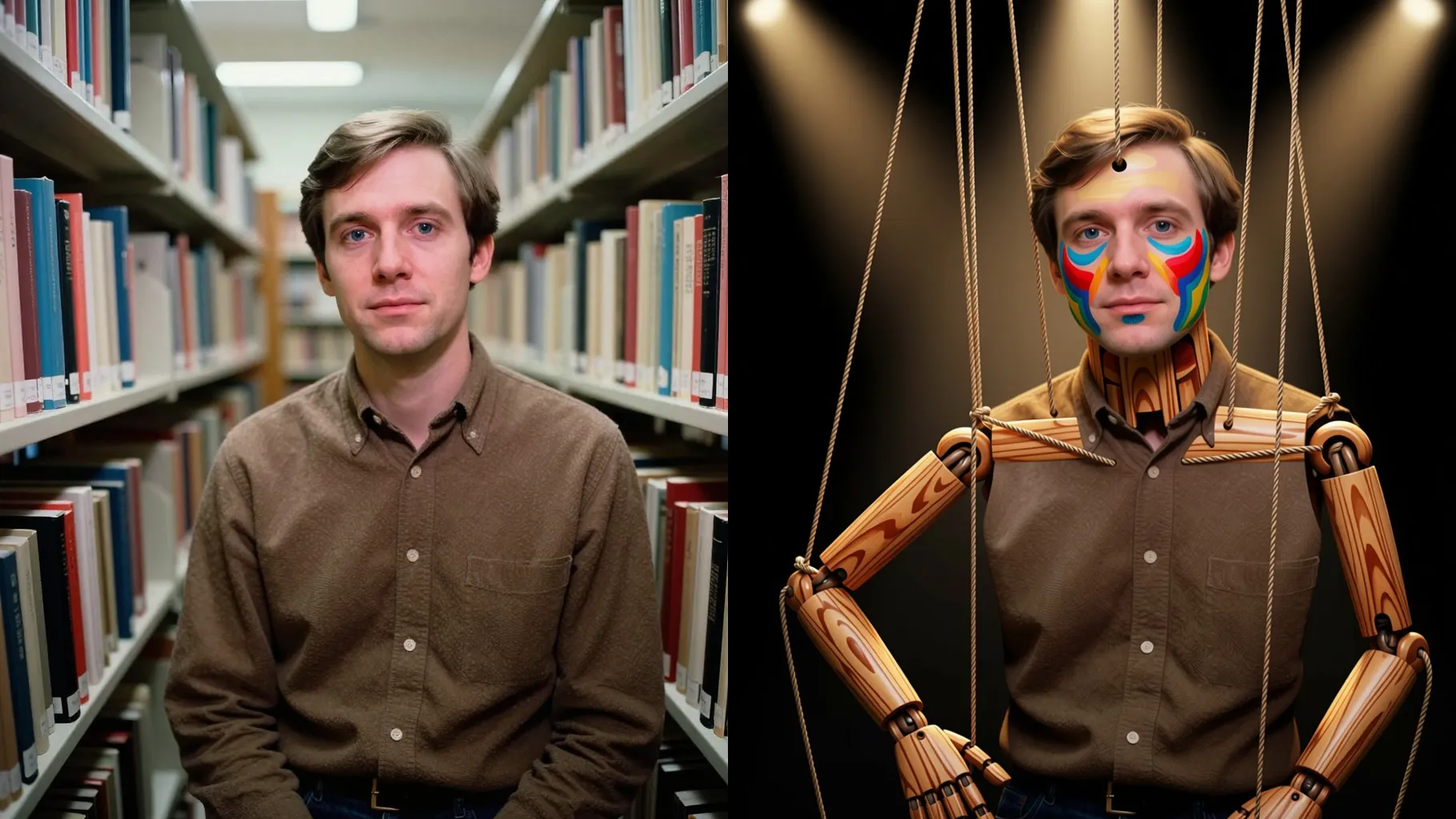
Short prompts set backdrops, outfits, or props, keeping the puppet texture stable without losing your identity.
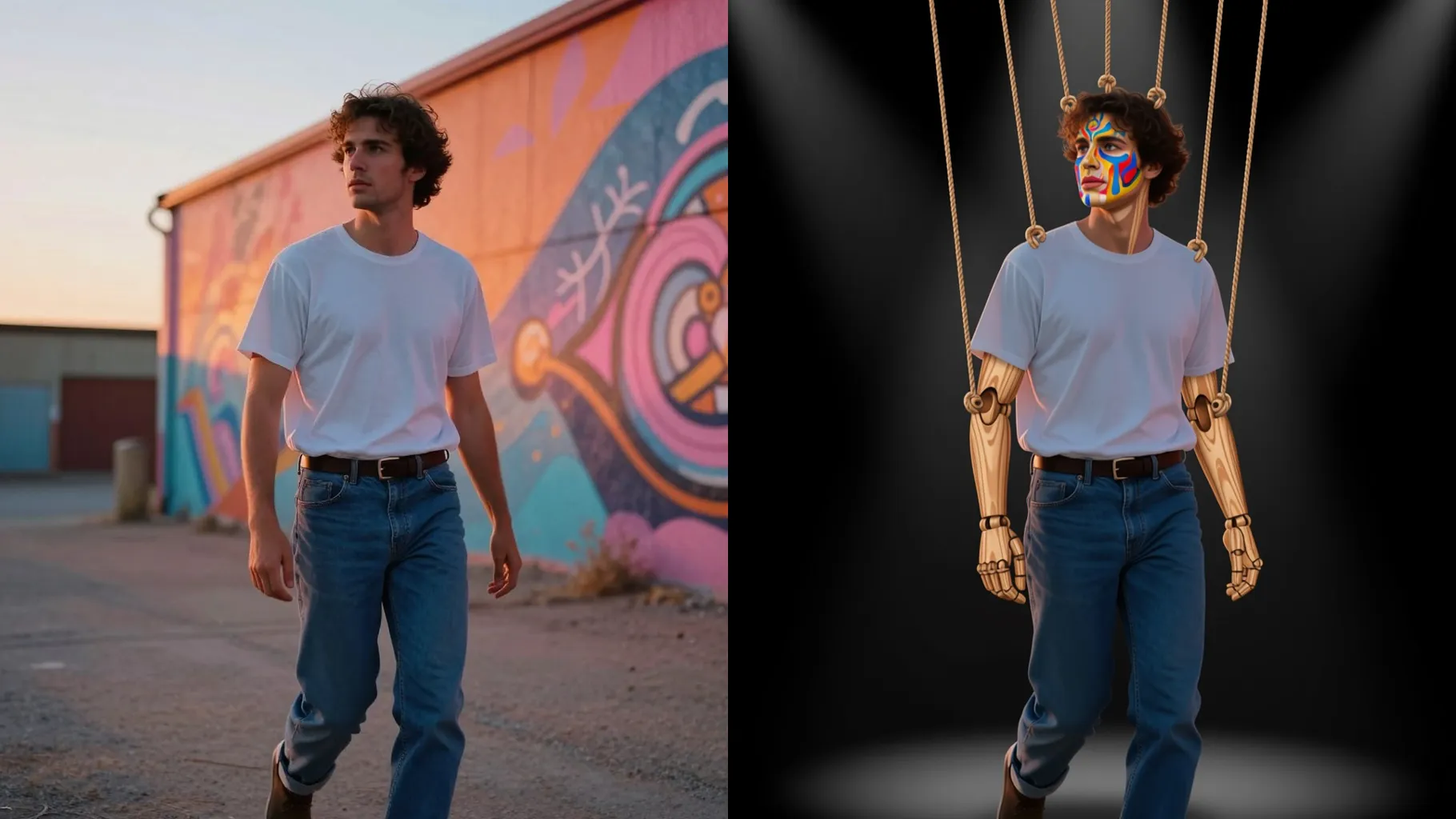
Centered faces with even lighting keep the strings, joints, and highlights aligned.
Mention outfit, stage color, or props in one sentence to steer the puppet scene.
Preview the puppet render, rerun for variations, then download your favorite.
Upload one photo per render to keep the puppet proportions accurate.
Prompts are optional; a brief line about outfits or props helps set the stage.
Aspect ratio control is off; crop before upload if you need a specific frame.
Model switching is disabled to keep the puppet texture consistent.
Front-facing portraits with simple backgrounds and even light give the cleanest puppet details.

Upload one photo to get a marionette-style portrait with strings, stage lighting, and carved details.