
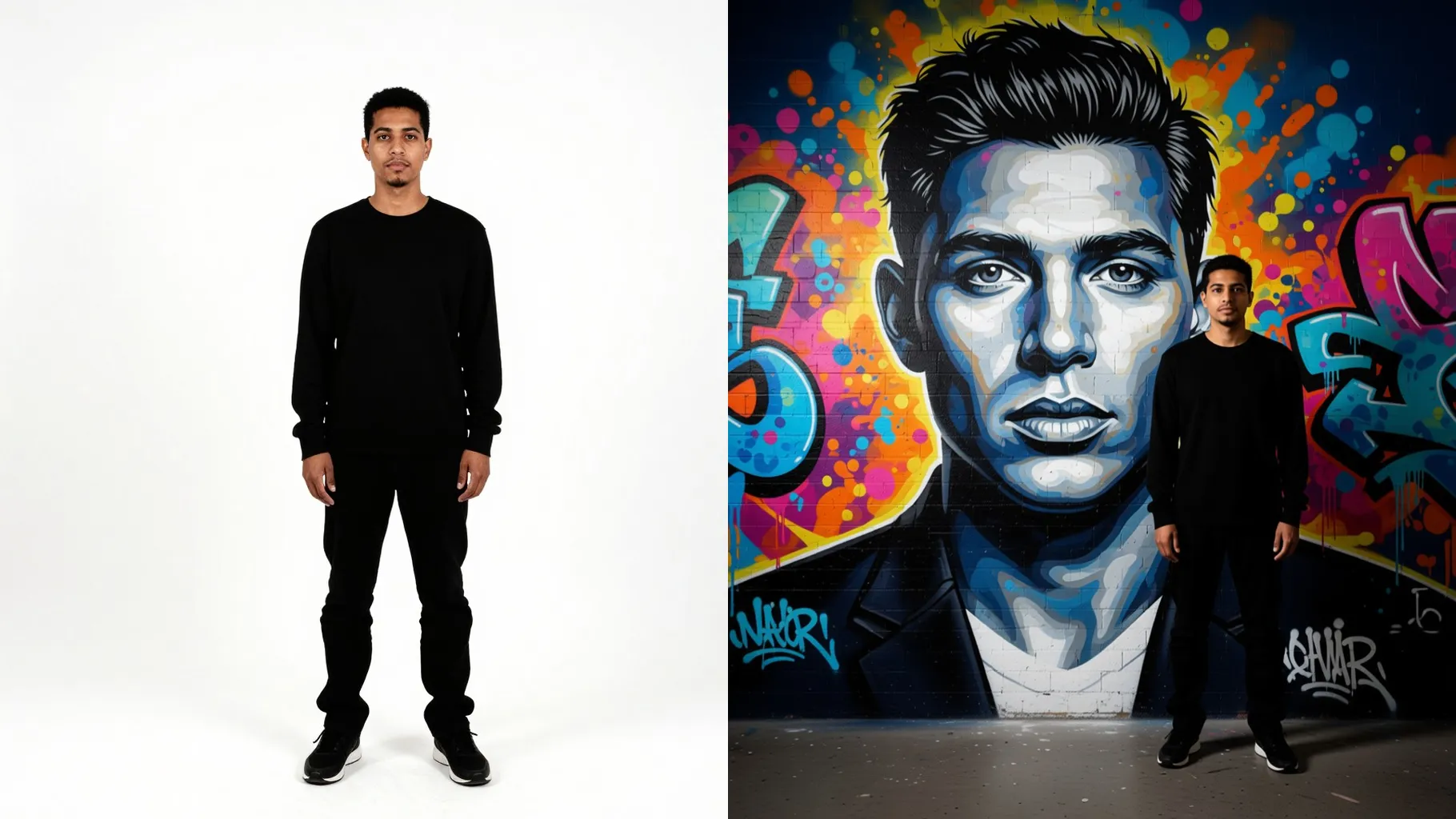
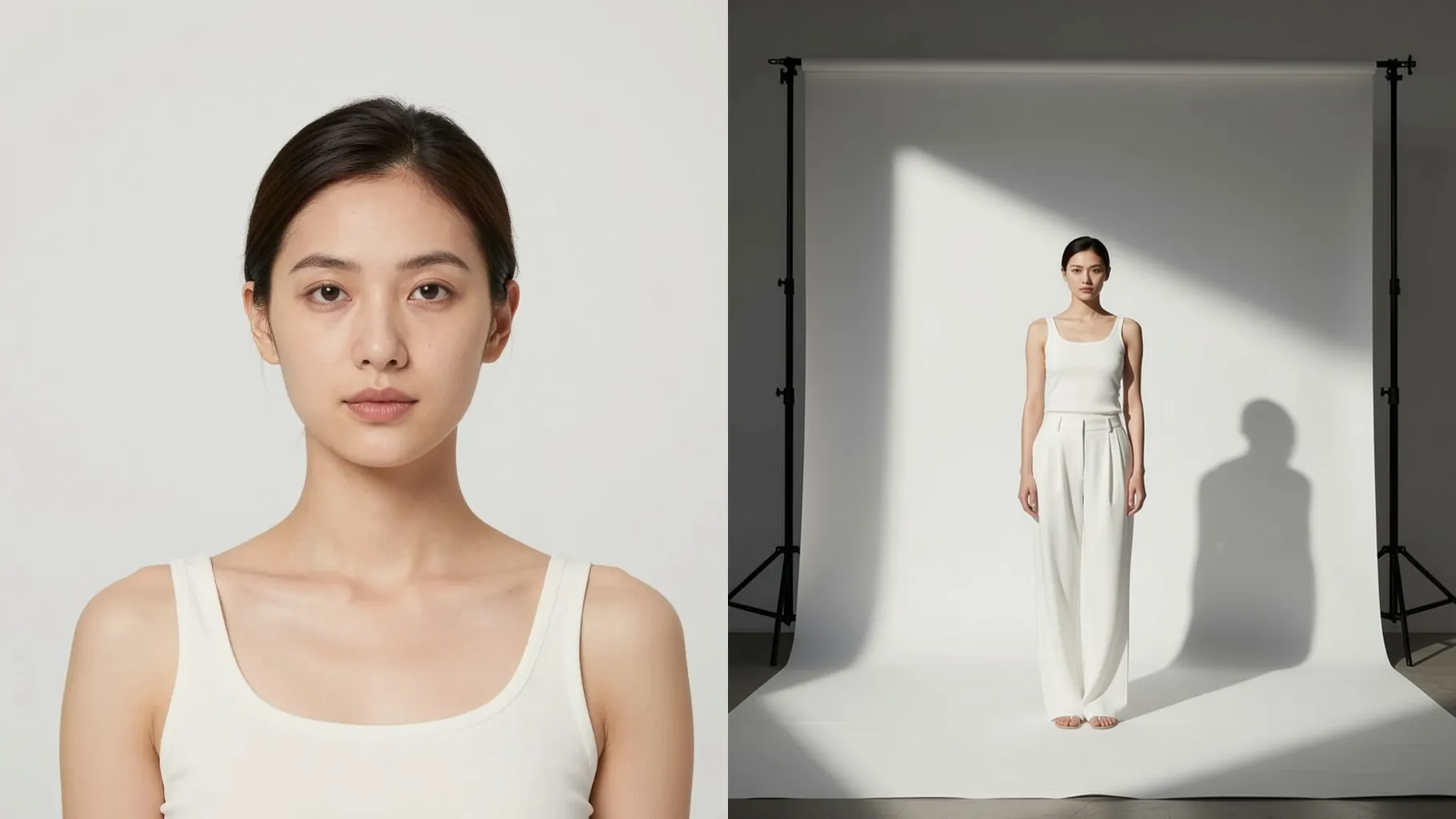
1. How many photos can I upload?
One photo per run keeps your likeness sharp and the underwater scene balanced.
Upload one photo to swim beside a playful sea creature in glowing coral light.
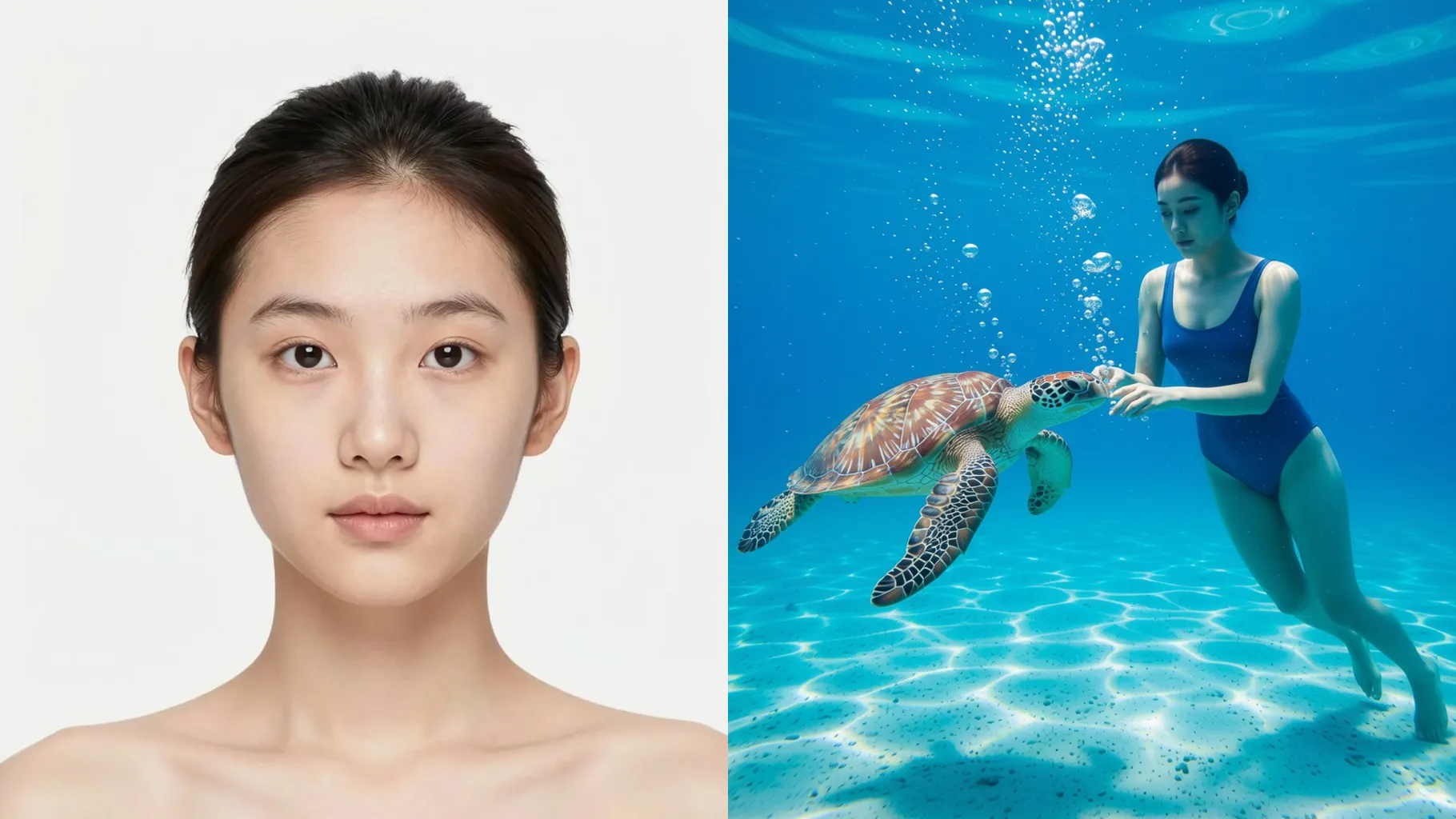
Drops you beside a friendly dolphin with clear skin tones, floating bubbles, and shimmering blue light.
Examples show the target style. Your result depends on the chosen model and reference photo.
Upload one photo to swim with a playful sea companion in glowing coral light and drifting bubbles.
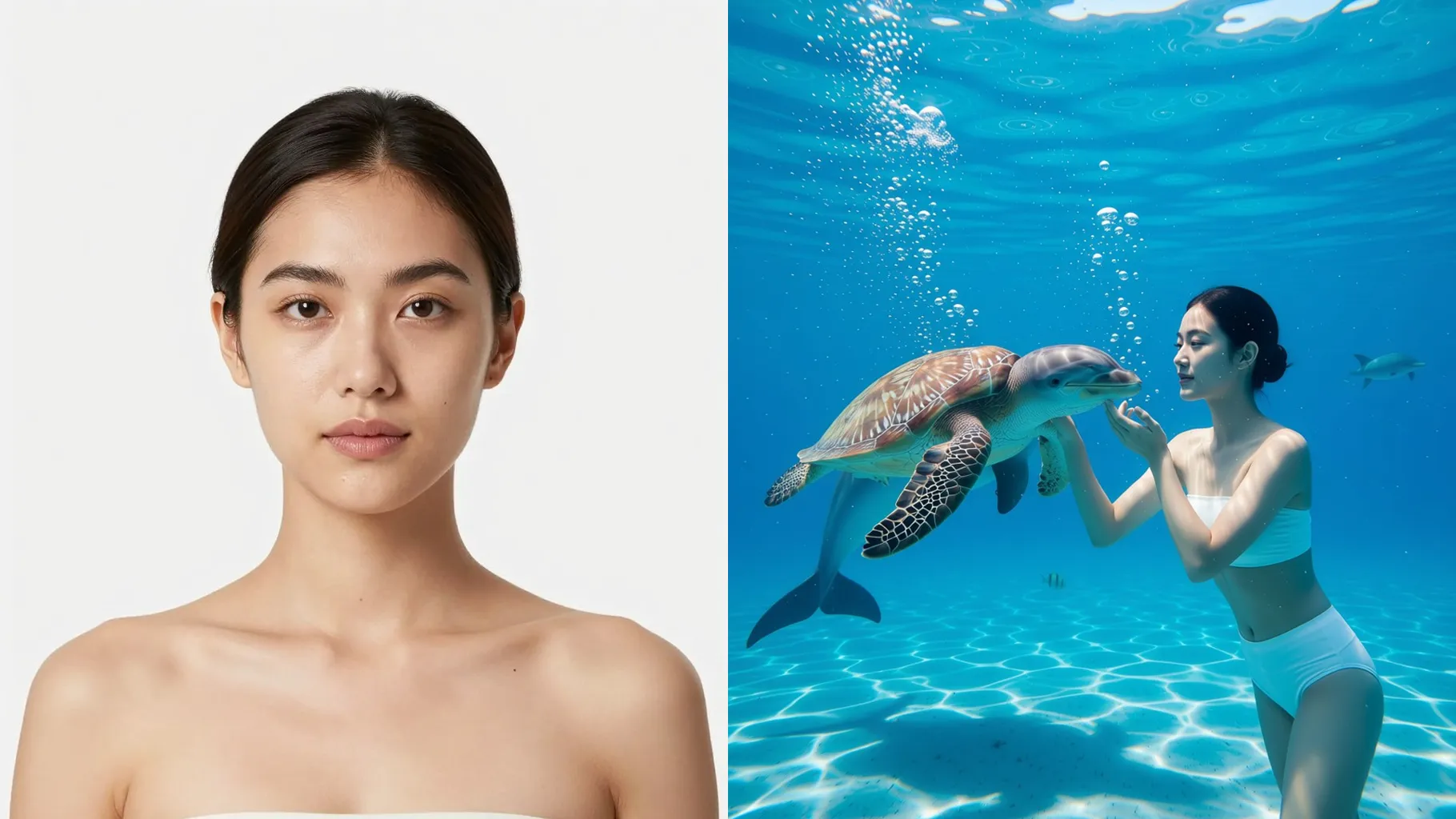
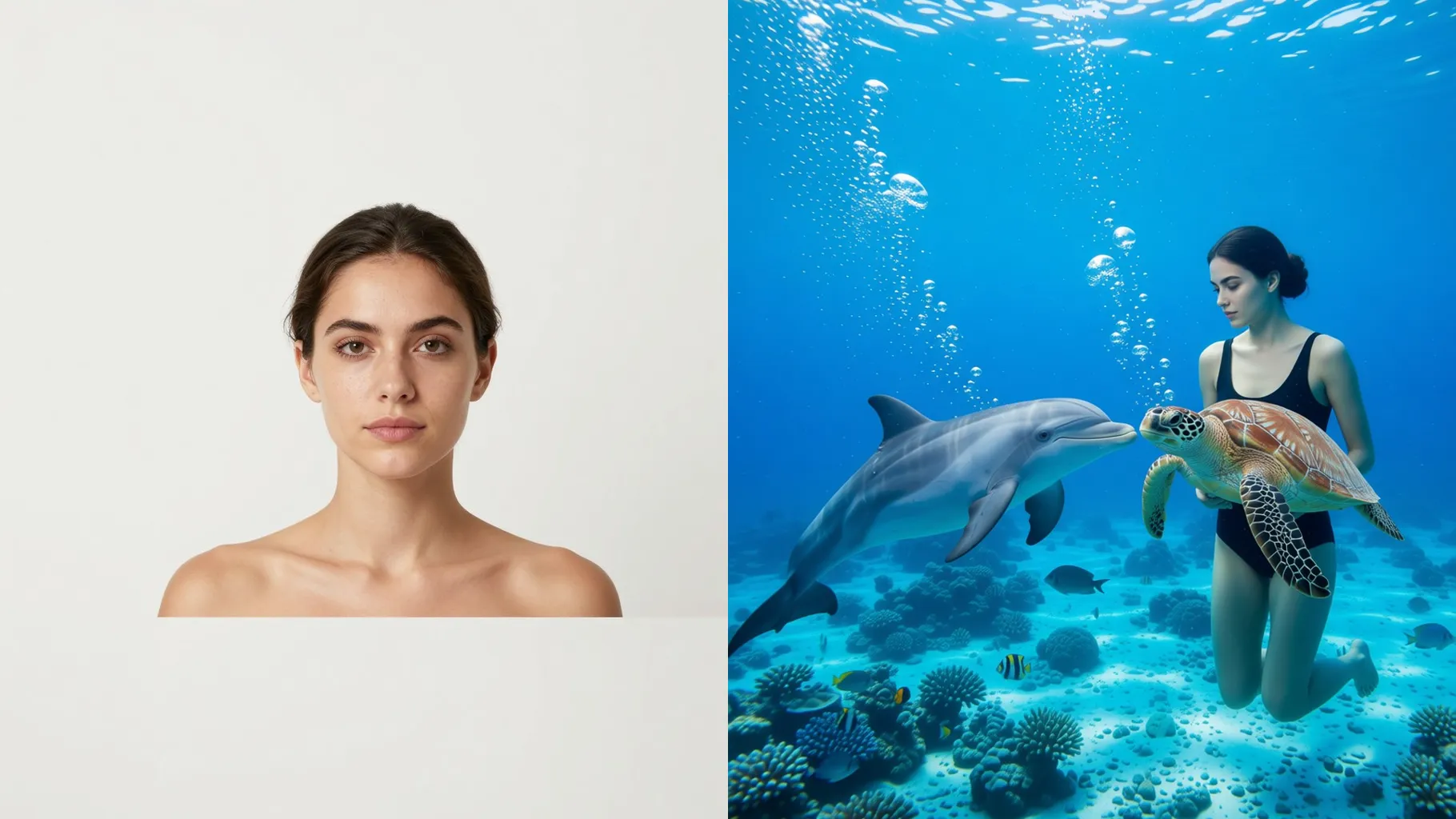
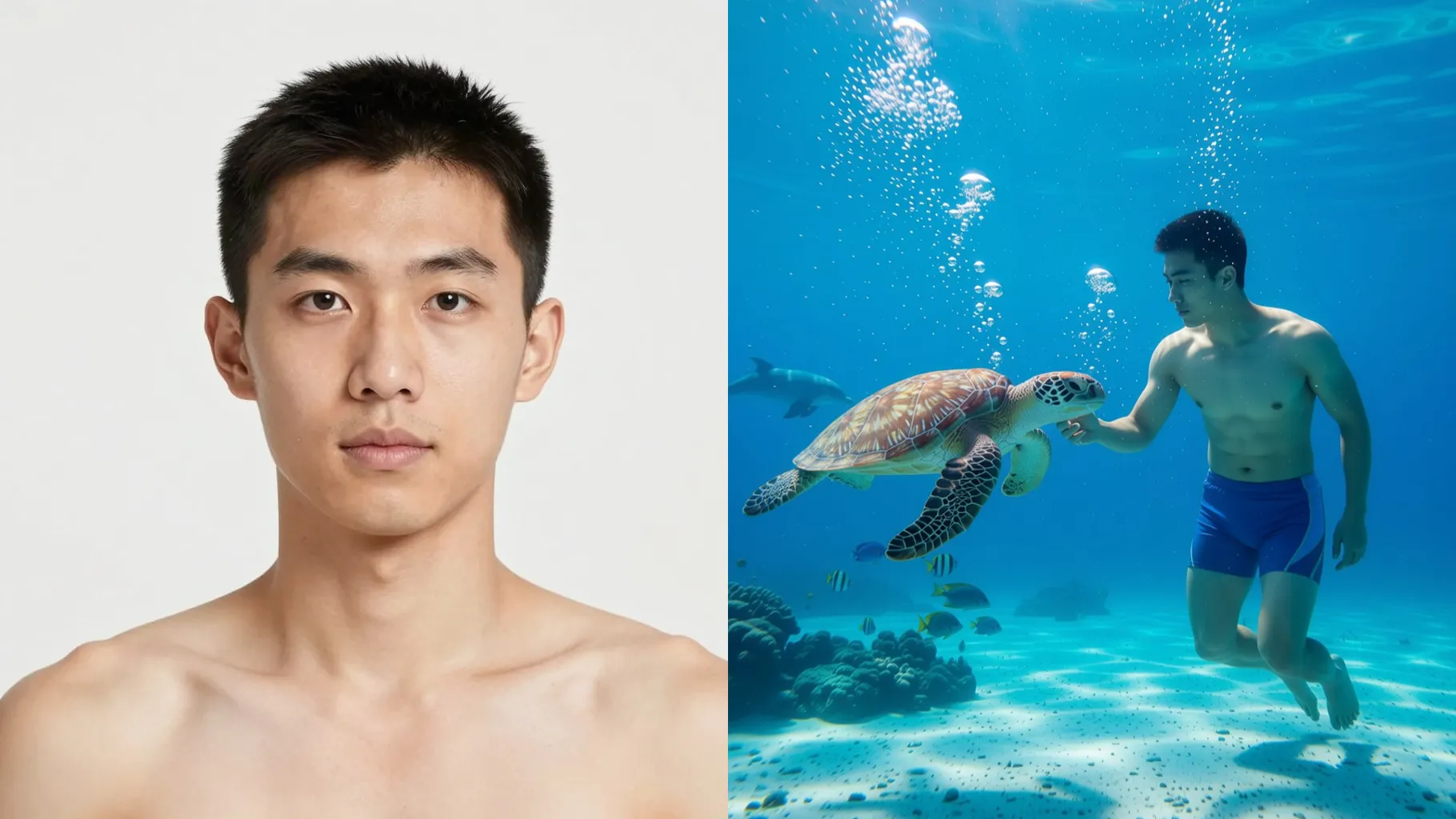
Keeps your face clear while adding dolphins or turtles, caustic light rays, and airy bubbles for a friendly dive scene.
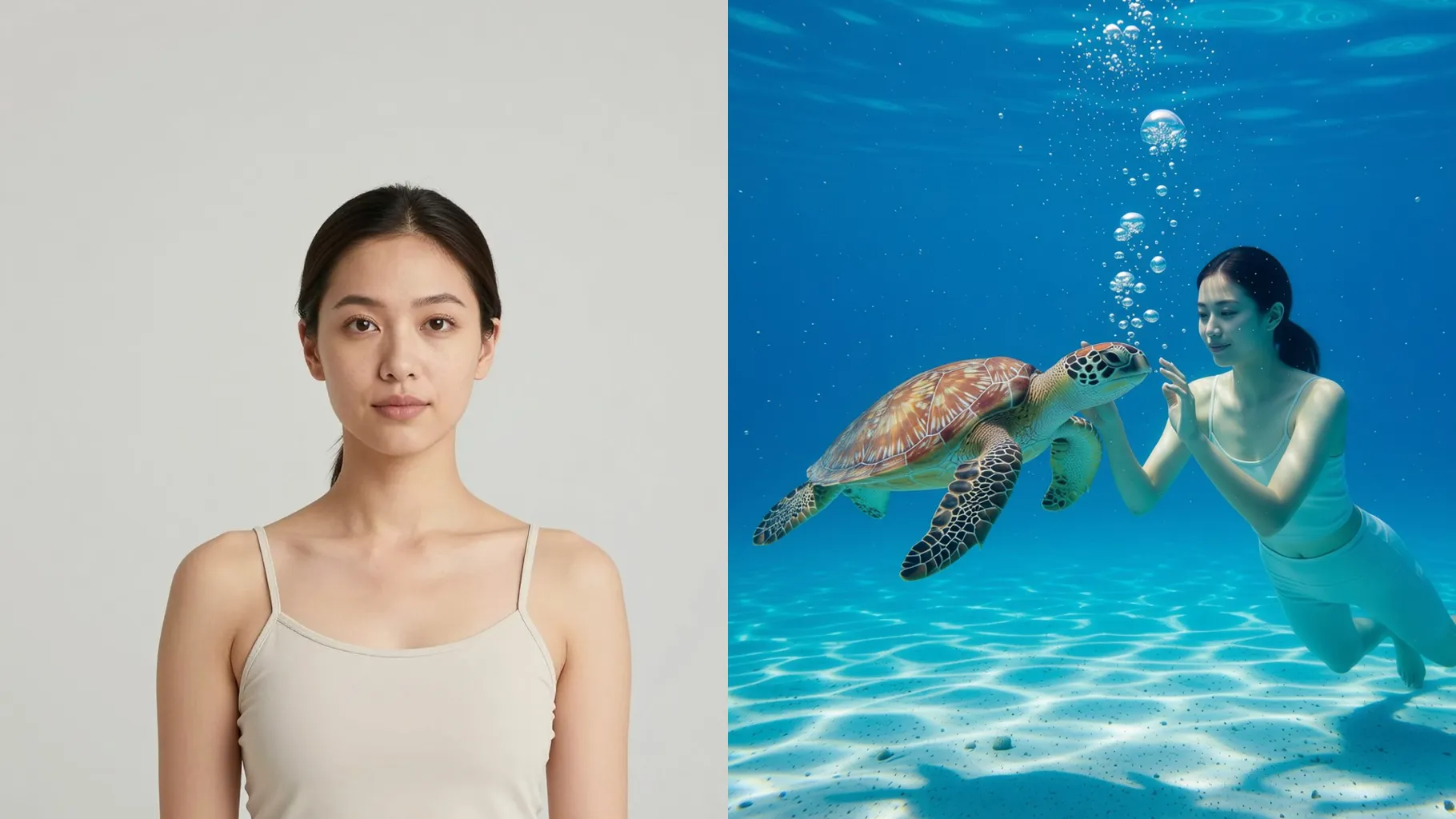
Balances cool blues with warm coral highlights so skin tones stay natural even with dramatic underwater glow.
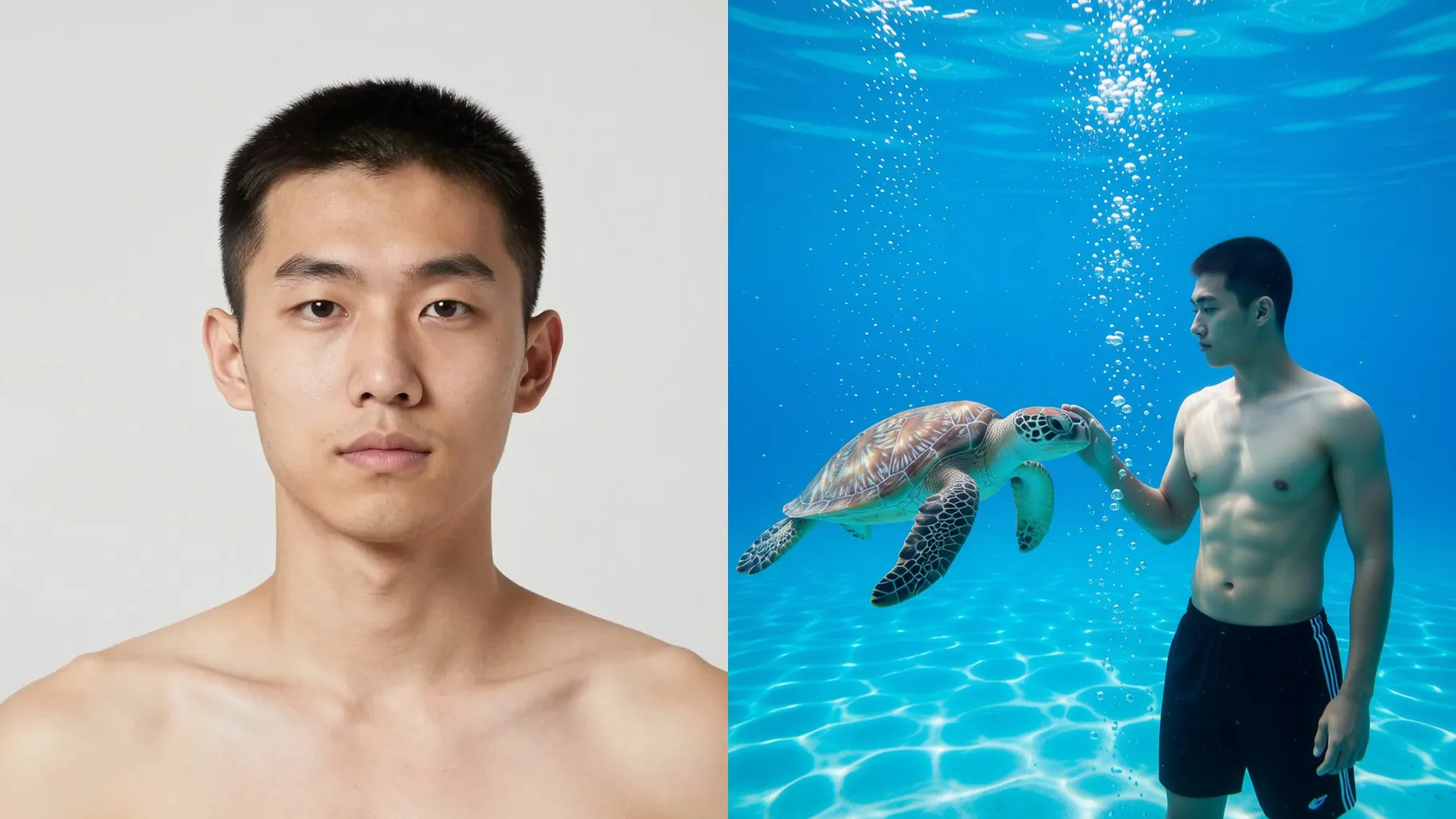
Centered, well-lit waist-up shots work best so the underwater framing stays clean.
Mention the creature or mood you want—dolphin buddy, jellyfish glow, or reef adventure.
Preview the ocean frame, rerun if you want a different creature, then save your favorite.
One photo per run keeps your likeness sharp and the underwater scene balanced.
Use a bright, front-facing or 3/4 portrait with minimal motion blur for the cleanest blend.
Aspect ratio controls are off to preserve the underwater composition. Crop before uploading if needed.
Model switching is disabled to keep the caustic lighting and water textures consistent.
No. One short vibe like “coral reef with a dolphin” guides the scene without overloading details.
Yes. The effect balances blue water with warm highlights to protect skin tone while adding glow.

Upload one photo, add a quick vibe, and download an ocean portrait with a friendly sea companion.