
1. How many photos can I upload at once?
Upload one image per run to keep the layout balanced and faces clean.
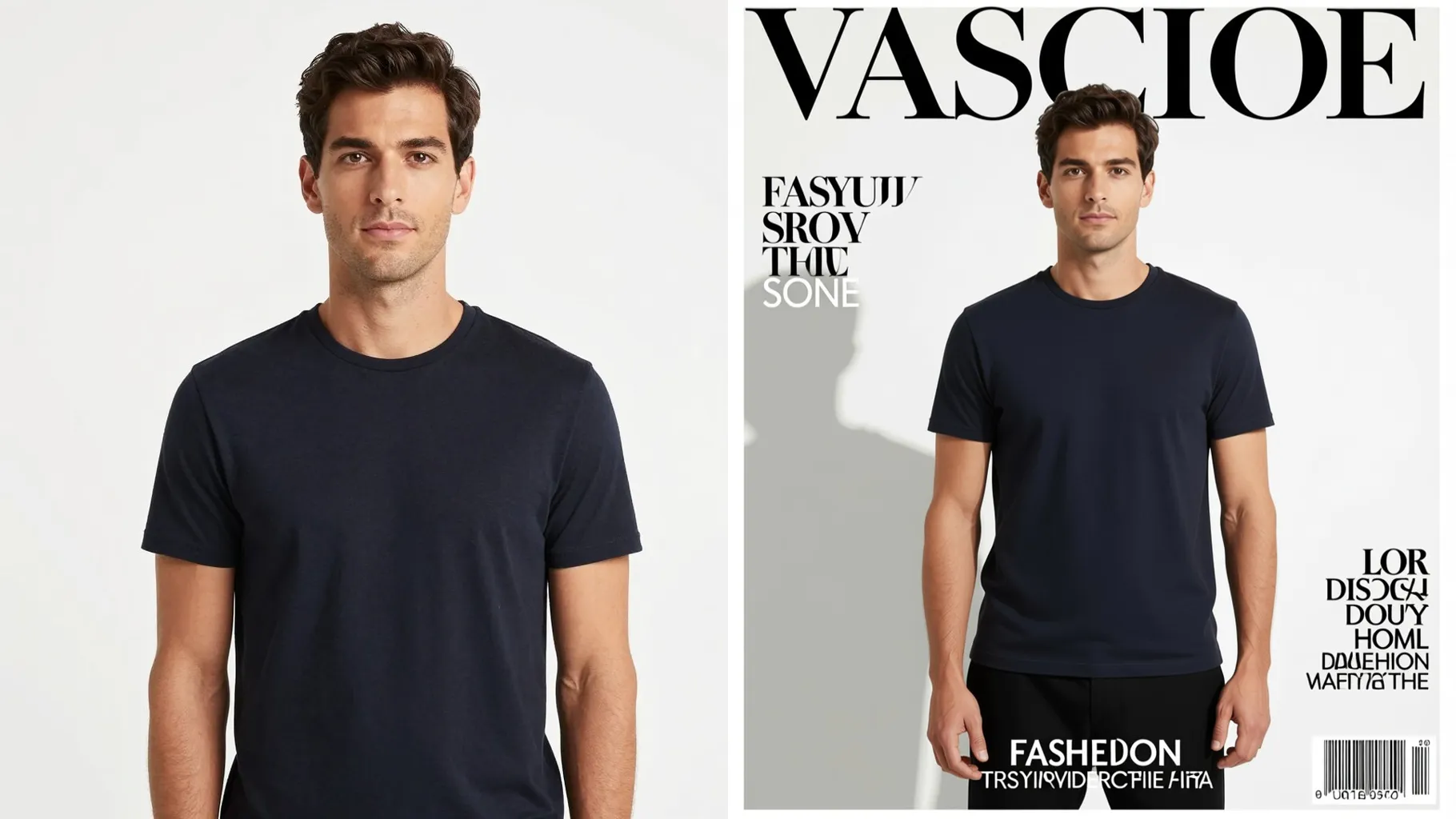
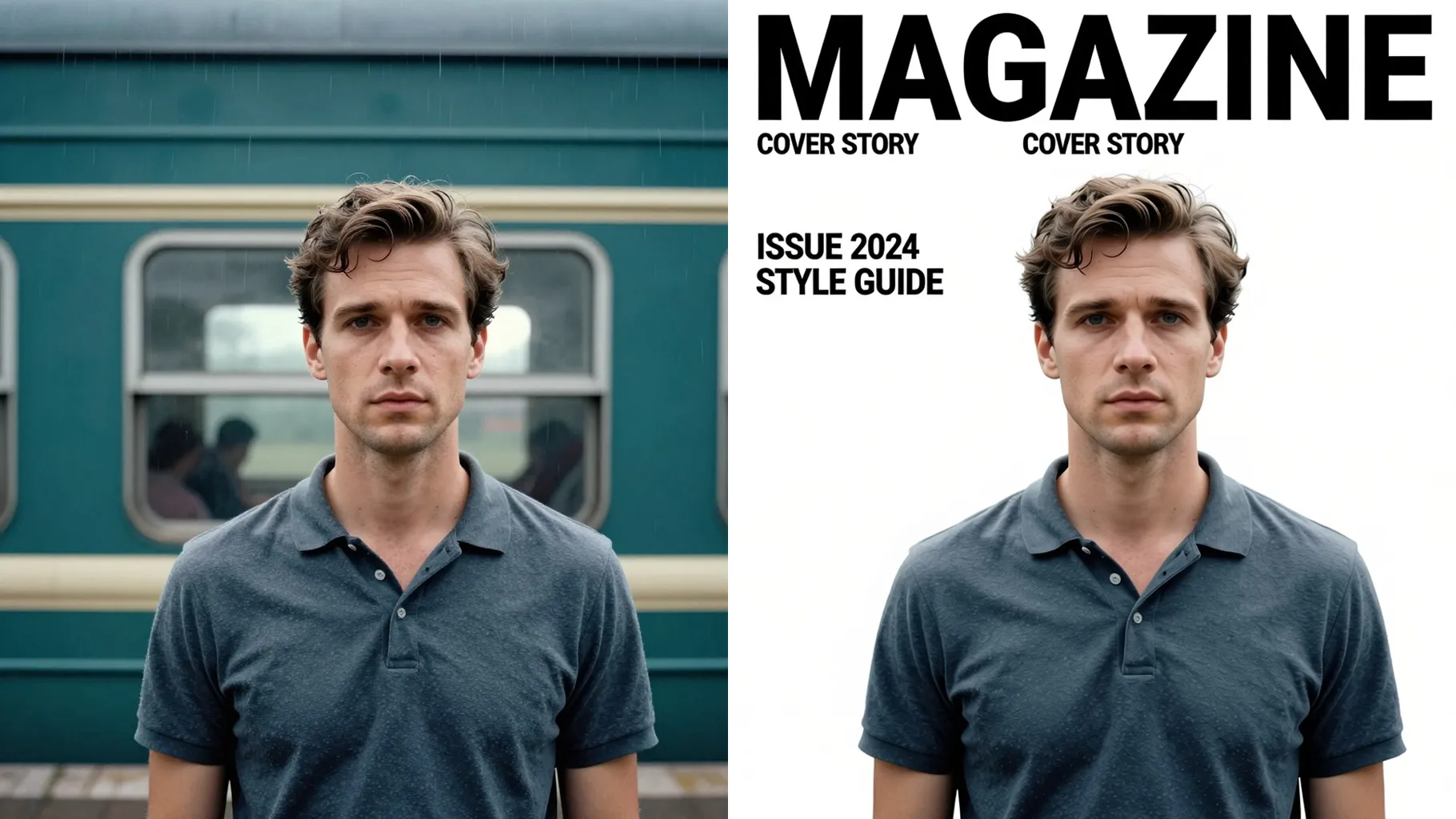
Turn one outfit photo into an editorial lookbook page with collage frames and clean typography.
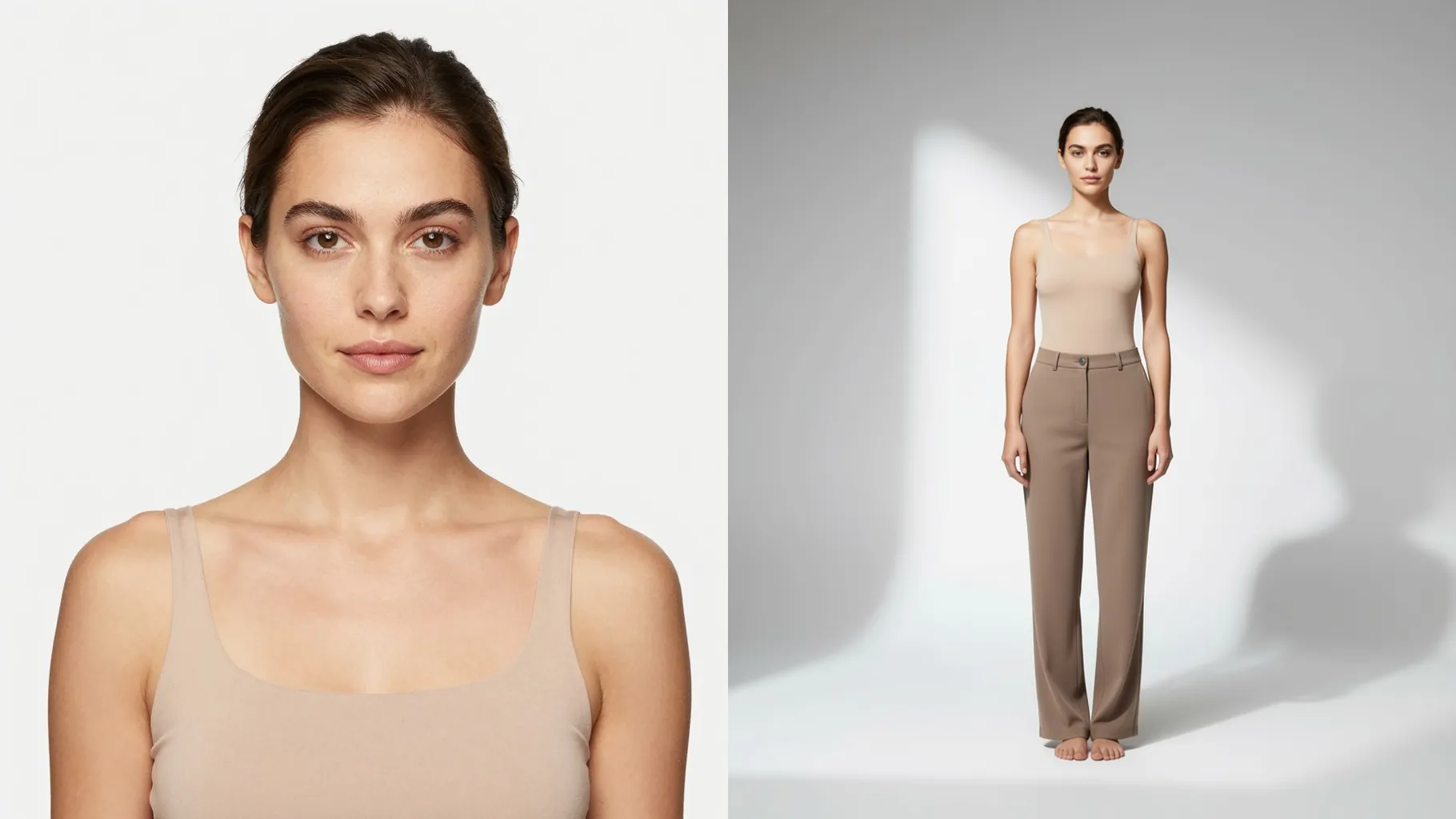
Turns one outfit photo into a clean editorial spread with white margins, balanced typography, and soft studio lighting.
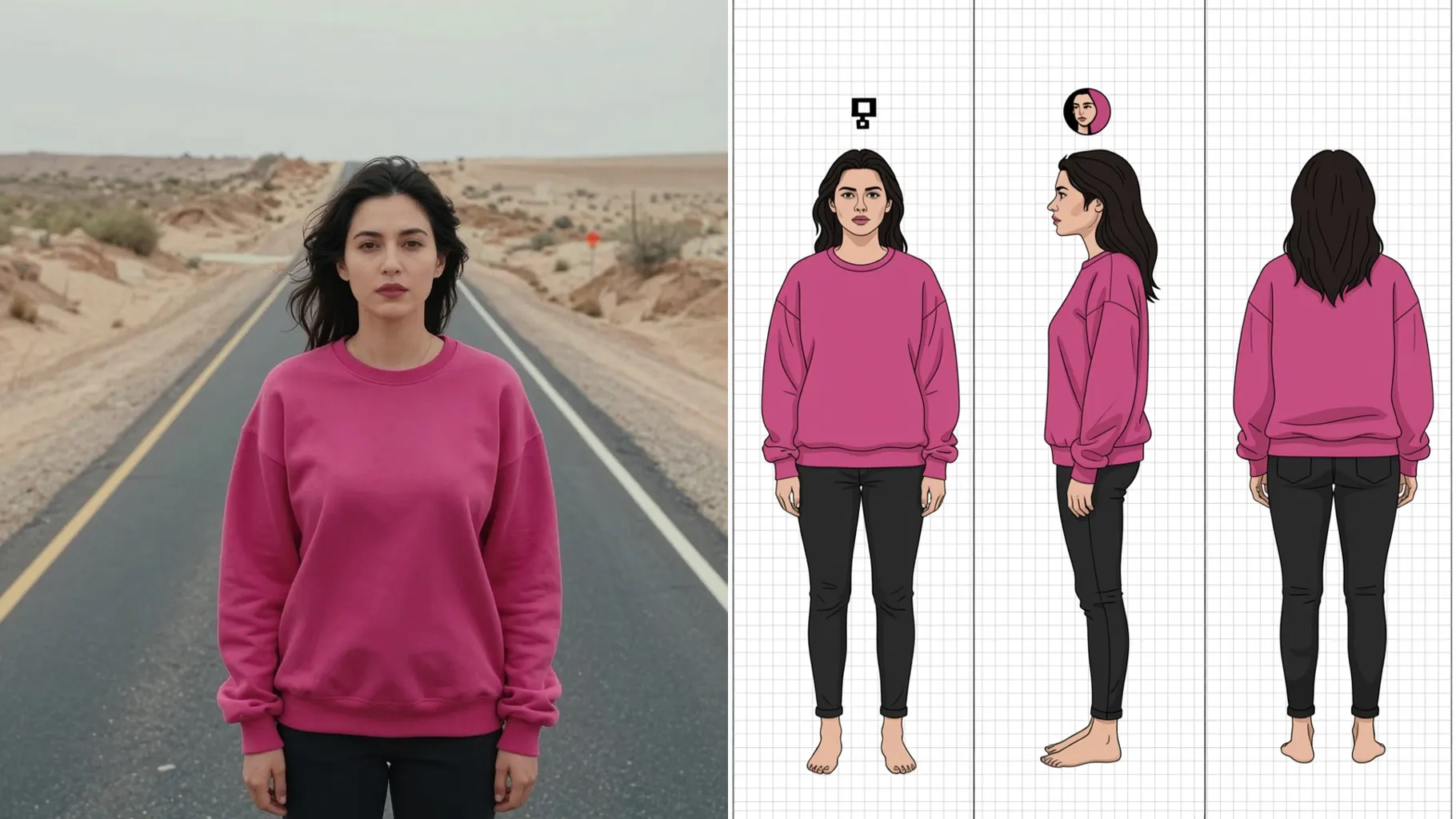
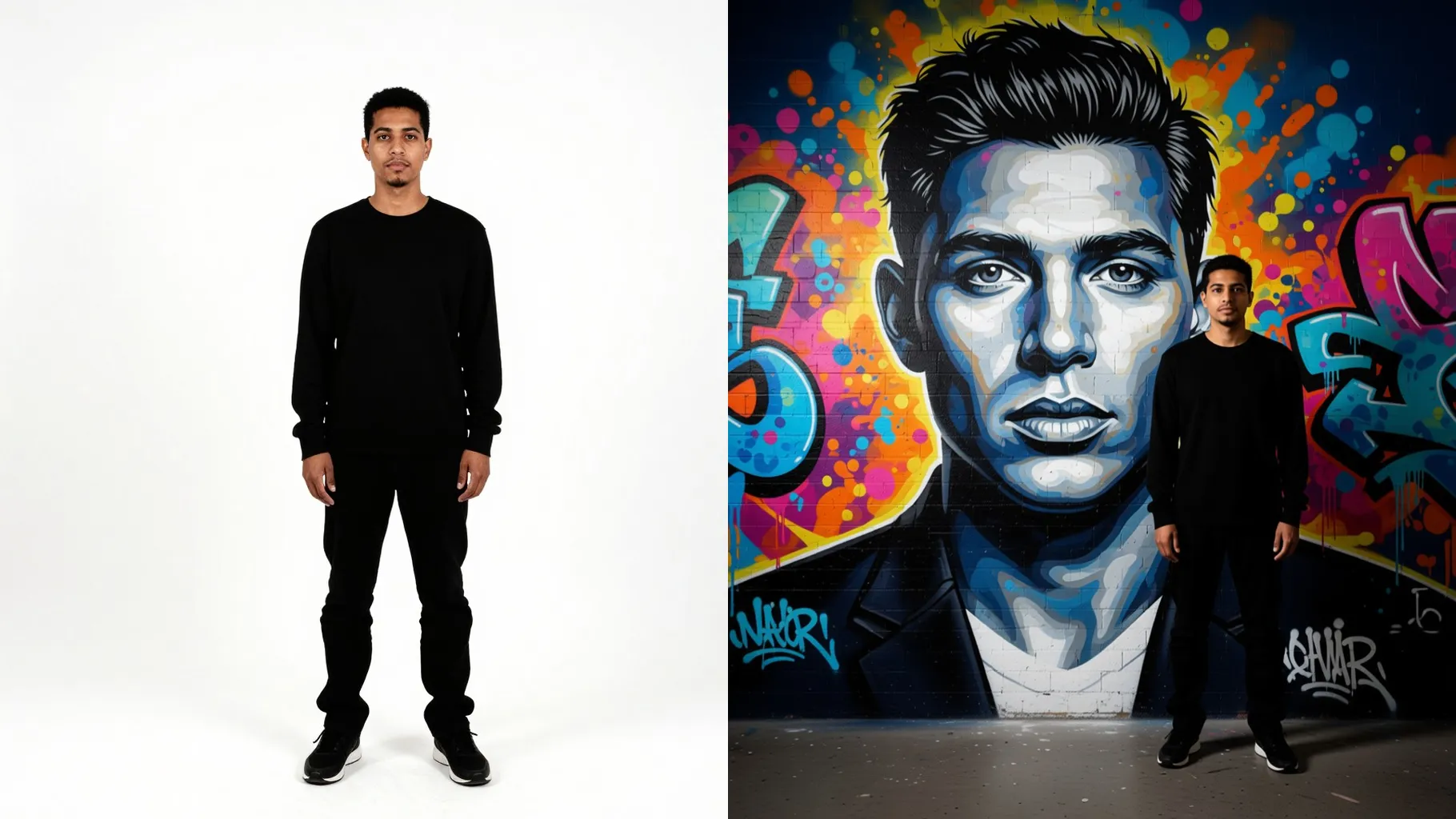
Examples show the target style. Your result depends on the chosen model and reference photo.
Upload one outfit shot to get an editorial lookbook page with collage frames, clean margins, and space for typography.
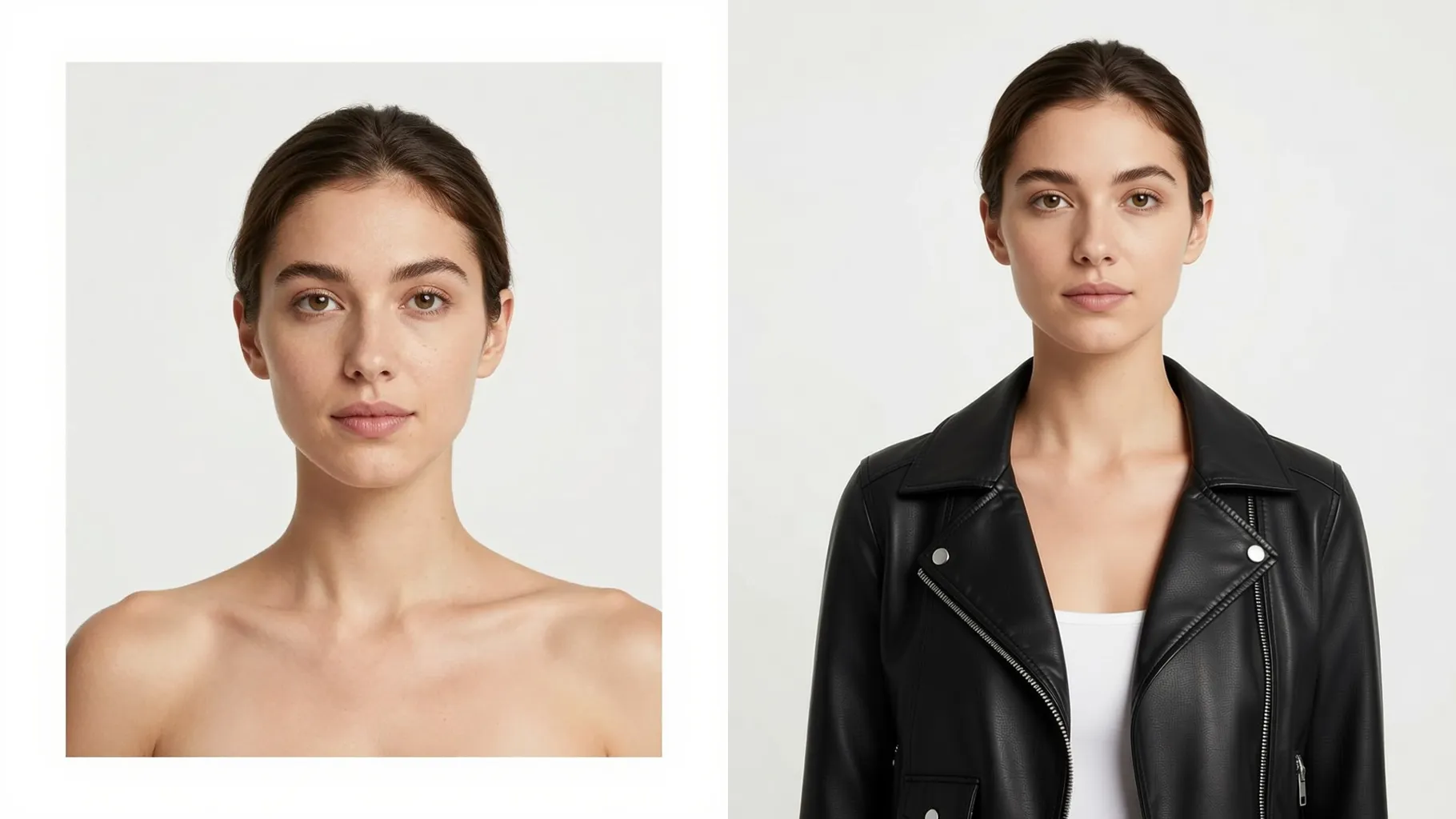
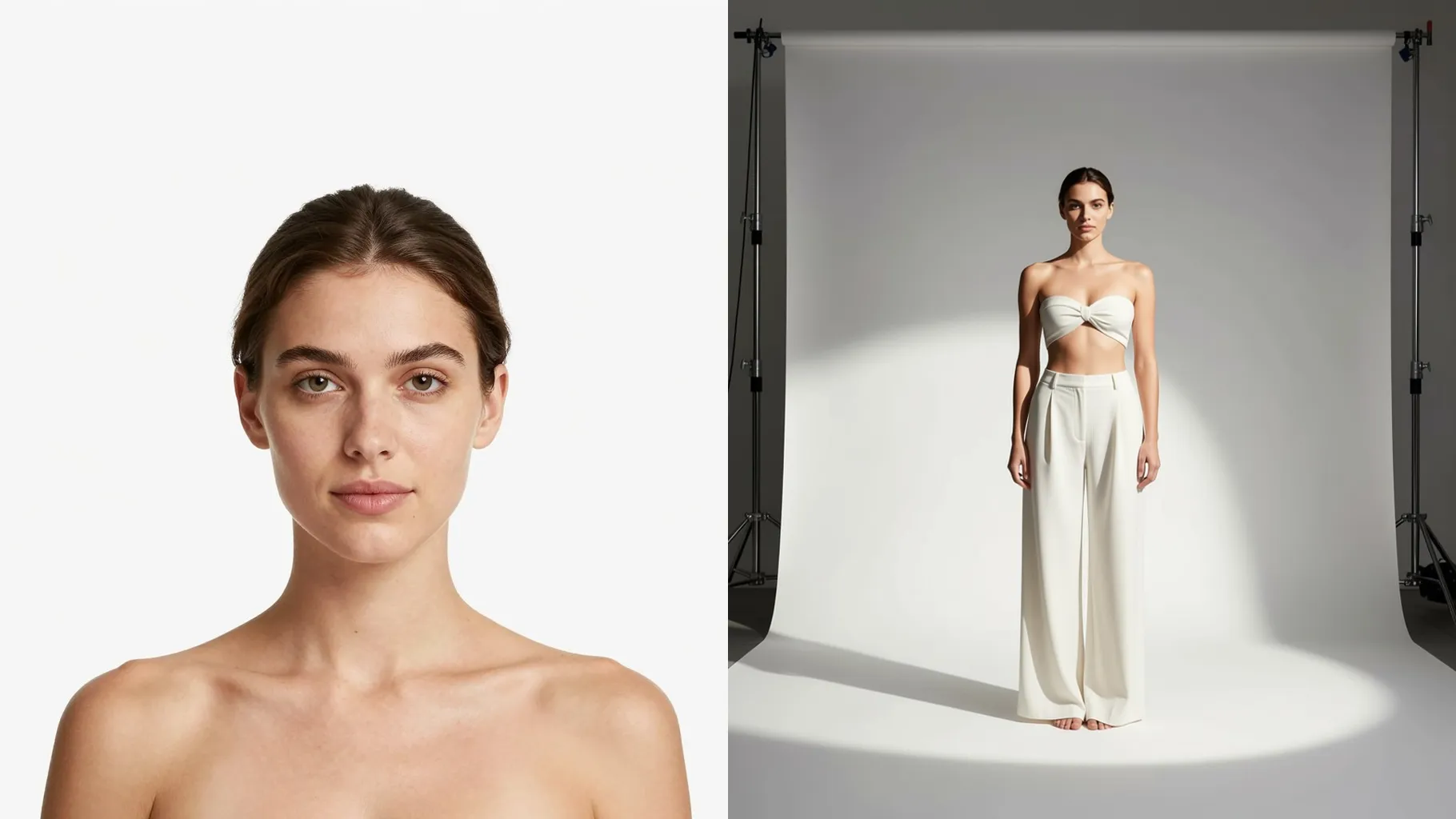
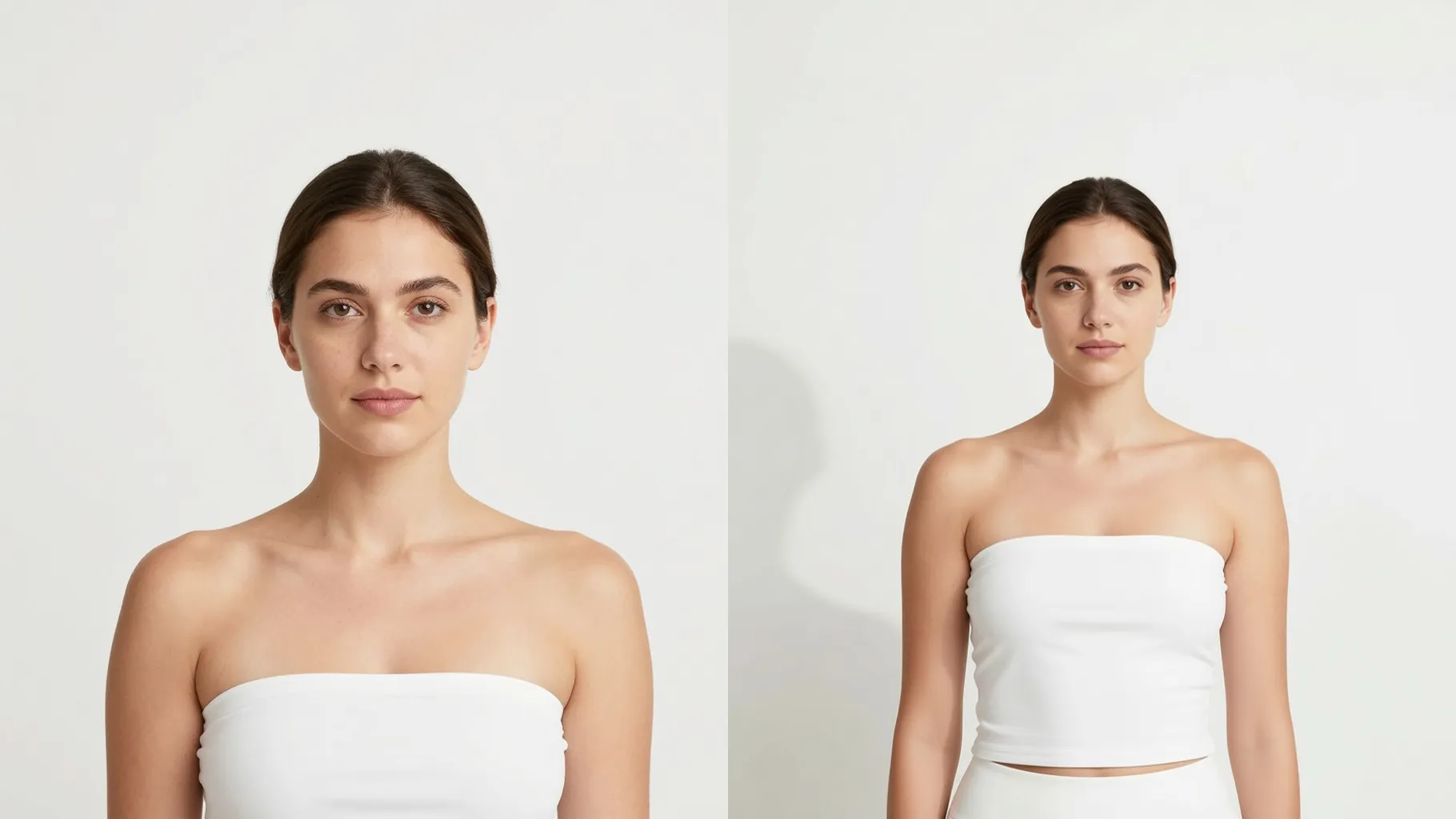
Preserve proportions while adding magazine gutters, headlines, and white space so your look stays the hero.
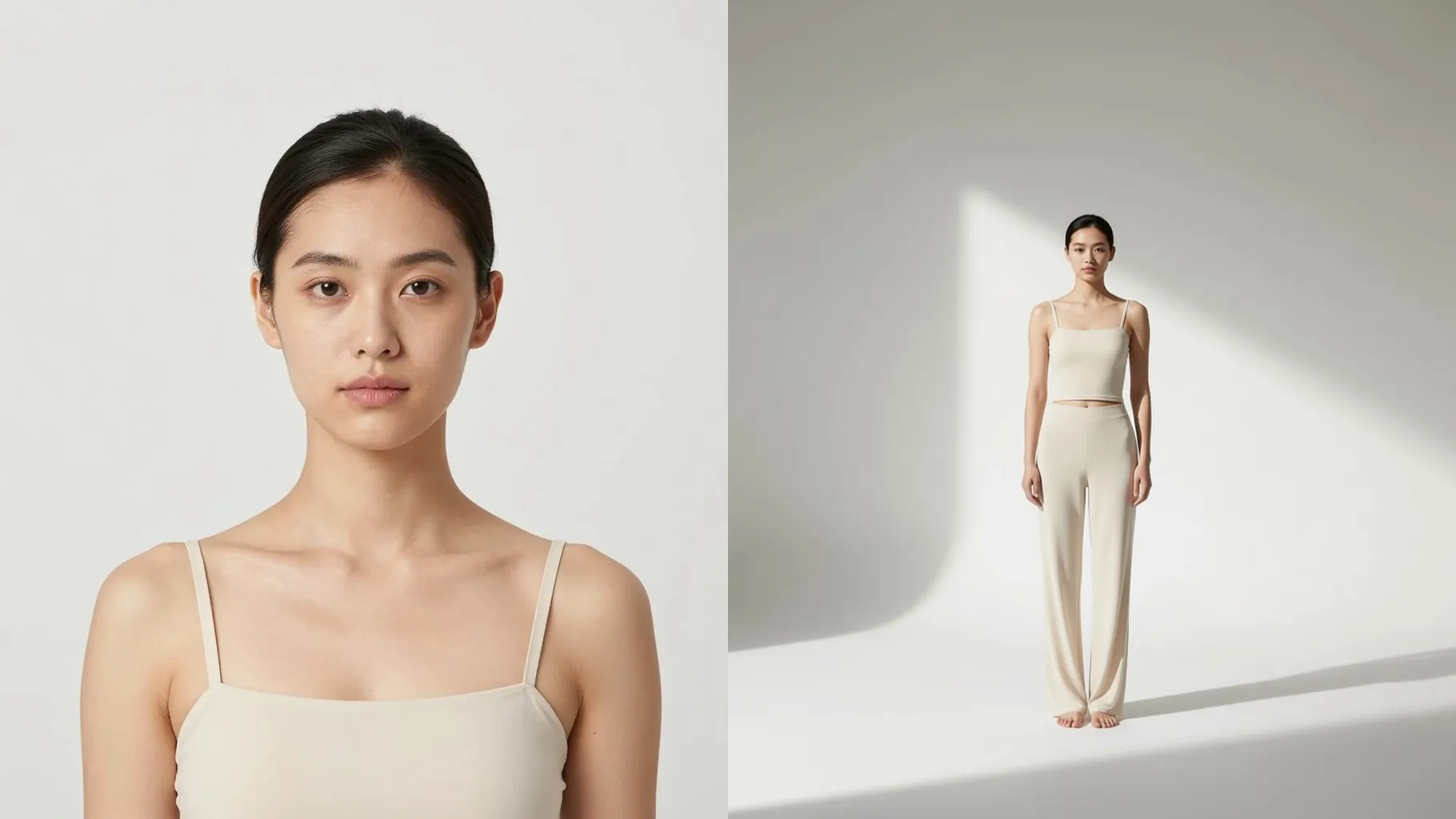
Blend a hero pose with cropped close-ups and color-coordinated accents to show fabric, accessories, and styling in one page.
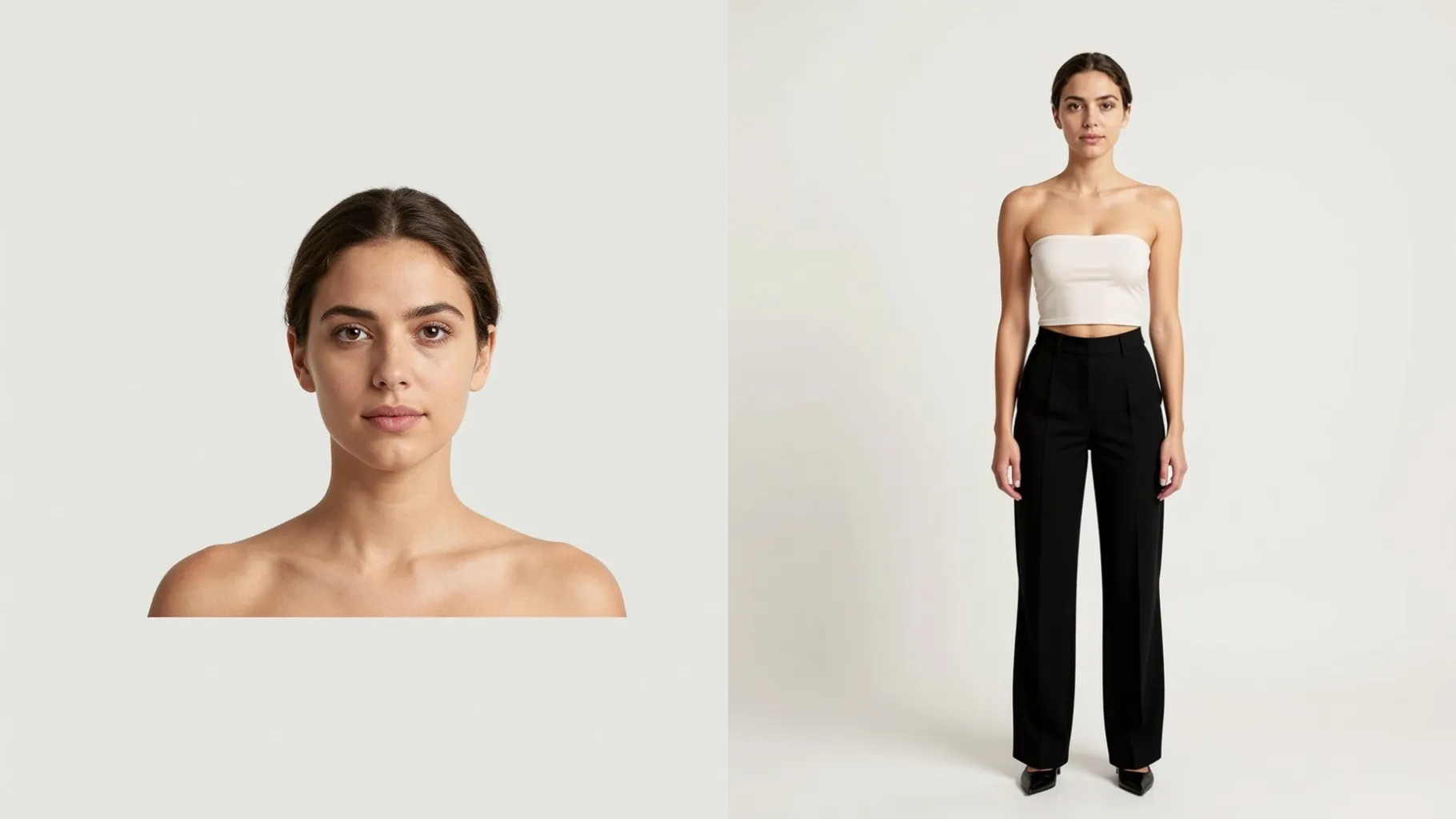
Use a full-body or mid-shot with a simple background so the layout and crops stay sharp.
Mention the vibe, season, or mood in one sentence; concise prompts keep typography and color grading consistent.
Preview the lookbook spread, rerun for another collage if needed, then download your favorite page.
Upload one image per run to keep the layout balanced and faces clean.
Full or mid-body outfits work best; avoid crowded backgrounds so typography and crops stay neat.
Aspect ratio control is off to preserve the lookbook layout. Crop before uploading if you need a specific frame.
Model switching is disabled here to maintain consistent fashion-focused styling.
No. A short style note like “minimal neutral fall look” is enough; long prompts are unnecessary.
Use JPG, PNG, or WebP under 10MB for faster processing and sharper details.
Yes. It preserves outfit colors while adding subtle magazine-grade lighting and grain.
Single-subject photos give the most stable layout; multiple people may crowd the collage.

Upload one outfit photo, add a quick style note, and download an editorial look ready to share.