
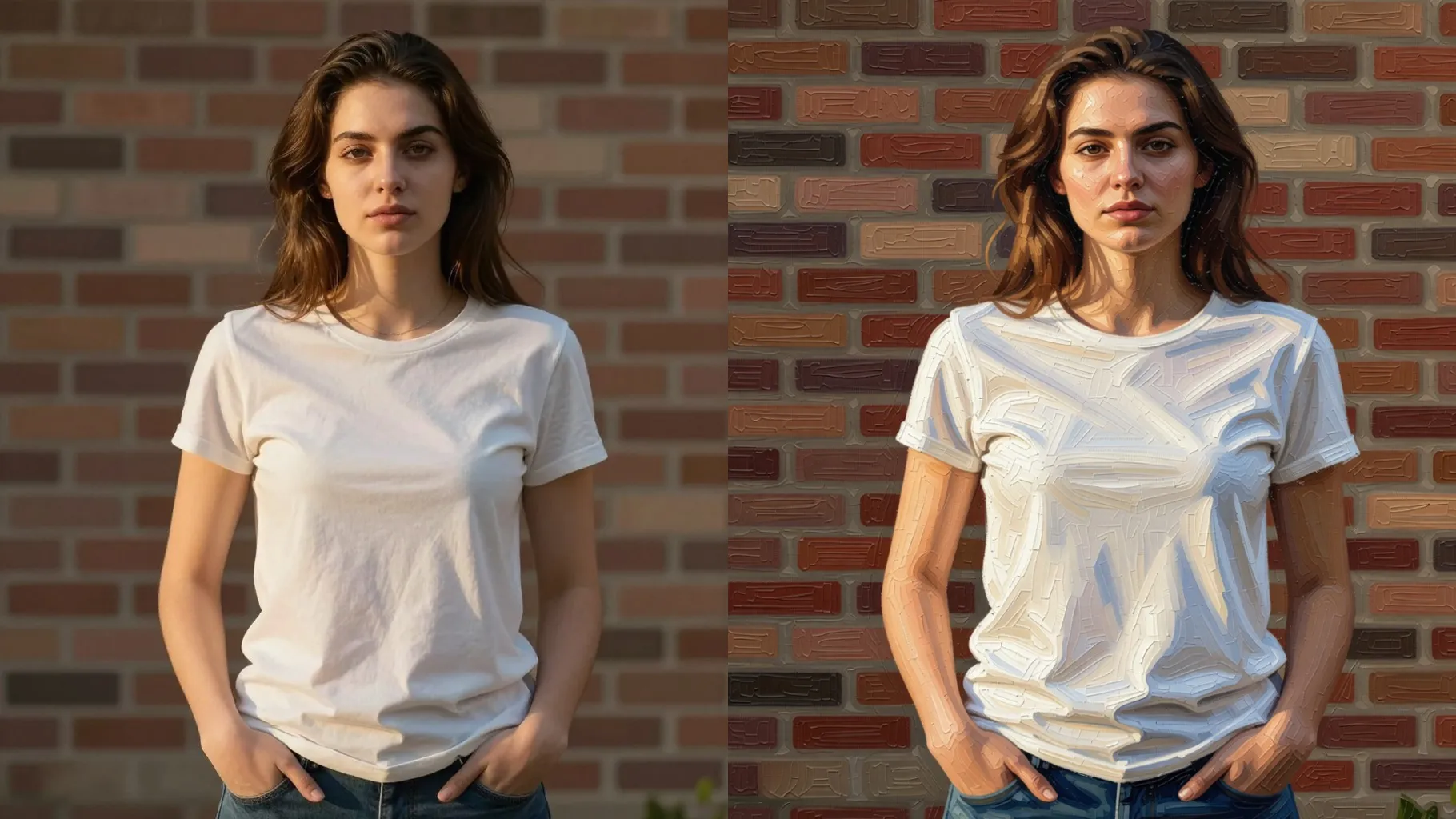

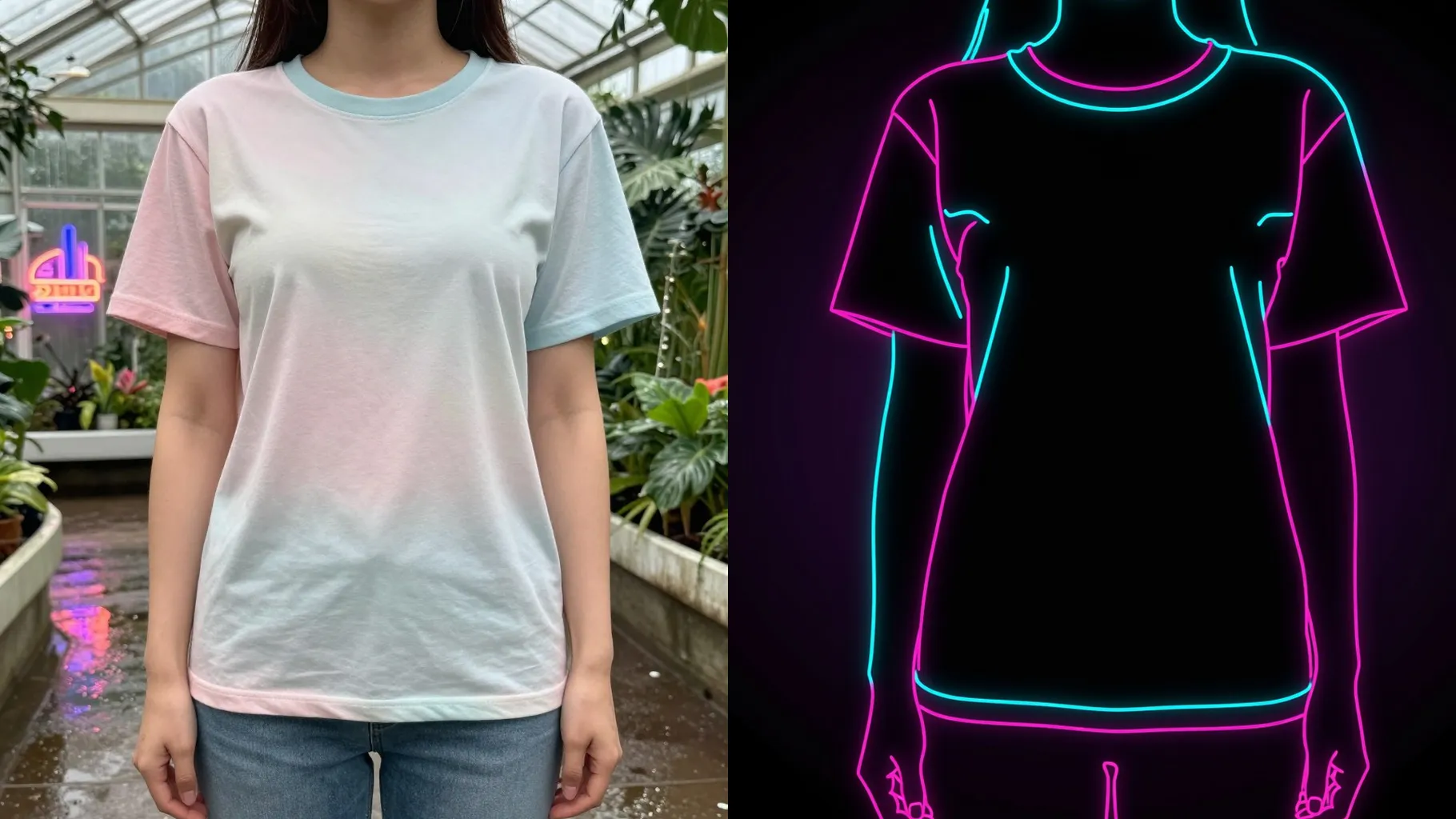
1. How many photos do I need?
Just one. Upload a single image and the template builds the frame, texture, and lighting around it.
Turn one photo into framed wall art with canvas texture and balanced lighting.
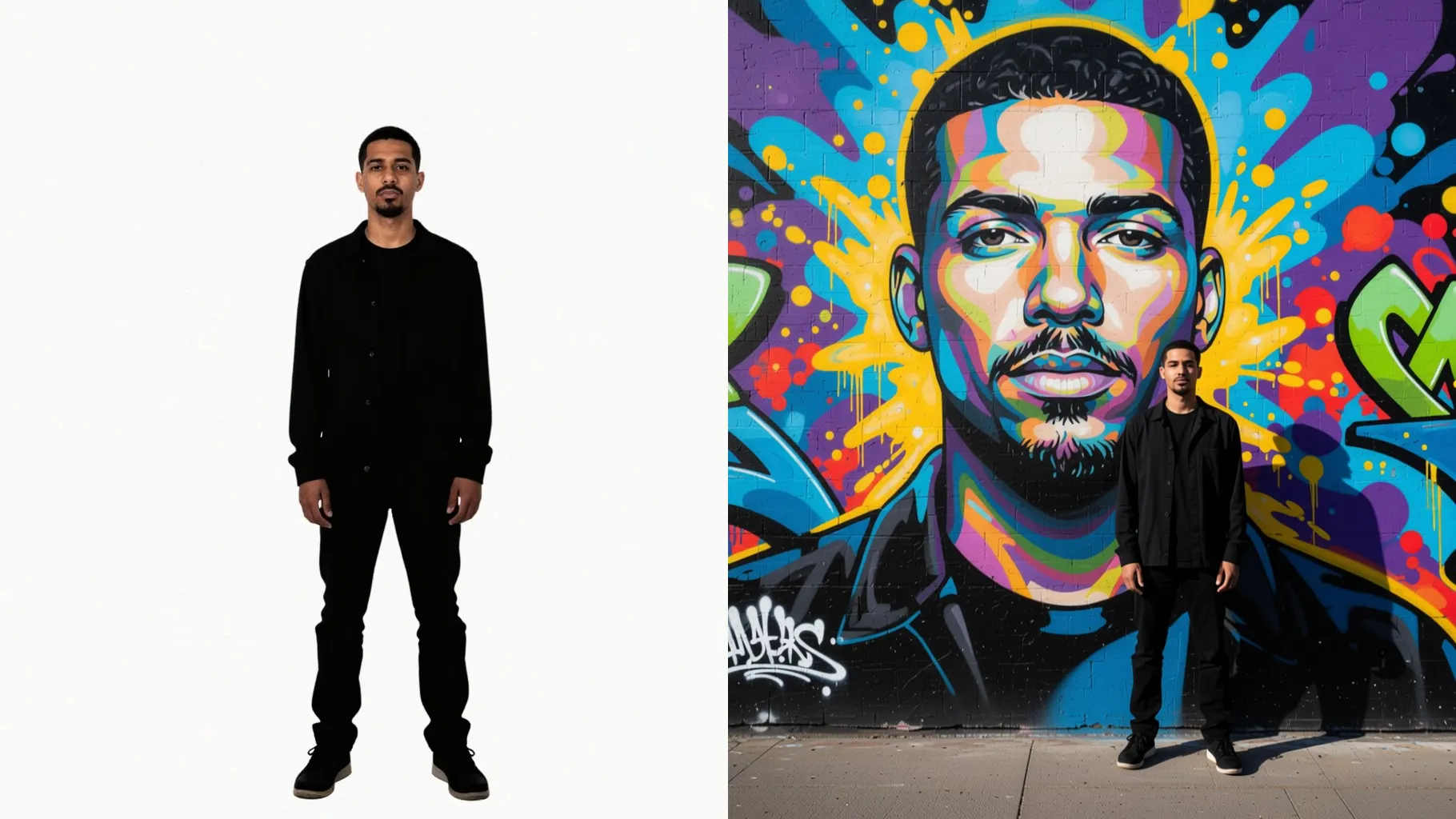
See one uploaded photo turned into framed wall art with richer tones, canvas texture, and balanced room lighting.
Examples show the target style. Your result depends on the chosen model and reference photo.
Upload one photo to instantly frame it as gallery-style wall art with canvas texture and natural lighting tweaks.
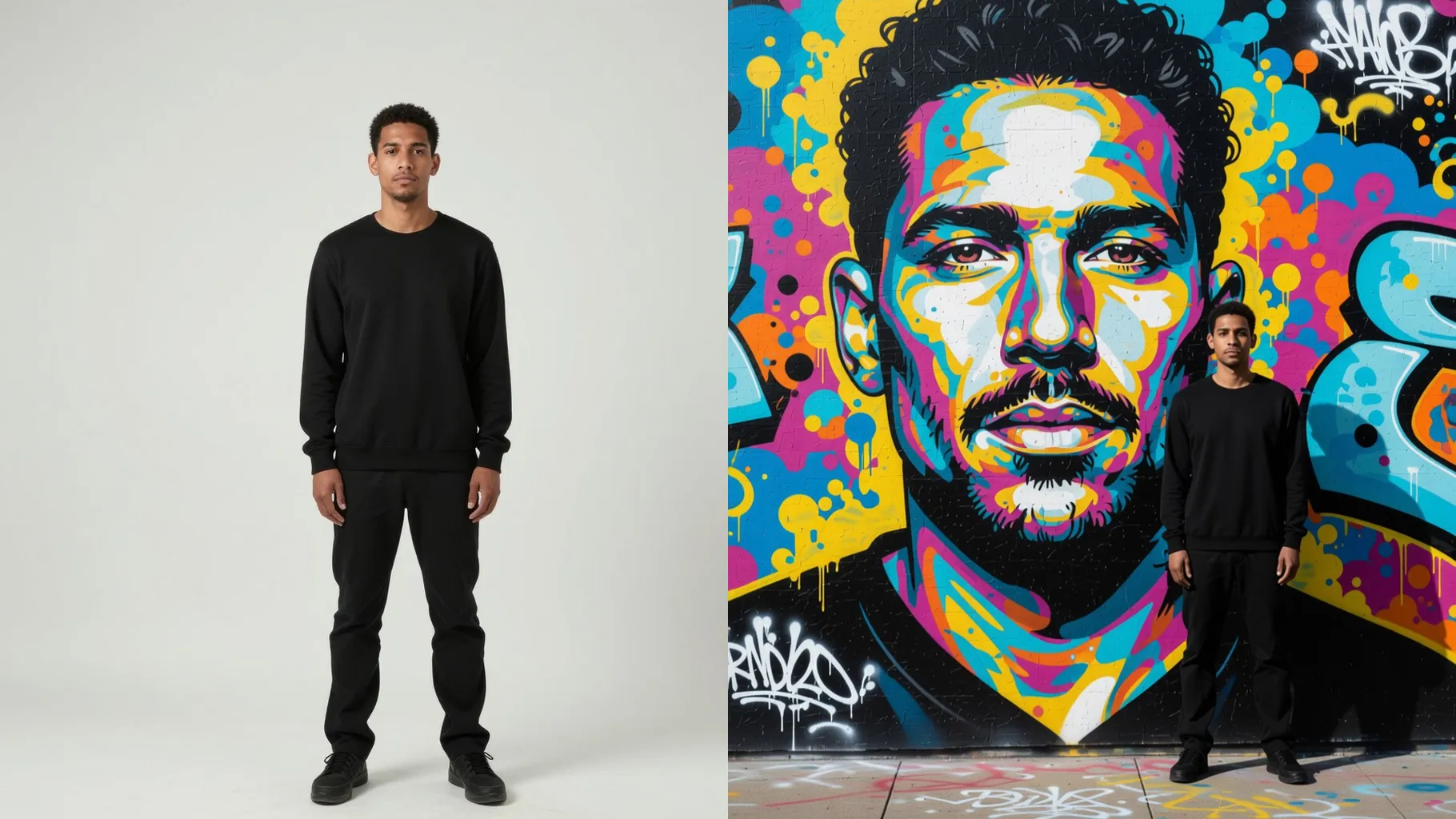
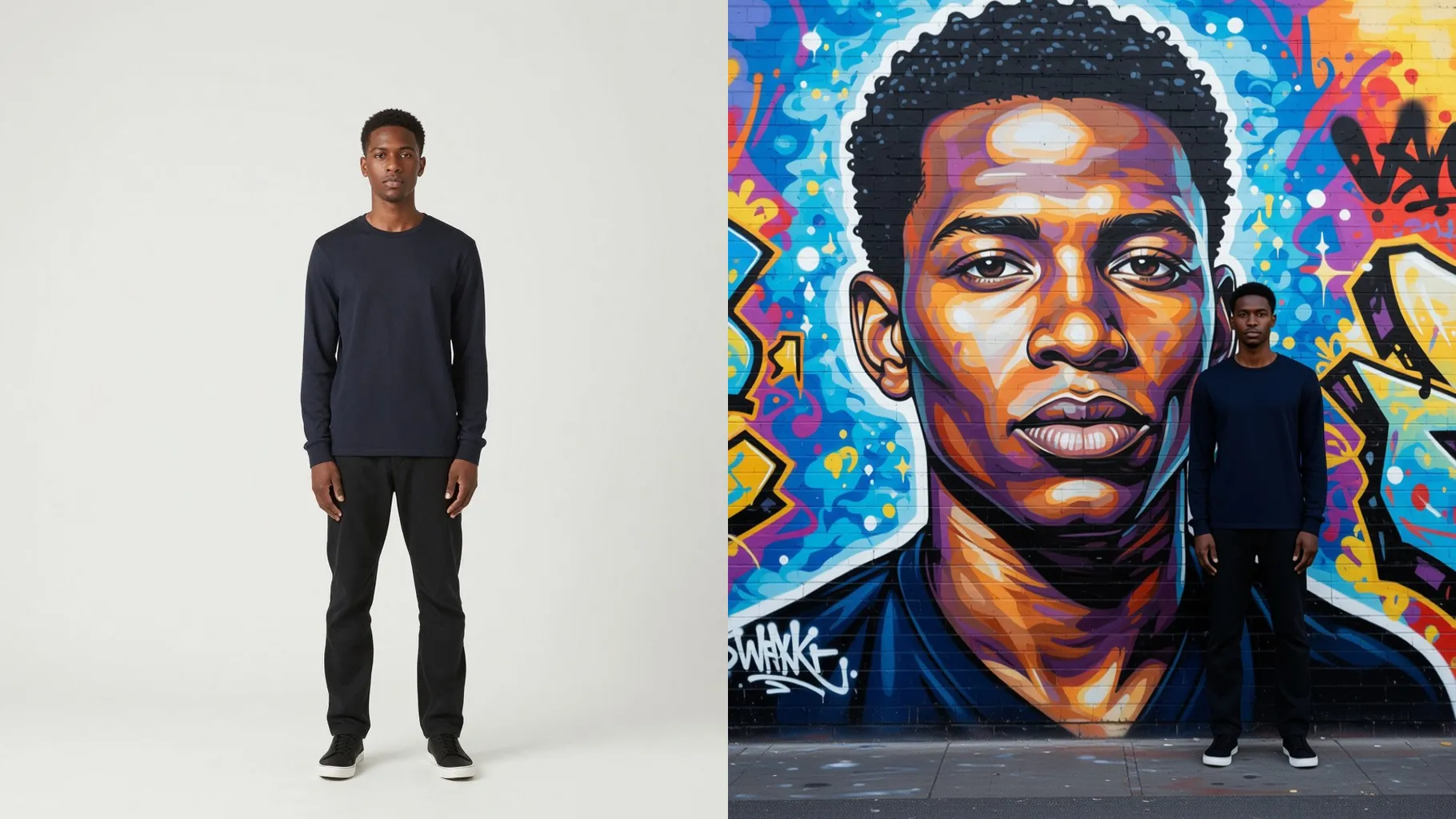
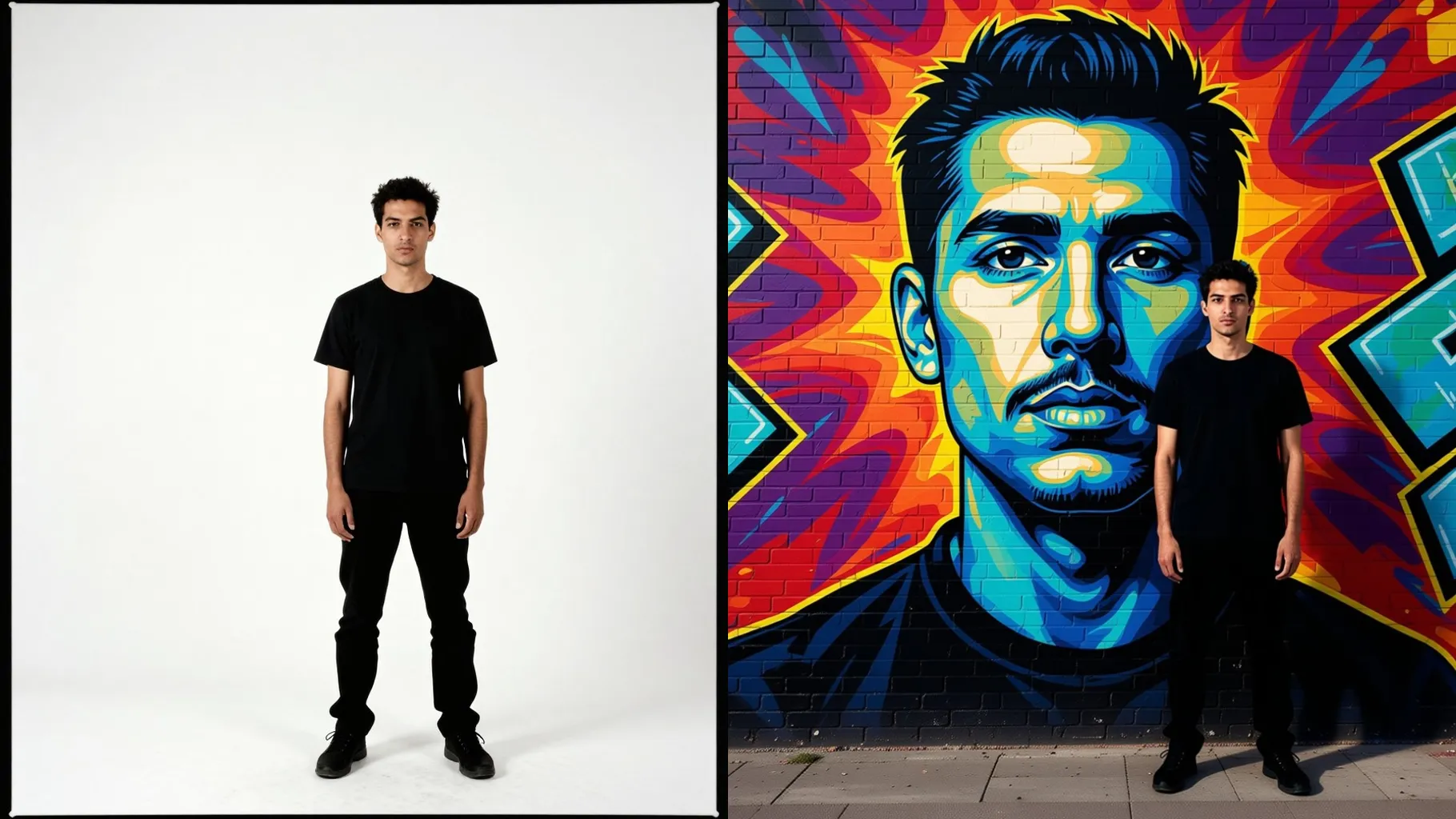
One upload becomes decor-ready wall art with a clean frame, subtle canvas grain, and preserved proportions for display.
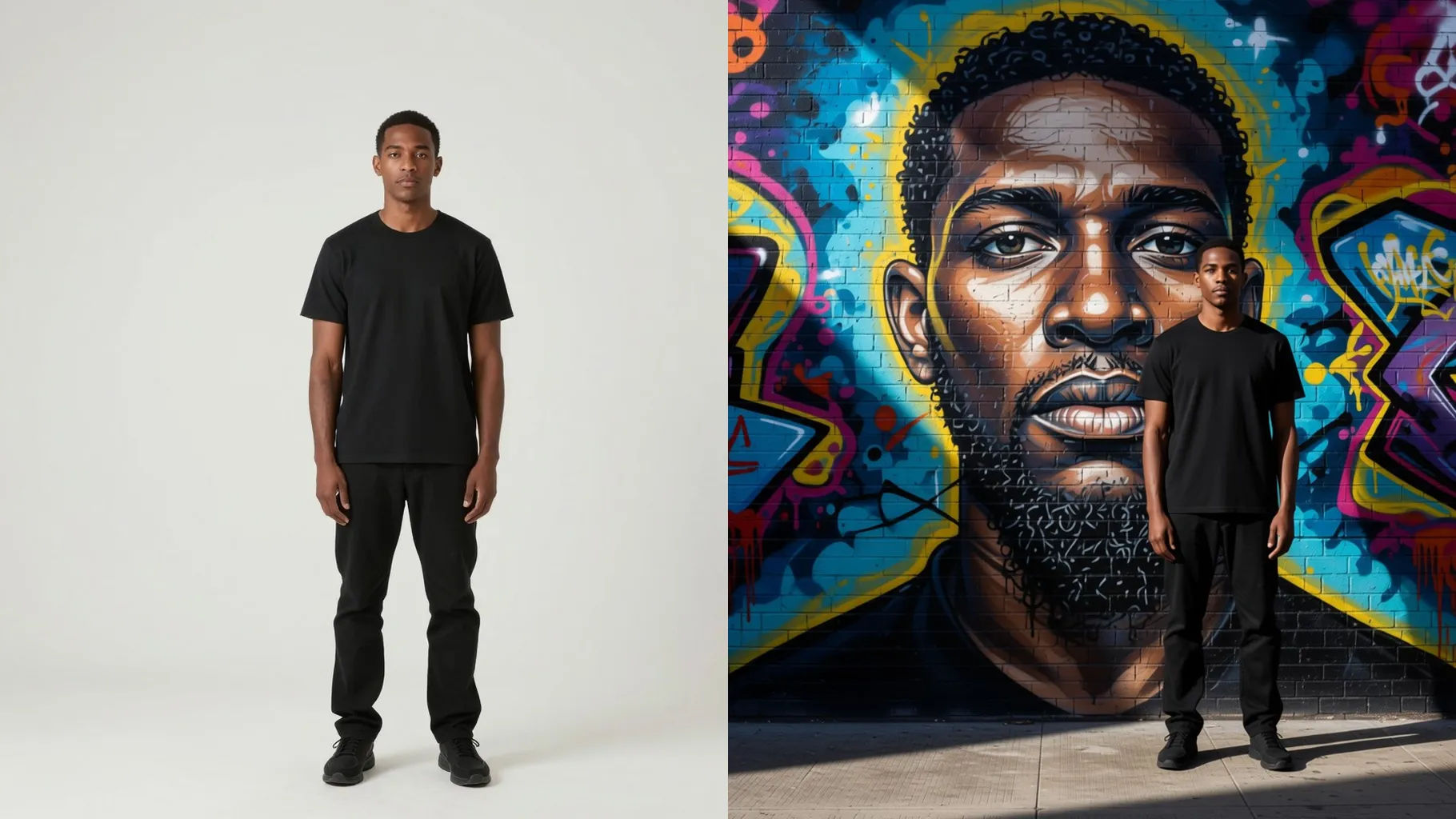
Add short notes like wooden frame, matte finish, warm gallery light, or minimalist wall; the render follows without warping faces.
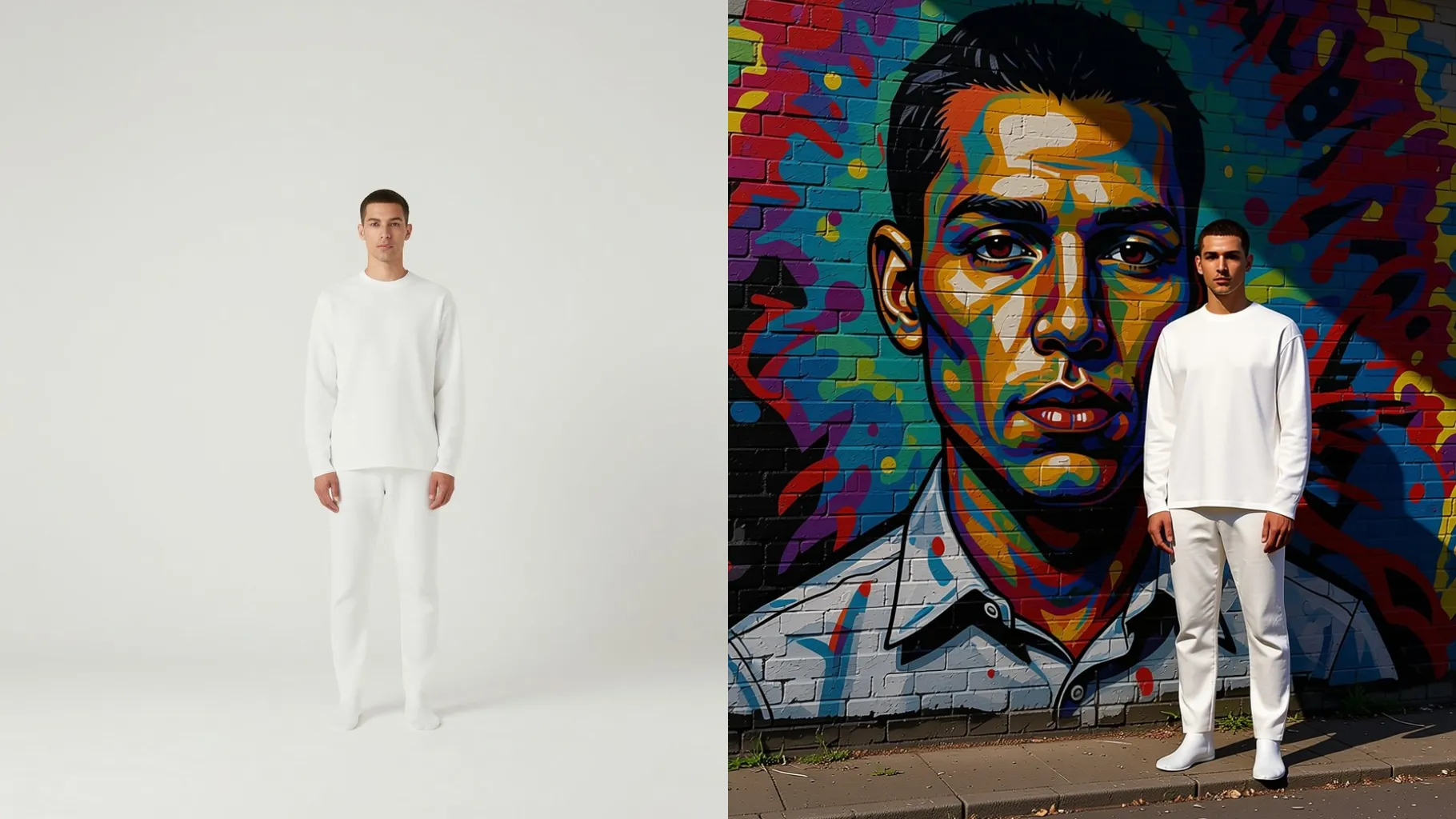
Centered portraits or product shots with even light make the framed result look sharp on the wall.
Mention the vibe you want: wooden frame, gallery lighting, matte texture, cozy living room, or bold color pop.
Preview the wall art, rerun if needed, and save the high-res render for prints or digital mockups.
Just one. Upload a single image and the template builds the frame, texture, and lighting around it.
Yes. Use a short prompt like wooden frame, black frame, bright gallery lights, or soft warm lamp to steer the look.
The render keeps proportions, facial details, and scene depth while adding print-friendly texture and contrast.
Aspect ratio and model switching stay off for stability. Crop your upload first if you need a specific canvas size.
You get a high-resolution WebP suitable for posters, canvas prints, or digital showcases without extra editing.

Upload one image, add a quick style hint, and download a framed wall art render ready for decor or sharing.