
1. How many photos can I upload per render?
This effect processes one image at a time to keep the trompe l'oeil cutouts aligned.
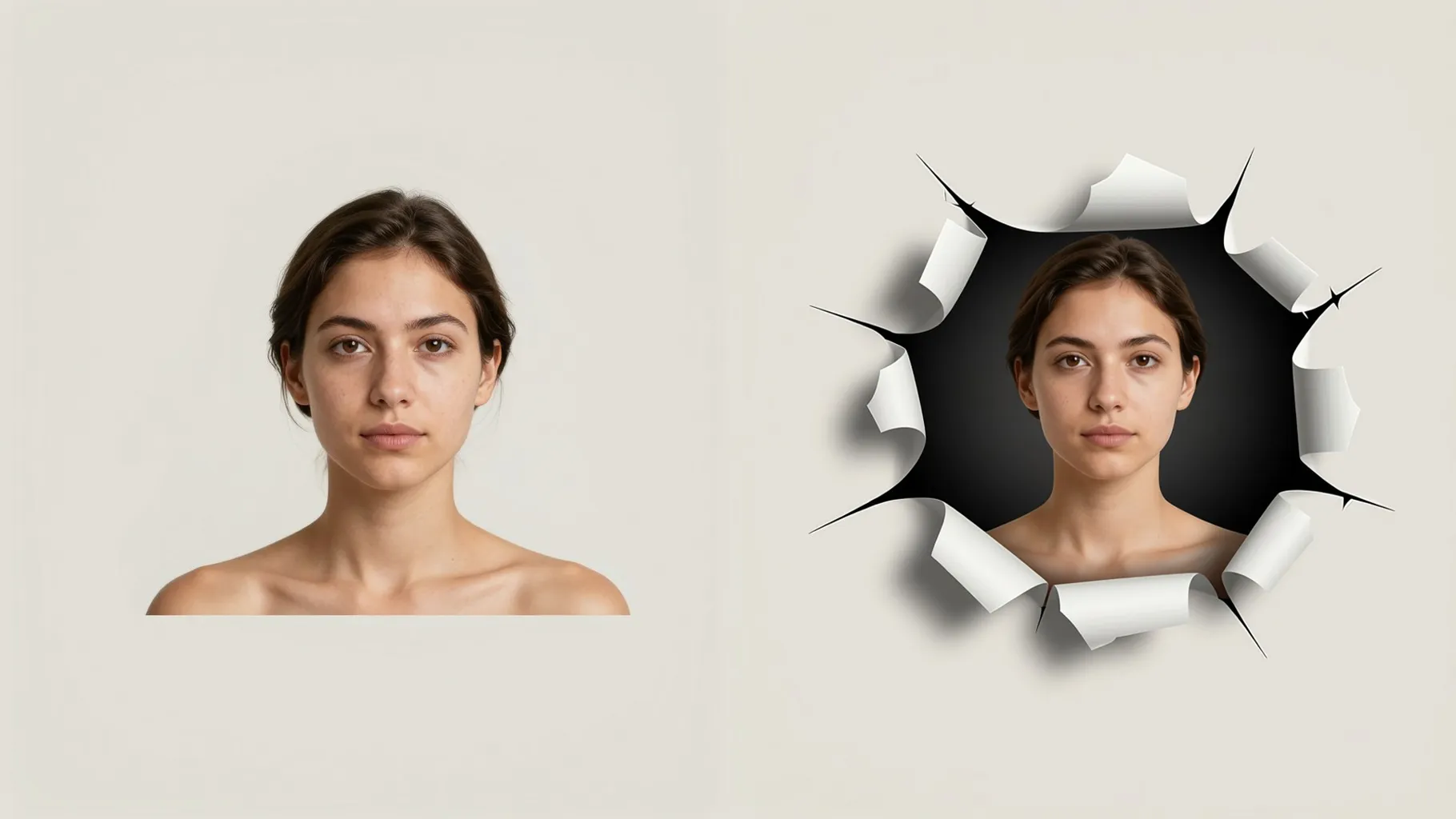
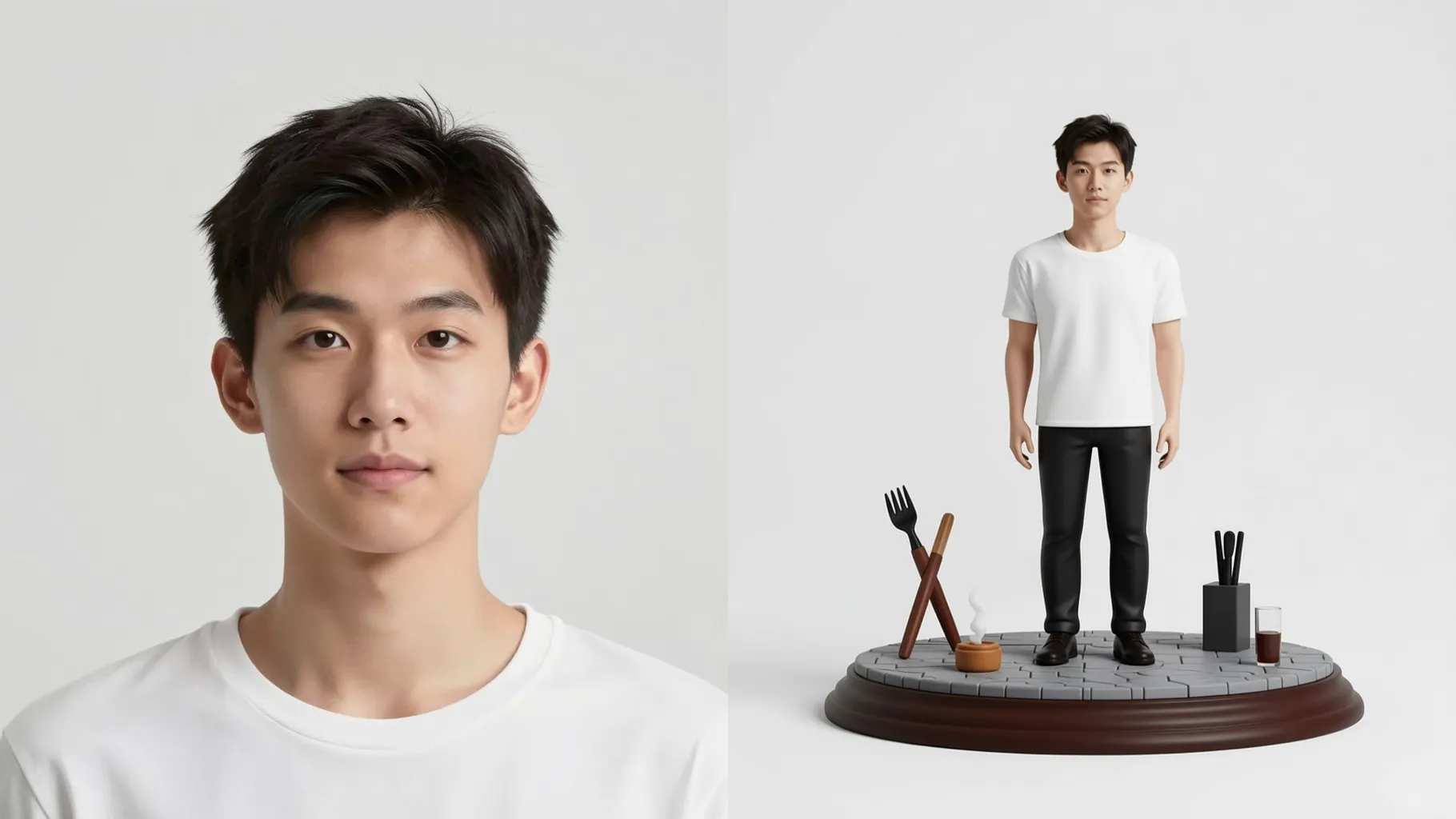
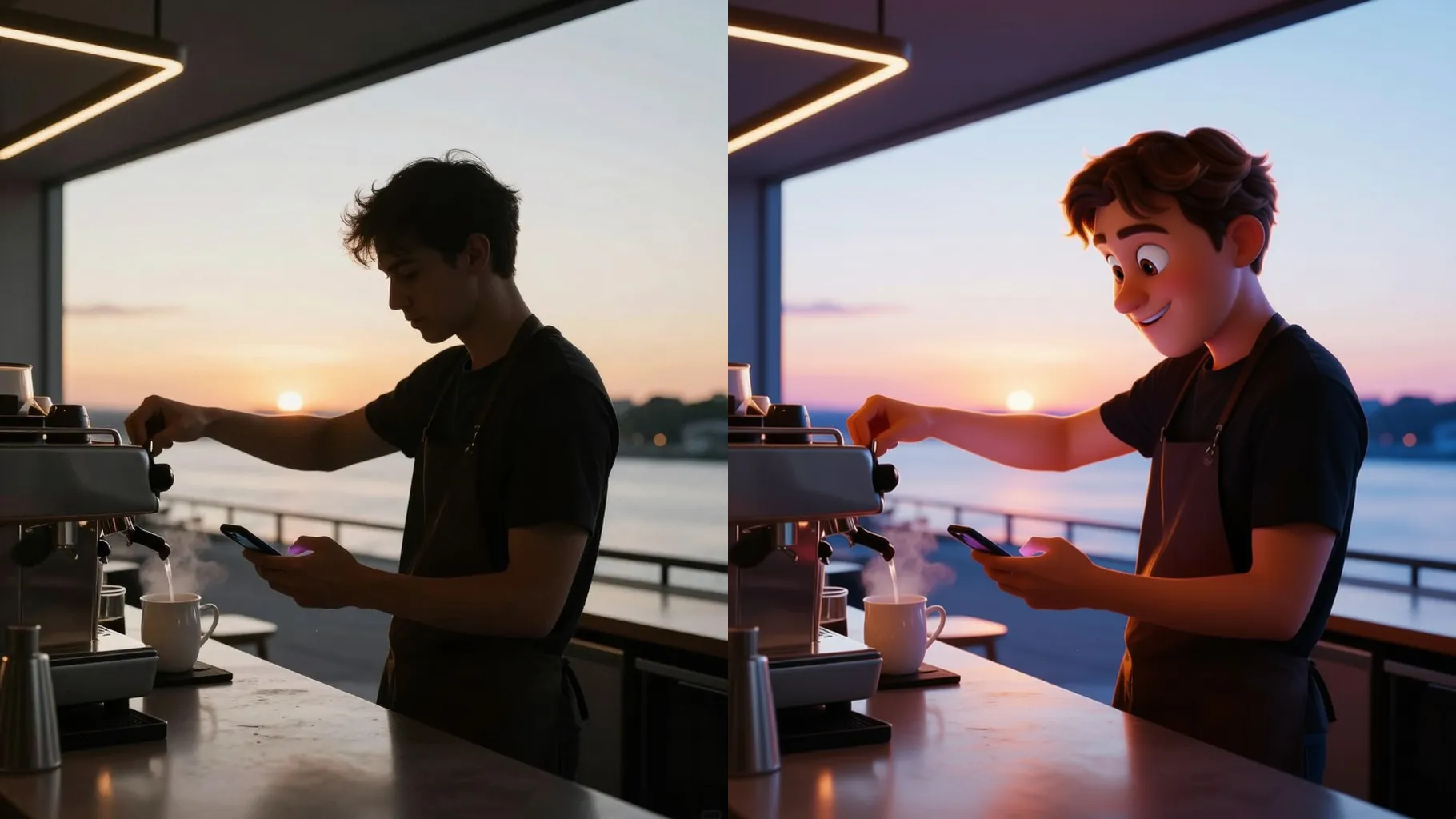
Turn one photo into a trompe l'oeil optical illusion with carved layers, shadow depth, and gallery-ready shine.
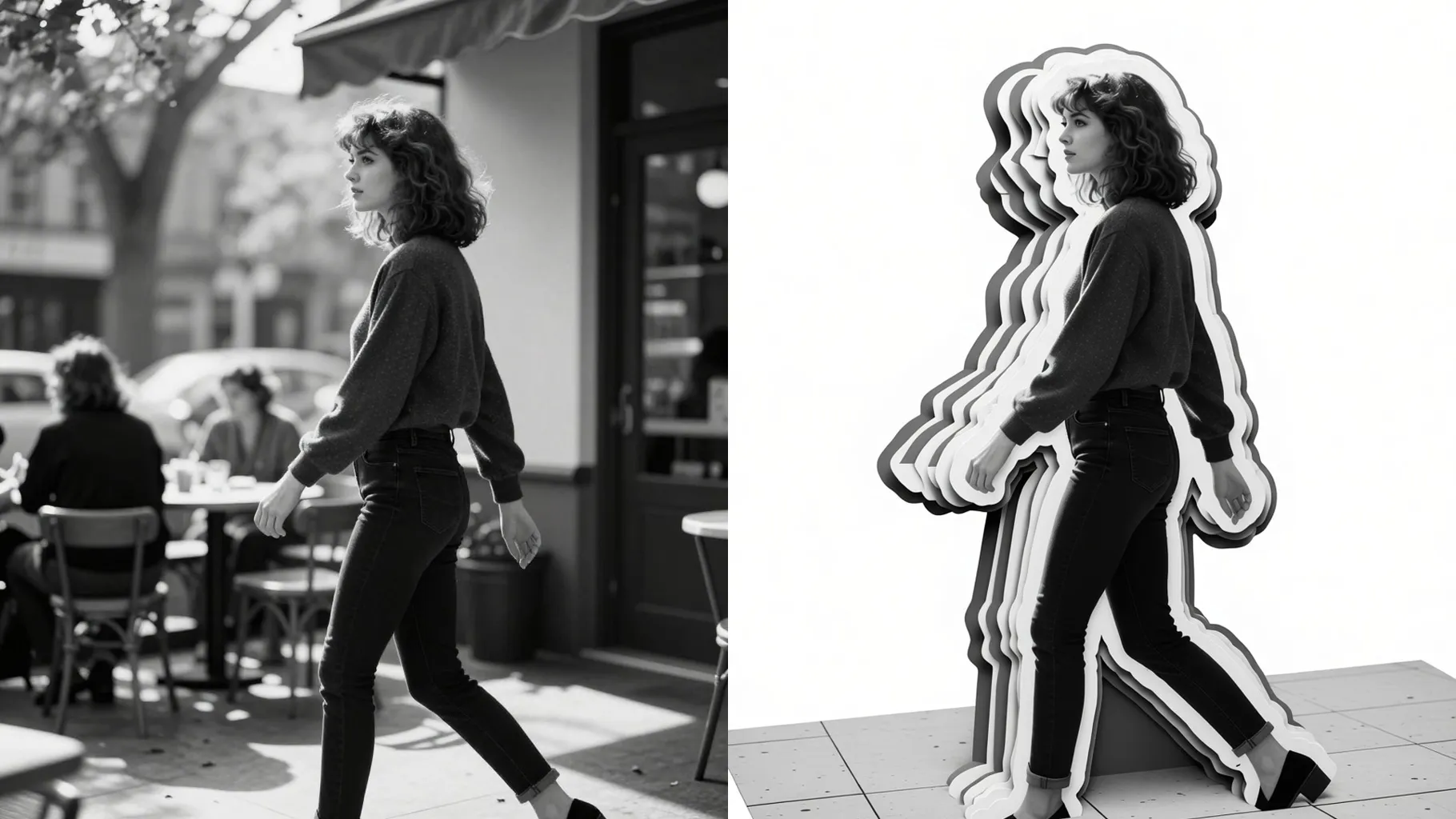
Convert one photo into a layered trompe l'oeil cutout with carved edges, realistic shadows, and raised highlights.
Examples show the target style. Your result depends on the chosen model and reference photo.
Upload one image to build layered optical illusions with carved edges, shadows, and raised highlights.
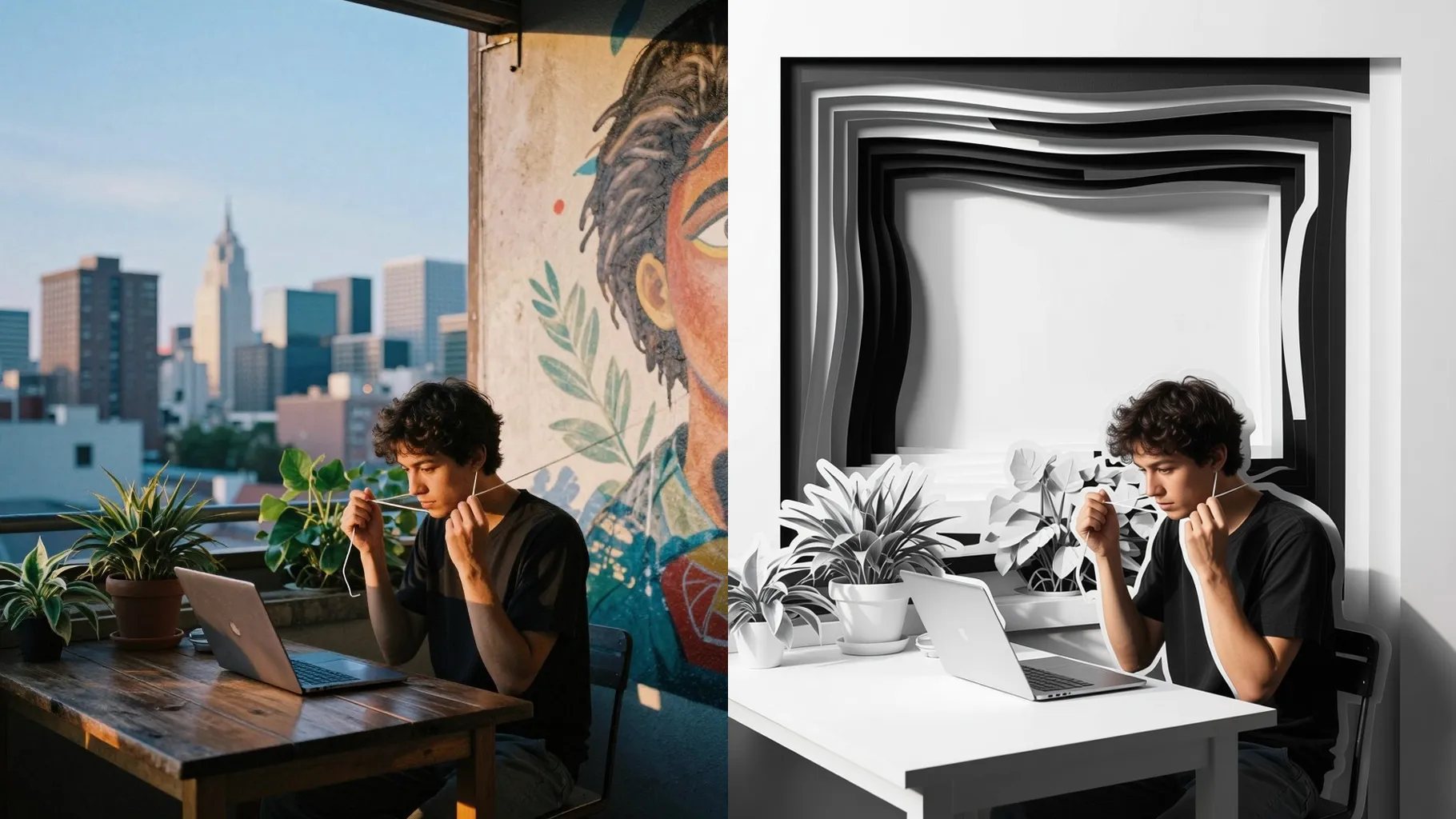
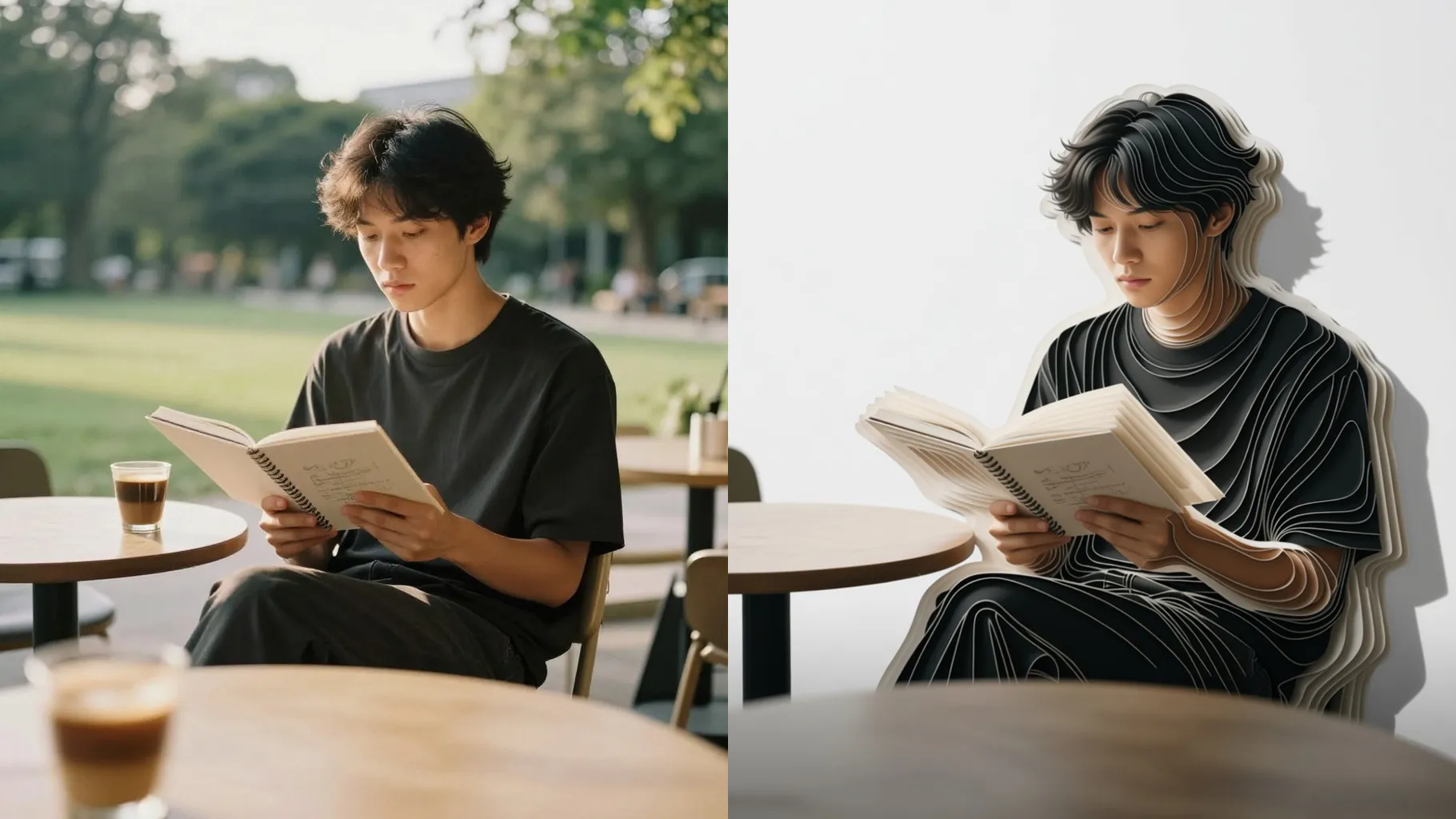
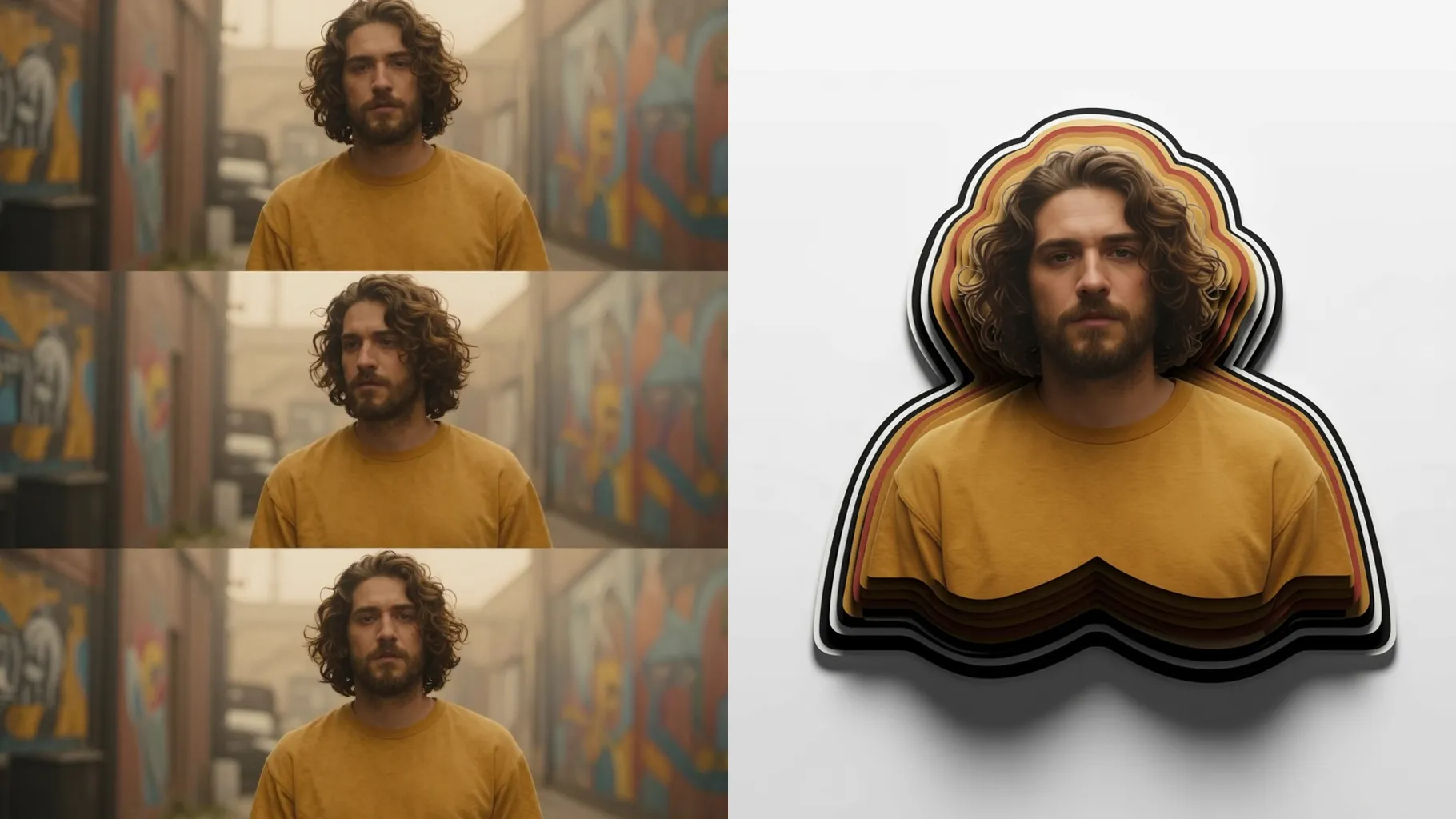
Edges are carved to mimic stacked paper so the subject feels lifted from the frame while keeping proportions natural.
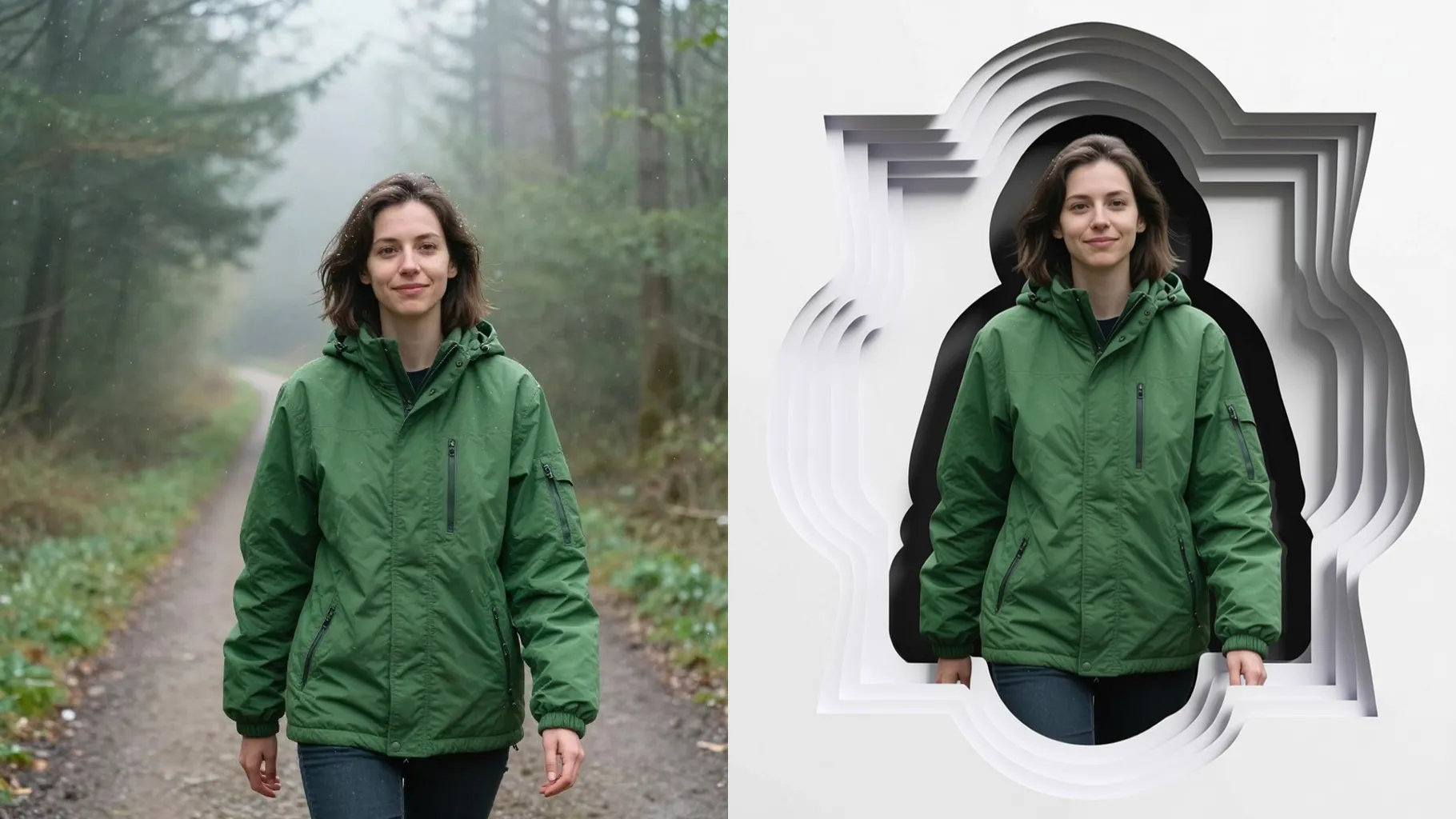
Soft rim lights and grounded shadows paint believable depth without washing out skin tone or fabric detail.
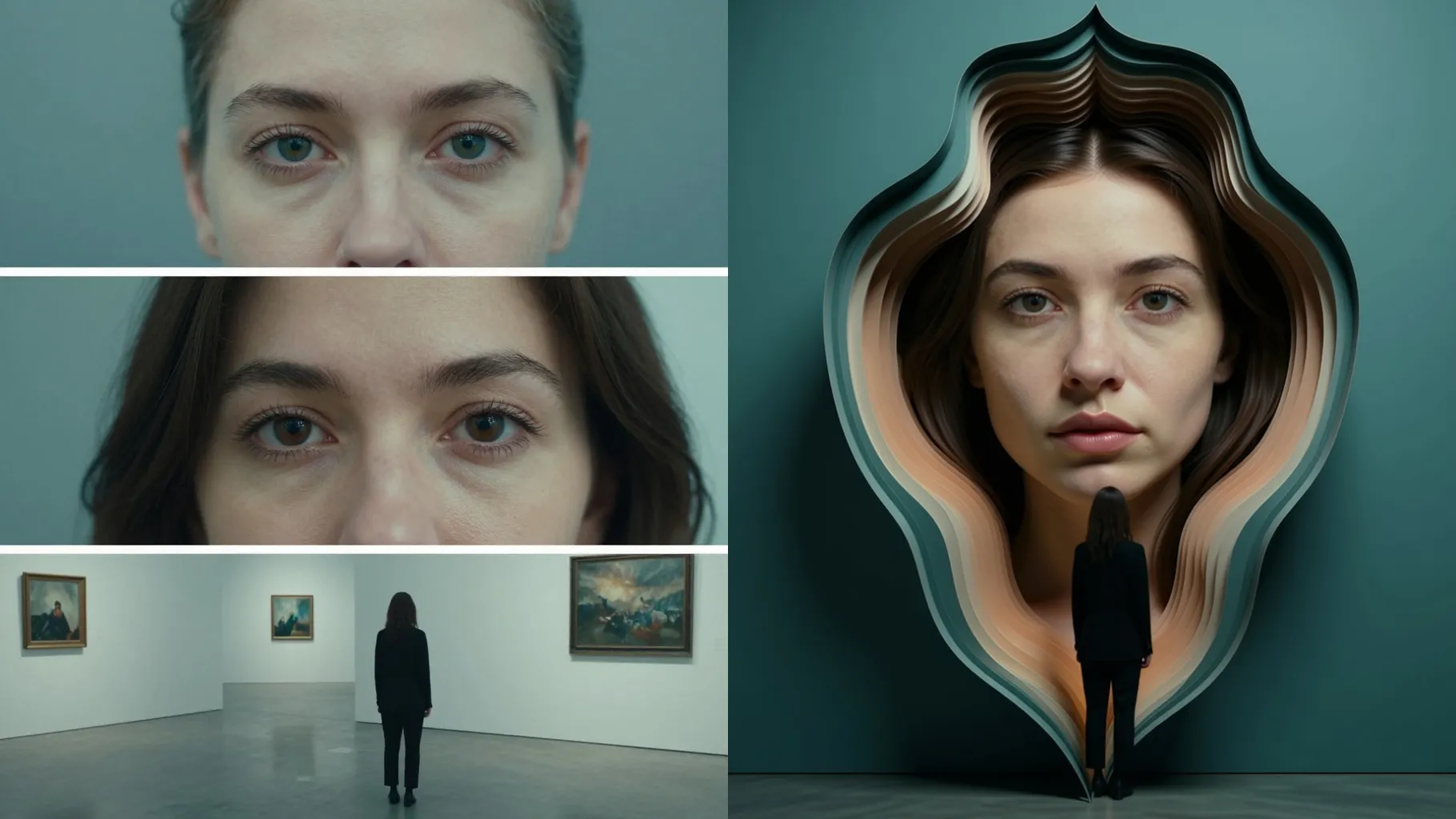
Centered subjects with clean backgrounds give the illusion crisp edges.
Mention mood, material, or props to steer the optical effect.
Review the layered render, rerun if needed, then download the best version.
This effect processes one image at a time to keep the trompe l'oeil cutouts aligned.
A brief prompt is optional but helps define mood, material, or framing. Keep it short for likeness.
Aspect ratio stays fixed so the perspective and shadows remain consistent. Crop beforehand if needed.
Model switching is disabled to maintain the trompe l'oeil lighting style.
Yes. It preserves likeness and base colors while adding depth, highlights, and shadow falloff.
Upload JPG, PNG, or WebP under 10MB for faster, cleaner edges.
It softens or blends the background to emphasize the pop-out illusion while keeping context.
No. It is an image-to-image effect and requires one uploaded photo.

Upload one photo, add a short prompt, and get a 3D optical illusion ready to share.