

1. How many photos can I upload at once?
Upload one photo per run to keep the maternity pose clean and consistent.
Turn a single photo into a soft maternity-style portrait with warm light and a gentle baby bump.
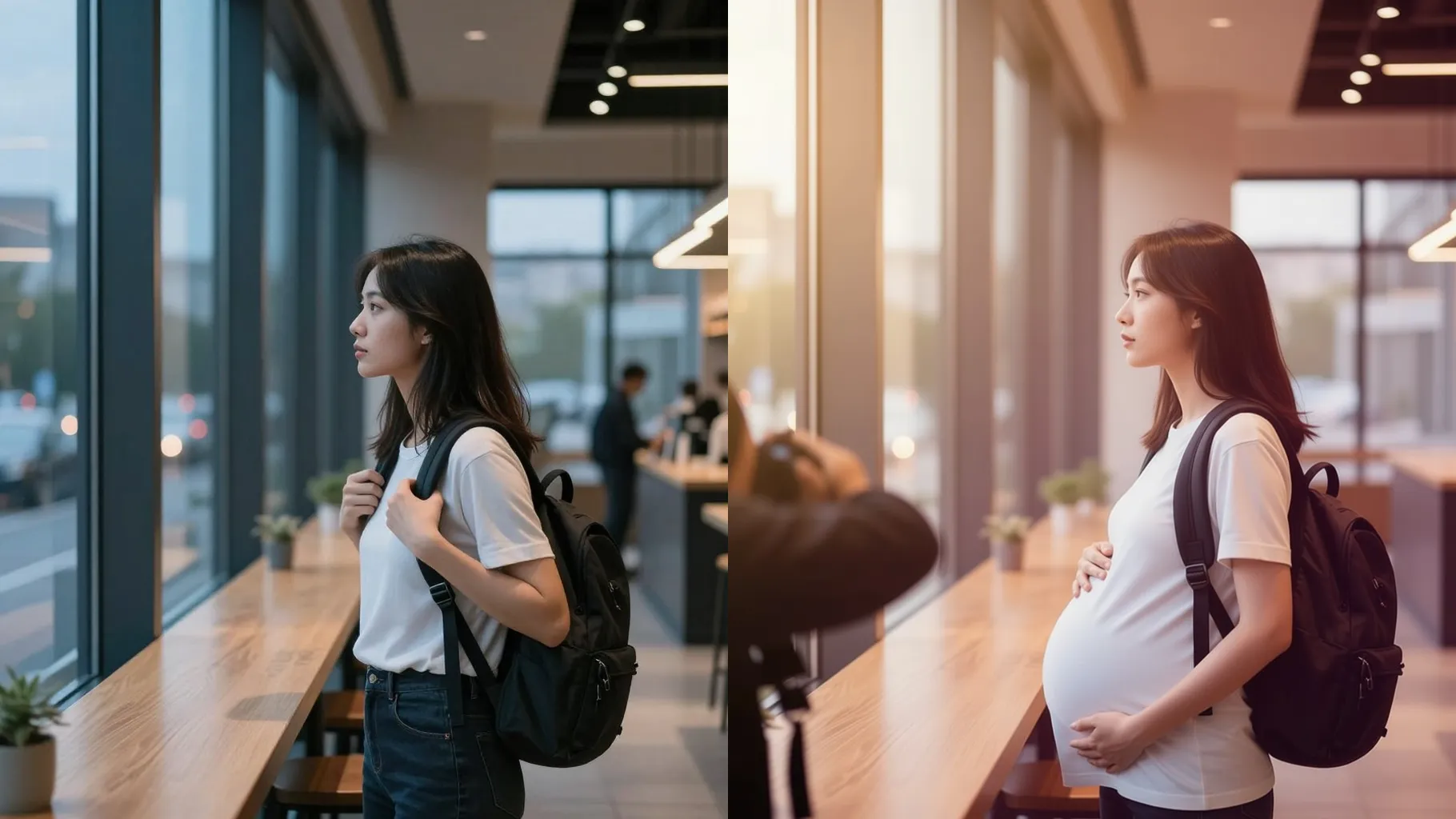
Add a gentle baby bump with soft lighting for a maternity-style portrait.
Examples show the target style. Your result depends on the chosen model and reference photo.
Upload a clear portrait to see a maternity-style render with gentle belly shaping and calm studio lighting.
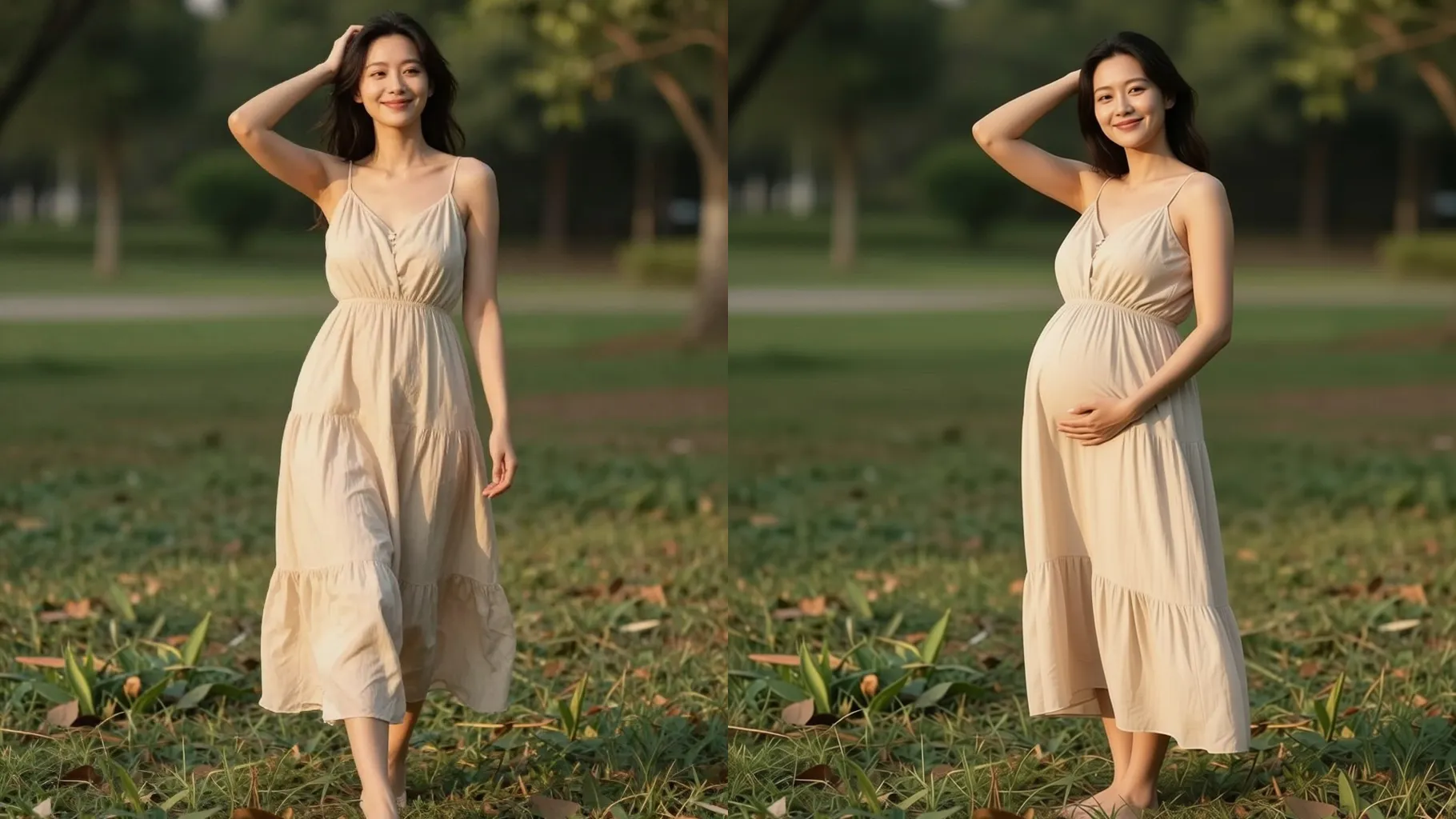
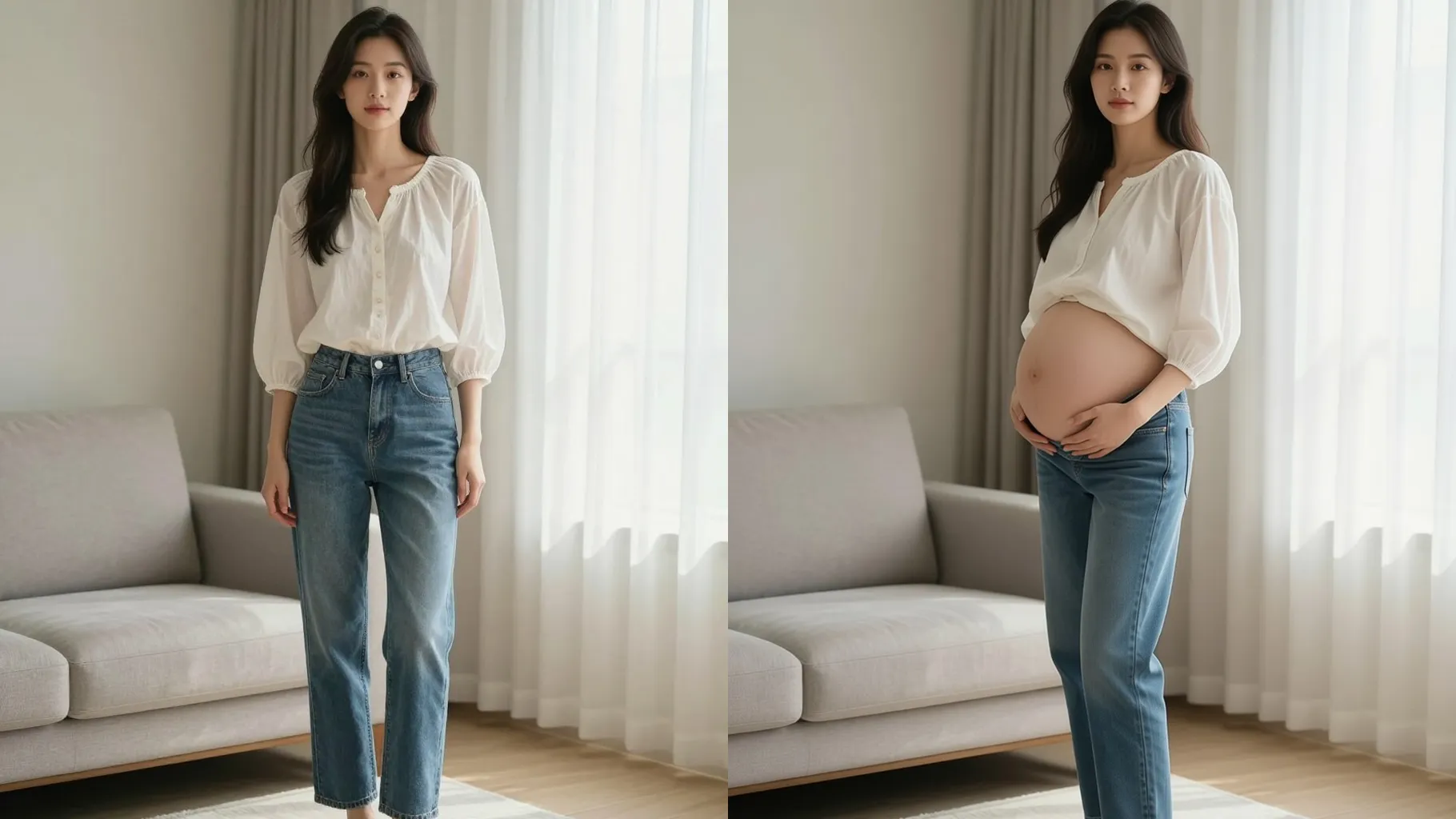
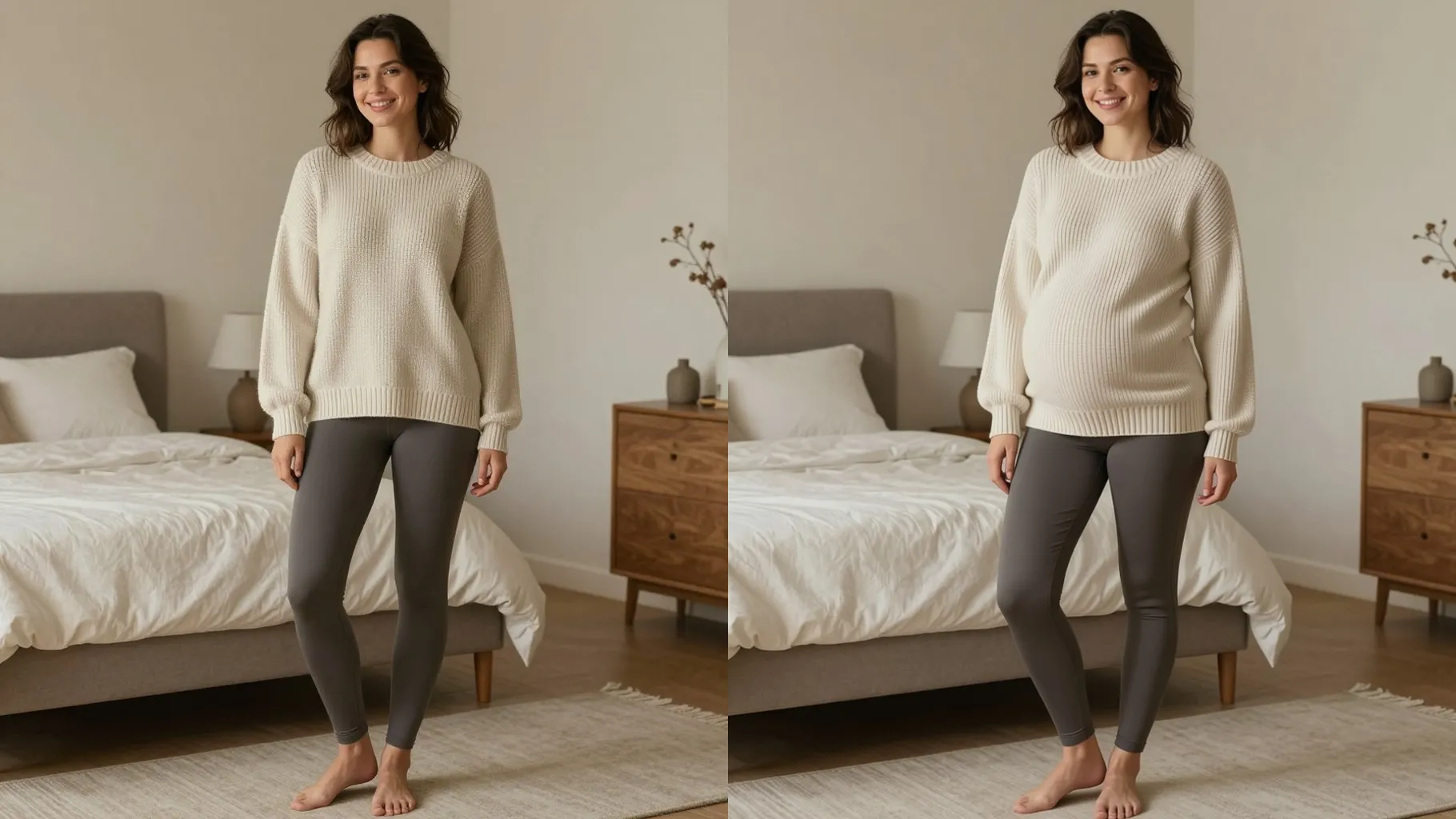
Keep facial details intact while softly accenting the belly line, smoothing edges, and balancing the silhouette for an elegant look.
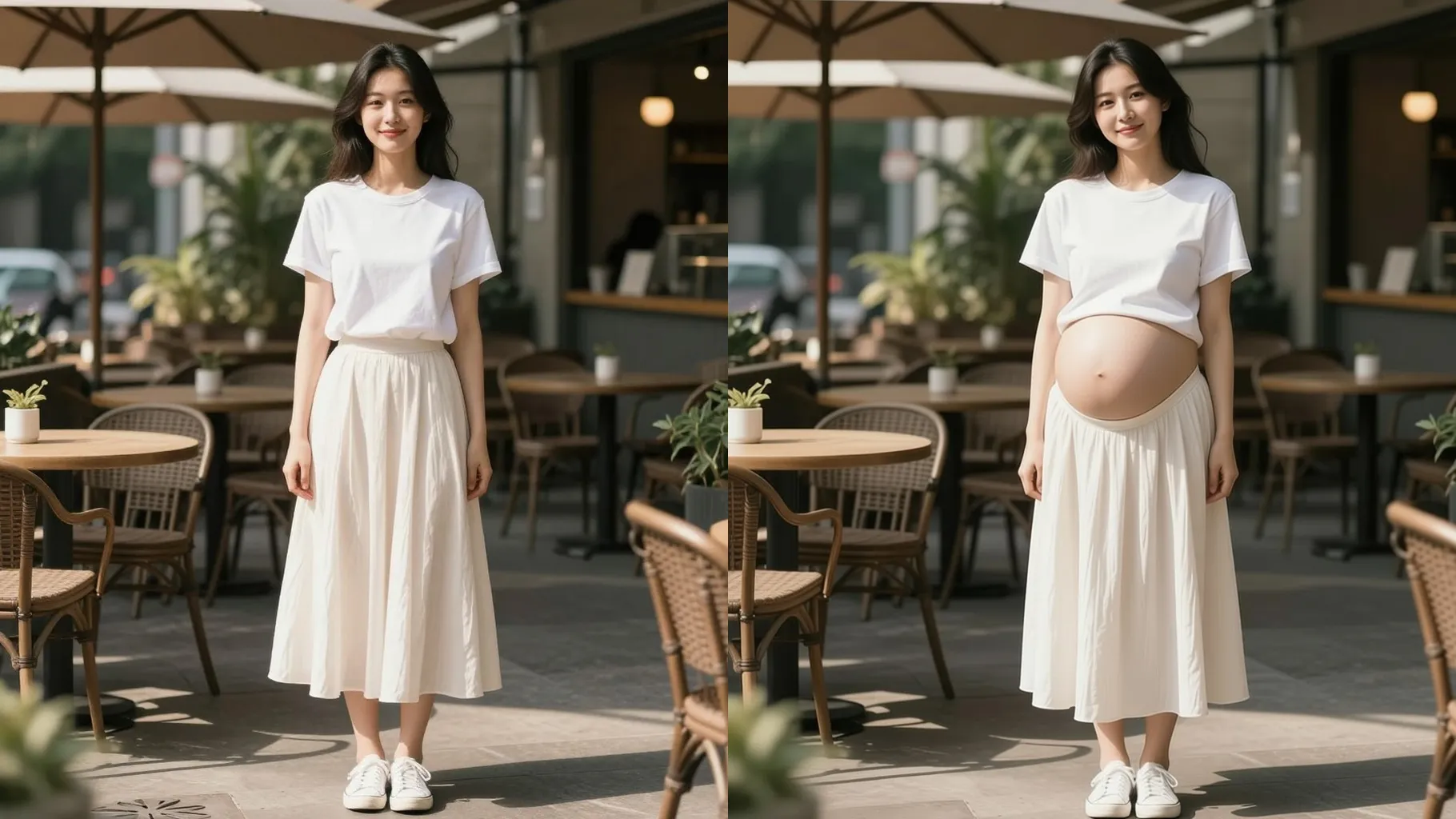
Apply warm pastels, diffused highlights, and simple outfits so the image reads like a cozy pregnancy photoshoot.
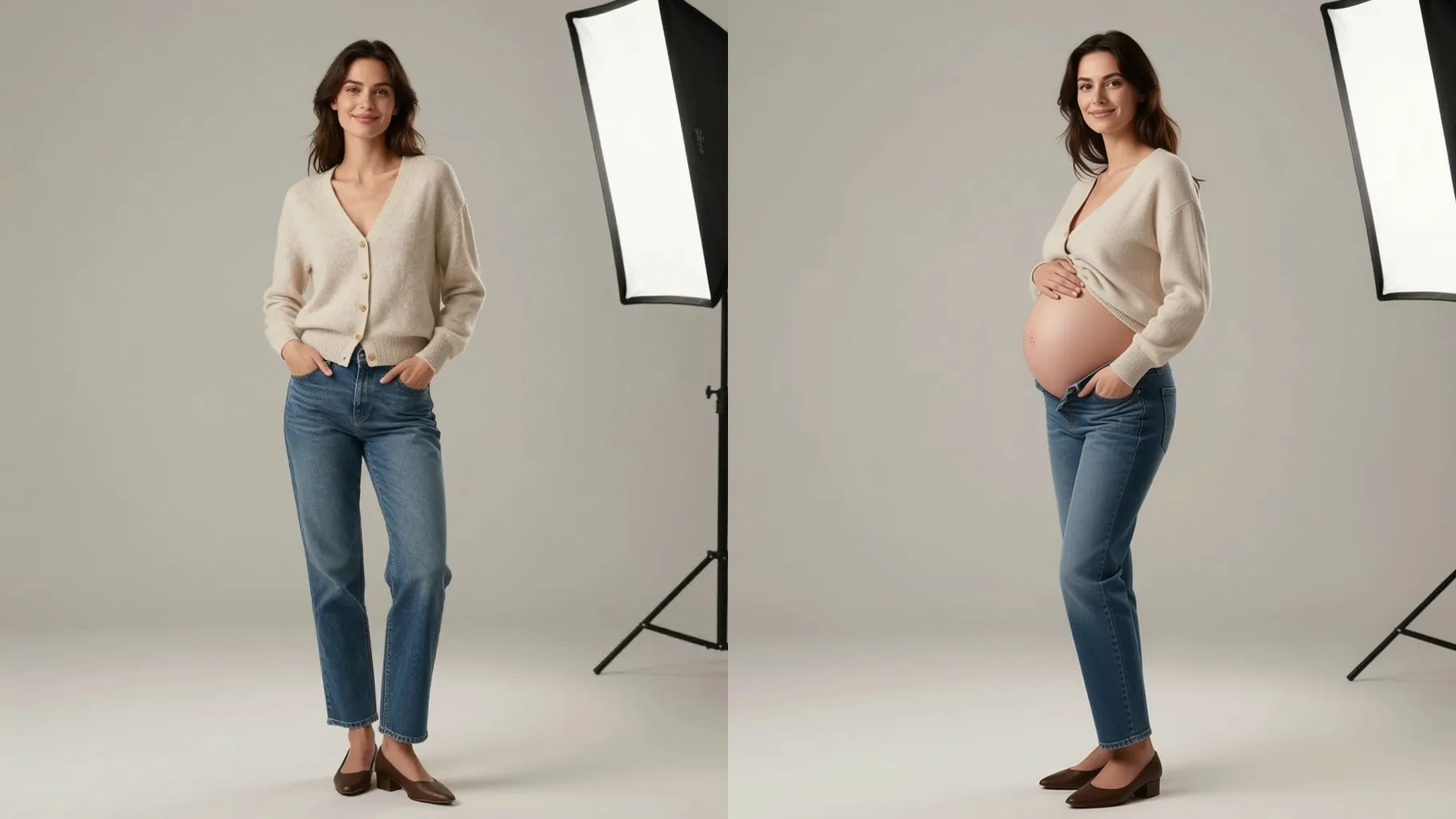
Use a waist-up or full-body shot with good lighting; avoid group photos so the pose stays stable.
Mention setting, wardrobe, or mood like "third trimester, soft morning light" to guide the render.
Preview the maternity-style result, pick the one you like, and save it.
Upload one photo per run to keep the maternity pose clean and consistent.
No. A short note about mood, trimester, or setting keeps the style stable without over-editing.
JPG, PNG, or WebP under 10MB process fastest and keep details smooth.
Around 1024px on the long edge balances speed and clarity; very small files may blur after rendering.
This template stays square for stability; crop before upload if you need another ratio.
Model switching is disabled so the maternity look stays consistent across outputs.
Clear side or front angles work best. The tool enhances a visible torso but may struggle with hidden bodies or heavy occlusion.
Generation time depends on the model, image size, and queue. Check the task status on this page.
Single-subject photos are recommended. Multiple people can confuse the pose and lead to artifacts.
No. This effect is image-to-image and needs one uploaded photo to start.

Upload one photo, add a short direction, and get a warm pregnancy look you can download.