
1. How many photos can I upload per render?
Upload one photo at a time to keep balloon edges and reflections accurate.
Inflate one photo into glossy balloon-style art with smooth latex shapes and playful color.
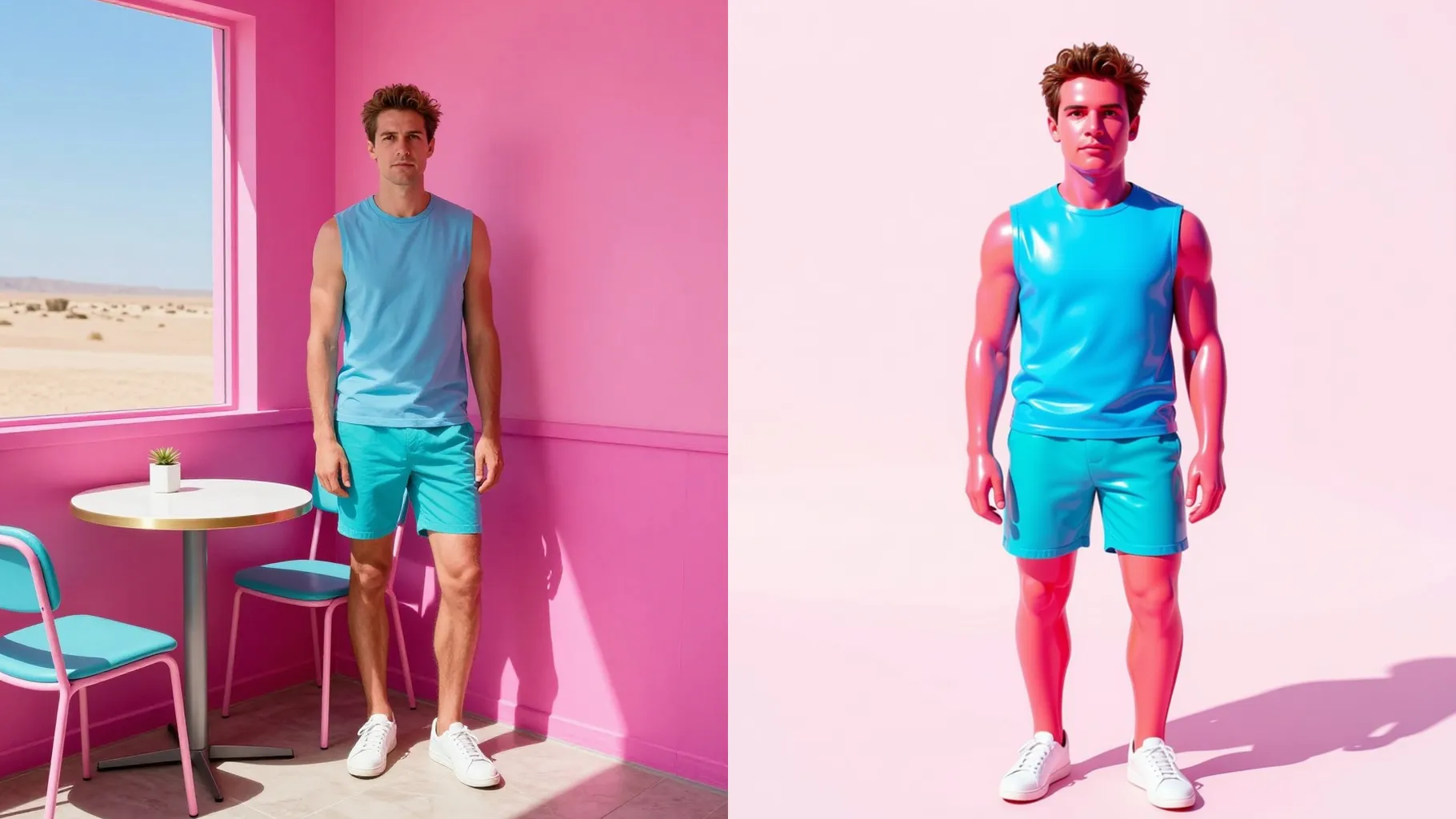
Balloonify a single portrait into an inflated latex-style sculpture with glossy highlights and saturated tones.
Examples show the target style. Your result depends on the chosen model and reference photo.
Upload one photo to turn it into shiny balloon art with rounded edges, latex sheen, and playful gradients.
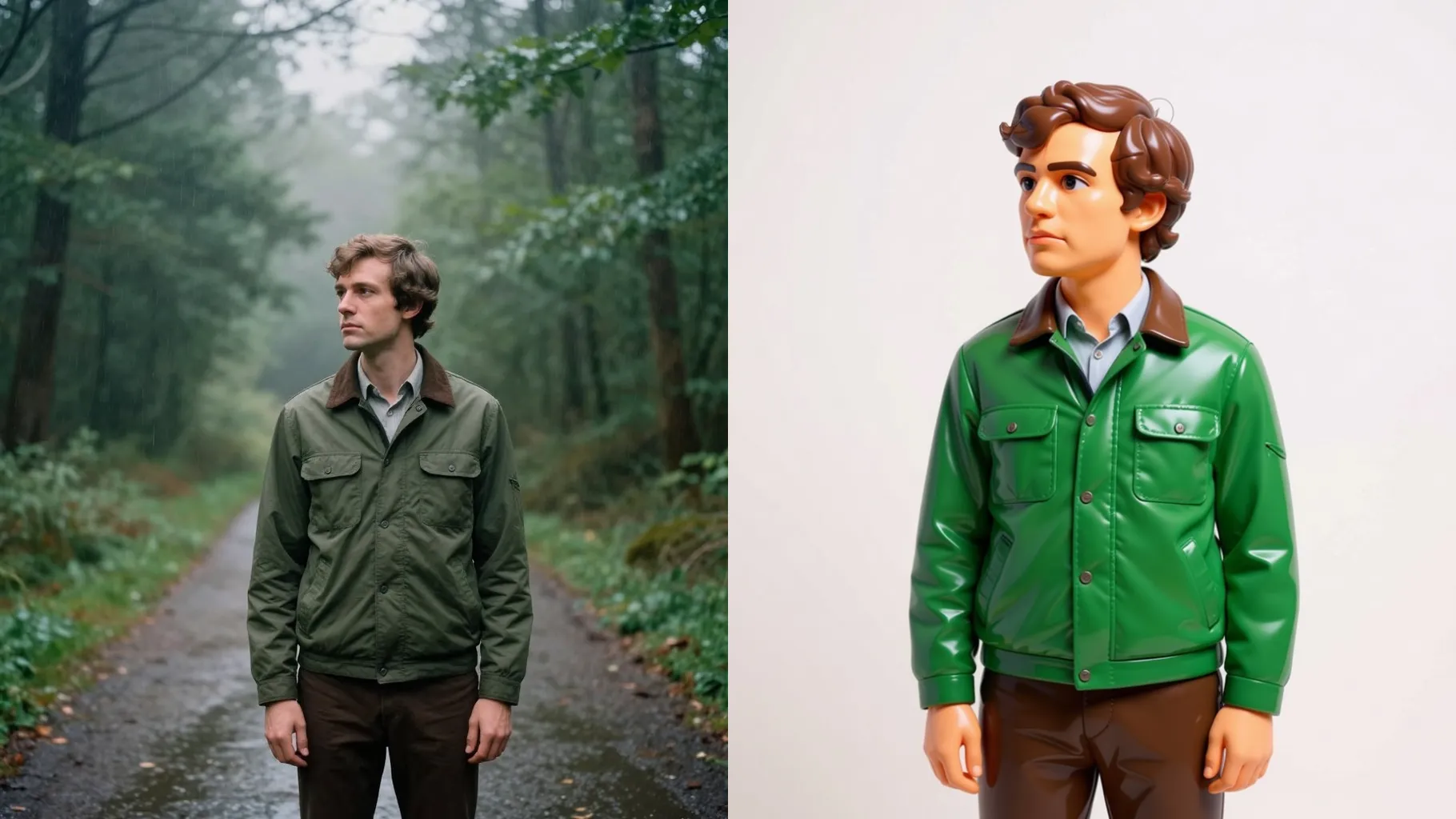
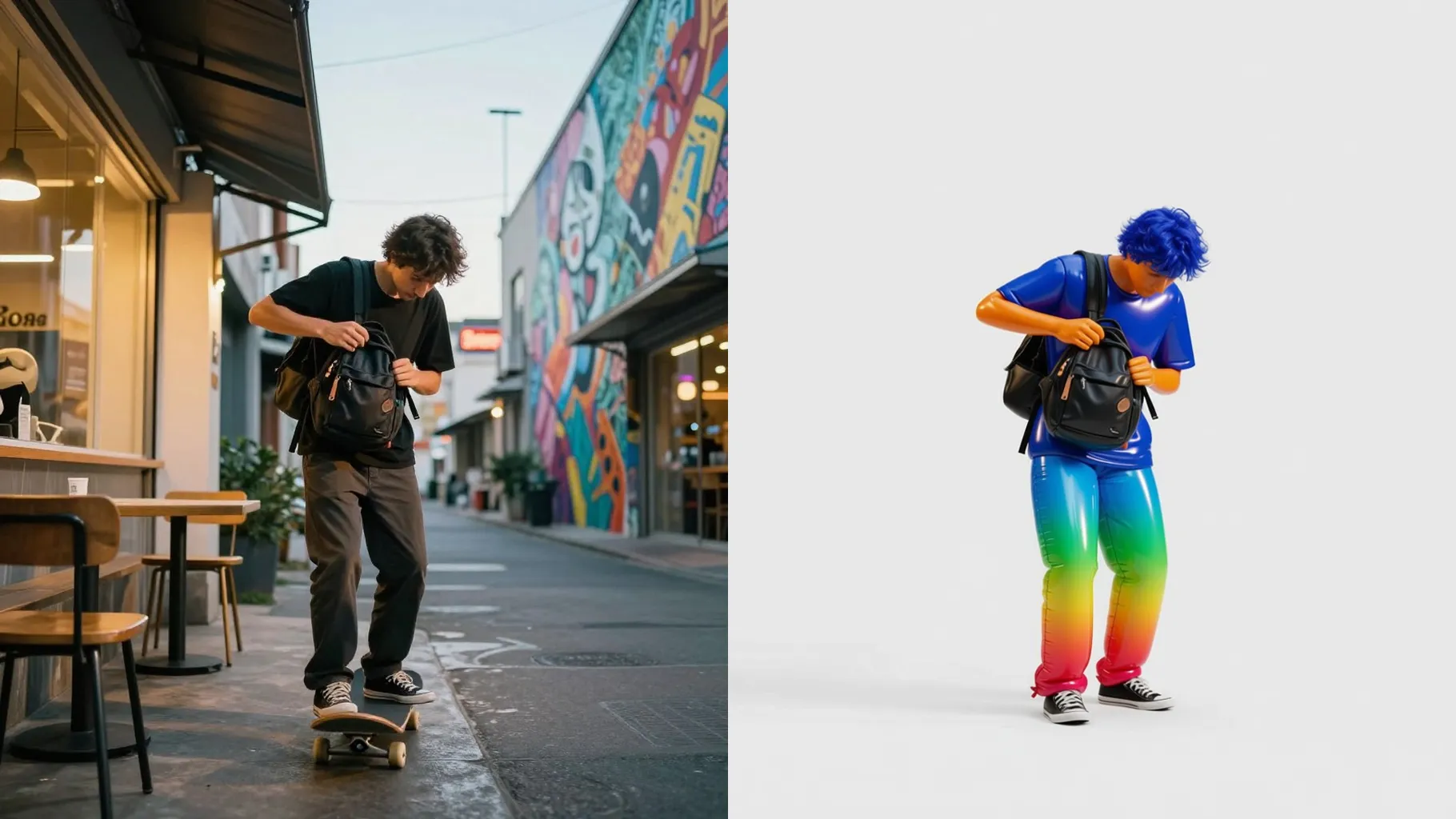
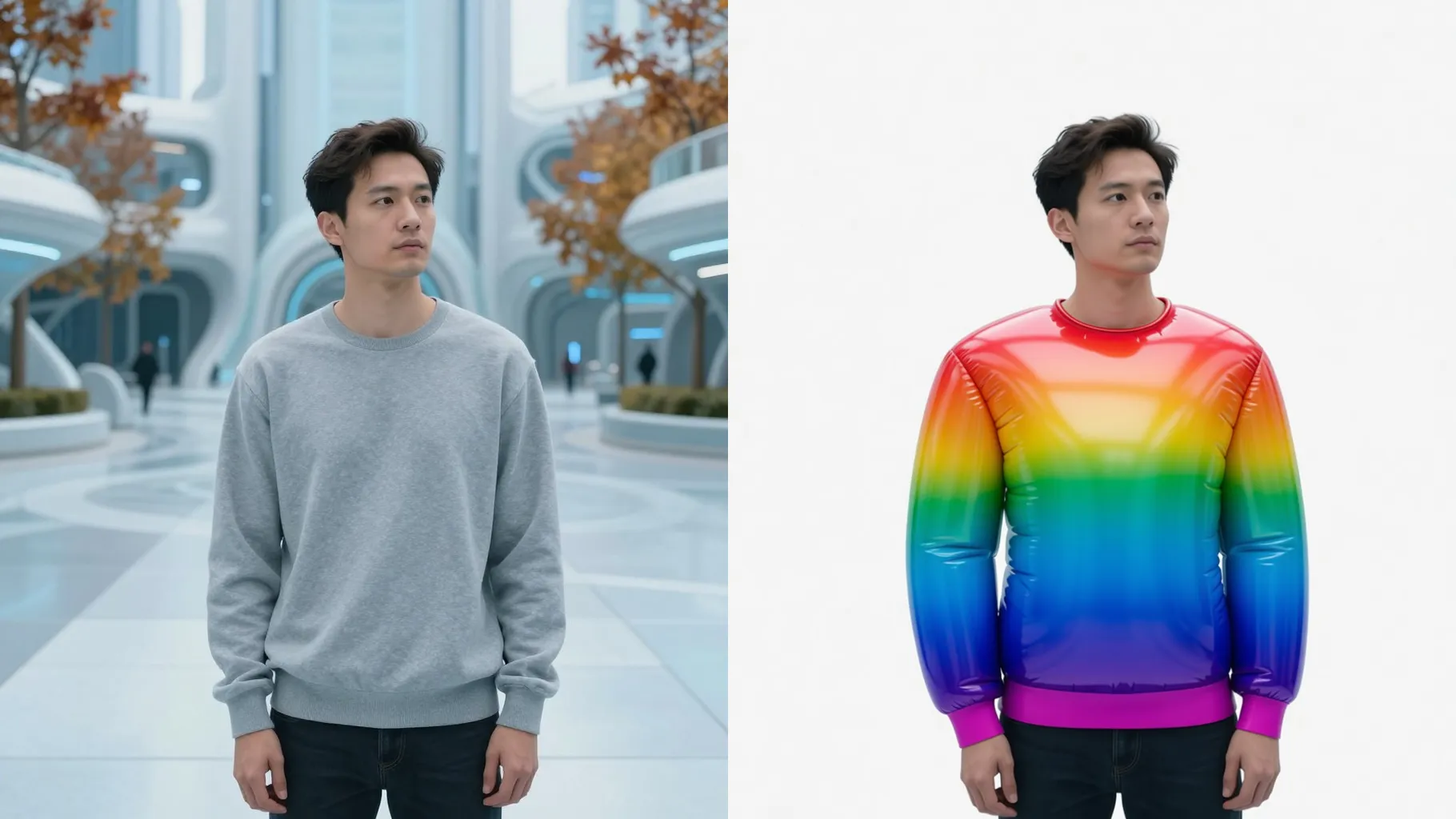
Latex-like shine, rounded edges, and subtle seams keep the subject recognizable while balloonified.
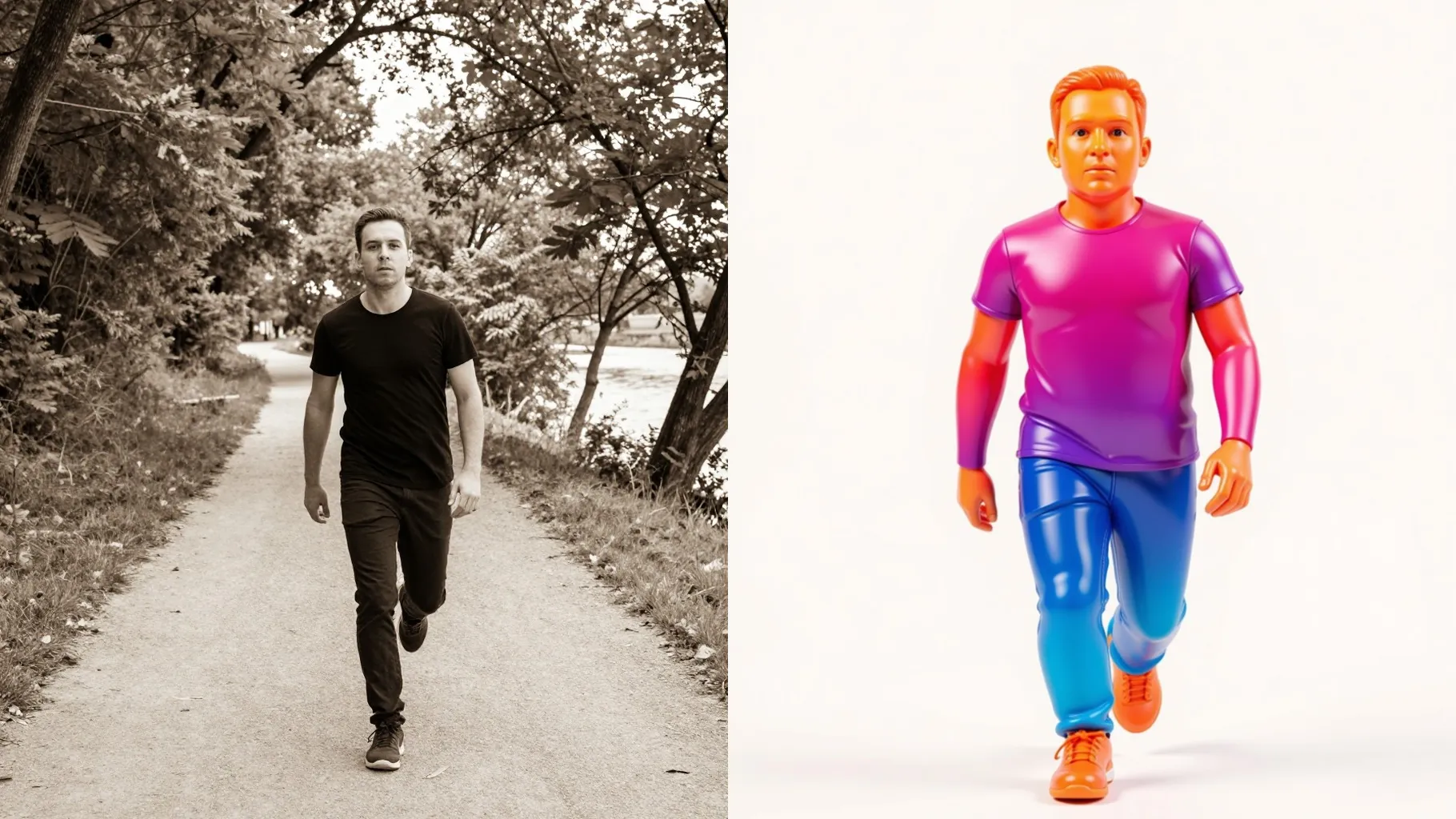
Simplified backdrops and floating light keep balloon reflections crisp for instant sharing.
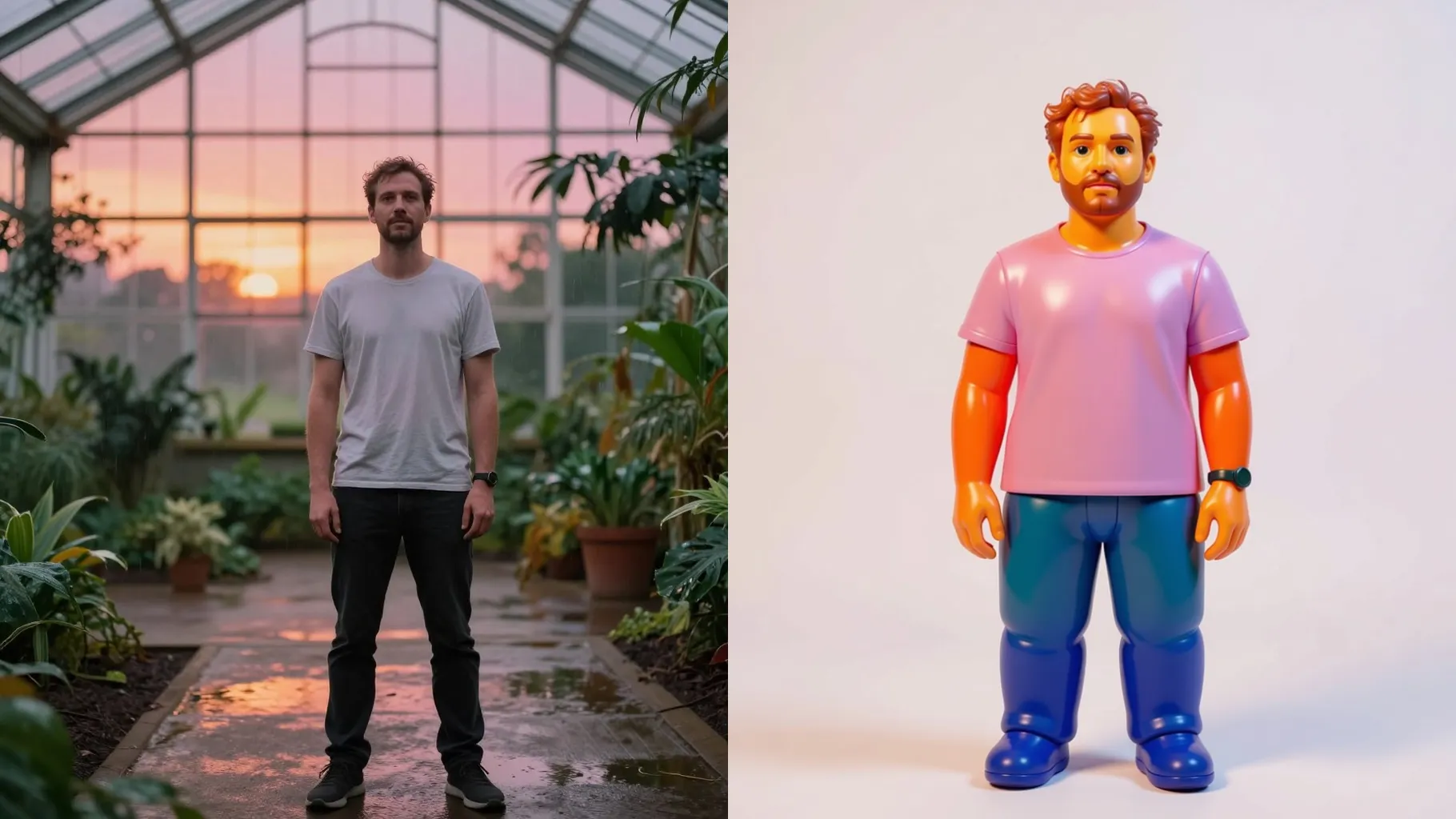
Centered subjects and uncluttered backgrounds keep balloon edges smooth and clear.
Optional: mention color palette, props, or mood in a few words to guide the render.
Preview the balloonified render, rerun for variations, and save your favorite instantly.
Upload one photo at a time to keep balloon edges and reflections accurate.
Prompts are optional. A short note about colors or props helps steer the balloon look—keep it brief.
Aspect ratio stays fixed for consistent composition. Crop your photo first if you need another frame.
Model switching is off to preserve the balloon shine, seams, and consistent shading.
Yes. Clear, single-subject photos of pets or objects balloonify cleanly with defined outlines.
JPG, PNG, or WebP under 10MB give the sharpest highlights and gradients.

Generation time depends on the model, image size, and queue. Check the task status on this page.