
1. How many images can I upload each time?
Upload one portrait per run for the cleanest buzzed result.
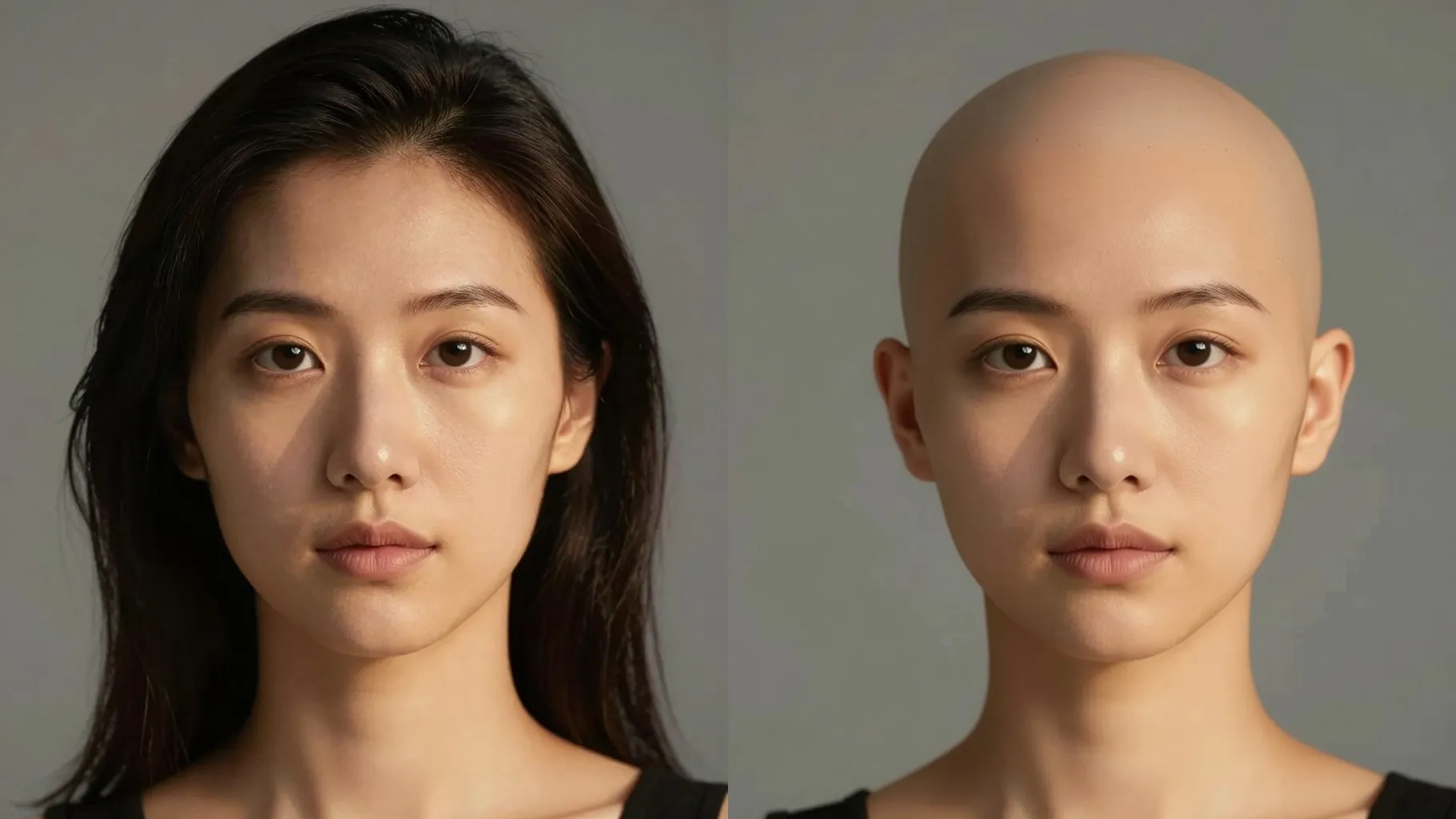
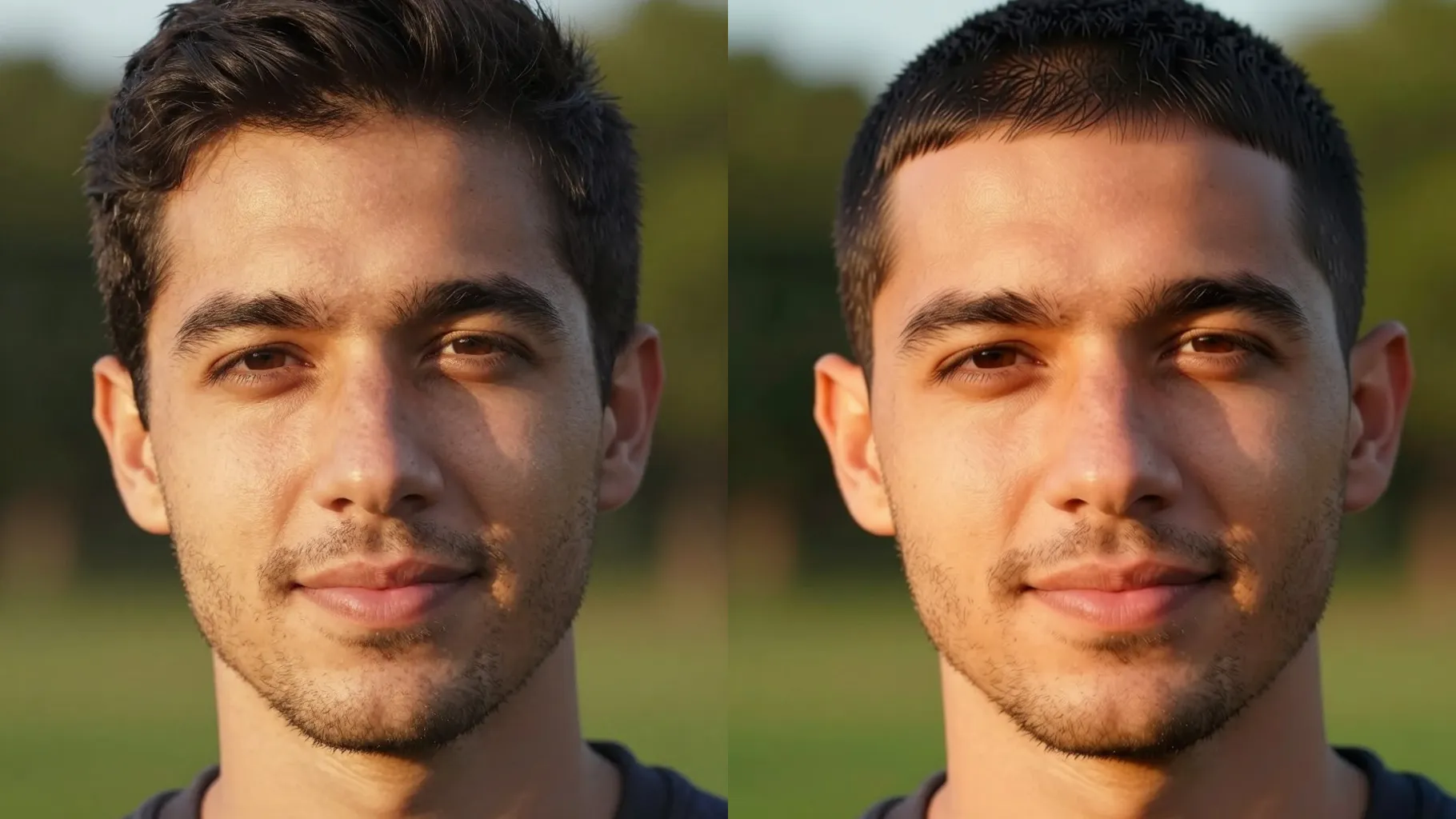
See a clean buzz cut or fade from one portrait without shaving for real.
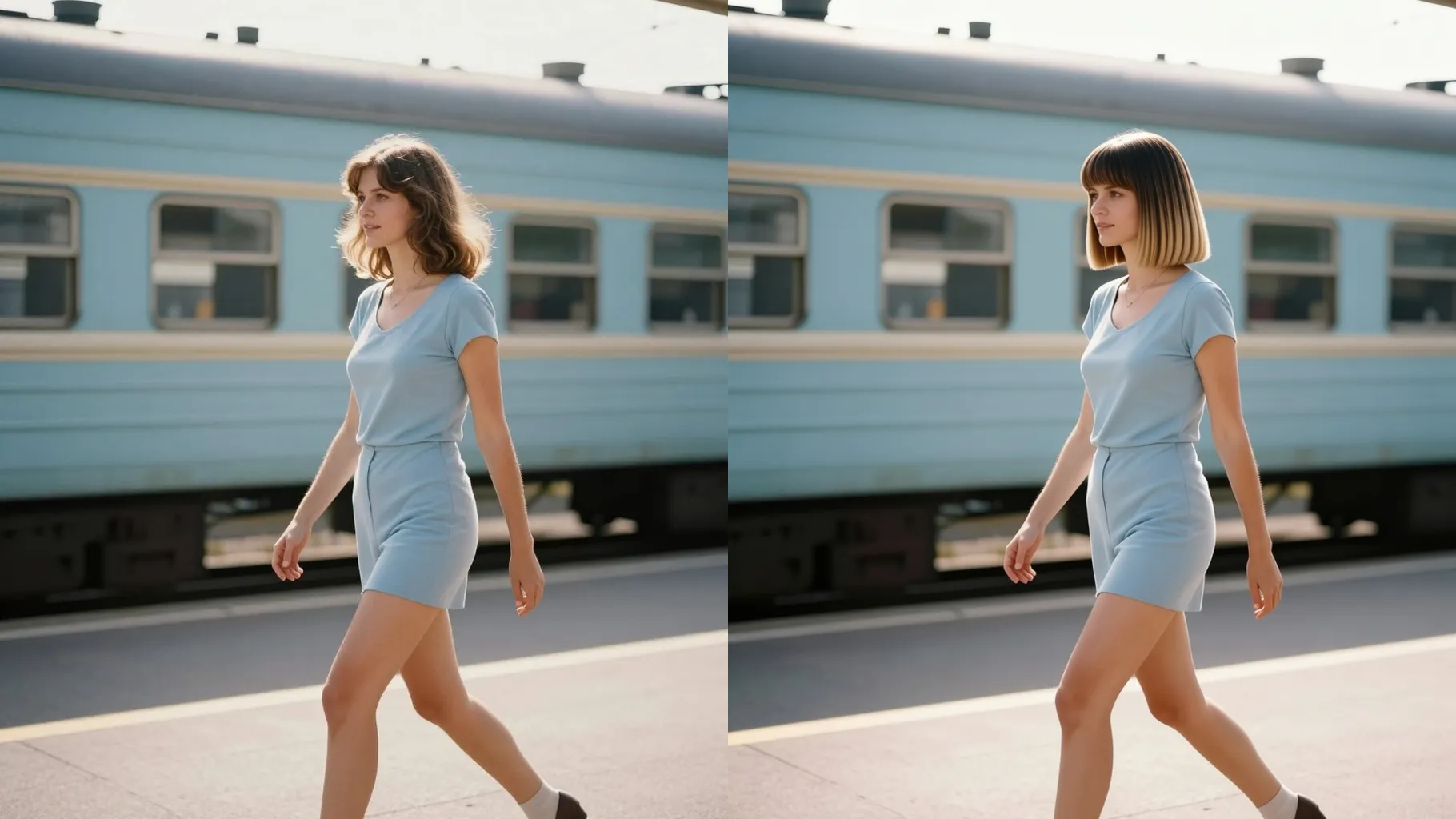
Upload one portrait to preview a tight buzz cut while keeping your real skin tone, brows, and lighting intact.
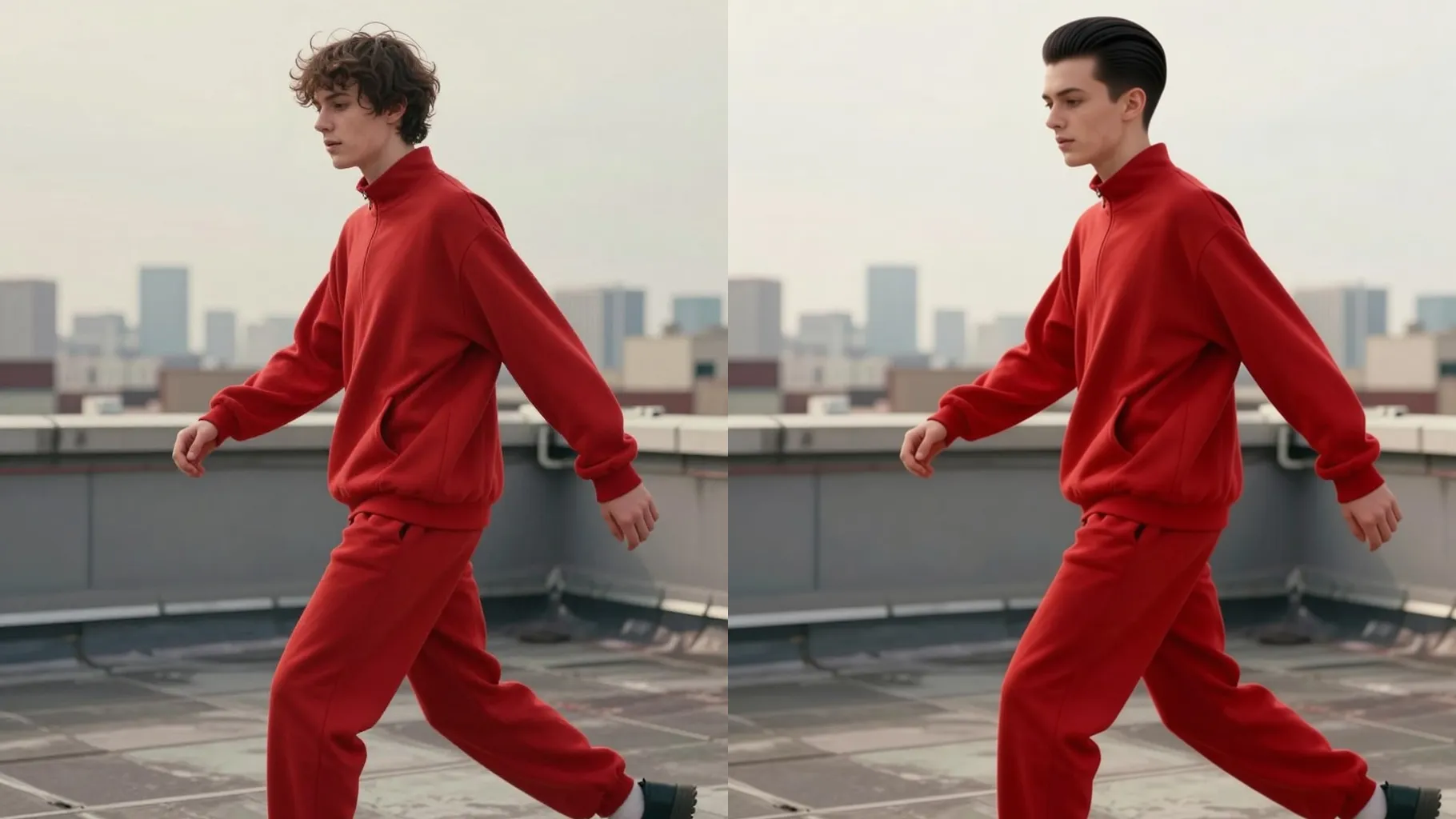
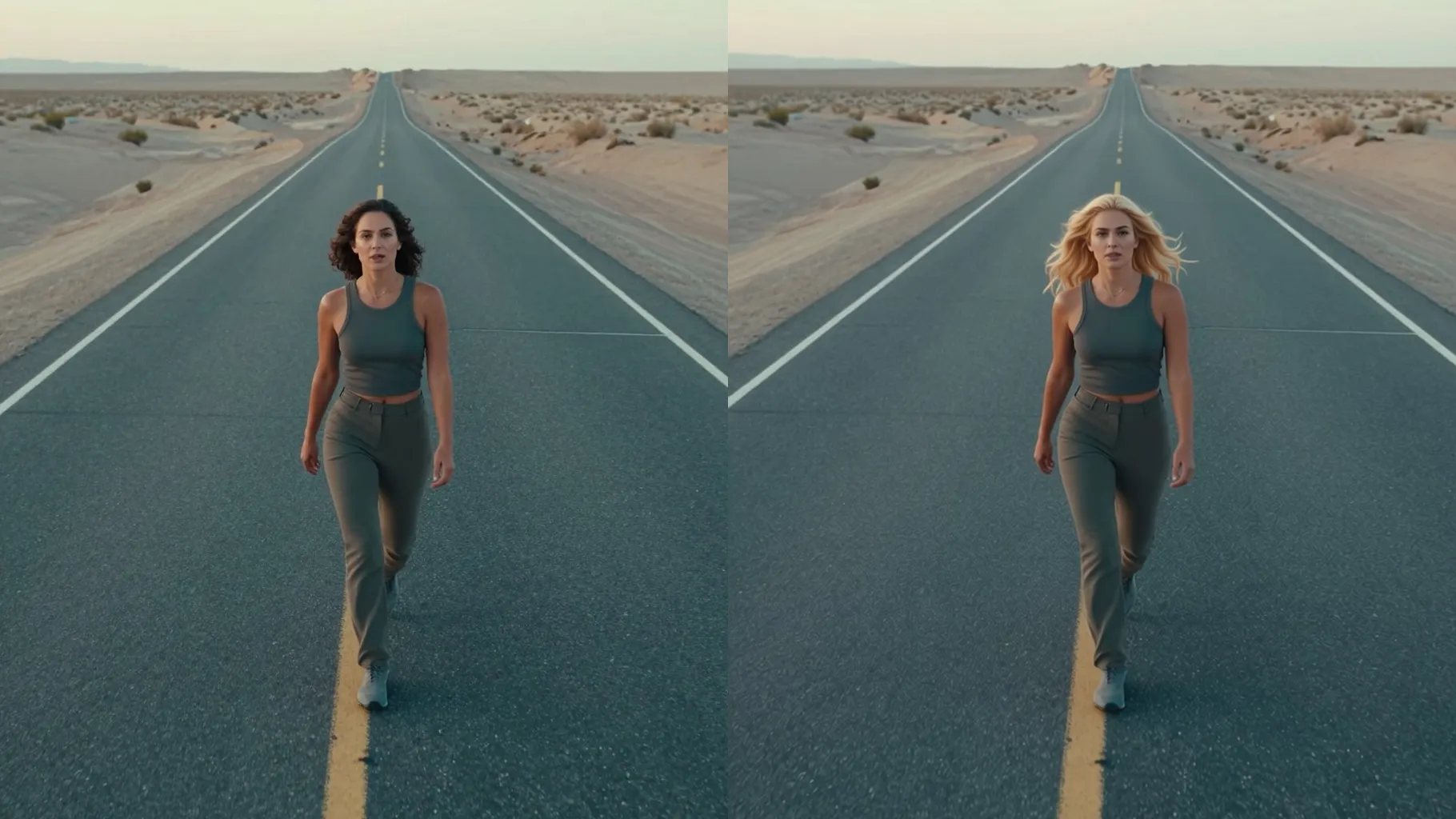
Examples show the target style. Your result depends on the chosen model and reference photo.
Upload one portrait to see yourself with a clean buzz cut or fade while keeping your real face shape, brows, and skin tone.
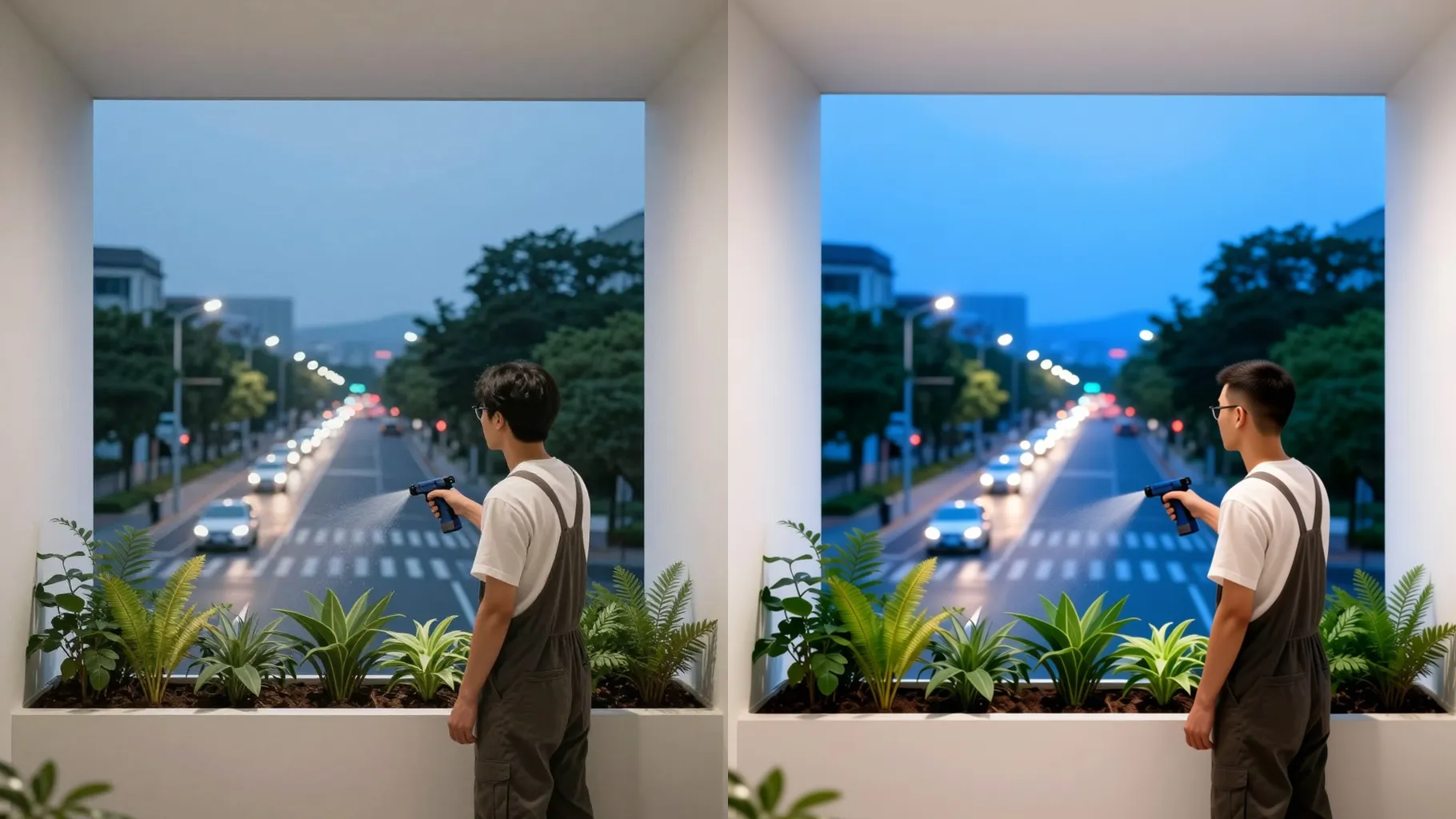
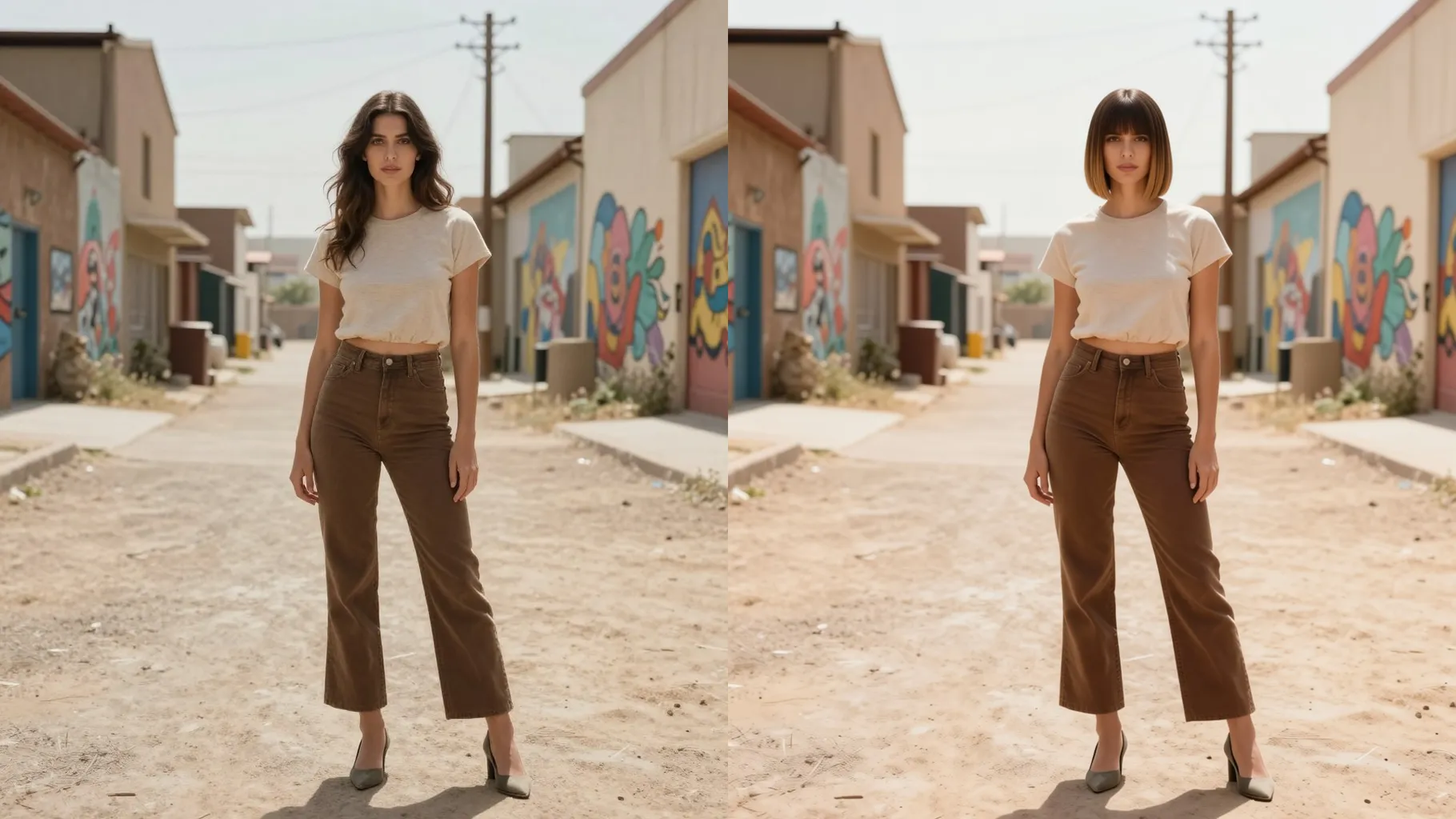
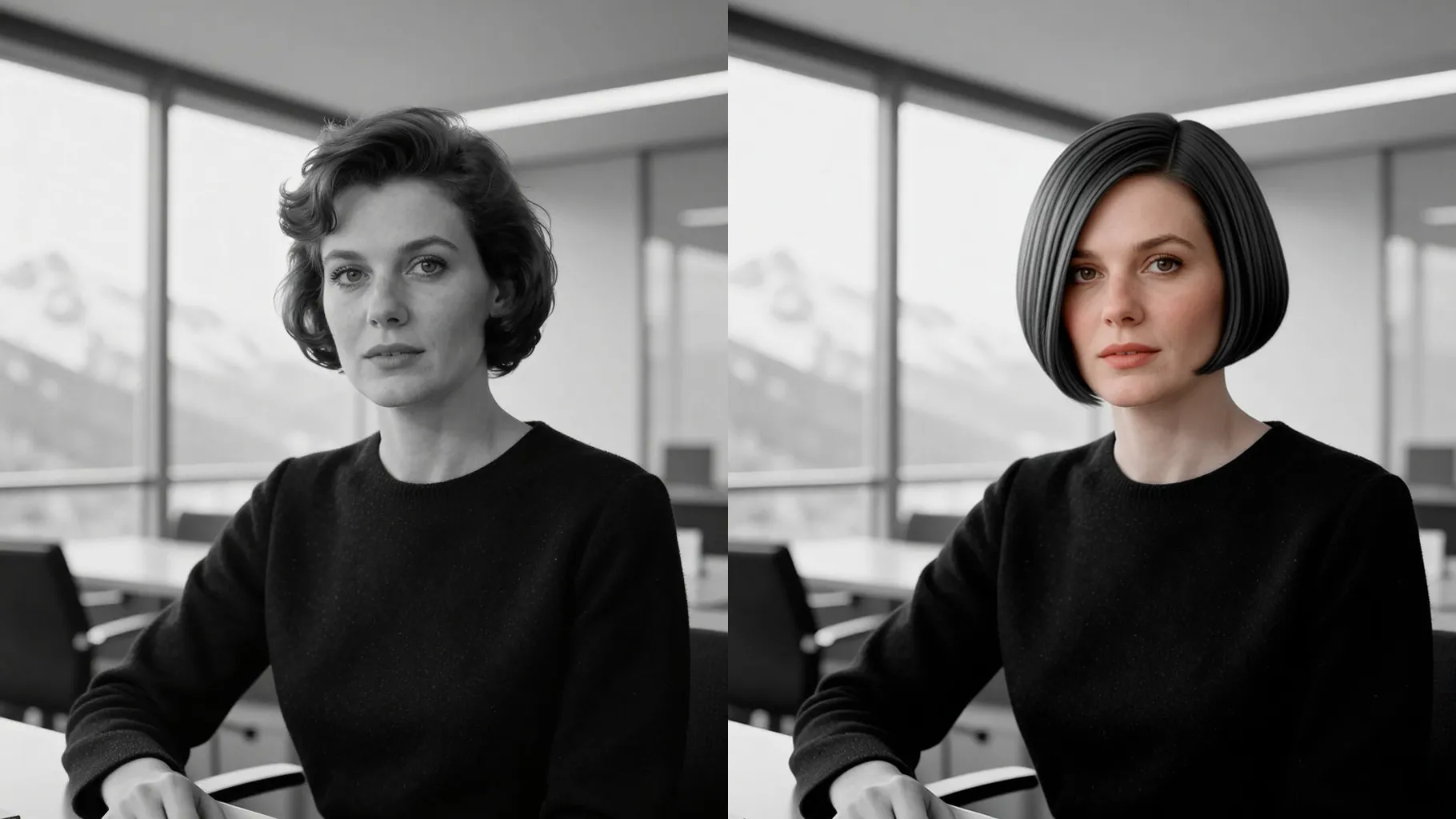
Shortens your hair evenly like a guard #1-#3 clipper length, keeps the hairline neat, and leaves scalp texture natural with true-to-life lighting.
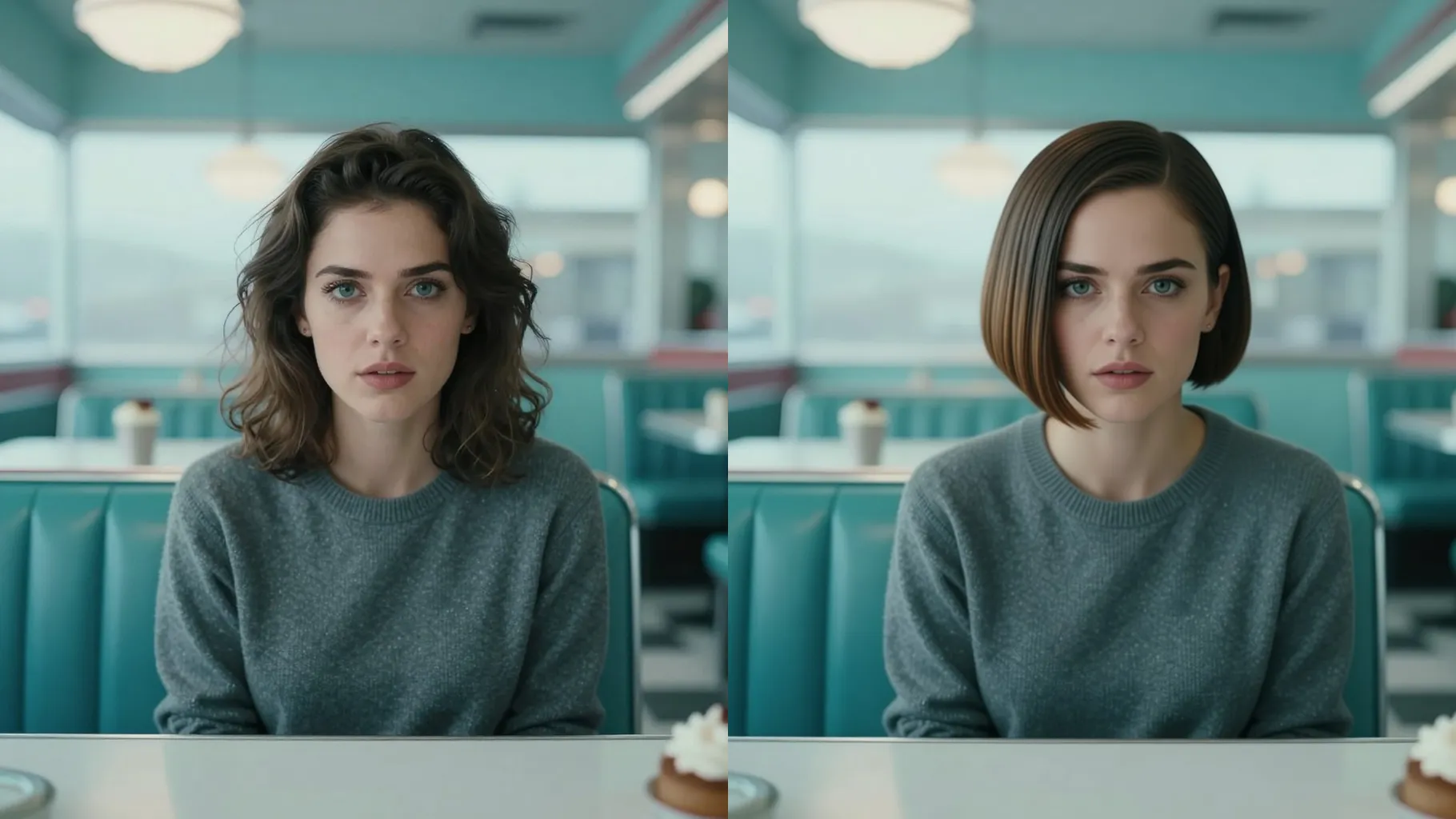
Add quick notes like \"low fade\", \"military buzz\", or \"soft shadow fade\" to steer density and edges while keeping facial details intact.
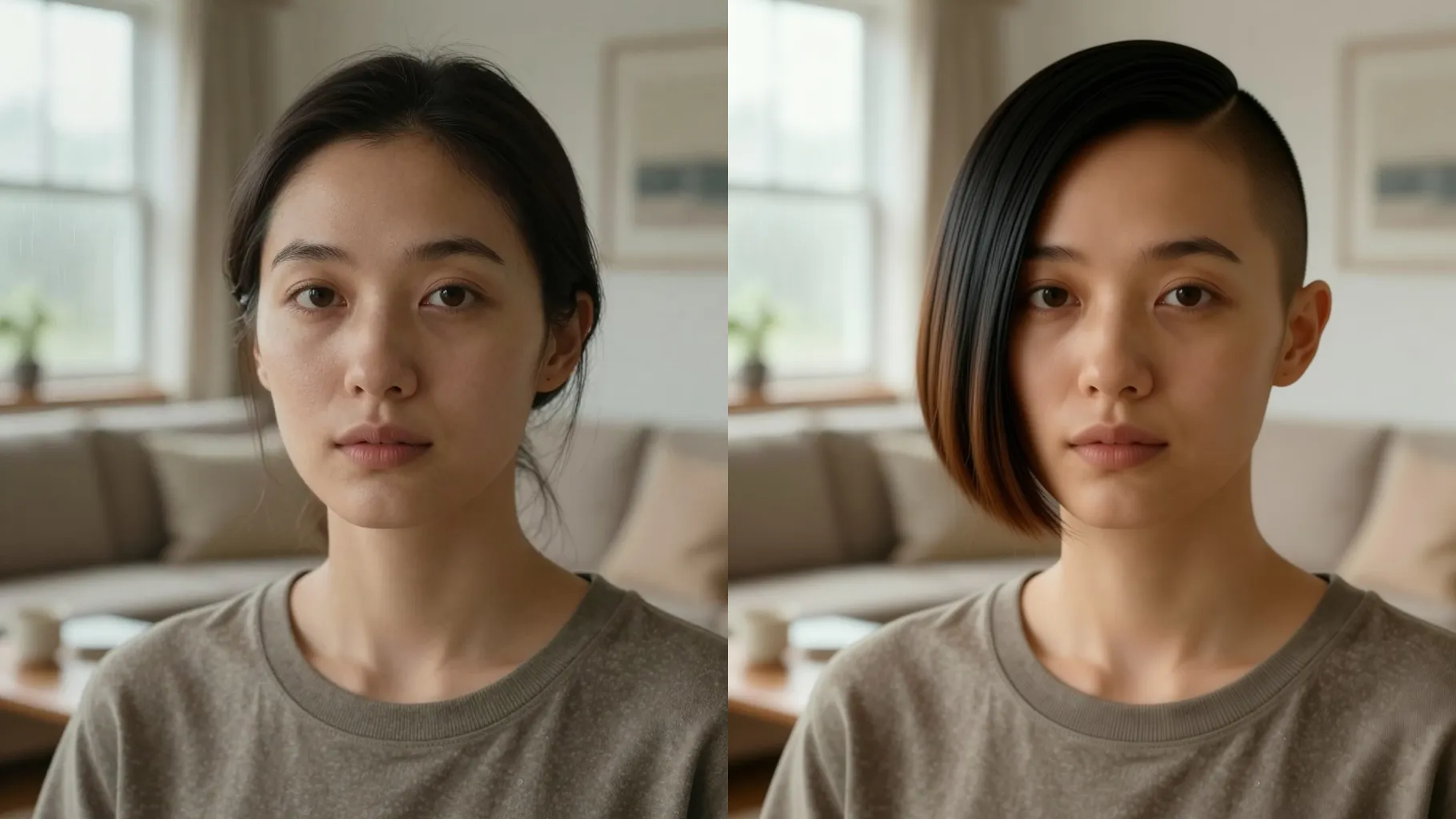
Use a front or 3/4 headshot without hats; make sure your hairline and ears are visible.
Mention guard number, low/mid/high fade, or \"even length\" plus a vibe like studio light or outdoor daylight.
Run the filter, rerun for variations, and save the buzzed look you like best.
Upload one portrait per run for the cleanest buzzed result.
Yes. This buzz cut tool is image-to-image and needs one uploaded headshot.
It focuses on scalp hair; eyebrows and facial hair stay mostly the same unless you request changes.
Mention guard length, fade height, and lighting such as \"soft studio light\" to keep scalp texture natural.
Ratio and model switching are off to keep portrait quality consistent.
No. It keeps your original background unless you mention a new one in the prompt.

Generation time depends on the model, image size, and queue. Check the task status on this page.