
1. How many photos can I upload at once?
Upload one photo per render so the caricature keeps proportions and line work accurate.
Upload one photo to get a bold caricature with exaggerated features, bright lines, and playful color.
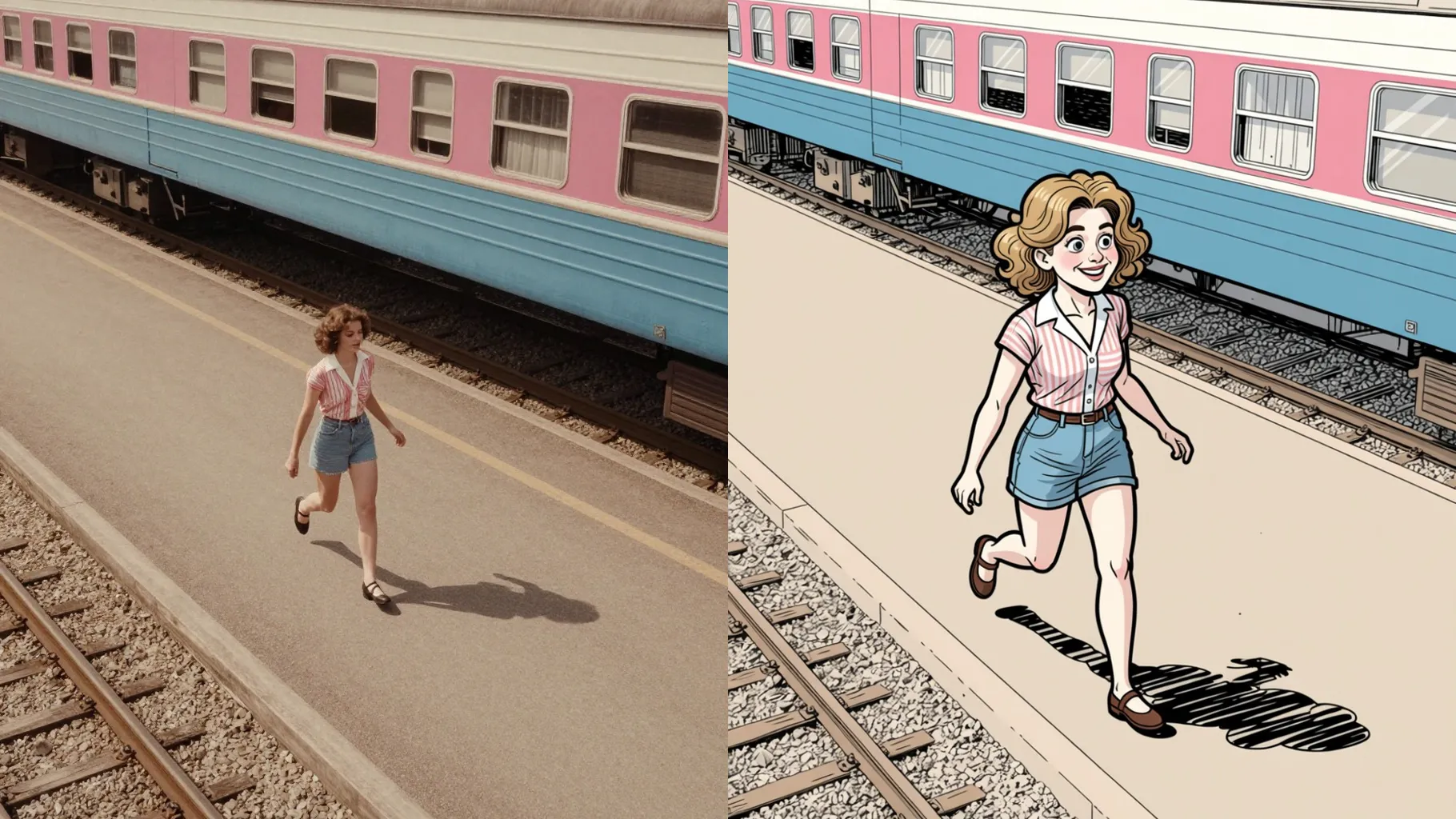
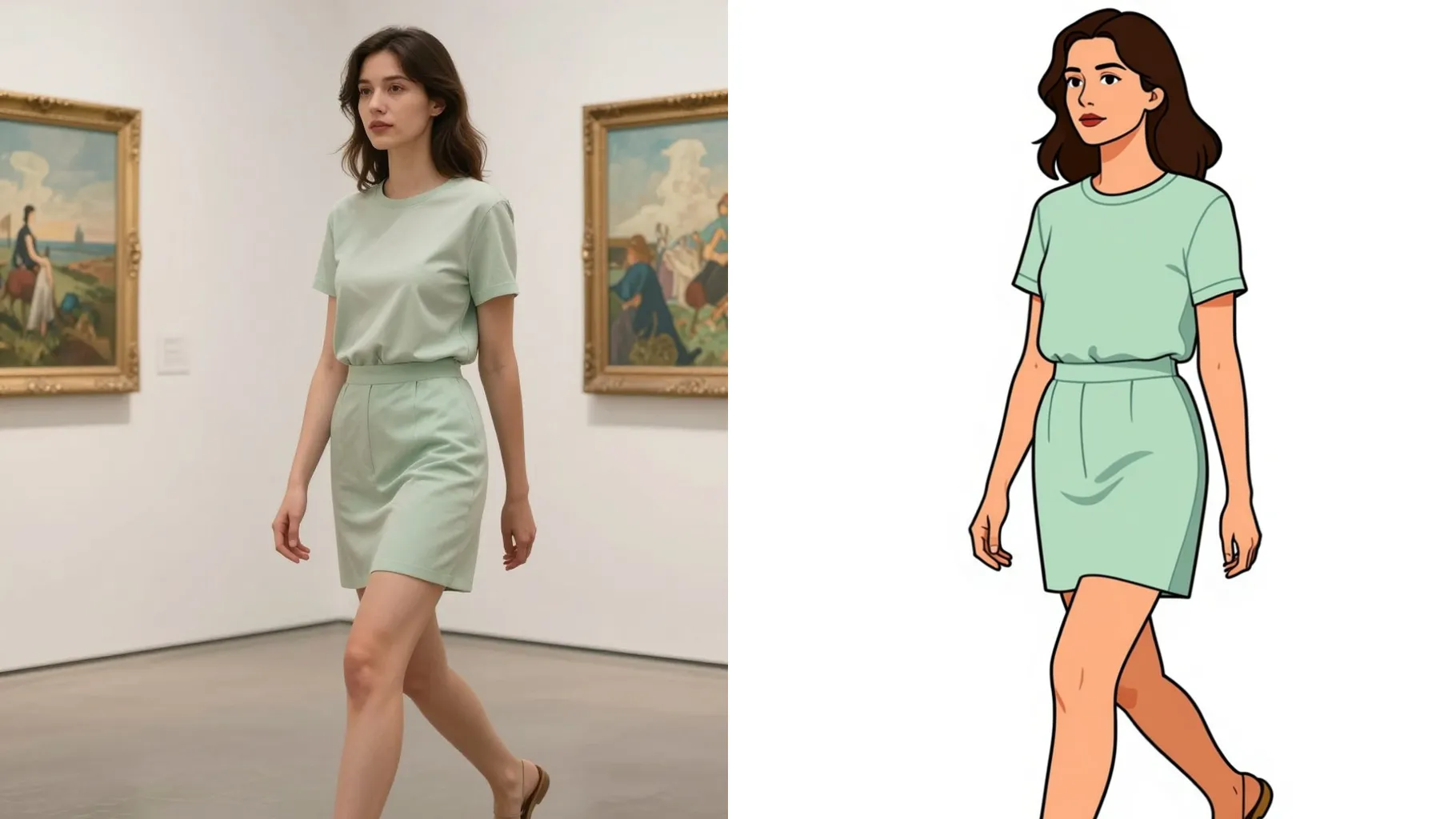
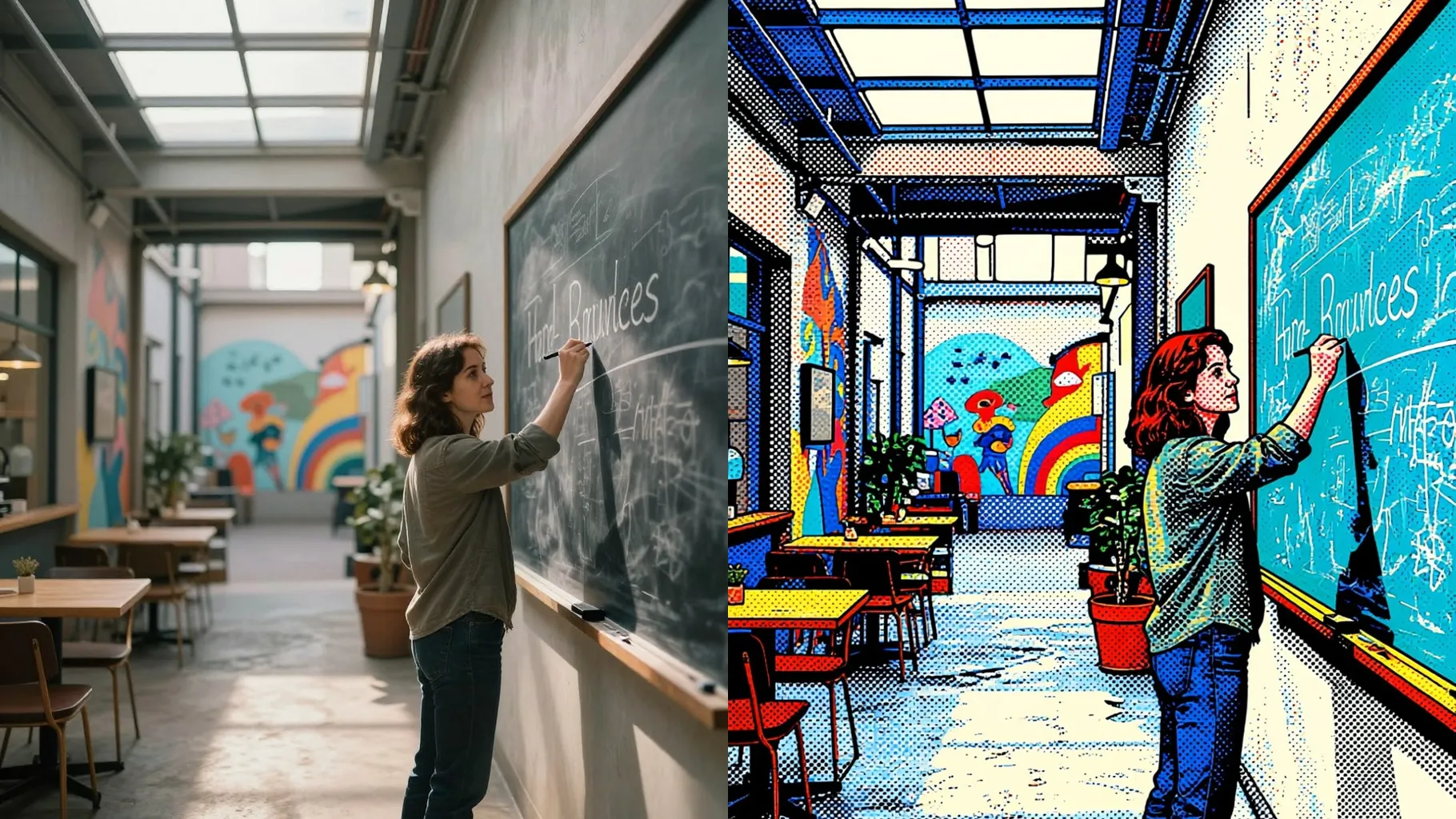
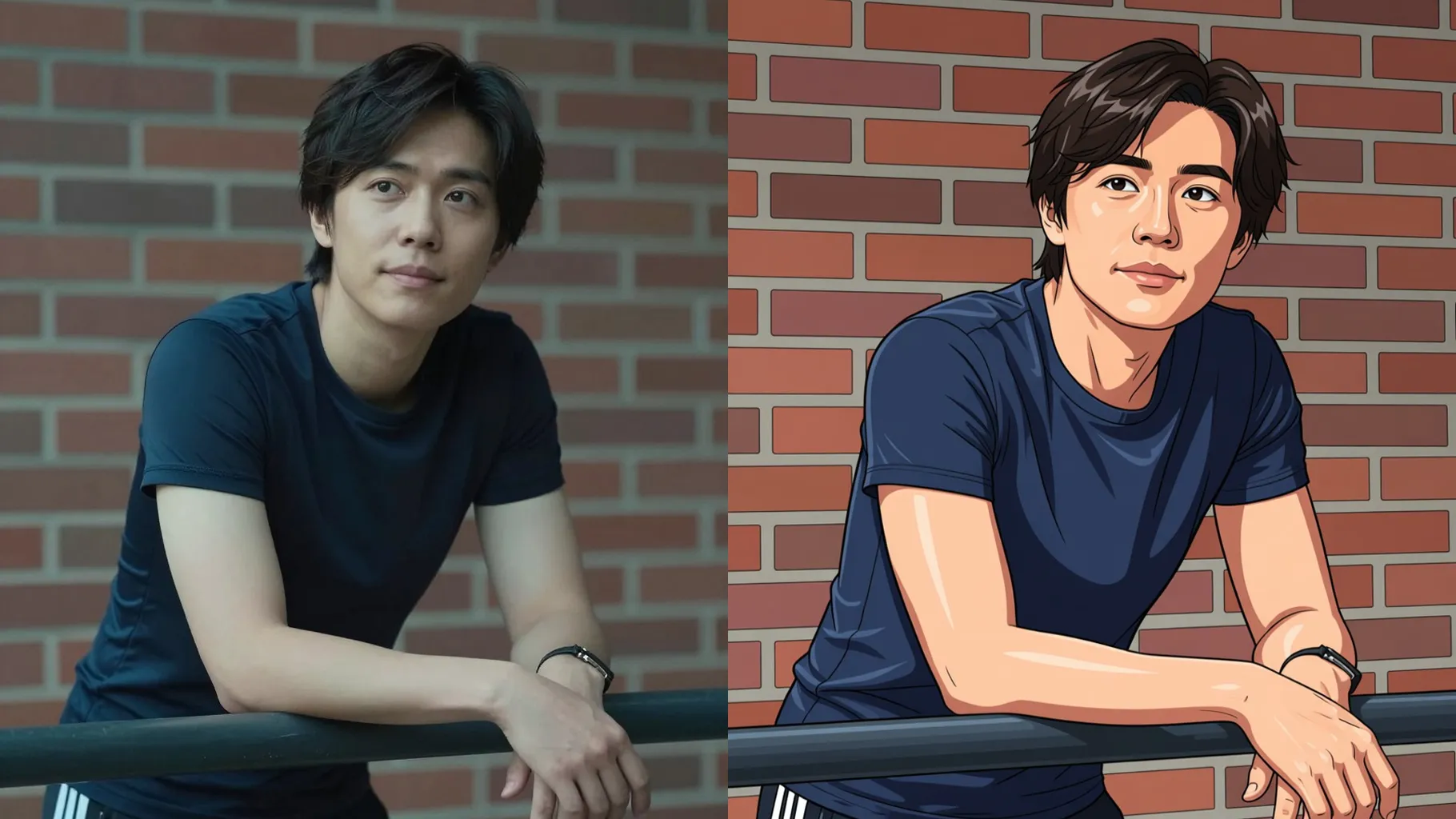
Caricature-style portrait with exaggerated features, bold outlines, and lively colors from a single upload.
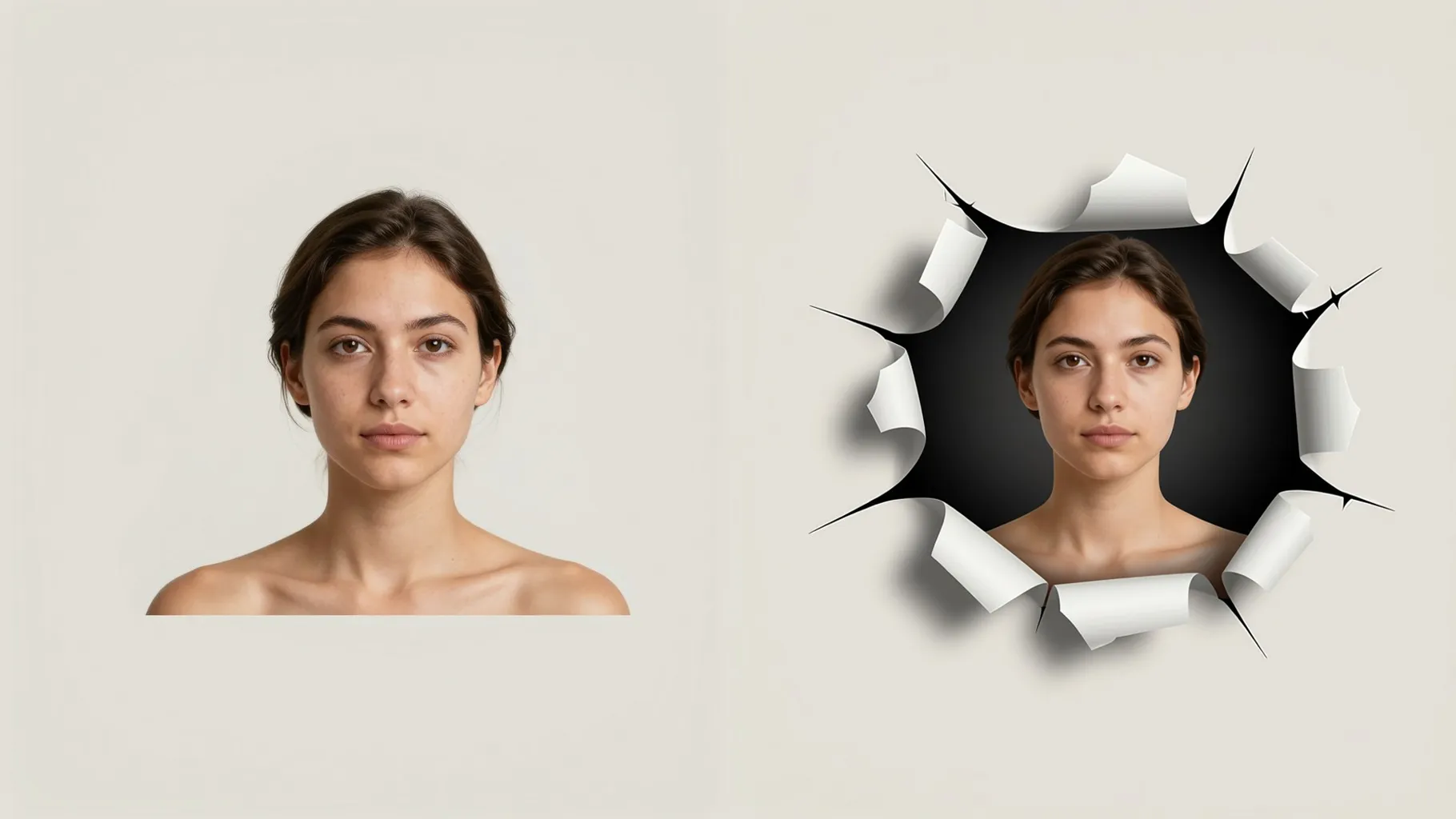
Examples show the target style. Your result depends on the chosen model and reference photo.
Upload one photo to turn it into a playful caricature with exaggerated features, bold outlines, and vibrant color.
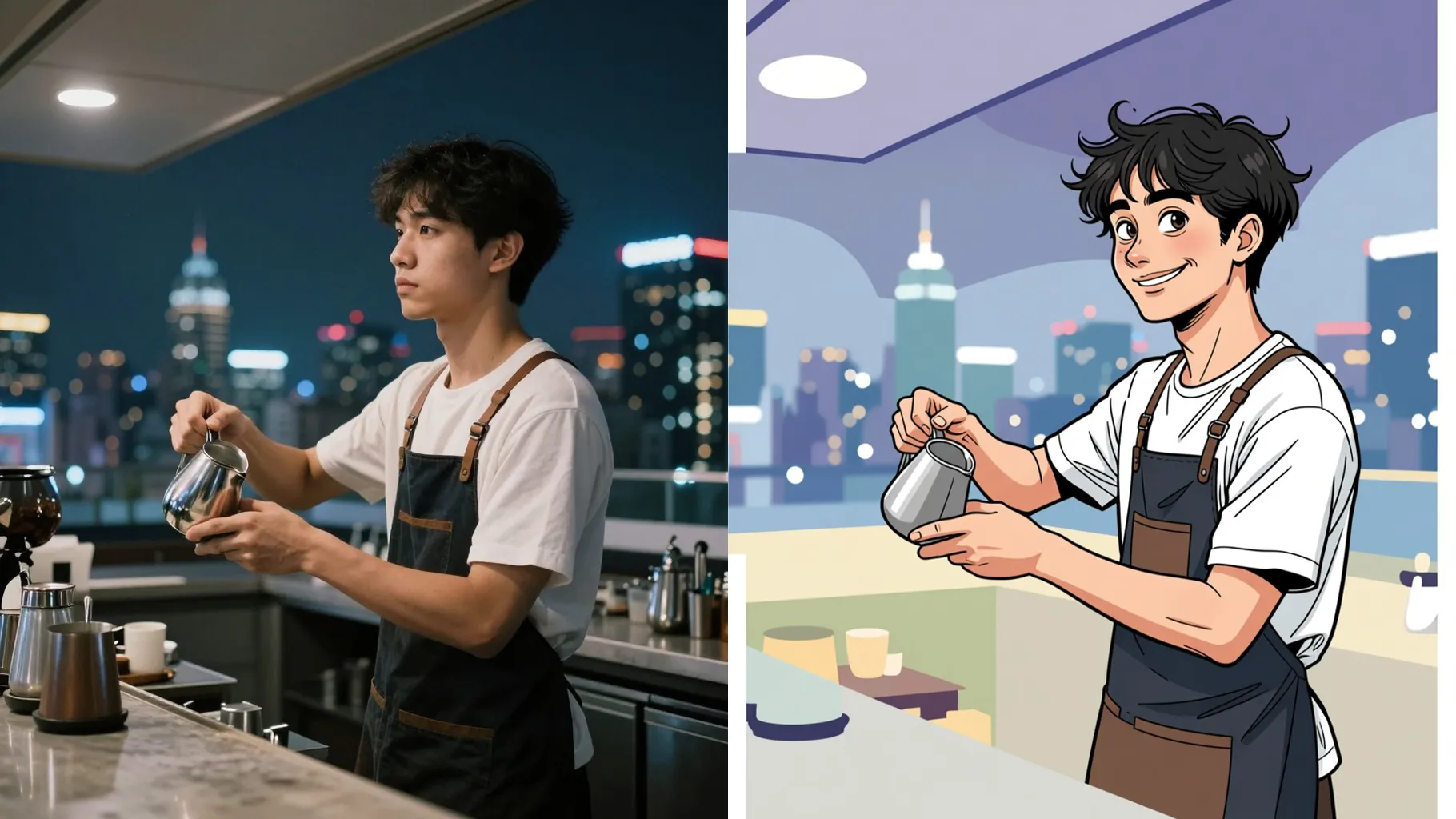
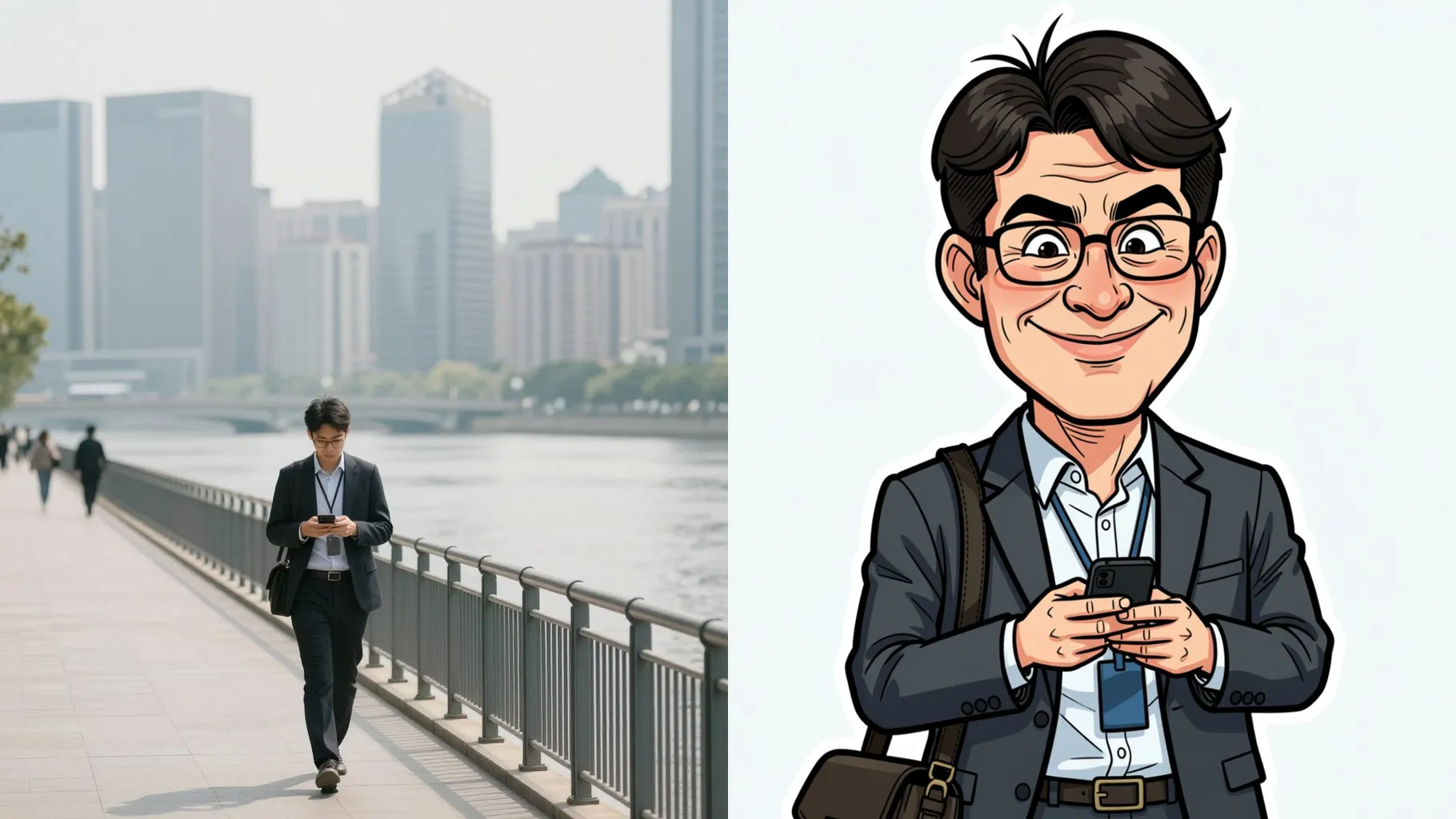
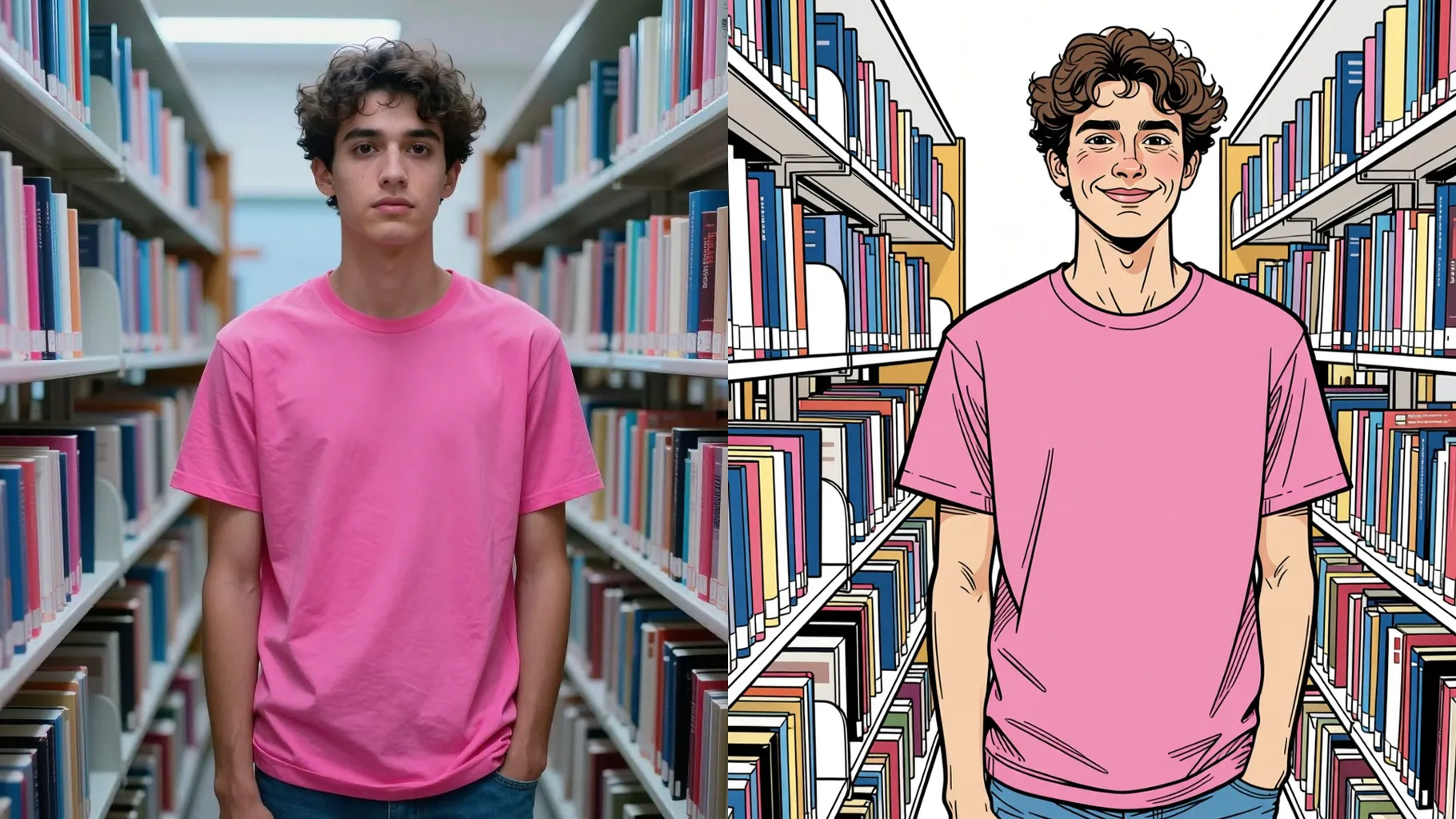
AI redraws proportions with cheeky outlines while keeping skin tone and key details recognizable.
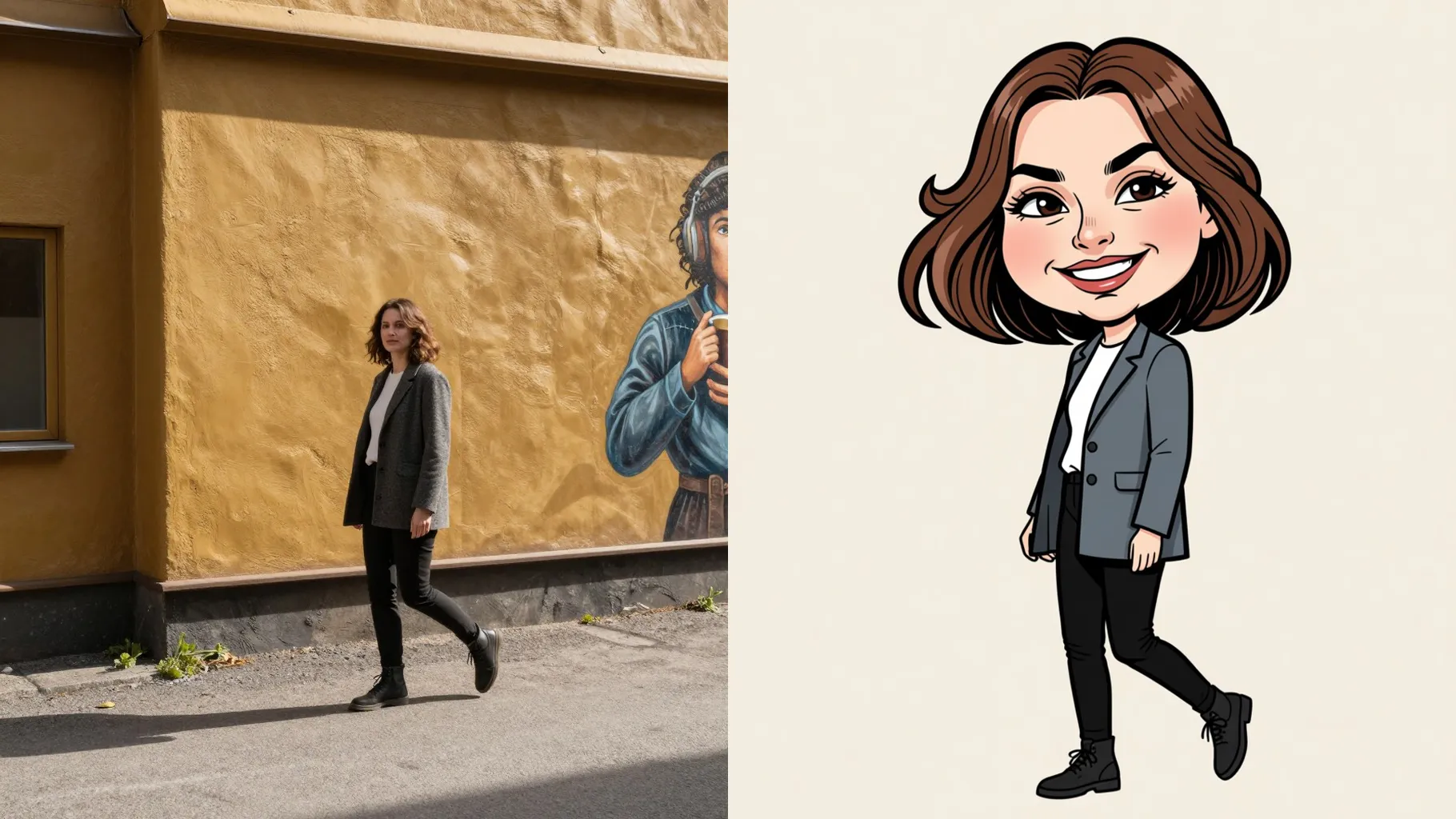
Flat shading and bright palettes keep every caricature sharp for sharing or merch mockups.
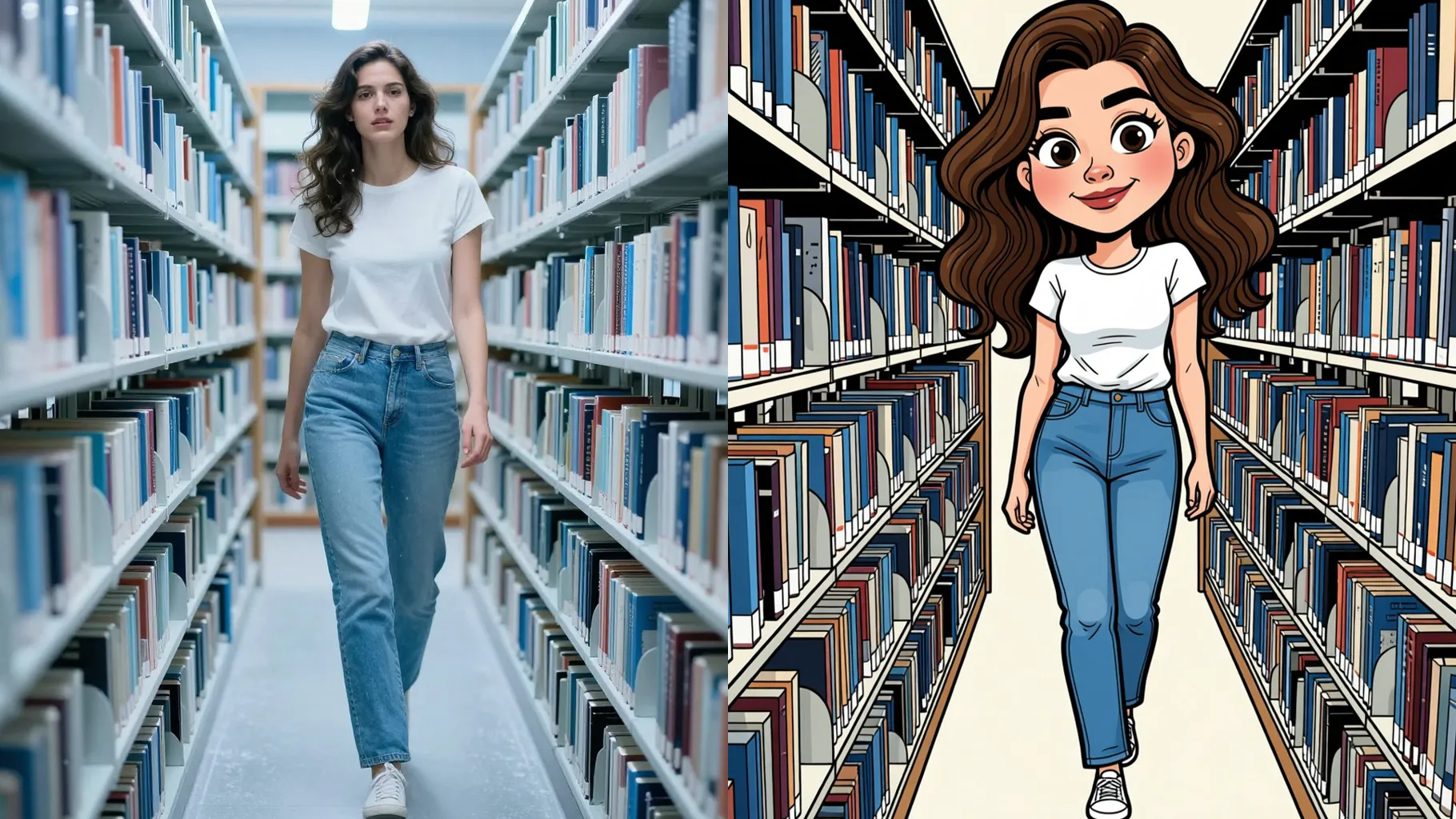
Centered shoulders and good light keep outlines crisp and expressions readable.
Optional: mention vibe, colors, or props in a few words to steer the sketch.
Preview the caricature, rerun for variations, then save your favorite instantly.
Upload one photo per render so the caricature keeps proportions and line work accurate.
Prompts are optional. A short note about mood, colors, or props helps guide the sketch.
Aspect ratio is fixed for layout consistency. Crop your photo before upload if needed.
Model switching is off to keep the caricature style consistent.
JPG, PNG, or WebP under 10MB give the cleanest lines and shading.

Upload one image, add a quick note, and get a bold caricature ready to share.