
1. How many images can I upload per render?
Upload one image at a time so the chibi proportions and pop art texture stay stable.
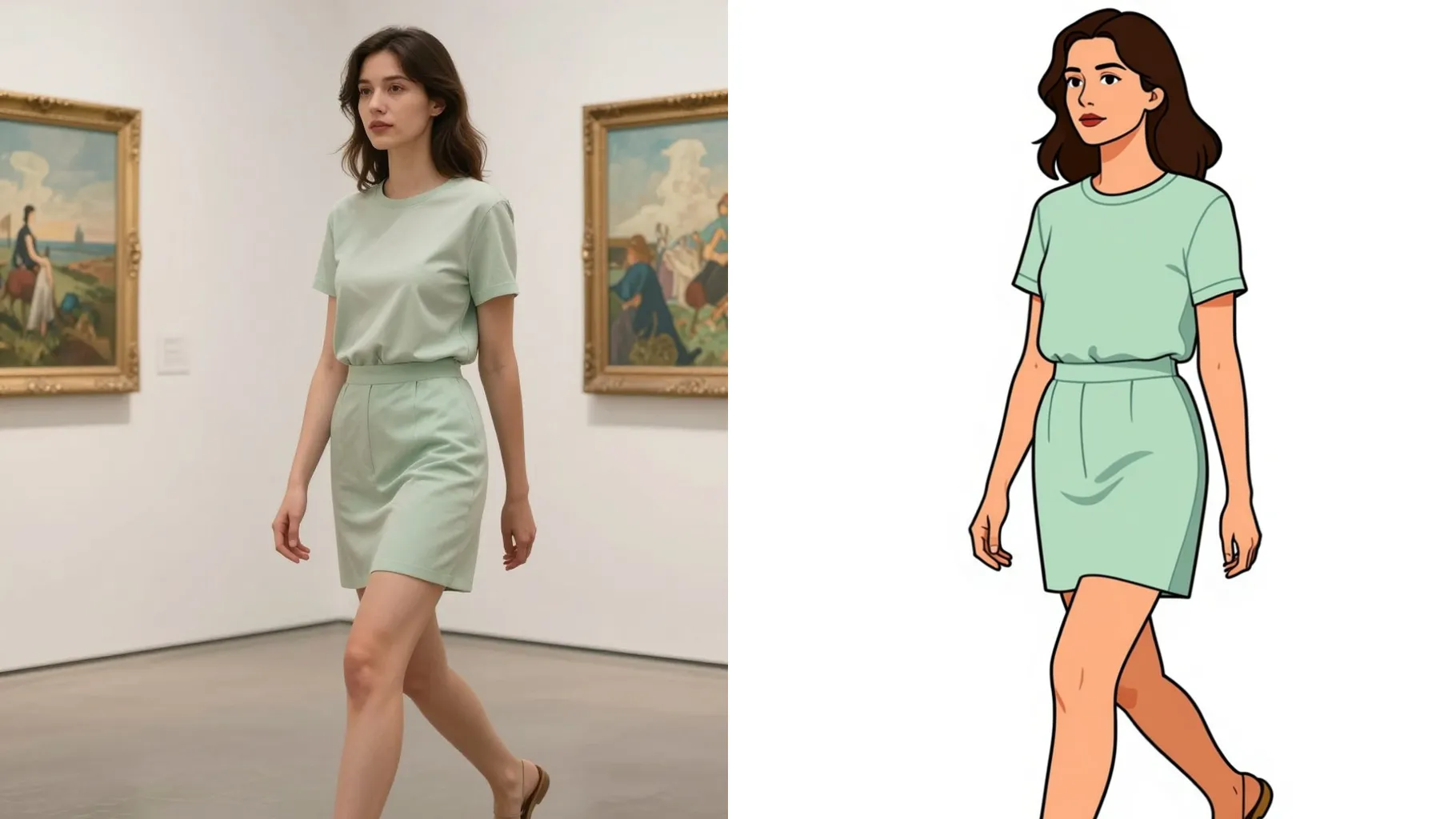
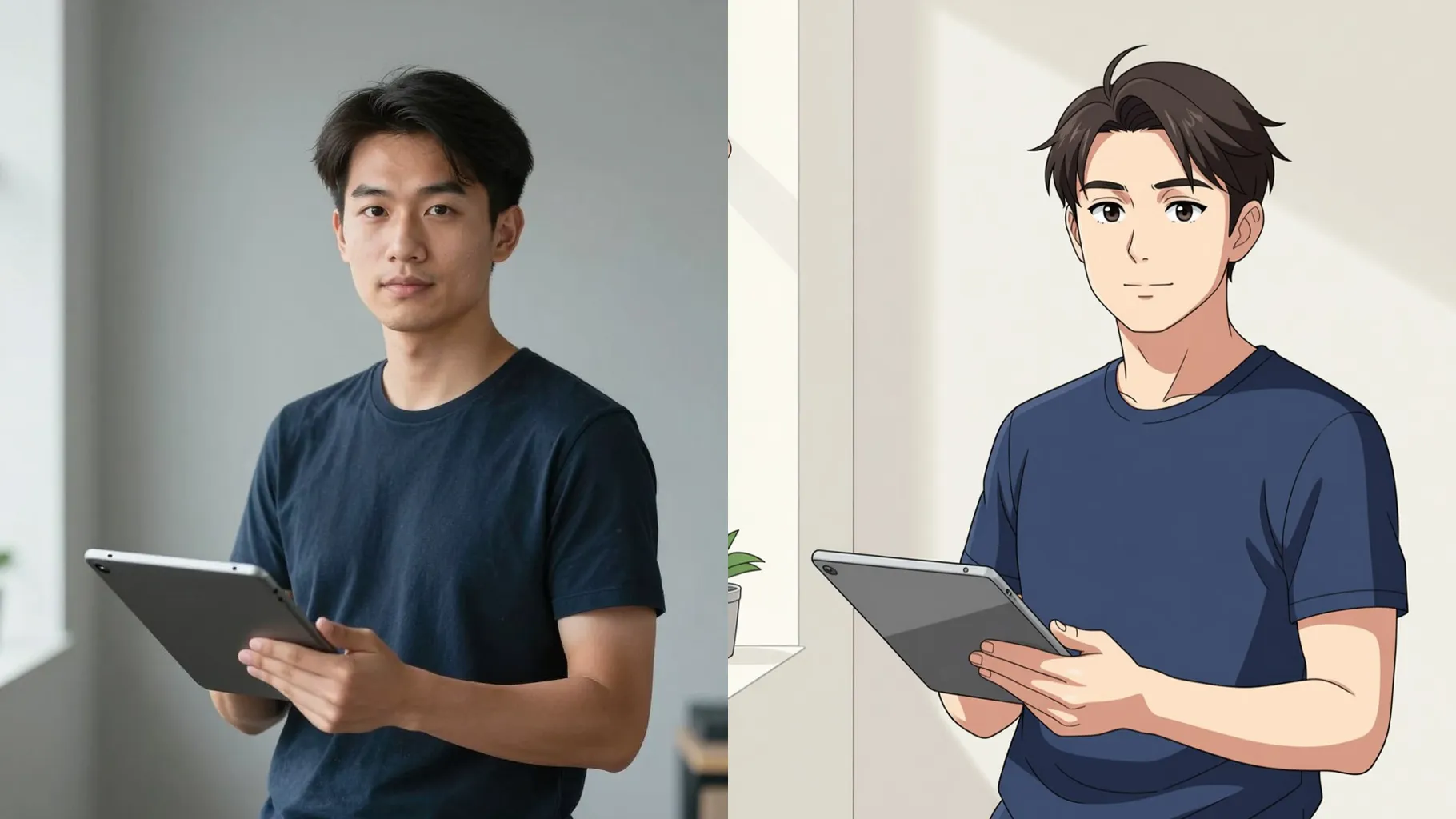
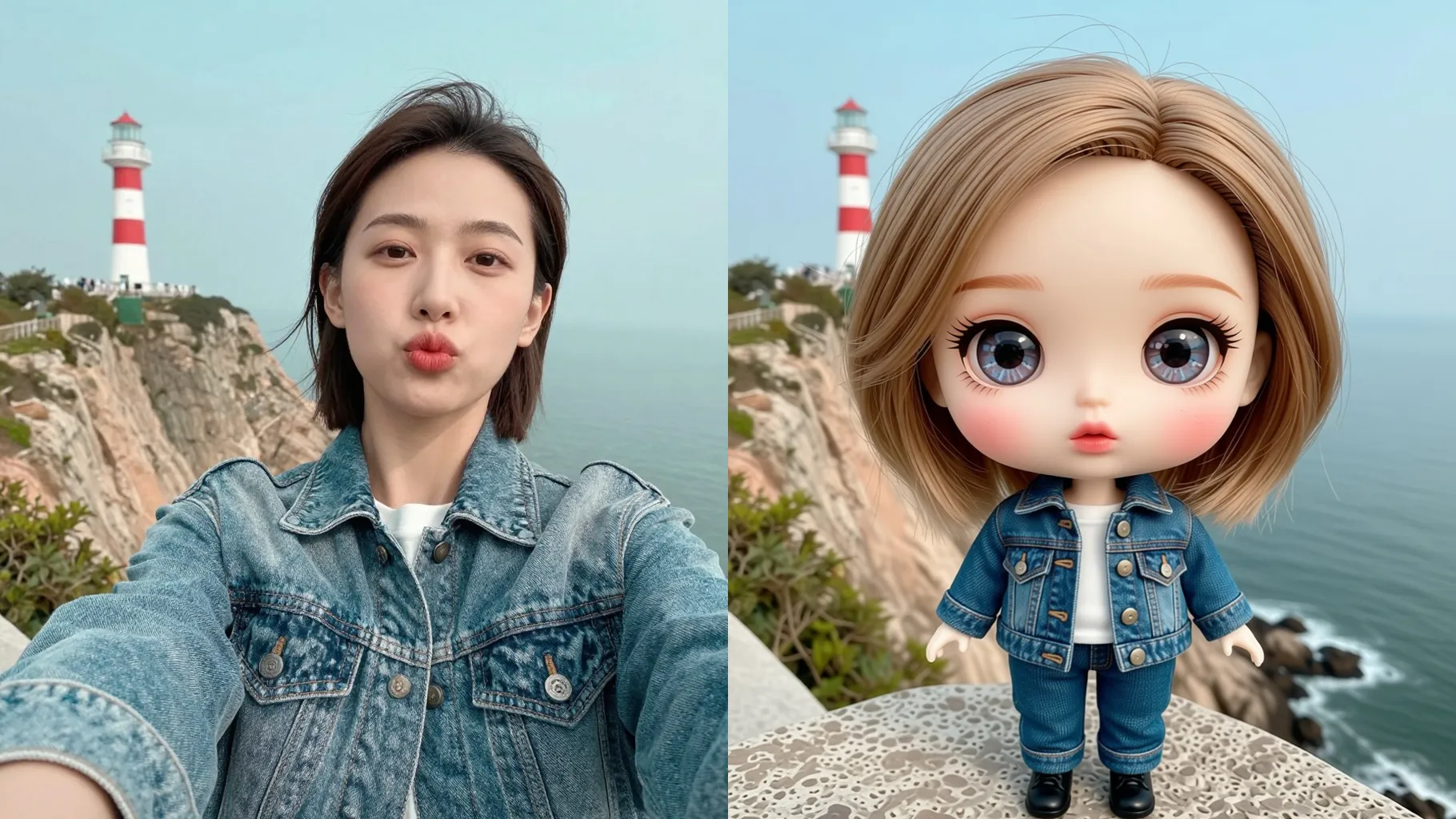
Turn one photo into a chibi pop art portrait with halftone dots, neon outlines, and playful comic colors.
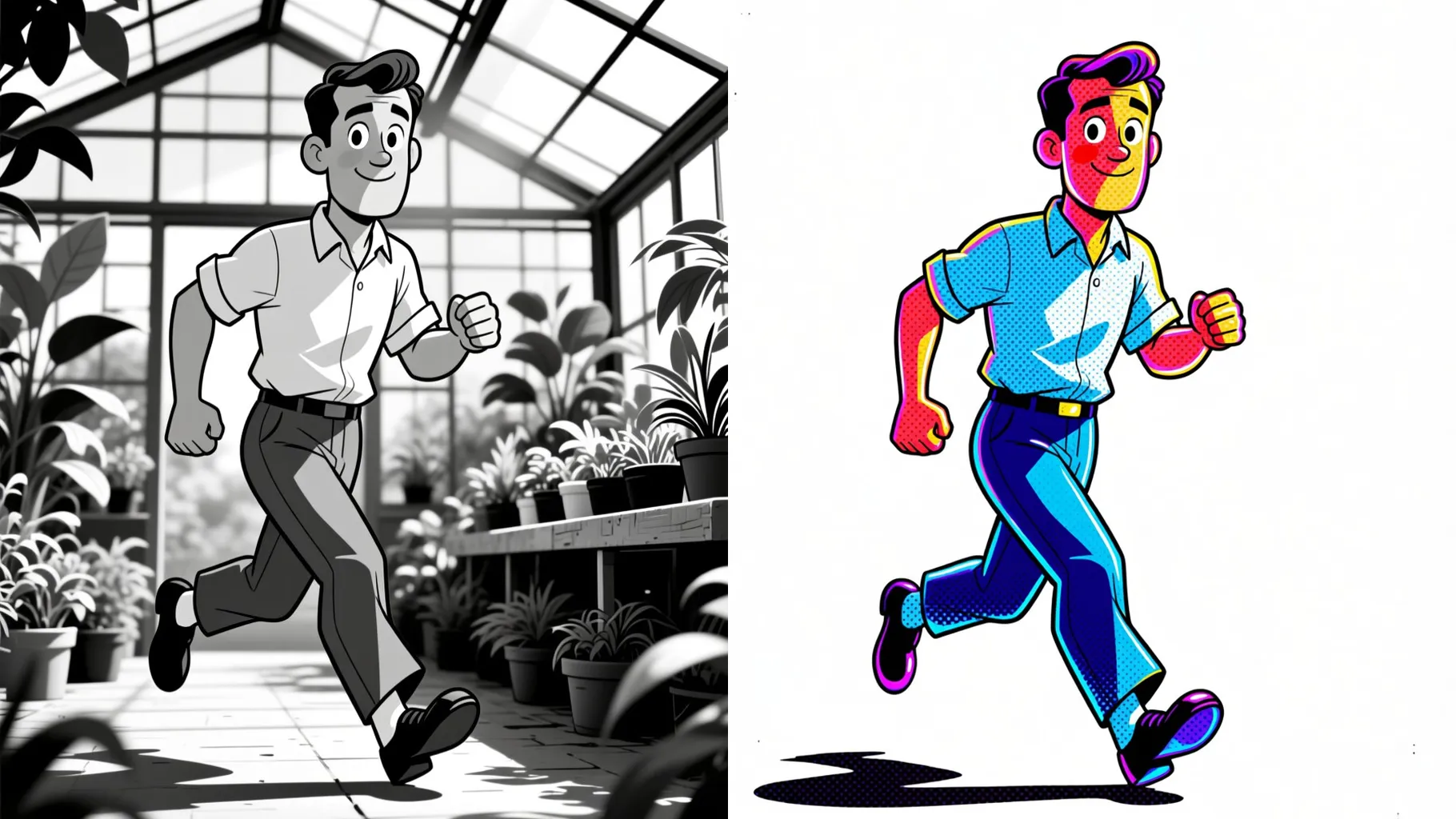
Transform one portrait into a chibi pop art frame with halftone dots, neon strokes, and comic energy.
Examples show the target style. Your result depends on the chosen model and reference photo.
Upload one photo to turn into a chibi pop art shot with halftone dots, neon outlines, and comic-style backgrounds.
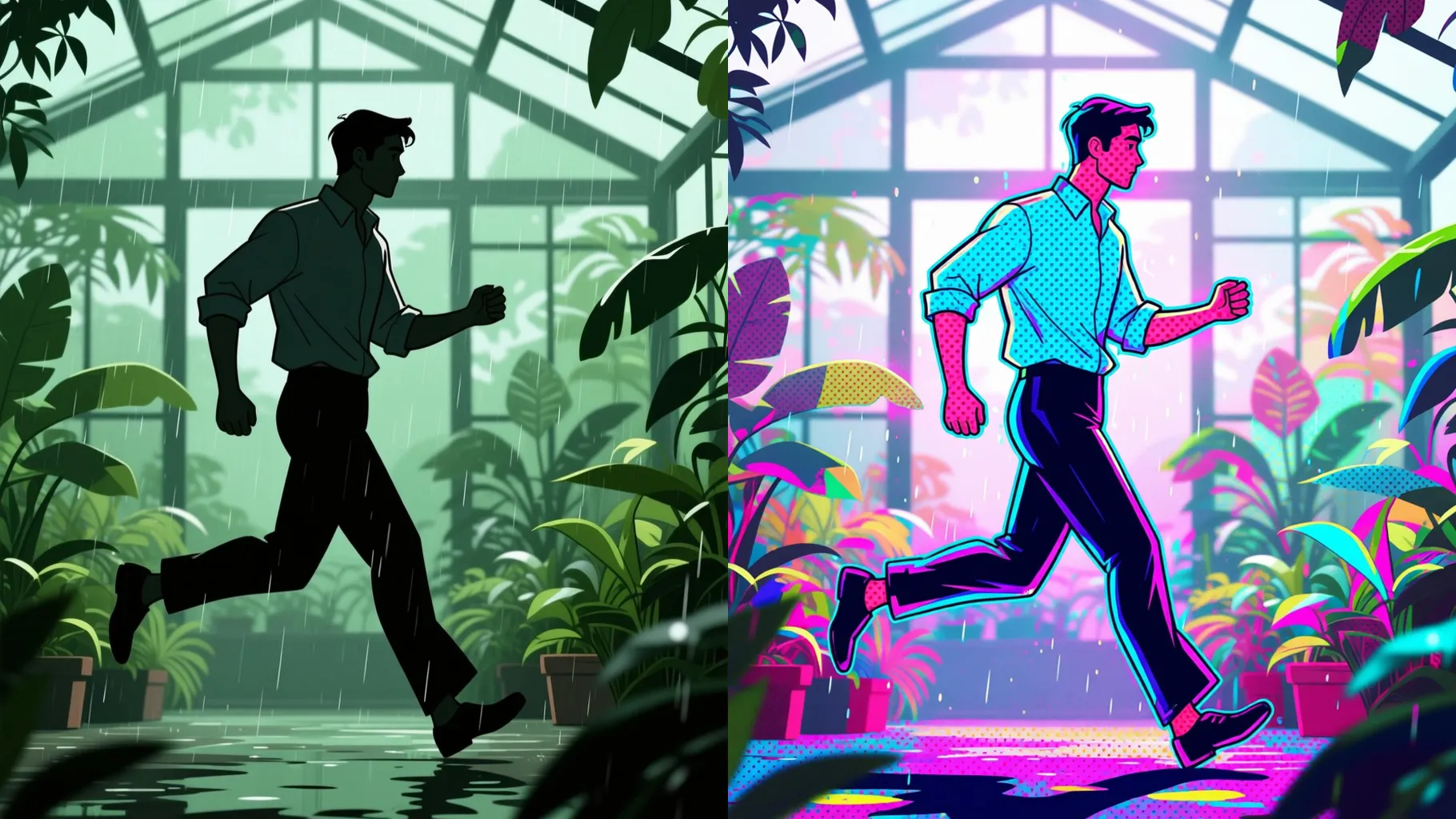
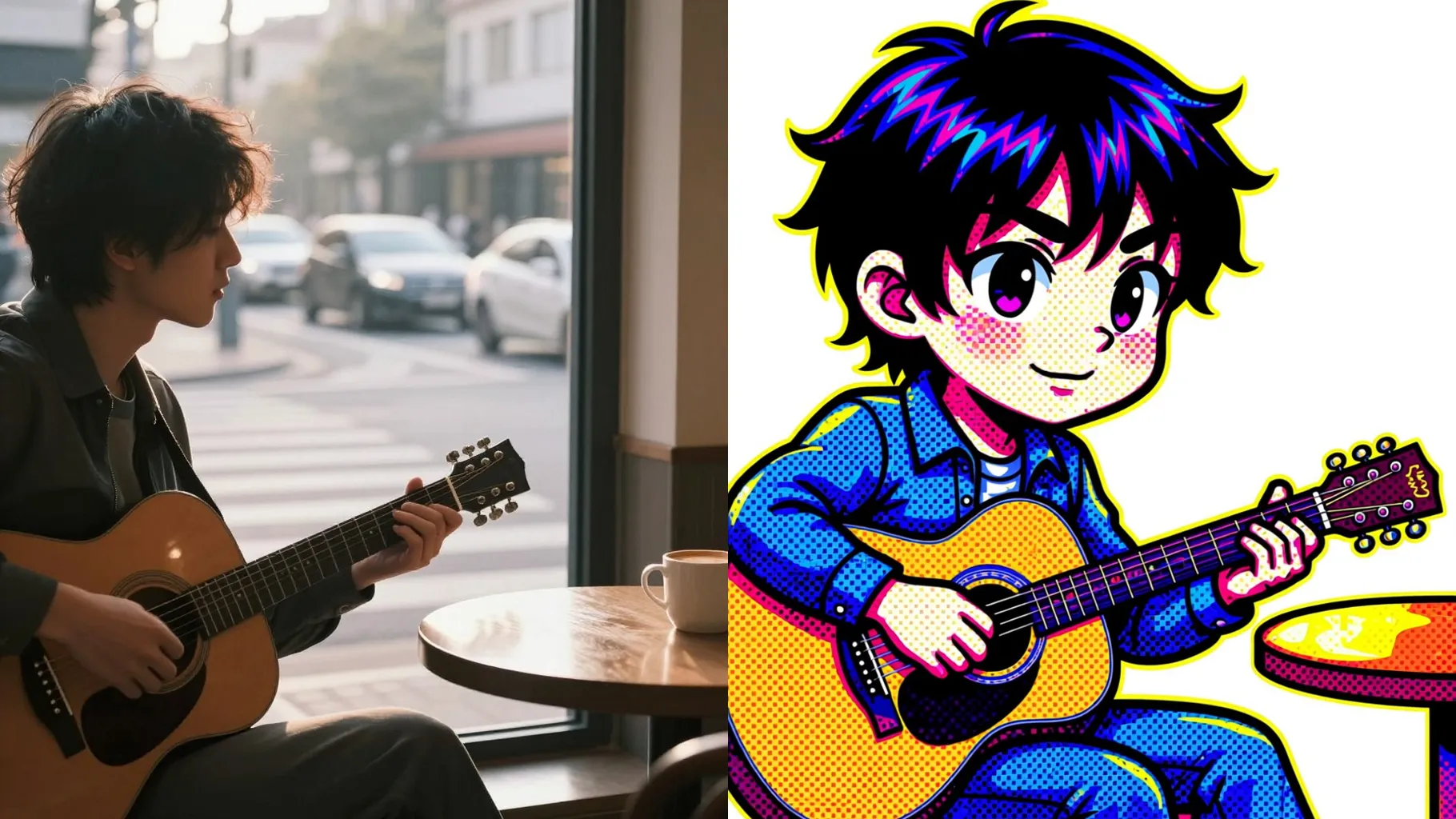
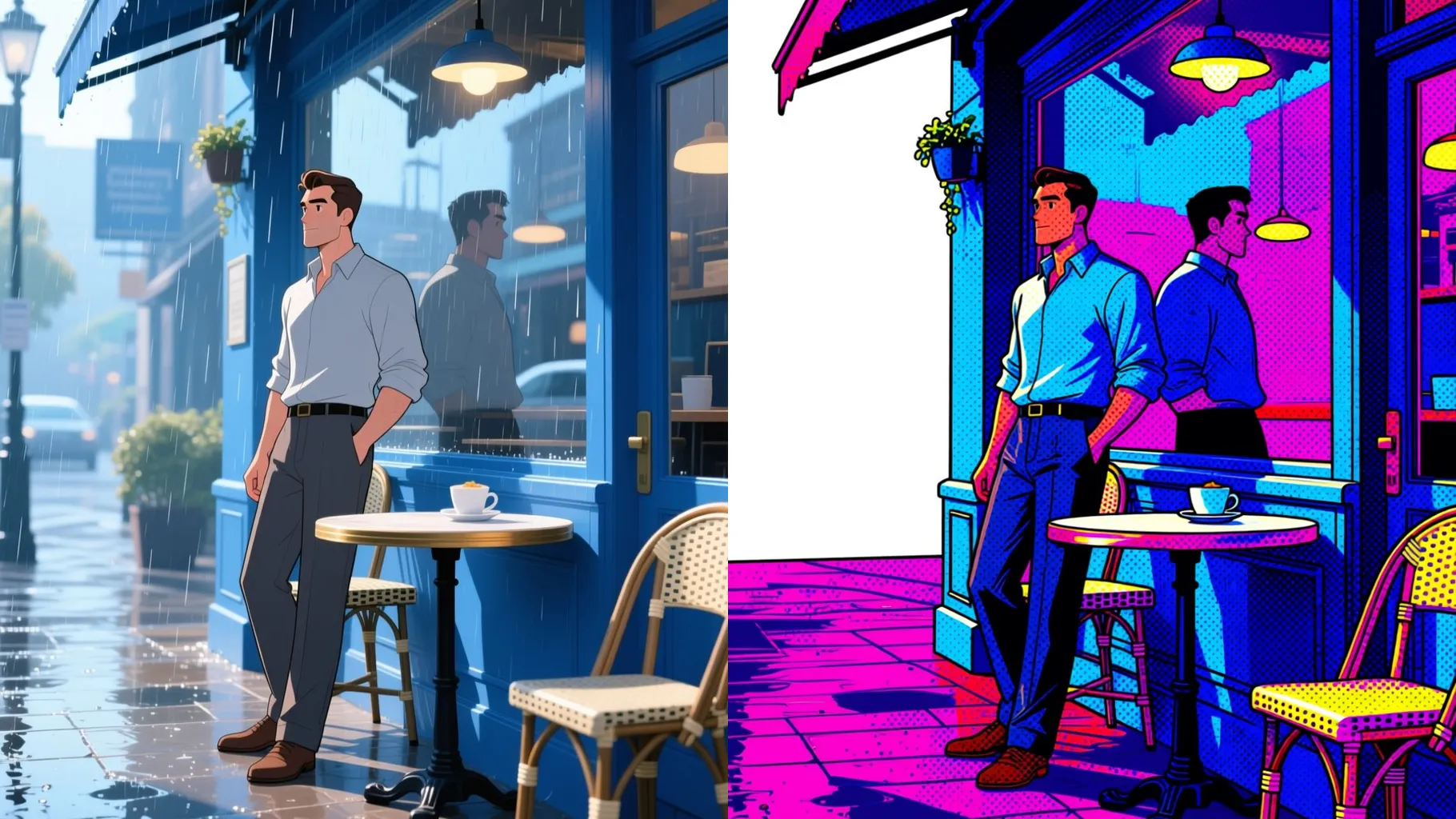
One upload keeps your likeness while adding big eyes, tiny proportions, and thick comic strokes with halftone shading.
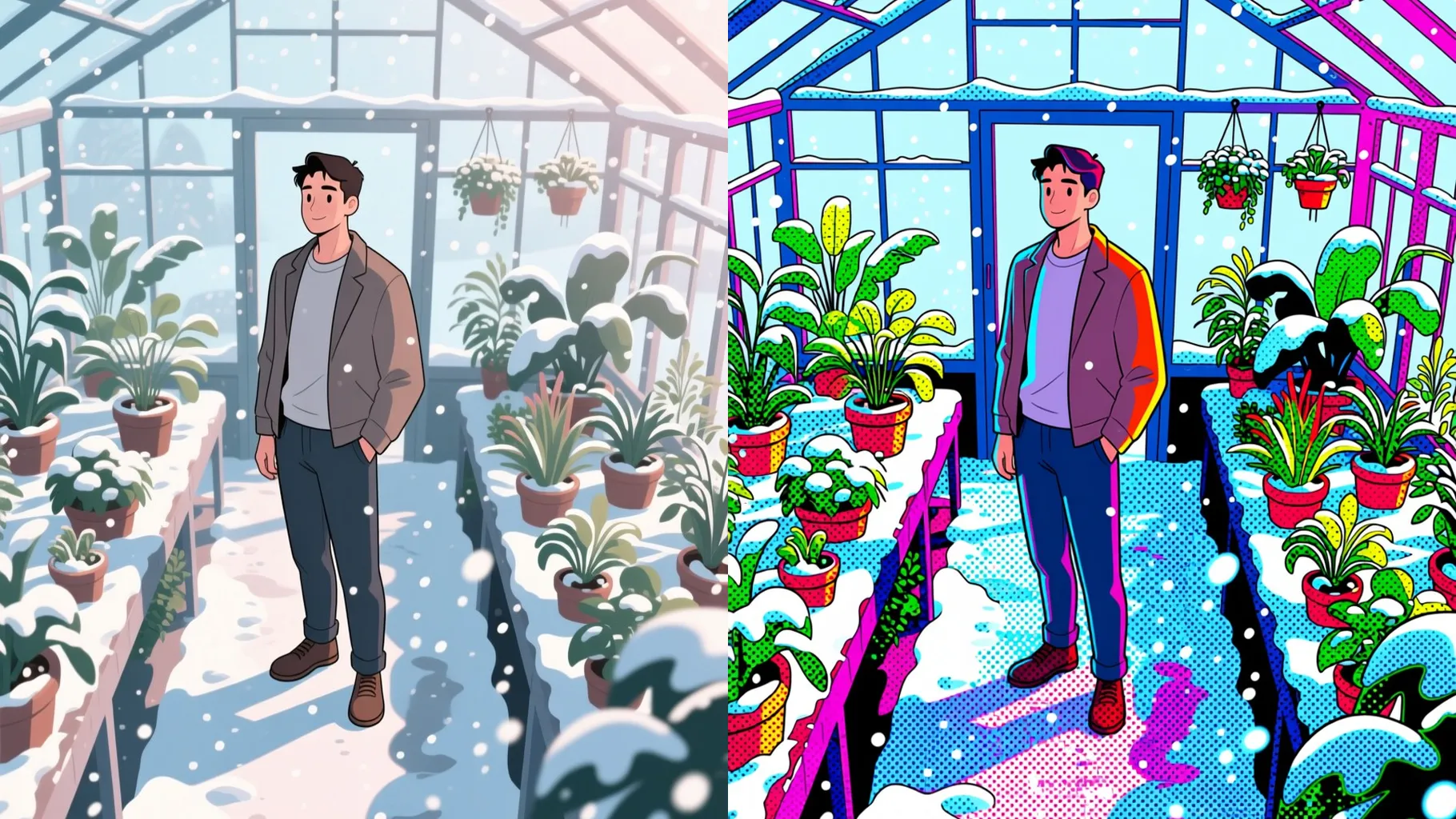
Auto adds color blocks, poster-style gradients, and speech-bubble vibes so the chibi art pops without extra editing.
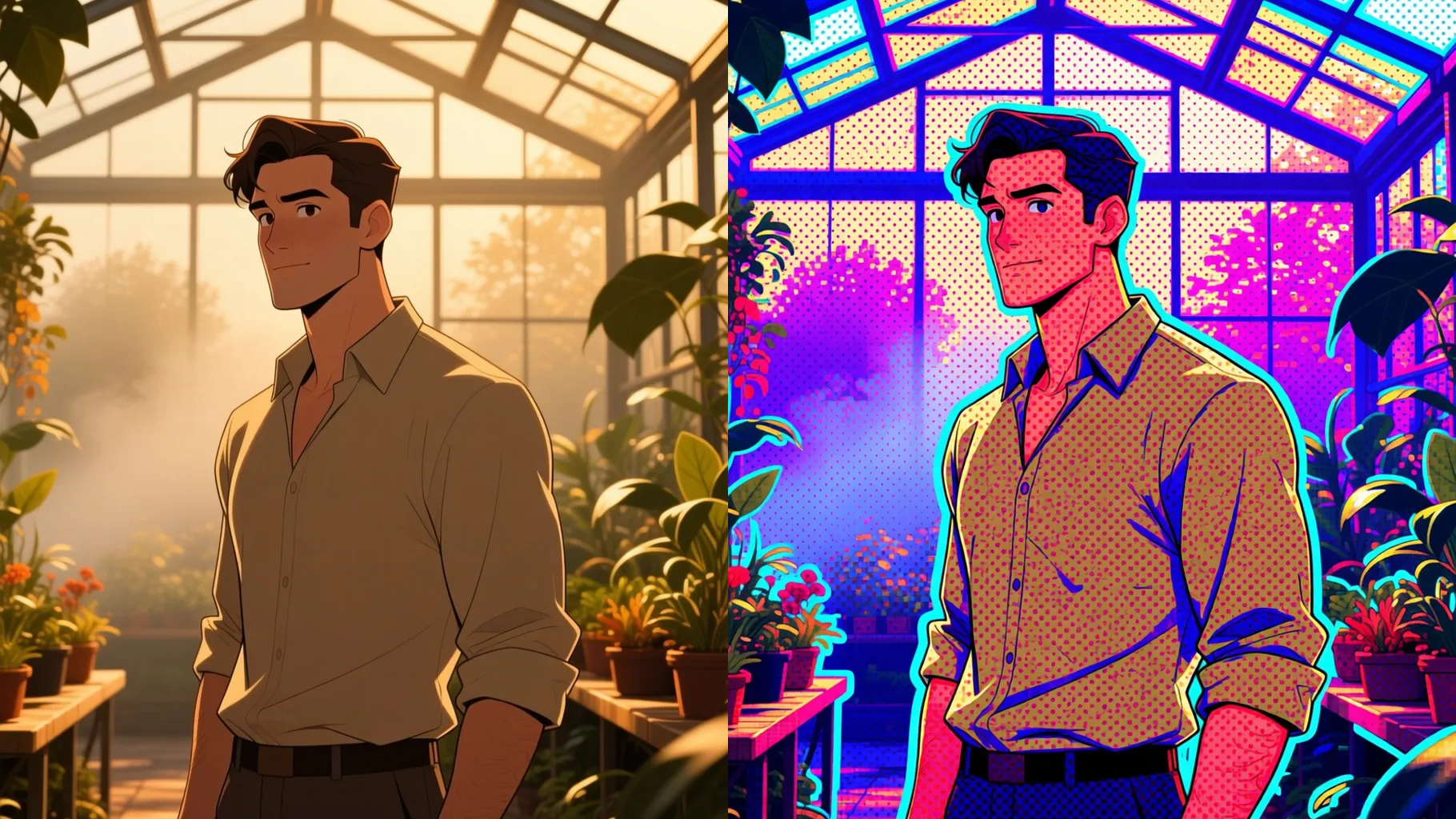
Front-facing or slightly angled shots with clean lighting keep the pop outlines sharp.
Mention mood, props, or background in one line to steer the neon comic vibe.
Preview the chibi pop art render, rerun if needed, and save your favorite instantly.
Upload one image at a time so the chibi proportions and pop art texture stay stable.
Prompts are optional, but a short note about color, mood, or background helps steer the comic look.
Clear, well-lit portraits with the subject centered give the cleanest outlines and halftone dots.
Aspect ratio control is disabled for this preset. Crop your photo first if you need a specific frame.
Model switching is off to keep the pop art palette and line weight consistent.
Yes. Single-subject pet or object photos also convert well into the chibi pop art style.
Generation time depends on the model, image size, and queue. Check the task status on this page.
Upload JPG, PNG, or WebP under 10MB for the fastest, cleanest results.

Generation time depends on the model, image size, and queue. Check the task status on this page.