
1. How many photos can I upload per render?
Upload one photo at a time to keep the clay texture and sculpted lines accurate.
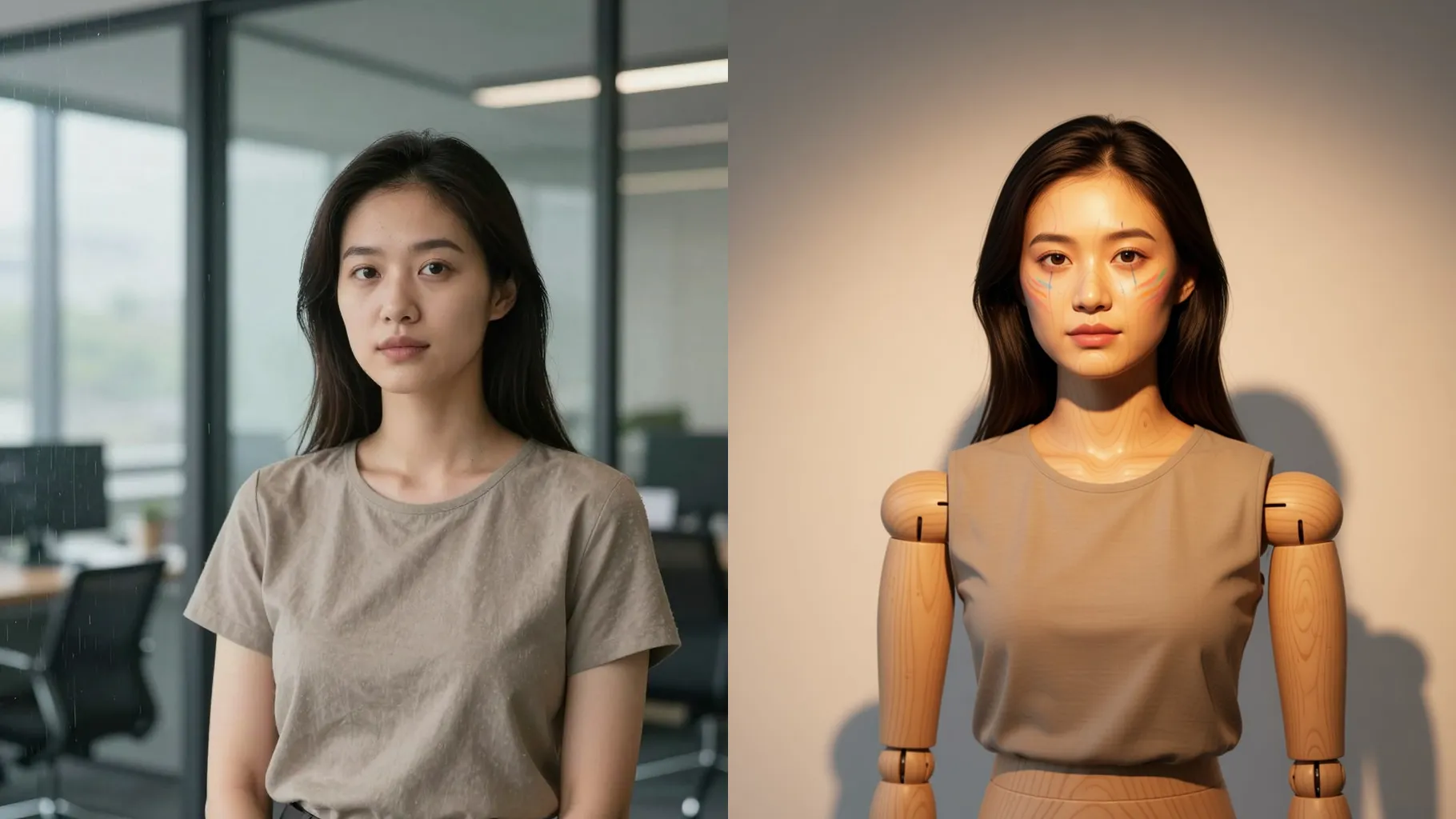
Render one photo into clay-sculpted art with matte texture and carved details.
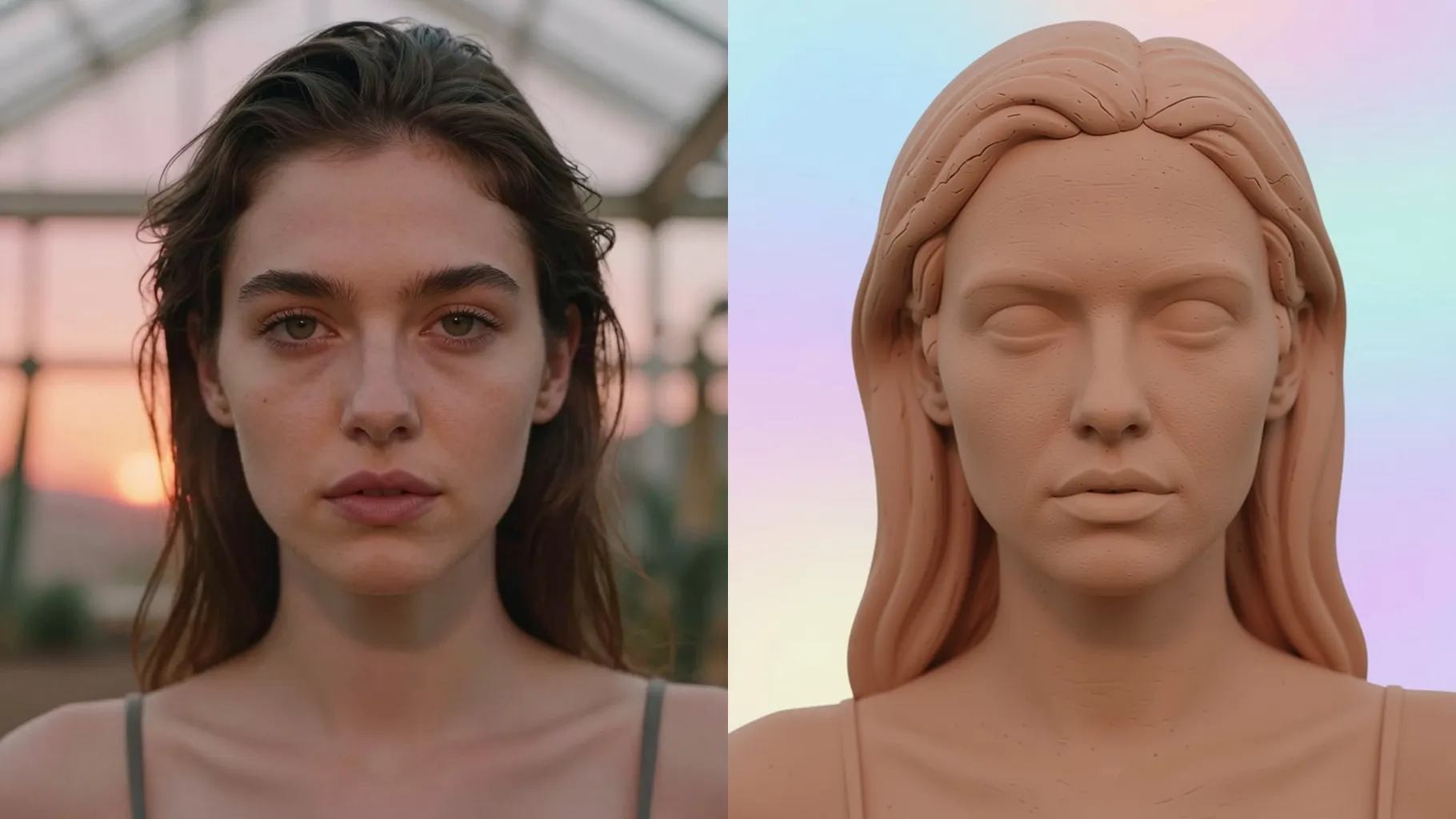
Preserve your face while turning it into smooth clay with sculpted features, soft shadows, and pastel backdrops from one upload.
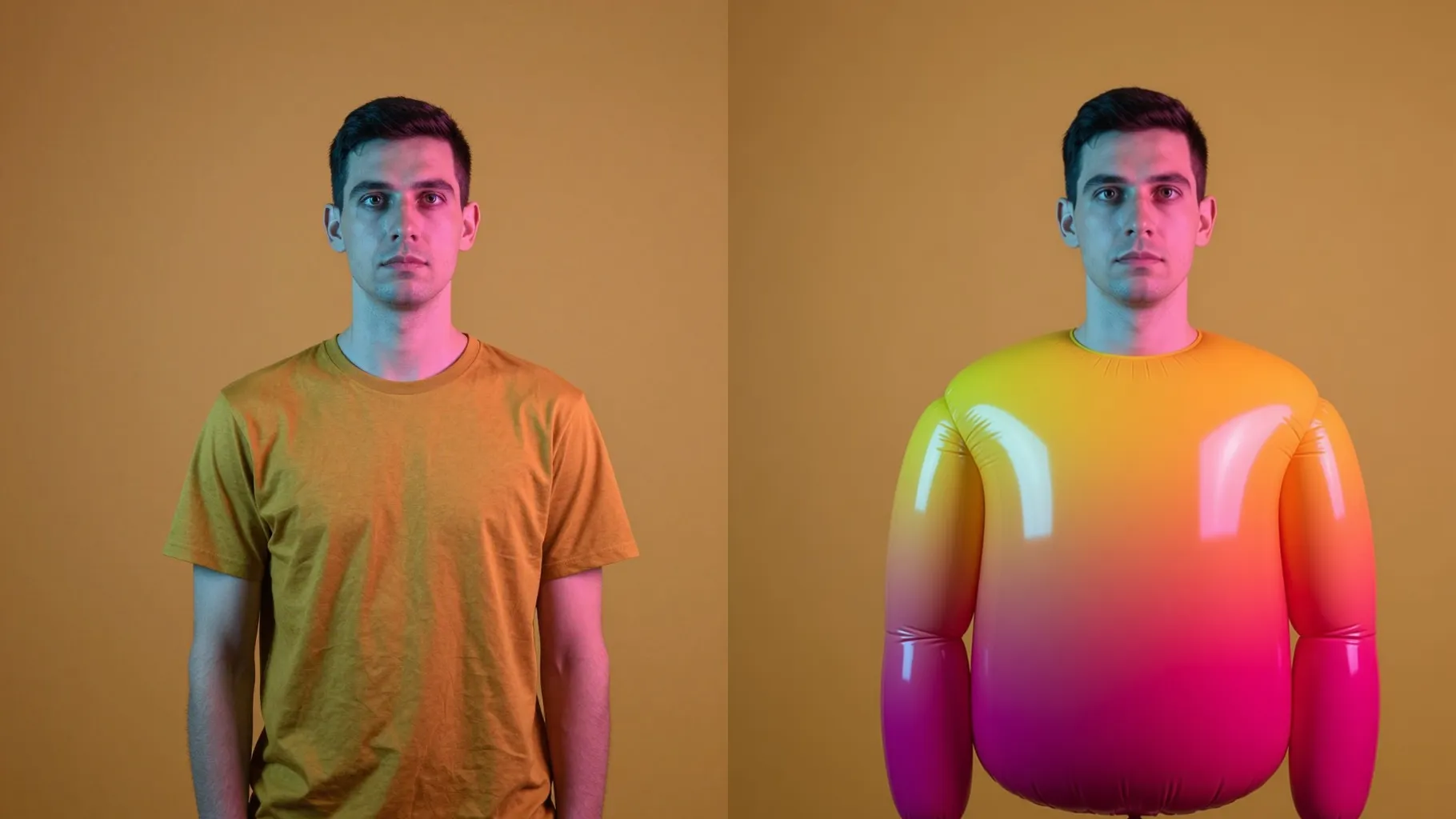
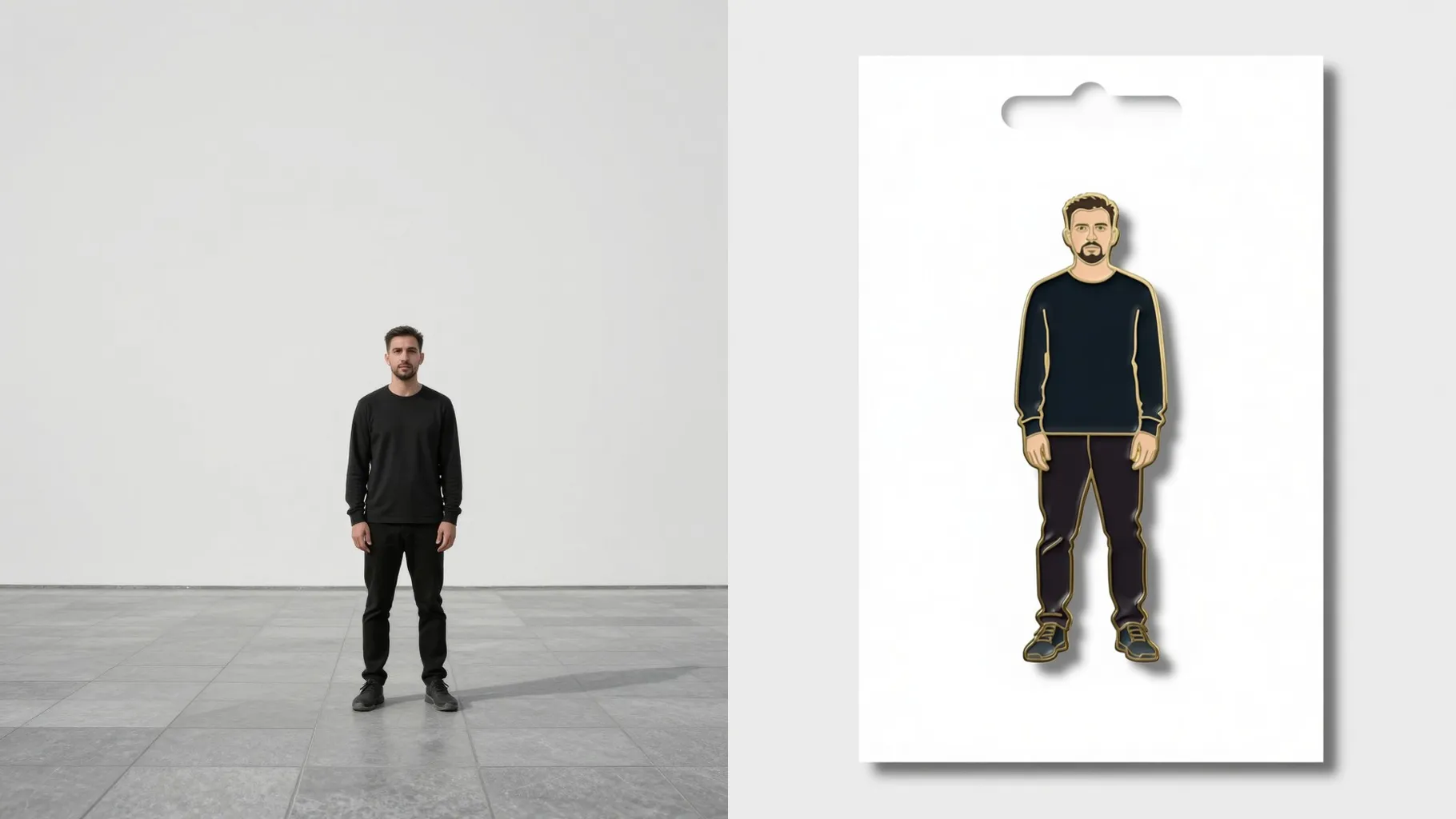
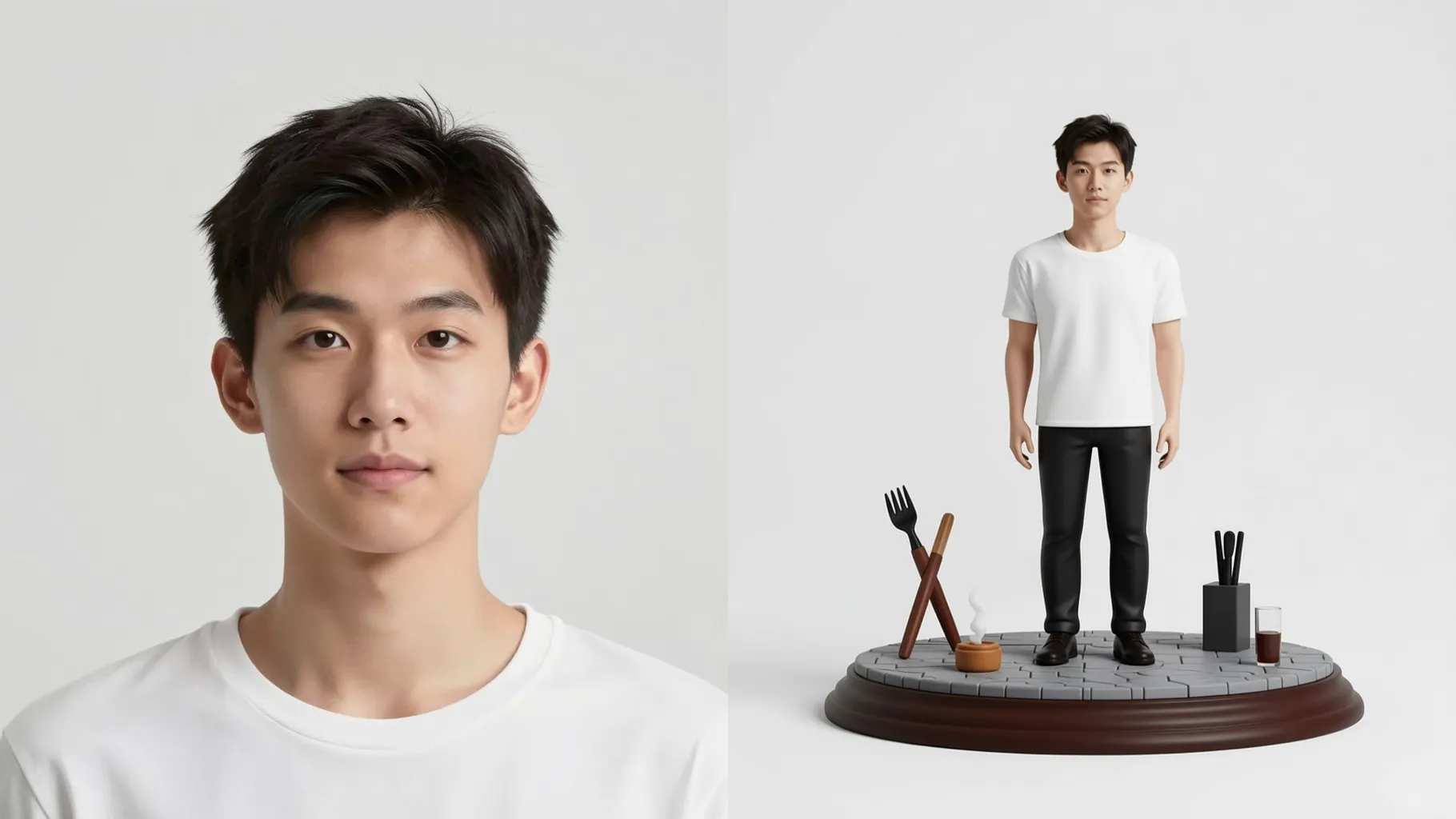
Examples show the target style. Your result depends on the chosen model and reference photo.
Upload one photo to render it as clay art with matte texture, carved facial lines, and soft diffused lighting.
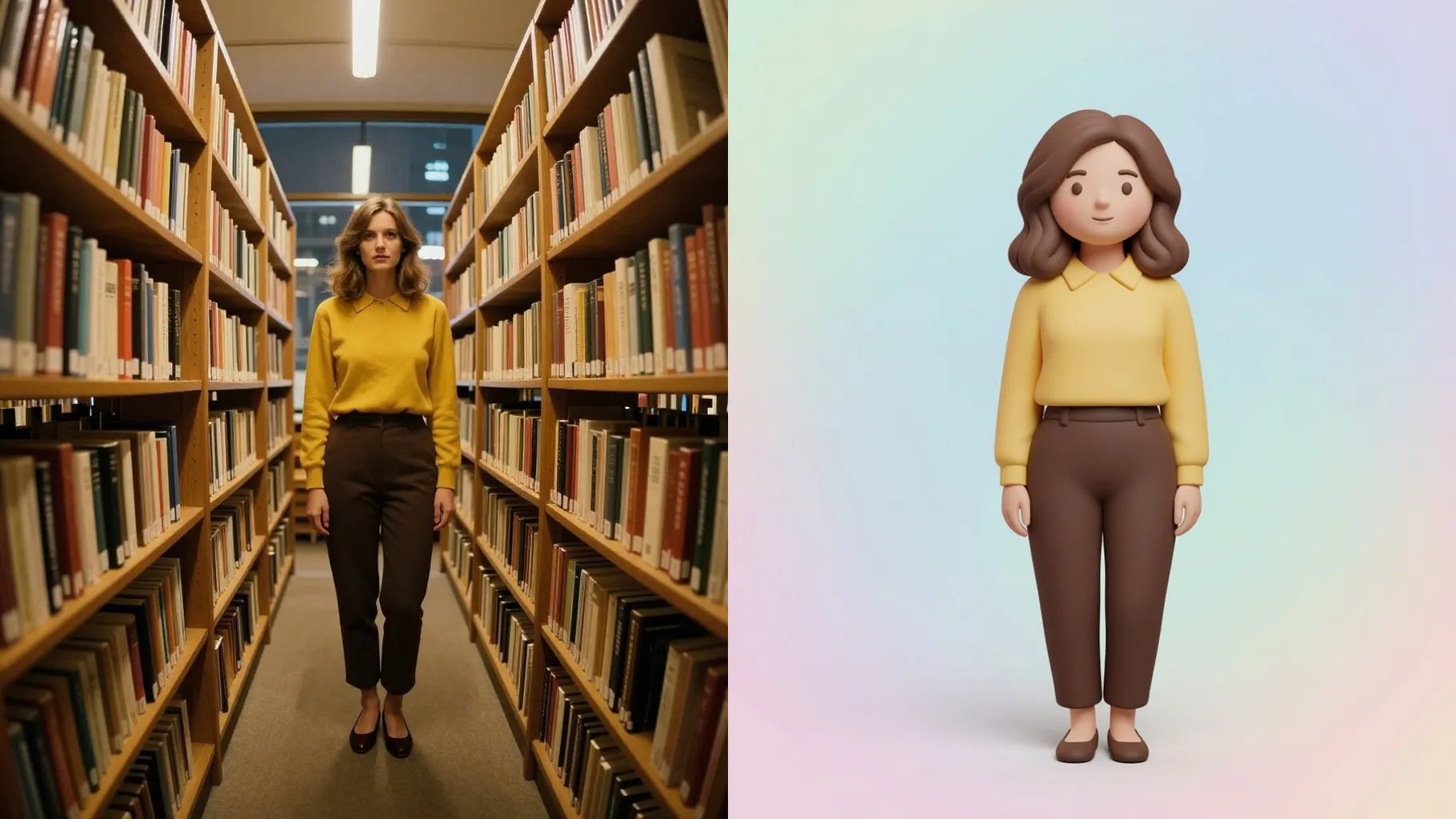
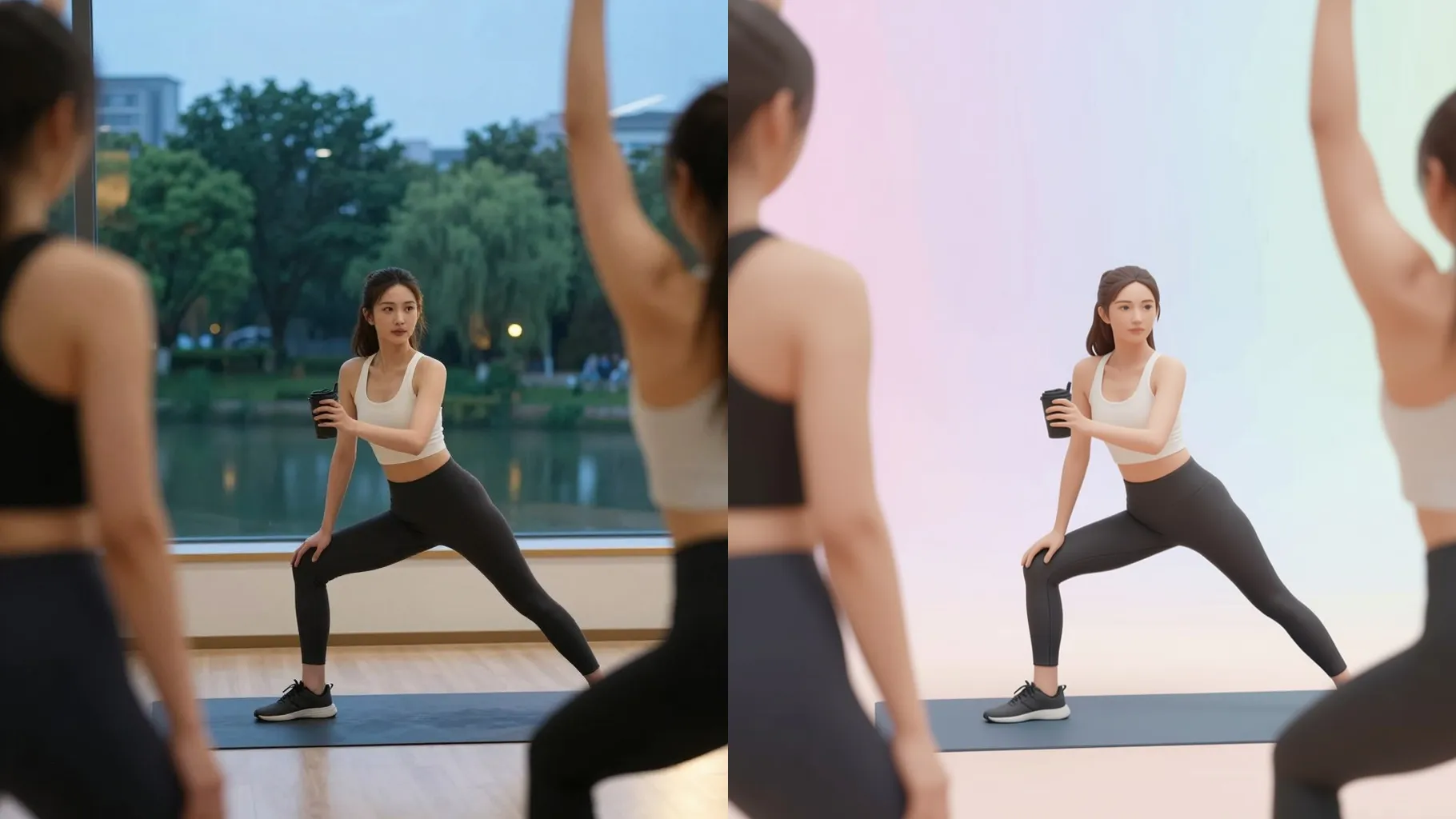
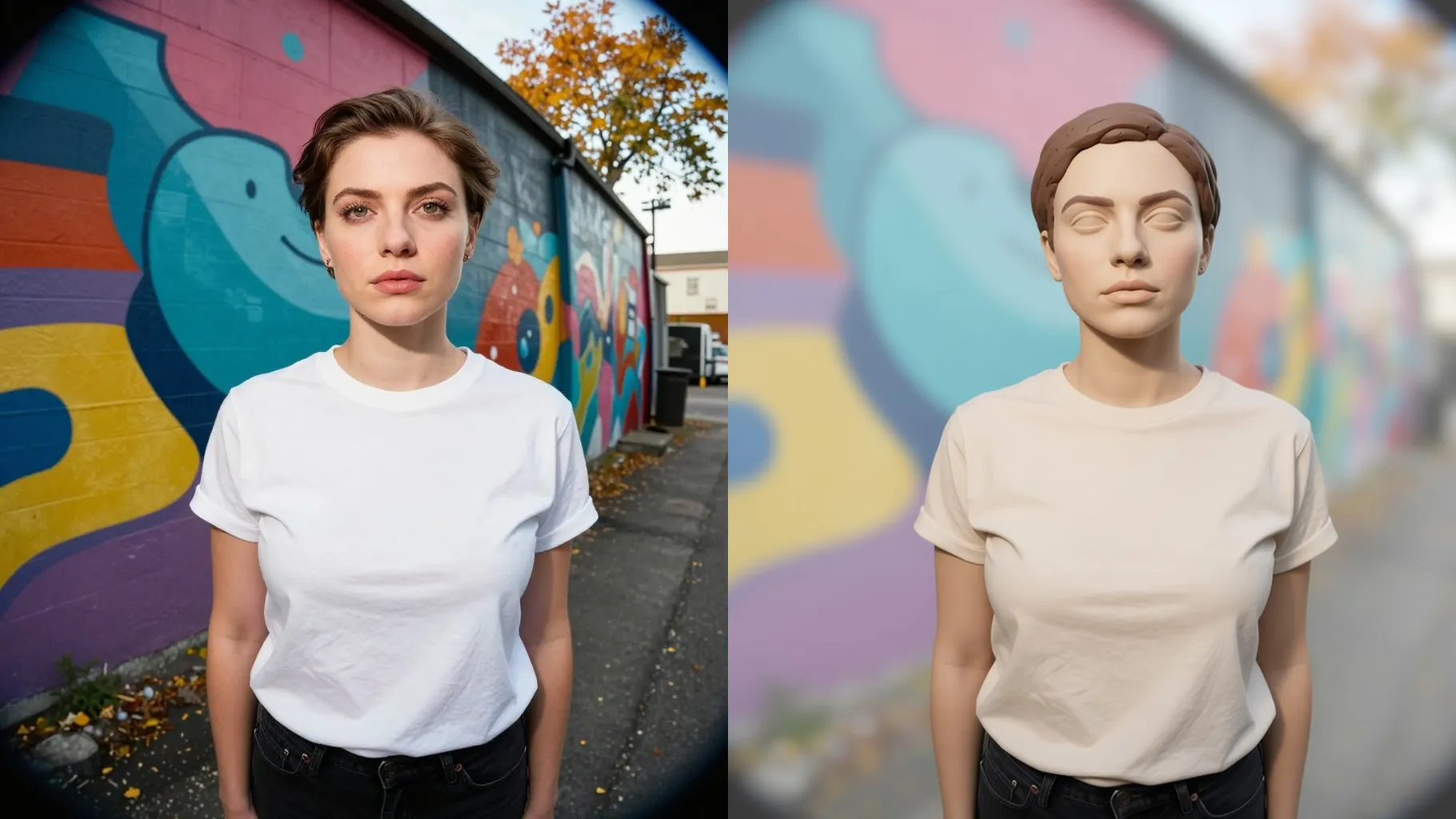
AI preserves proportions while adding smooth matte clay, sculpted contours, and gentle studio shadows.
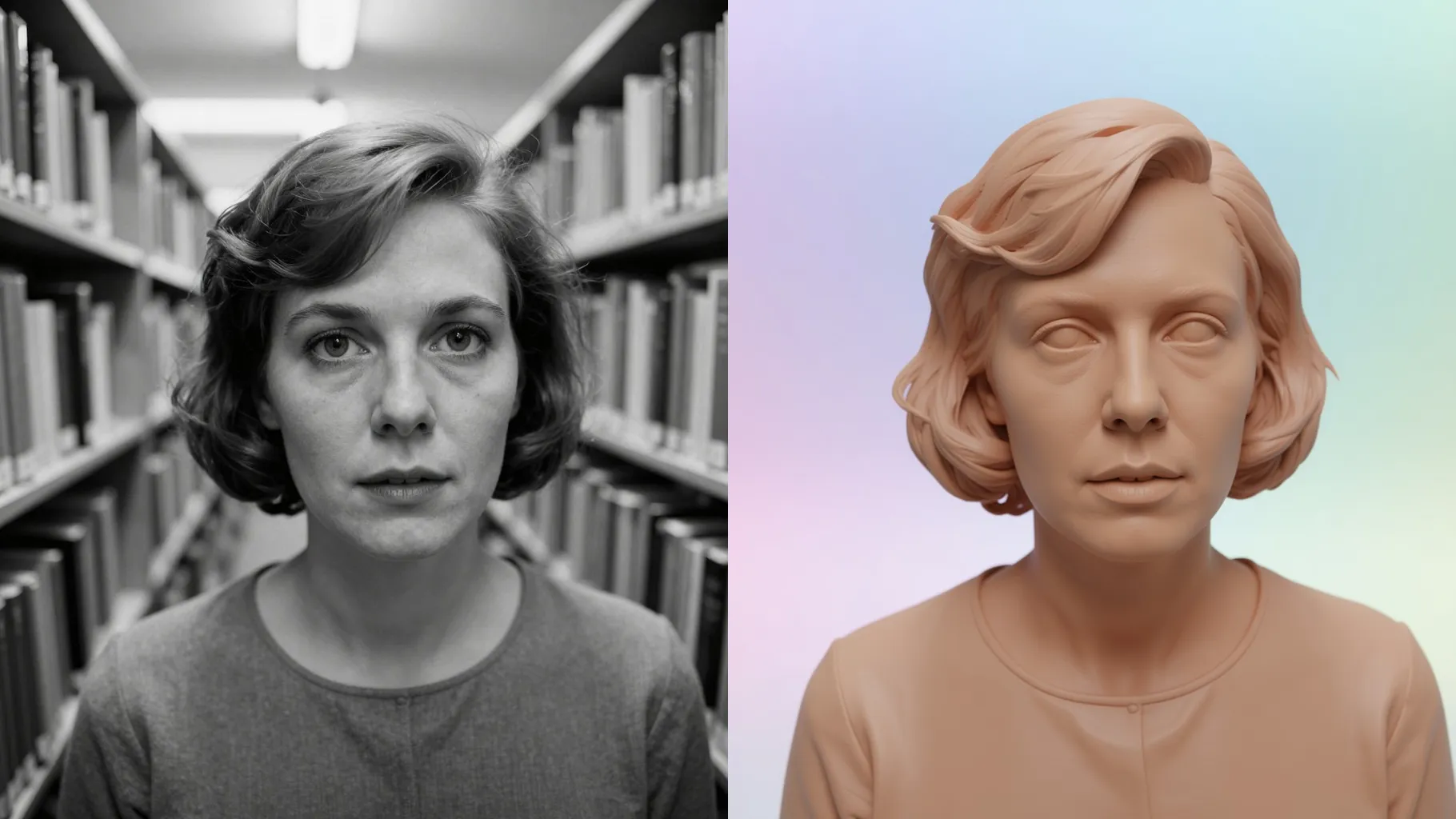
Mention pastel palettes, studio backdrops, or small props to steer the clay render without breaking the model.
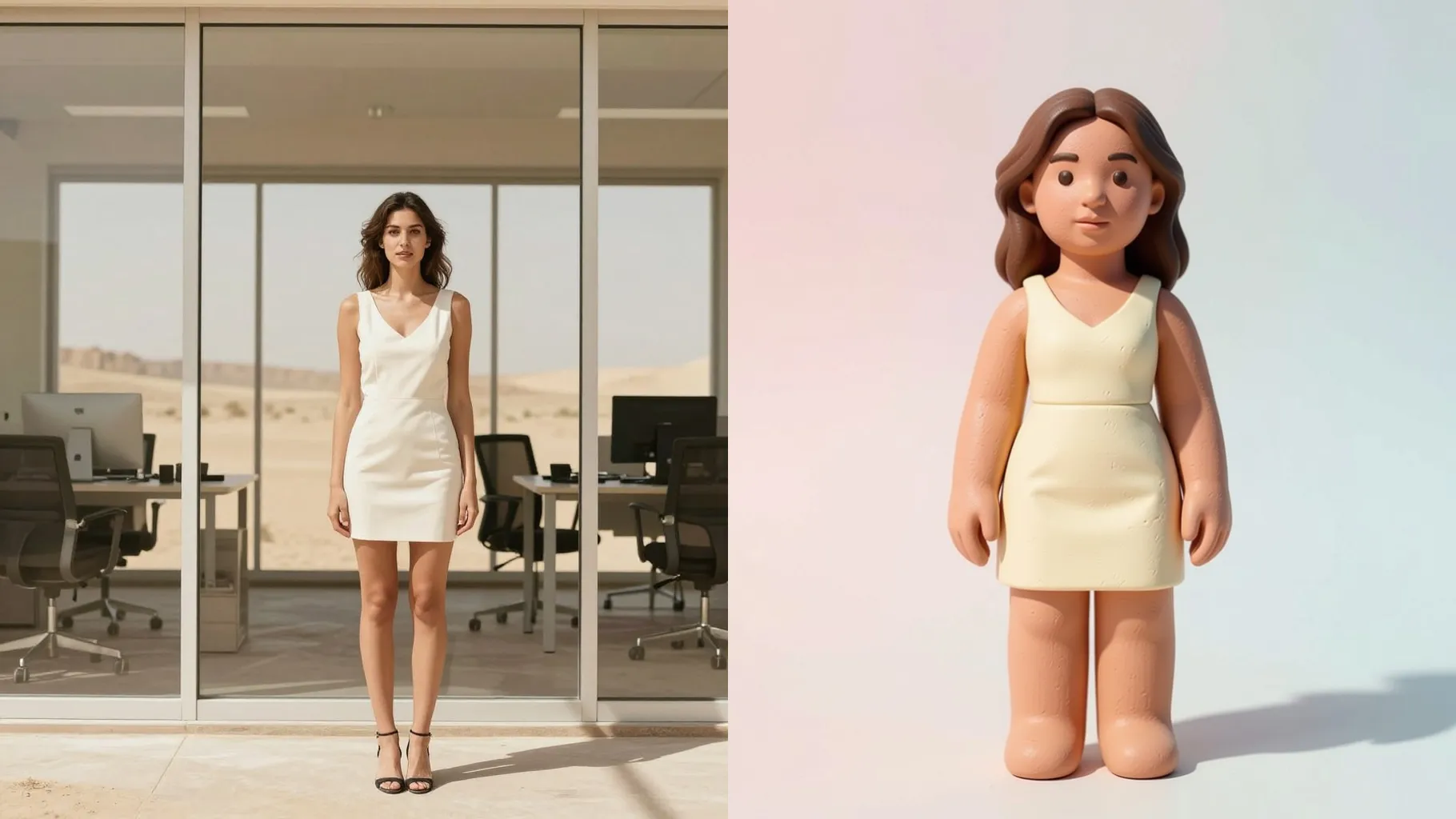
Centered faces and clear edges help the clay contours stay smooth and recognizable.
Optional: mention mood, colors, or props in one sentence to guide the clay sculpture style.
Preview the clay render, rerun for variations, and save your favorite instantly.
Upload one photo at a time to keep the clay texture and sculpted lines accurate.
Prompts are optional. A short note about colors, props, or lighting helps steer the clay mood.
Aspect ratio stays fixed for consistent composition. Crop your image first if you need a different frame.
Model switching is off to keep the clay finish stable across runs.
Yes. Clear, single-subject photos of pets or products translate well into clay sculpture style.
Use JPG, PNG, or WebP under 10MB with good lighting for the cleanest clay results.

Generation time depends on the model, image size, and queue. Check the task status on this page.