
1. How many photos can I upload per run?
Upload one portrait at a time for stable tear placement and facial detail.
Add realistic tears and glossy eyes to your portrait from one upload while keeping facial details sharp.
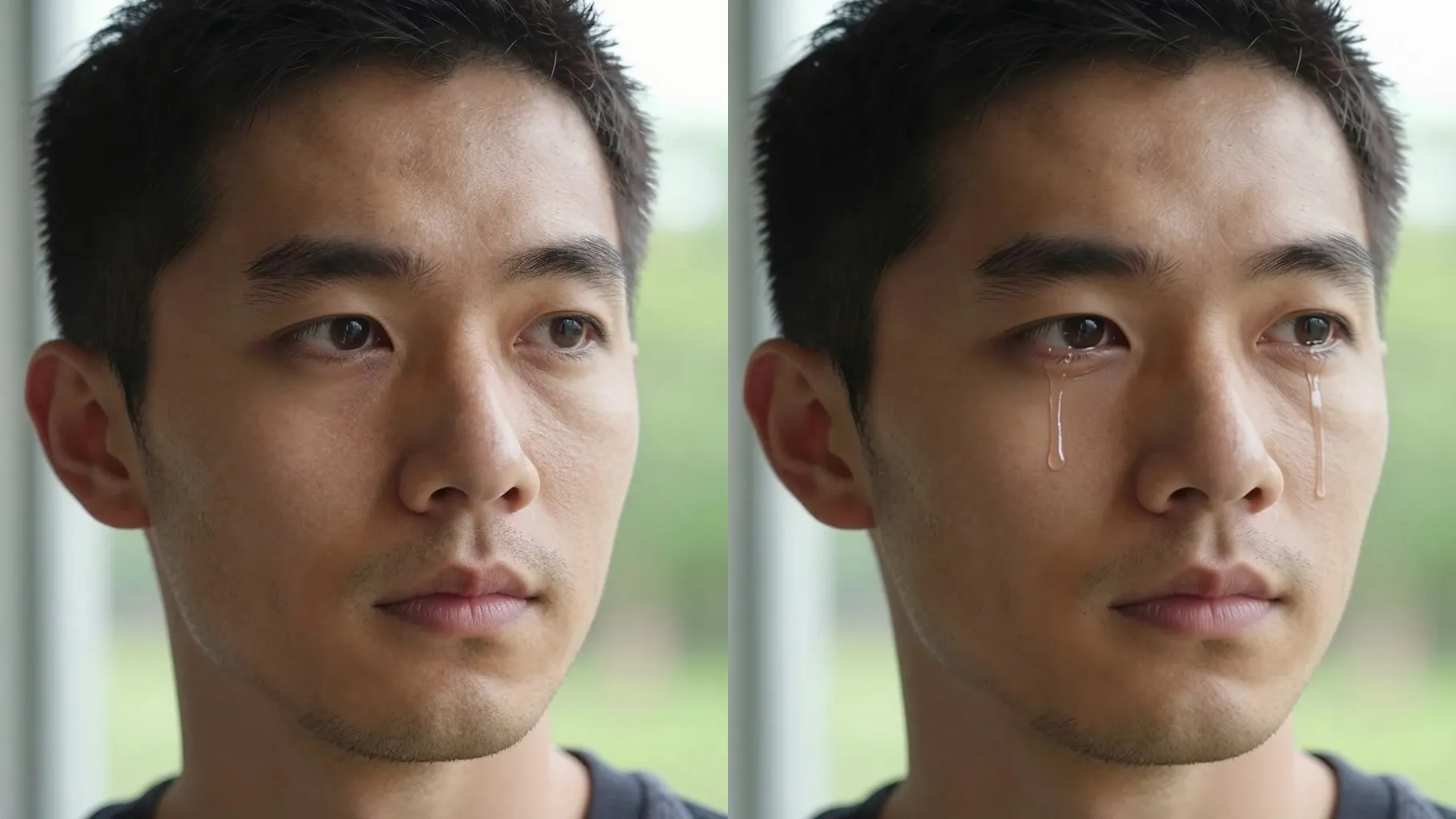
Add glossy eyes, wet lower lashes, and soft tear streaks from one selfie while keeping facial features sharp.
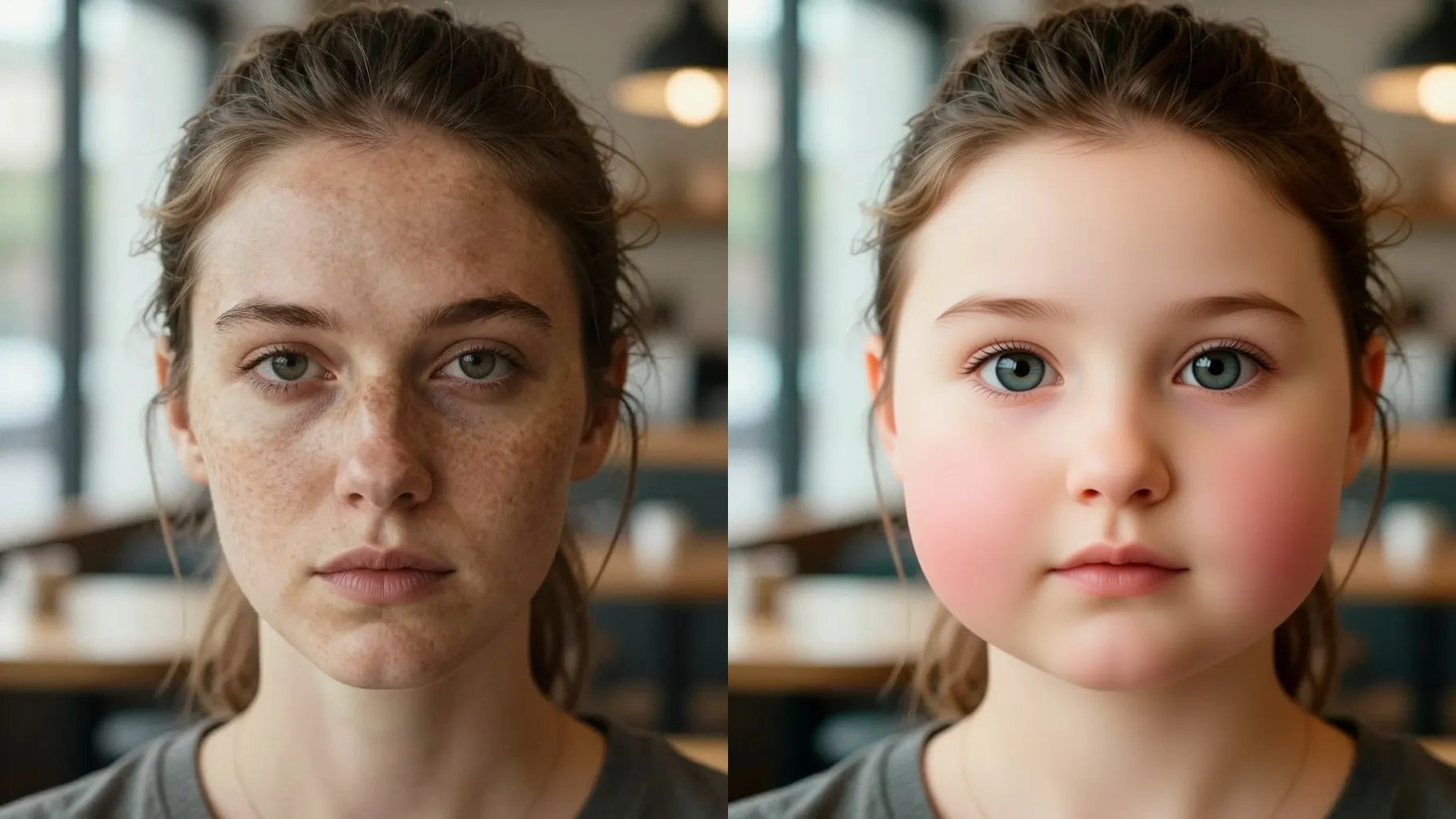
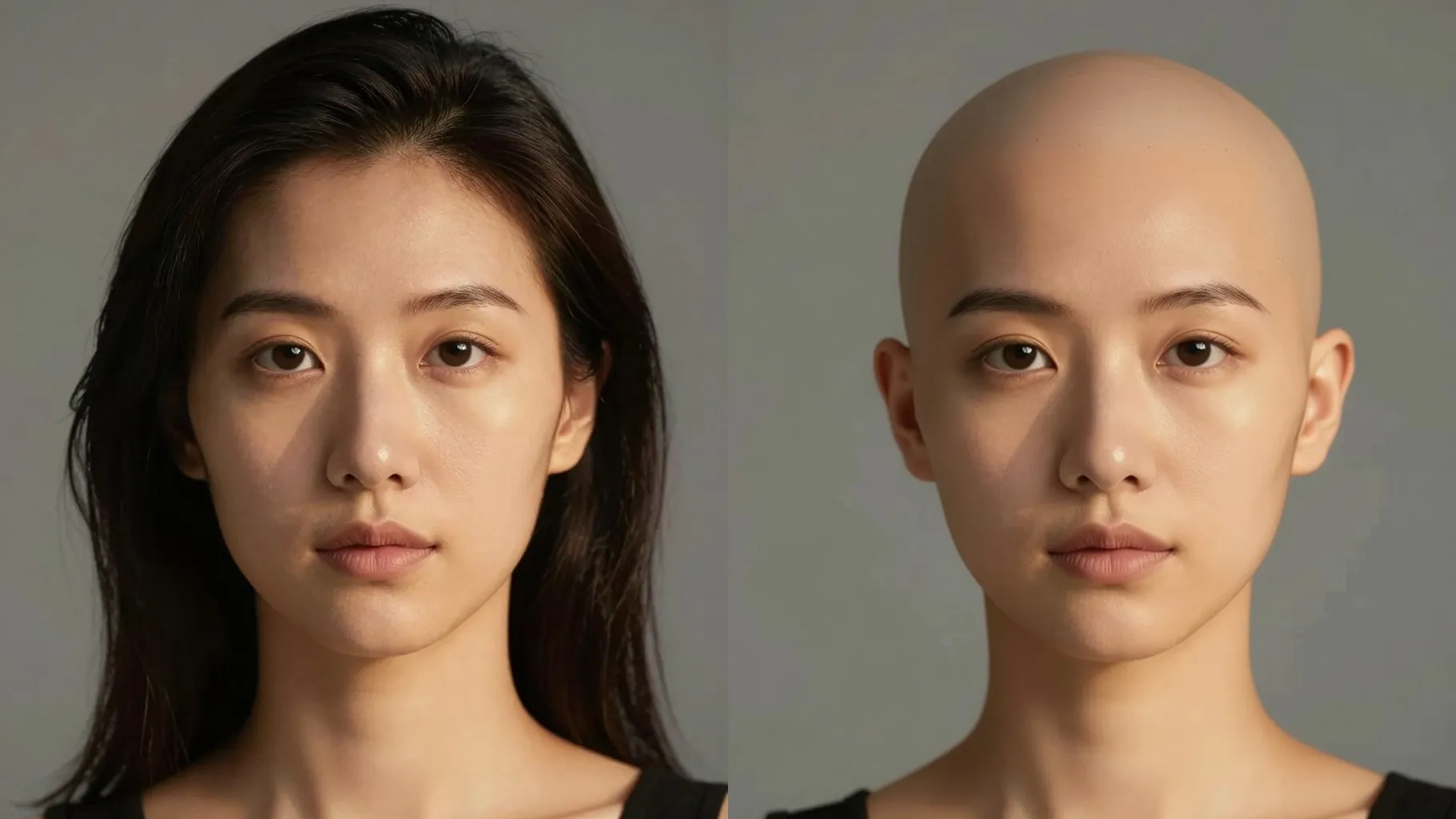
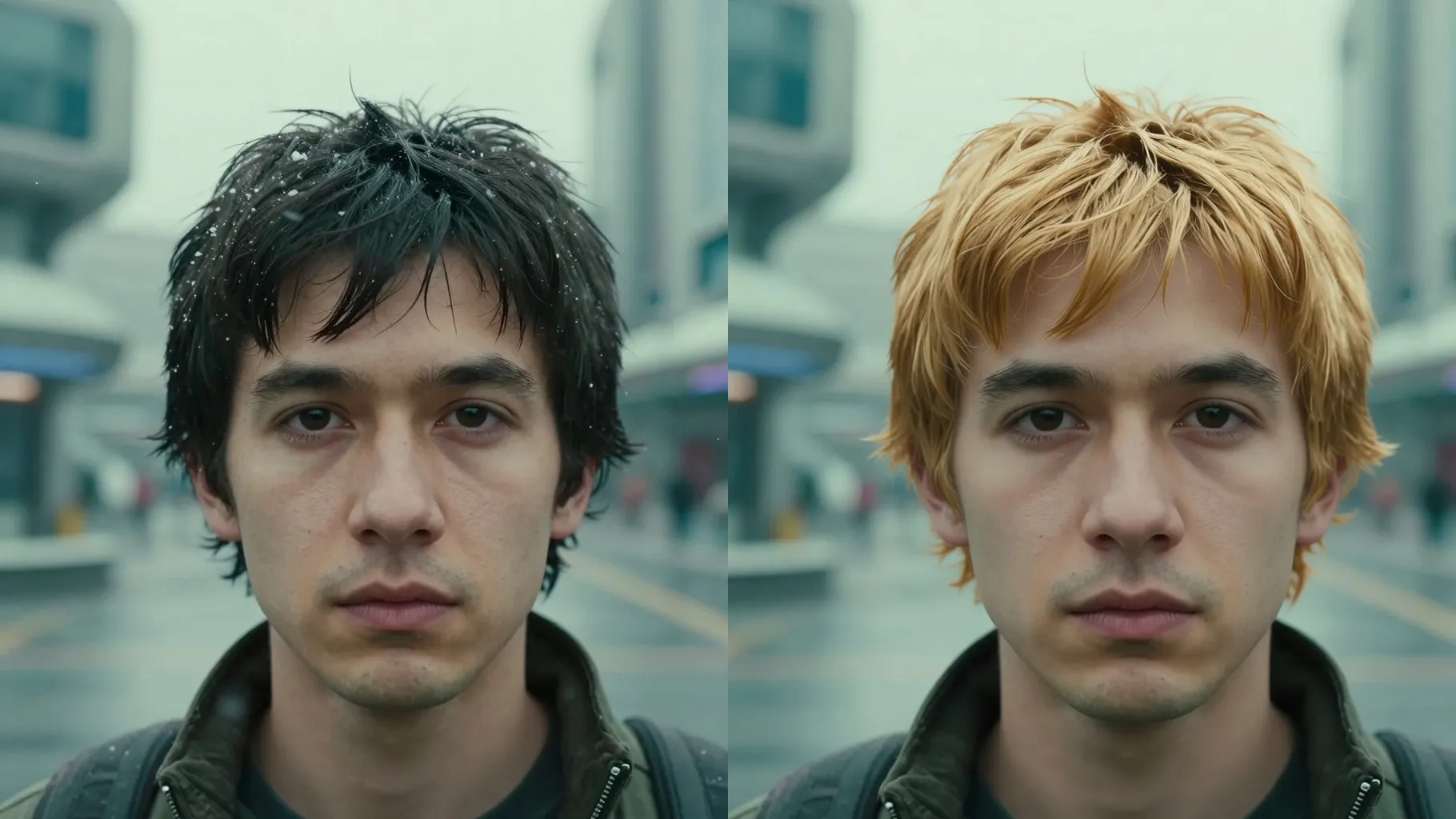
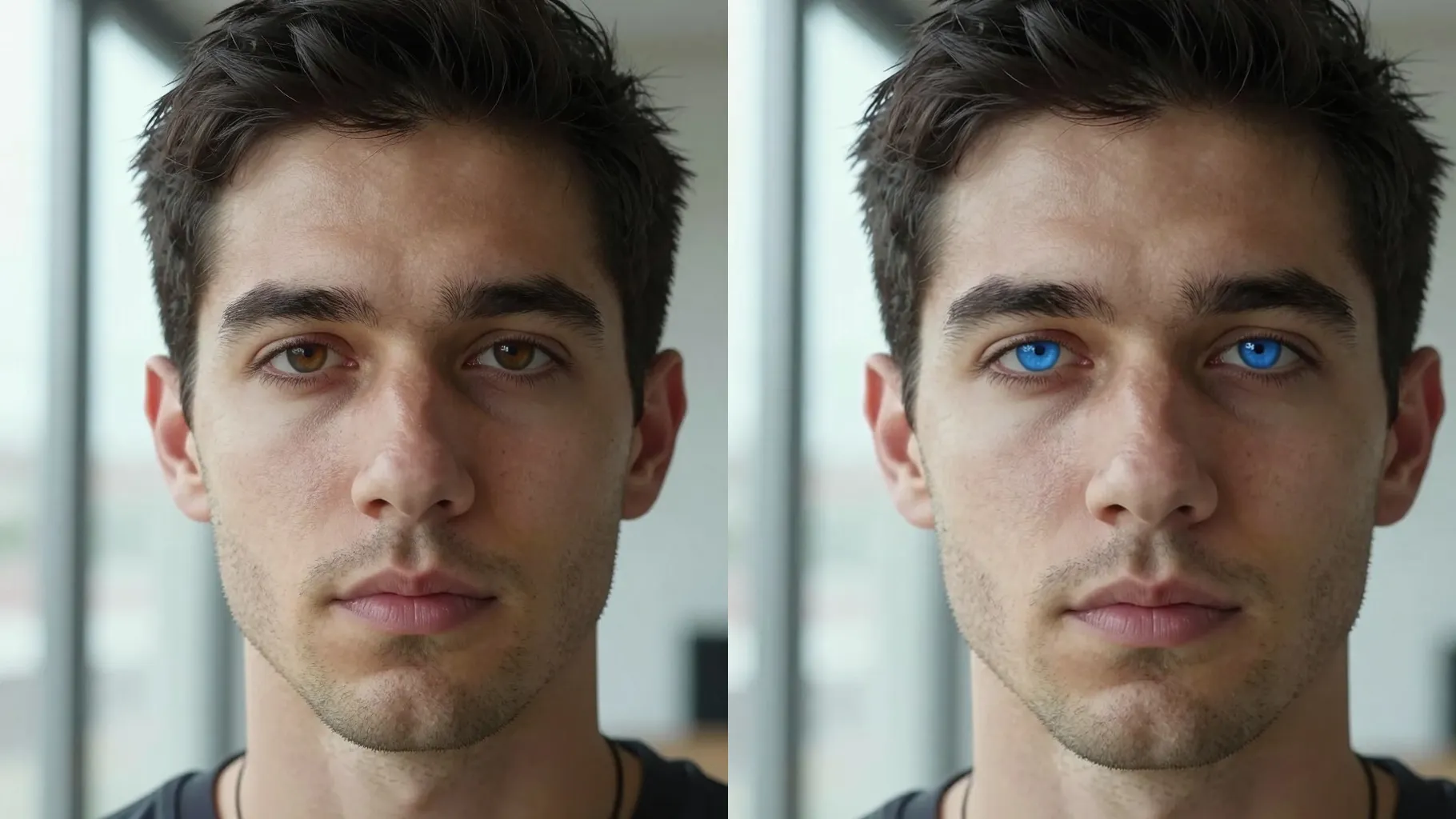
Examples show the target style. Your result depends on the chosen model and reference photo.
Upload one portrait to add realistic tear streaks, glossy eyes, and moody lighting without losing your facial identity.
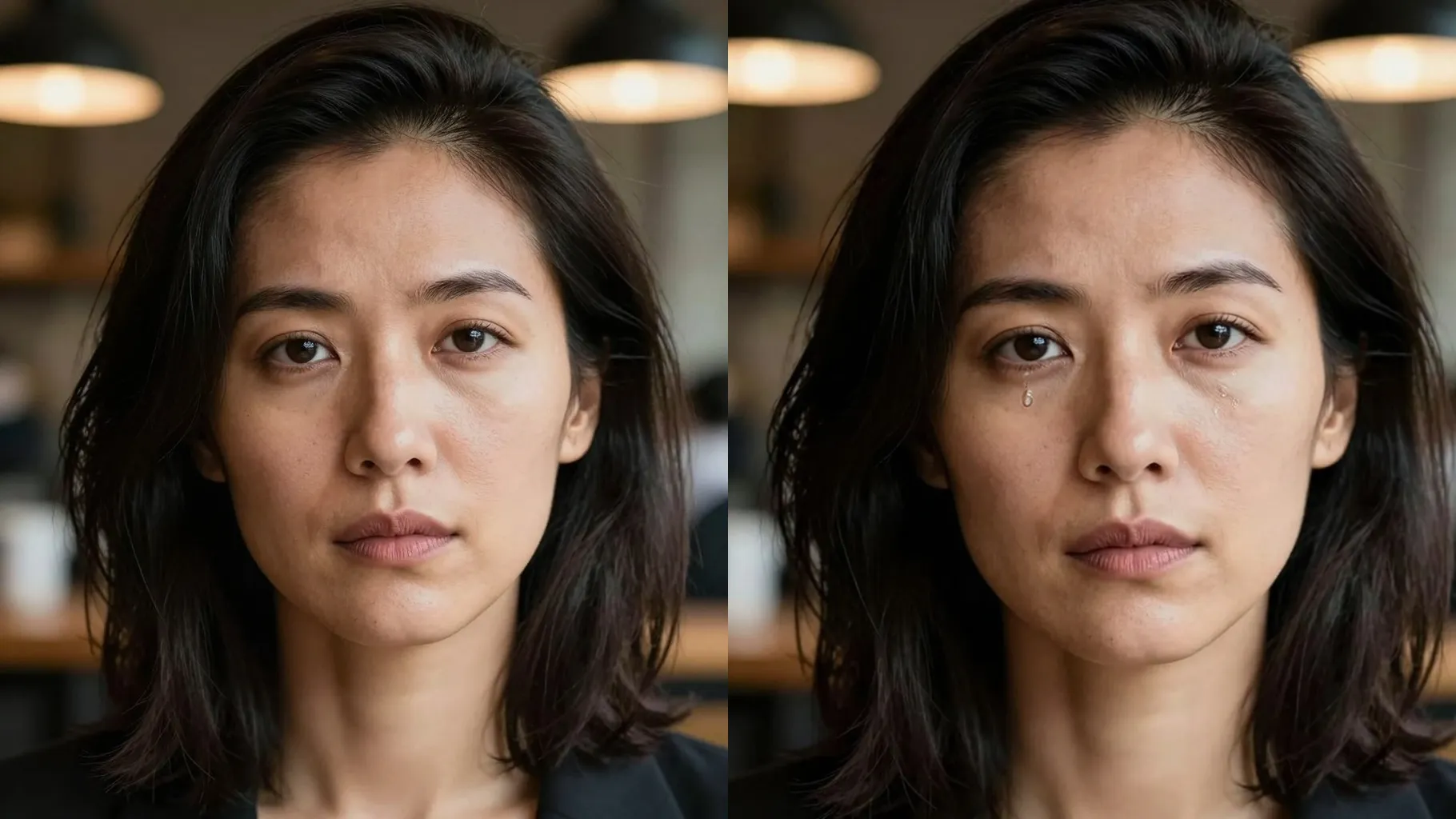
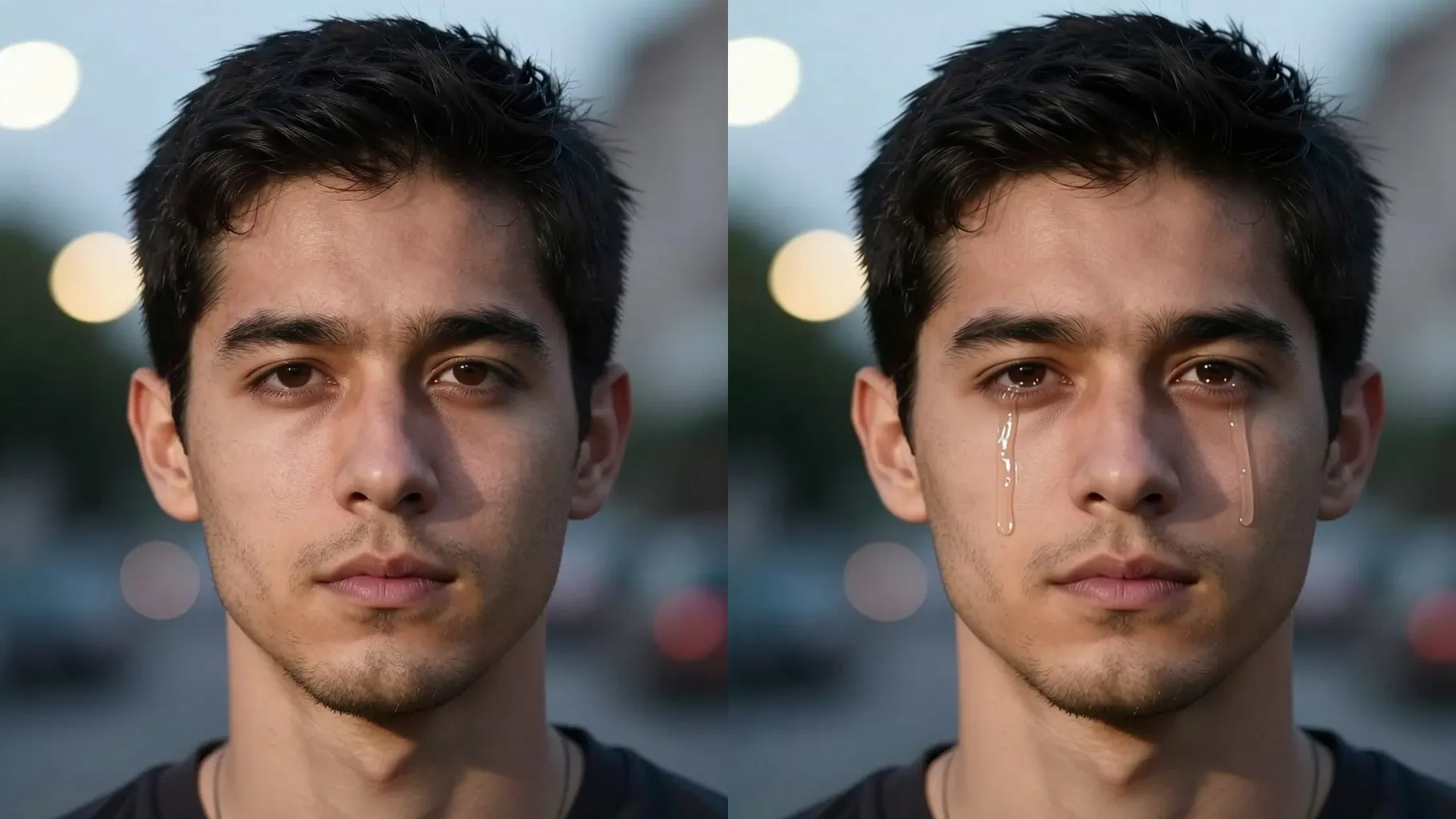
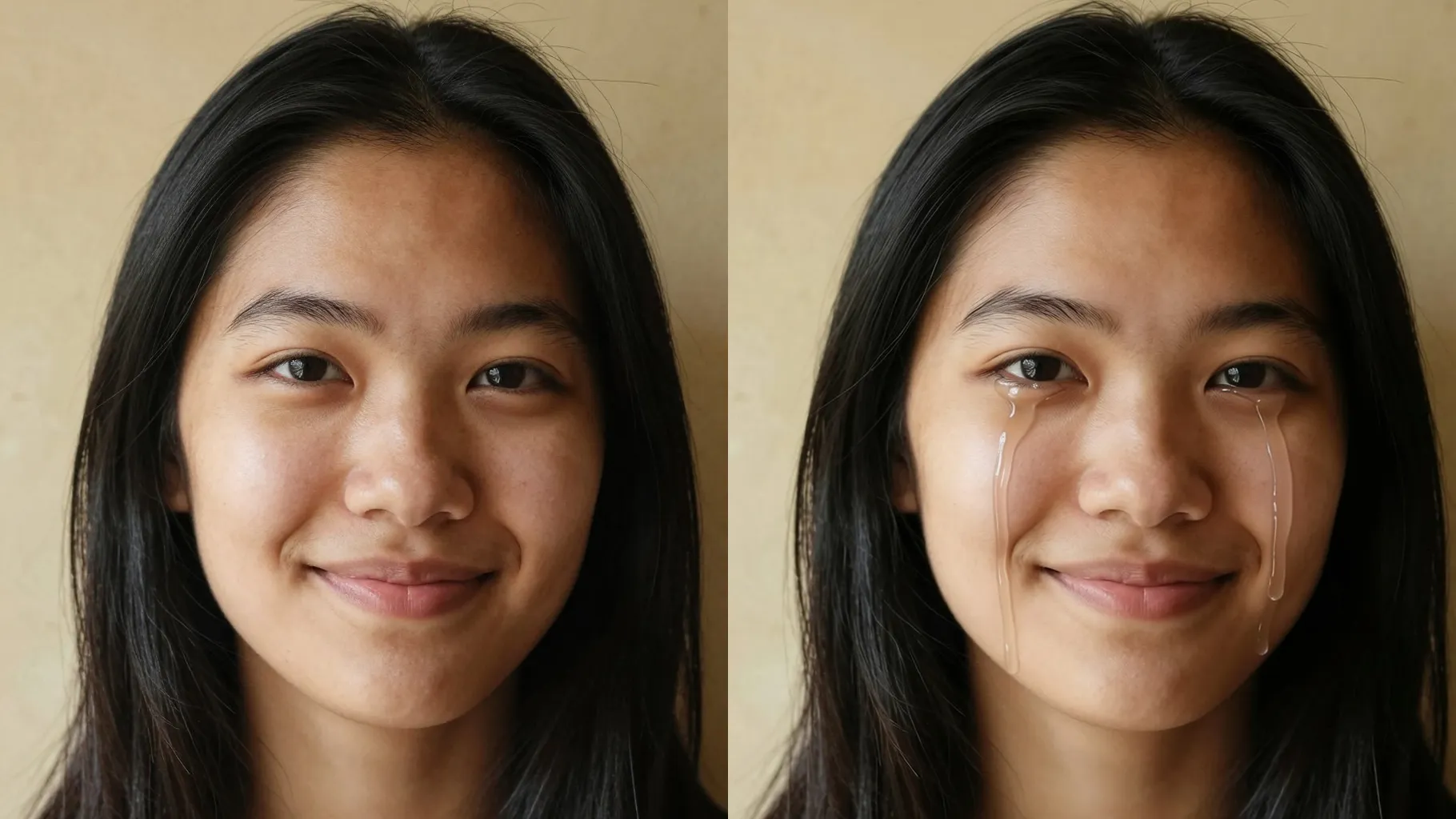
Adds moisture along the waterline, tear tracks on cheeks, and gentle redness while preserving skin texture and hair edges.
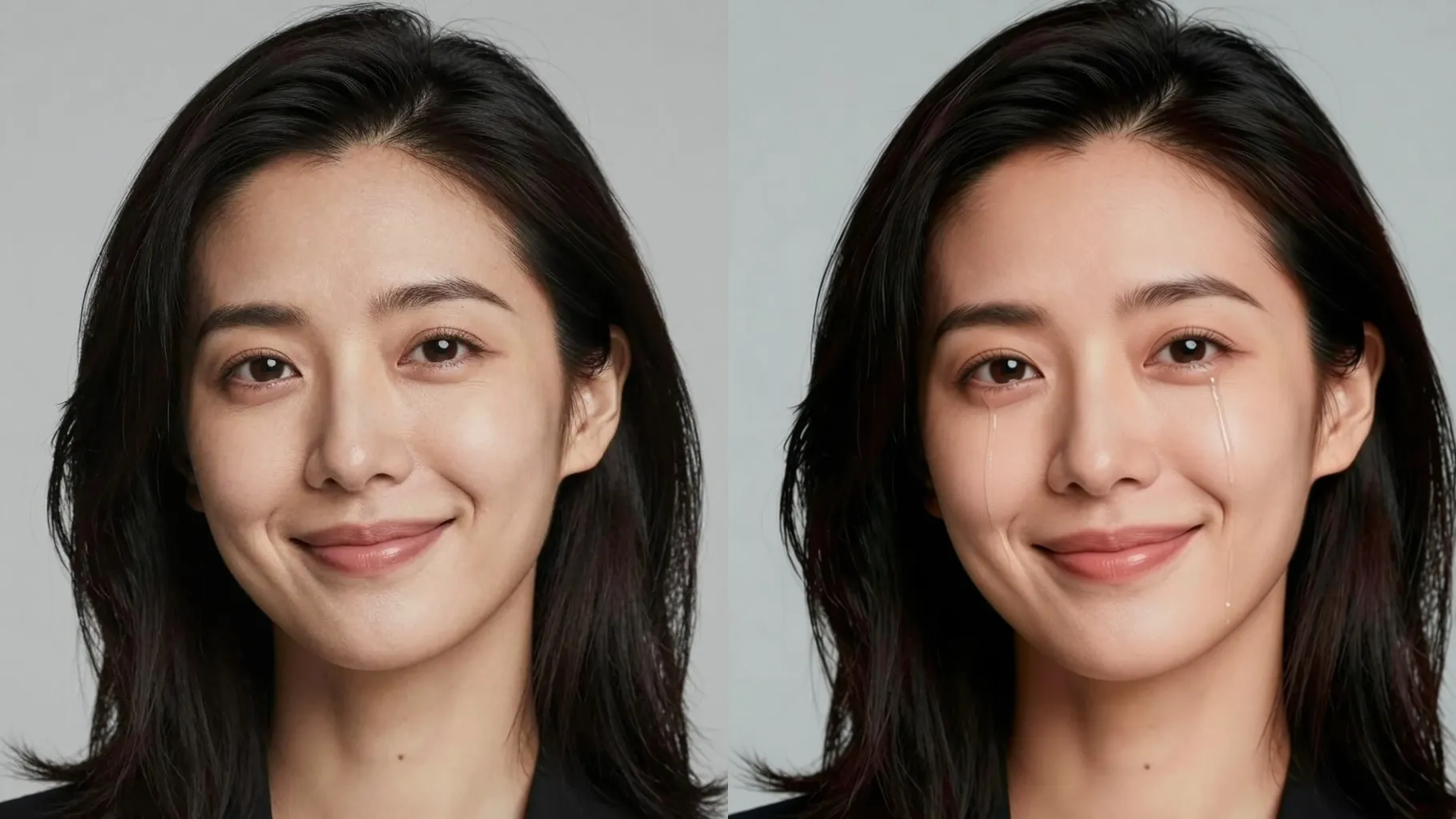
Mention lighting, mascara smudge, or mood like \"soft rain light\" to steer tear intensity while keeping the background intact.
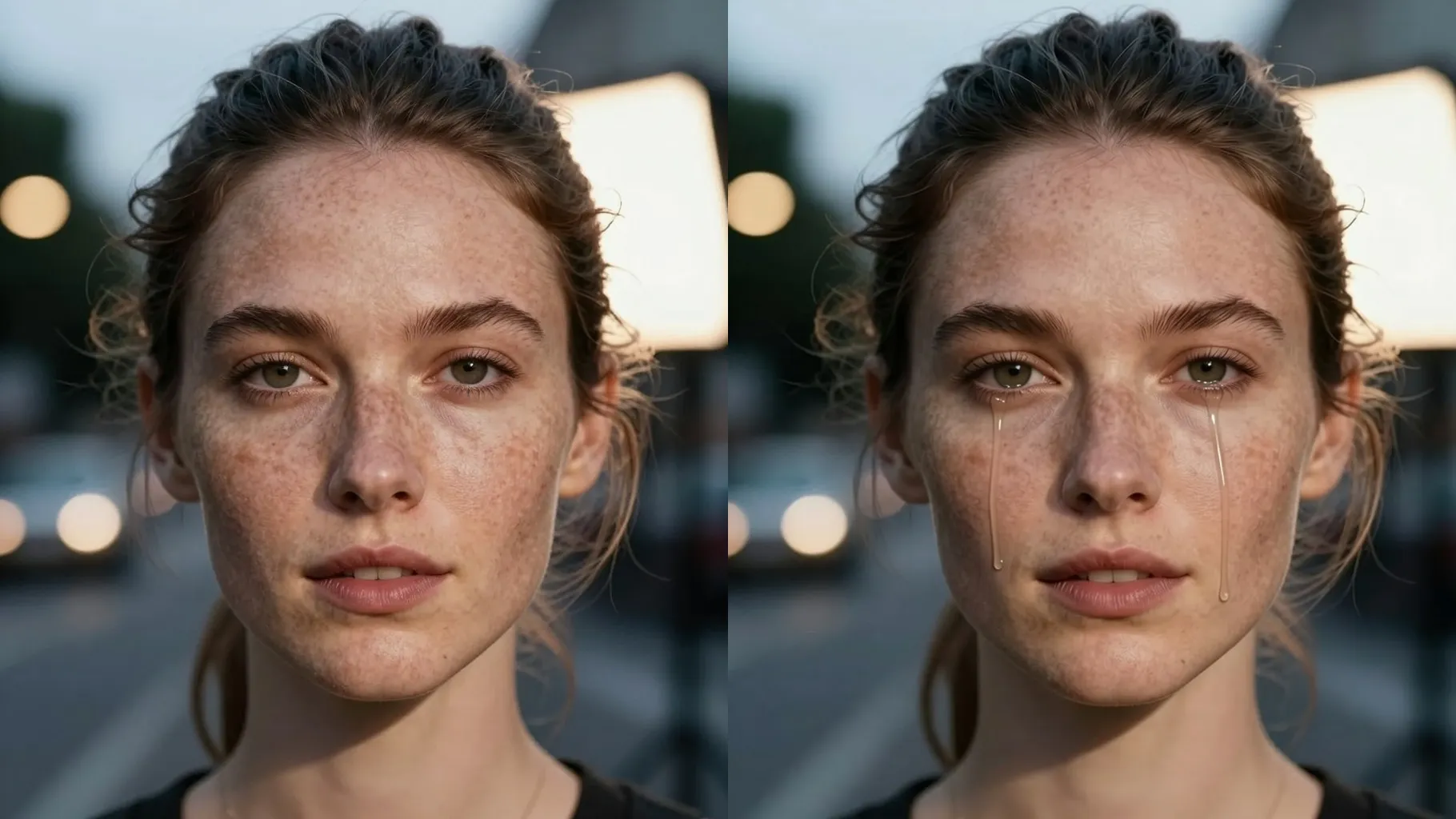
Use a front or 3/4 portrait without sunglasses; keep the face centered for clean tear placement.
Add a quick note such as \"fresh tears, soft window light\" to tune shine and color.
Preview the teary look, rerun for variations, then save your favorite render.
Upload one portrait at a time for stable tear placement and facial detail.
No. This crying filter is image-to-image and needs one selfie to add tears.
It keeps your face shape and background while only layering tears, shine, and subtle color grading.
JPG, PNG, or WebP under 10MB keep detail while generating quickly.
Aspect ratio and model switching stay off so the crying style remains consistent.
Use prompts like \"heavy tears, mascara smudge\" or rerun to sample more dramatic looks.

Upload one selfie, add a short note, and get a cinematic crying portrait to share.