
1. How many photos can I upload per render?
This template supports one image upload at a time to keep the neon glow and details stable.
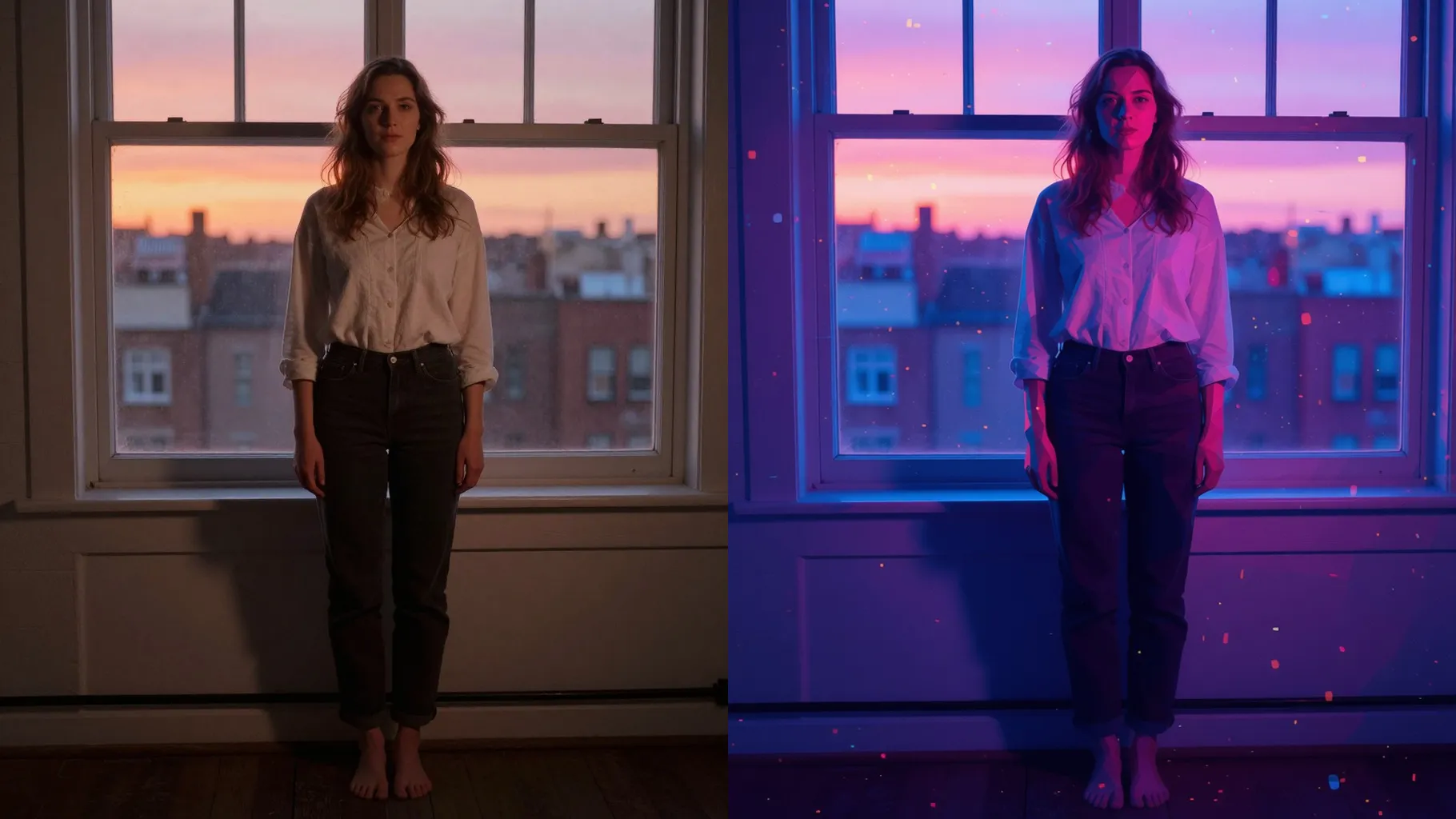
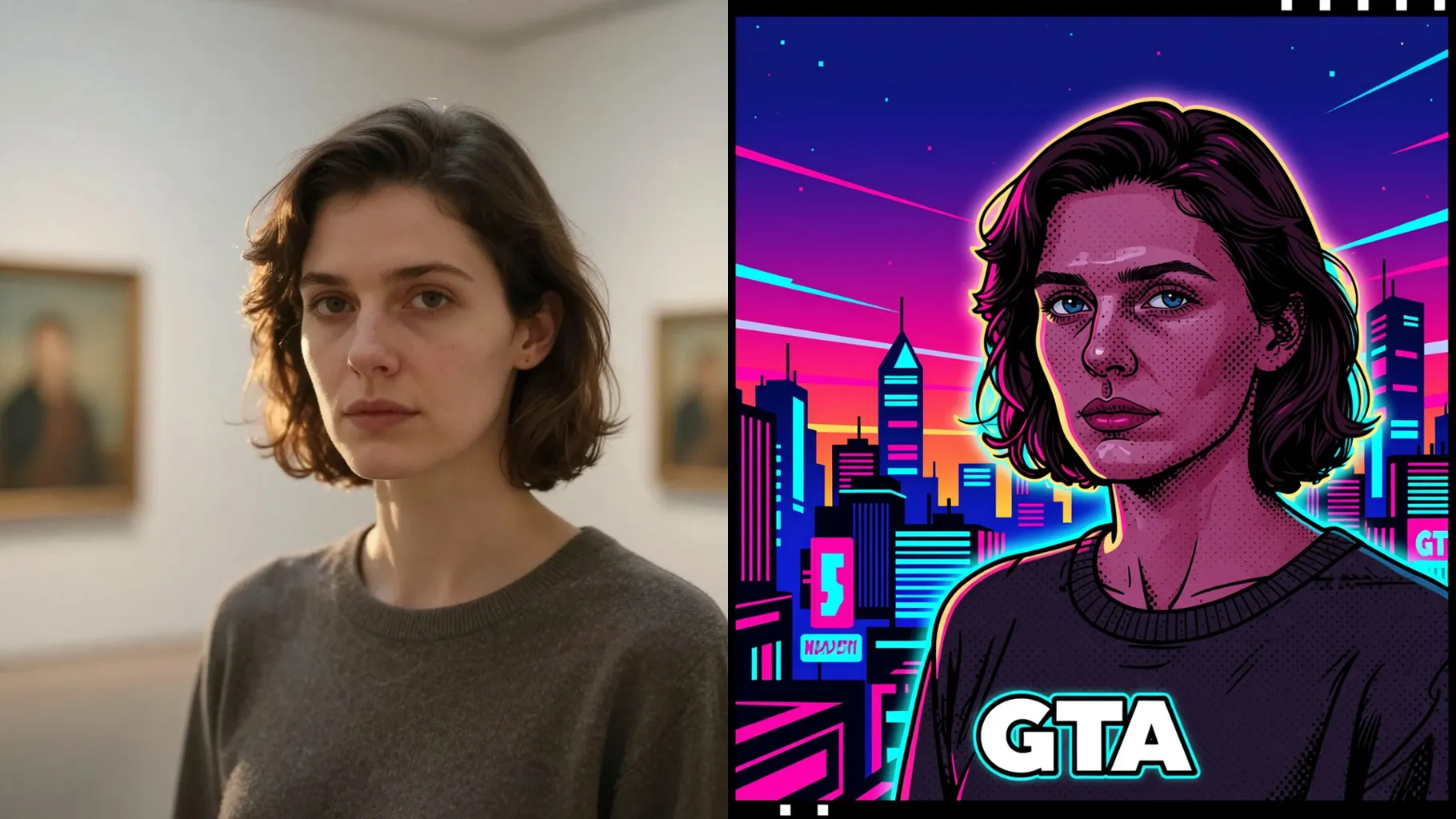
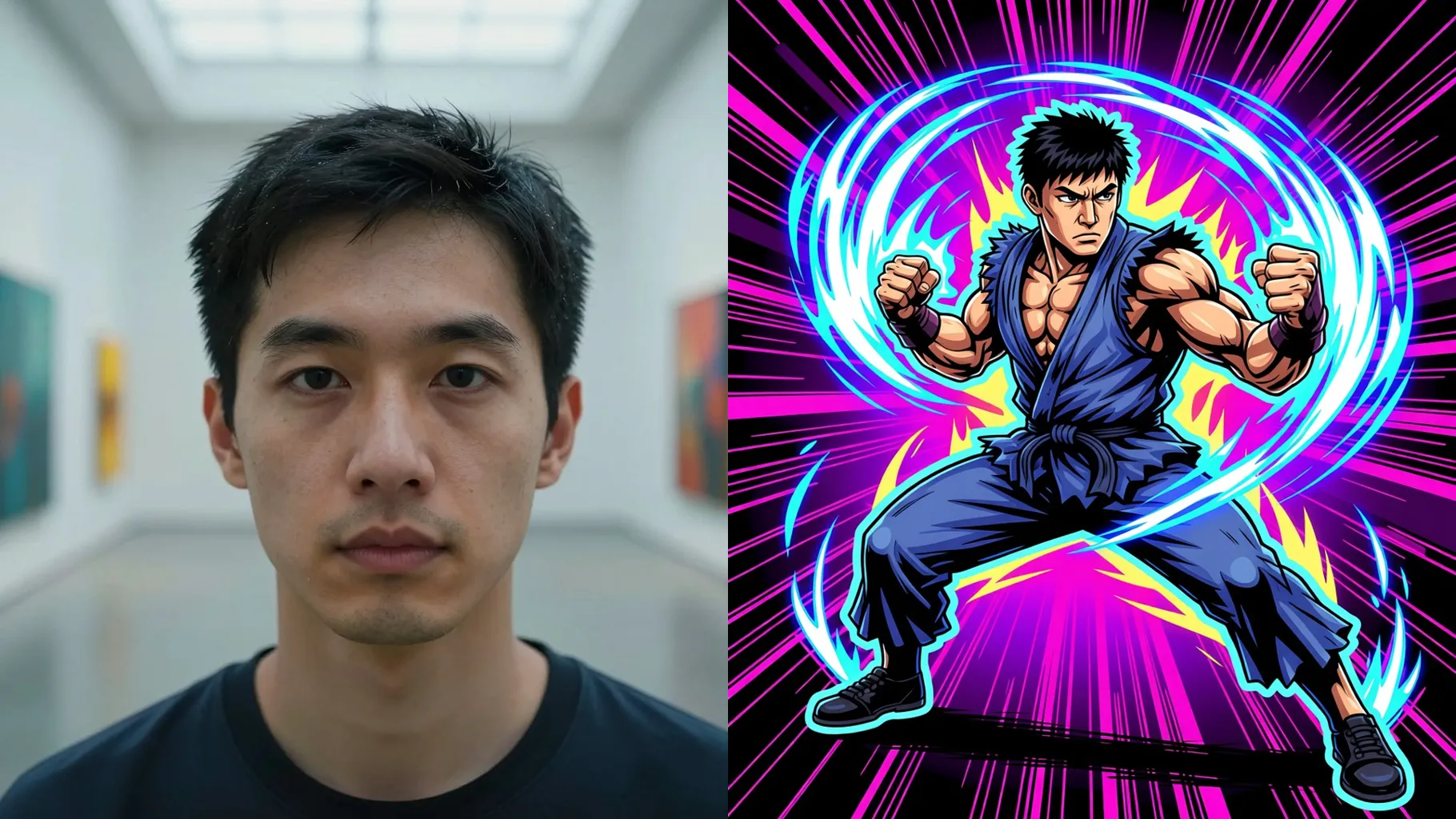
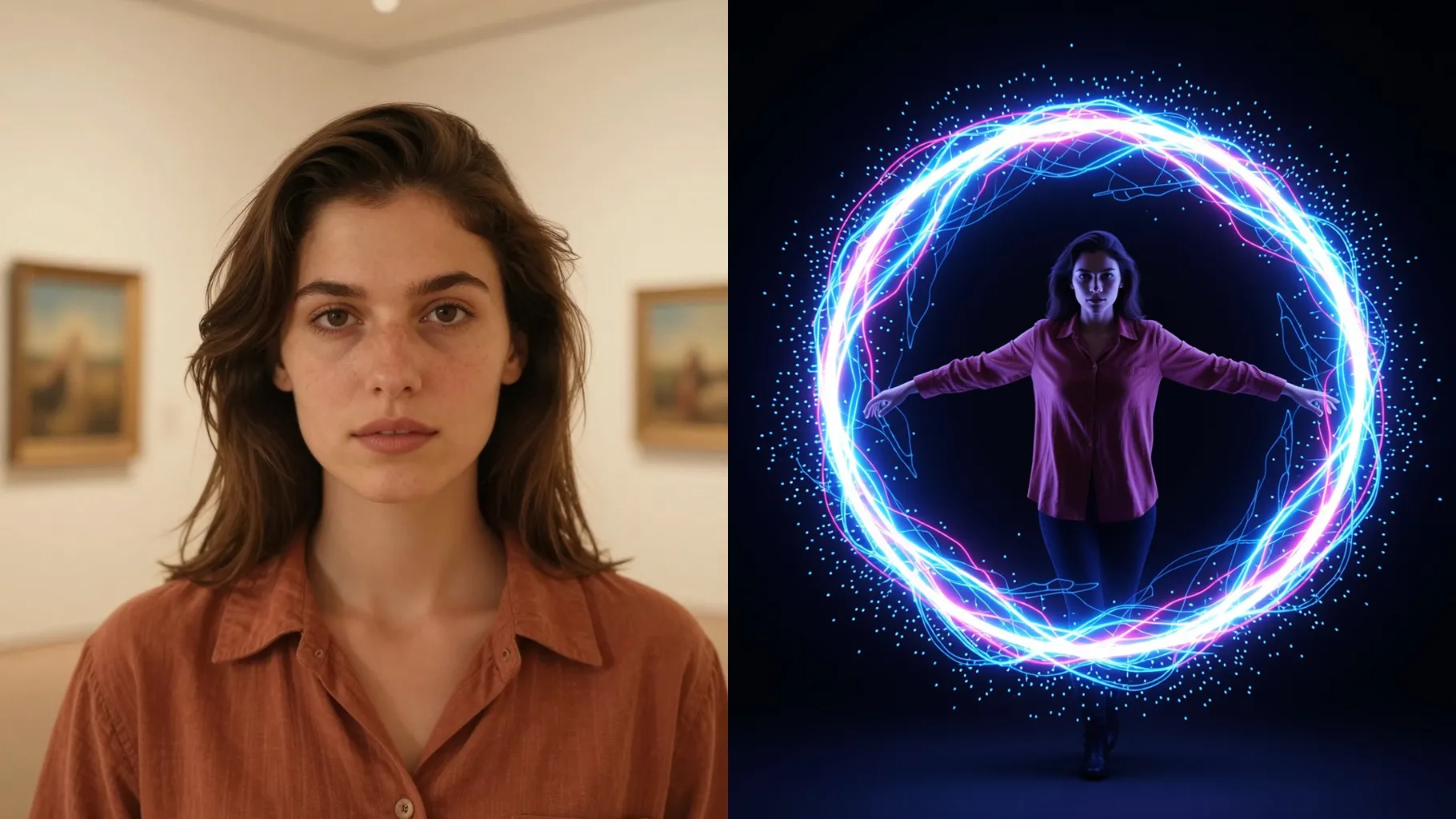
Turn one uploaded photo into a neon cyberpunk portrait with magenta/teal glow, holographic HUD light, and crisp city grit.
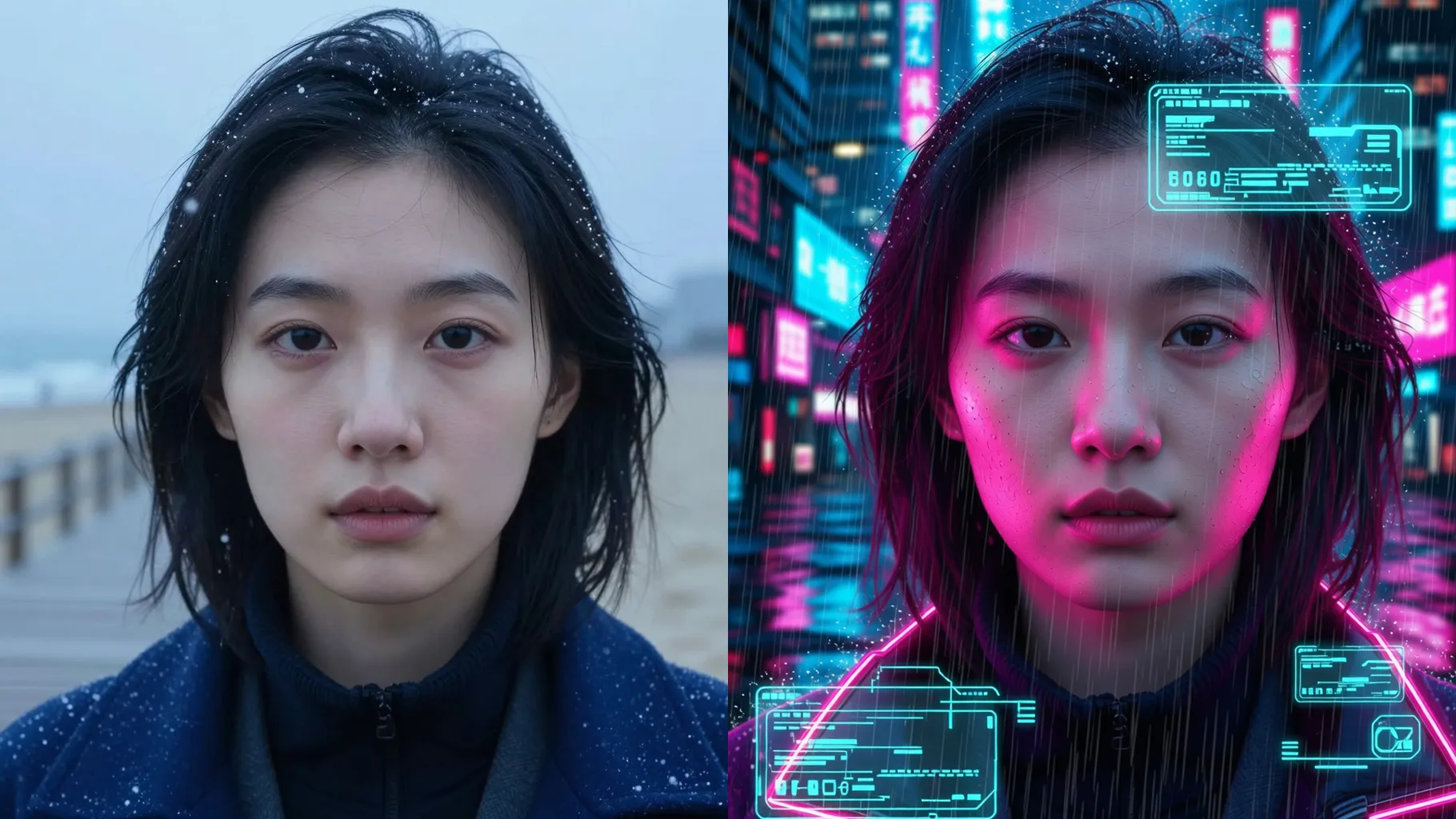
Magenta and teal glow wraps the skyline while keeping your jawline, hair texture, and skin tones intact from one upload.
Examples show the target style. Your result depends on the chosen model and reference photo.
Upload one image to add neon glow, holographic HUD light, and futuristic grain that keep your face sharp.
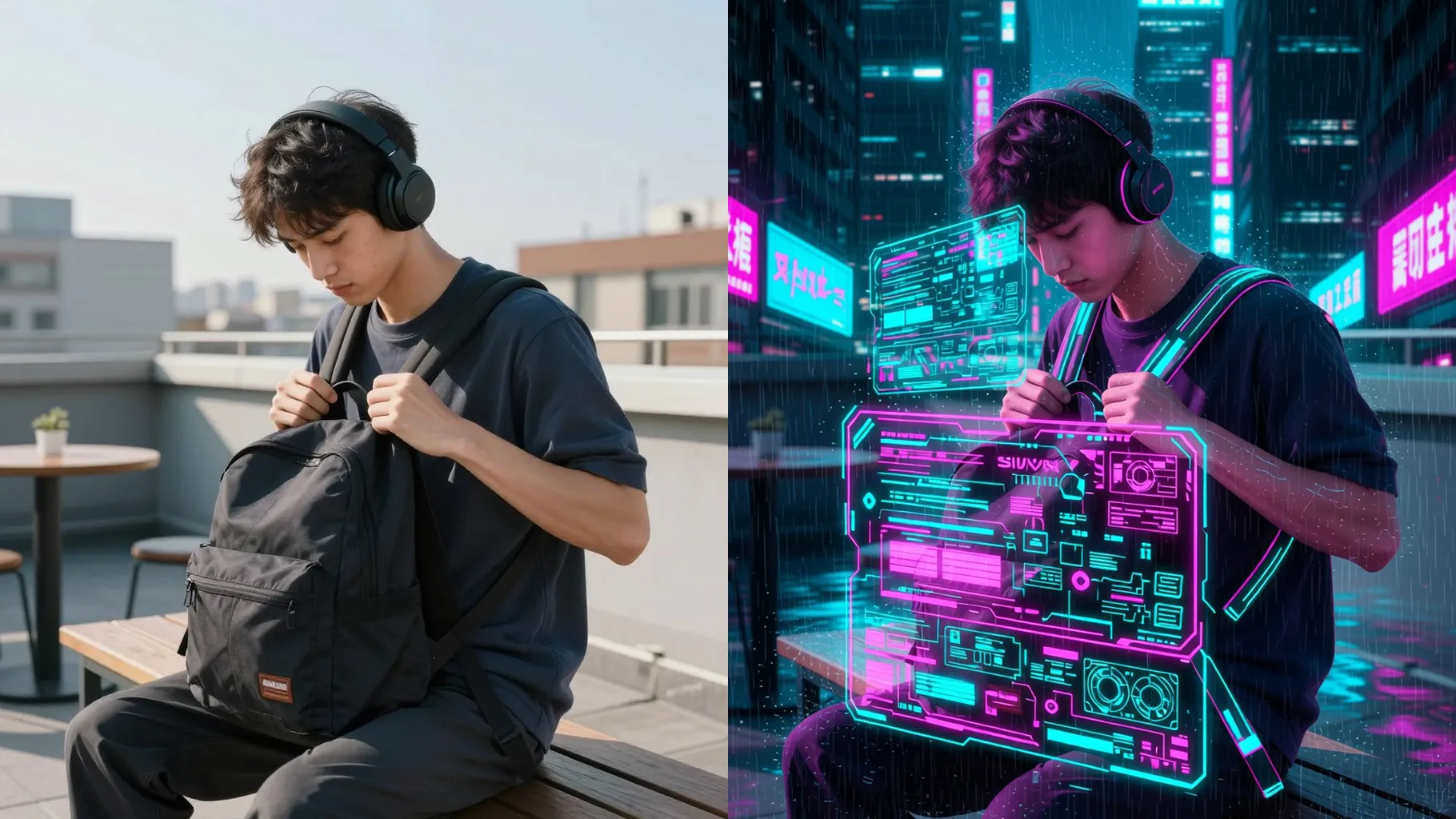
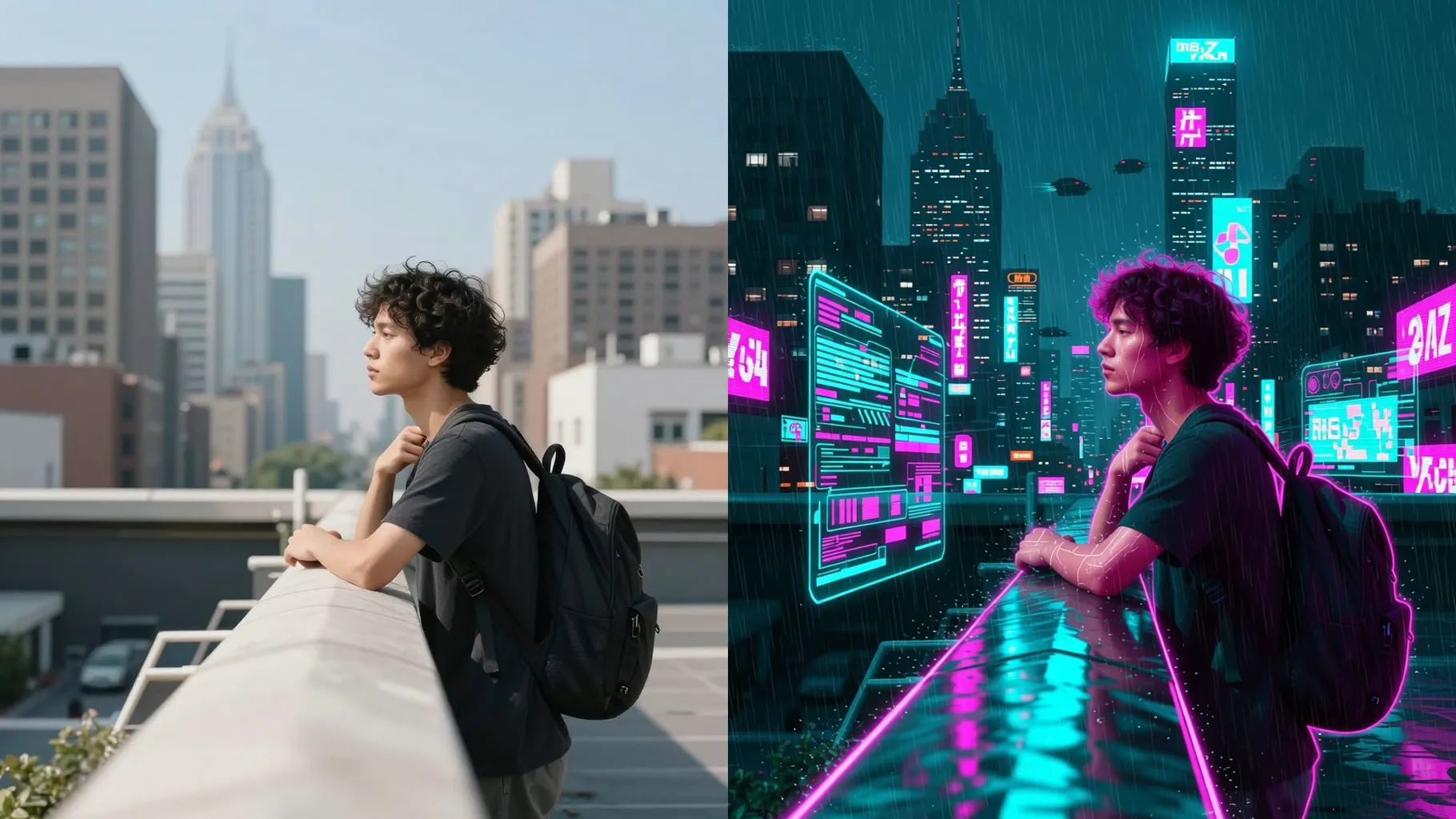
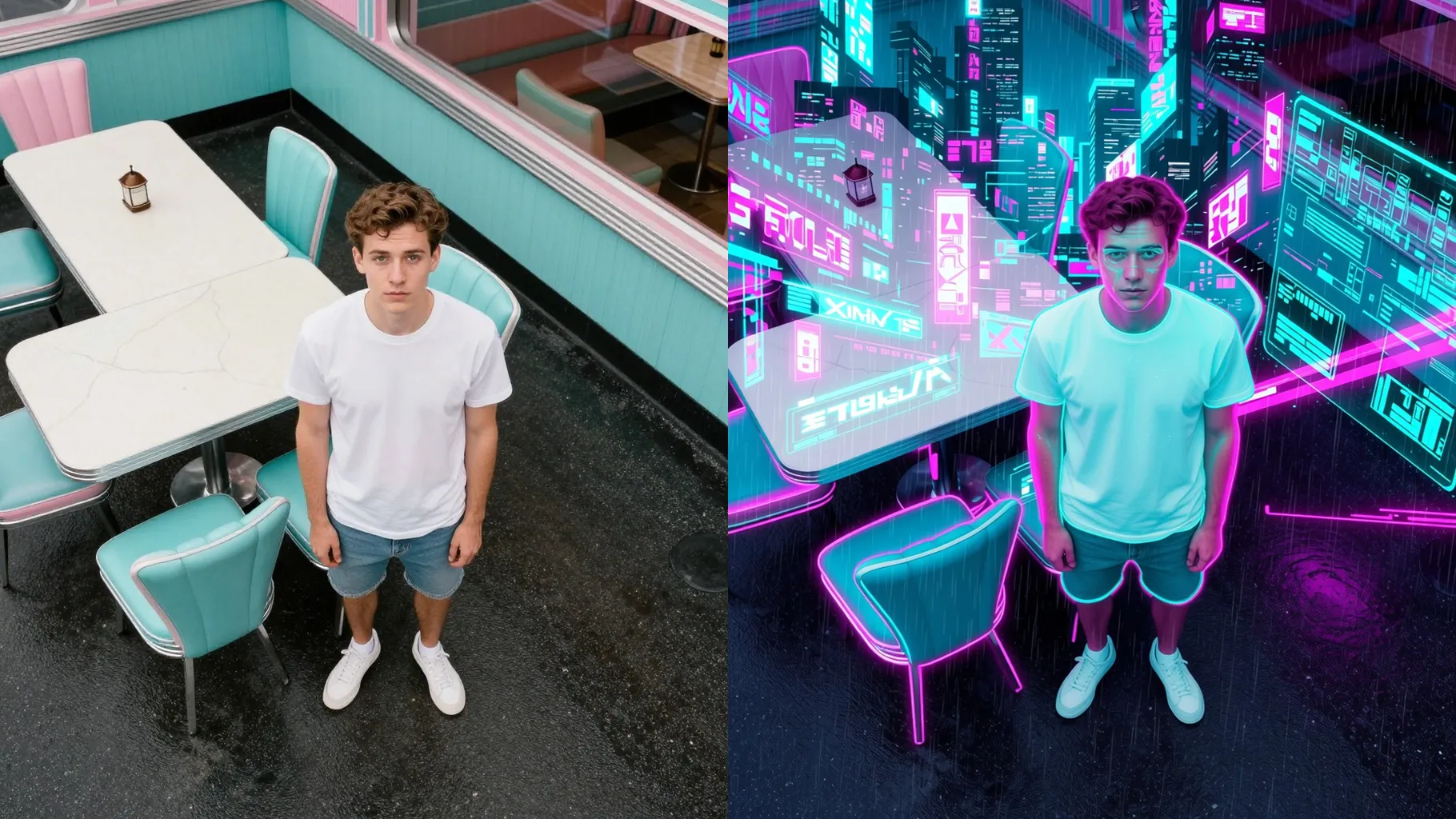
Adds magenta/teal rim light, chrome reflections, and gentle skin smoothing without erasing freckles or edges.
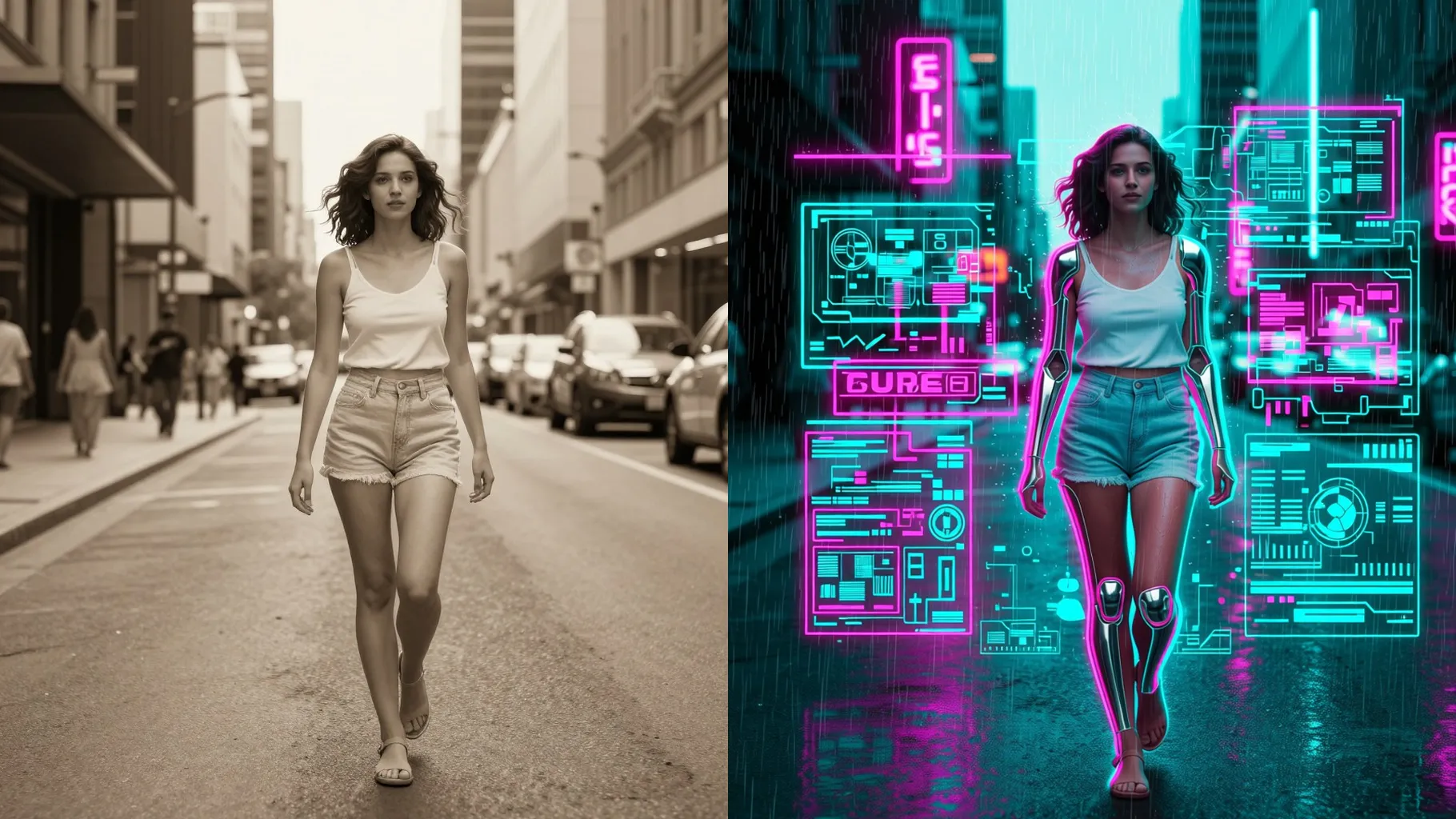
Drops in circuit sparks, blue grids, and light streaks while keeping hair shape, jackets, and accessories recognizable.
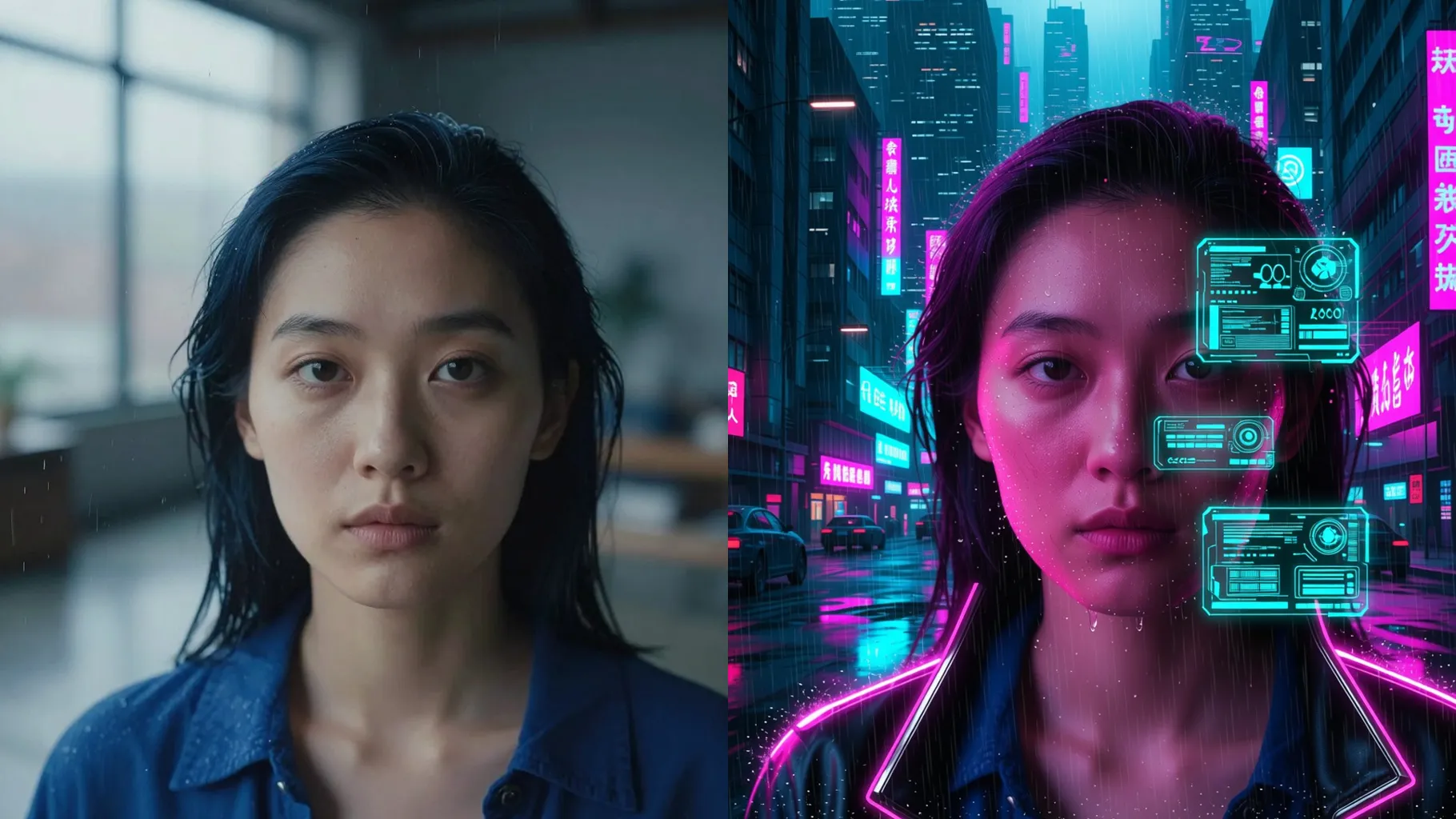
Centered head-and-shoulders with even light avoids muddy glow and keeps edges crisp.
Mention city colors, visor style, or mood like rain, alley, or neon market to guide the effect.
Preview the render, rerun for new glows if needed, then save the cyberpunk portrait you like most.
This template supports one image upload at a time to keep the neon glow and details stable.
A short note like “rainy alley” or “purple visor” helps the vibe, but you can leave it blank for defaults.
Front-facing portraits or half-body shots with clean backgrounds keep edges crisp under the neon lights.
Aspect ratio control is off for this preset; crop your photo before upload if you need a specific frame.
Model switching is disabled so the cyberpunk palette, HUD glow, and grain stay consistent.
Use JPG, PNG, or WebP under 10MB for fast uploads and sharp renders.
It preserves proportions and expressions while adding neon light and chrome edges, so your face stays recognizable.
No. This is an image-to-image filter and needs one photo to start.

Generation time depends on the model, image size, and queue. Check the task status on this page.