
1. How many photos can I upload per render?
This template uses one photo at a time so the portal framing stays consistent.
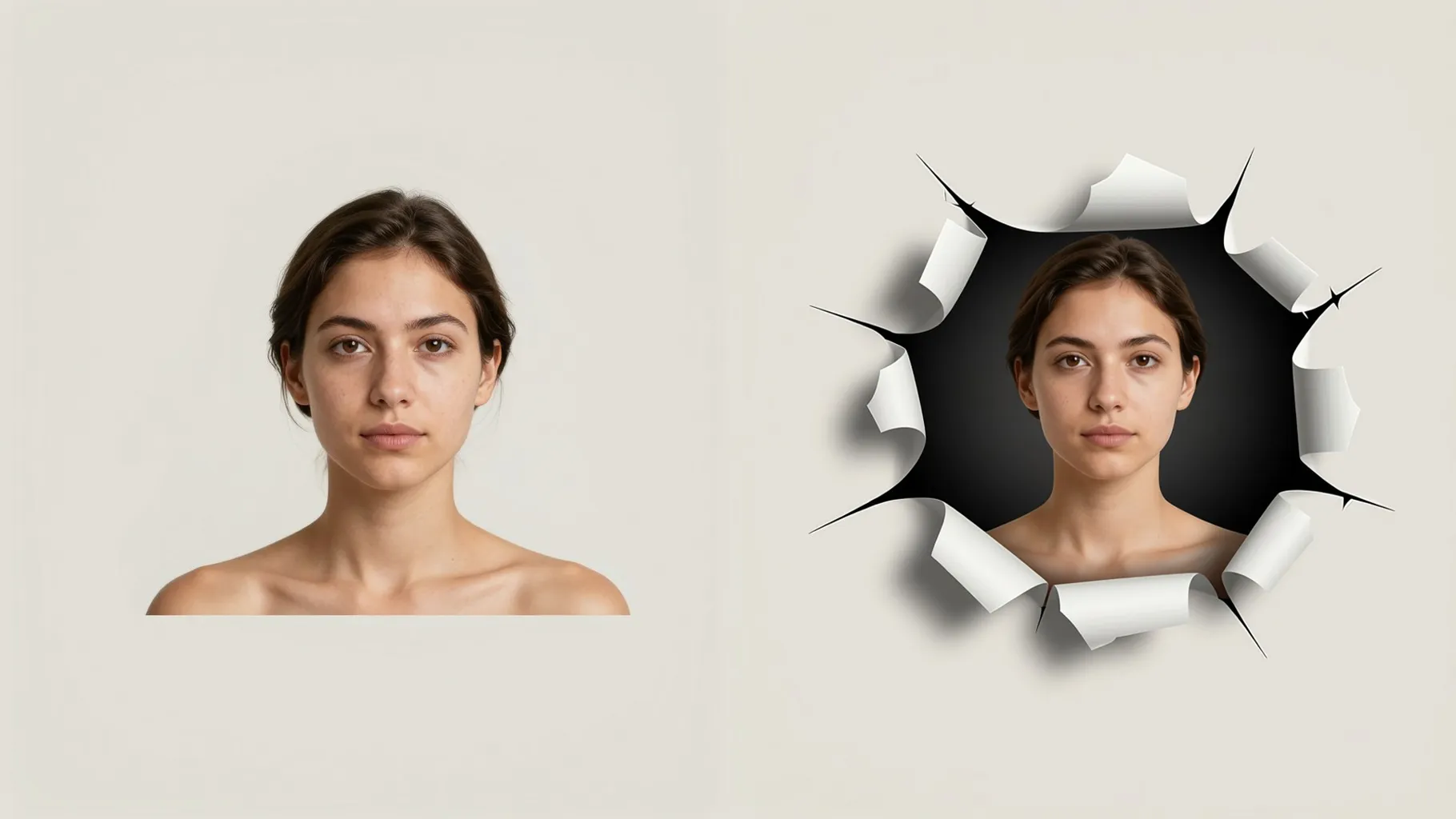
Step through a glowing portal with cinematic light, motion blur, and cosmic particles from one photo.
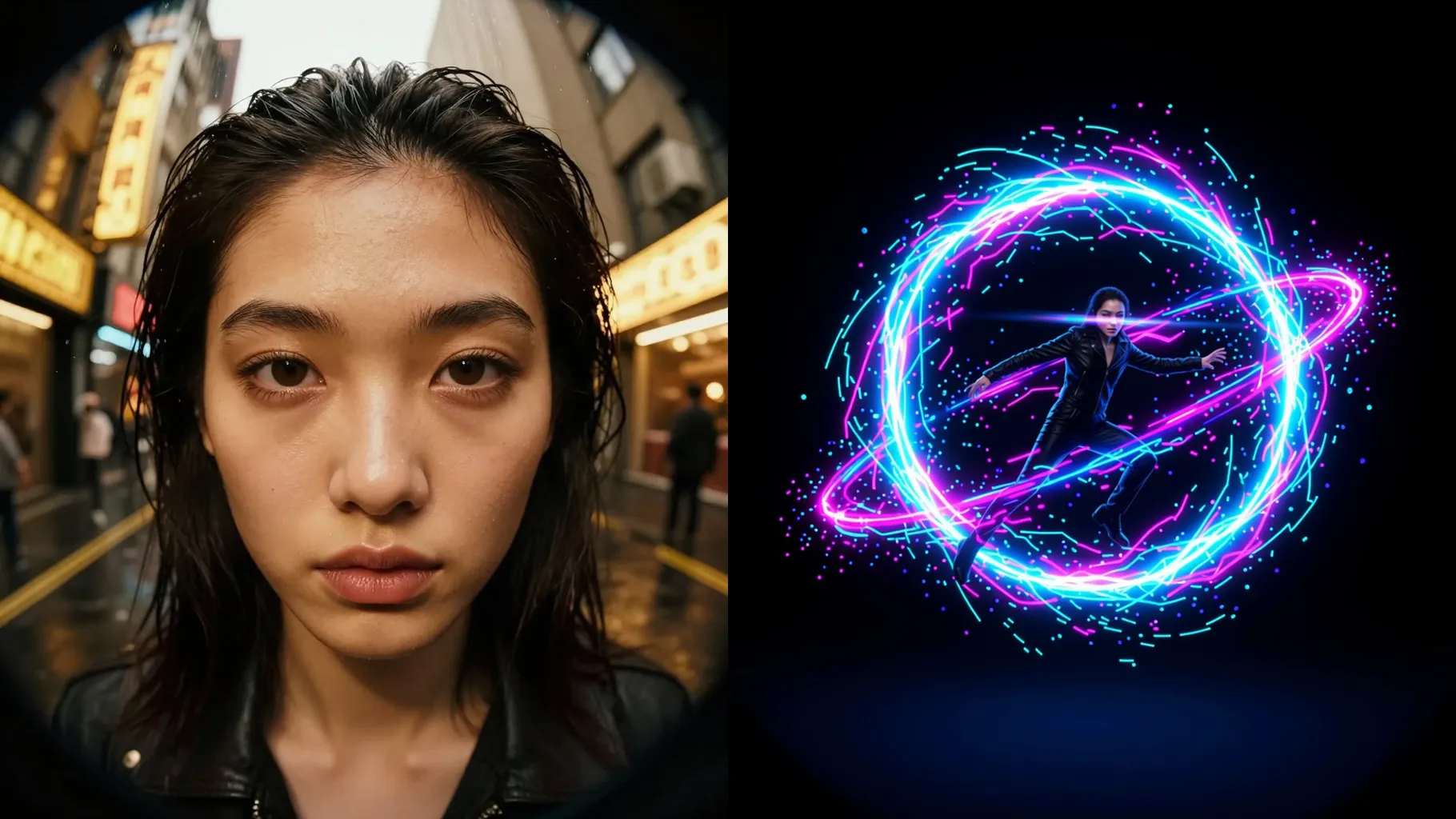
Turn one portrait into a portal step with glowing ring light, motion blur, and cosmic sparks.
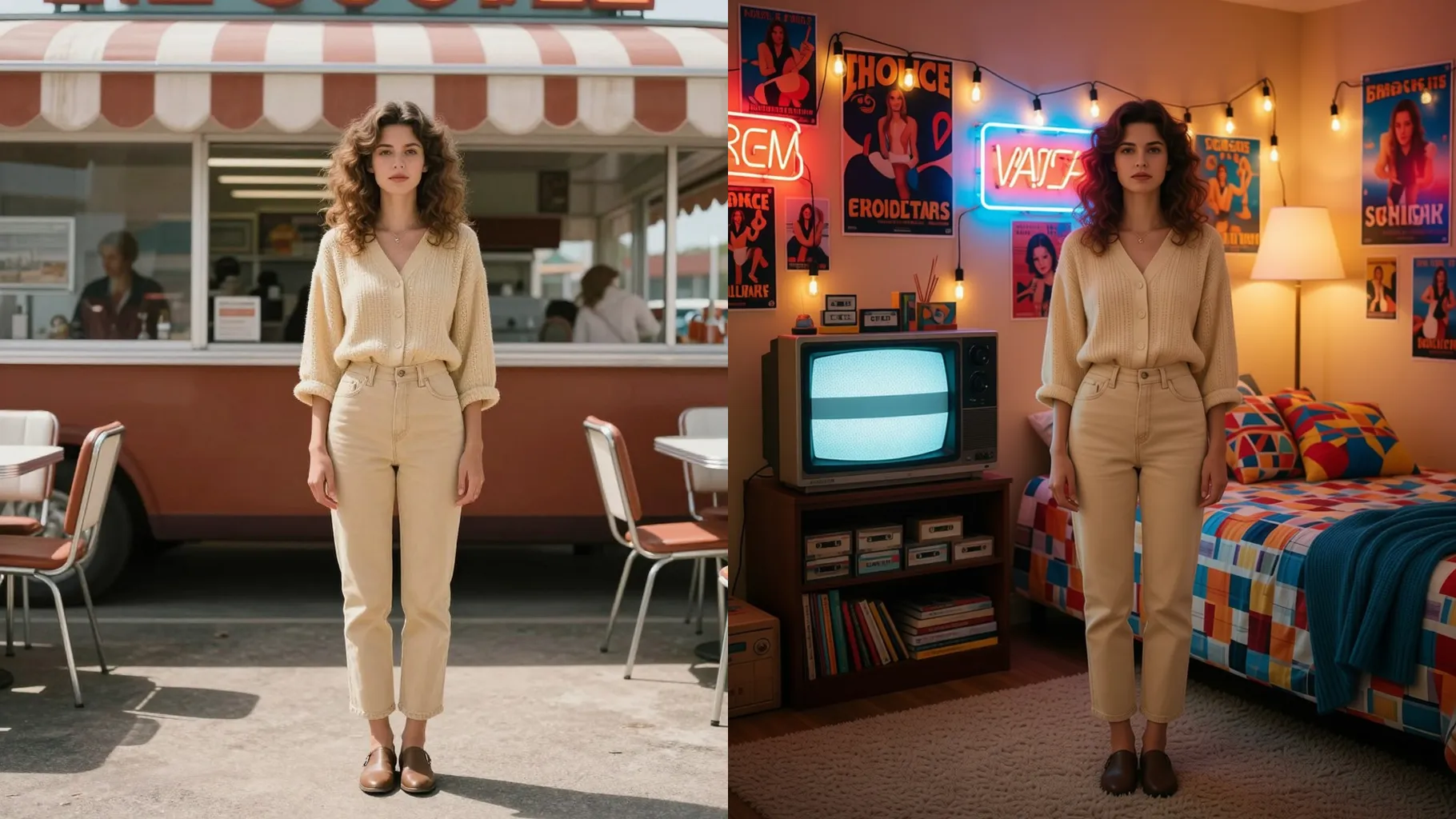
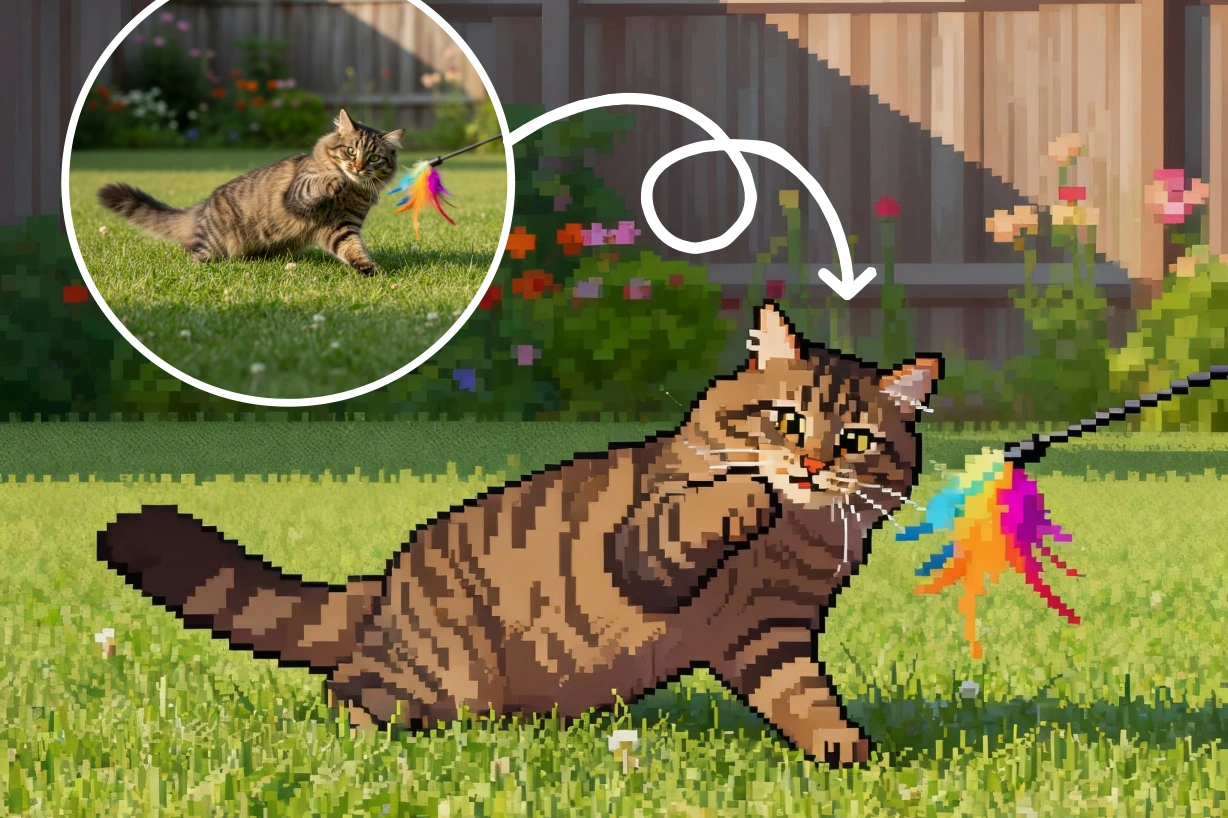
Examples show the target style. Your result depends on the chosen model and reference photo.
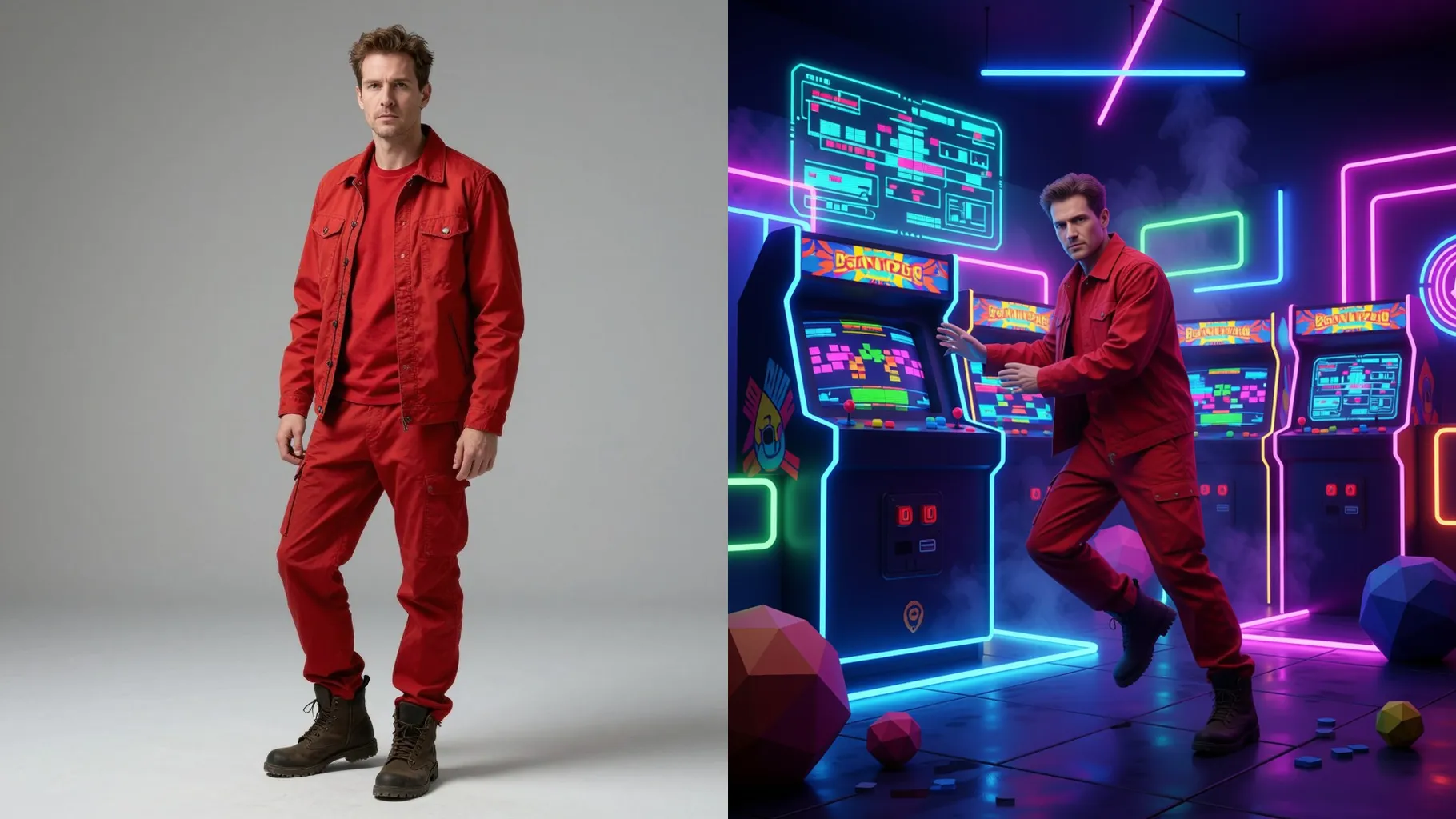
Upload one photo to place your character mid-step through a glowing portal with sci-fi lighting.
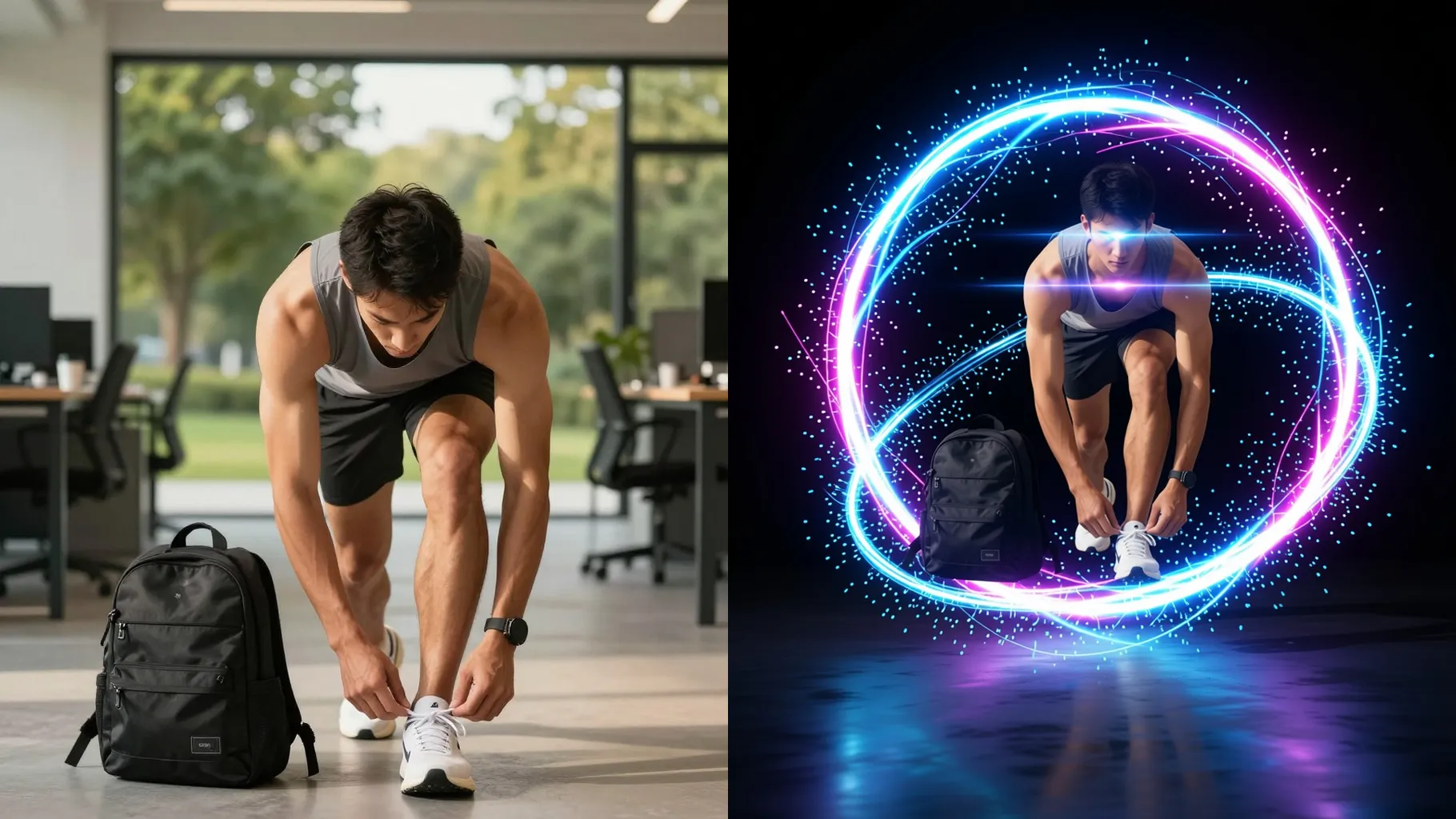
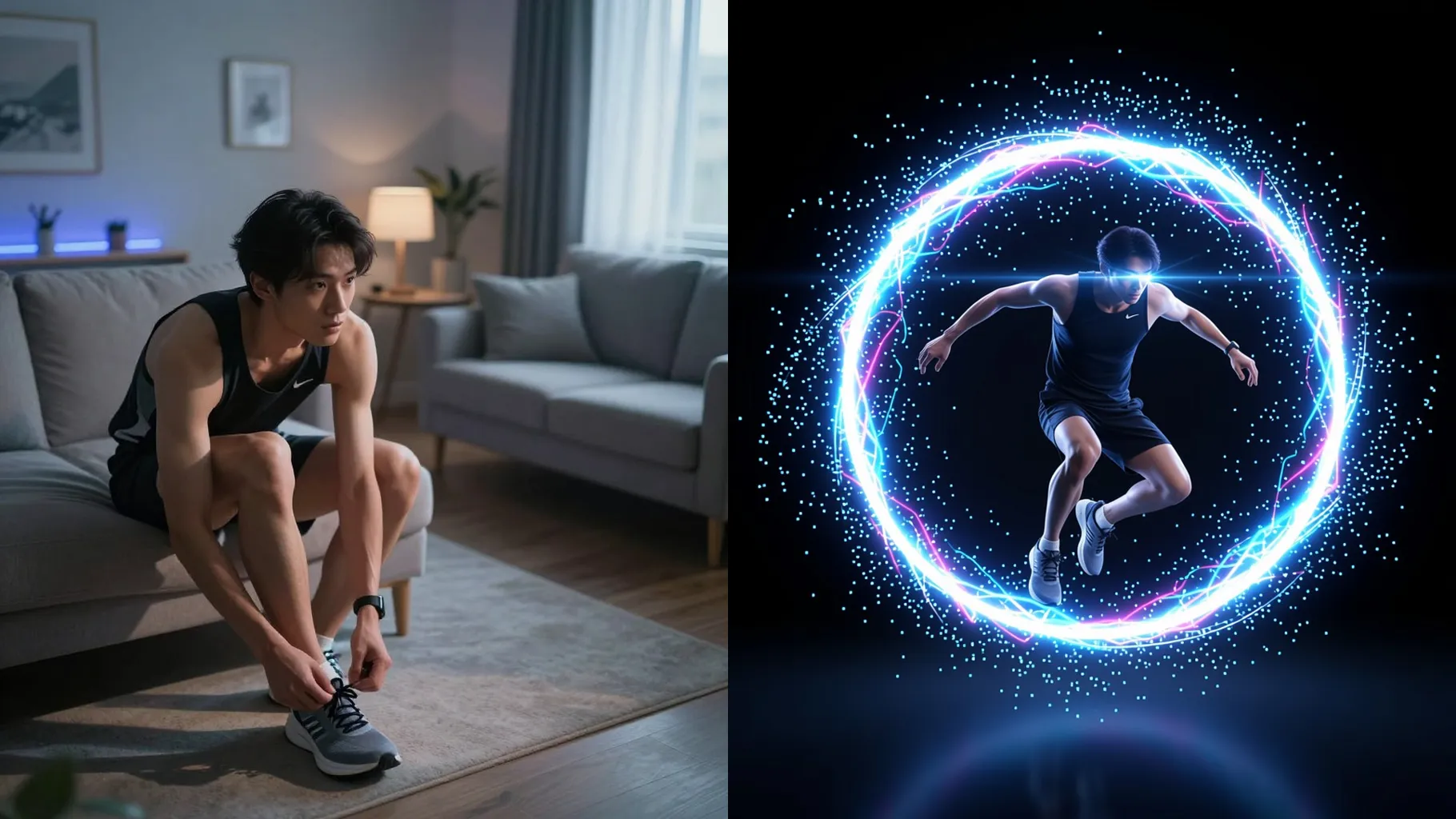
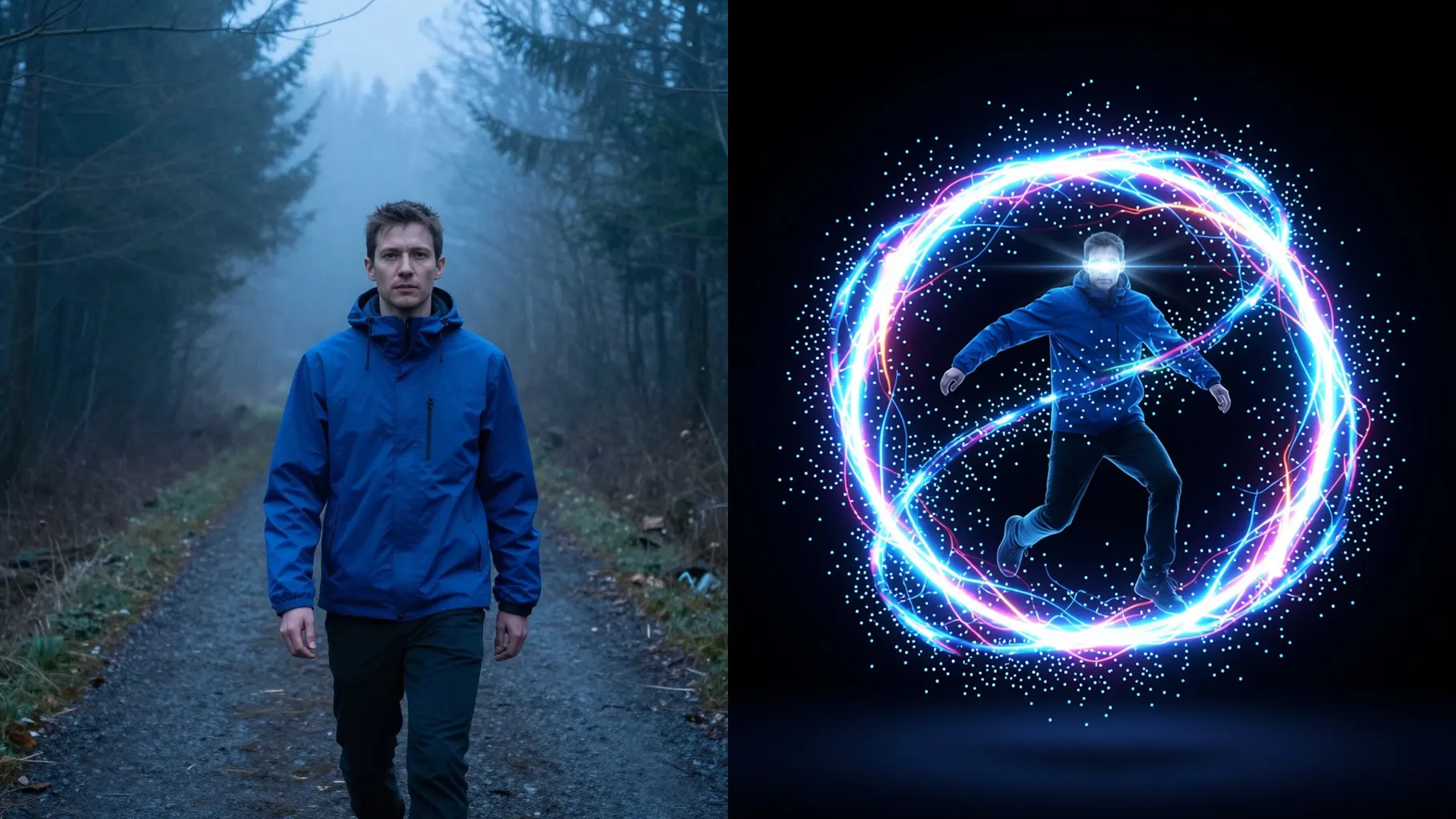
Adds rim lights, bloom, and volumetric glow around the gate while keeping skin tones natural.
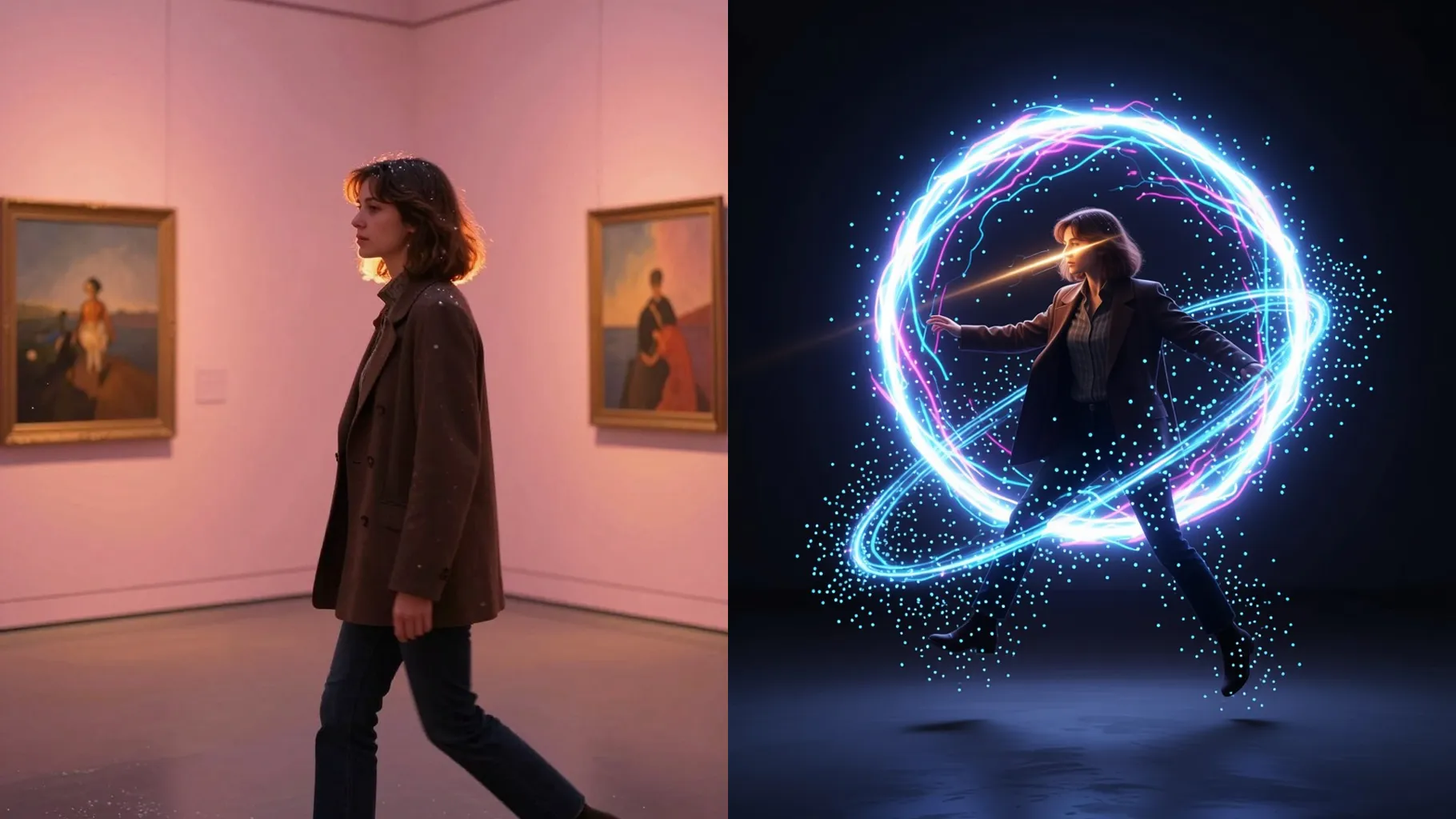
Blend in cosmic skies, city rifts, or jungle portals without losing your pose or outfit.
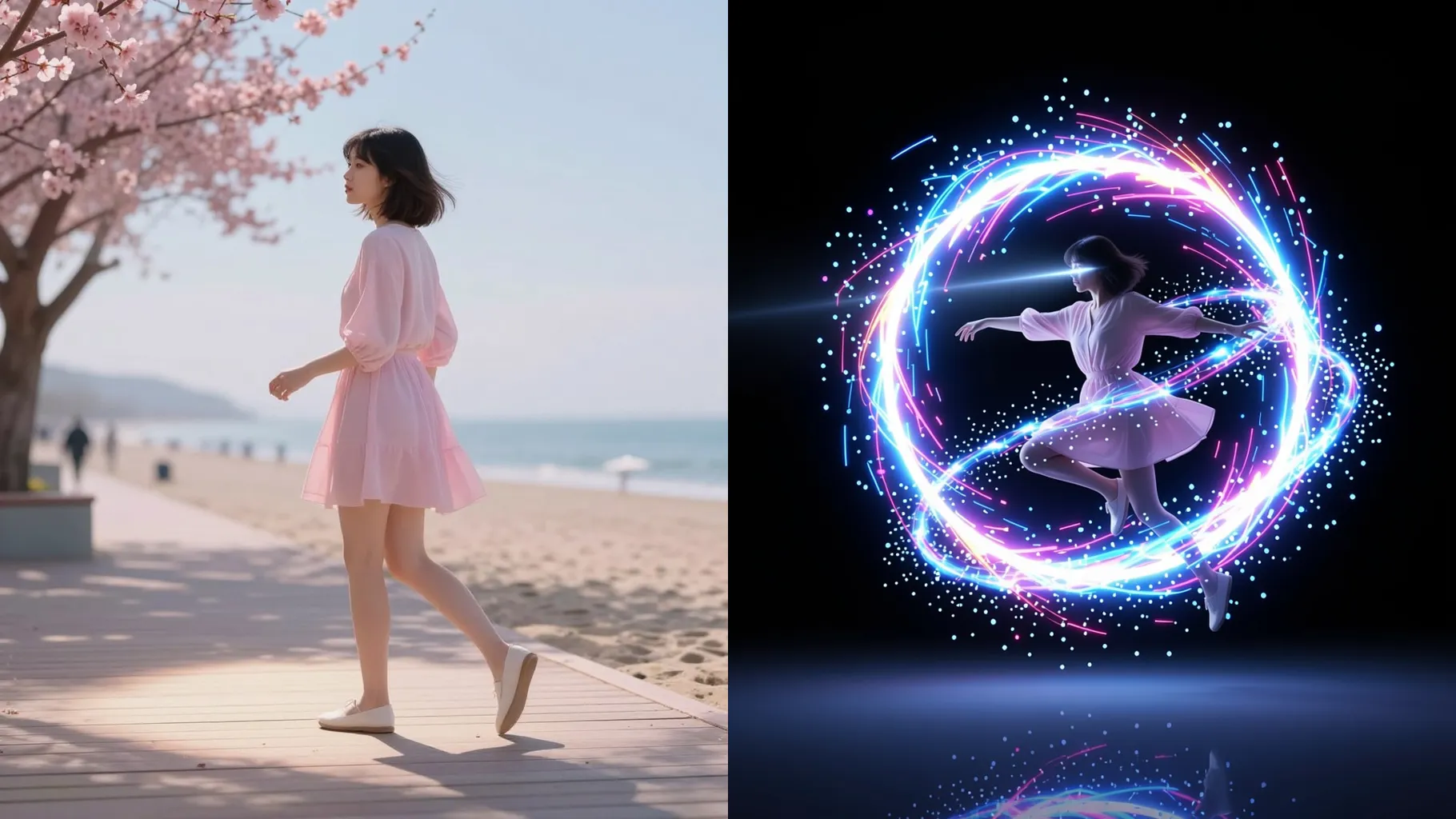
Front or half-body shots with visible arms and legs make the stepping pose believable.
In one line, mention the era, planet, or scenery to guide the portal view.
Preview the portal render, rerun for new locations, then download your favorite image.
This template uses one photo at a time so the portal framing stays consistent.
A short prompt helps pick the destination or mood; keep it brief to preserve likeness.
Aspect ratio control is off to avoid stretching the gate. Crop your photo before upload if needed.
Model switching is disabled to keep the portal lighting and motion effects stable.
Yes. It preserves your likeness and clothing while adding portal glow and a new backdrop.
Yes, but centered subjects with clear edges make the portal cutout cleaner.
Use JPG, PNG, or WebP under 10MB for faster rendering.
No. This effect needs one uploaded photo to build the portal scene.

Generation time depends on the model, image size, and queue. Check the task status on this page.