
1. How many images can I upload per render?
Upload one image at a time so the GTA outline and shading stay consistent.
Turn one photo into GTA loading screen art with pastel skies, comic outlines, and grainy poster vibes.
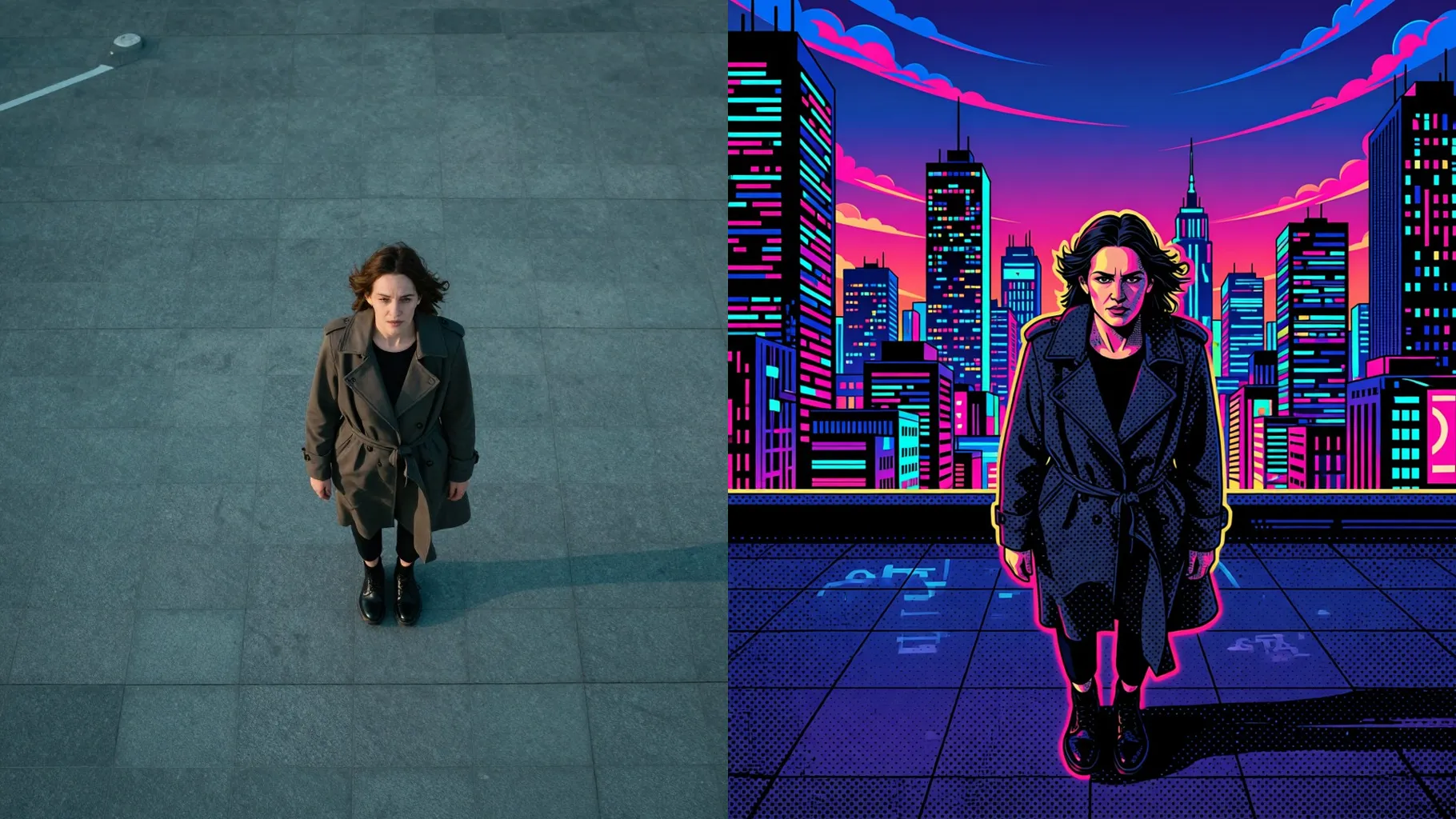
GTA loading screen palette with peach skyline, bold outlines, and chunky shadows keeps your face crisp from one upload.
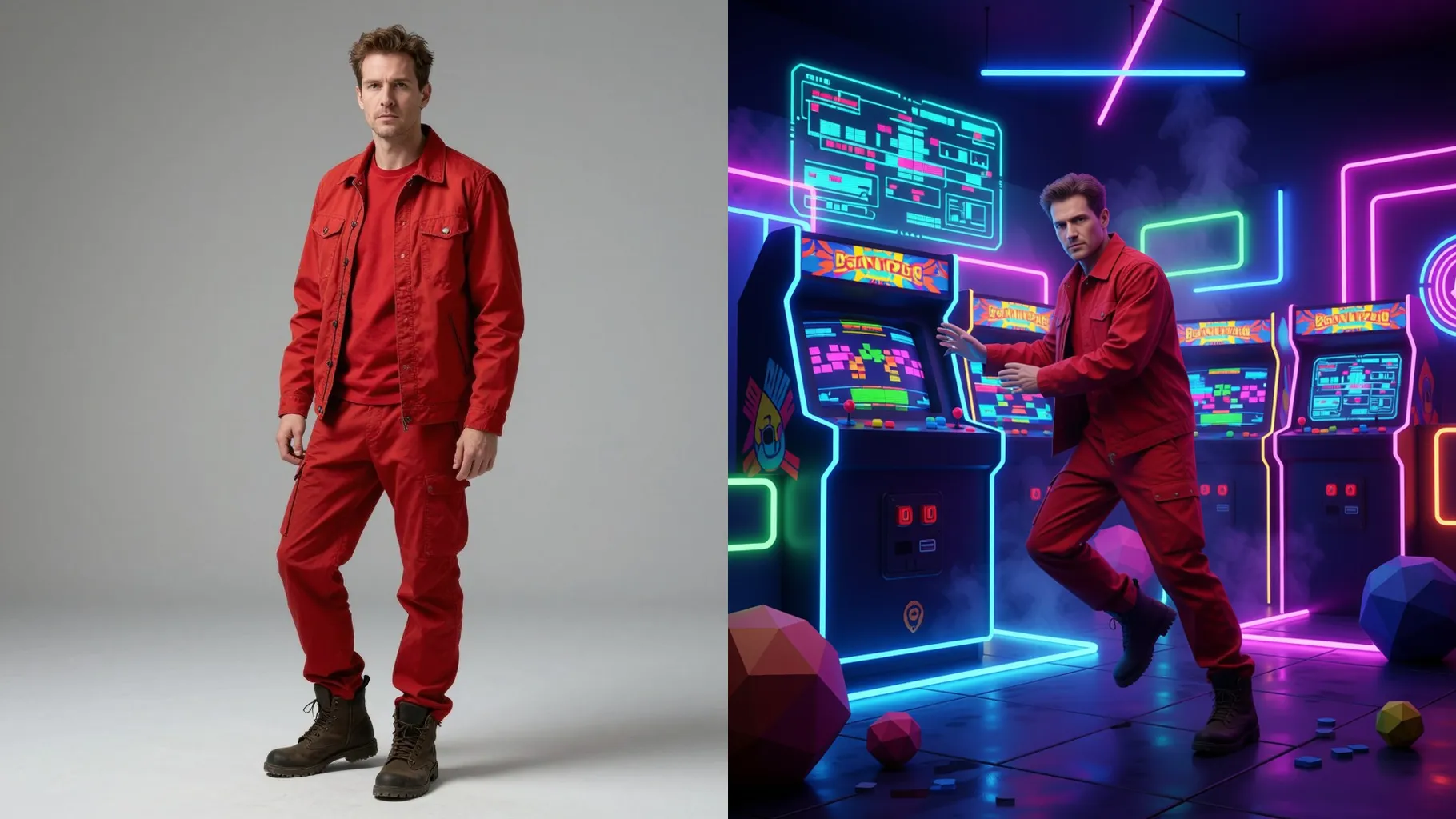
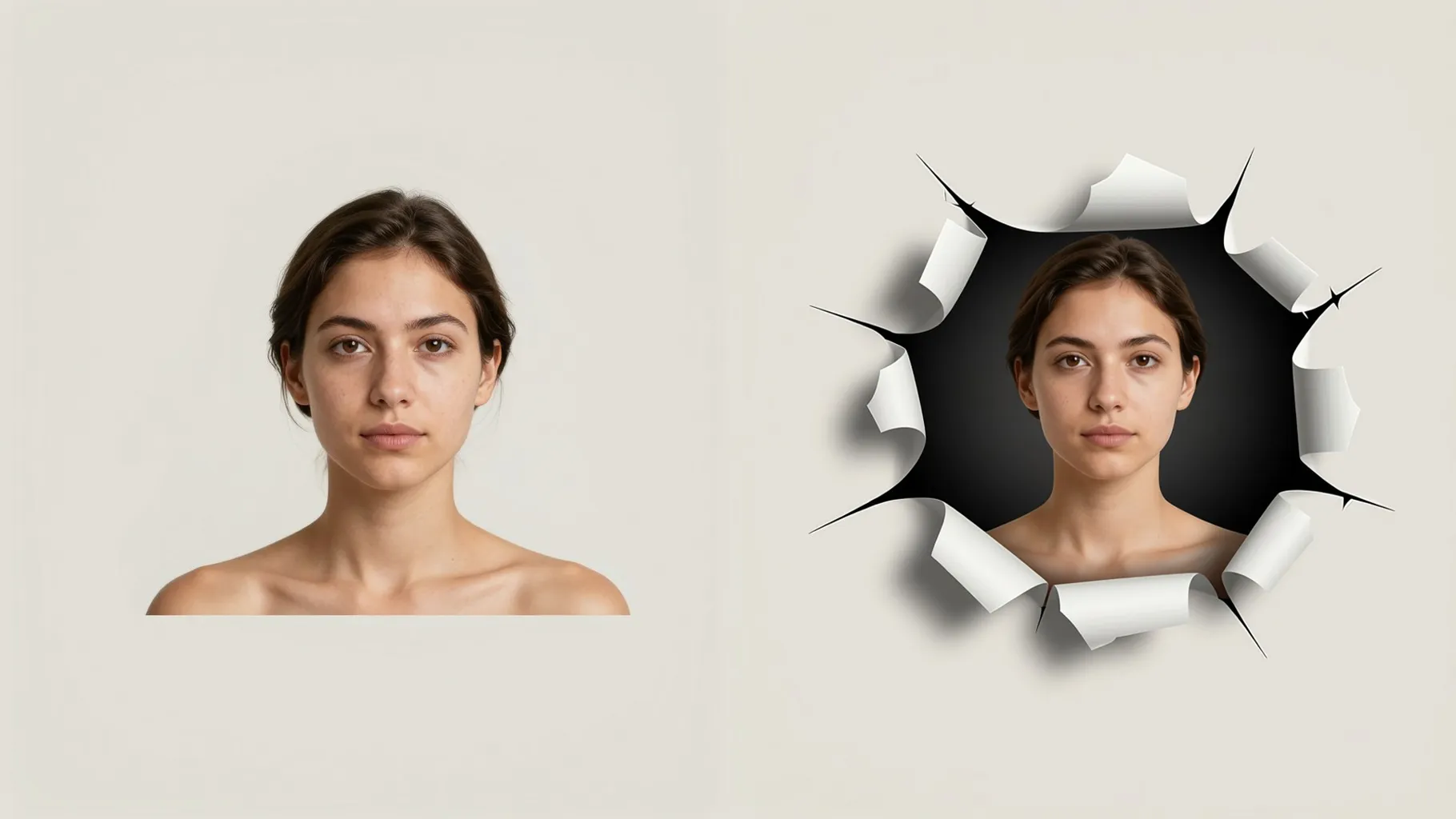
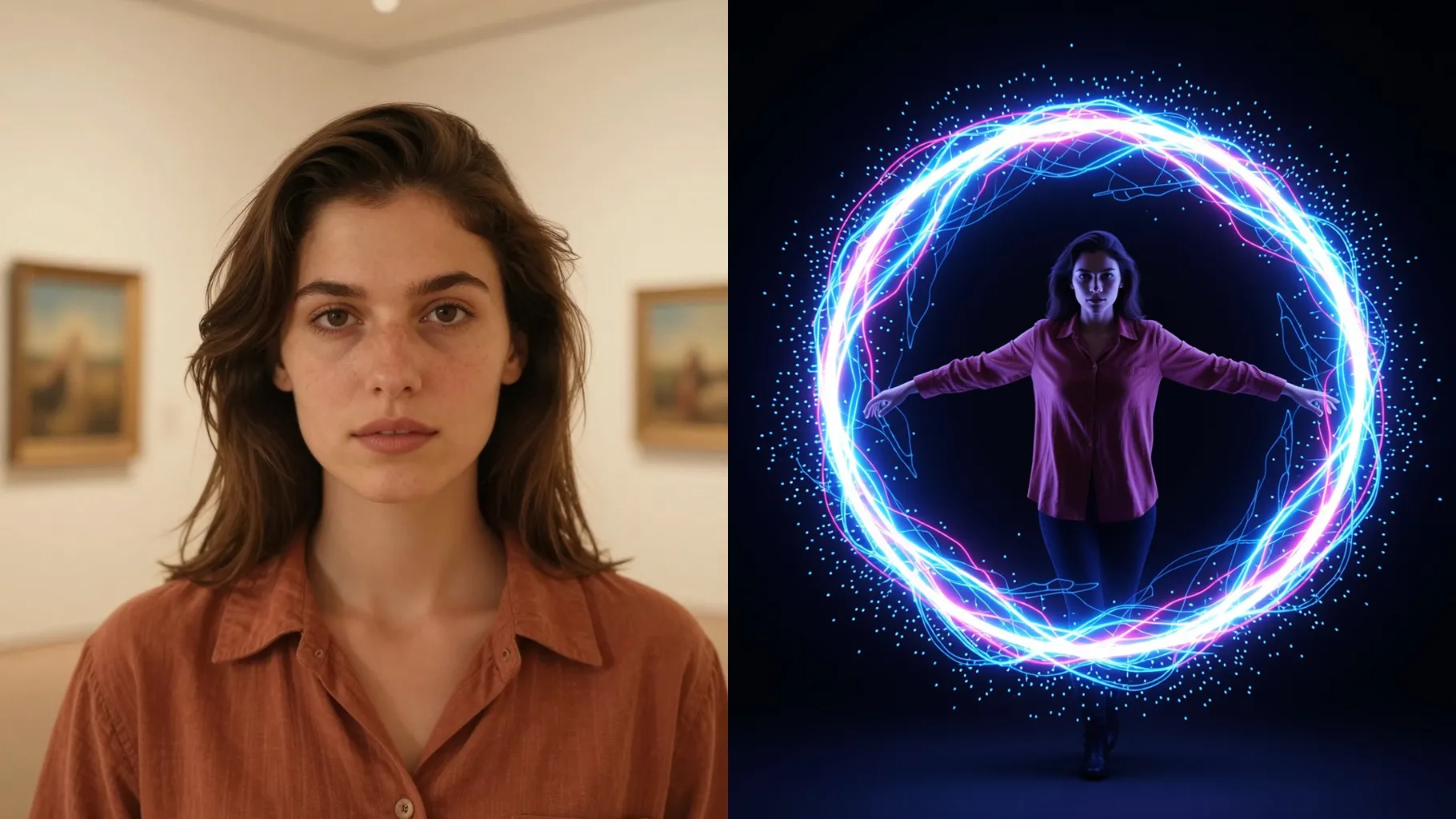
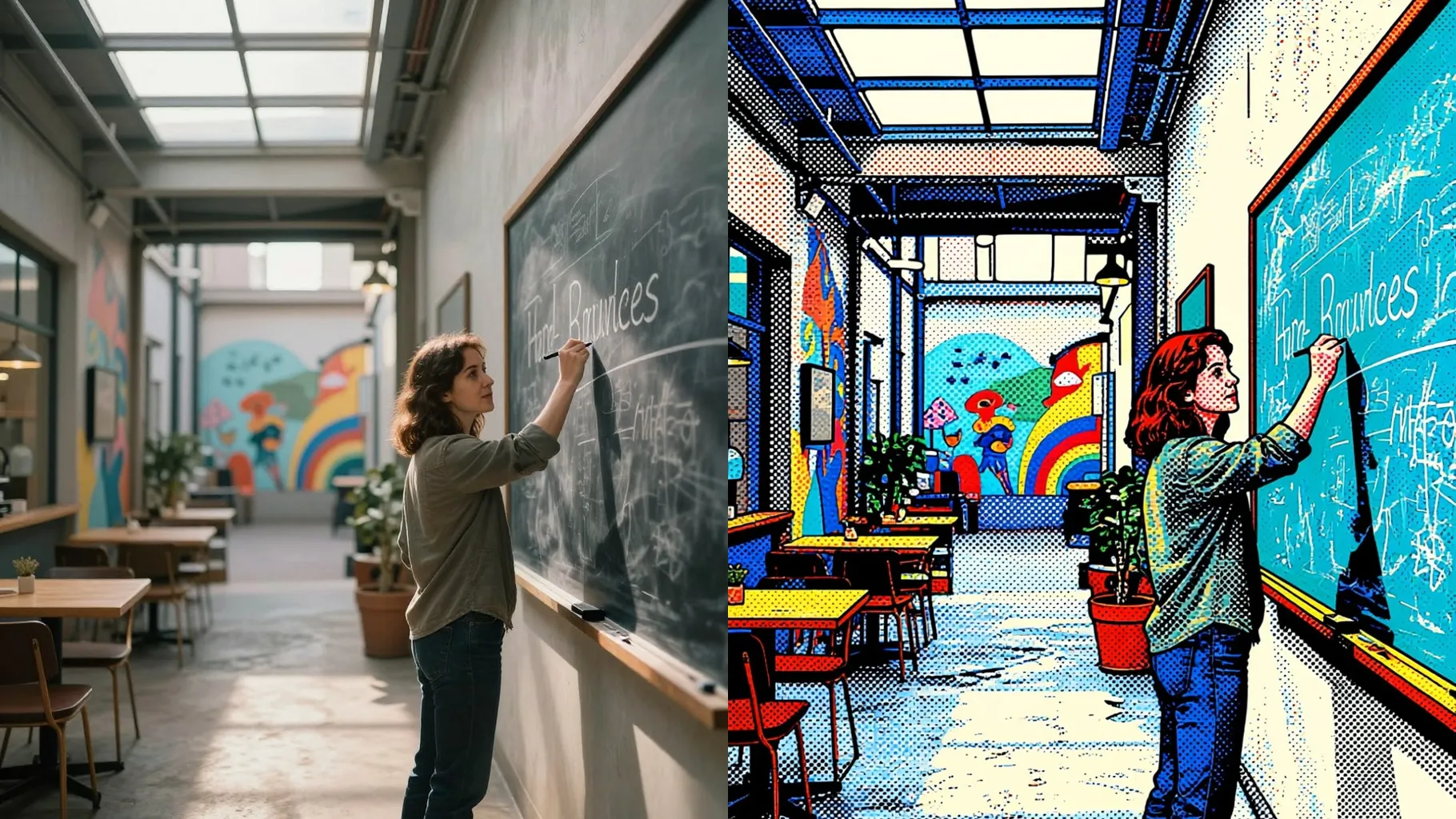
Examples show the target style. Your result depends on the chosen model and reference photo.
Upload one photo to get GTA-style poster art with pastel skies, black outlines, and grainy comic shading.
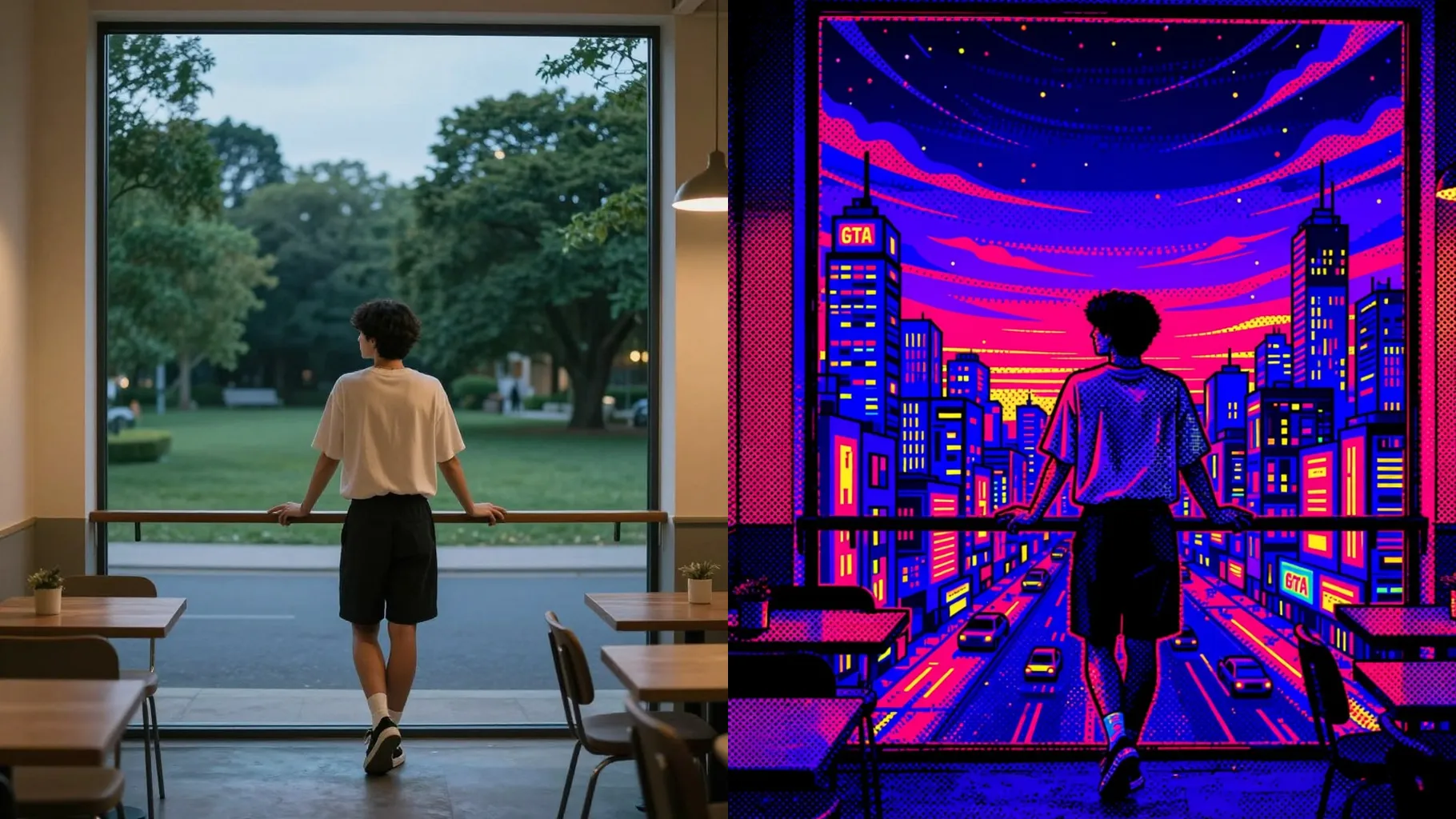
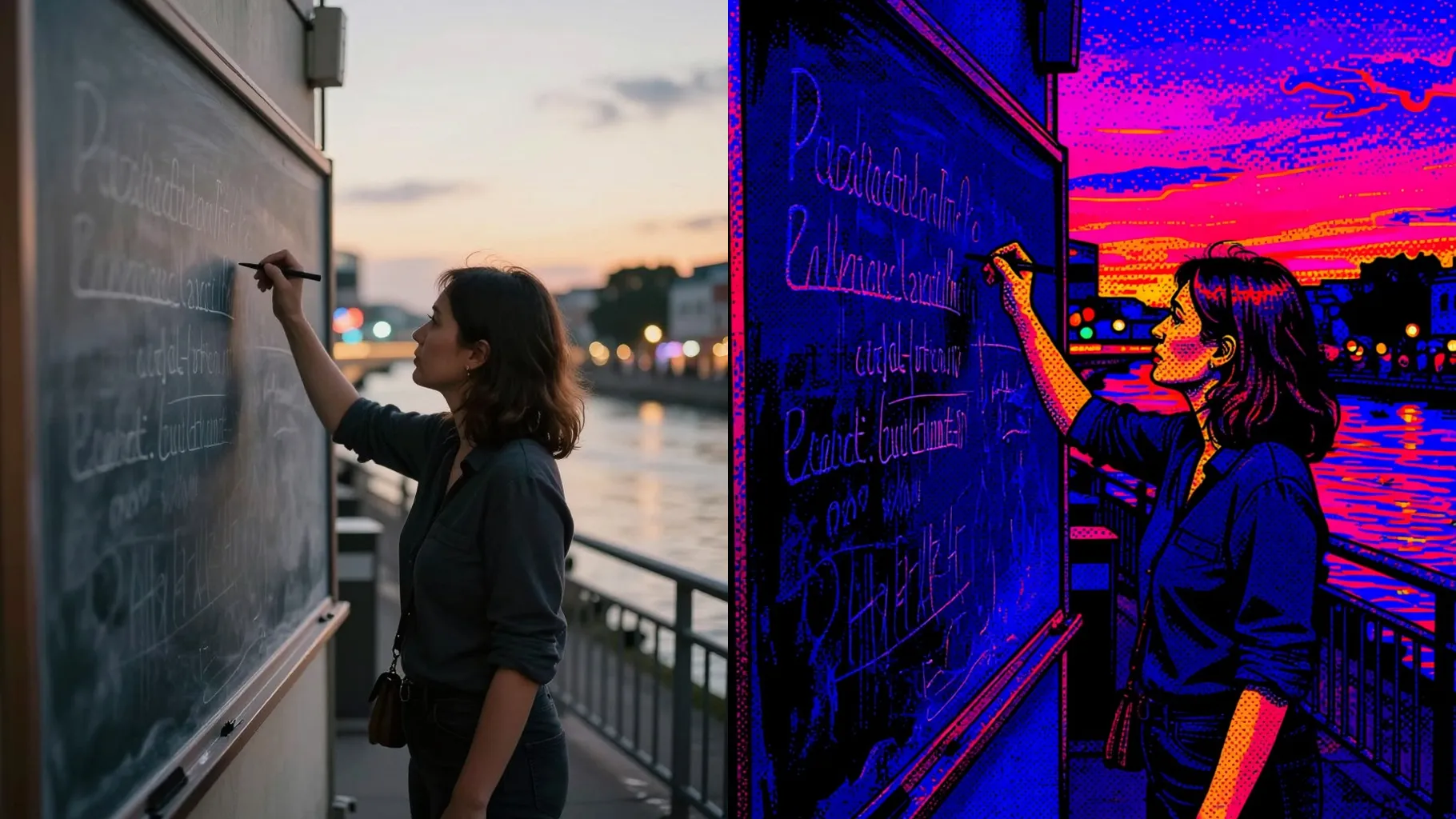
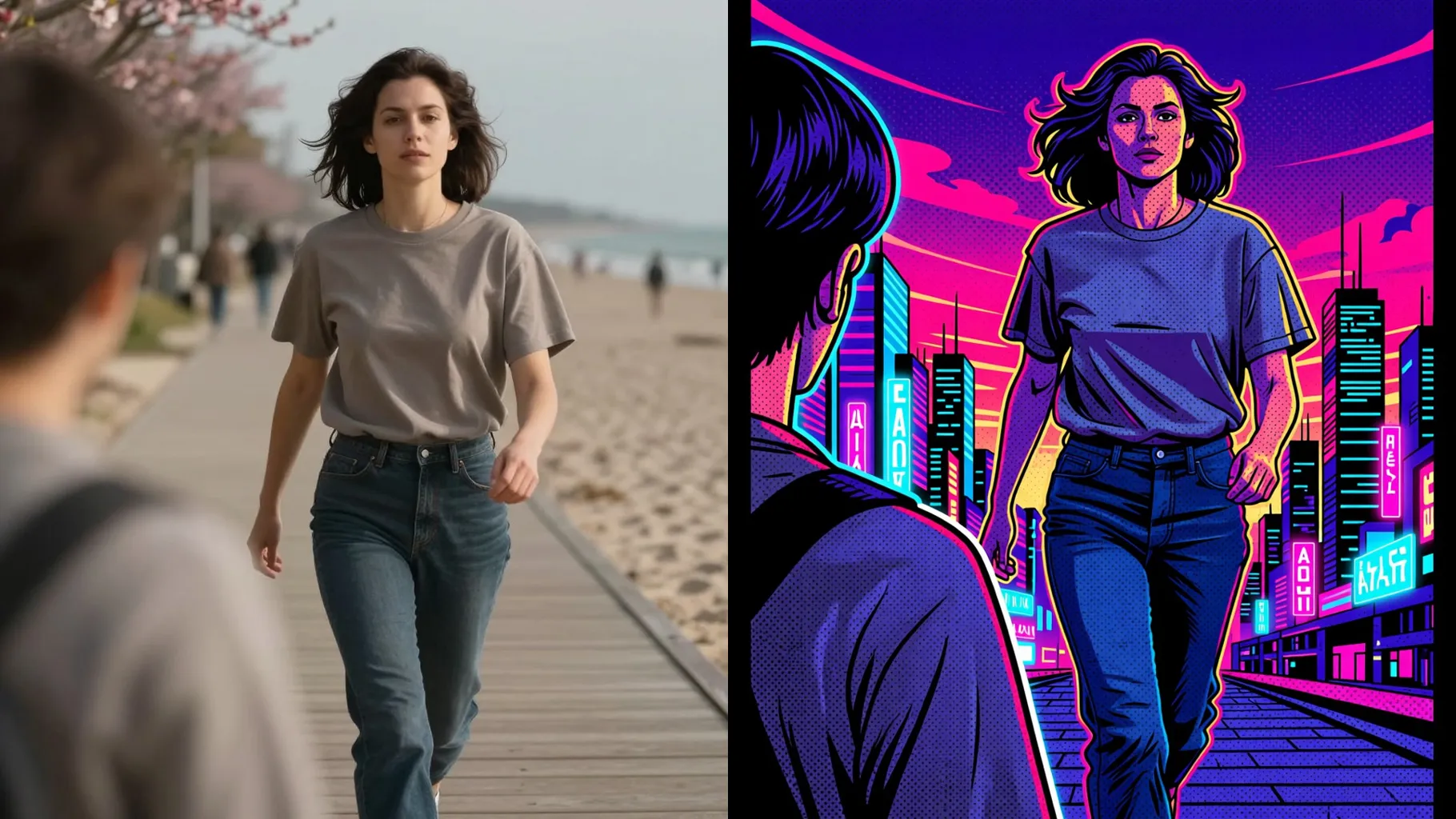
Applies the loading-screen gradients, sun glow, and palm silhouettes while keeping skin tones natural.
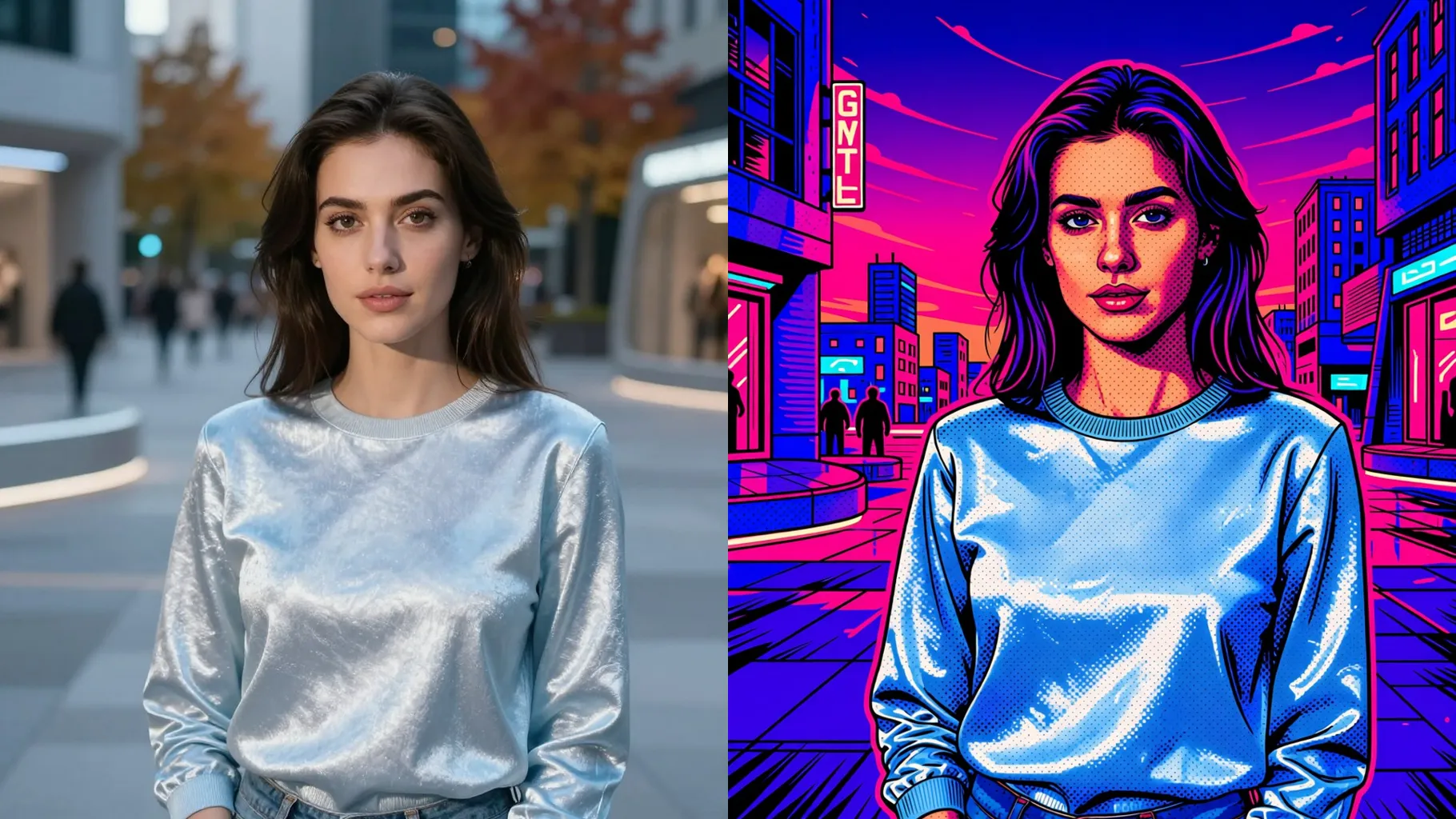
Bold strokes, rim light, and grain hold your facial features and outfit without over-smudging.
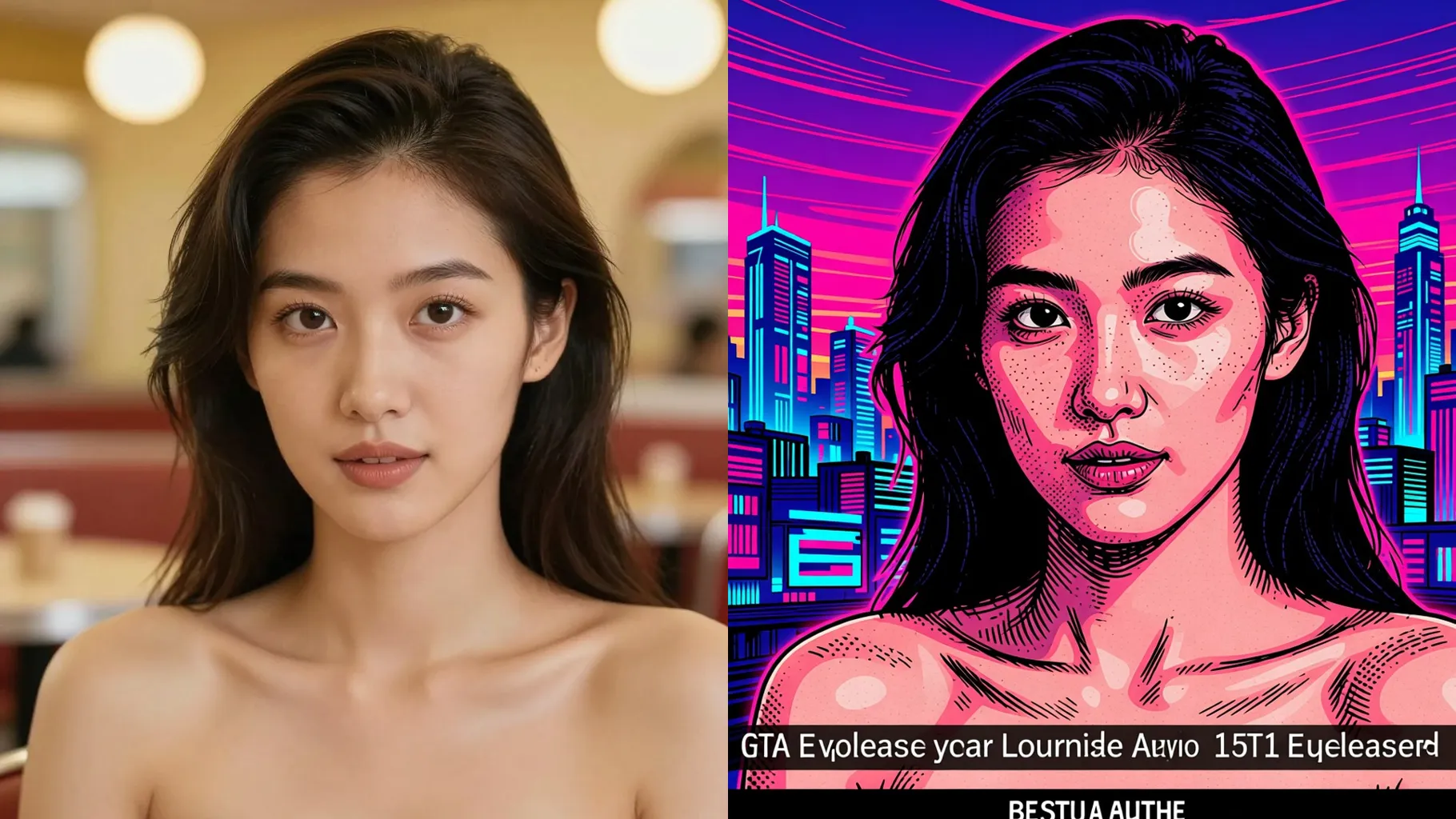
Centered portraits or half-body shots with space around the head keep the outline clean.
Mention city, car, props, or time of day in a short prompt for the right vibe.
Preview the GTA panel, rerun for new palettes, then save your favorite image instantly.
Upload one image at a time so the GTA outline and shading stay consistent.
A short prompt about city, car, or pose helps the vibe; you can leave it blank for a default GTA look.
Single-subject portraits with even light and uncluttered backgrounds give the cleanest lines.
Aspect ratio control is off to keep the poster framing stable. Crop before uploading if you need a specific size.
Model switching is disabled to maintain the GTA-inspired palette and comic shading.
Best for one subject; couples can work if both faces are close together and well lit.
Use JPG, PNG, or WebP under 10MB for faster uploads and cleaner output.
No. The GTA effect needs one uploaded photo to stylize.

Generation time depends on the model, image size, and queue. Check the task status on this page.