
1. How many images can I upload per render?
Upload one image at a time so the PS2 shading and edges stay consistent.
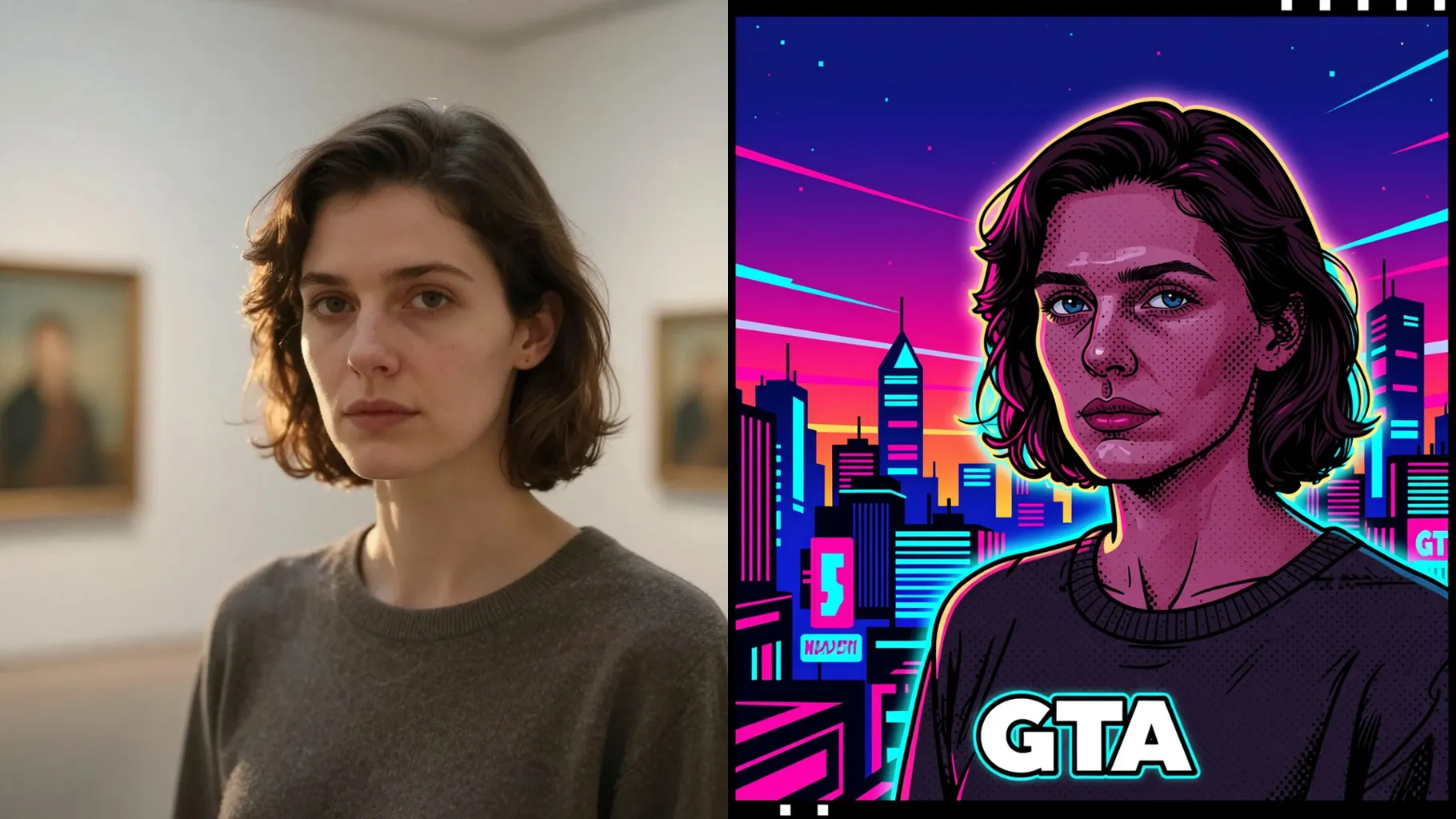
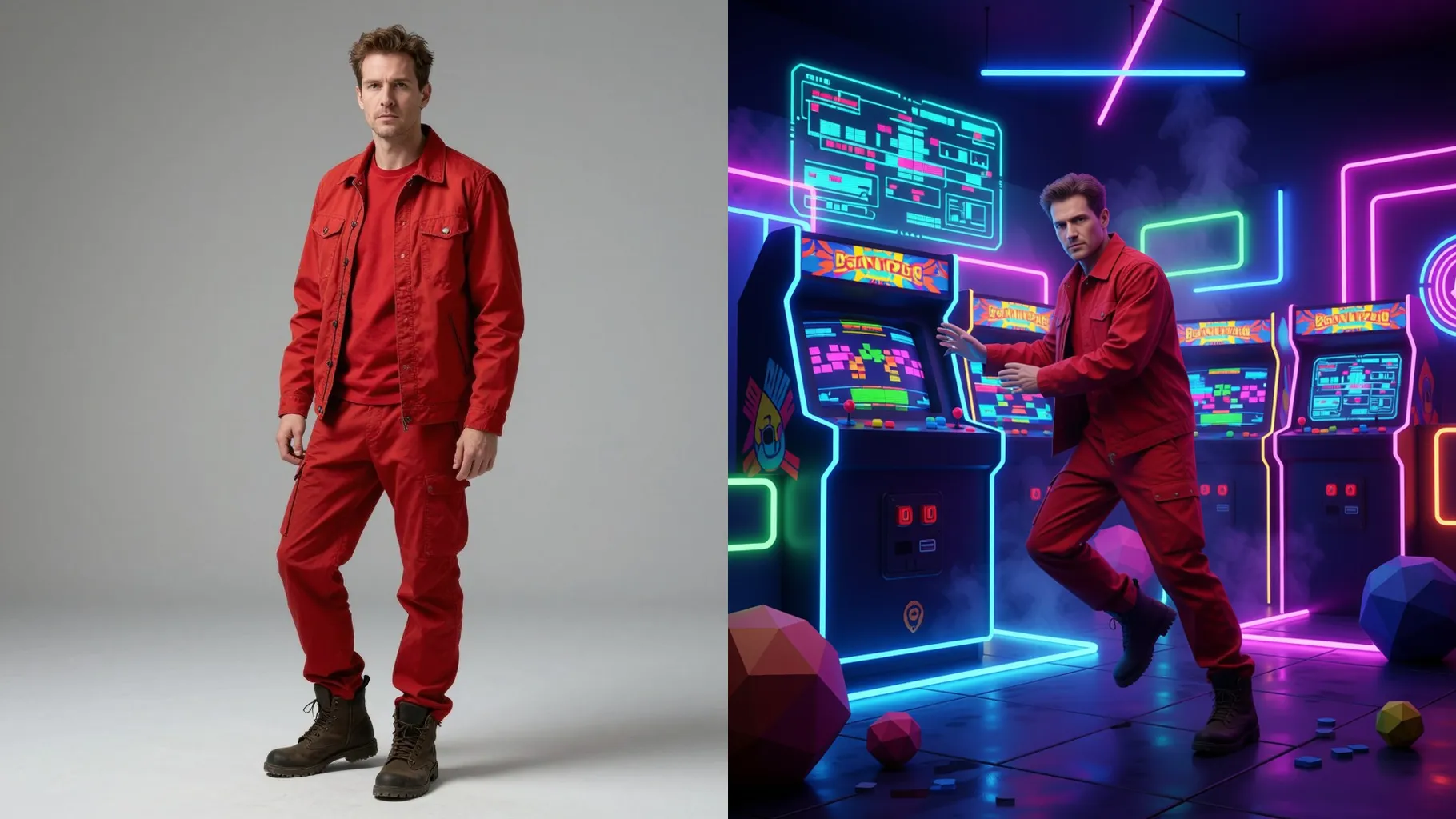
Give your photo PS2-era shading with low-poly edges, neon bloom, and console lighting from one upload.
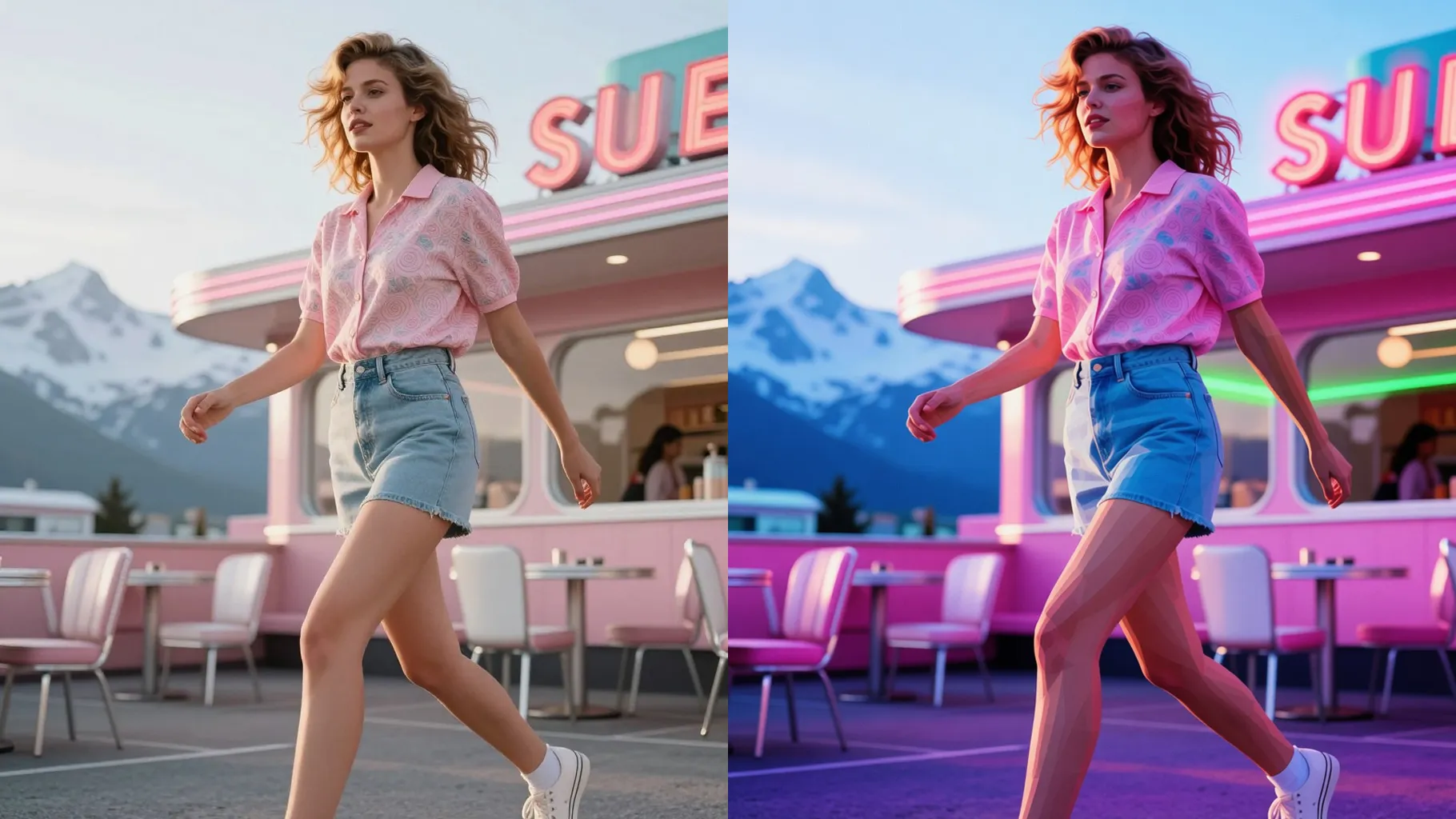
PS2-style render with low-poly shading, soft bloom, and violet-blue lighting while keeping your face clear from one upload.
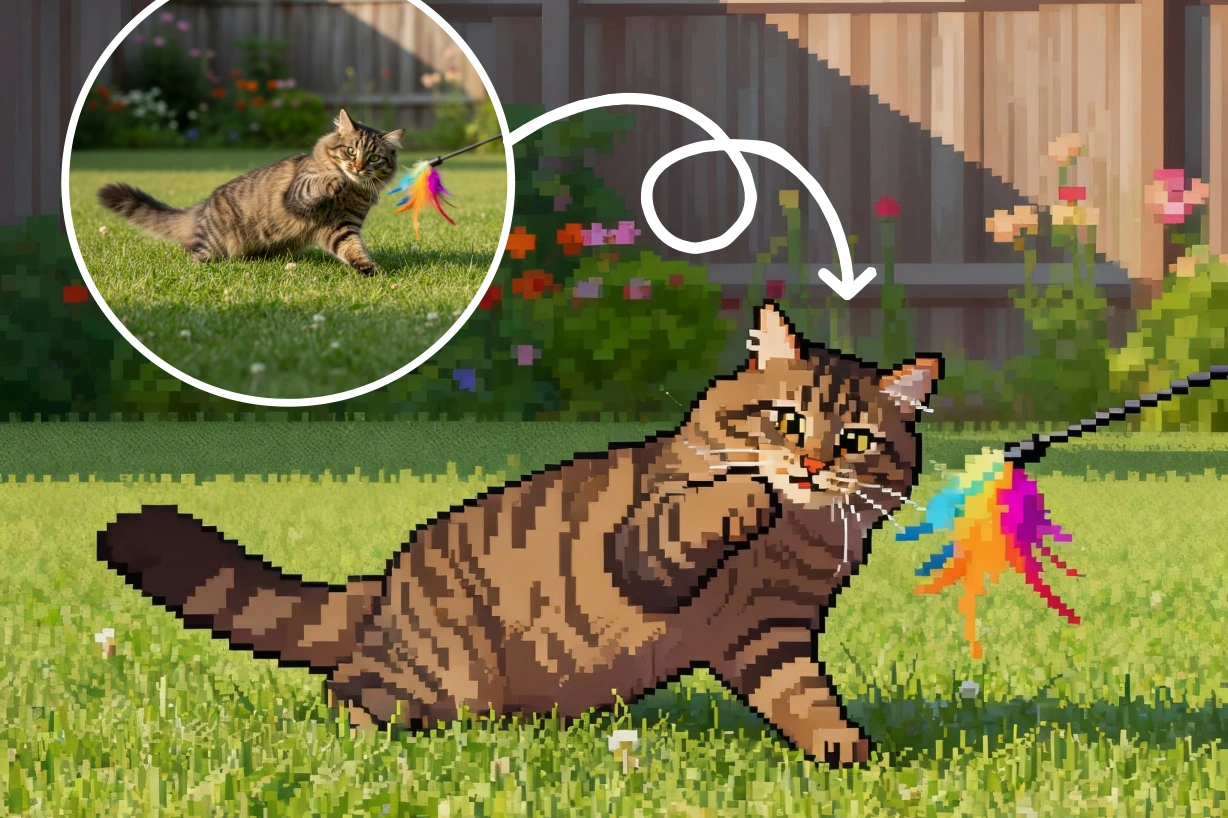
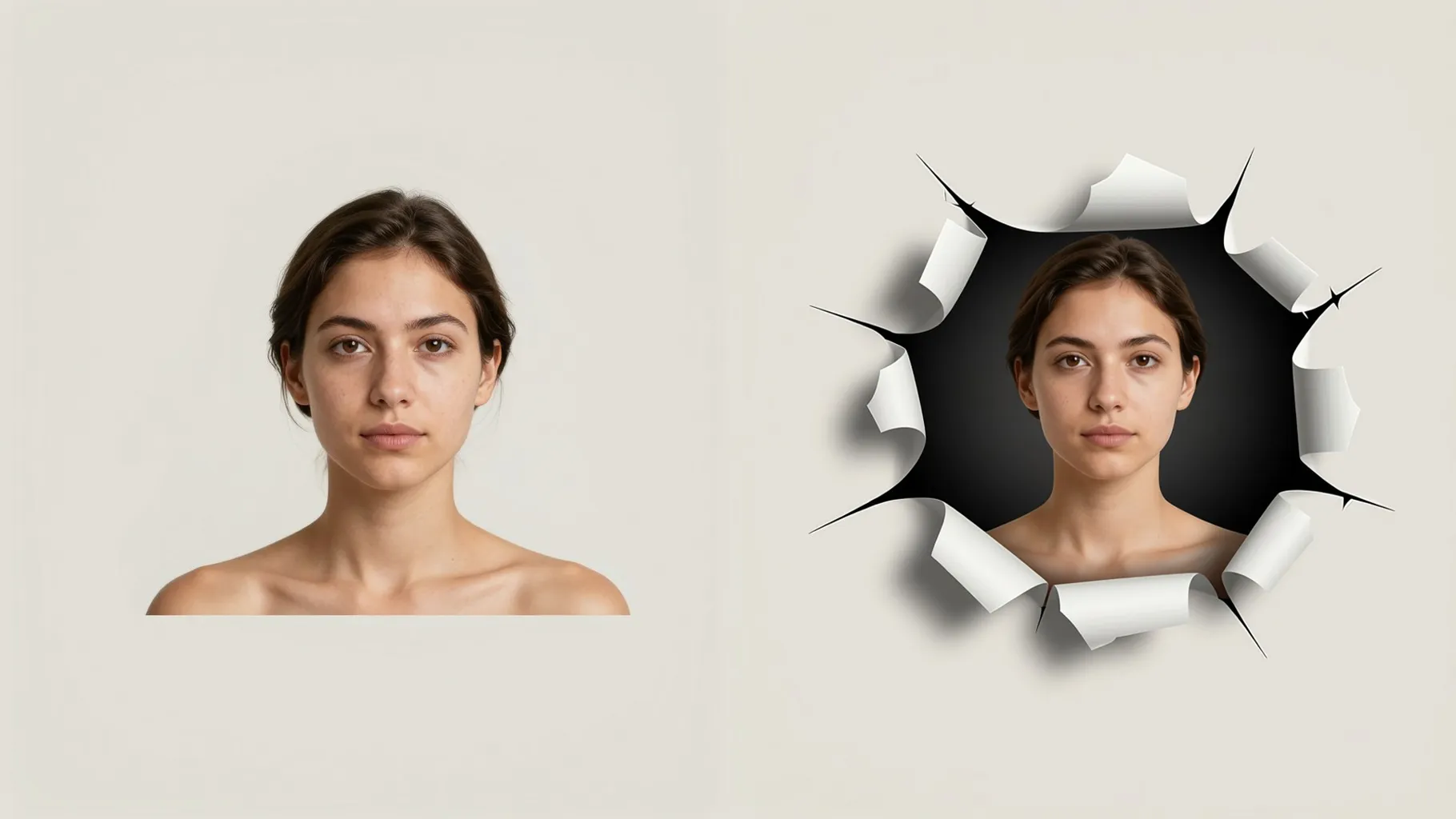
Examples show the target style. Your result depends on the chosen model and reference photo.
Upload one photo to get PlayStation 2 era shading with crunchy textures, neon bloom, and console-style colors.
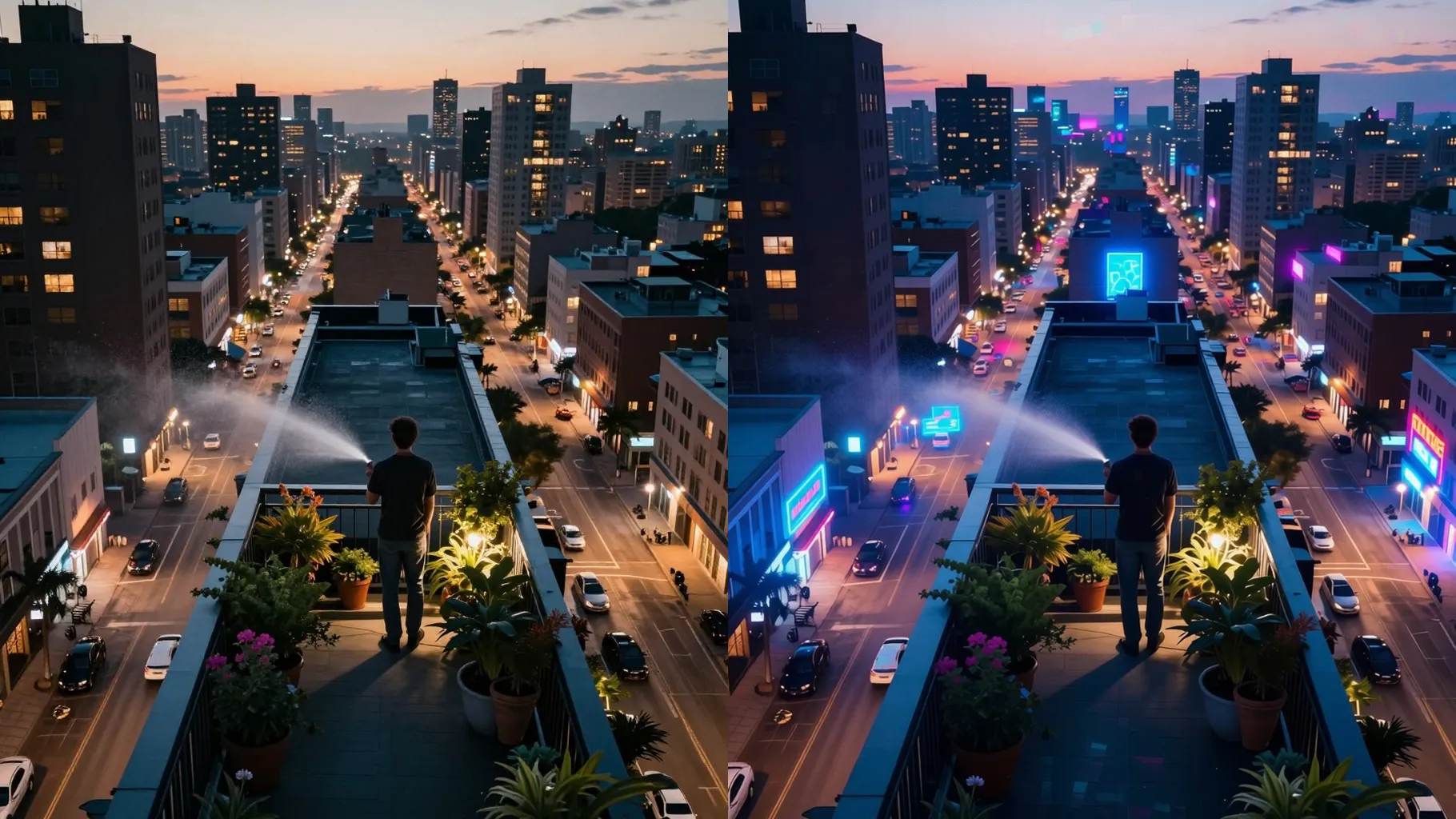
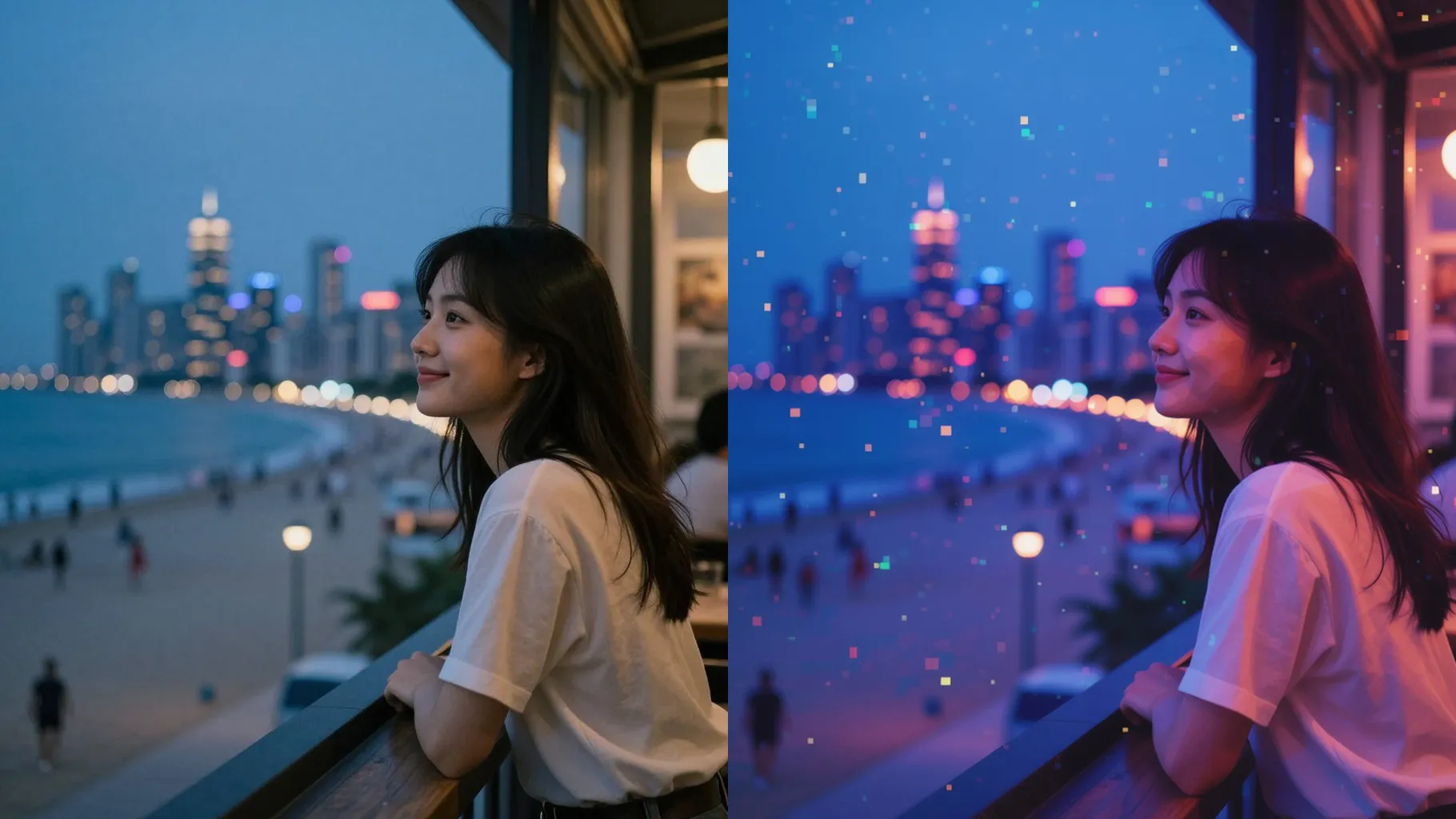
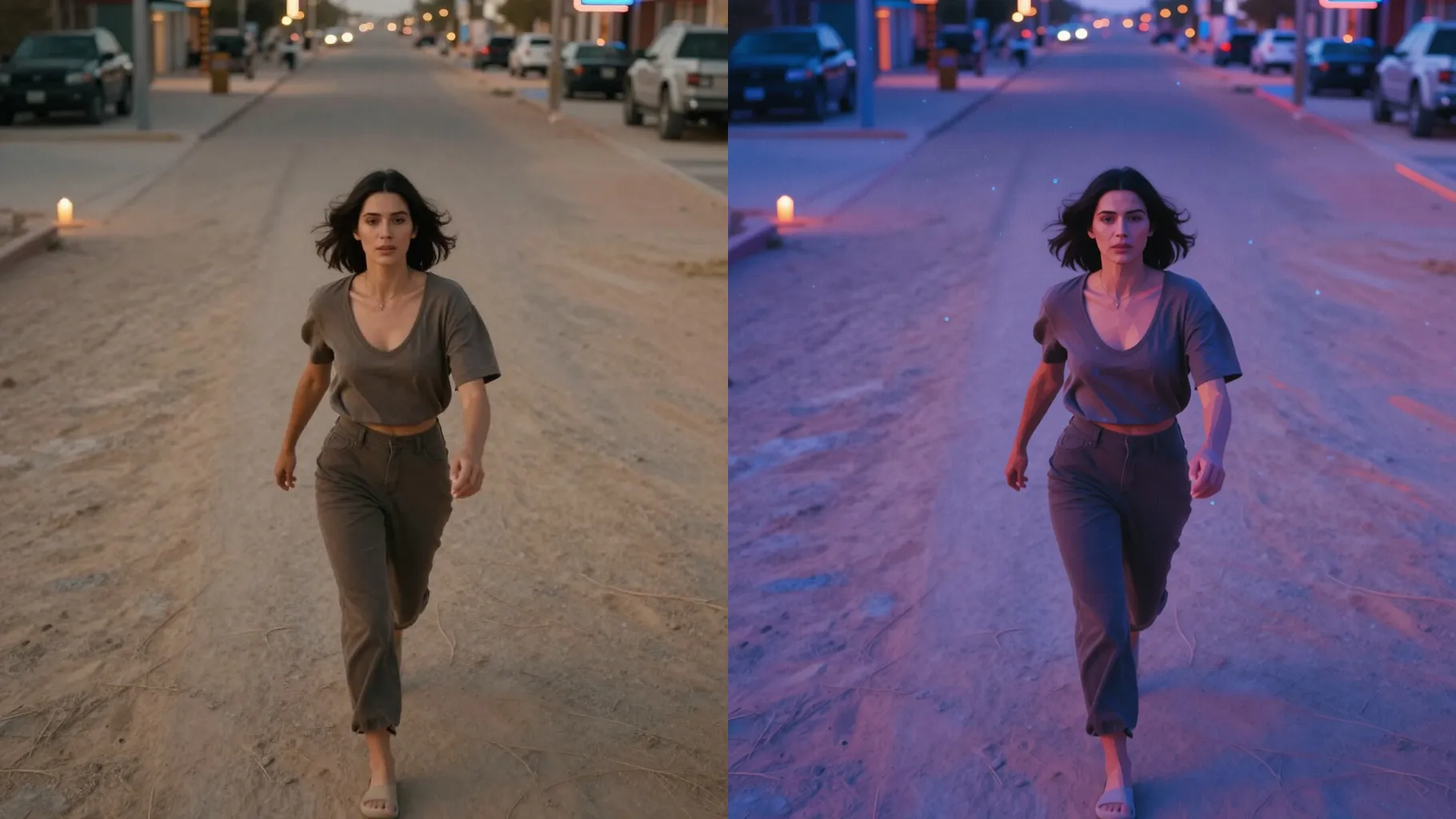
Adds teal-magenta glow, slight film grain, and low-poly shading while keeping your likeness sharp.
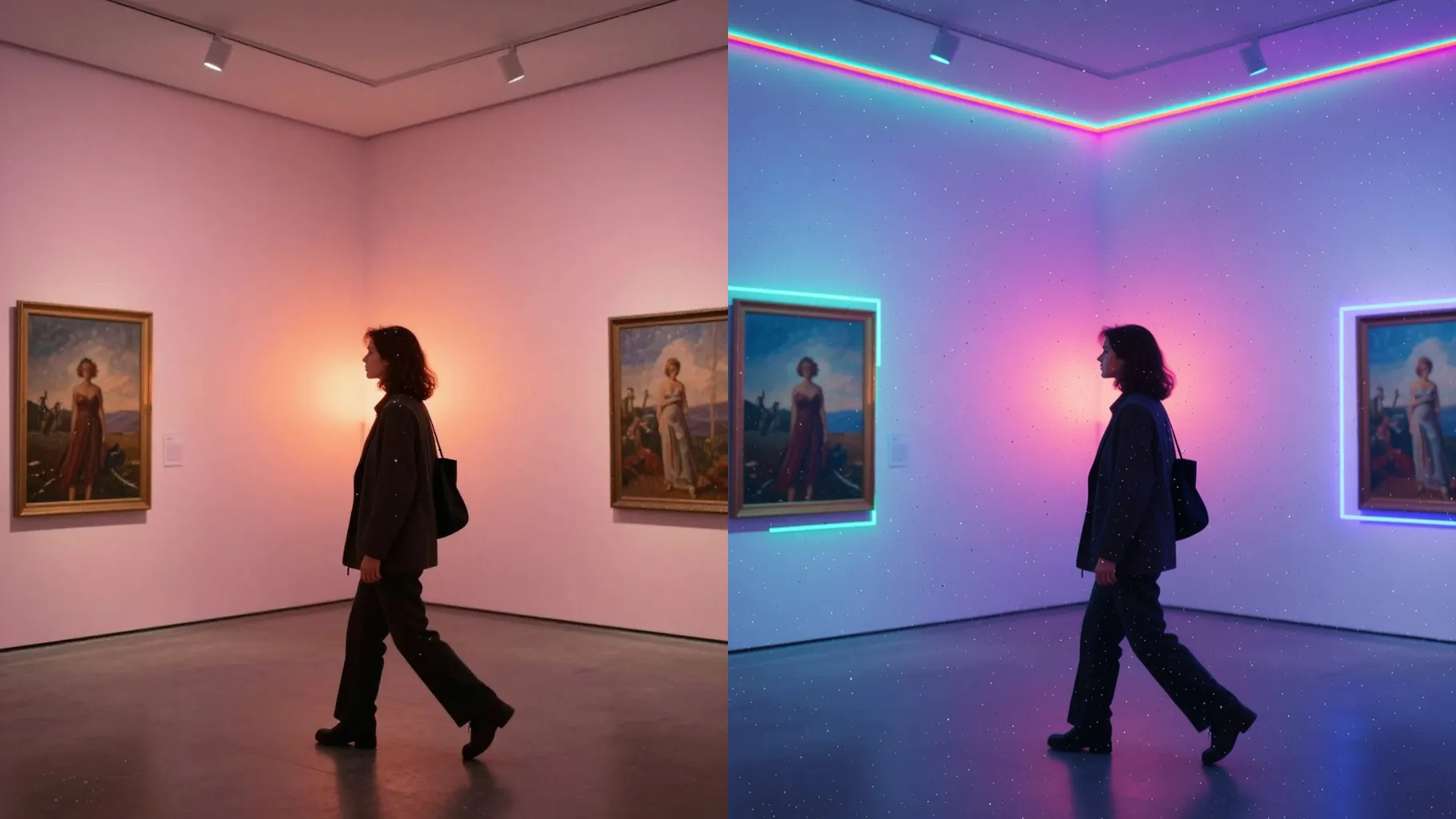
Keeps clothing folds and skin tones while layering chunky textures and polygon edges true to PS2 renders.
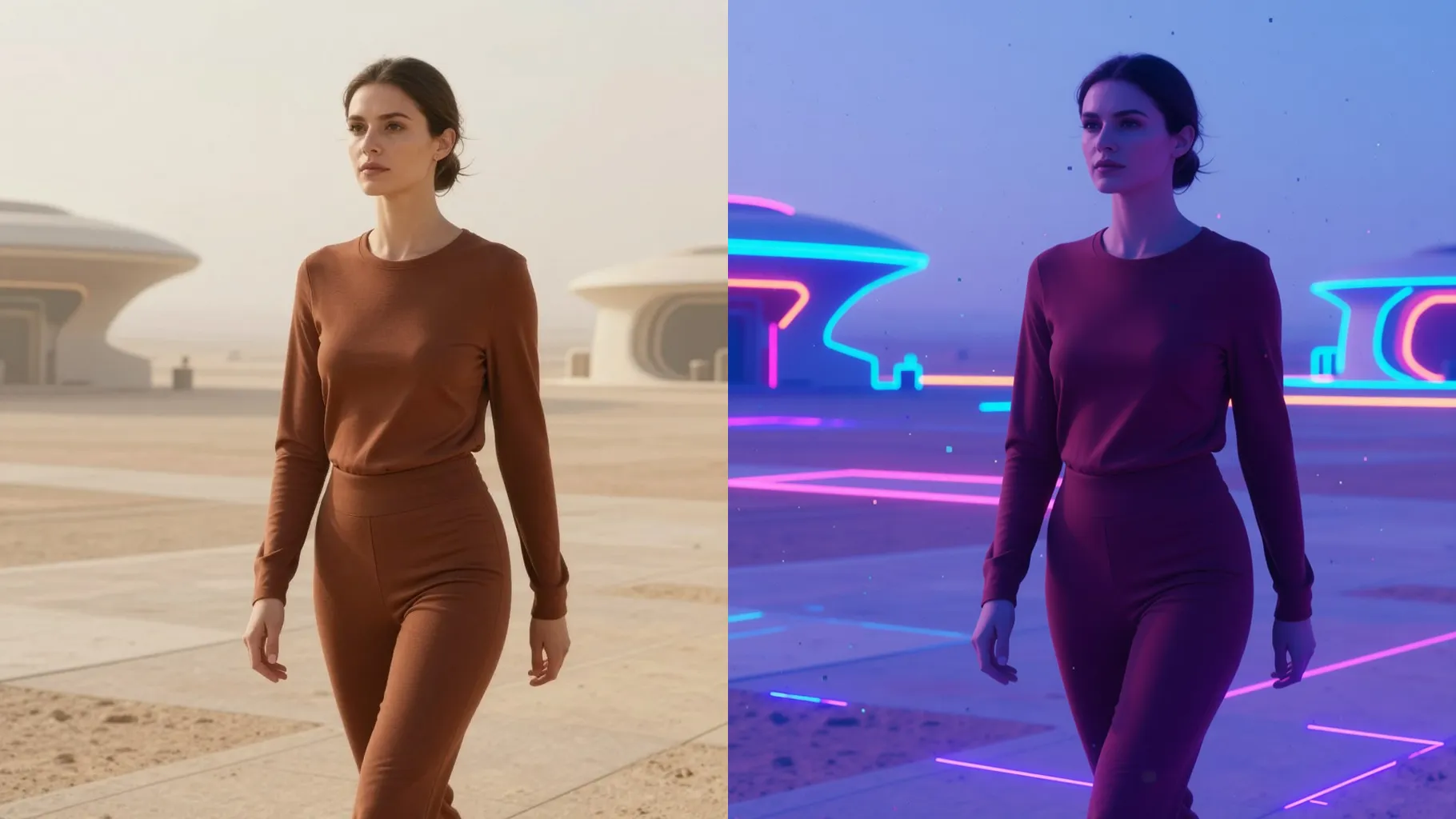
Front or half-body shots with space around the subject keep the low-poly outline stable.
Mention setting, time of day, or props in one short line to guide the console vibe.
Preview the PS2 render, rerun if you want another angle, then download your favorite.
Upload one image at a time so the PS2 shading and edges stay consistent.
A short prompt is optional; mention setting or mood if you want a specific PS2 scene.
Single-subject portraits with balanced light and clear edges give the cleanest console-style output.
Aspect ratio control is off to prevent stretching; crop before uploading if you need a specific size.
Model switching is disabled to keep the PlayStation 2 palette and shading stable.
It works best for one subject; simple duos are fine if faces are close together and well lit.
Use JPG, PNG, or WebP under 10MB for smoother uploads and rendering.
No. This effect needs one uploaded photo to build the PS2-style render.

Generation time depends on the model, image size, and queue. Check the task status on this page.