
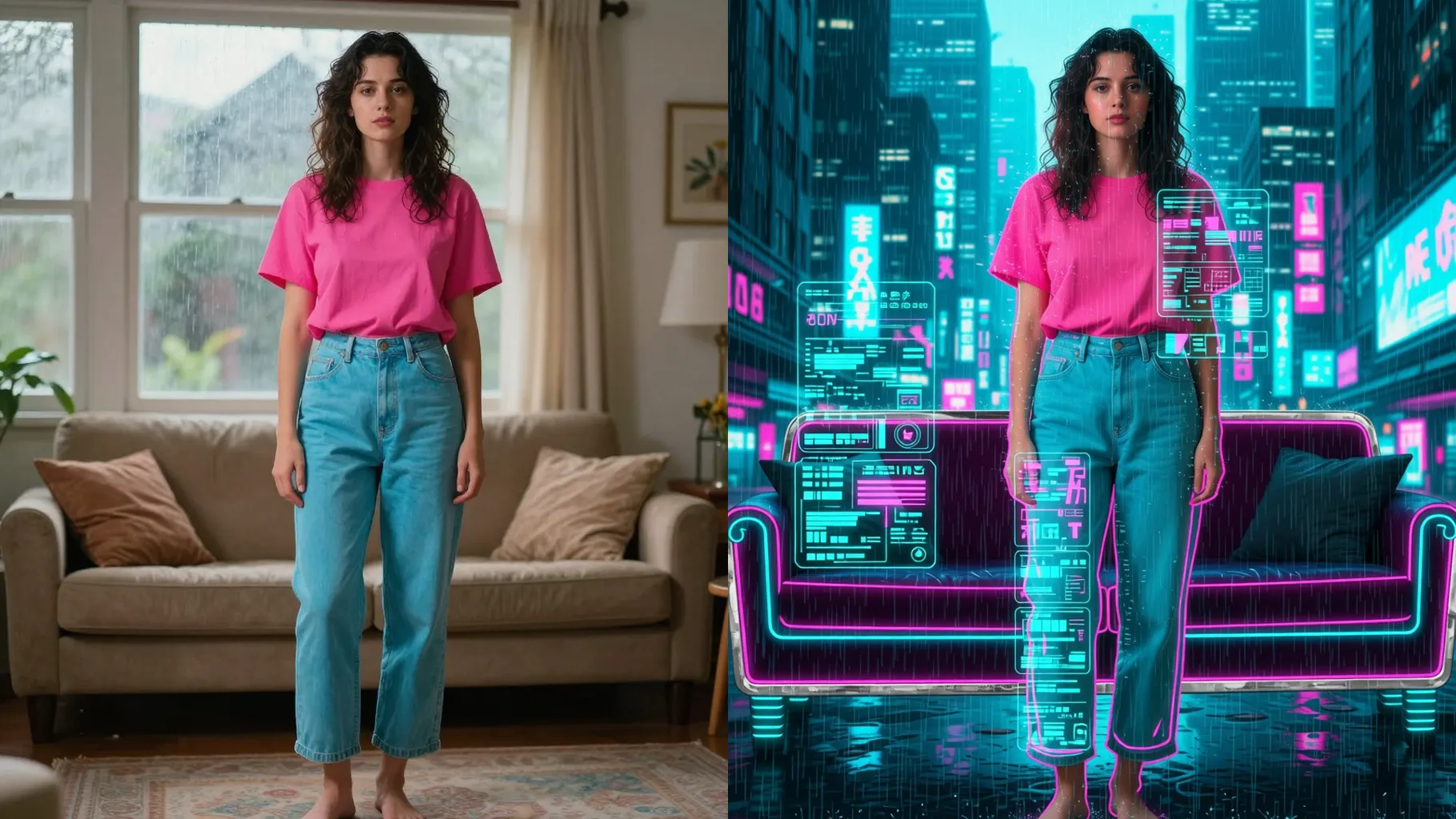
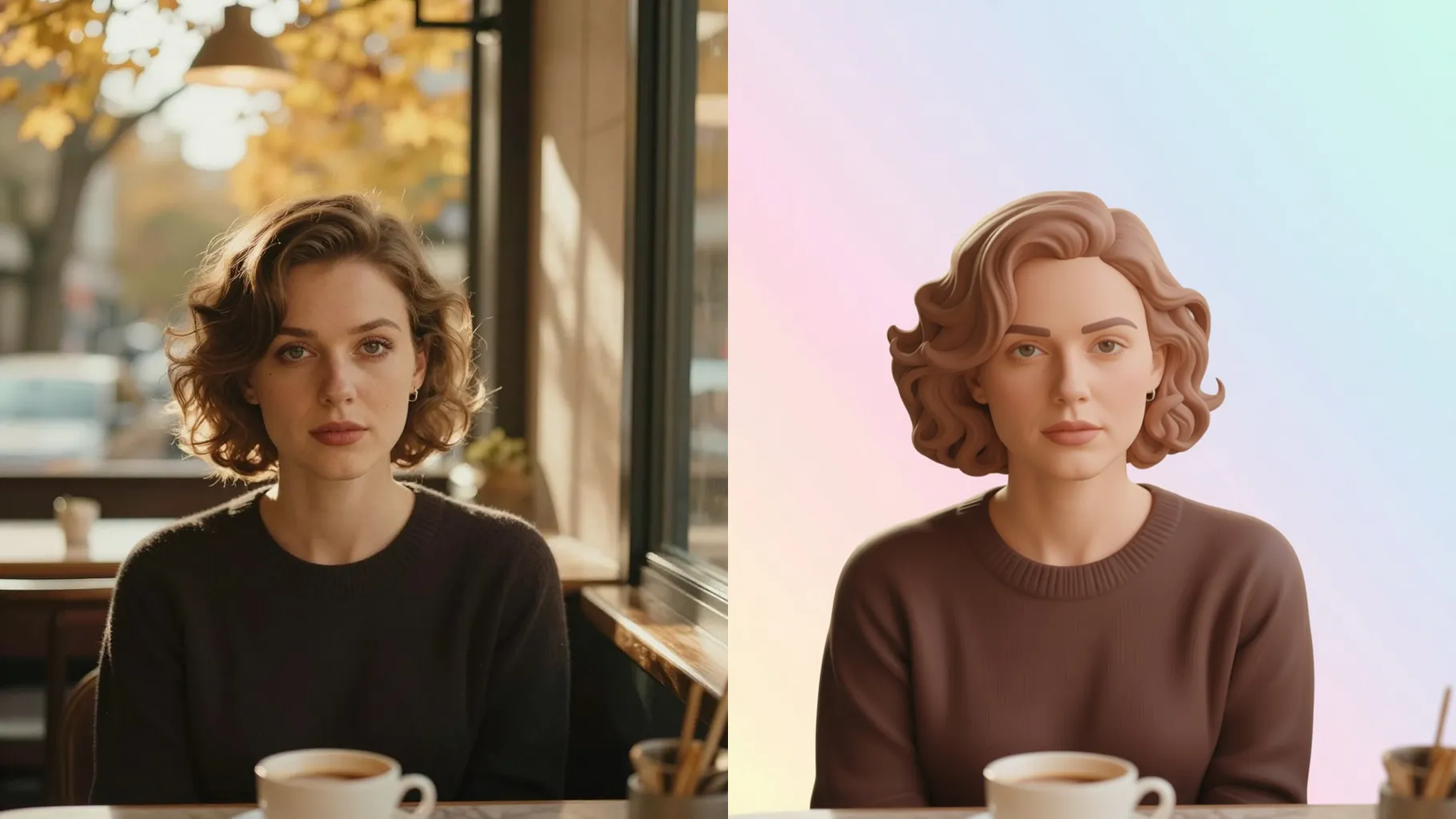
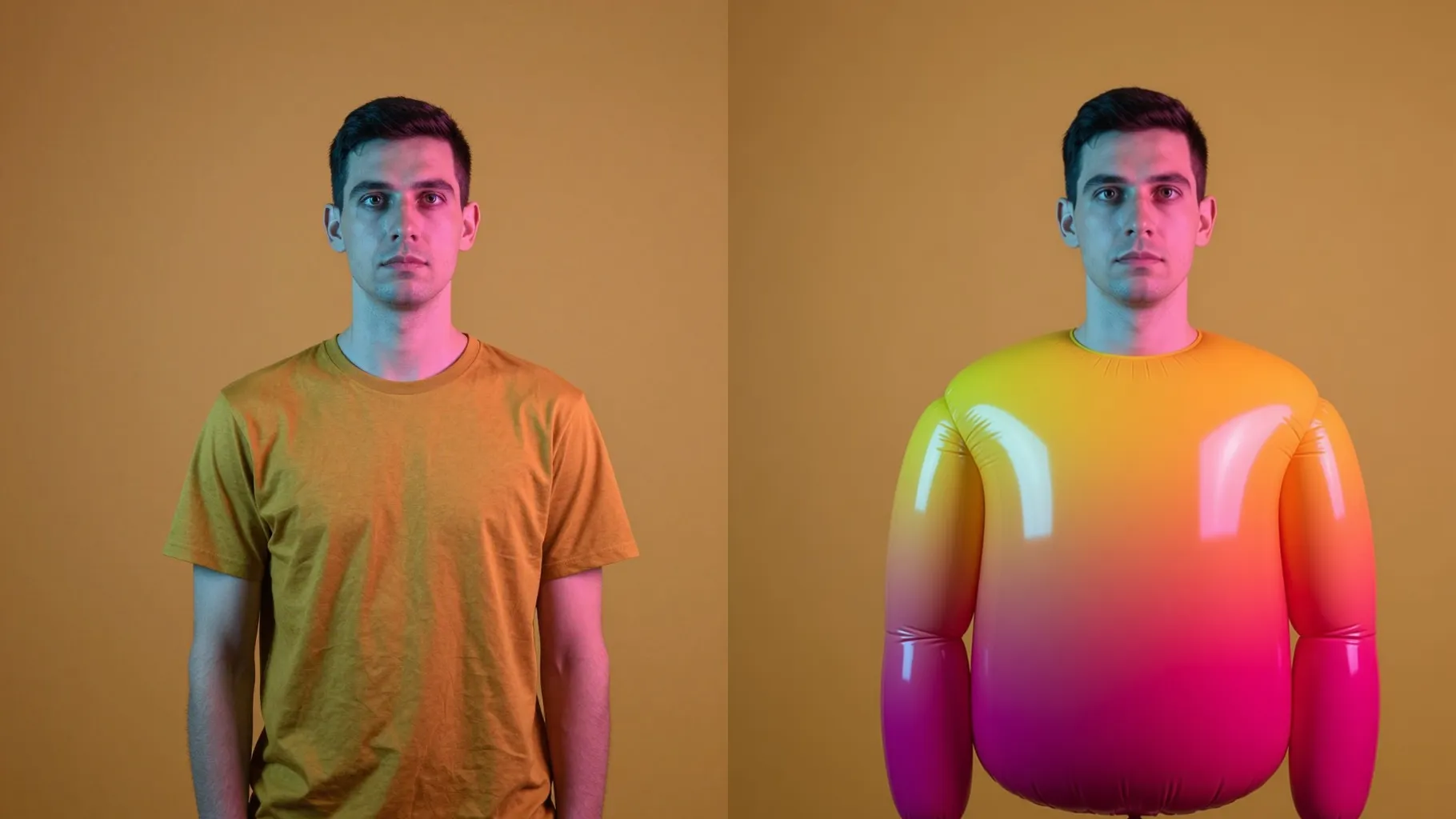
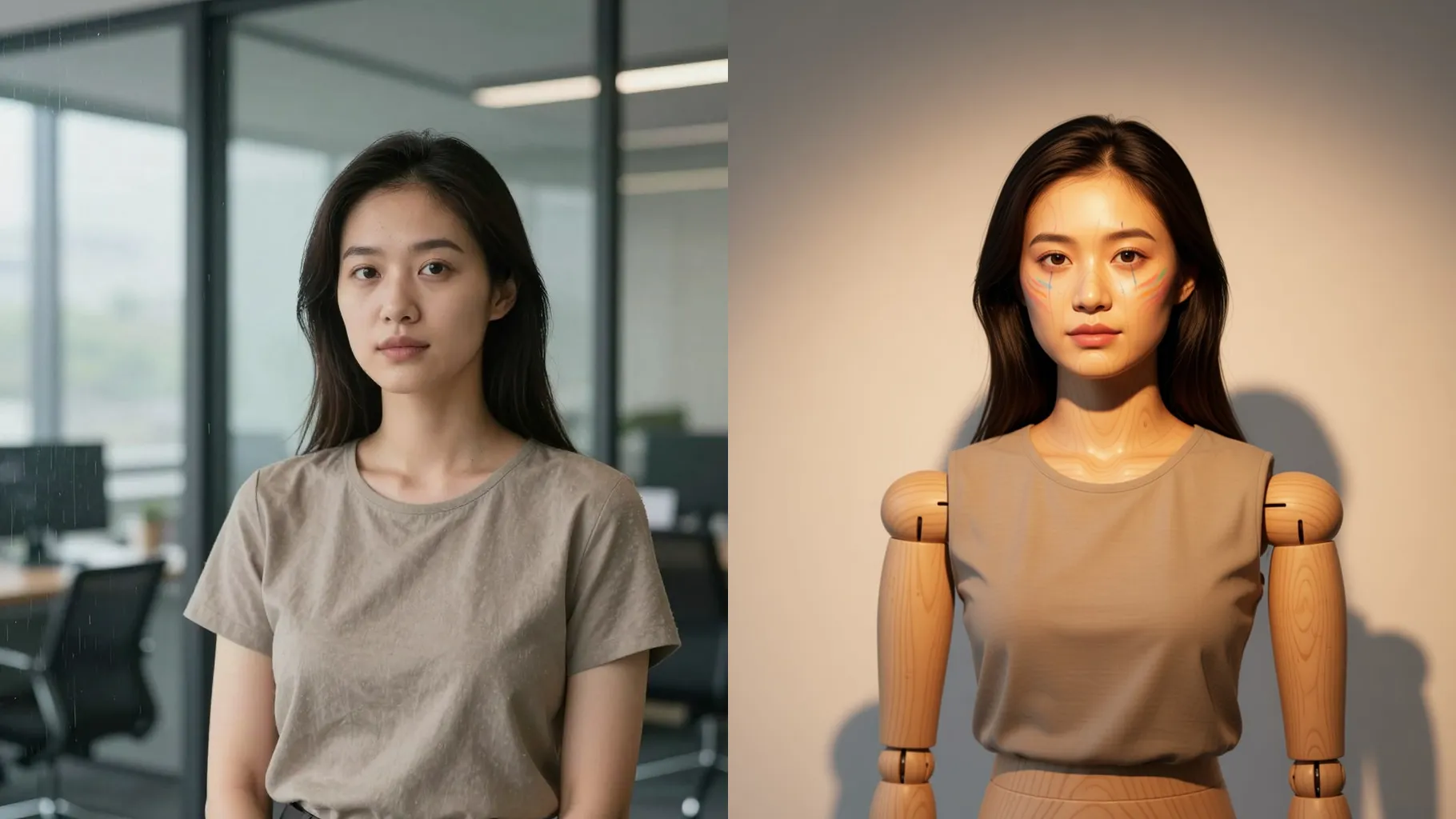
1. How many photos can I upload at once?
Upload one image per render so the geometric facets stay aligned with your face.
Upload one portrait to turn your face into angular low-poly art with neon gradients and clean outlines.
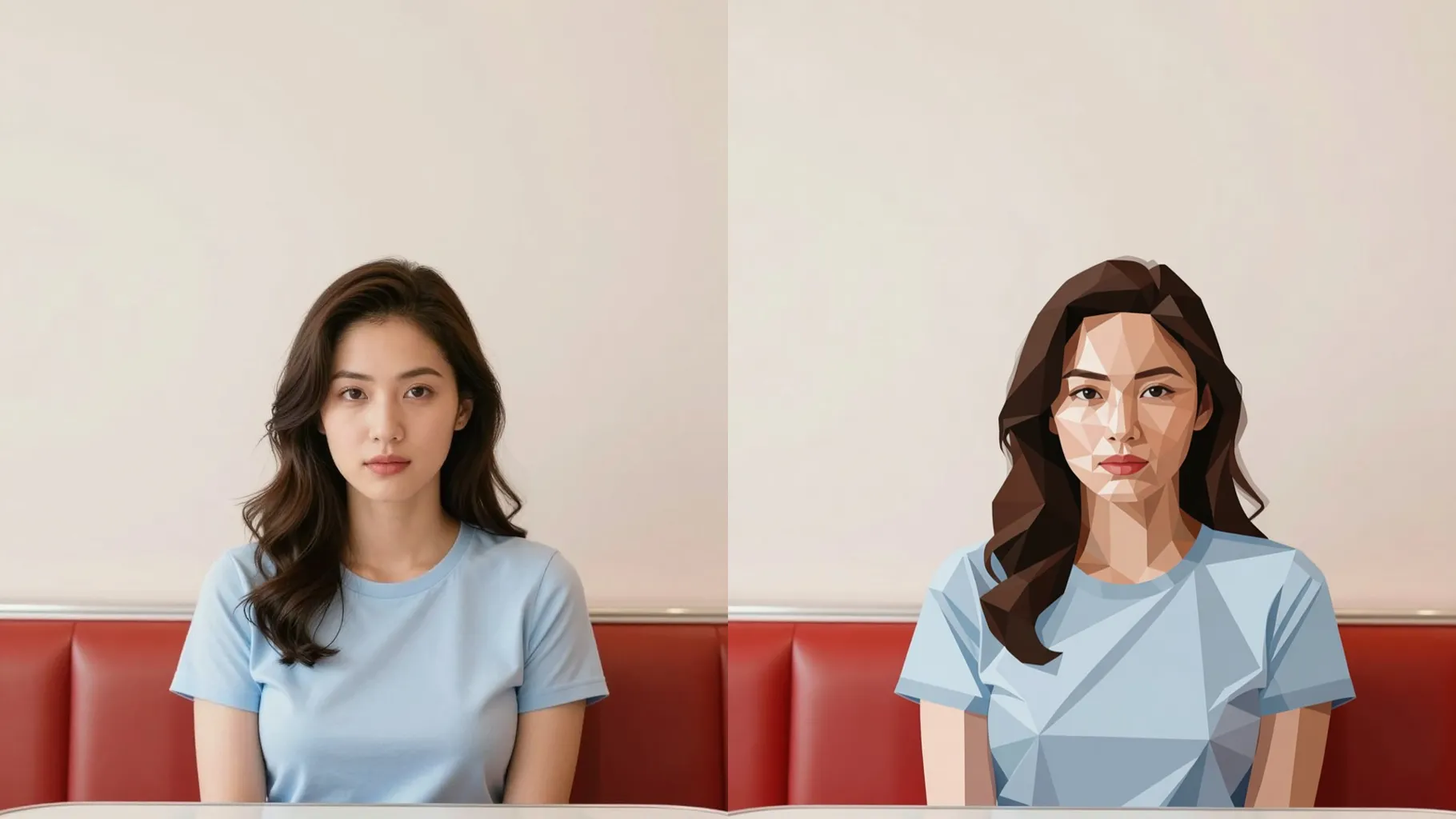
Cyan and coral low-poly facets wrap your portrait while keeping the jawline, gaze, and hair direction from one upload.
Examples show the target style. Your result depends on the chosen model and reference photo.
Upload one portrait to turn it into angular low-poly art with neon gradients and clean edges while keeping your features recognizable.
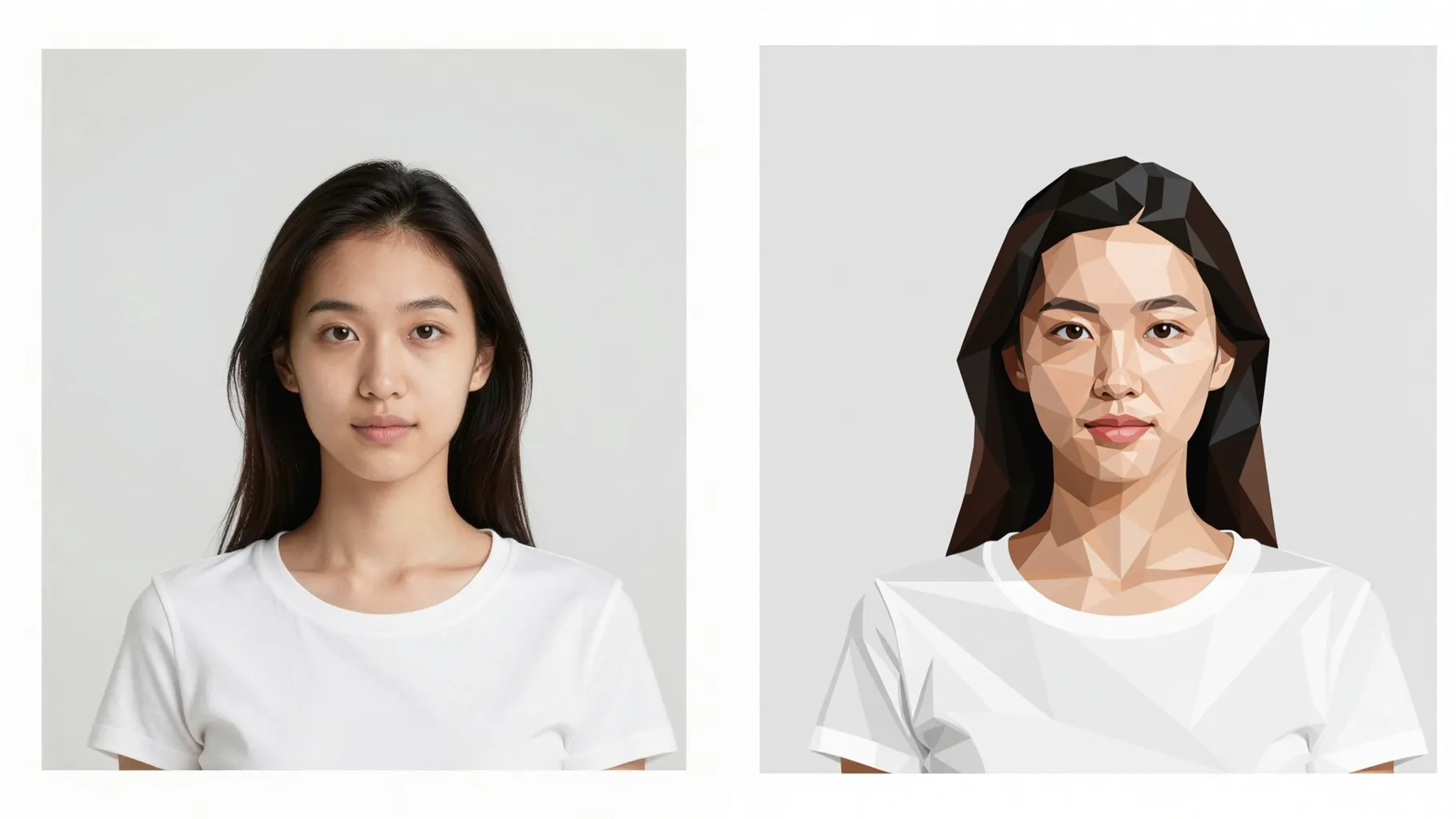
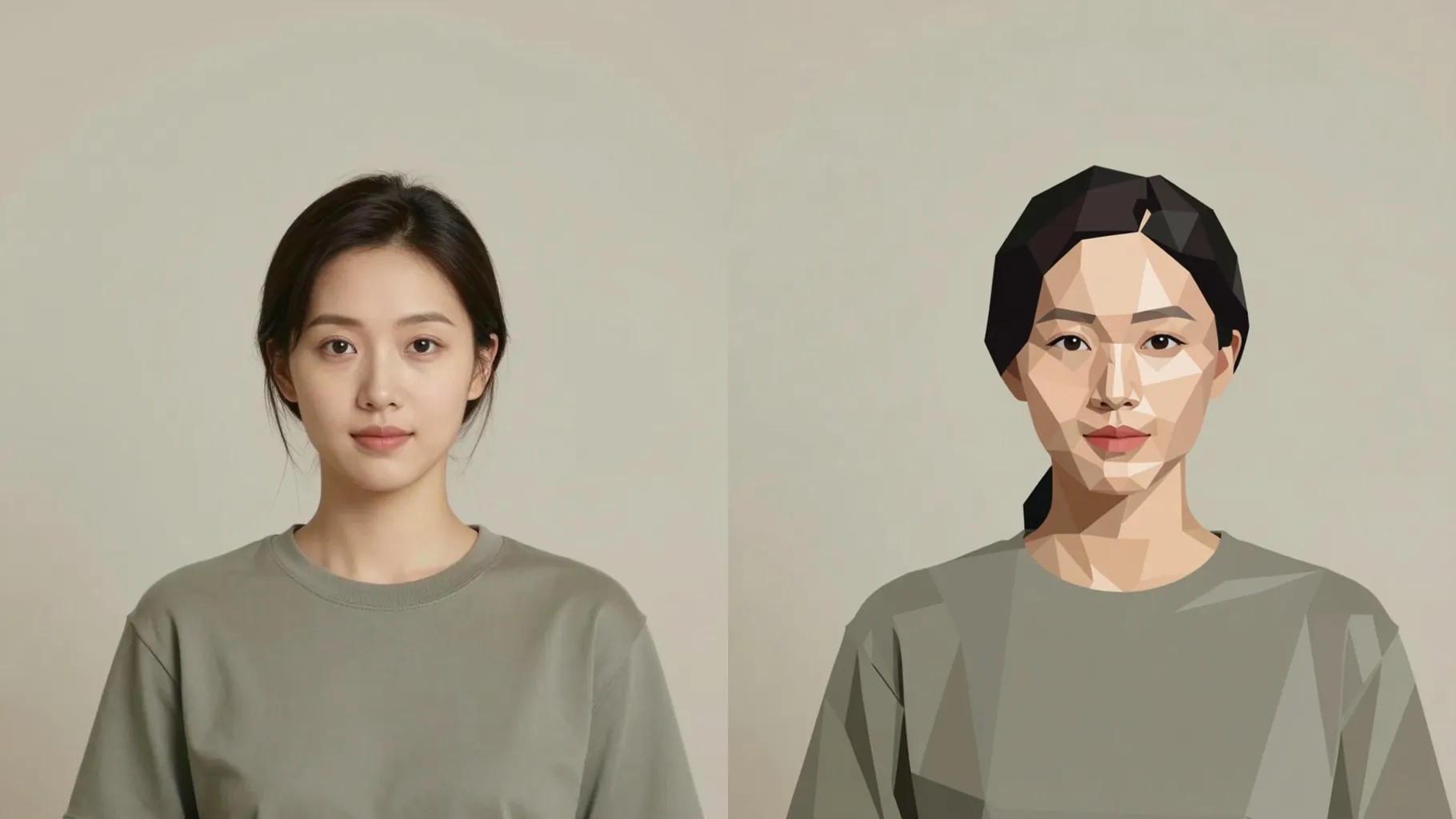
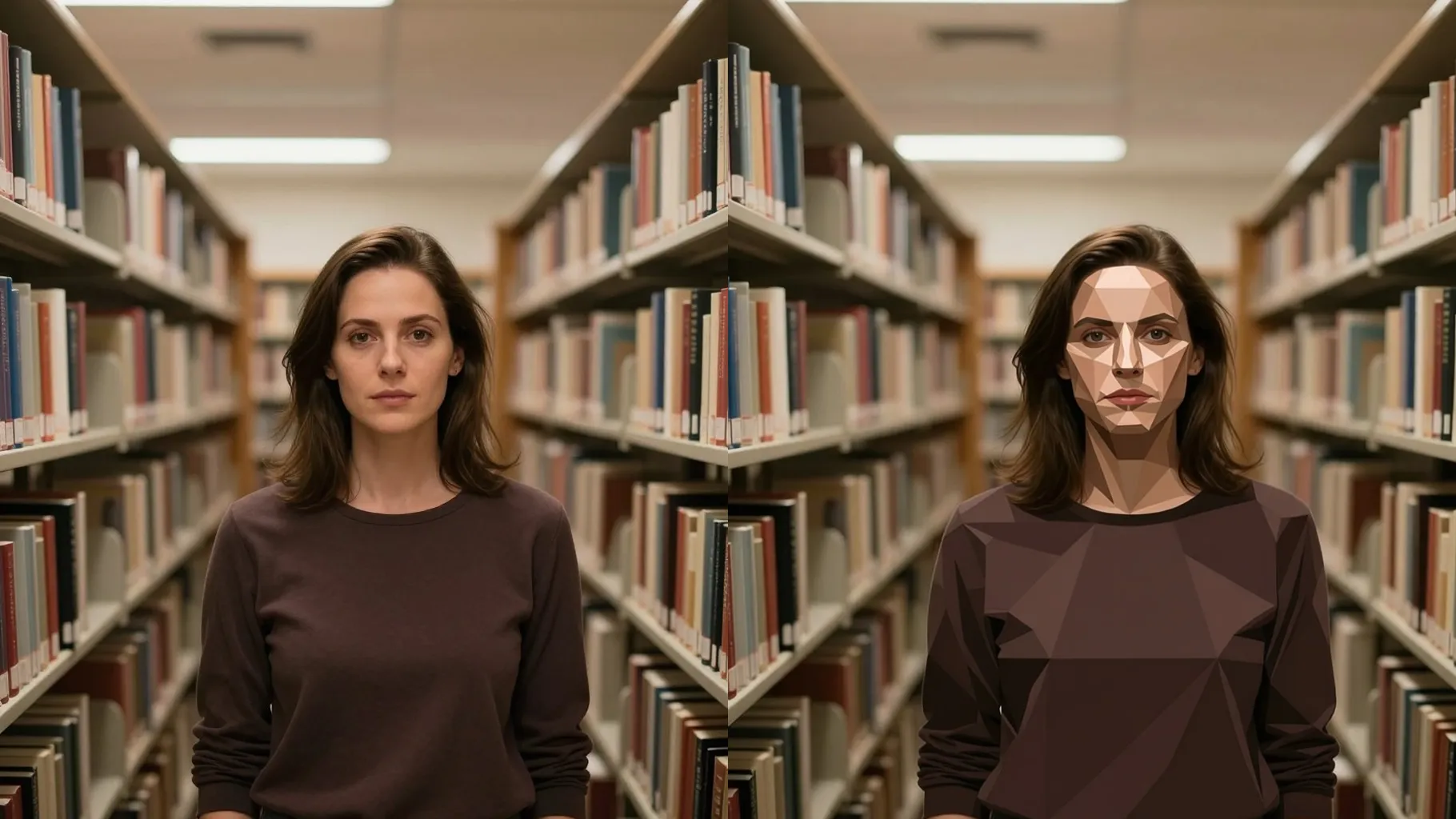
Polygon shards reshape lighting and texture but preserve proportions, skin tone, and expressions from the original photo.
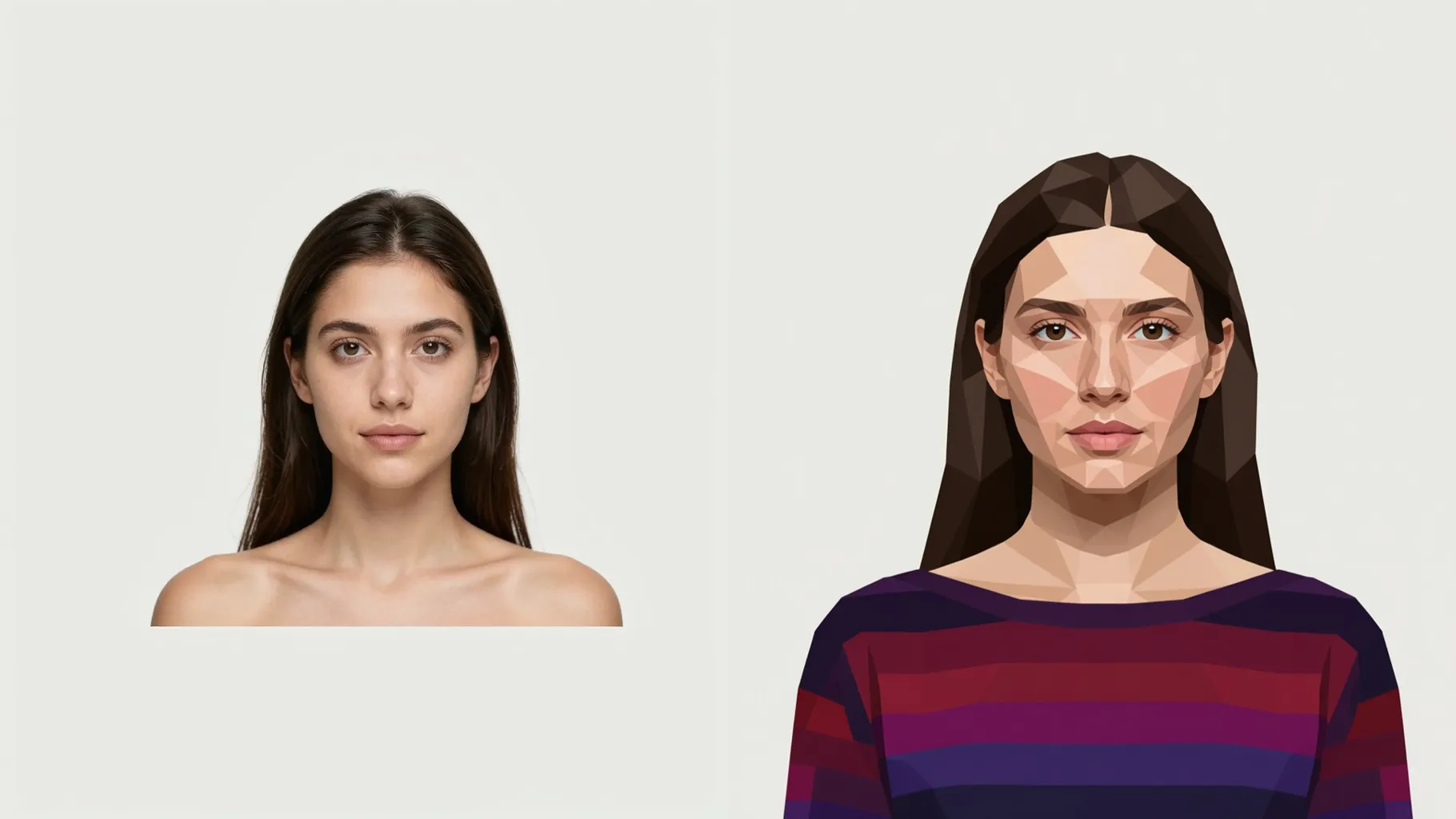
Add a quick note like "teal and pink" or "sunset orange" to guide gradients while the model keeps outlines sharp.
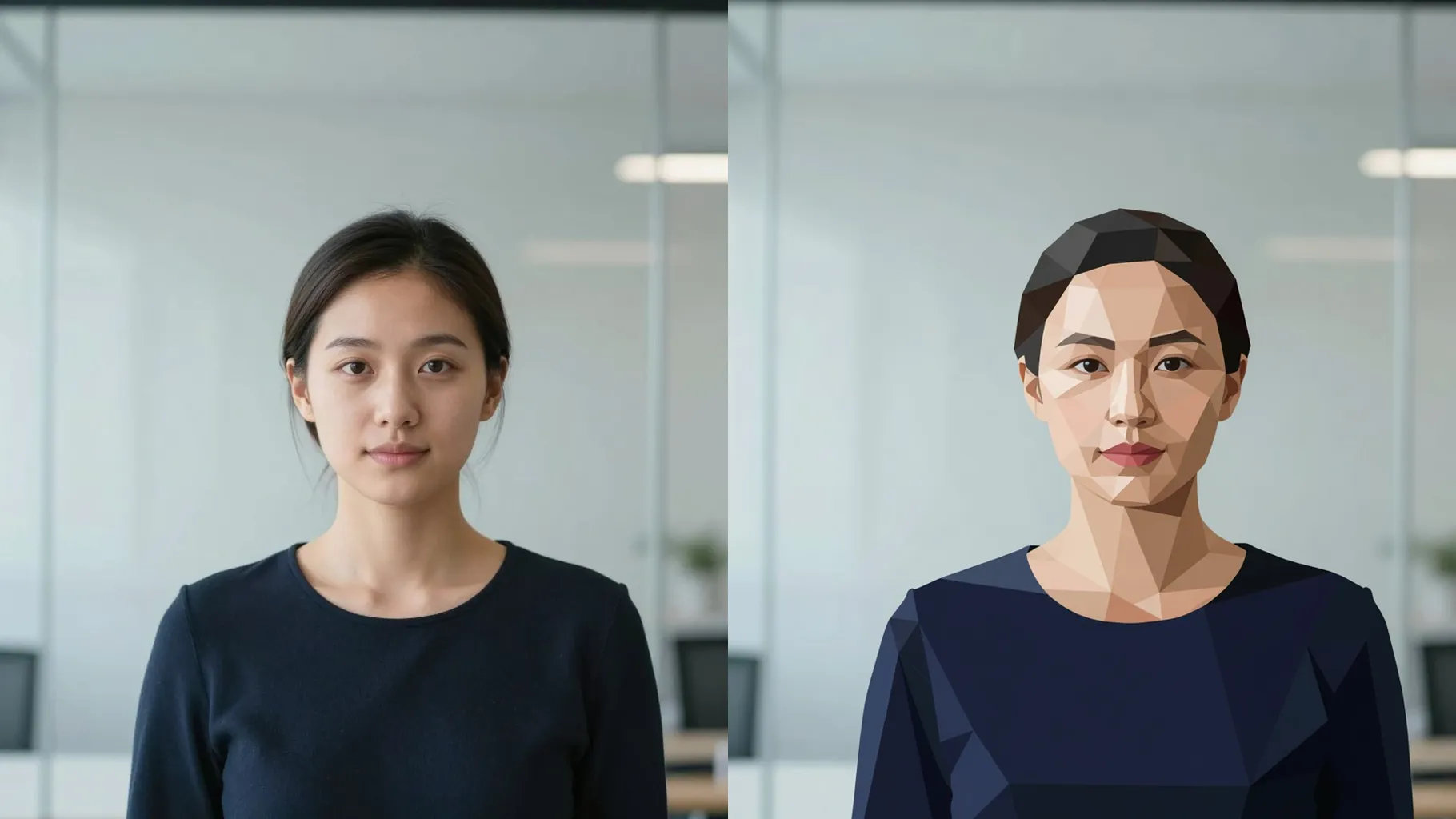
Centered head-and-shoulders shots without heavy shadows keep facets clean and recognizable.
Optional: mention hues or mood like "violet glow" or "bold citrus" to nudge the palette.
Render the low-poly look, rerun if you want new facets, then save your favorite image.
Upload one image per render so the geometric facets stay aligned with your face.
No. This is an image-to-image effect that needs a portrait to reshape into polygons.
Prompts are optional. A short color cue can steer gradients, but leaving it blank still generates a low-poly look.
Aspect ratio and model switching are off to keep the geometric style consistent.
Front or 3/4 portraits with clear lighting and no sunglasses give the sharpest polygon edges.
Use JPG, PNG, or WebP under 10MB for fast uploads and crisp detail.

Upload one photo, add a quick color cue, and get a neon geometric face render to share.