
1. How many photos can I upload?
Upload one image per render so the monster overlay stays aligned with your face.
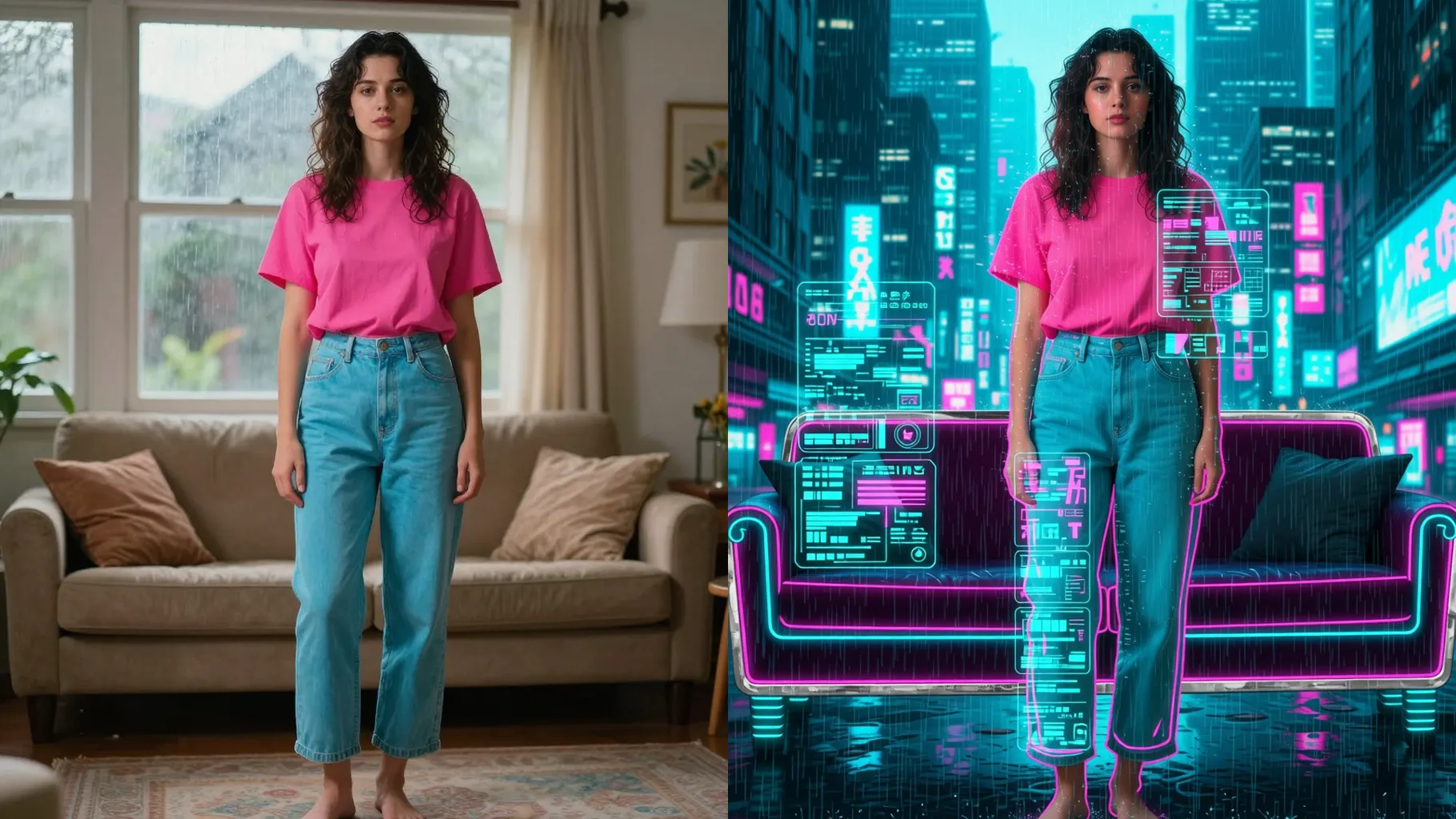
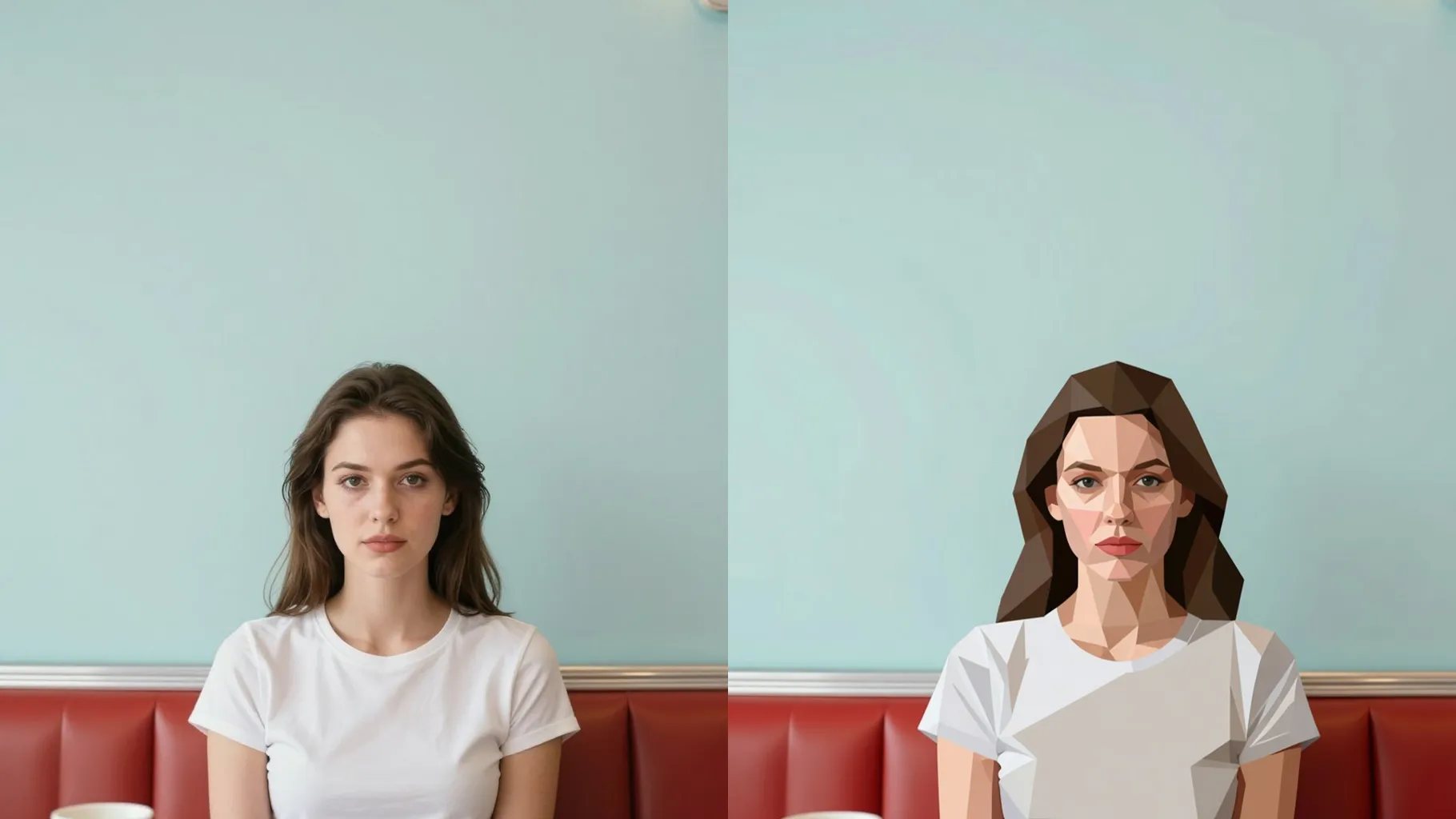
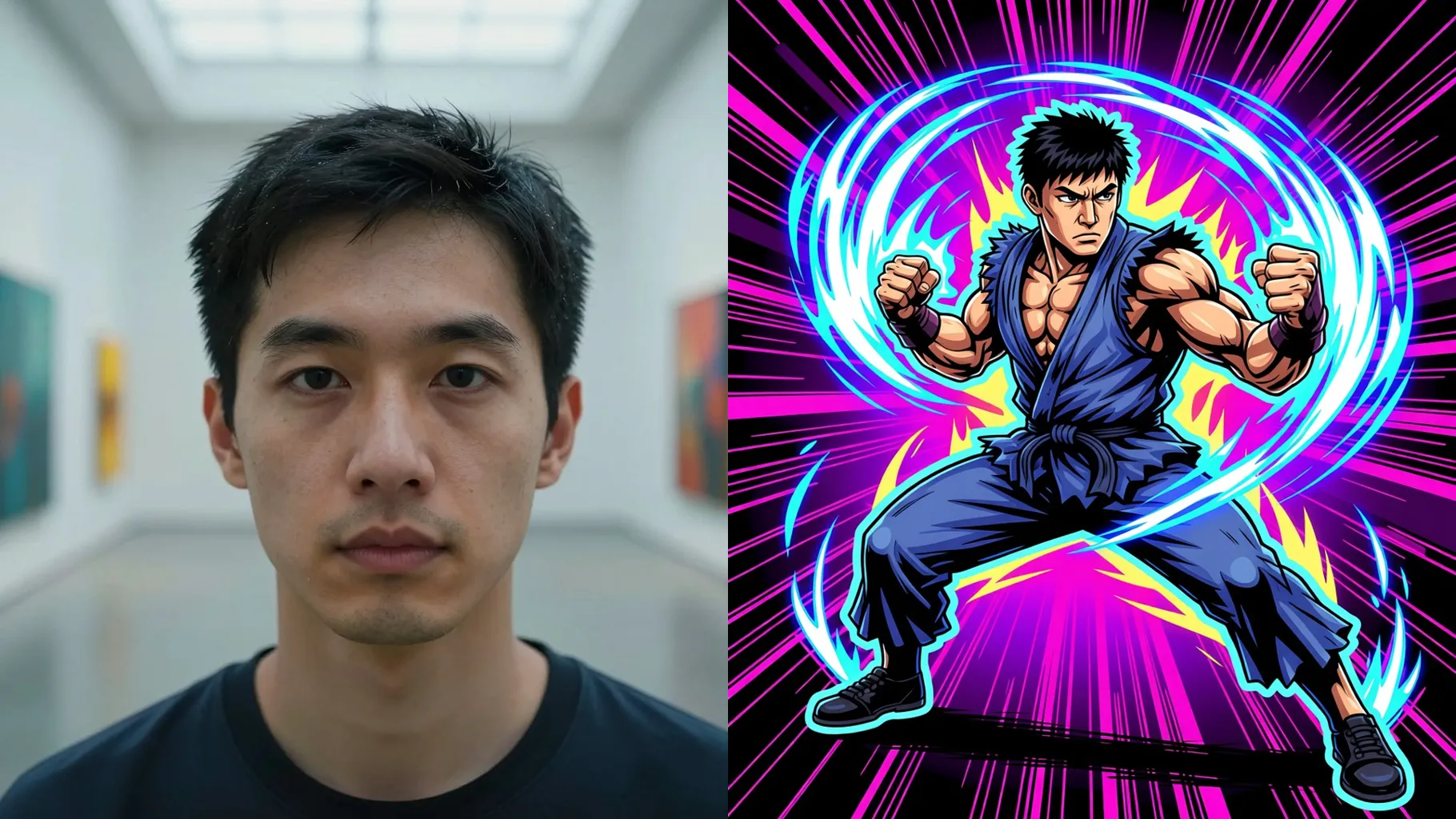
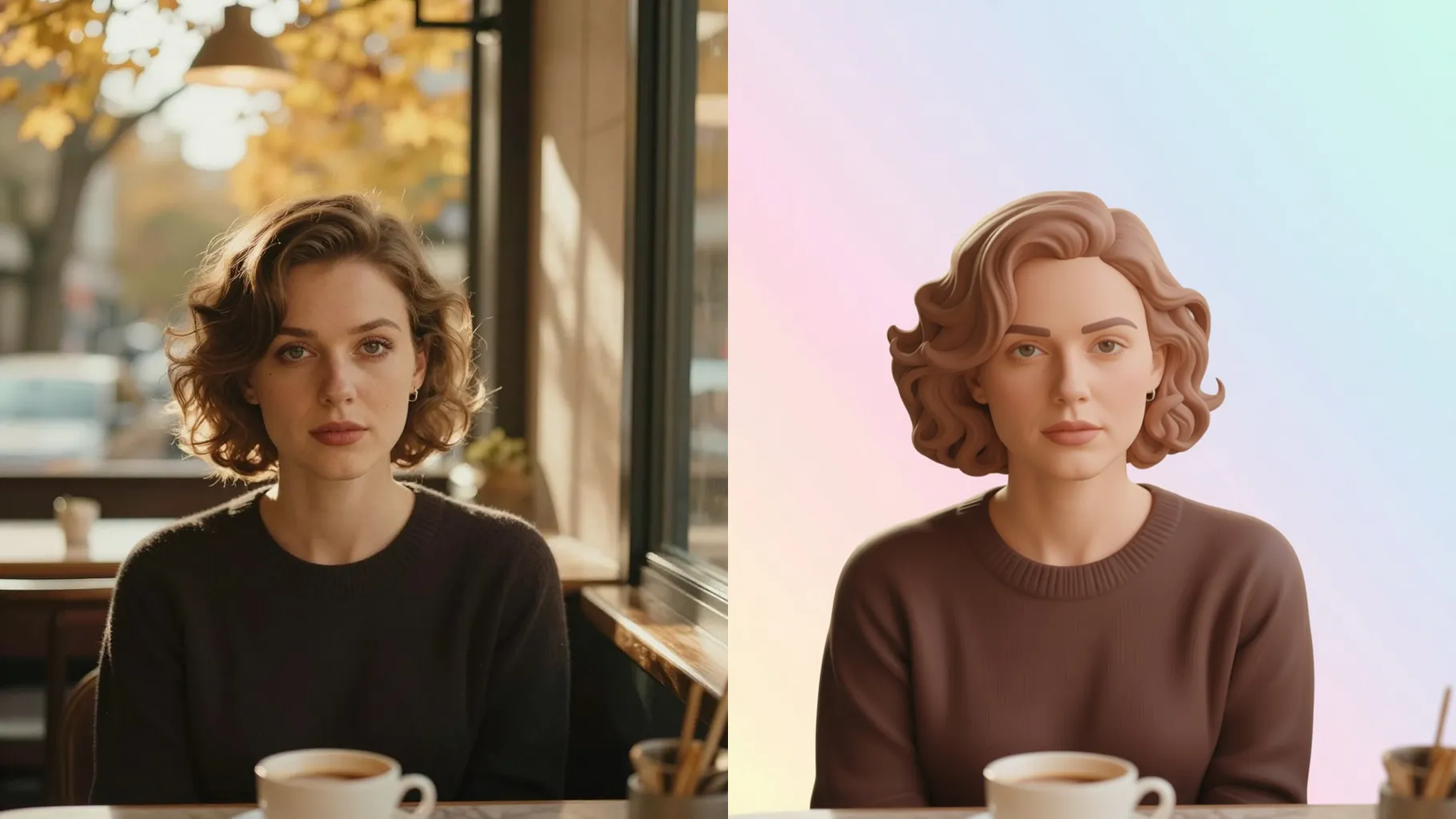
Transform one portrait into a neon graffiti creature with drips, fangs, and glowing eyes while keeping your face structure.
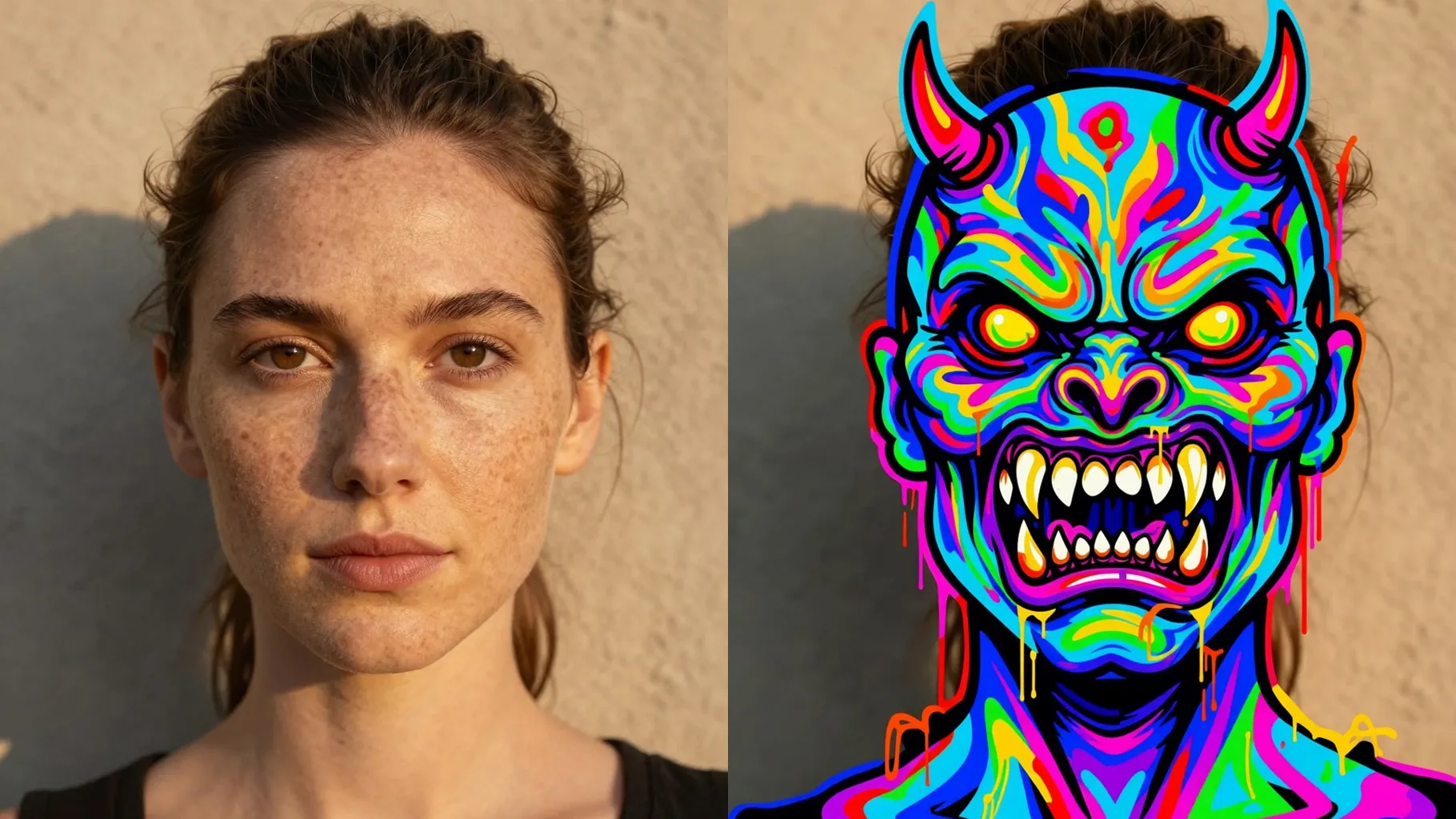
Acid green and magenta graffiti monster wraps around your portrait, keeping the face shape and gaze from one upload.
Examples show the target style. Your result depends on the chosen model and reference photo.
Upload one portrait to morph it into a neon graffiti creature with spray drips, sharp teeth, and glowing eyes while your silhouette stays intact.
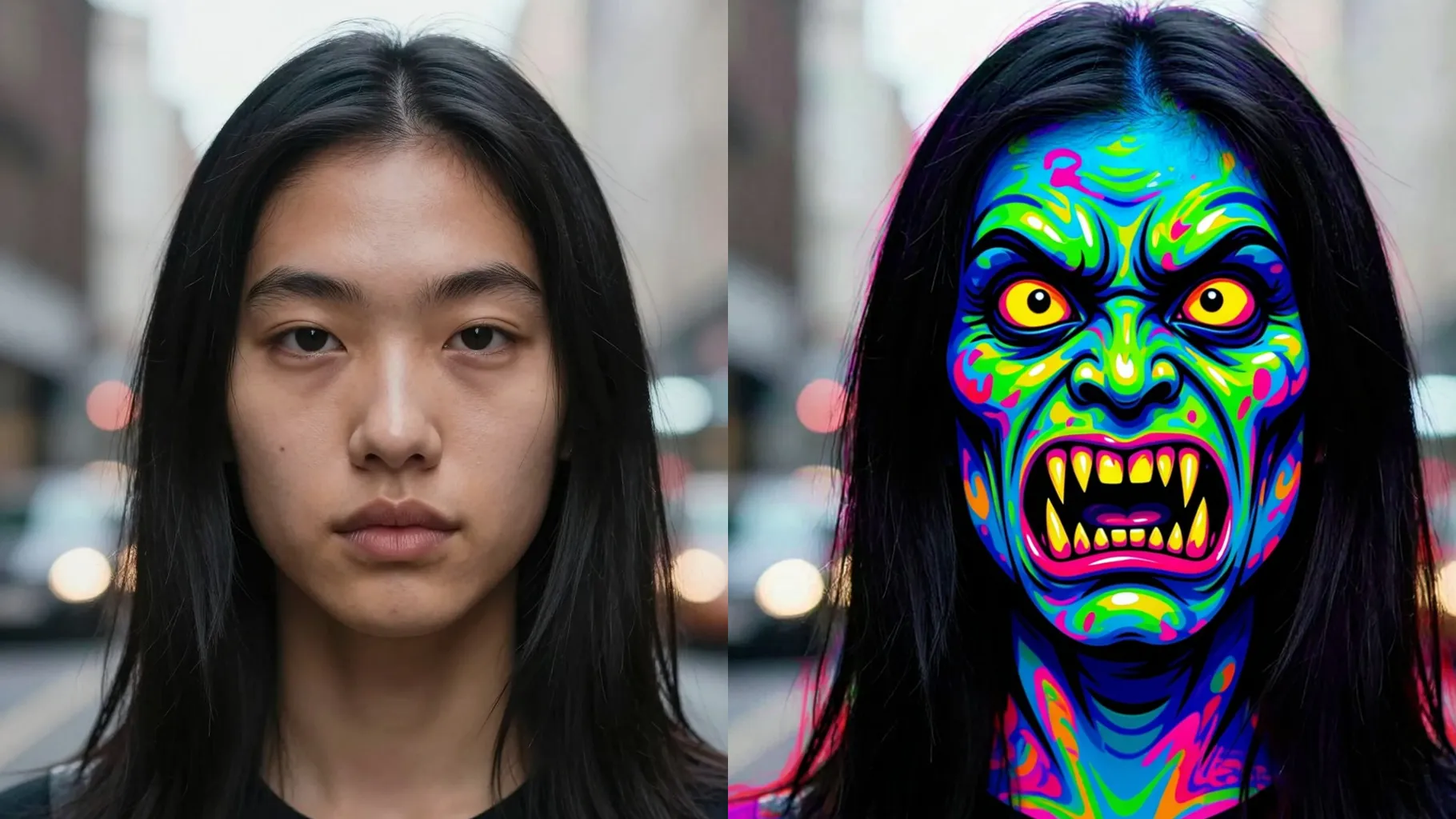
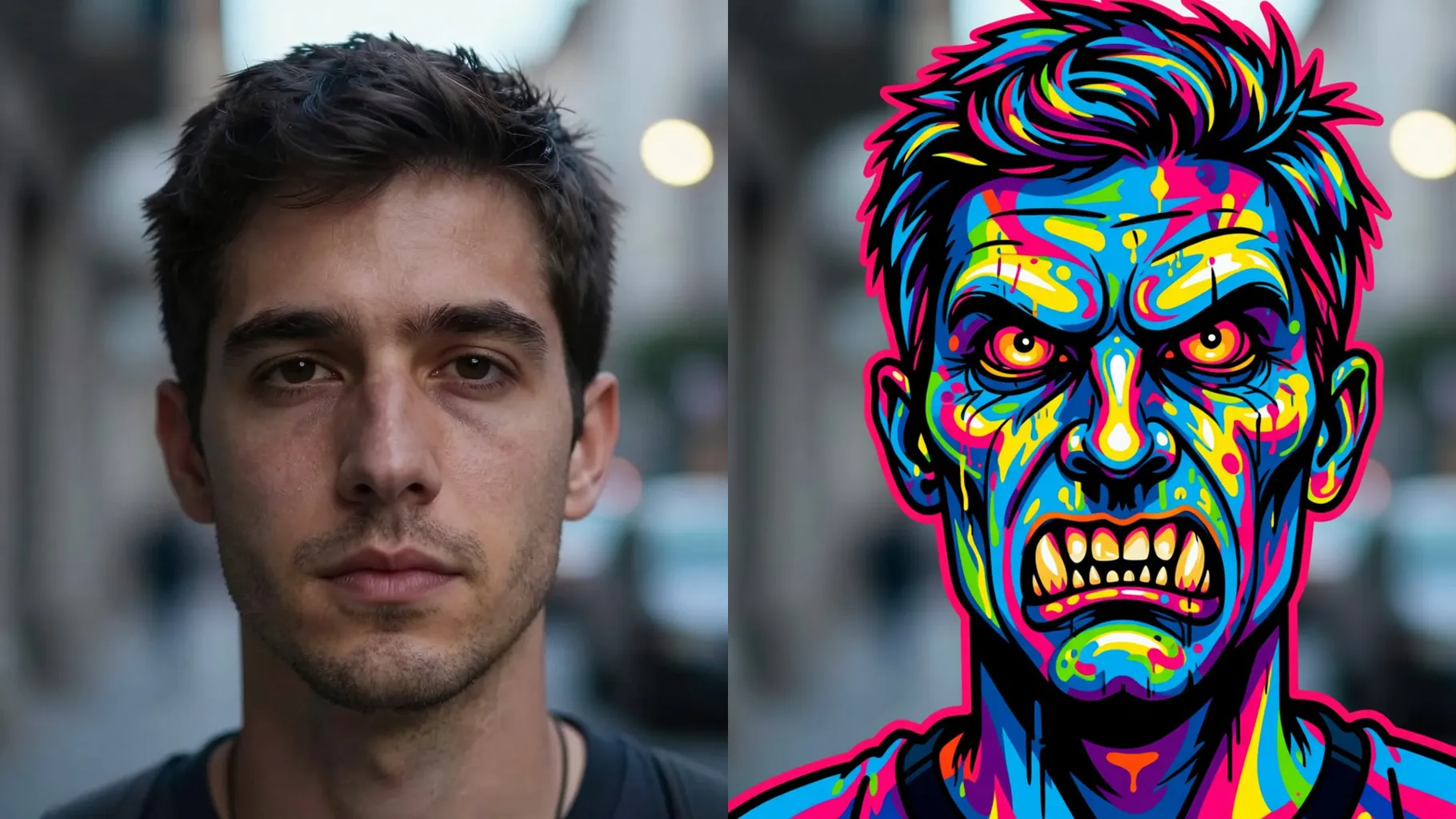
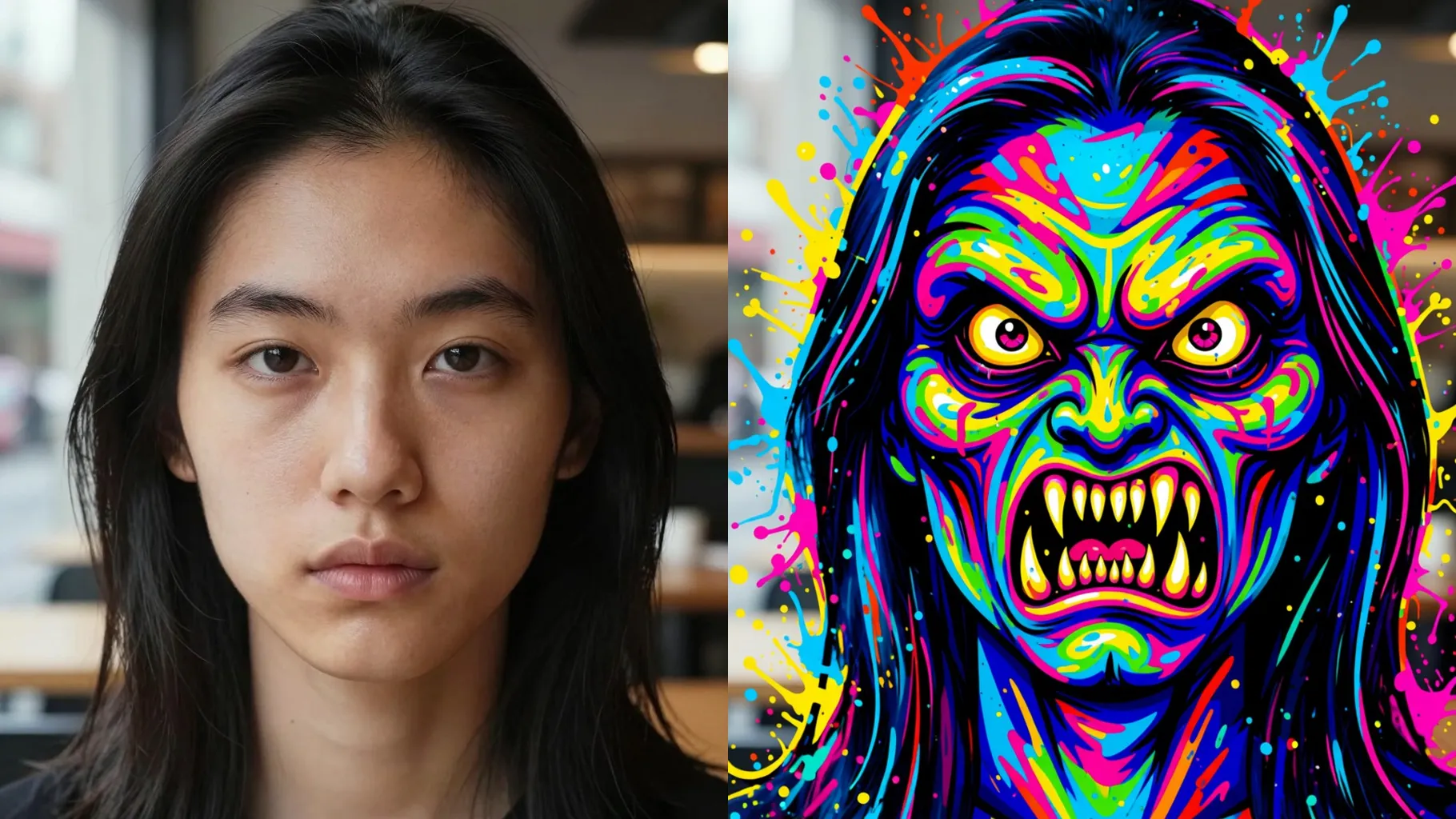
The model paints graffiti teeth, drips, and bold outlines on top of your face without warping proportions or camera angle.
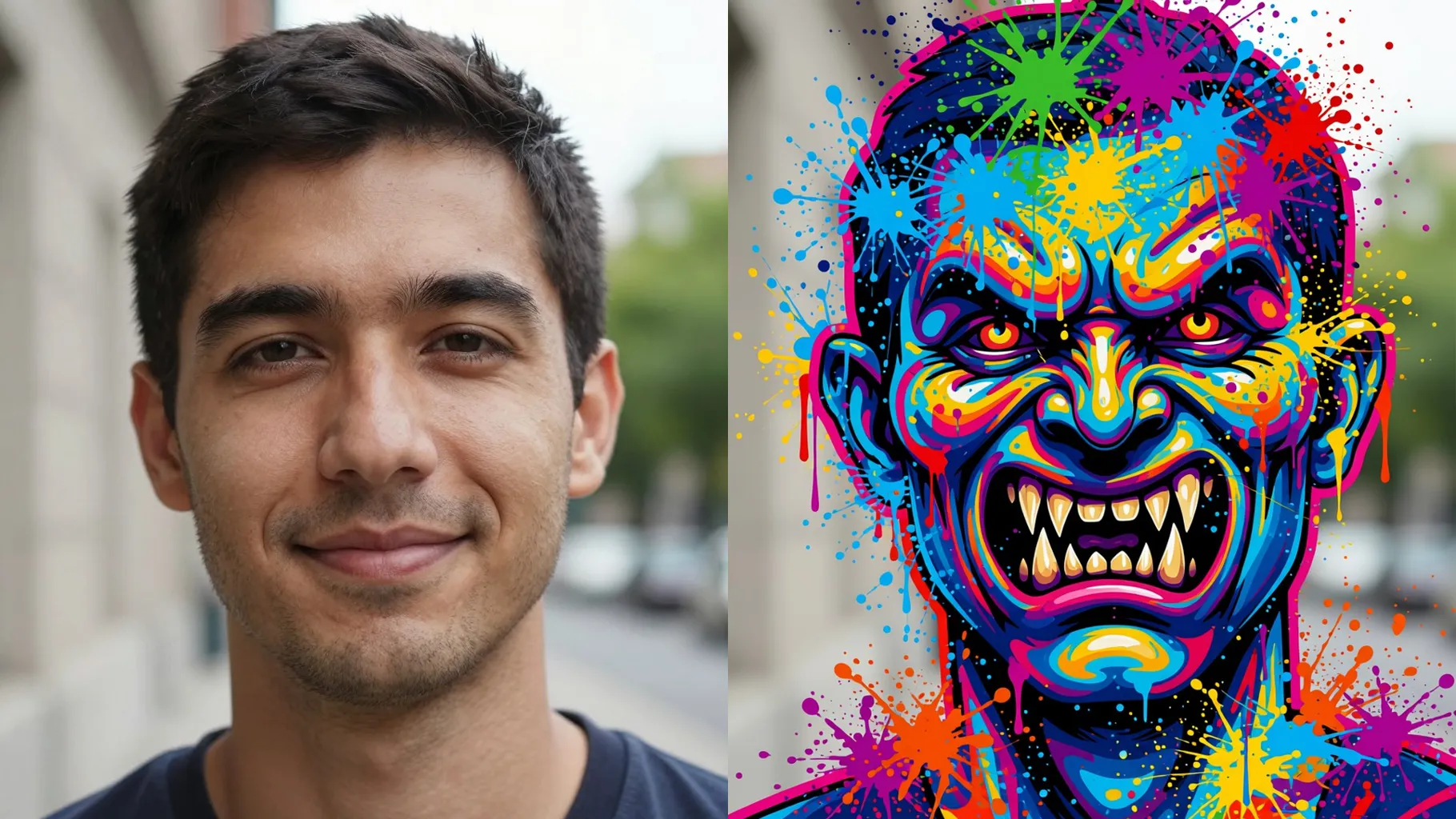
Type a quick cue like \"teal and magenta\" or \"chrome orange\" to steer spray-paint hues while the monster look stays consistent.
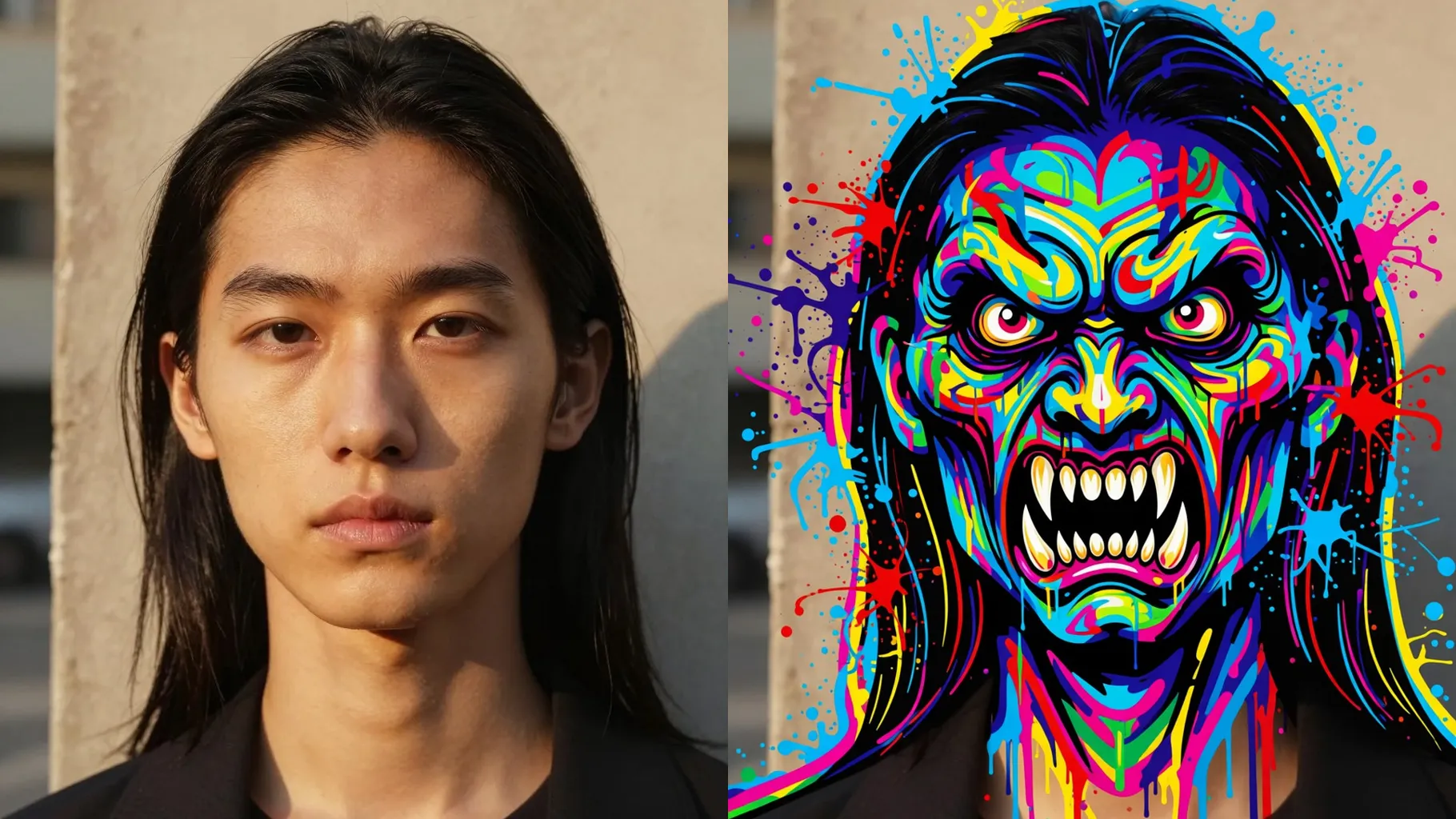
Front or 3/4 head-and-shoulders shots with good lighting keep the monster mask aligned.
Mention colors or mood like \"acid green\" or \"neon alley\" to nudge the spray-paint palette.
Render the graffiti creature, rerun for new drips and tags, then save your favorite version.
Upload one image per render so the monster overlay stays aligned with your face.
No. This effect is image-to-image and needs a source portrait to build the graffiti creature on top.
Prompts are optional. Leaving it blank still creates a graffiti monster; a short color cue just fine-tunes the palette.
Aspect ratio and model switching are disabled to keep the street-art look stable.
Centered portraits with clear lighting and no heavy filters give the cleanest outlines and tag details.
Use JPG, PNG, or WebP under 10MB for fast uploads and crisp graffiti edges.

Generation time depends on the model, image size, and queue. Check the task status on this page.